
Samsung Galaxy S10+ vs. Huawei Mate 20 Pro: Two flagship smartphone cameras compared
We put the Samsung Galaxy S10+ phone's camera system against the one on the Huawei Mate 20 Pro to see which comes up ahead.
Note: This article was first published on 14th March 2019.
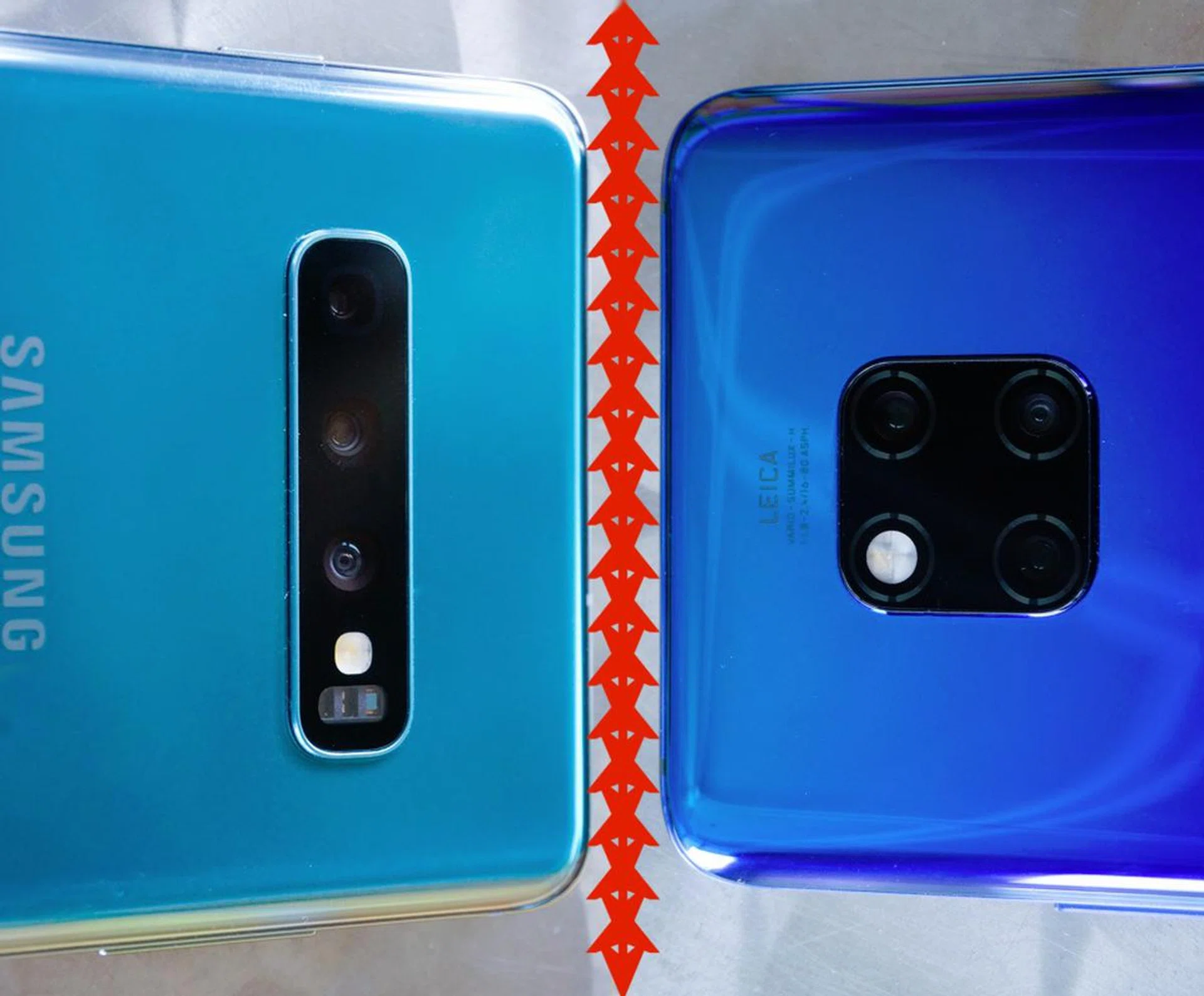
Duel of the titans
Chances are, the phone in your pocket is your most preferred camera for any occasion. Certainly, the rise of computational photography has meant that our smartphones now contain camera systems that are very capable of getting a quality image that may sometimes be better than what we can capture with a regular camera and with less hassle. Case in point, the two flagship smartphones we’re comparing today: the Huawei Mate 20 Pro and the Samsung Galaxy S10+.
Discover more about each smartphone here:
Huawei Mate 20 Pro: Hands-on video, Review, Pricing
Samsung Galaxy S10+: Hands-on video, Review, Pricing
Cameras at a glance
Huawei Mate 20 Pro

The Mate 20 Pro is armed with a triple camera setup compromising of a wide 40MP f/1.8 lens, an ultra-wide 20MP f/2.2 lens, and an 8MP f/2.4 telephoto lens. Perhaps to keep images consistent through the various digital zoom levels, the main 40-megapixel sensor produces 10-megapixel images via pixel binning, but you still have the option to save a full 40MP image if you wish. Also take note that both zoom and main lenses now have optical image stabilization (OIS).
Samsung Galaxy S10+

Meanwhile, the Galaxy S10+ is the latest phone to come from Samsung, and also sports triple rear cameras that pairs a 12MP variable aperture f/1.5-f/2.4 lens, an ultra wide-angle 16MP f/2.2 lens that has a 123-degree field of view (FOV) and a lastly a 12MP f/2.4 telephoto lens to give you 2x optical zoom. Take note that while the wide and telephoto lenses both have OIS, the ultrawide does not, and it also lacks autofocus.
Specs-wise, here is how the two phones stack up in other areas besides photography:
Camera interface: Huawei Mate 20 Pro
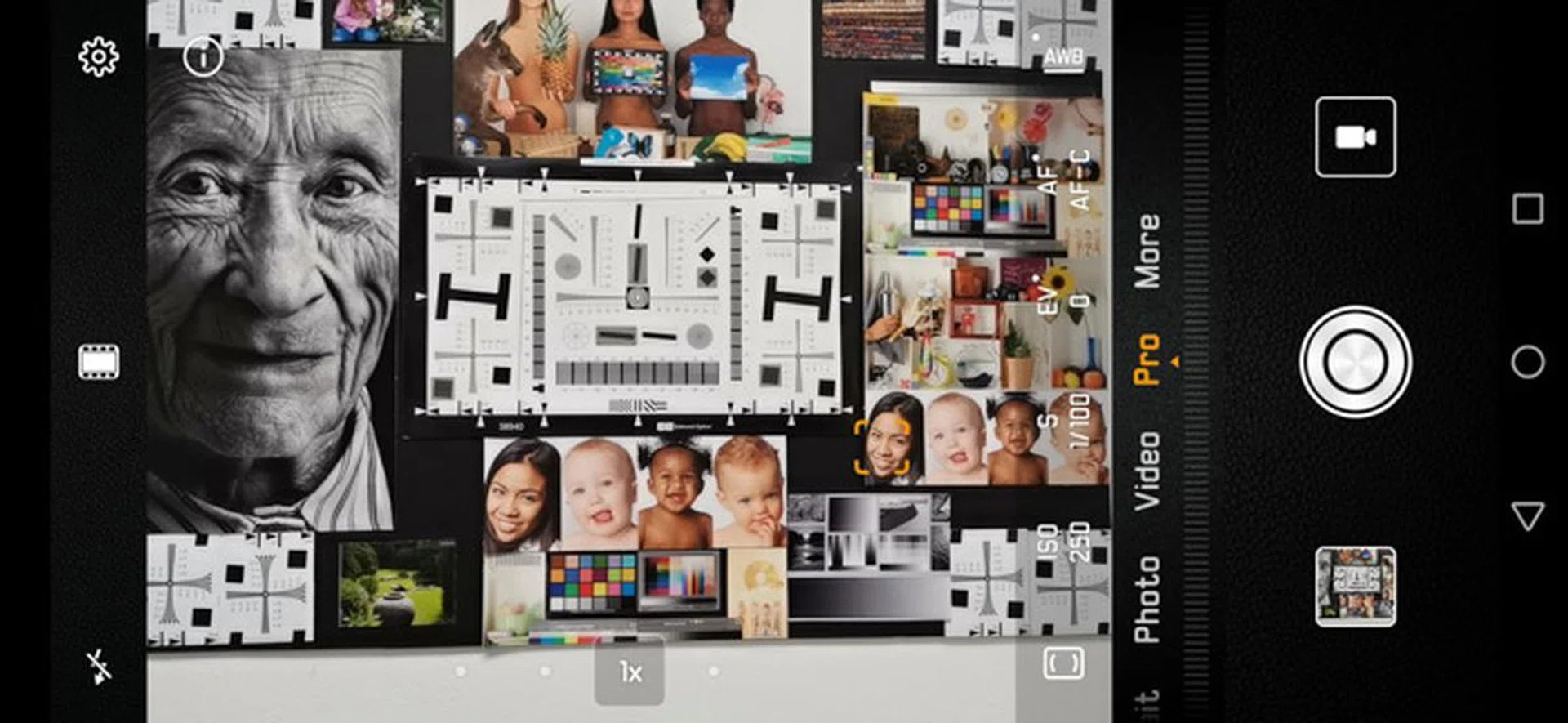
The Pro mode of the app lets you adjust shutter speed, ISO and compensation.
As you can see, the Mate 20 Pro has many options available in the interface. Four dots (refer to 1x in the above screenshot) help you quickly jump between Wide, 1x,3x, and 5x zoom, but you can always run your finger across the bar to get to any levels in between. While the placement of the modes doesn’t change with the orientation of the phone, this does shift to the right or the bottom of the screen depending on whether you hold the phone vertically or horizontally.
A large number of dedicated scene modes are available here too, from Night to Portrait to the Pro mode, which basically lets you set one of ISO, shutter or aperture. Added features like Panorama, HDR, and Super Macro mode are also available, and those are found under the More tab. In essence, everything you might want from your smartphone camera is just a few taps away. Switching between scene modes resets settings back to default, so that’s an easy fix if you’ve messed around with the options too much.
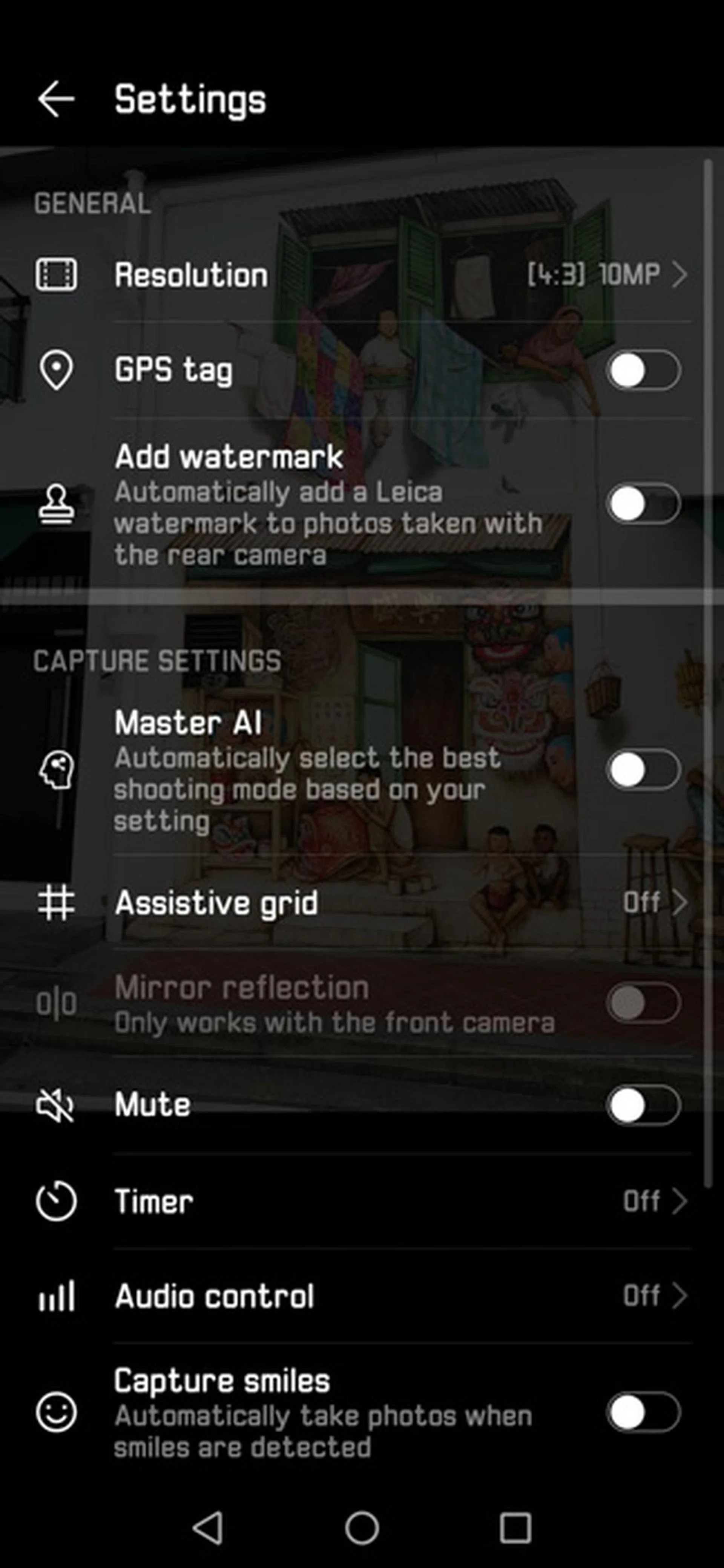
And there’s a good number of options in the settings page too, like basic Assistive Grid display, adding watermarks, and resolution (which really just changes the aspect ratio of the image captured). Huawei has this Ultra snapshot option, which lets you take an image by double-pressing the volume button even if the screen is off, as well as an option to get the camera to take a picture just by saying “Cheese”. Interestingly, there’s even an option for the camera to take photos when your voice reaches a certain decibel level, though we don’t think you’ll want to be shouting every time you want to take a picture.
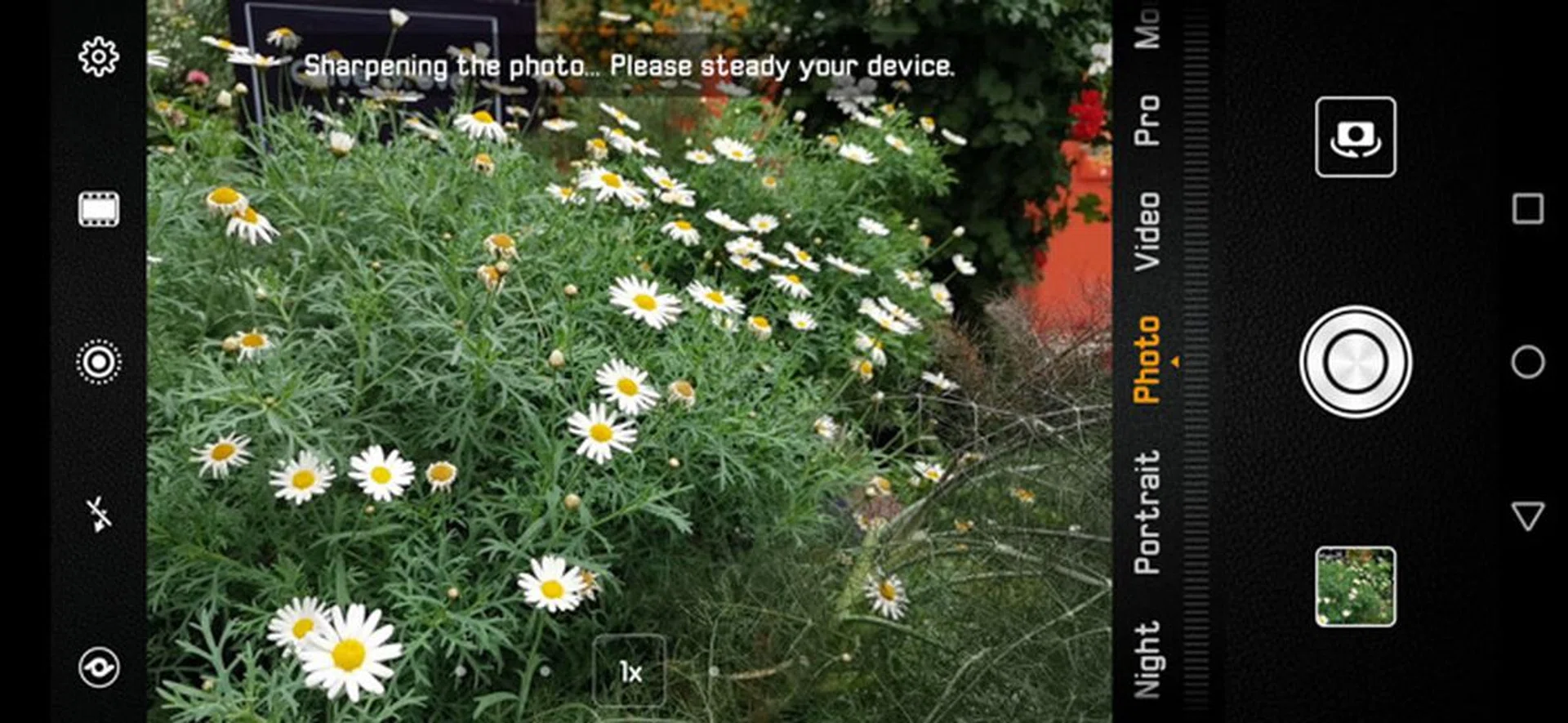
The camera will prompt you to hold steady when it's performing sharpening.
Huawei’s version of AI is called “Master AI”, and it automatically selects the appropriate shooting mode for you based on what the camera detects in the scene. If you want to use your own settings, simply tap the X on the pop-up card that appears to denote the automatically chosen mode.
Camera interface: Galaxy S10+
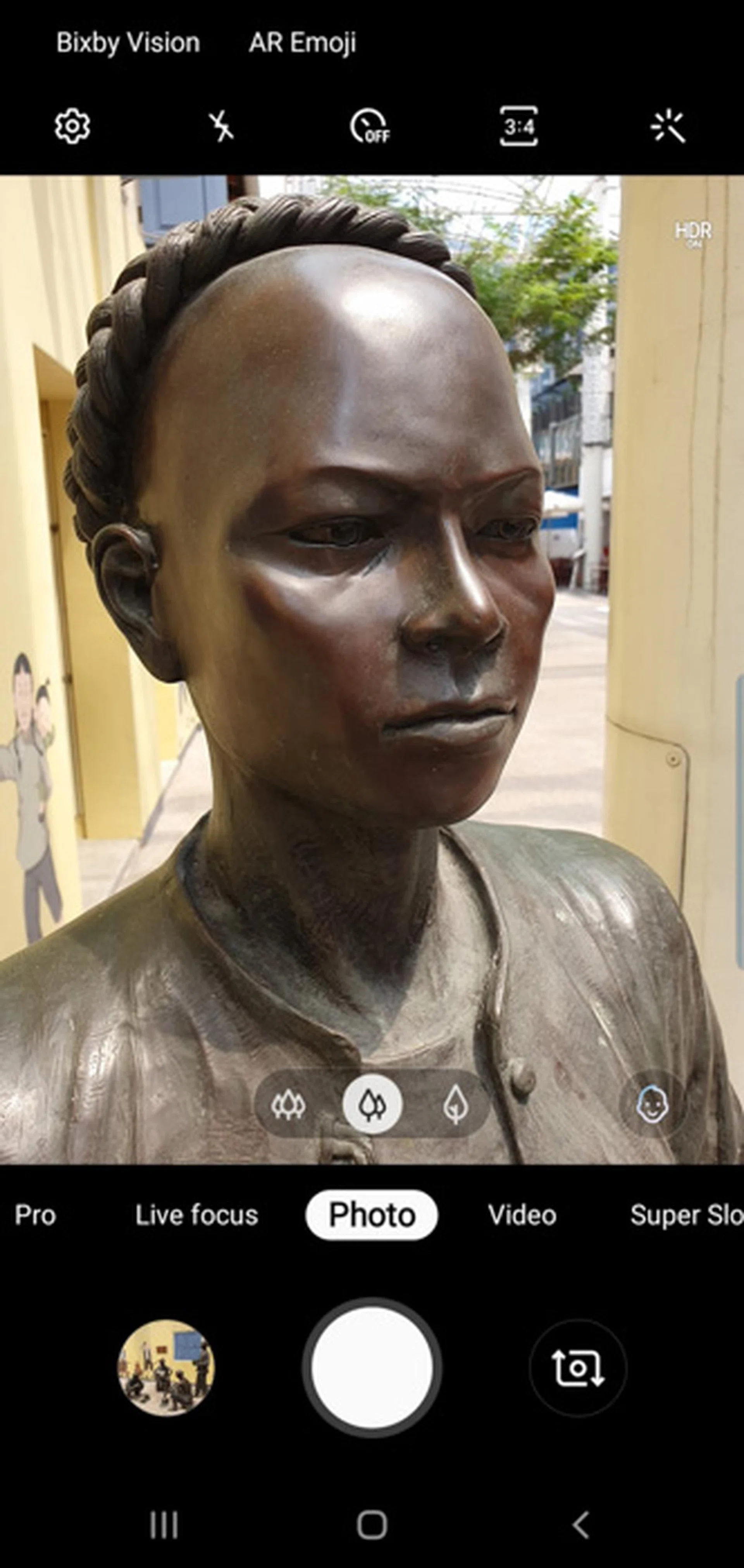
That little face icon indicates the camera has detected a face and has shifted to portrait mode.
The Galaxy S10+’s interface seems to be a little simpler, with a quick link to Instagram-like filters on the top-right corner, and icons to signify the zoom level at the bottom – wide, normal, and full telephoto. Pressing and holding down on the zoom icons brings up the zoom bar, after which you either slide your finger left and right or up and down to adjust the zoom settings. Unlike the Mate 20 Pro, the zoom bar doesn’t change position to match the orientation of your phone, but that doesn’t seem to complicate things.
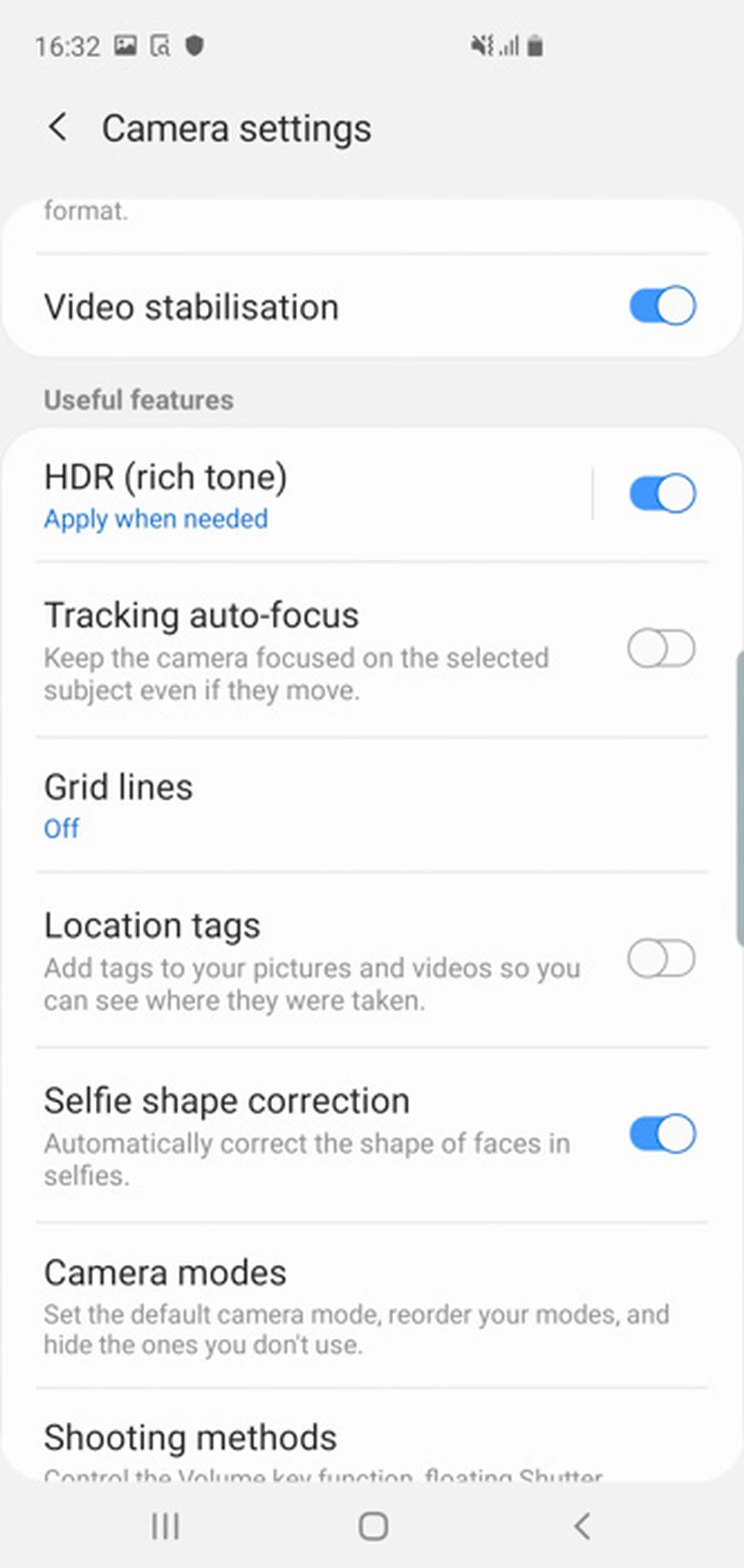
HDR is added when needed instead of being a separate function.
On the Galaxy S10, HDR is added when necessary and not a separate mode in itself (though you can toggle a settings option to always capture with HDR enabled). A key feature of the camera app is Scene Optimization, which analyzes the scene you’re trying to capture and applies the best settings for you. It’s interesting to see how the Scene Optimizer indicator switches icons to reflect what the phone has detected the scene to be. In general, it does a pretty good job of classifying and applying the appropriate scene-based optimization for an improved shot - great for the everyday user who would much rather have the phone do the thinking. However, there is no in-between level of control for the scene settings applied, nor can you enable a scene optimization manually.
For novice users, you can even enable Shot Suggestions in the camera settings and this will go so far as to present two circles on screen for you to line up your shot to obtain what the camera thinks is the best composition. Both the Scene Optimizer and Shot Suggestions are examples of the phone's improved AI processing capability at work on the Samsung S10 series.
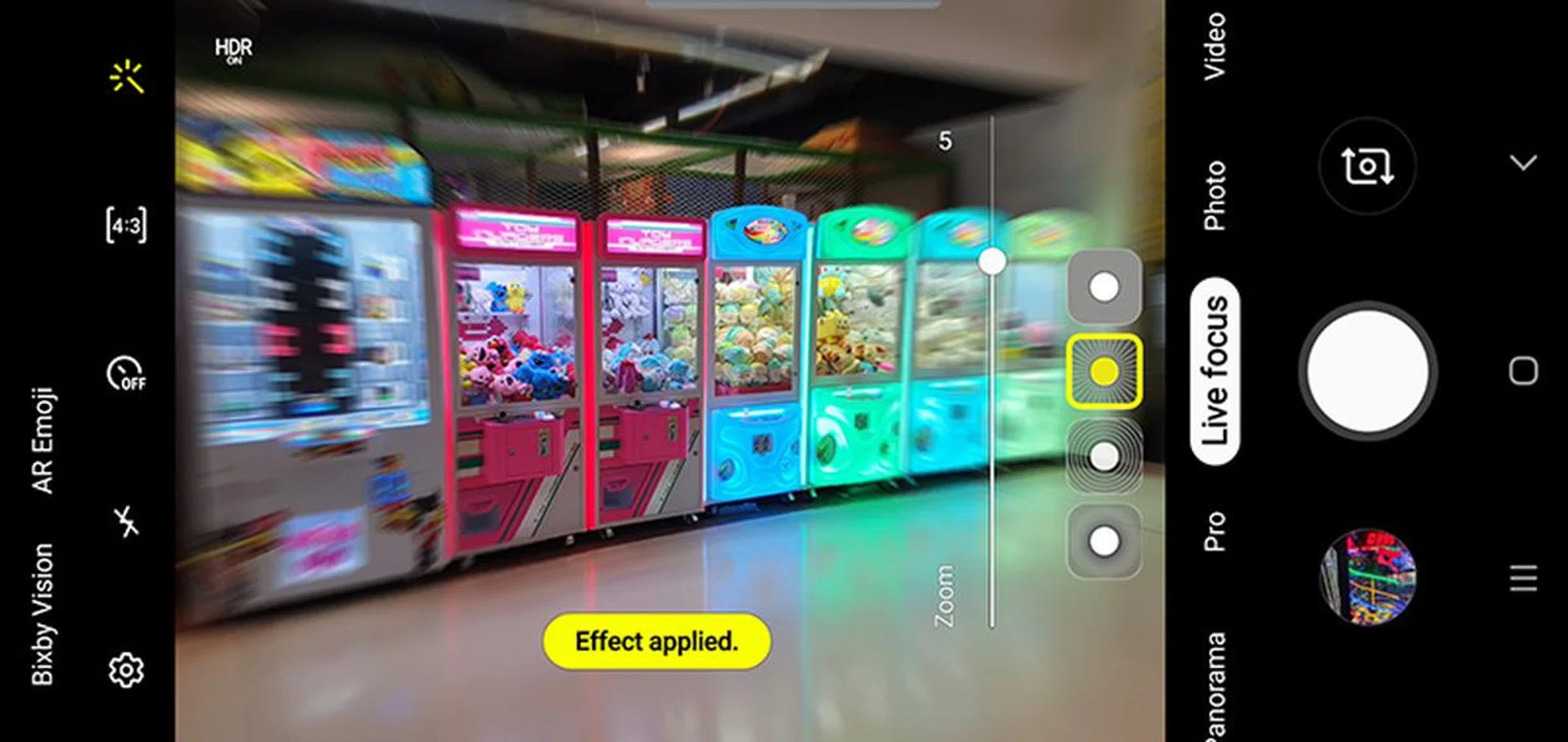
Four different types of focus effects are available to play with.
In place of a dedicated portrait mode, the Galaxy S10+ has what it calls Live Focus mode that lets you adjust the effect applied - in both pre and post-capture. To adjust the level of intensity of the effect, you're presented with a simple slider, and you can choose between one of four types of focus effects – Blur, Spin, Zoom, and Colour point – to be applied. And yes, you can change both the level of intensity and effect type even after taking the shot. Colour Point is probably going to be the most fun of these effects.
Overall, it’s definitely a simpler interface, with perhaps just Food as the only real “scene” mode available. This creates a pseudo bokeh effect by letting you tap to place a circle of focus anywhere in the scene, with an easy slider to adjust the overall color temperature.
Colors

5.58mm at f/1.8, 1/1721s, ISO 50 (Mate 20 Pro)
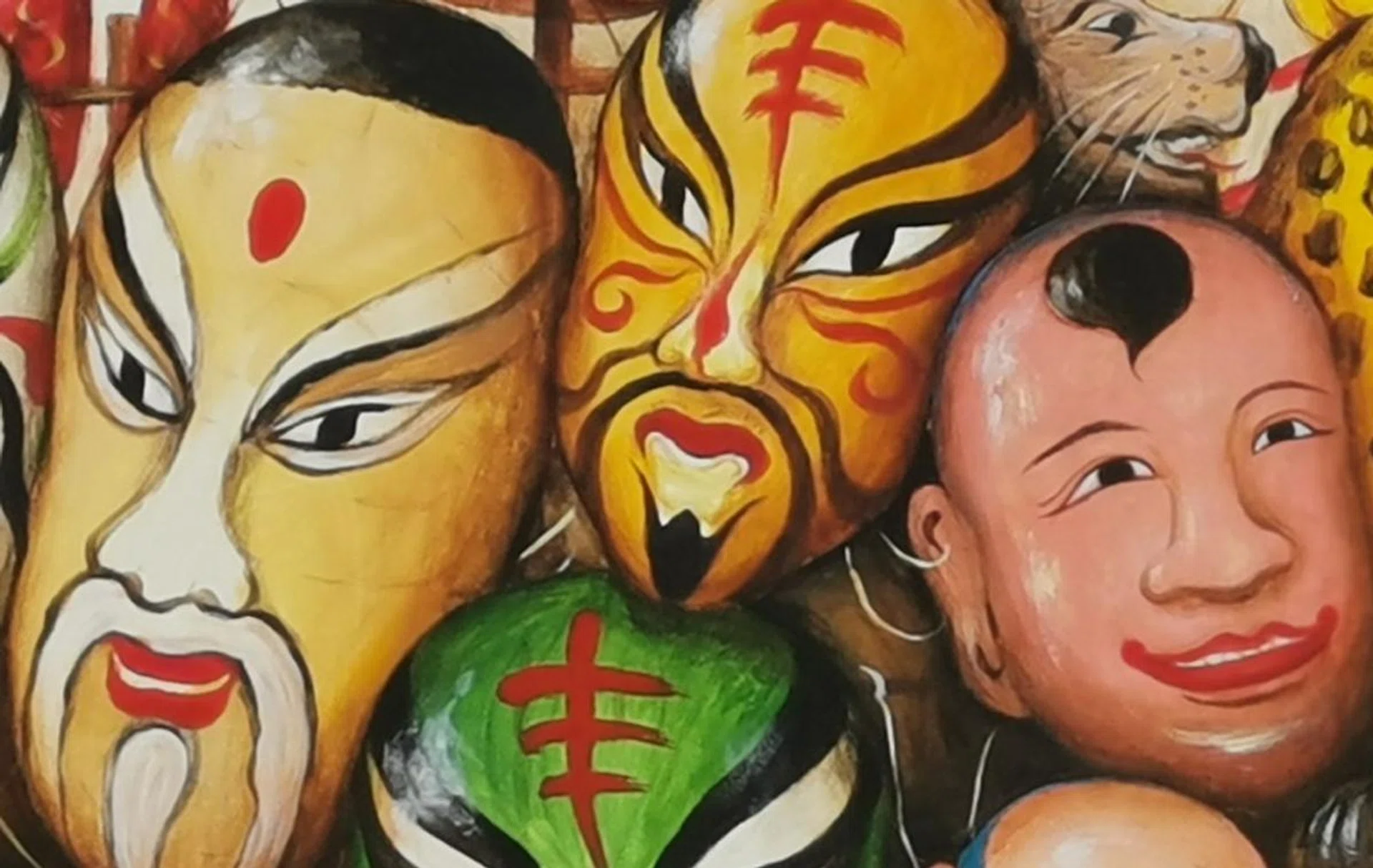
100% crop (Mate 20 Pro)

6mm at f/2.4, 1/840s, ISO 50 (Galaxy S10+)
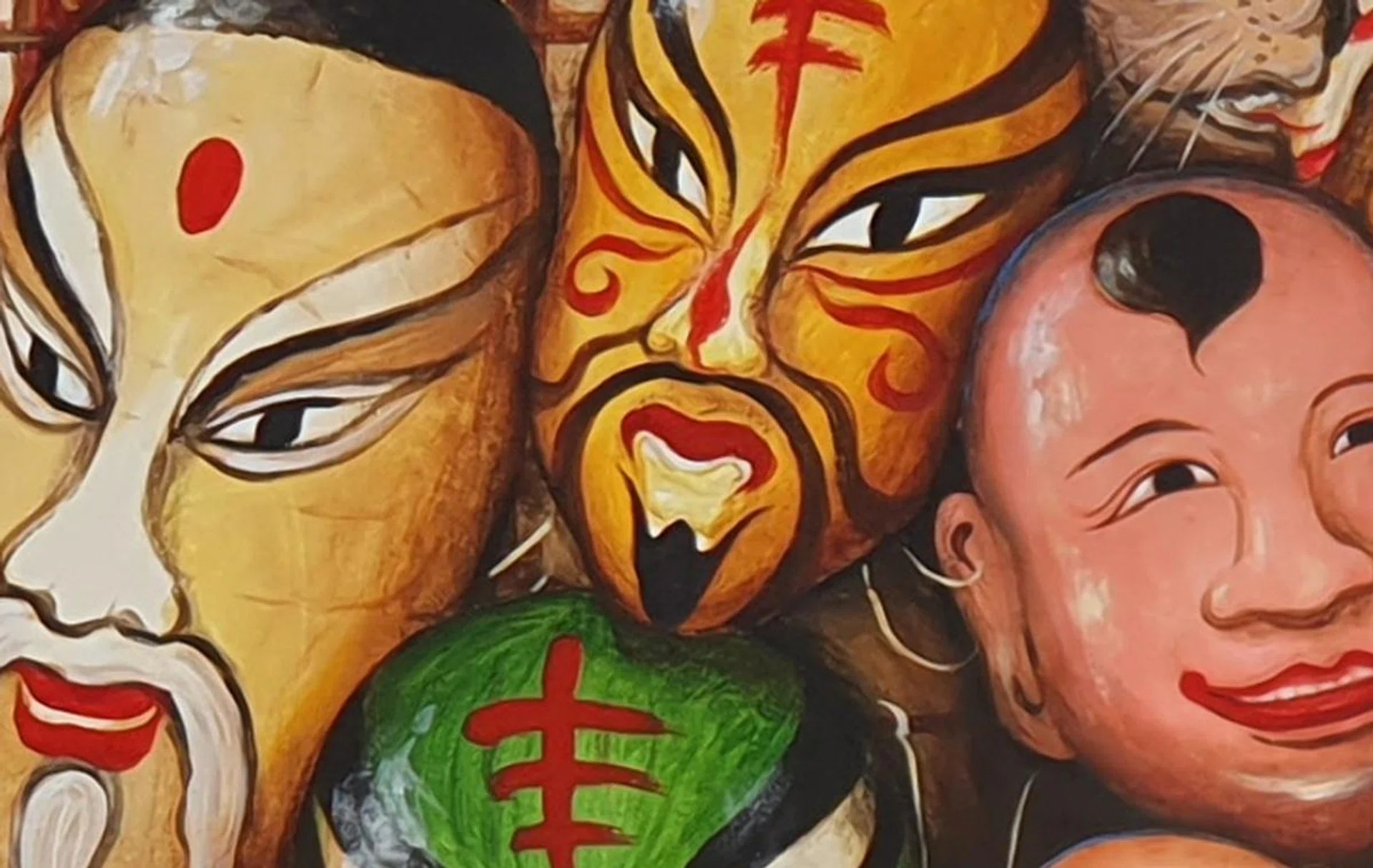
100% crop. (Galaxy S10+)
Both cameras have different approaches to exposure, which in turn affects the way colors are presented. From our testing, it seems the Mate 20 Pro exposes more for the midtones, with images captured stronger in the yellows and greens. This means images look a little more yellow compared to those captured by the S10+, which themselves carry a slight blue tint. Overall, we think the S10+ exposes closer to what the eye sees, so we’ll give it the nod in this department.
Digital Zoom
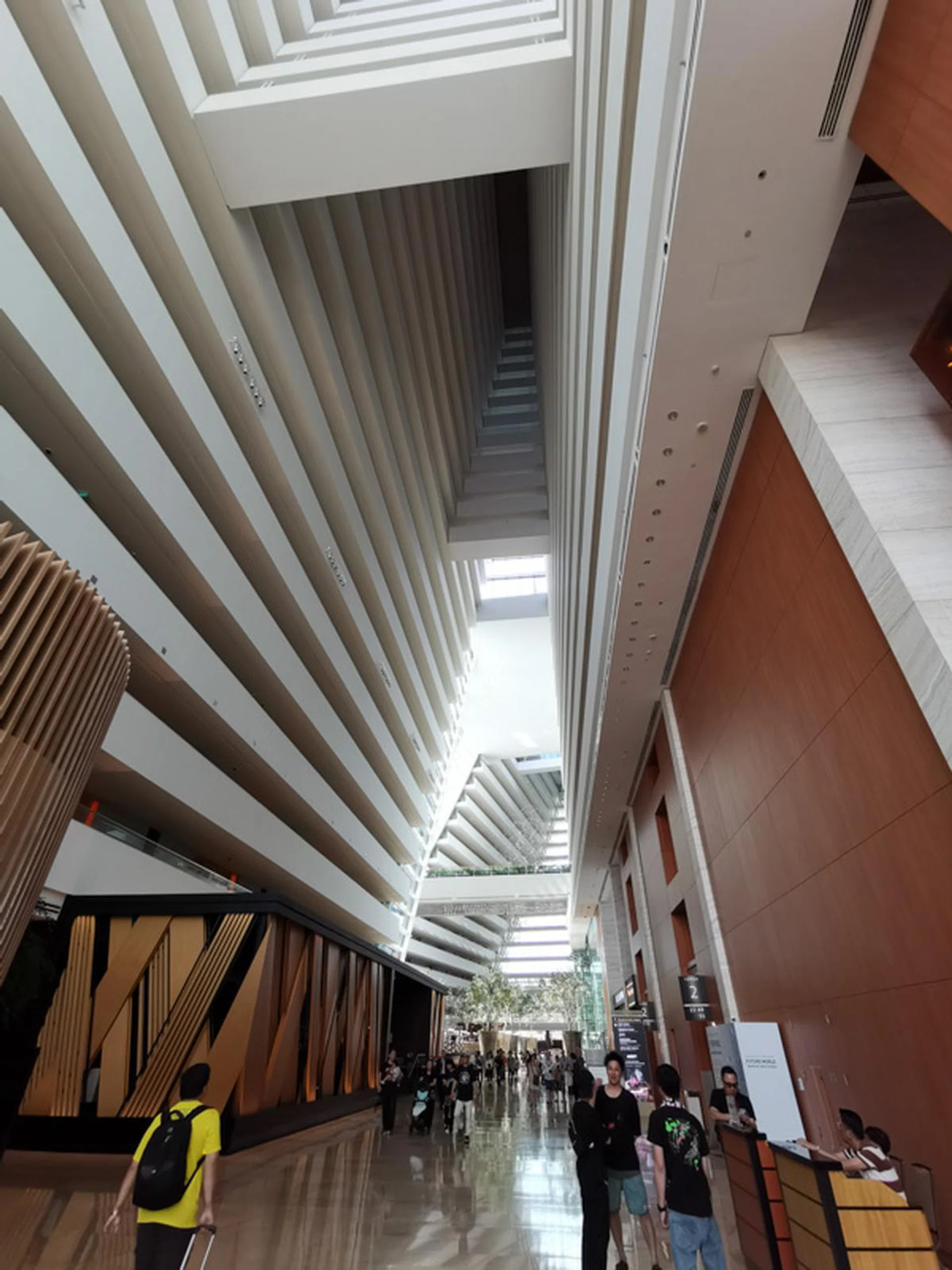
Our shooting position. (Captured by the Mate 20 Pro)
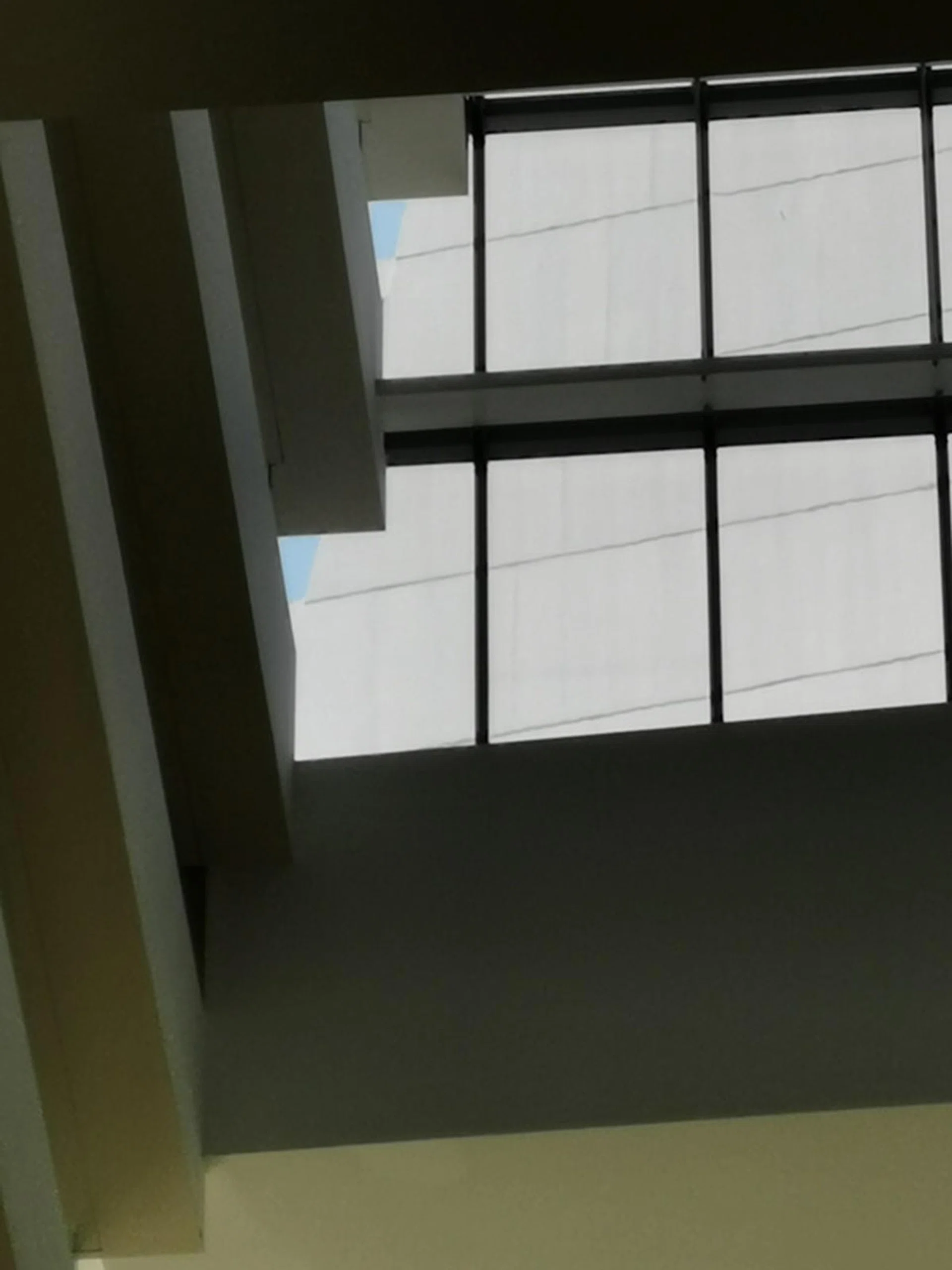
7.48mm at f/2.4, 1/590s, ISO 50 (Mate 20 Pro at full tele zoom.)
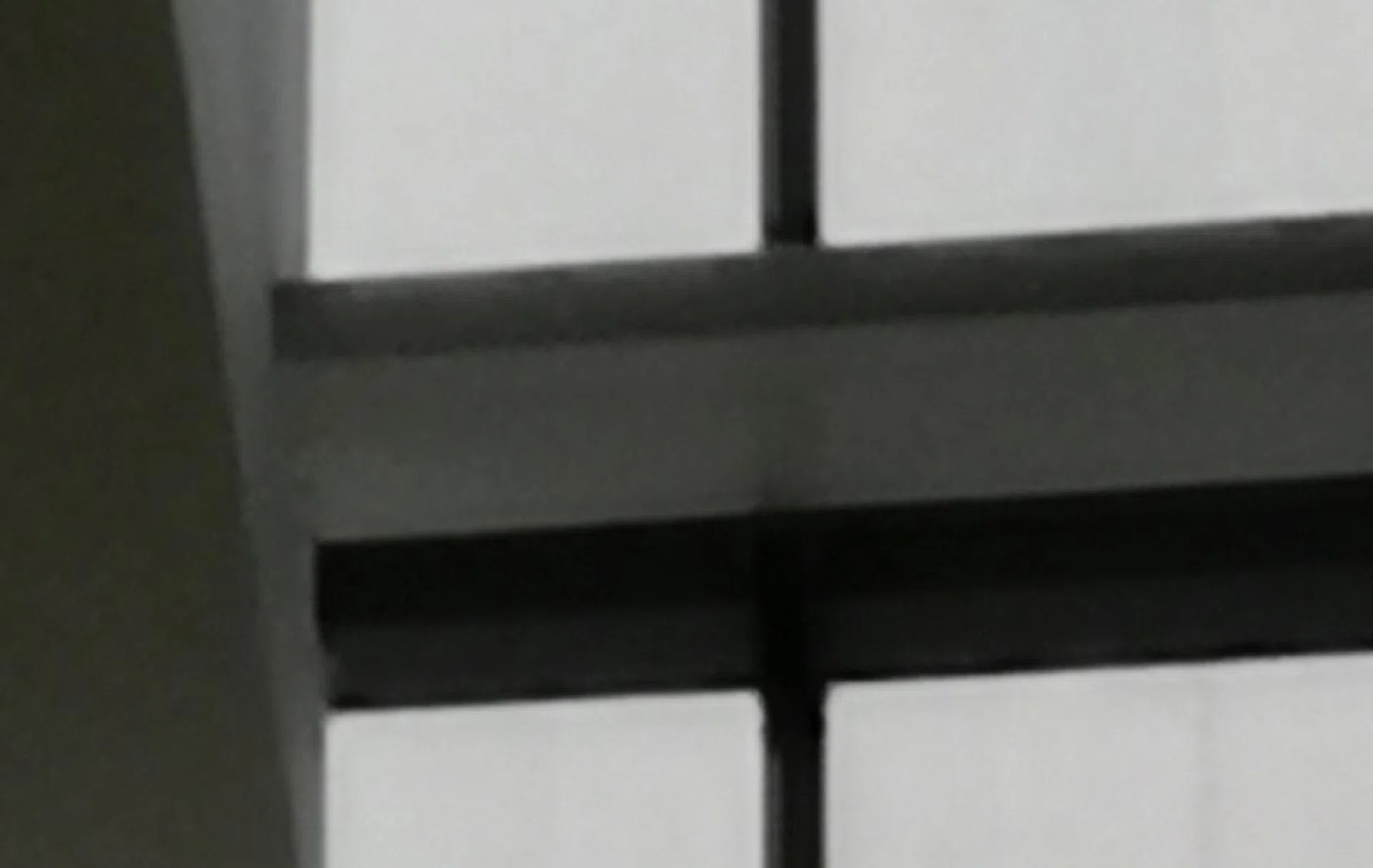
100% crop (Mate 20 Pro)
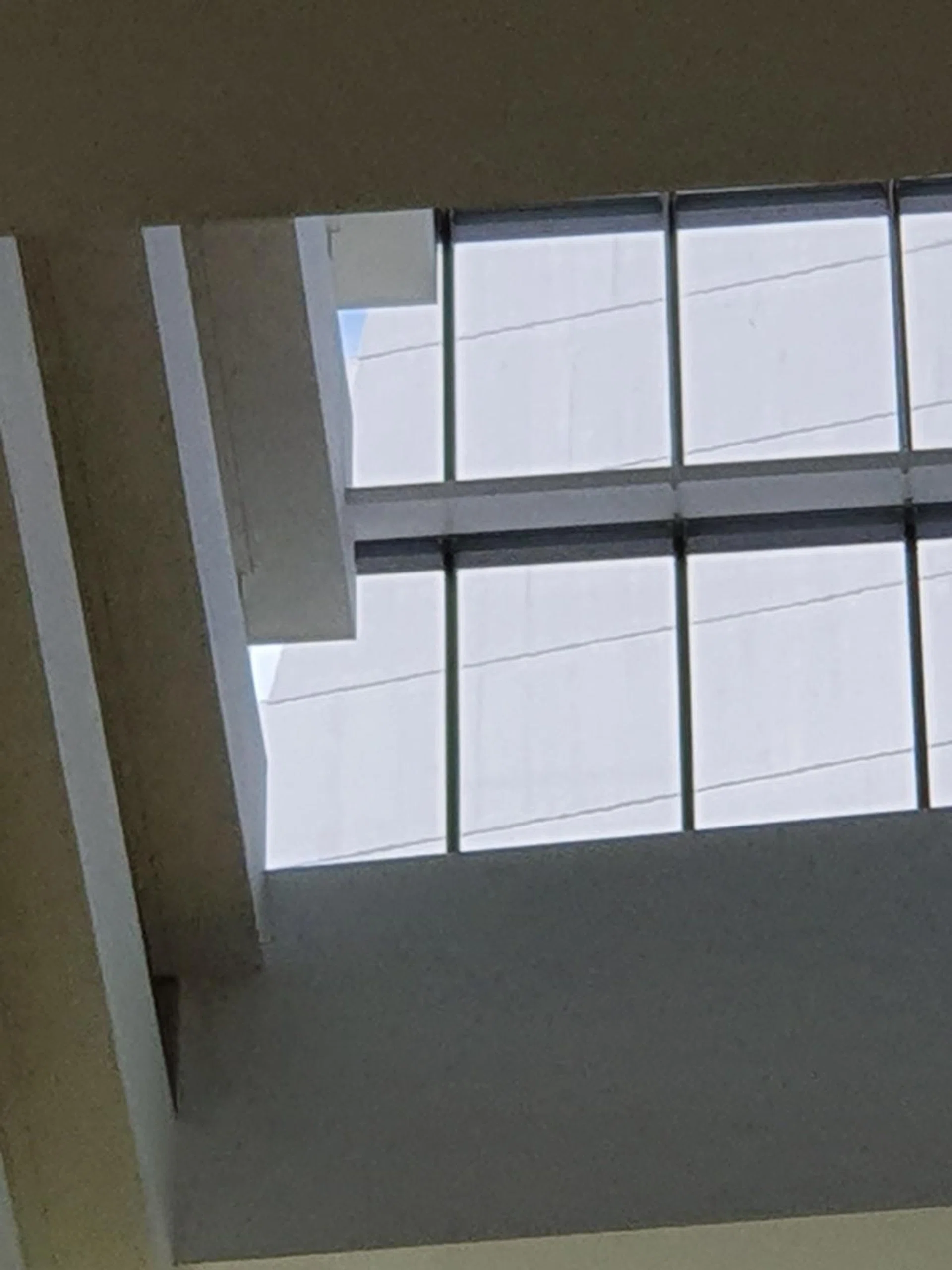
6mm at f/2.4, 1/350s, ISO 50 (Galaxy S10+)
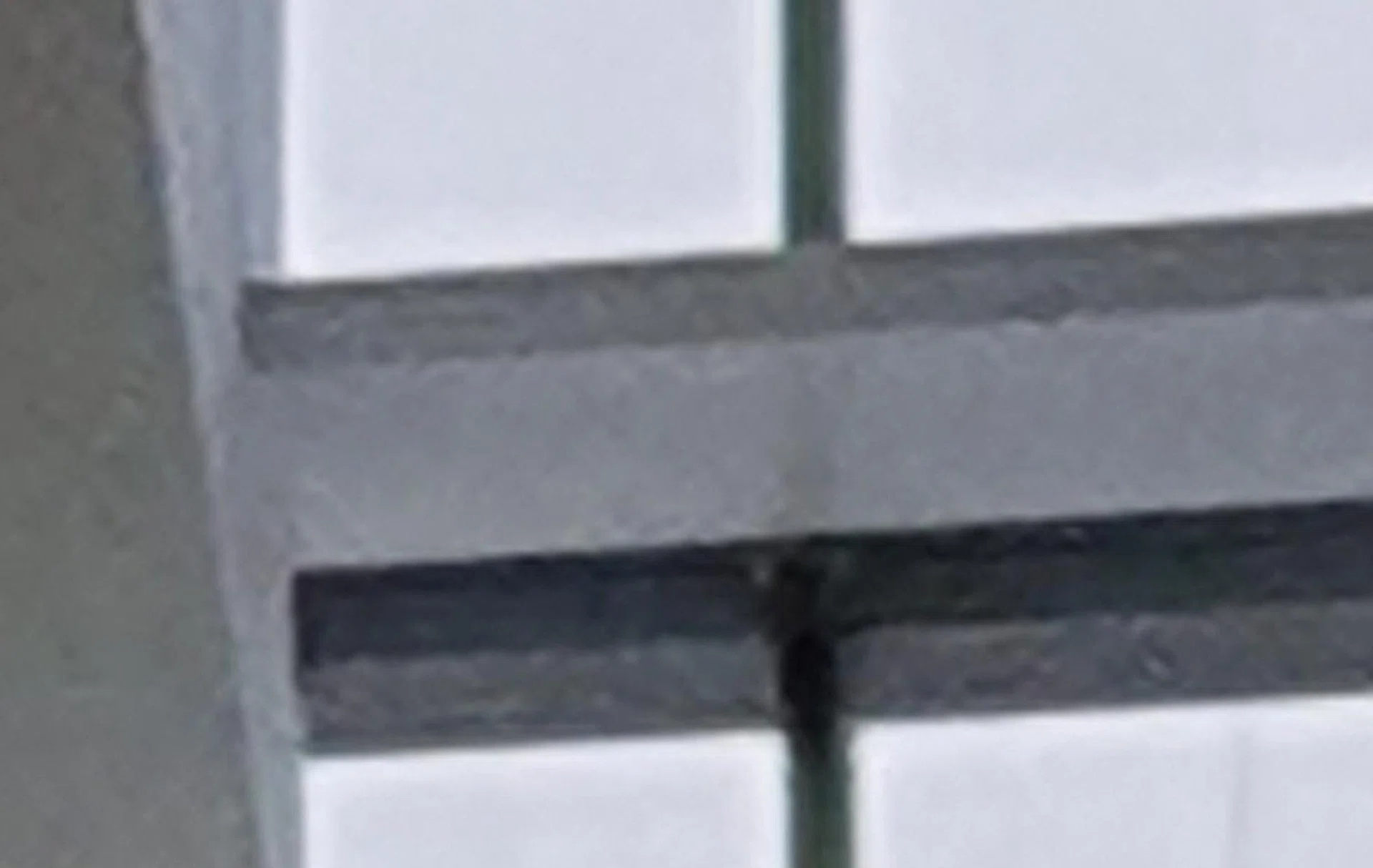
100% crop (Galaxy S10+)
One of the headlining features of both cameras is their ability to zoom further thanks to the use of different lenses and computational photography to fill in the blanks. Here we push both cameras to their limits, zooming to the top corner of the Marina Bay Sands Hotel from the ground floor. We’d say both cameras are about even in performance in terms of detail resolution, but the Mate 20 Pro has handled noise reduction better, so you don’t get the obvious blotches you see in the image captured by the S10+.
Dynamic Range

5.58mm at f/1.8, 1/100s, ISO 100 (Mate 20 pro)
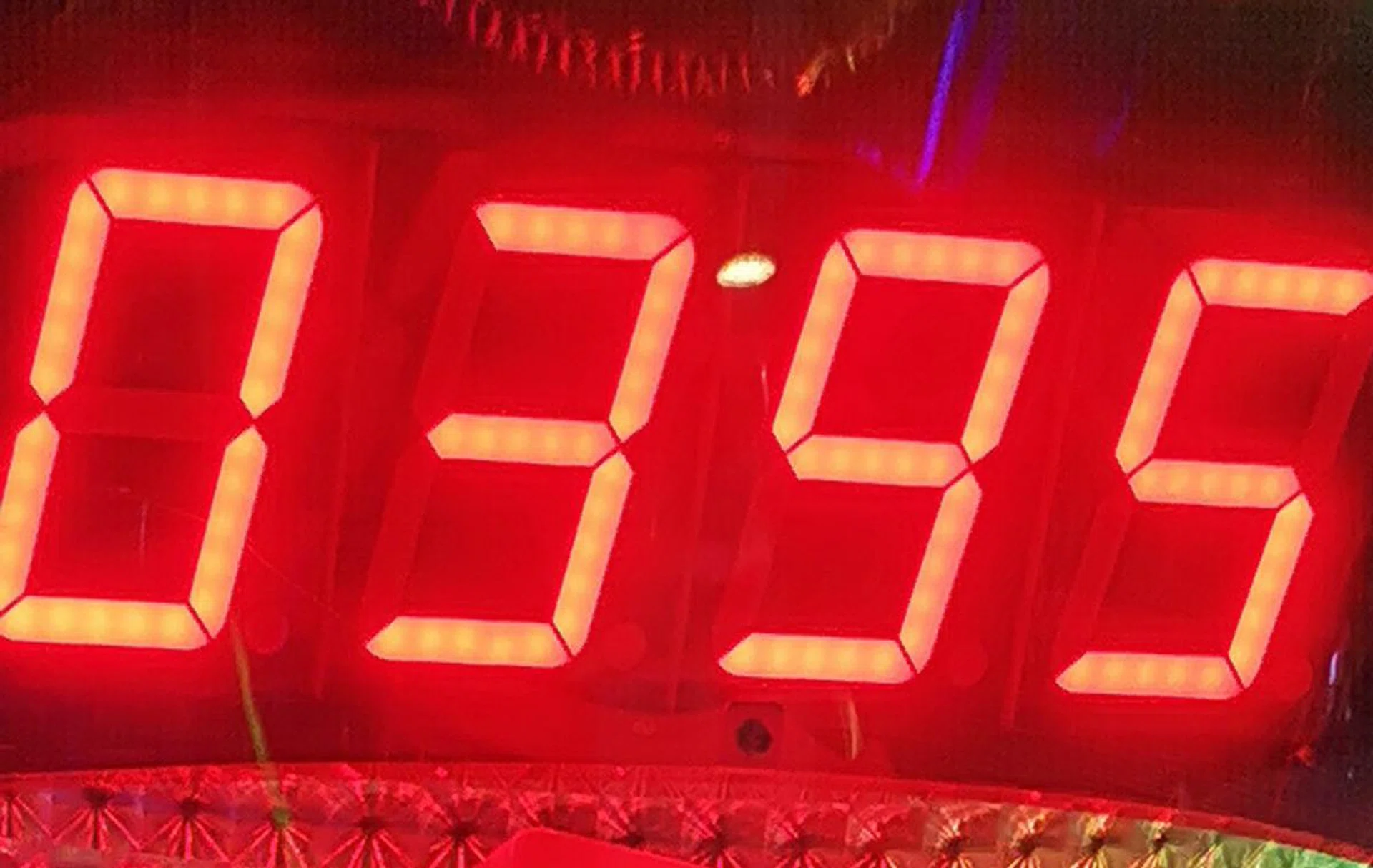
100% crop (Mate 20 Pro)

4.32mm at f/2.4, 1/120s, ISO 200 (Galaxy S10+)
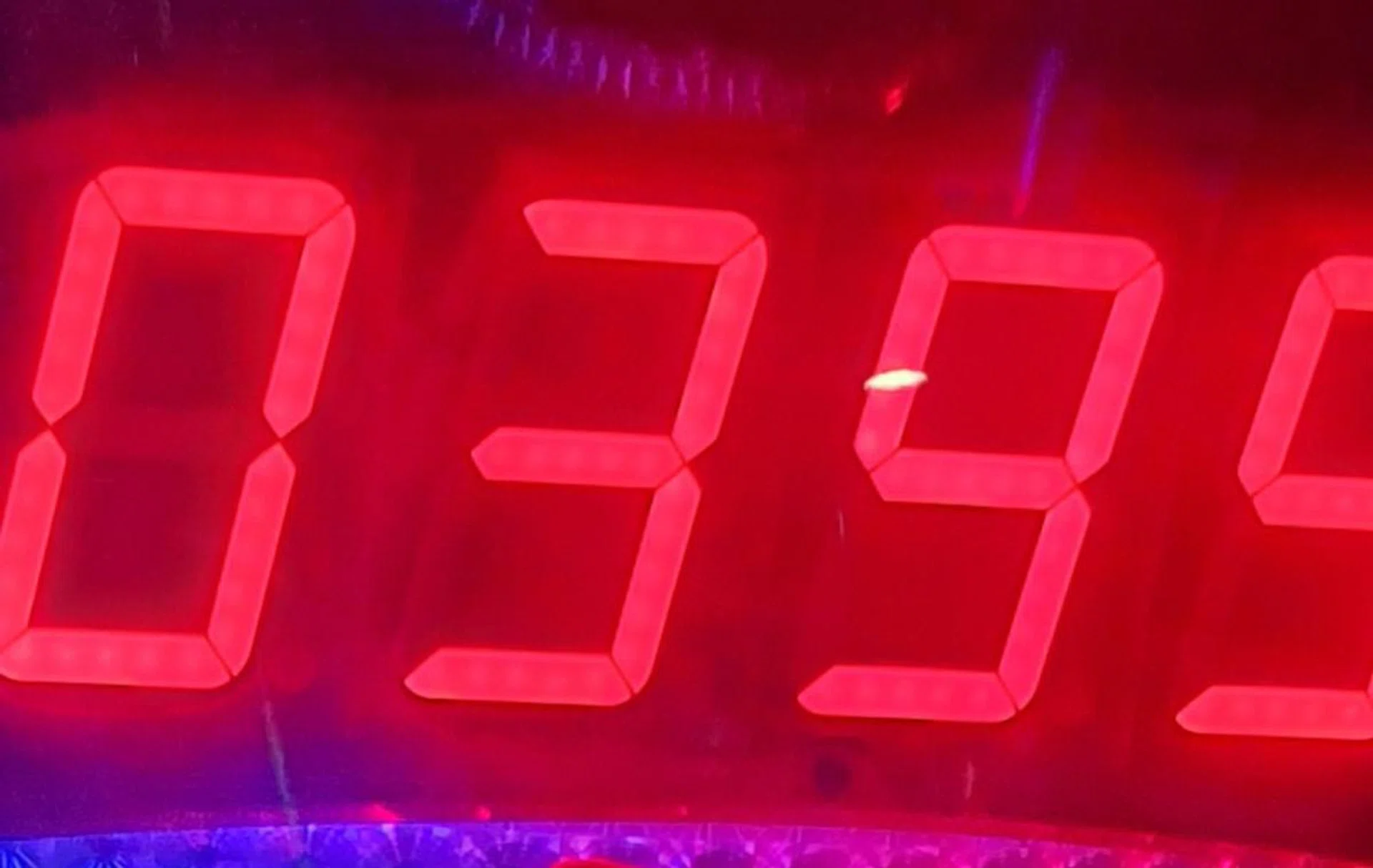
100% crop (Galaxy S10+)
This shot of the arcade machine gives a pretty good reflection of the dynamic range of both these cameras as there is a good amount of highlight and shadow detail in the same frame. Looking at both images, you can see that the Mate 20 Pro has managed to maintain detail in the highlights. The individual LED lights of the scoreboard can be seen, whereas with the S10+ they’re slightly blown out and harder to make out. The Mate 20 Pro also has deeper blacks, thus maintaining better contrast in the image overall.
Low Light
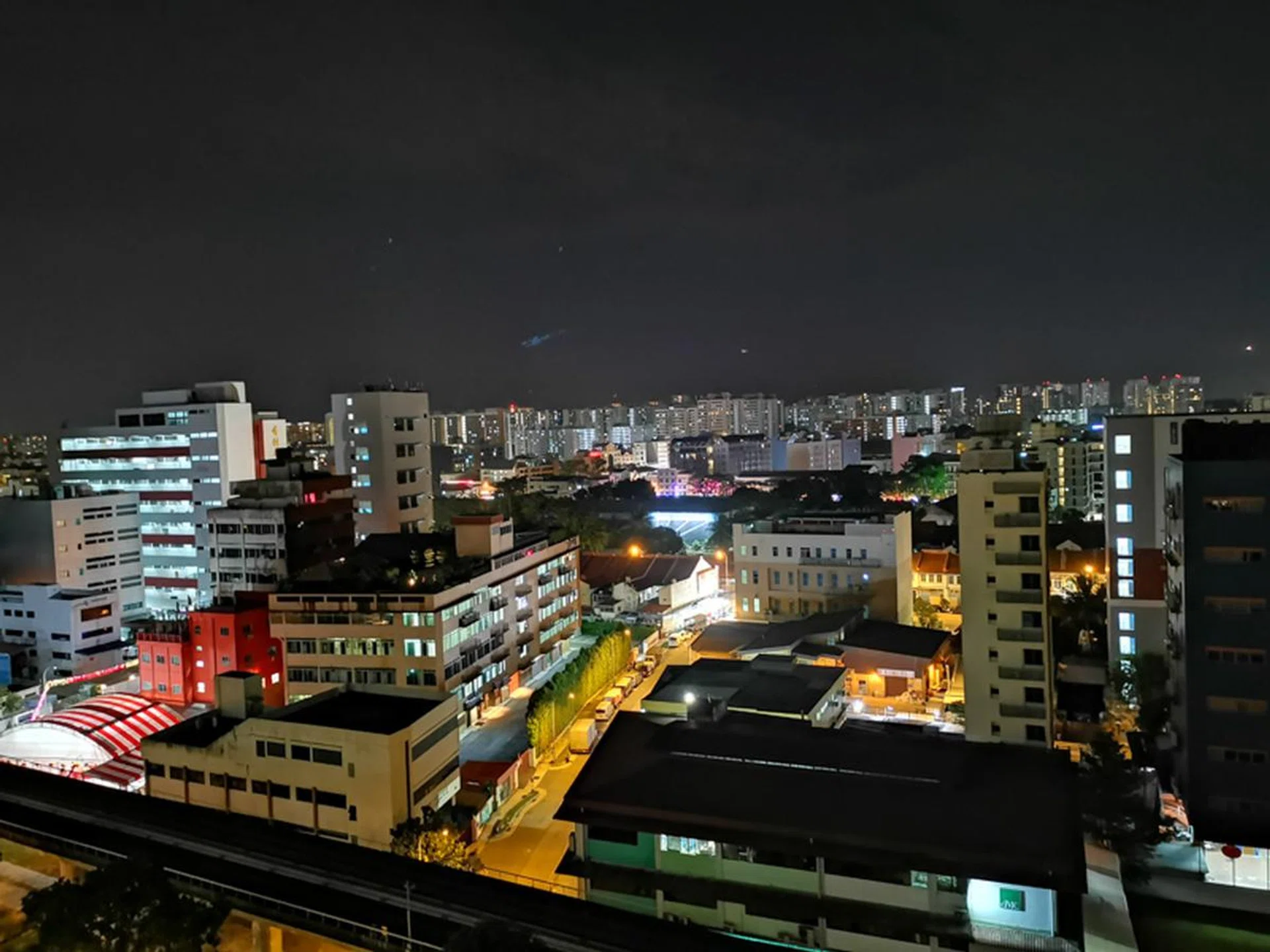
5.58mm at f/1.8, 5.0s, ISO 1250 (Mate 20 Pro)
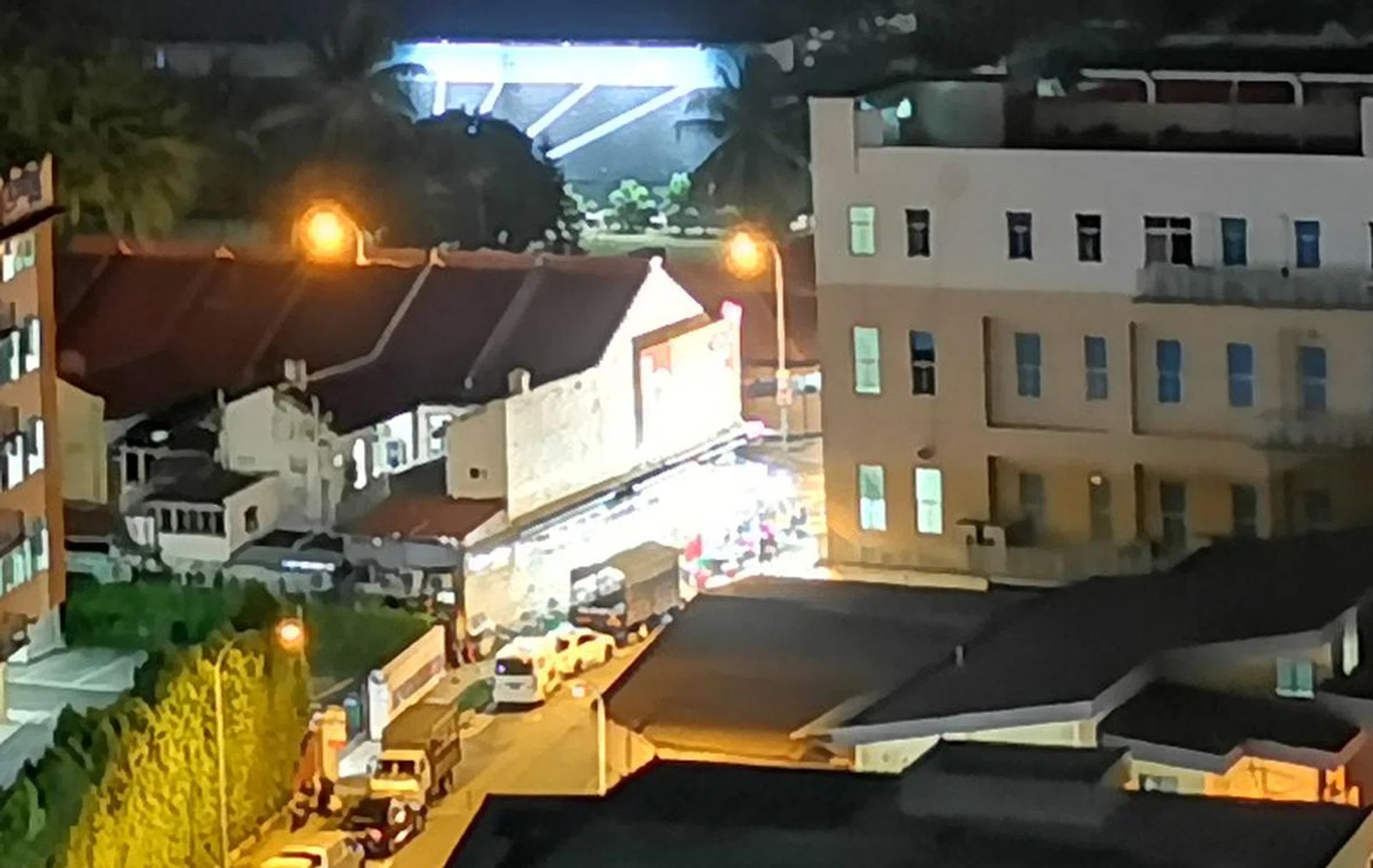
100% crop (Mate 20 Pro)

4.32mm at f/1.5, 1/17s, ISO640 (Galaxy S10+)

100% crop (Galaxy S10+)
You can see that the Mate 20 Pro's image has more information in the shadow areas with less blown highlights. (The shop in the center of the image, for example, is completely blown out in the S10+’s capture.) Zoom in to 100% however, and you’ll find that there isn’t that much more detail captured after all as buildings and objects in the frame look like they’ve been painted rather than photographed. Still, there’s a lot more noise in the image captured by the S10+, so we’d pick the Mate 20 Pro for this round too.
High ISO/Resolution
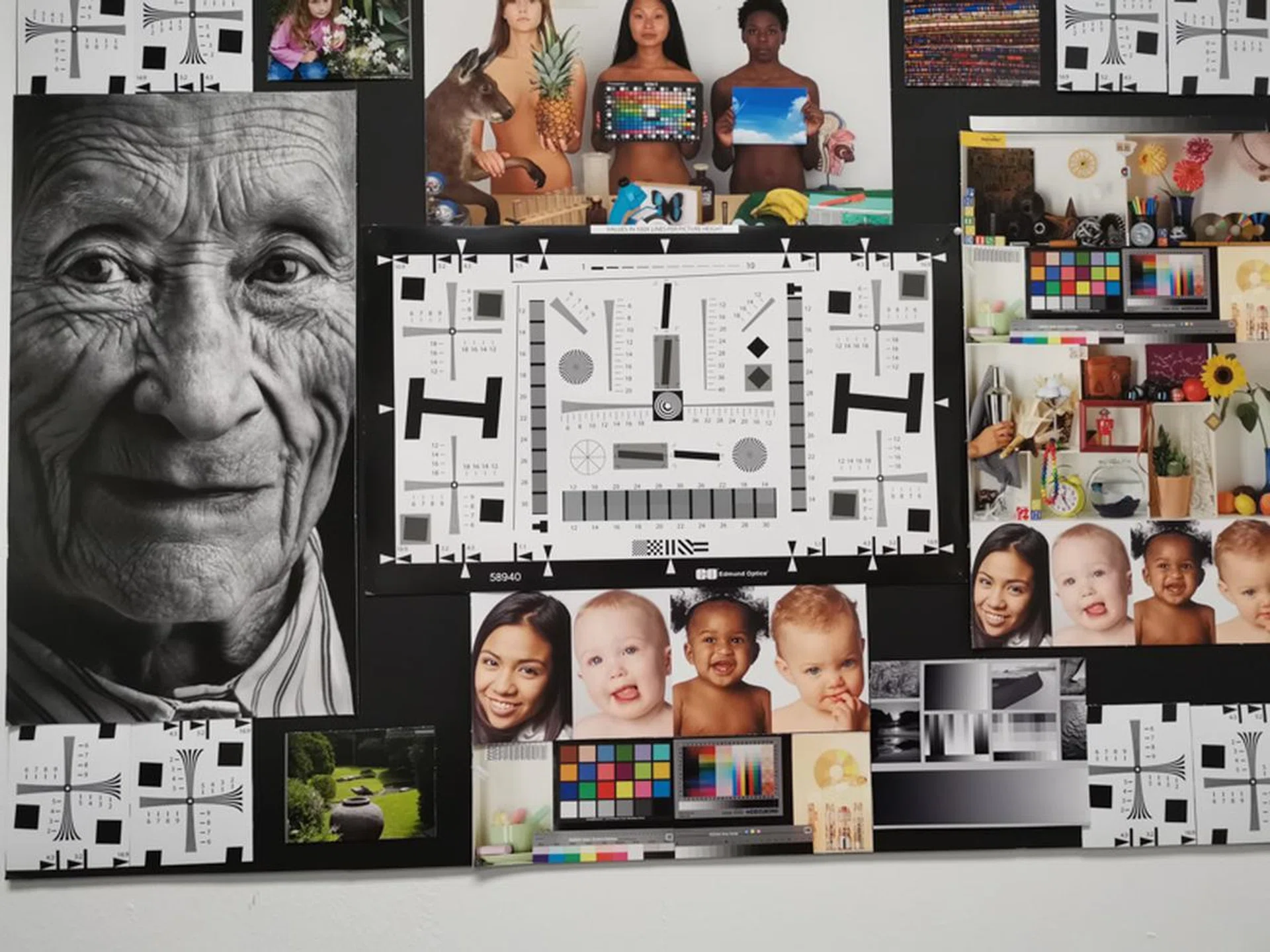
5.58mm at f/1.8, 1/320s, ISO 800

100% crop (Mate 20 Pro)
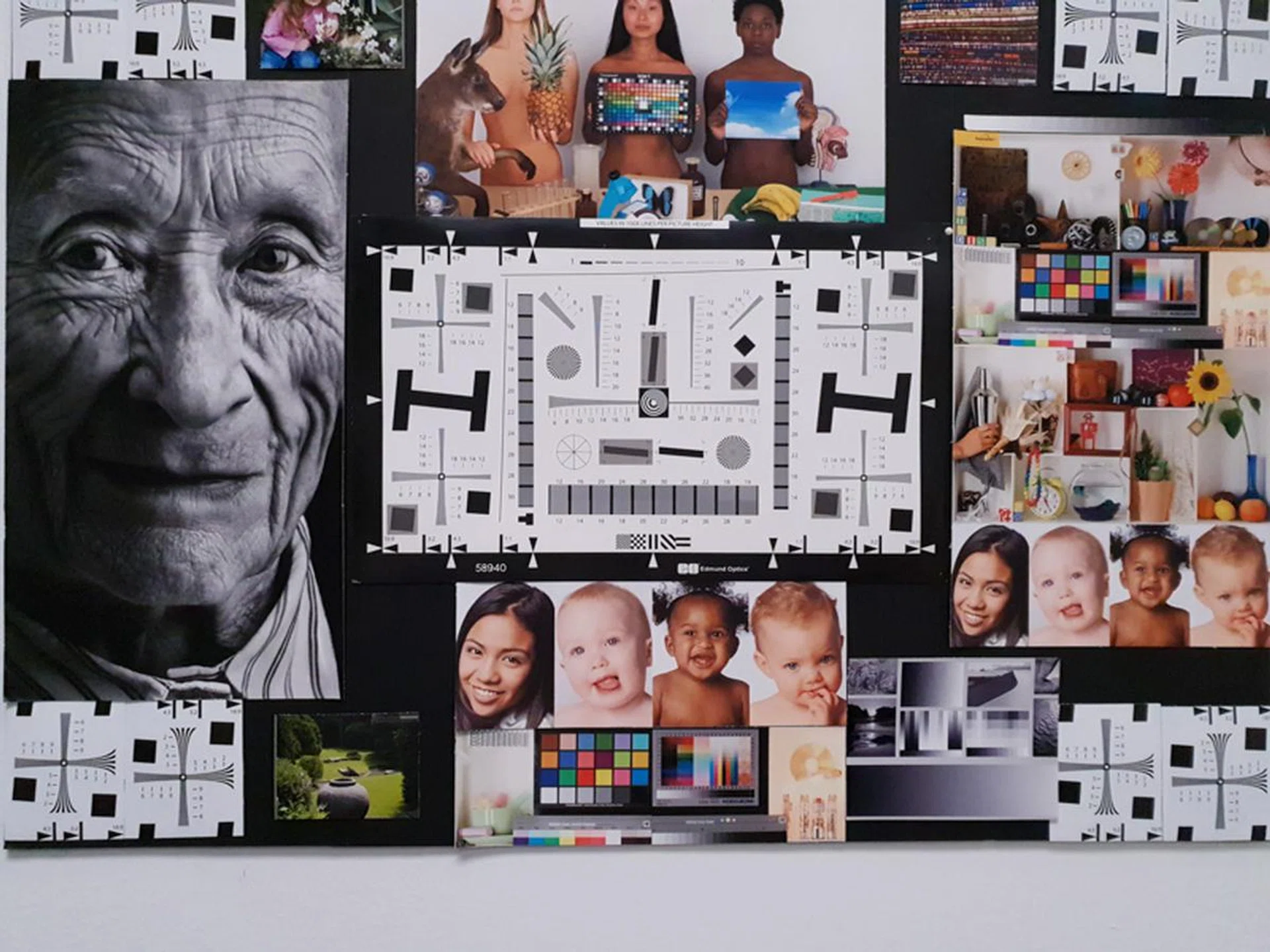
4.32mm at f/2.4, 1/270s, ISO 800

100% crop (Galaxy S10+)
Now for some resolution tests! With both cameras at ISO 800 and their standard zoom setting, these are the images we got. In 100%, 1:1 view, it becomes clear that the Mate 20 Pro presents a better image as the letters are more clearly defined, and the babies’ faces better resolved. Those same faces exhibit evident loss of detail in S10+'s capture, and contain more noise. You can’t even make out the individual squares on the color block to the lower right, as they’ve been lost to mush.

We took video moving up an escalator from an underpass into daylight, taking note of how stable the footage was and how the smoothly the camera adjusted exposure as it went from one extreme to the other. With this in mind, here are our observations about these two cameras.
The Mate 20 Pro favors detail in shadows at the expense of losing some detail in the highlights. The Galaxy S10+, on the other hand, opts to keep the highlights from blowing out as much as possible, resulting in some loss in the shadow area. As you can see, both cameras do a good job with automatically adjusting for exposure as the light levels change, so you don’t get a big shock like you would when stepping out into the sun in real life. The differences in color we see in the stills also carries over to video, but is less obvious.


Looking at the second clip (the arcade scene), it becomes obvious that the audio pick up on the S10+ is better, with better clarity and higher volume captured. The dynamic range advantage seen in the still capture from the Mate 20 Pro seems to be gone too, as both cameras fail to retain details in the highlights that we know are there.
We’d call this round a tie.
Conclusion
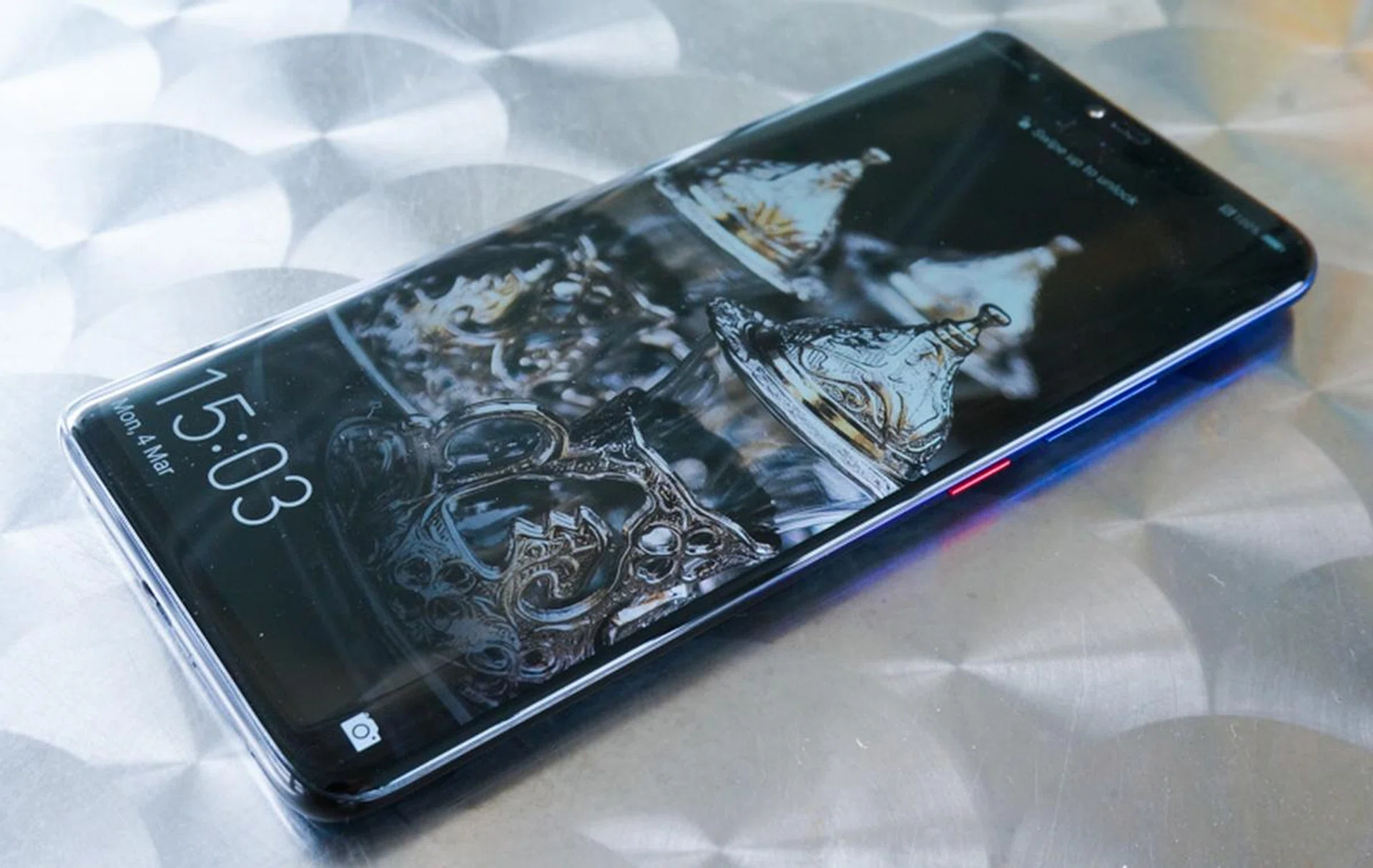
Having gone through our full battery of tests, we’re ready to proclaim the Huawei Mate 20 Pro’s camera the better one. It does better in almost every category of our stills capture testing save for color accuracy. Its resolution, dynamic range, low-light capabilities, and high ISO performance all stand out. We also like the full range of options given in the camera app, as it feels like there is an option for almost every situation you may encounter. With the Galaxy S10+, you need to rely on Bixby Vision for the camera get the optimal settings for the subject. And that’s provided it detects the subject correctly to begin with.