
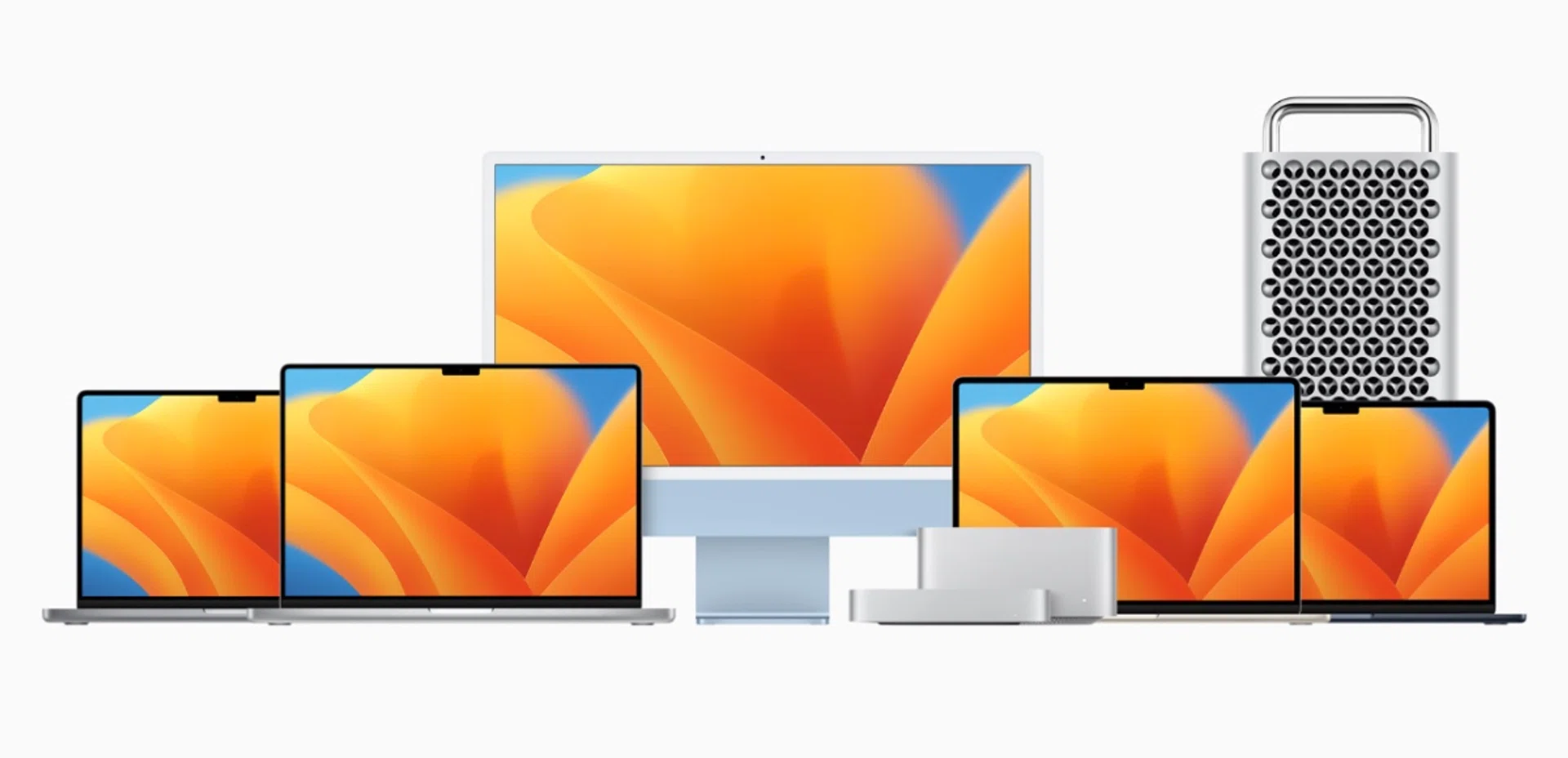
There's a Mac for everyone. (Image source: Apple)
Since the release of the Mac Pro in 2023, Apple completed the transition of its Macs from Intel processors to its custom-designed M-series silicon. To be honest, because of the sheer performance of these chips, there really isn't a bad Mac. They are all immensely capable machines. That said, there are some considerations you should keep in mind when deciding on a new system. This guide will tell you what you need to consider when shopping for a new Mac, and which one is best for you.
Why should you buy a Mac?

Apple recently released its M4 family of chips. Photo: Apple
The single most compelling reason for getting a Mac is Apple Silicon. It’s impossible to overstate its importance because it utterly transformed the computing landscape. When it exploded onto the scene, its combination of performance and efficiency was so far ahead of traditional x86 processors that it forced Intel and AMD to return to the drawing board and Microsoft to turn to Qualcomm to explore the possibilities of Windows computing using ARM-based processors.
The competition, however, isn’t standing still. Intel is about to unleash Panther Lake and Qualcomm has its ARM-based Snapdragon X2 Elite at the ready. Even so, there’s no denying that Apple’s combination of performance, efficiency, and compatibility still remains class-leading. Even the basic M4 chip is a highly competent thing. The speed at which it launches apps and the responsiveness that it has even when it’s heavily taxed is nothing short of amazing. I’d argue that unless you are into Windows gaming or need to run very specific Windows software, you should consider a Mac.
How much does a Mac cost?
One of the things that’s going to inform your purchasing decision is cost – the other is whether or not you need portability. So let’s take a look at how much a Mac costs. We are only going to be looking at starting prices here because there are simply too many price points to cover if we are going to include specific system configurations.
13-inch Macbook Air (M4) | 15-inch MacBook Air (M4) | 14-inch MacBook Pro (M5) | 14-inch MacBook Pro (M4 Pro, M4 Max) | 16-inch MacBook Pro (M4 Pro, M4 Max) |
From S$1,499 | From S$1,799 | From S$2,199 | From S$2,749 | From S$3,499 |
Mac Mini (M4) | 24-inch iMac (M4) | Mac Studio (M4 Max, M3 Ultra) | Mac Pro (M2 Ultra) |
From S$849 | From S$1,799 | From S$2,899 | From S$9,999 |
One thing to note about the prices of Macs is that memory and storage upgrades are going to jack up the overall price of the system really quick. Every extra 8GB of memory is going to cost around S$300 while every 512GB of storage is an additional S$300 too. With that in mind, let’s talk about memory and storage considerations.
How to choose memory and storage
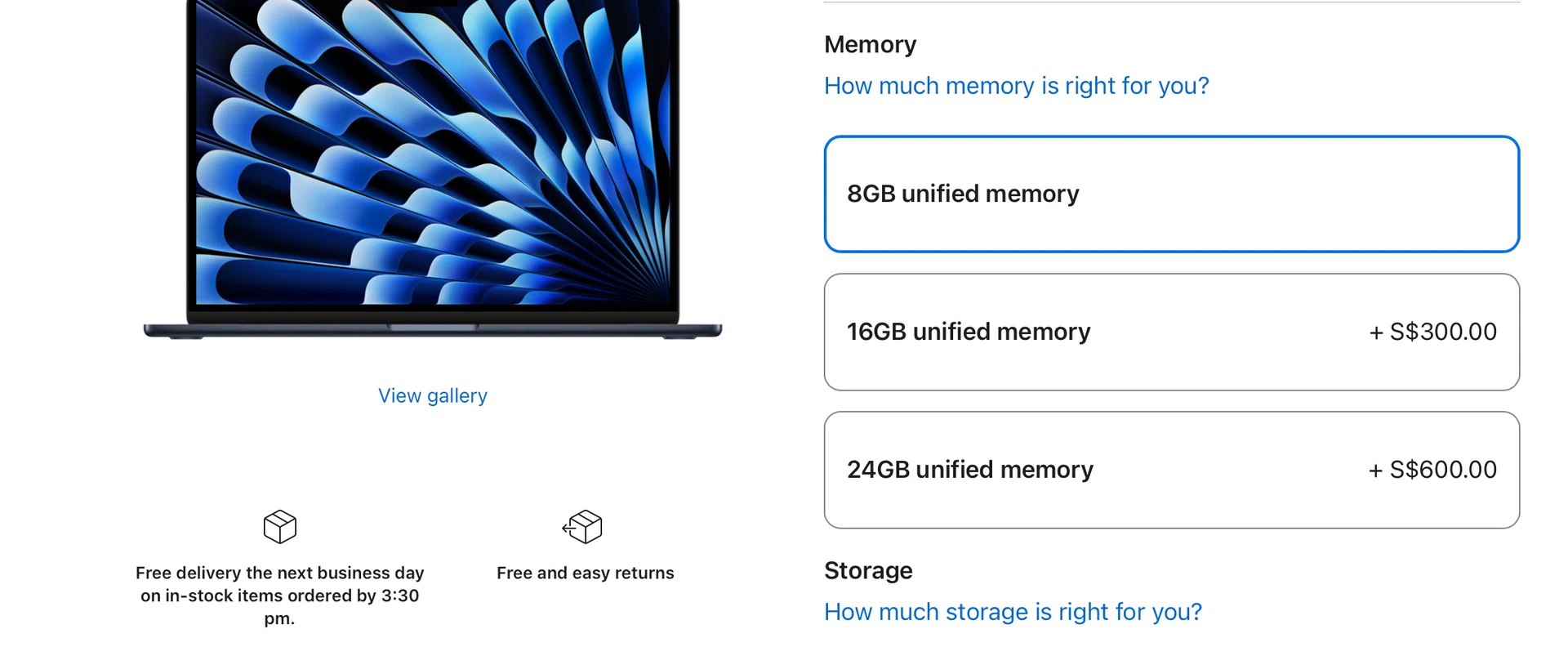
Between memory and storage, always get more memory first. You can always increase storage later with external drives.
Rejoice, because Apple has finally decided to outfit all Macs with at least 16GB of memory as standard. This solves the 8GB memory conundrum that most buyers face when buying a new Mac. But even so, it’s important to note that because of how tightly integrated Apple Silicon is, there’s no way to upgrade memory and storage after you order your system. In other words, you need to be certain of how much memory and storage you need and want.
For most people, 16GB is adequate. It’s enough to browse the web, answer emails, stream videos, work on spreadsheets, play some games, and multitask freely. It’s also enough for light creative work like editing photos and short videos. Readers with more intensive workflows such as editing longer high-resolution videos, music production with hundreds of tracks, massive coding projects, or the need to run virtual machines should definitely upgrade their system’s memory to suit their needs.
As for storage, I think 256GB is a stretch for most people unless they supplement it with some form of external storage or cloud storage, and stream all of their content. 512GB should be a more comfortable figure for most users. That said, if you had to choose between memory and storage upgrades, I’d prioritise memory. Remember, memory cannot be upgraded but you still have the option of external drives and cloud storage to augment your storage should you need more in the future.
The most affordable and cost-effective: Mac mini
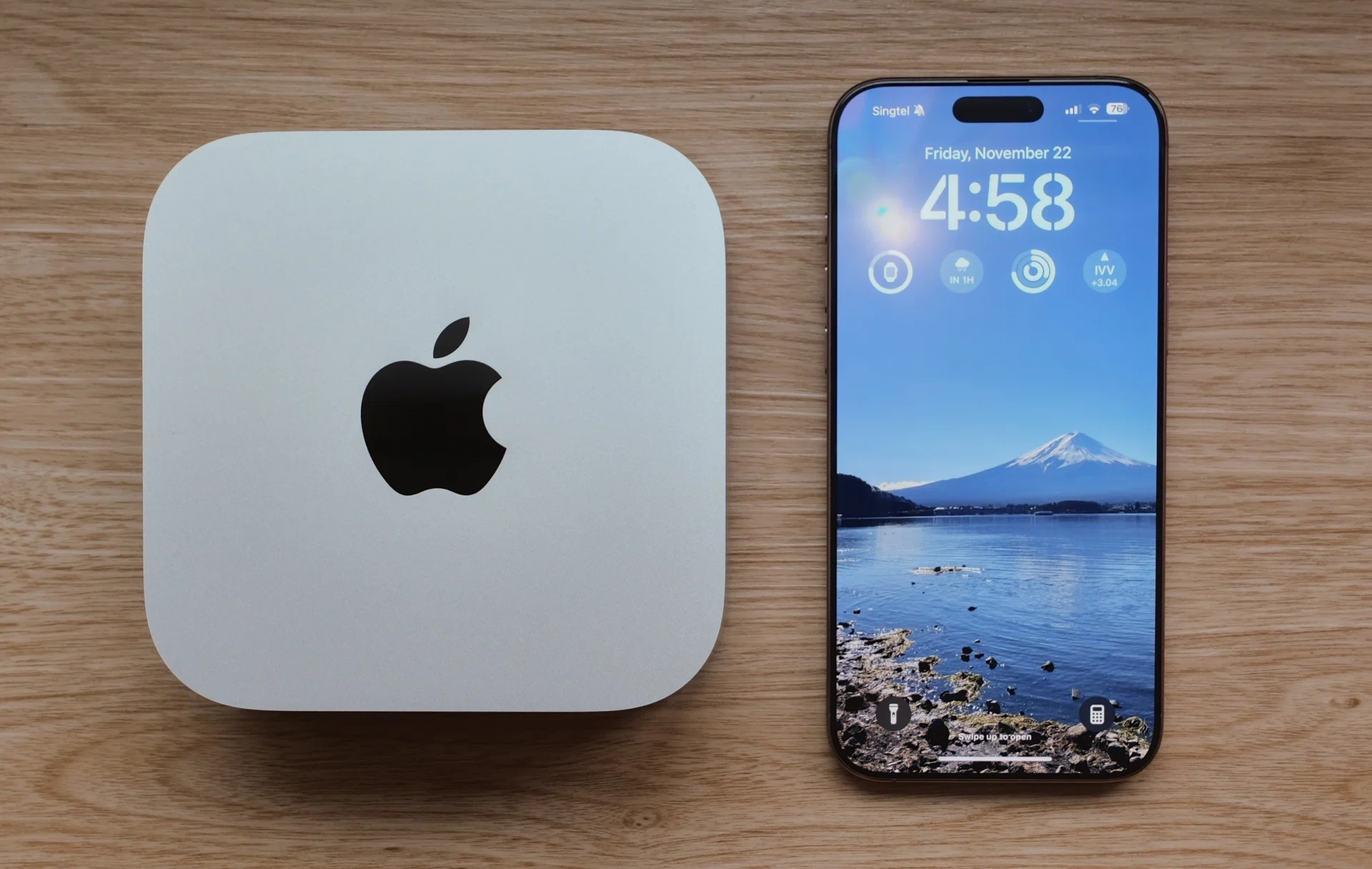
The Mac mini has been given a complete redesign and is extremely small. Photo: Apple
The Mac mini is the most affordable and compact way to get into an Apple Silicon Mac. A recent redesign means it’s smaller and more practical than before. It only measures 13cm by 13cm and is about 5cm tall. It's insane that it's only a bit bigger than the Apple TV 4K, and yet offers so much computing performance. It finally has USB-C ports on the front so you don’t have to blindly poke around the back to connect devices and peripherals. You can order it with an M4 chip or the more powerful M4 Pro chip. Since monitors, keyboards, and mice can be had for cheap these days, a Mac mini is hands down the most affordable and cost-effective way for anyone to get into Apple Silicon.
Pros: Value for money, very compact
Cons: No SD card slot up front, No USB-A ports
You can find the Mac mini on Amazon, Lazada, Shopee, and the Apple Online Store.
The most affordable and best MacBook for most: MacBook Air
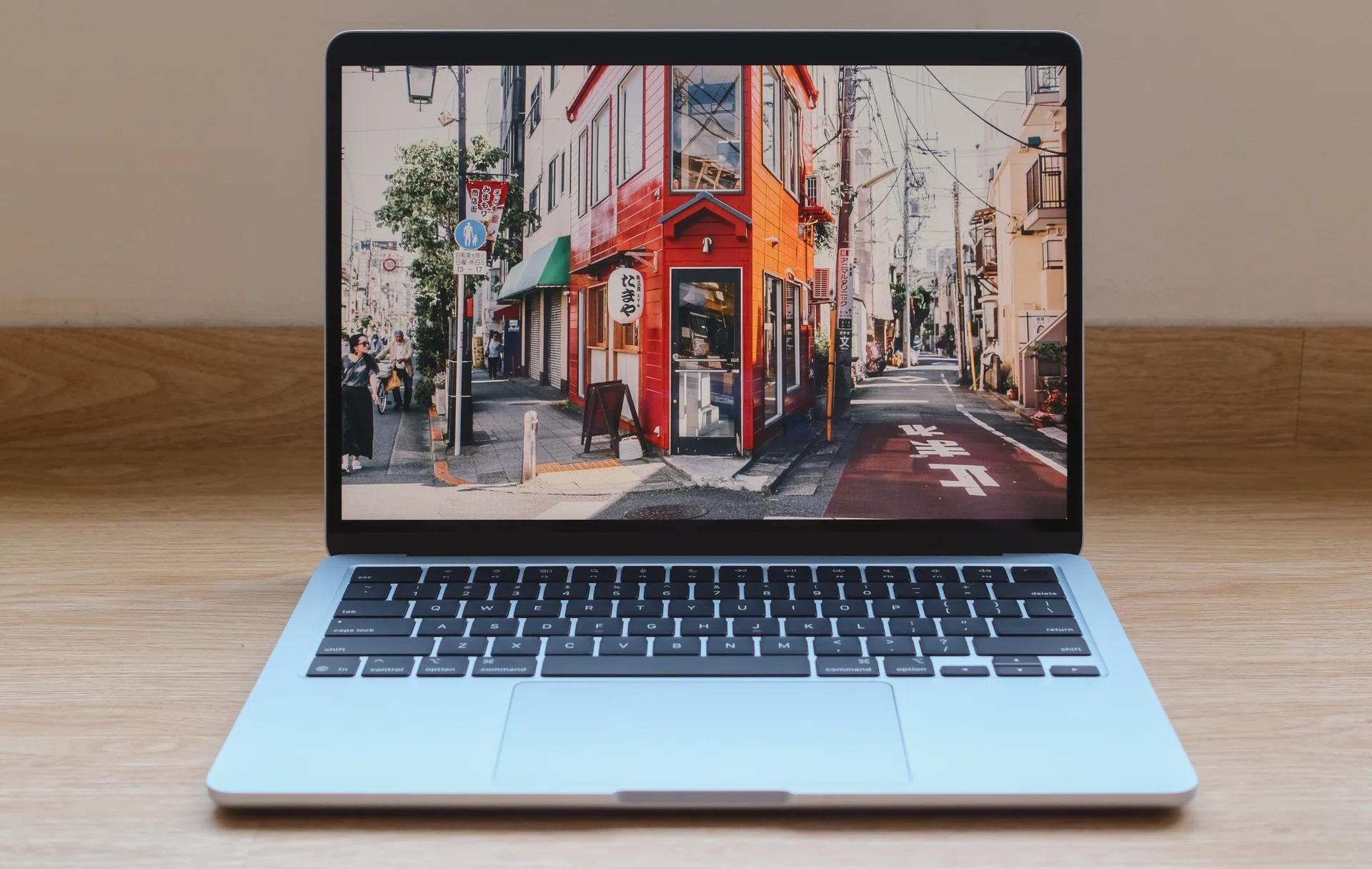
The MacBook Air gets even better with the more powerful and efficient M4 chip. Photo: HWZ
For most readers who demand a portable system, the MacBook Air is the one to get. It’s slim, light, has all-day battery, and more than enough performance for most people. The lineup also received a new addition in 2023 in the form of the larger 15-inch MacBook Air. This new larger model is an excellent choice for people who prefer a larger screen. And best of all, despite the larger screen, it still remains very thin and relatively light. The lineup recently received an update in the form of Apple's newest M4 chips and a price cut, making them more affordable than ever. One final thing to note is that all MacBook Air models have fan-less chassis. The upside to this is that they run silently. The downside, however, is that throttling can be an issue if you are running intensive sustained workloads. If you do a lot of gaming, video editing, or anything that requires sustained CPU and GPU performance, you might want to consider the MacBook Pro instead.
Pros: Powerful, portable, battery that lasts all day
Cons: Limited ports, not great for sustained workloads
You can find the 13 and 15-inch MacBook Air on Amazon, Lazada, Shopee, and the Apple Online Store.
The cheapest “Pro” MacBook: 14-inch MacBook Pro
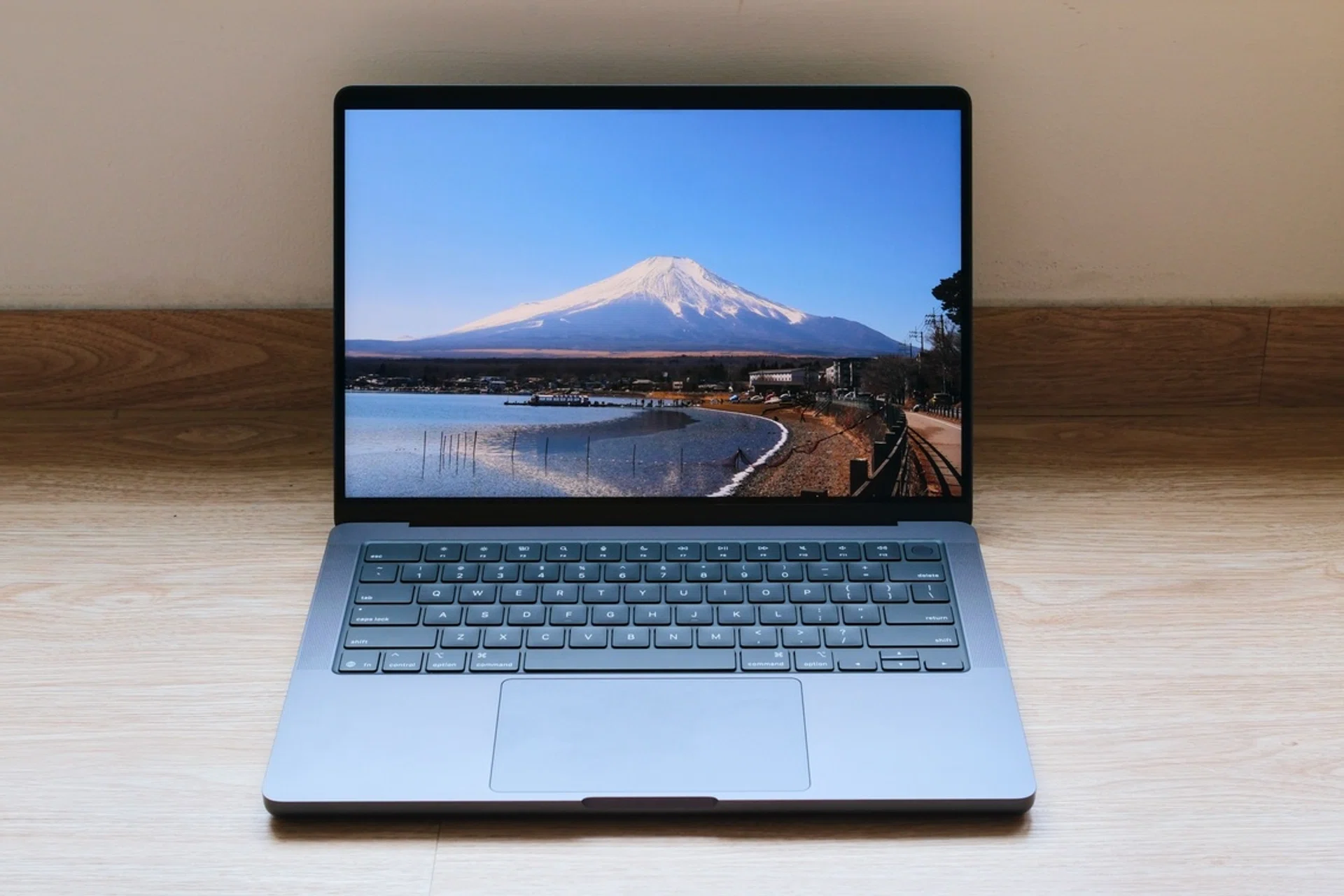
The base-model 14-inch MacBook Pro is the first Mac to get the M5 chip.
Apple has finally given the entry-level MacBook Pro the upgrade it deserves. Gone is the dated design and controversial Touch Bar, and in its place, we have the same form factor and design as the 14-inch MacBook Pro. This is now the cheapest MacBook you can buy with active cooling, which is a must-have for folks who run intensive sustained workloads and intend to play games. It’s also the cheapest MacBook to feature the gorgeous Liquid Retina XDR display. The latest version even gets three USB-C Thunderbolt 4 ports and 16GB of memory as standard. This is a great option for anyone who wants something a little better than a MacBook Air but doesn’t need all the performance of the pricier 14 or 16-inch M4 Pro and M4 Max MacBook Pros.
Pros: Most affordable MacBook with active cooling and Liquid Retina XDR display
Cons: No Wi-Fi 7 support, upgrades are expensive
You can find the 14-inch MacBook Pro on Amazon, Lazada, Shopee, and the Apple Online Store.
For performance on the go: 14 and 16-inch MacBook Pro
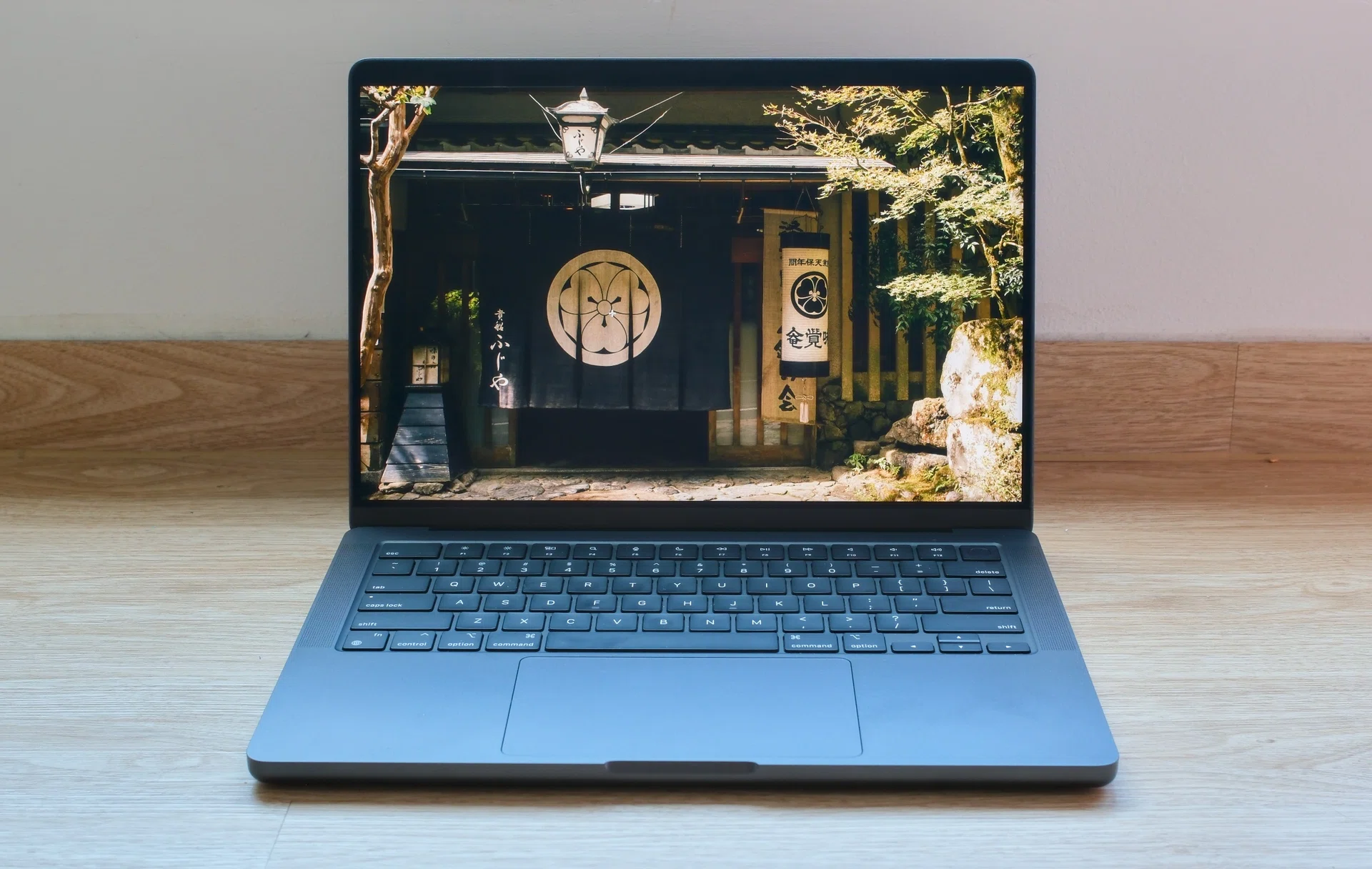
The 14 and 16-inch MacBook Pros are some of the best notebooks money can buy. Photo: HWZ
The most powerful versions of the 14 and 16-inch MacBook Pros are still powered by M4 series chips. These chips are measurably faster than their predecessors, and they can also be equipped with up to 128GB of memory. This makes the 14 and 16-inch MacBook Pros excellent for anyone who needs very serious computing performance on the go. The rest of the notebook is mostly unchanged, which is no bad thing given that it’s almost faultless. The Liquid Retina XDR display is gorgeous, connectivity is good, and, despite their prodigious performance, they also have a very long battery life. Admittedly, they are very pricey, but for professionals, these are unquestionably the MacBooks to have.
Pros: Gorgeous display, breathtaking performance, SD card reader
Cons: No Wi-Fi 7 support, pricey, a little heavy
You can find the 14 and 16-inch MacBook Pro on Amazon, Lazada, Shopee, and the Apple Online Store.
For the cleanest setup: iMac
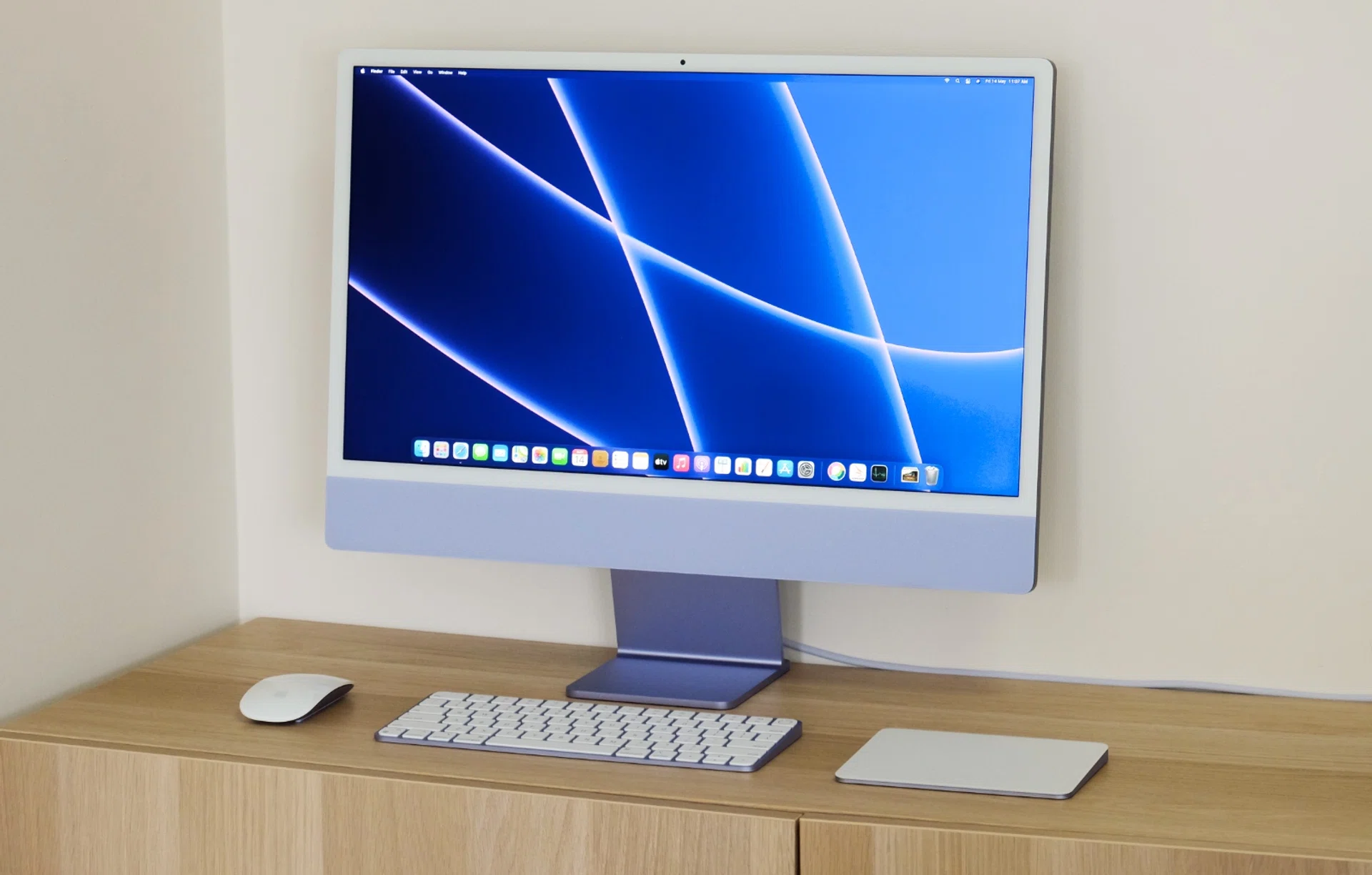
If you care about the way your desktop setup looks, you can't beat the iMac. Photo: HWZ
Folks who are concerned about aesthetics as much as they are about performance and features should look at the iMac. It has a sleek and playful design and is possibly the best-looking all-in-one system I’ve ever seen. Furthermore, it comes in seven colours and can be ordered with colour-matching accessories. The screen is high-quality too – it’s a 24-inch 4.5K Retina display. Apple also recently updated it so it has the latest M3 chip, which should deliver more than enough performance for most users. It's not cheap, but I guess that’s the price to pay if you want to look good.
Pros: Sexy-looking all-in-one system, new M4 chip
Cons: Pricey, can't be used as an external display with other sources
You can find the 24-inch iMac on Amazon, Lazada, Shopee, and the Apple Online Store.
For pros only: Mac Studio & Mac Pro
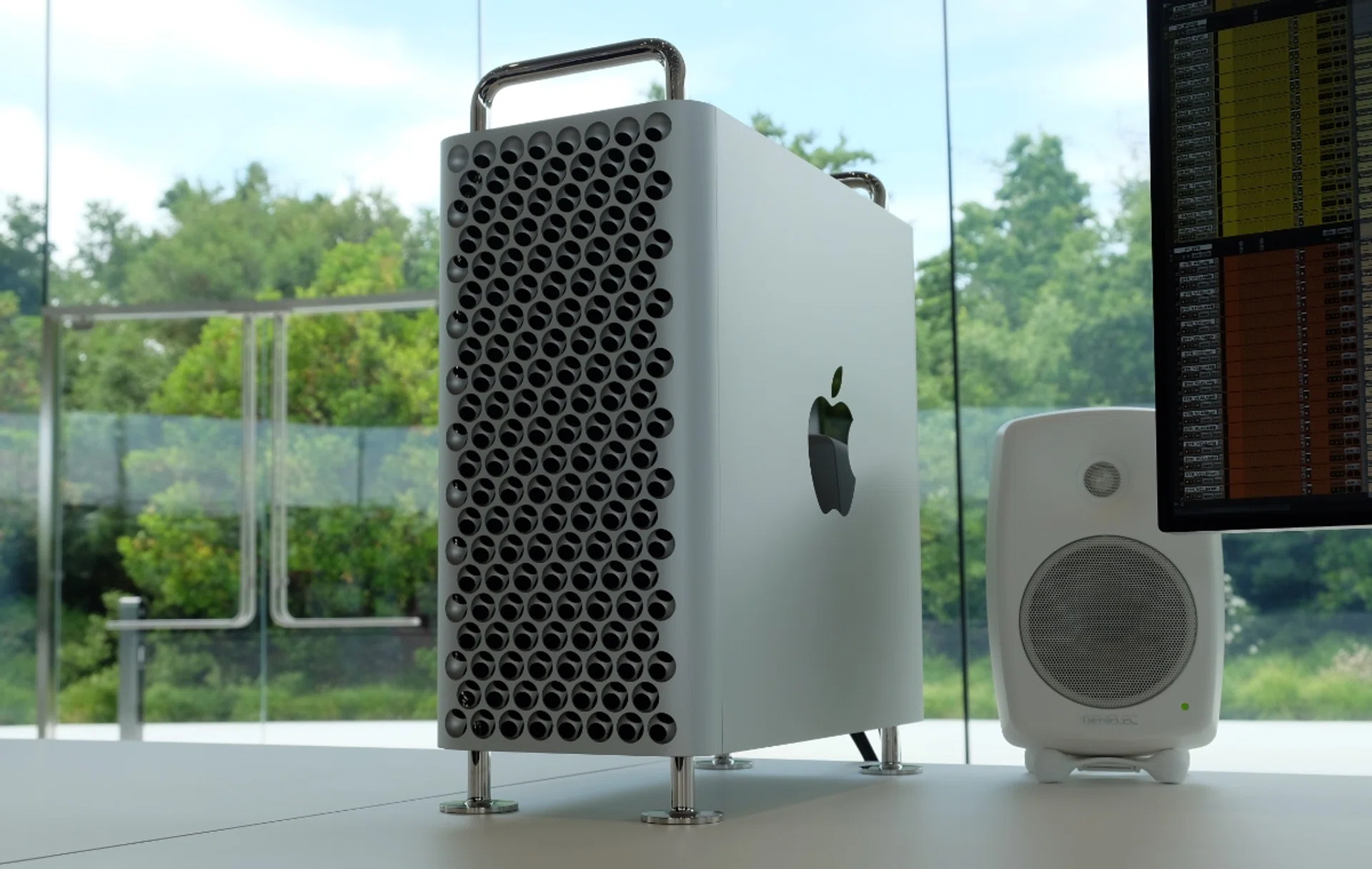
The Mac Studio and Mac Pro are overkill for most people. Of course, you could still get them if you feel like you need the absolute best that Apple has to offer. Photo: HWZ
The Mac Studio and Mac Pro are overkill for most people. Powered by the most powerful chips that Apple has, these are systems designed for professionals who need the last word in performance. If you don’t find yourself editing multiple streams of 4K or 8K videos, running multiple virtual machines or LLMs, compiling tons of code, or dealing with massive 3D models and graphics, there’s little need for these systems. The Mac Pro can be equipped with Apple’s flagship M2 Ultra chip, while the Mac Studio was recently updated and can be equipped with the M4 Max or M3 Ultra chips. However, the Mac Pro has the benefit of additional PCIe slots that can be useful for professionals who require the use of specific PCIe cards for storage, networking, or audio and video I/O. If you don't even know what a PCIe card is, you don't need it. Of course, you could get these systems too if you feel like balling out, but really, these are systems for professionals who have very serious and demanding computing needs.
Pros: Very powerful, very fast
Cons: Very expensive, niche
Read our review of the M3 Ultra Mac Studio here.
Read our coverage of the Mac Pro here.
Read our coverage of the updated Mac Studio with M4 Max and M3 Ultra chips here.
You can find the Mac Studio and Mac Pro on Amazon, Lazada, Shopee, and the Apple Online Store.
Our articles may contain affiliate links. If you buy through these links, we may earn a small commission.