
Logitech G Pro X Superlight 2C impressions: Designed for competitive gaming
At 51g, it is an extremely light gaming mouse.
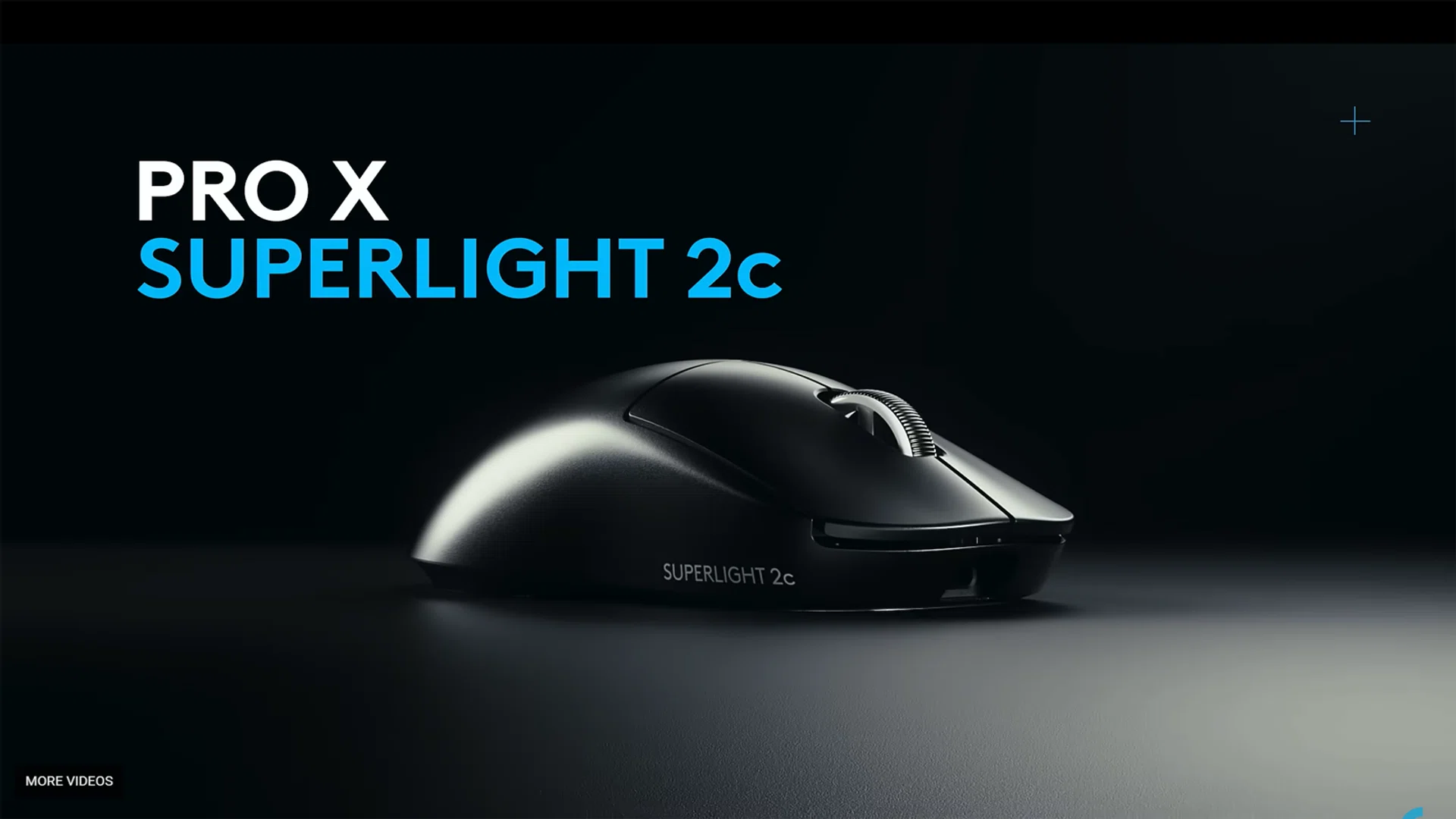
The Logitech G Pro X Superlight 2C is a lightweight gaming mouse designed for hardcore competitive gaming. It focuses on speed, precision, and minimal weight. The mouse weighs around 51g, making it an extremely light gaming mouse, which helps reduce hand fatigue and allows faster movements while gaming. Personally, I do not usually use Bluetooth mice often and usually prefer a more hefty mouse so as to really feel the “oompf” as I game.
The mouse feel
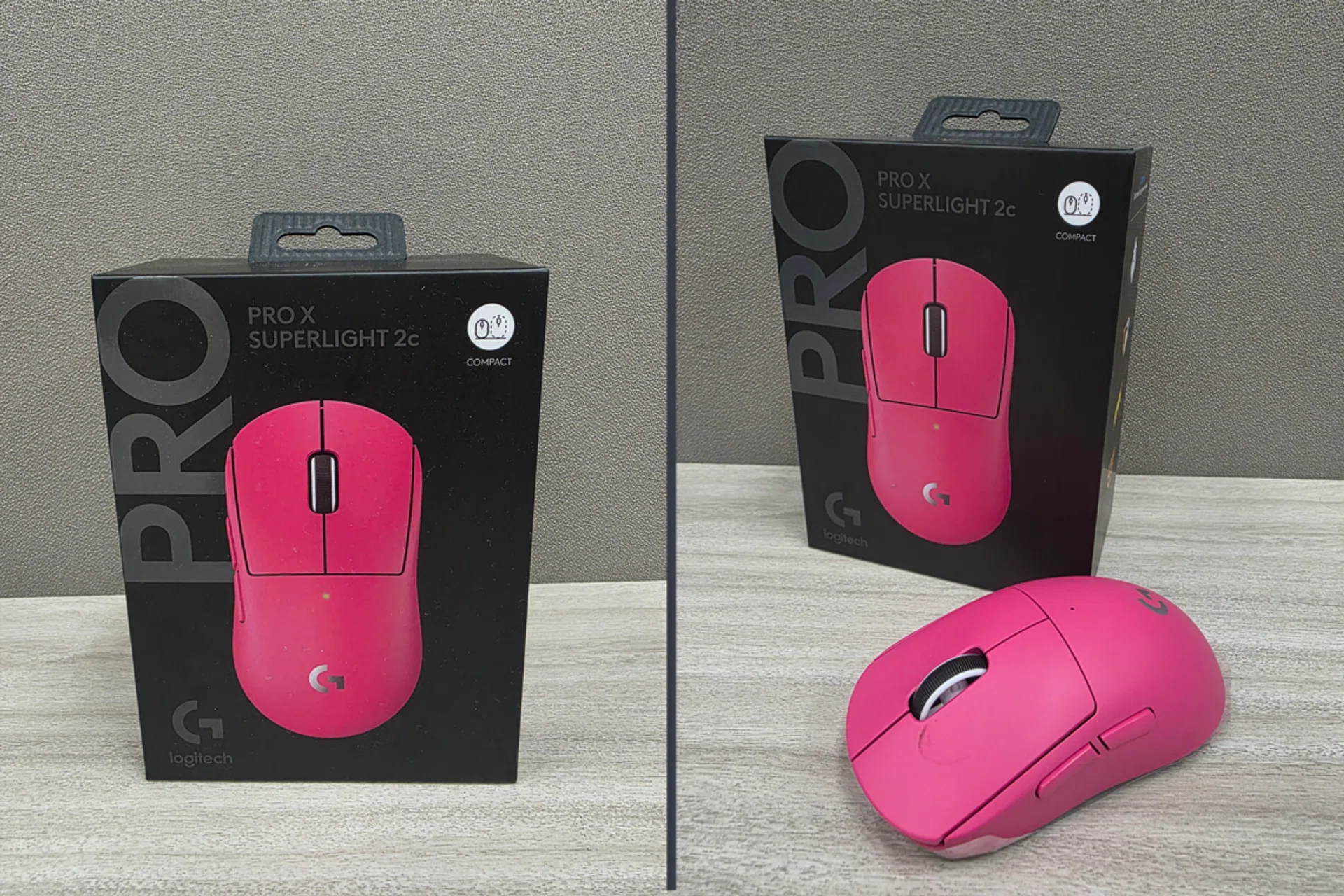
Photo: HWZ
The mouse uses Logitech’s Hero 2 sensor, which supports up to 44,000dpi and accurate tracking. In actual use, I found that the tracking was consistent and responsive. For example while playing Elden Ring: Nightreign, there were no noticeable delays or sensor issues during gameplay, and with the clicks feeling sharp and responsive. The shape of the mouse is simple and symmetrical, making it suitable for claw or fingertip-grip style users. However, gamer with larger hands or a palm grip preference may find it slightly small. I myself would have preferred a bigger grip, however this is down purely to personal preference.
Connectivity and battery life
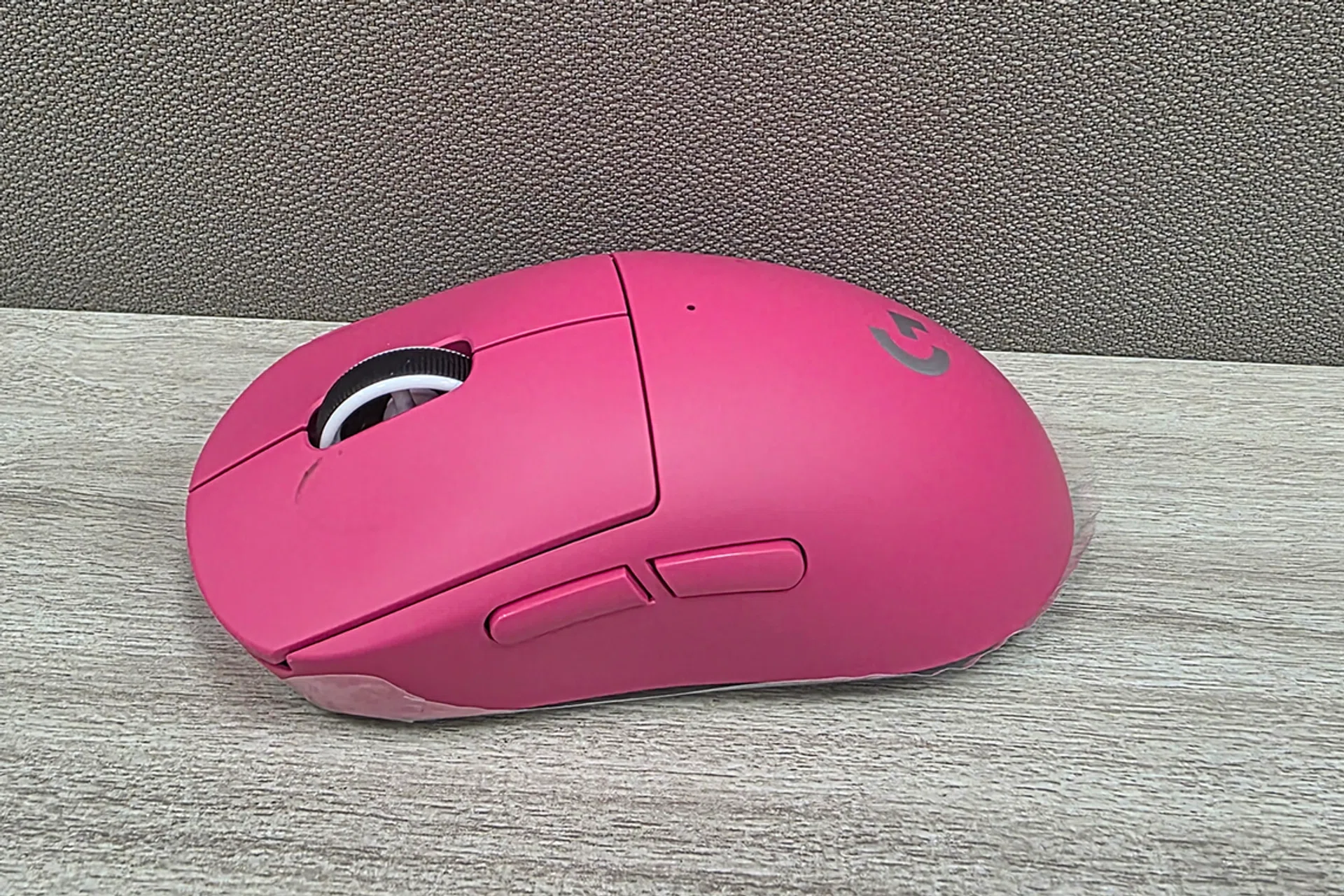
Photo: HWZ
Connectivity is done via a USB dongle, which means the mouse’s full functionality depends on compatibility with the operating system and successful hardware detection. Battery wise, the Superlight 2C mouse has a rated battery life of up to 95 days before needing a recharge. Being someone who uses wired mice typically, the act of charging a mouse is new to me, however I do think the battery life is good.
Although I do worry that if I forget to charge the mouse before a gaming session, it might run out of battery halfway through and disconnect during an intense match, however this is more of a user habit.
Software Experience
Much like the G515 keyboard that I reviewed recently, the Superlight 2C depends heavily on the Logitech G Hub app for full customisation. DPI adjustments, button remapping, polling rate changes, and profile management are all done via the software.
And like with the keyboard, the main issue experienced was with installing and using Logitech G HUB. And as I reviewed this mouse in conjunction with the G515, I also had to turn to other sources like Reddit to find quick fixes. Similar to the other troubleshooting and complaints other users had, the installer downloaded but would not properly begin installation. An older version had to be installed first before updating to the latest version. Even after installation, the software sometimes failed to detect the mouse.

Photo: HWZ

Photo: HWZ
When the software does not recognize the mouse, the advanced features cannot be fully optimised. While the mouse still works as a basic plug-and-play device, the advertised features like the DPI settings, button customisation, and performance tuning are unavailable.
Value vs Performance
From a hardware perspective, the Superlight 2C performs well. It feels lightweight, accurate, and reliable.
However, the justification of its retail price of S$219 hinges on whether the software works properly. If Logitech G Hub installs and detects the mouse without issues, the device offers strong performance for its price. At this price point, gamer should expect both strong hardware and stable software. When software becomes bugger and unstable, the overall value decreases and you’re probably better off with another wireless mouse such as the S$245 Razer Basilisk V3 Pro 35K Wireless Gaming Mouse even Logitech’s own G502 Lightspeed Wireless Gaming Mouse which, while much heavier, comes at a lower price of S$119.
Final thoughts
The Logitech G Pro X Superlight 2C Wireless delivers a strong hardware performance. It feels lightweight, precise, and suitable for competitive gaming. The physical build and wireless responsiveness meet expectations for a premium gaming mouse, even more impressive to me as it is a wireless mouse.
However, my overall experience was affected negatively by the software issues that I encountered. And it does not seems like I’m the only one facing this. While the mouse works reliably as a basic wireless device, the inability to use its full customisation features limits its full functionalities.