
Logitech G515 Lightspeed TKL impressions: A gaming keyboard let down by software issues
When it works, it’s great though.
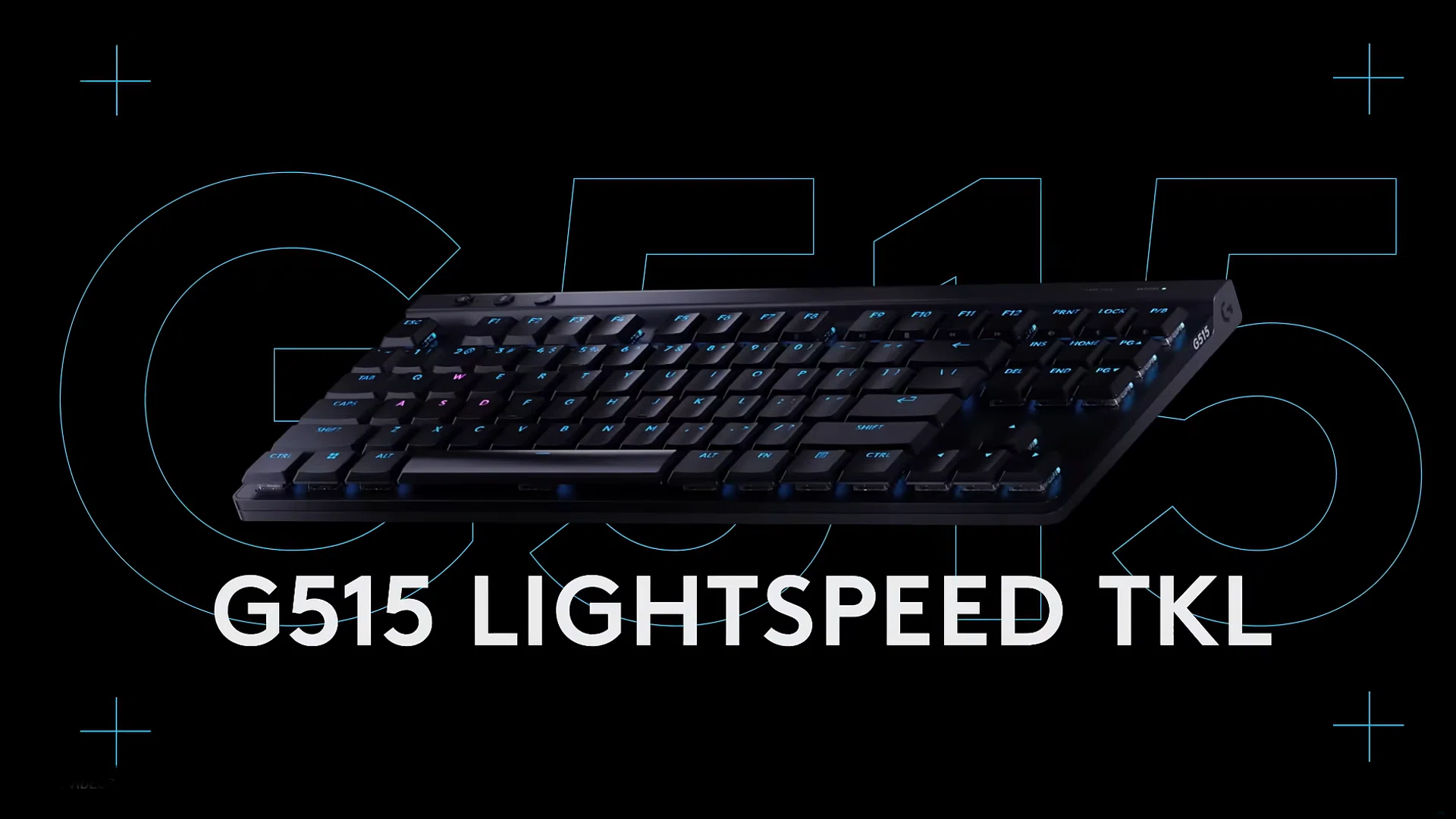
The Logitech G515 Rapid TKL Wired Analog Gaming Keyboard is a low-profile tenkeyless wired gaming keyboard that is designed to be compact and ideal for gamers. Personally, I am usually more of a mechanical switch user, as I prefer the touch-feel of pressing down on the keycaps for the tactile thumps and the clicking sounds it produces.
As for the size of the keyboard, its a 80% keyboard layout, so it lacks the Numpad, helping it fit easily into limited desk space, much like my office table. The overall keyboard has a slim profile too, and uses a metal top plate combined with layered internal dampening to give it a solid, durable structure without increasing the overall height.
Key feel and actuation points
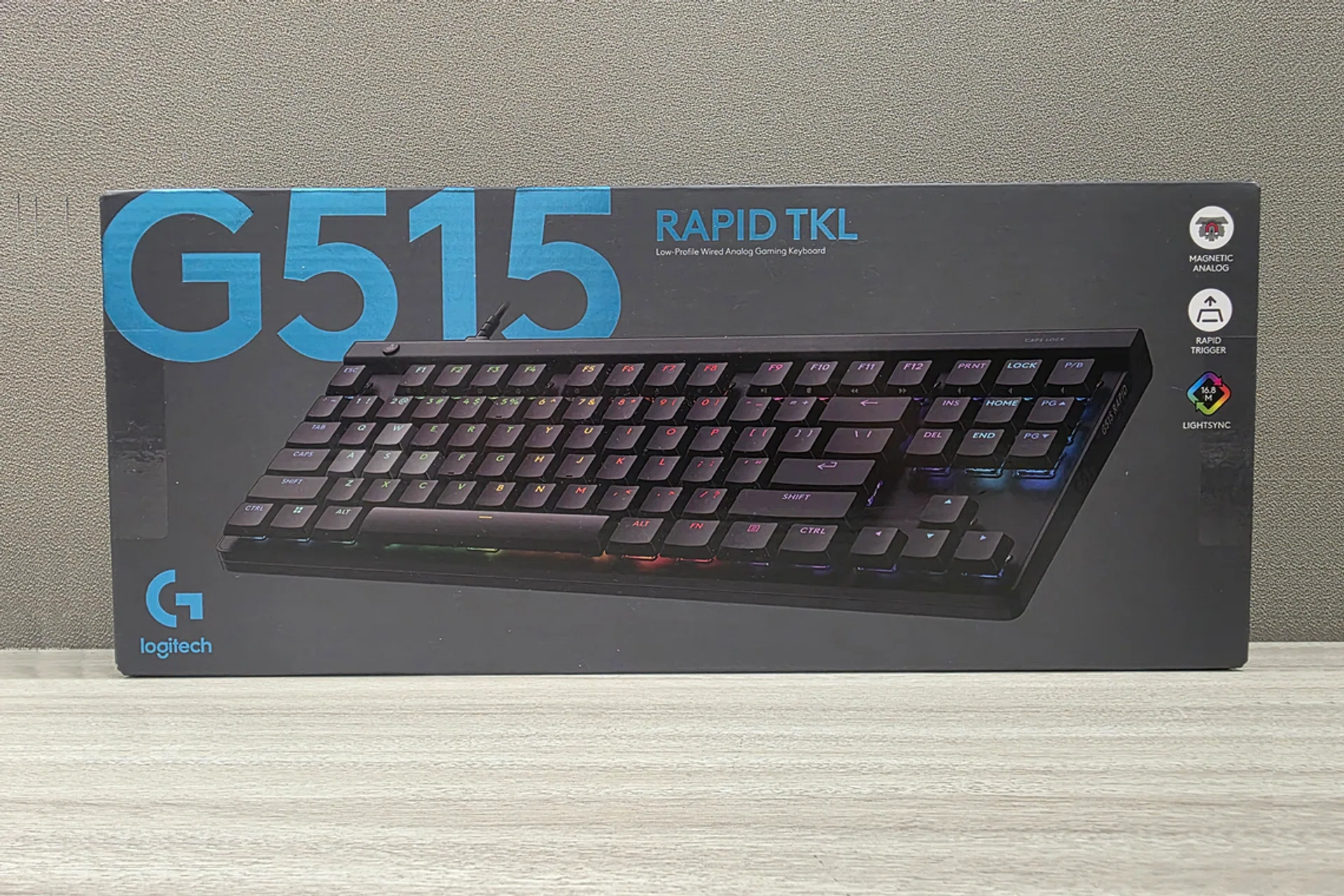
The Logitech G515 Lightspeed TKL (Boxed)
The keyboard’s defining feature is its use of magnetic analog switches rather than traditional mechanical switches. These switches allow for variable actuation, meaning keys can register input at different points along the key rather than at a single fixed point.
The keys had a relatively short travel due to the low-profile design, and the typing and gaming experience reflected this when comparing them to my standard office keyboard while gaming. I was able to press my keys faster without exerting as much force as on a traditional mechanical keyboard, though it did take some time getting used to. The keypresses were much smoother than the office keyboards, and typing was much smoother as I felt it was easier to glide my fingers to the lesser-used keycaps. Alongside this, double-shot PBT keycaps are used, allowing key legends to remain visible even with the RGB backlighting.
Connectivity-wise, the G515 is limited to a wired USB setup, with no wireless or Bluetooth modes available. This ensures a constant physical connection but also means the keyboard’s full functionality depends on compatibility with the operating system and successful software detection. When the software connection is unavailable, the keyboard operates using its default settings, which may not reflect the full range of features it was designed to offer.
Logitech G Hub Application
The G515 RAPID TKL is designed to rely heavily on software for customisation via the Logitech G HUB, which is intended to manage analog settings, key assignments, macros, and RGB lighting profiles. In normal circumstances, this key behaviour can be configured through Logitech’s G HUB software, where actuation distance, rapid trigger behaviour, and other advanced input features can be adjusted.
However, the keyboard, alongside the Pro X Superlight 2C Wireless Mouse that was sent to me alongside i, was unable to connect to the Logitech application most of the time. The troubles first started when I attempted to download the Logitech G app to my computer. While being able to download the installer from the official Logitech website, the it refuses to begin the installation process despite multiple attempts (for context, this was on Windows 11). I had to comb the web for a previous version of the application on non-official websites before we could install and update it to the latest version.
What’s not odd about this is that I am not the only one to experience this; multiple users have reported on Reddit their concerns about the application.
You would think that after the installation, I would have had a smoother experience. Unfortunately, the app was unable to register the keyboard. Even after performing quickfixes and searching the web for answers, I was sadly unable to remedy the situation.
As a result, software-dependent features such as changing the actuation points, enabling rapid trigger behaviour, or even customising lighting were not accessible. Without the app connectivity, the keyboard functions as a basic wired input device, allowing basic typing and key presses, but without access to its marketed advanced configuration options.
I do want to note that the effectiveness of software that manages key marketed features of a gaming device is an important and vital part of the experience that can either value-add or ruin it completely.
In this case, the complicated installation and setup process for the Logitech G application, the inability to connect the keyboard to the app itself, and the fact that the advertised configuration options and core features were inaccessible ultimately diminished the overall experience.
Price points
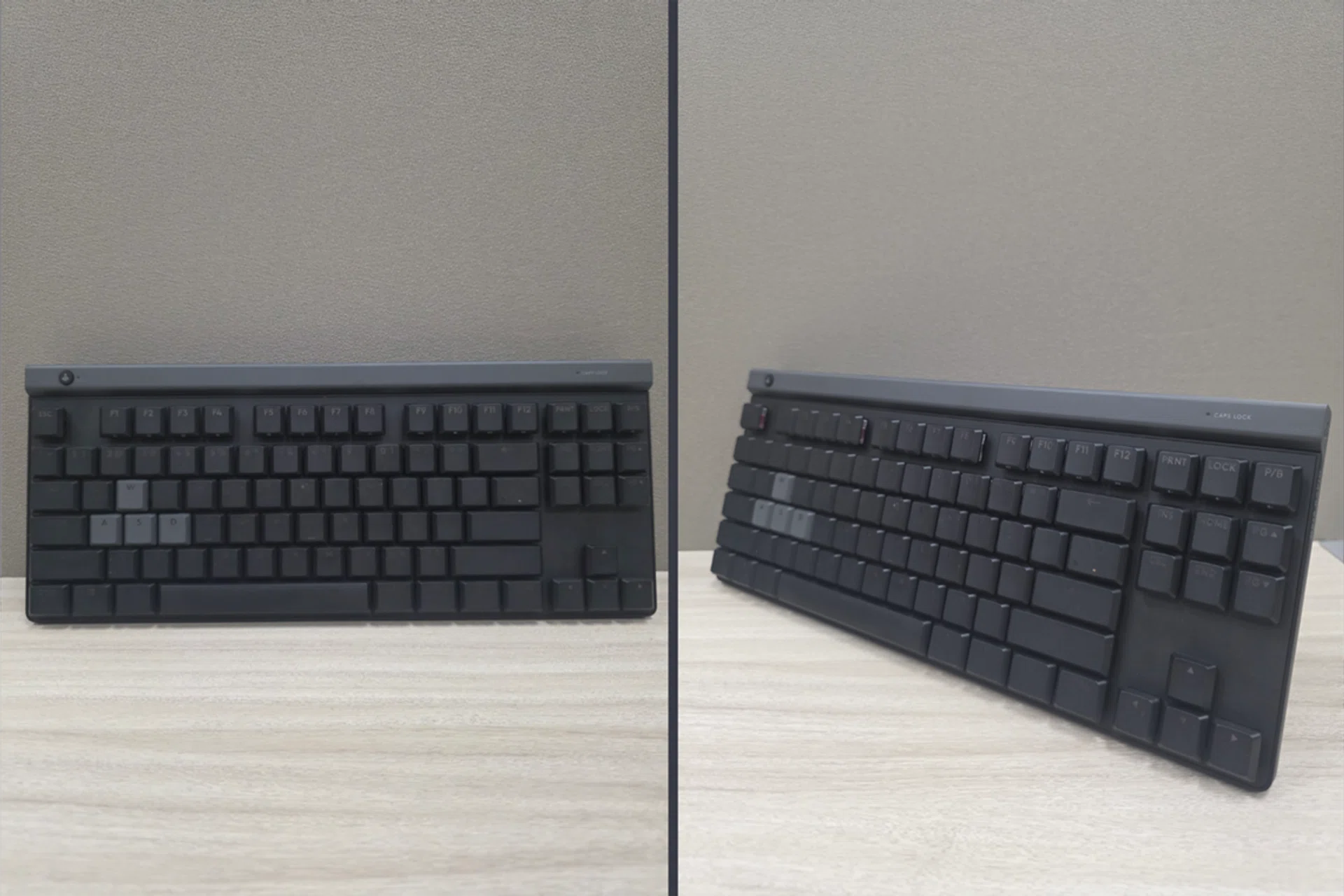
Photo: HWZ
When evaluating the keyboard, it ultimately comes down to whether the performance benefits justify its retail price of S$189, especially given its heavy reliance on software.
From a pure hardware standpoint, the keyboard performs well. As I had mention earlier, the low-profile design, magnetic analog switches, layered dampening, and double-shot PBT keycaps position it firmly in the premium gaming segment.
However, performance potential and my personal experience are two different things. Because the keyboard depends heavily on Logitech G HUB to unlock many of its key features - such actuation points configurations or access to rapid trigger settings, any software instability directly affects the product’s value.
But if you do get it to work, the value proposition is stronger. Making it seem like a good lower-priced alternative to the likes of Razer Huntsman V3 Pro TKL or SteelSeries Apex Pro TKL, which are much more expensive.
But for those who encounter compatibility or installation problems, the experience may not align with the pricing. If users are unable to access these features via the Logictech G Hub, they are essentially paying for capabilities they cannot use. In that state, the keyboard competes more as a standard wired gaming keyboard, a category where more affordable options exist.
Final thoughts
The keyboard functions reliably as a standard wired gaming keyboard, with a solid, sleek design and a low profile that feels intentional and well executed. The compact key layout and sturdy physical construction contribute to a clean, compact setup, and the hardware itself performs consistently for gaming and general use.
However, the my overall experience was negatively impacted by the Logitech G, as the inability to properly install or use the app prevented access to the keyboard’s defining features.
While I feel that the hardware is able to stand on its own in terms of build and usability, the dependence on software for core functionality shaped the experience and left it falling short of what the device is marketed to deliver.