
Guide: Buying the right ASUS gaming machine for your needs
Navigating the vast field of ASUS ROG's pre-built options is a mind-boggling task in and of itself, but with a little bit of know-how it’s easier to find what you need to suit your gaming needs.
Note: This article was first published on 25th December 2017.
Matchmaking your needs to the ideal system
Navigating the vast field of ASUS ROG's pre-built options is a mind-boggling task in and of itself, but with a little bit of know-how it’s easier to find what you need to suit your gaming needs.
For PC gamers, there’s little doubt that the do-it-yourself route presents the ultimate in value and flexibility, but it may not always be the most feasible for various reasons. Navigating the vast fields of pre-built options is a mind-boggling task in and of itself, but with a little bit of know-how it’s easier to find what you need.
The good news is that, these days, purpose-built gaming PCs aren’t hard to come by. For example, ASUS has a boatload of options for casual gamers, all the way to the hardcore gaming and PC enthusiast geek. The trouble is in finding the right balance between price and performance, as it’s easy to get carried away with the latest advancements or excessive future-proofing. Depending on what you hear, getting into PC gaming isn’t as expensive as you might think.
On the other hand, mismatched components may wind up giving you more trouble than it’s worth, and few things are as frustrating as a computer struggling to meet your needs. So with that in mind, we decided to chart your needs that will match suitable system offerings from ASUS.
The first question you should always ask is: What is the new system really for?
Identifying your needs
“Gaming” is the obvious answer but we’re going to have to be a little more specific. What do you normally, or hope to, play?
- Esports fans aren’t particularly demanding on rigs but they do have specific hardware and performance goals to gun for. Long story short: they want frames, they want responsiveness, and they want them aplenty.
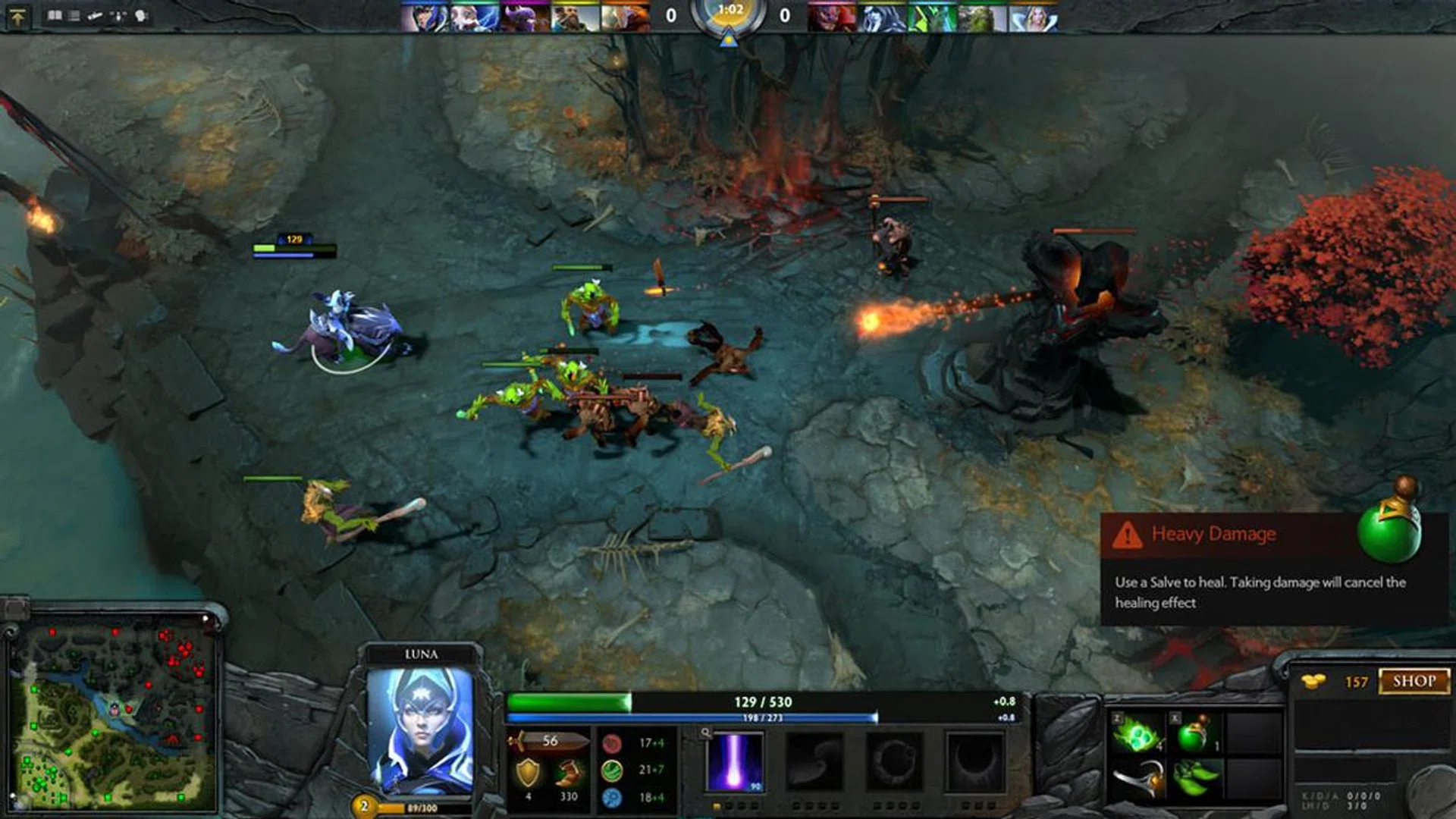
For DOTA 2 players, you don't need a high-end computer to play the game. Even at a competitive level.
- Simulator and strategy enthusiasts similarly push their PCs in a specific direction, namely processing power, to cope with all the visible and background data in those marathon sessions. Ballistics, AI, cockpit instruments, and so much more – there’s tons to calculate under the hood.

Space sims such as Elite: Dangerous is getting a mini revival too.
- The core gamer doesn’t dedicate their time to any single title or genre, choosing instead to keep up with their friends, trends, or whatever catches their fancy. Their systems typically straddle that sweet spot between price and performance, making them ideal as gifts or for new PC gamers.
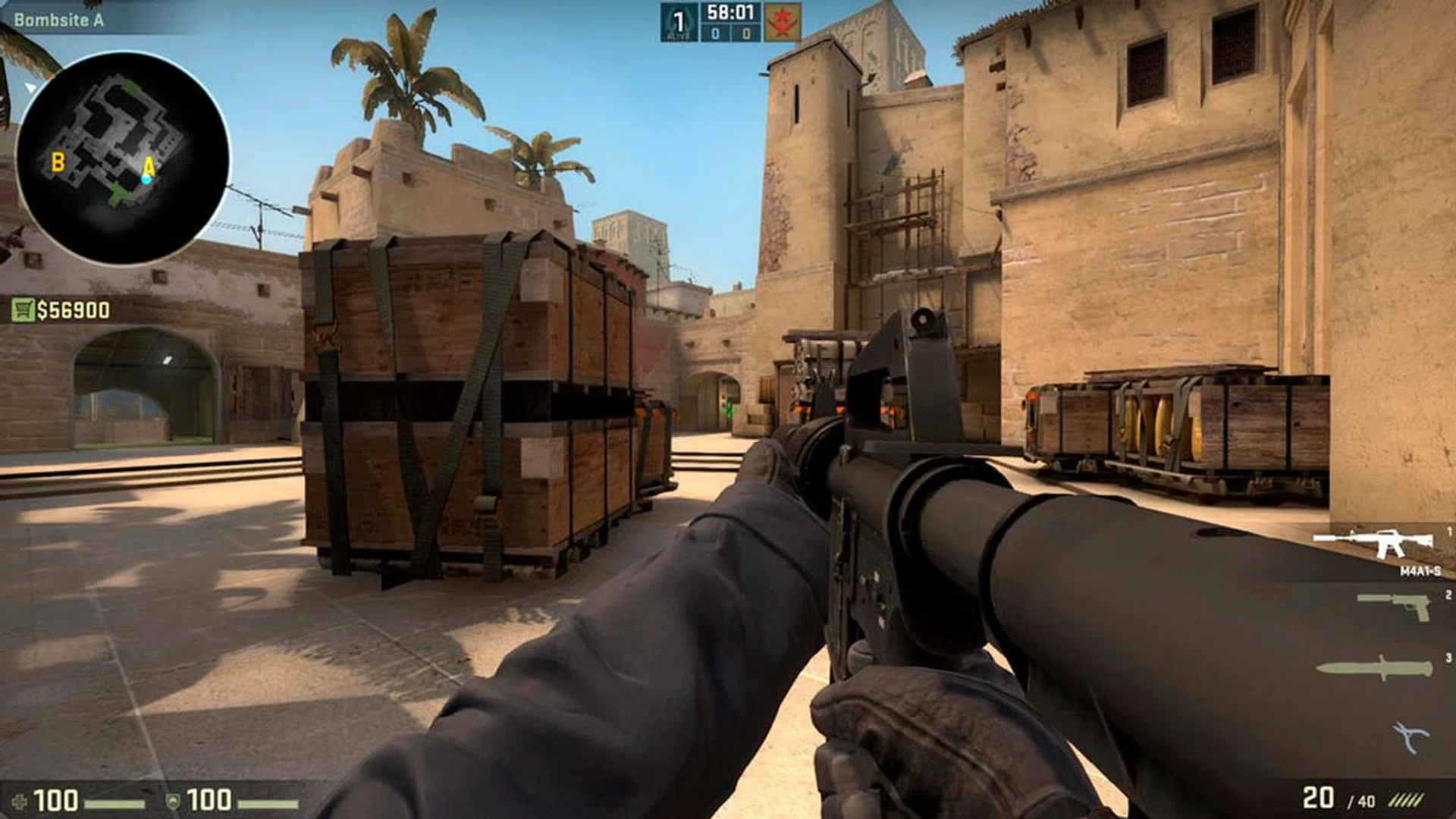
Counter-Strike: Global Offensive is a 17-year old game that's enjoyed by both professional and casual gamers.
- High-end gamers abandon budgetary constraints to go after the latest and greatest, driving the high-end market in their quest to conquer 4K. It’s no longer a matter of games being out of reach but about technical achievement, though it’s worth noting that even the best of systems crumble before a poorly optimized game.

Playerunknown's Battleground may not seem like it, but it requires a very high-end computer to run it at full visual settings.
- Streamers tend to overlap with any one of the other categories, and while getting started has never been easier, certain production goals do call for specific hardware requirements.
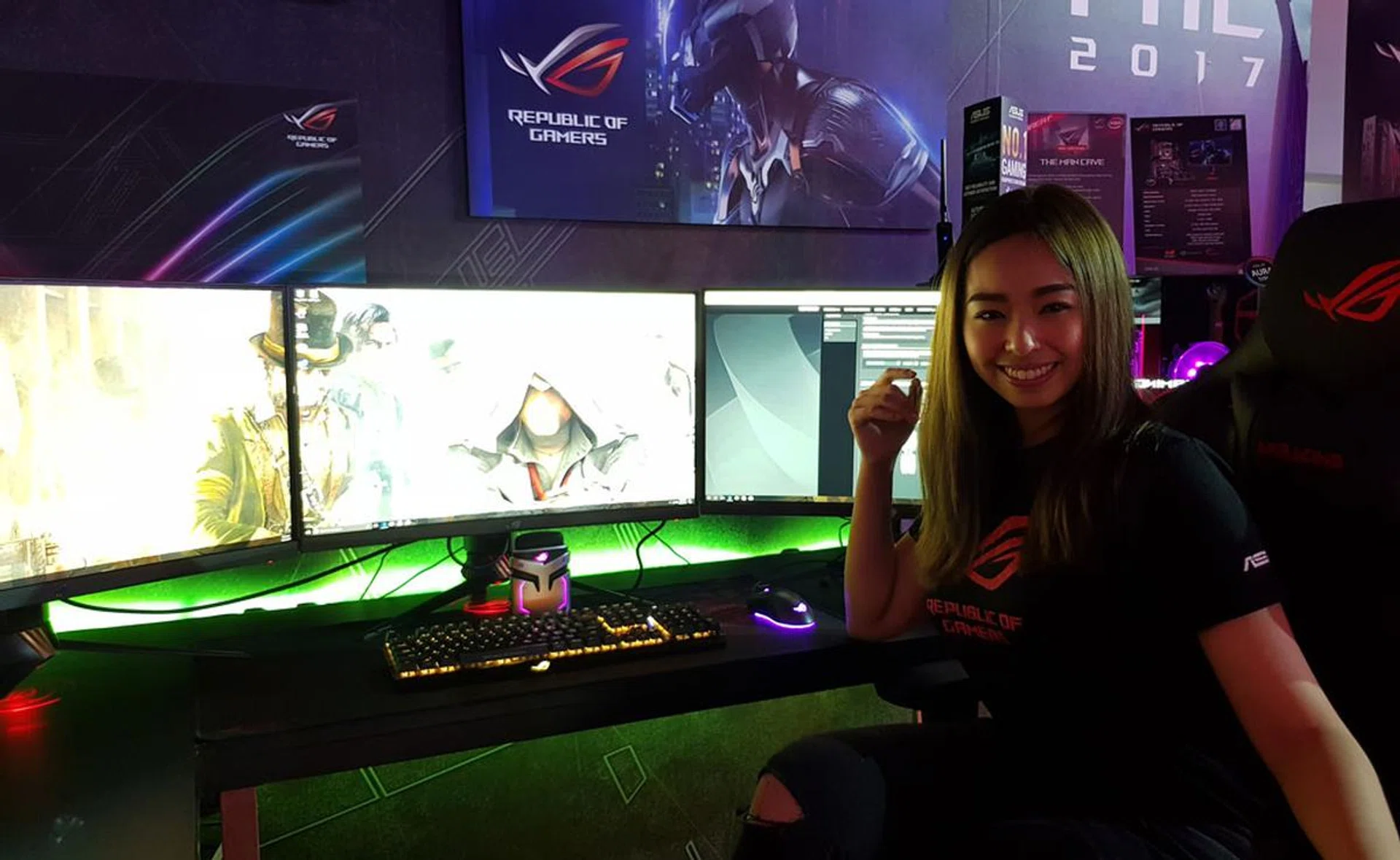
Streaming while playing a game simultaneously requires a fairly powerful PC as well.
Key components and specs of your gaming machine
Coming to grips with PC technology isn’t something to be done overnight, with information often getting outdated faster than you’d like. That said, it’s good to know what each component does and why it matters in gaming. We tackle the most important components that play a pivotal role in determining your gaming experience and why it matters with some broad recommendations.
CPU (Central Processing Unit)
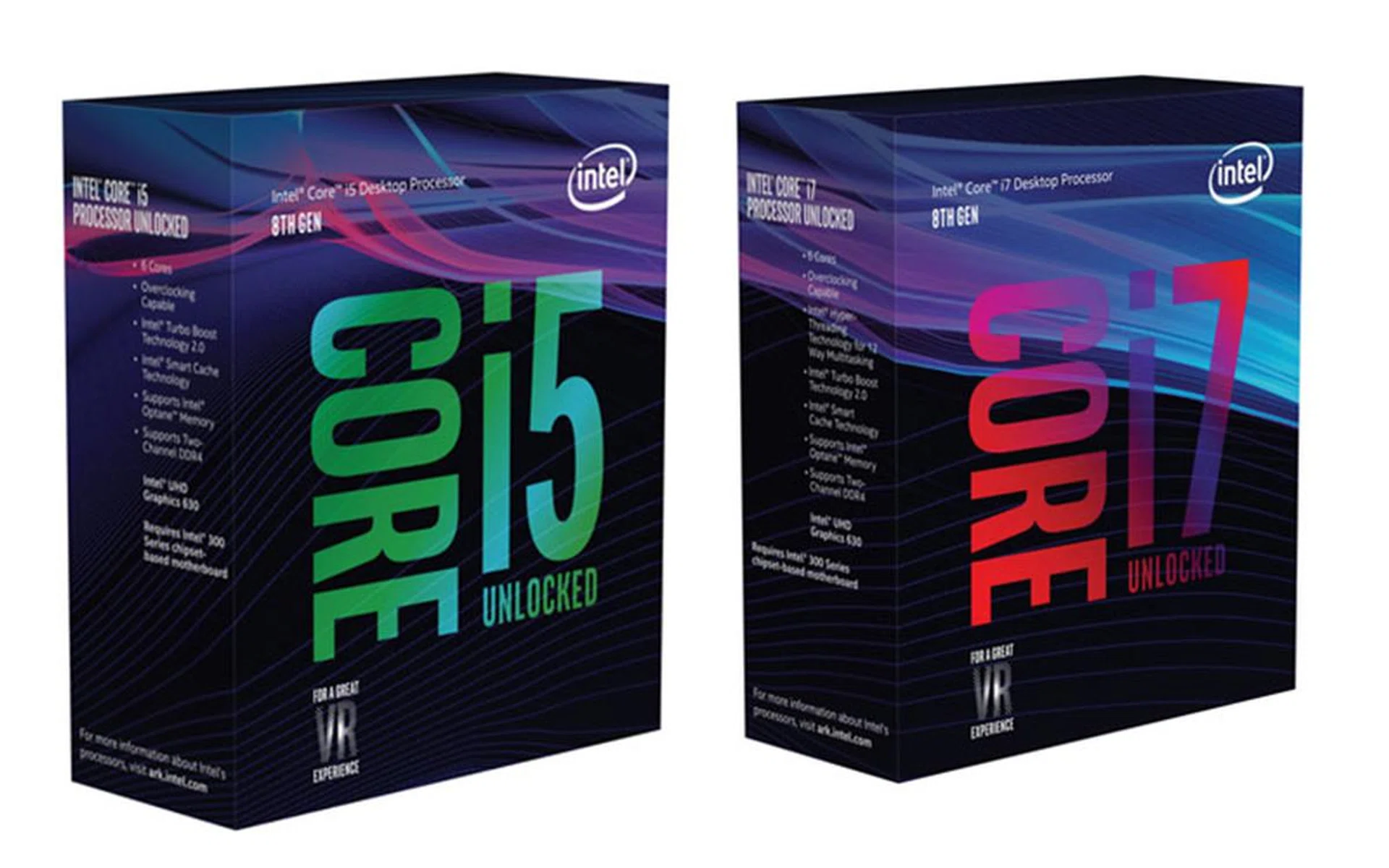
The brain of any system, the CPU is often one of the first things listed on a specifications sheet and with good reason: they largely determine how well applications perform. While graphics cards are usually the star of gaming conversations, the CPU is just as, if not more essential, for certain genres. It’s worth dipping your toes into deeper waters, but check for core counts and clock speeds. For example, a good reference point would be Intel’s 8th-Gen “Coffee Lake” Core i5-8400 (6 cores with a boosted clock speed of 4GHz) and AMD’s Ryzen 5 1600X for something equivalent. To simplify it further, make sure your system is equipped with at least a Core i5 class processor better.
What about CPU considerations for notebooks?
Keep in mind that the above examples pertain to desktop-variants CPUs, and notebook buyers should look out for slightly different prefixes. As a rule of thumb, Intel’s mobile-based CPUs have either a “U”, “Y”, “HQ” or “HK” letters behind their numbers and they determine different class of capabilities. In general, avoid "Y" suffix based processors for gaming needs as they are for suitable for business ultrabooks with a focus on extreme low power consumption. Once more, anything Core i5 or better with "U" suffix onwards should be the minimum to consider for an Intel processor based notebook, such as the Intel Core i7-8550U, for example.
A mobile CPU chip is designed for portable computers, and to run cooler, it uses lower voltages than its desktop counterpart (thus a lower power profile) and has deeper sleep mode states than desktop class processors. However, there are few 8th Gen-powered laptops on the market right now so most will still be using an Intel “Skylake” 7th Gen. AMD processor based notebooks are quite rare in this part of the region, but we'll update this guide once there are more of these notebooks for consideration. One such model is the ROG GL702C notebook, which is quite a unique offering.
GPU (Graphics Processing Unit)
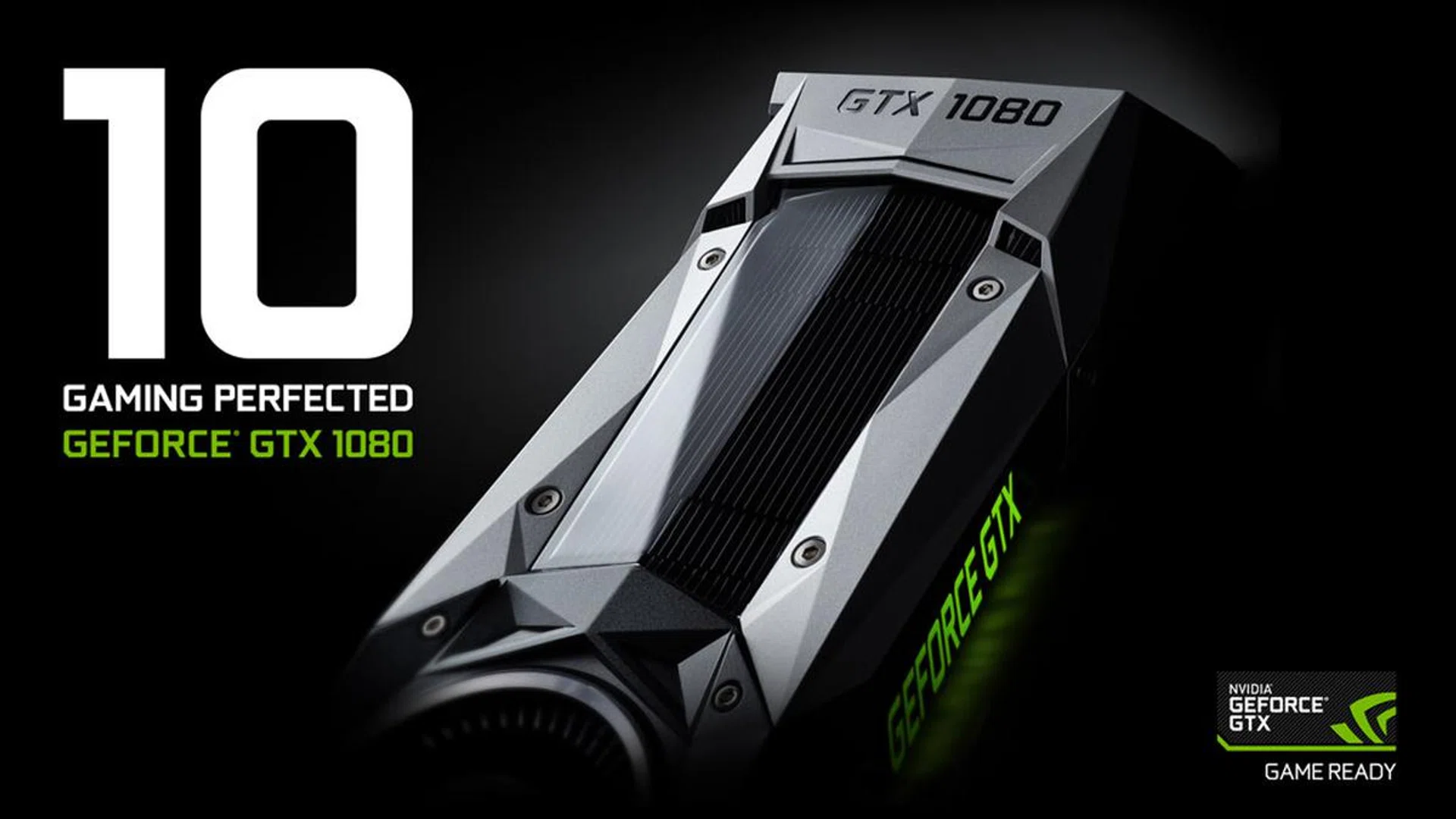
Also known as video card or graphics card, these eye-grabbing components are responsible for bringing video games to life. While older and simpler games can be rendered entirely through a CPU’s integrated graphics chip, taking the discrete route opens the door to beautiful textures, effects, and of course, far better performance. In addition to clock speeds and core counts are factors such as video memory (VRAM), as well as differences between reference cards and their third-party equivalents. Look to NVIDIA’s GeForce GTX 1060 6GB or AMD’s Radeon RX580 8GB for a reliable mid-range pick. This recommendation mirrors both desktop and notebooks needs as the mobile version of the GPUs these days are very closely matched in capabilities.
RAM (Random Access Memory)
While all data is stored on hard drives, computers load models, textures, music, and other files into a memory cache for faster read/write access. RAM is useful for more than just gaming, playing a huge role in a system’s responsiveness and multitasking ability. Fortunately, things are a little more straightforward here: 8GB RAM is the absolute minimum, although 16GB is better for newer games or a desire to get into visual production.
Storage Drives
Note the plural because you’ll always want a pair, if not more – a fast solid state drive (SSD) for your operating system and core applications, with a high capacity hard disk drive (HDD) for storing the actual games, videos, and everything else. The former are basically flash drives that store data electrically, whereas the latter writes to physical electromagnetic disks. SSDs come in either standard SATA 3 or even faster M.2 PCIe variants. As HDDs are a mature tech, they make up for the slower speeds with a far better Gigabyte/Terabyte-per-dollar ratio. Avoid hybrid drives if you can as they don’t quite offer the best of both worlds, and instead shoot for something like the Samsung 850 EVO 500GB SSD and a Western Digital Blue 1TB (7200RPM) HDD combo. You may not always be privy to the exact brand/model details, but the gist of the idea is to have an SSD and HDD to play off the best of both their storage attributes. And don’t forget to have a backup!
Monitors
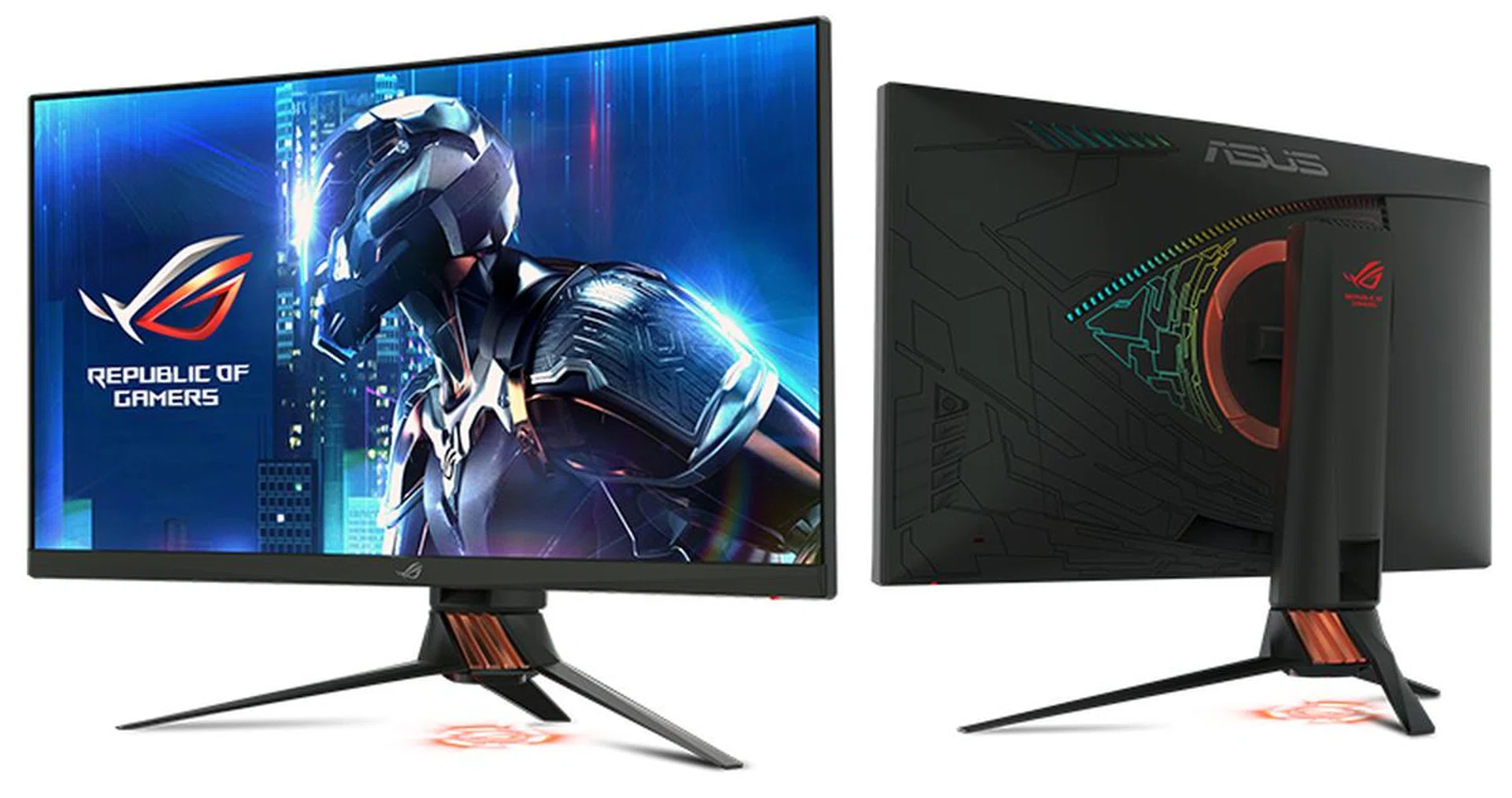
PC manufacturers often have a line of monitors to match their desktops, making your purchases that bit simpler. Whether it’s an external display or a laptop’s in-built screen, there are some points to look out for when it comes to gaming. With refresh rates the hot topic for screens, you may want to take this opportunity to jump onto the 144hz bandwagon (or even 240Hz screens if you must). Response time also matters for fast-paced and motion-heavy games, although most gaming-oriented options tend to keep them below 5ms. Screen size, resolution, and color accuracy are more personal decisions, but whatever you decide, make sure it doesn’t compromise your budget for the more essential components listed earlier. Need a gaming monitor suggestion? We have you covered.
Good screens are however not just the domain of desktop systems with flexible screen choices, but some higher specced notebooks these days are also equipped with speedy display panels; one such example is the ROG G703 wih a 17.3-inch FHD panel with a 144Hz refresh rate.
There are other things that make up a gaming PC: keyboards, speakers, ports, and network connectivity. While they all play a role in the usability and, ultimately, the entertainment you’ll derive out of your new PC, they’re more of a secondary concern once you’ve figured out the important hardware bits. Focus on the above to narrow your selections, before considering the other features. Another benefit to pre-built PCs is the one-stop manufacturer warranty, so do remember to ask.
Form factor: Get a desktop or notebook?
The nice thing about pre-built systems is that it doesn’t necessarily have to be a desktop PC. If space is a concern you could always scale down to something smaller, be it a laptop for mobility or a desktop replacement for power. Whatever you pick, always remember the holy trinity of price, performance, and size.
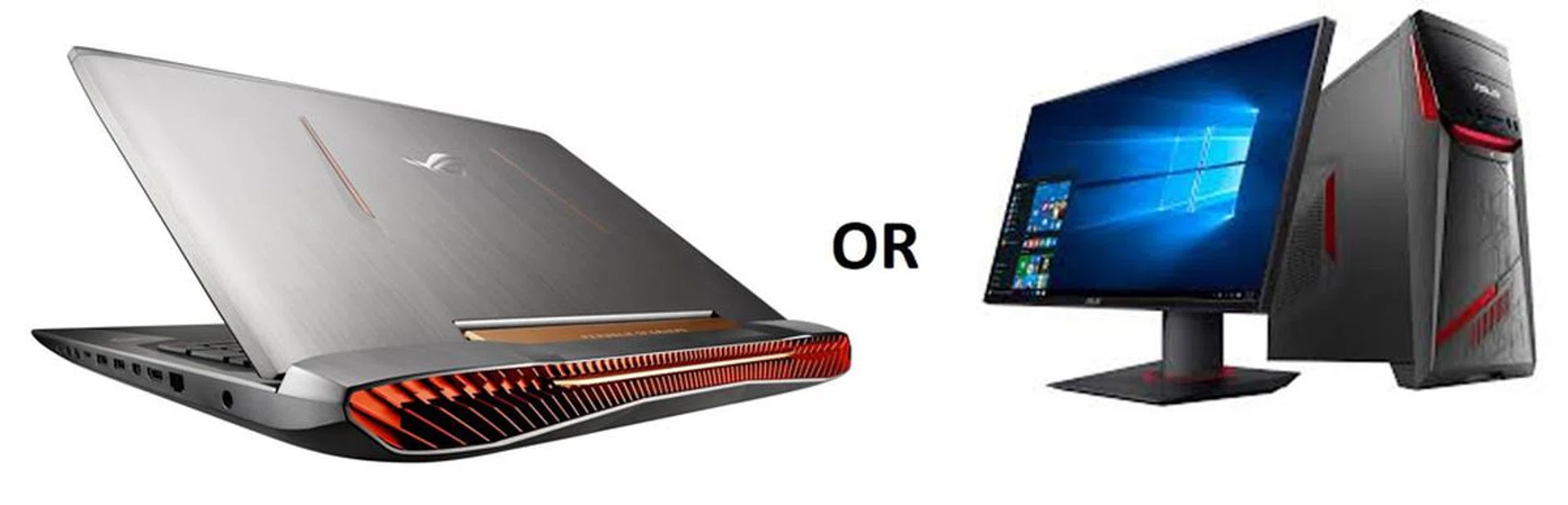
Get a desktop if you have the space for it. They’re more affordable, have better upgrade potential, and are generally much easier to clean and maintain. It’s also a decent way of gingerly learning and identifying the components whenever you pop open the case (so long as it doesn’t void the warranty), taking the time to see how and why the cables are routed the way they are. Other benefits include a ton of connectivity options for all your peripherals, and generally better cooling performance. Nowadays, desktop PCs come in compact flavors too, rivaling consoles in terms of size.
Get a notebook if you want to keep things neat and simple, portability aside. As attractive as a desktop PC is to enthusiasts, there’s plenty to be said about the charm and flexibility of a laptop. Thanks to huge leaps in hardware they can be just as powerful as a desktop PC, except you’ll get to lug it with you for work and play. You are, of course, sacrificing price and customizability, and the cooling systems tend to run loud when you get into some intense gaming. Desktop replacements retain that all-in-one look for even beefier hardware and cooling, at the expense of being larger and heavier. There's always a trade-off. Then there are a select few notebooks that straddle a very thin line between being a multimedia workhorse and a gaming machine like the Zenbook Pro UX550.
ASUS ROG system recommendations -- Desktops
Compact: ASUS ROG GR8 II
Available from: S$1,598 (Core i5), S$2,149 (Core i7)
Recommended for: [Esports] [Core Gamers]

Proving that a desktop PCs doesn’t always mean big, the 4-liter ROG GR8 II comfortably sits on a desk without making it look overcrowded. Its compact size doesn’t restrict the hardware ticking within, either, packing an Intel Core i7-7400 processor, a GTX 1060 6GB, and up to 32GB of RAM to cover your gaming and video production needs. It has plenty of ports too, letting you hook it up to the living room TV or plug in a VR headset. Check out our review for more details.
Customizable: ASUS ROG Strix GD30 CI
Available from: S$2,198
Recommended for: [Core Gamers] [Simulator Enthusiasts] [Streamers]
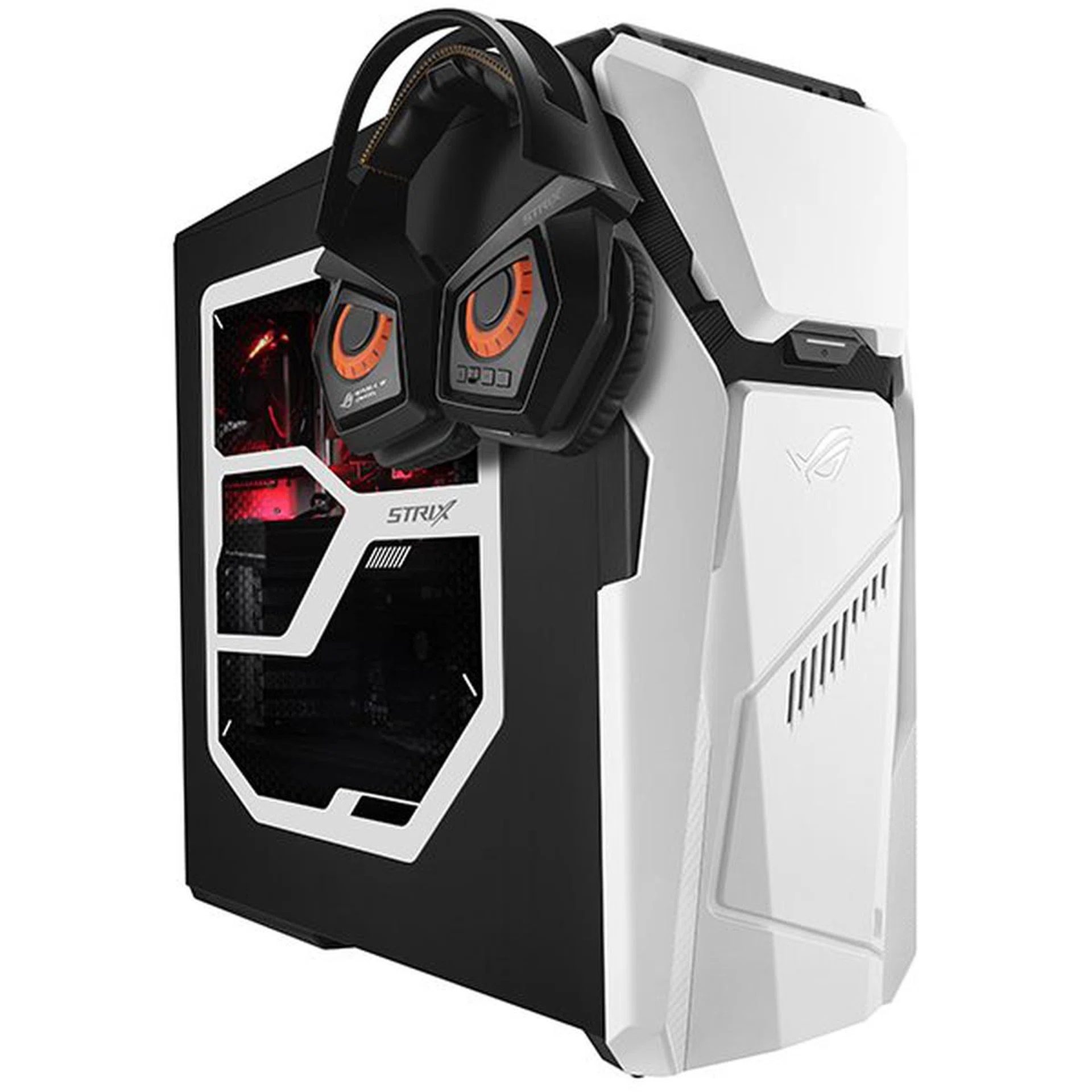
If you prefer to make a statement, the ROG Strix GD30 CI makes for a tempting proposition. Aesthetically, it comes with interchangeable front-panels that lets you mix up the look every few months (or days) to keep things fresh. More importantly, it packs plenty of interior room for additional storage drives, fans, and even a water-cooling system, meaning the system can grow alongside your technical know-how. That said, it’s already equipped with an Intel Core i7-7700 processor, 16GB RAM, and either a GeForce GTX 1060 6GB or a GTX 1070 8GB to give you a solid start.
Power: ASUS ROG GT51CH
Available from: S$3,798
Recommended for: [Simulator Enthusiasts] [High-End Gamers] [Streamers]
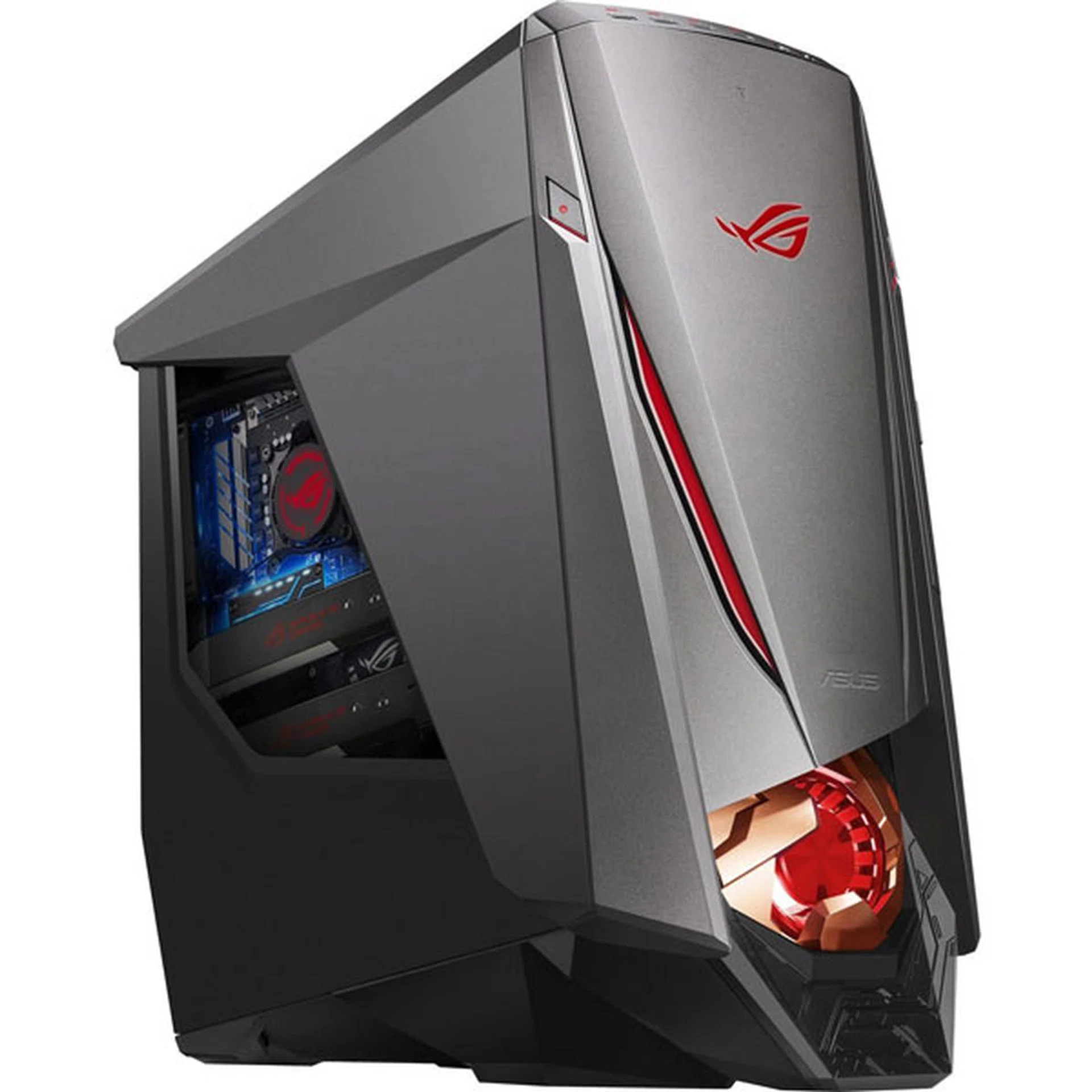
Shooting for the stars? Then perhaps the ROG GT51 CH will be more your speed, touting an overclockable Intel Core i7-7700K CPU and two GeForce GTX 1080 8GB GPUs, paired with 32GB of RAM. It’s your gateway to 4K gaming at 60 fps, or to smoothly run some of the more demanding VR titles out there. Keeping them at peak efficiency is a custom cooling solution that combines water-cooling and an airflow design involving a neat intake fan shaped after a jet engine. Expect to find other high-end components such as M2.PCIe SSDs and a Hi-Fi DAC, among others. For more details of its innards, here's our preview of an earlier configuration of the ROG GT51.
ASUS ROG system recommendations -- Notebooks
Affordable Portability: ASUS FX503
Available from: S$1,898
Recommended for: [Core Gamers]
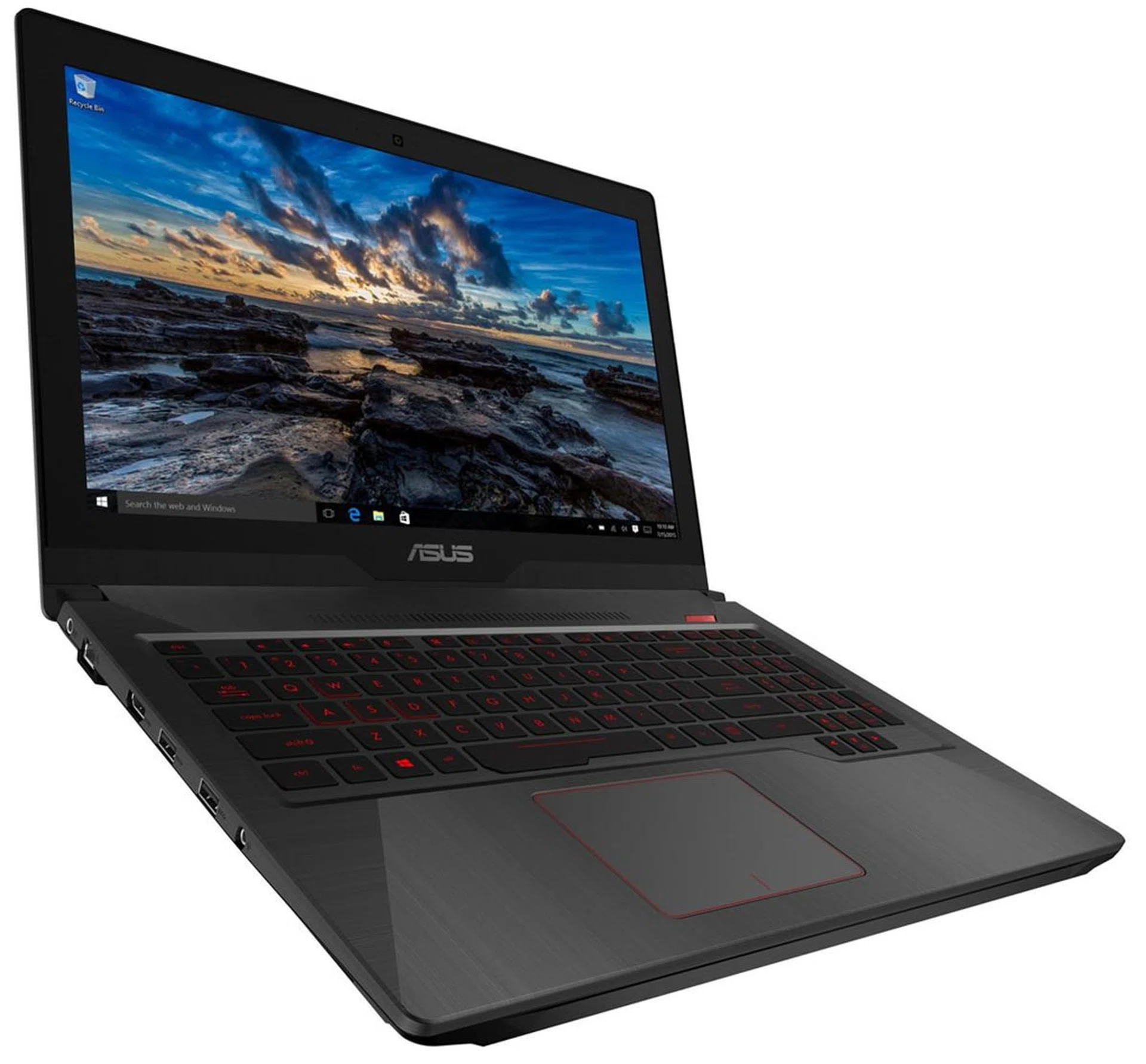
For gamers constantly on the move, the FX503 brings respectable performance to a 15.6-inch laptop weighing 2.5kg, ideal for a wide variety of users. The slim size hides an Intel Core i7-7700HQ processor and a GeForce GTX 1050 with 16GB RAM, a SATA-III SSD and 5400RPM HDD. The notebook has a Full HD (1920×1080 pixels) resolution display running at 60Hz, with an anti-glare finish.
Powerful Portability: ASUS ROG Zephyrus GX501
Available from: S$4,898
Recommended for: [Esports] [Streamers]
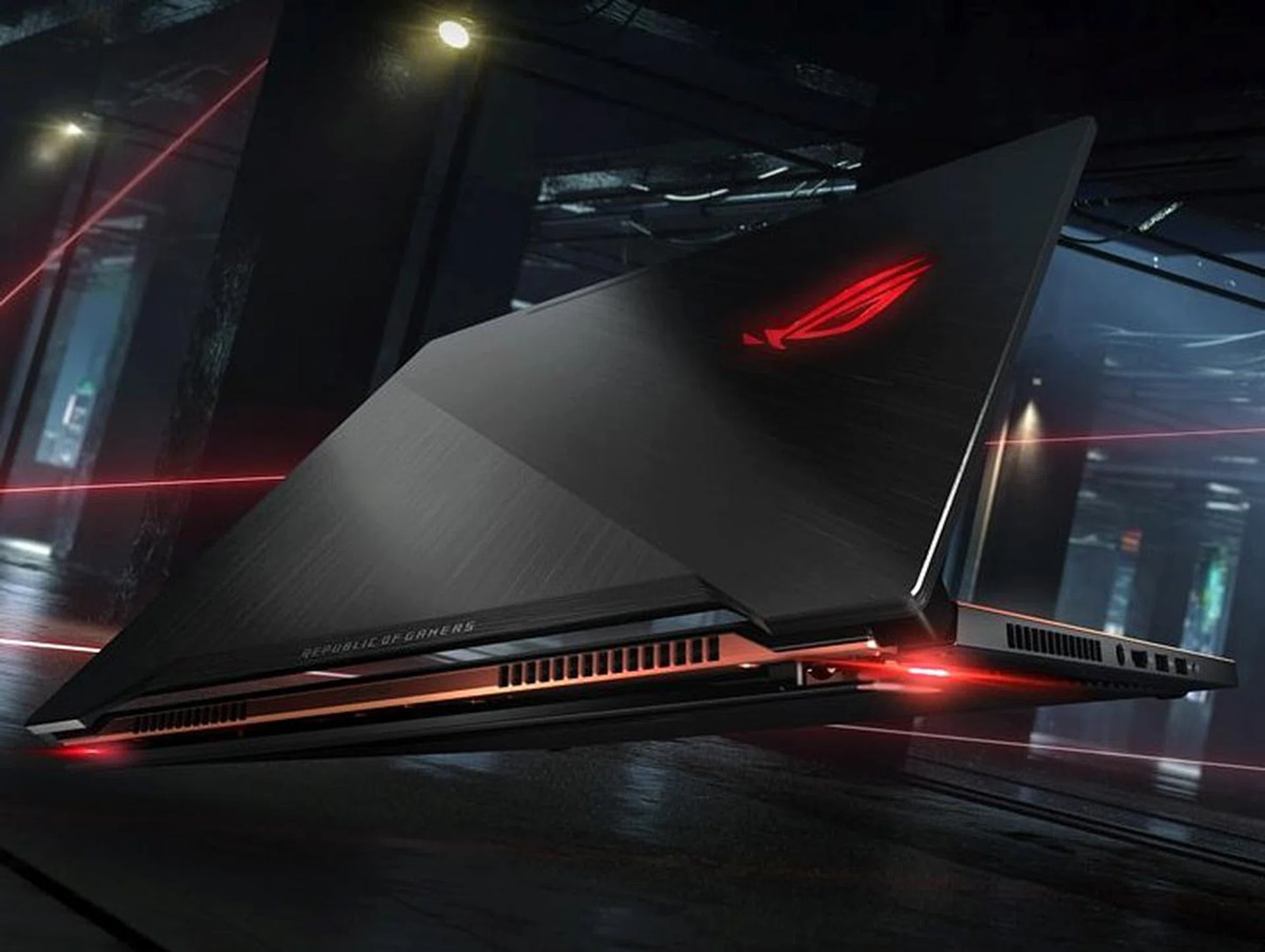
For those adamant on performance, forking out extra for the ROG Zephyrus GX501 gets a 15.6-inch laptop weighing just 2.2kg, but it's decked out with a GeForce GTX 1080 8GB (courtesy of NVIDIA Max-Q design optimizations) and 24GB of system RAM. The monitor goes the full nine yards too, packing a 120Hz refresh rate capable screen with G-Sync and 72% NTSC coverage. Additionally, it comes with a host of streamer-targeted software and microphone filters, with a lifetime Xsplit license!
Desktop Replacement: ASUS ROG G703
Available from: S$5,998
Recommended for: [Simulator Enthusiasts] [High-End Gamers]
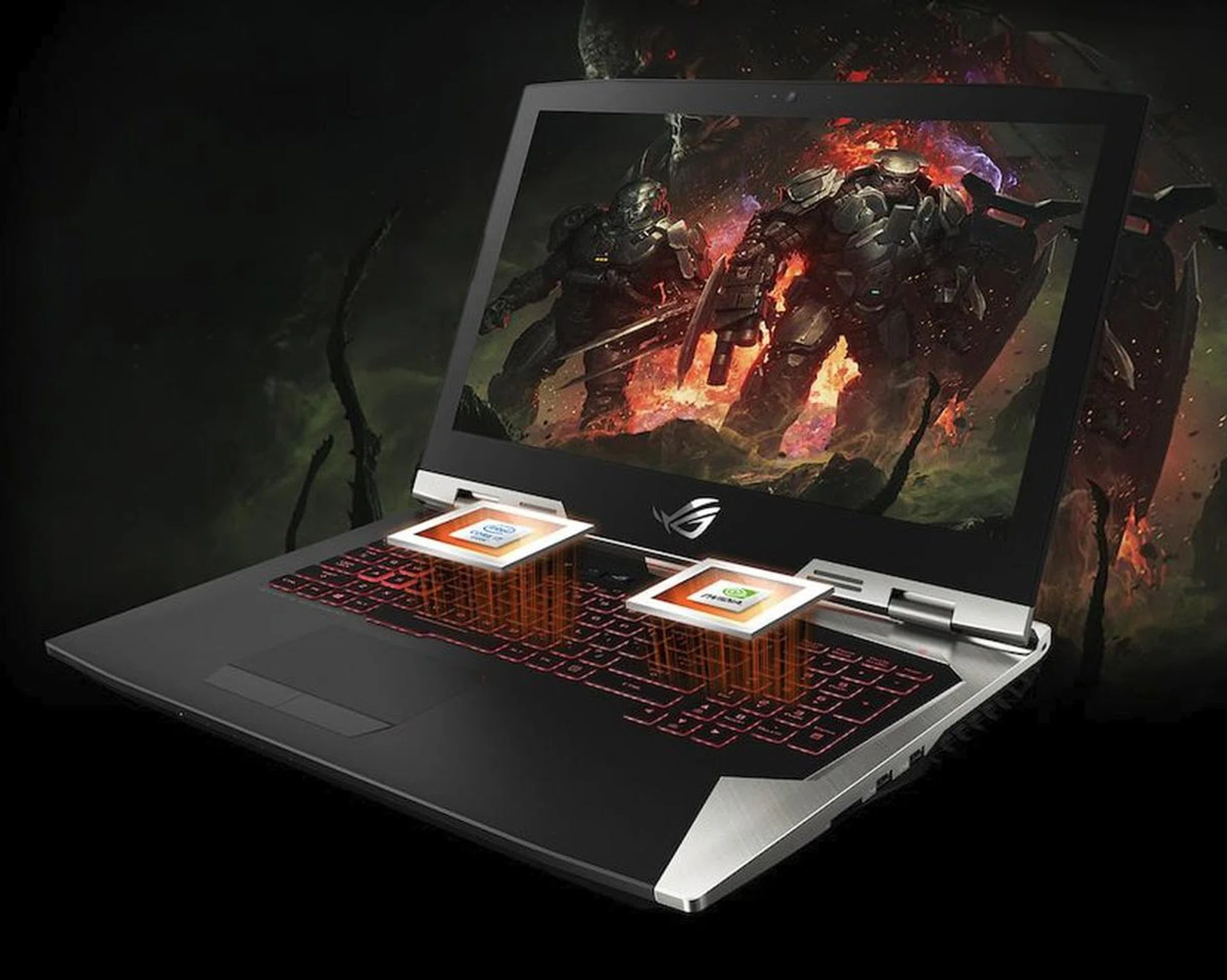
While not the most powerful notebook out there, the ROG G703 still packs one hell of a punch: we’re looking at an Intel Core i7-7820HK CPU with a GeForce GTX 1080 8GB GPU and 32GB of RAM, tied to a 17.3-inch Full HD anti-glare display that supports 144Hz refresh rate and 72% NTSC coverage. There’s room for a number pad on the keyboard for the simulator fans out there, with per-key RGB to help you remember what the keys do. It’s a system that doesn’t hesitate going toe-to-toe with most desktops, but prepare to pay a hefty price for that opportunity.
Our articles may contain affiliate links. If you buy through these links, we may earn a small commission.