
AverMedia AVerLife ExtremeVision Media Player
How does a Full-HD media tank based on a SIGMA chipset with web functions sound? HardwareZone takes on the ExtremeVision to see if this Taiwanese player matches up to the competition in the AV arena.

Play It For Me One More Time
It's inevitable. Home Theatre PCs are bidding a hasty retreat from the home entertainment scene faster than you can say HTPC. Who's to blame? Media set-top boxes perhaps? When they were first introduced about six to seven years ago, these gizmos arrived on the scene with humble playback facilities and little bells or whistles. Yes, even HDMI connectivity wasn't much of a consideration then. But things have since changed within the AV diorama. Not only do media players offer speedy Full-HD playback these days, these mean little boxes also come with comprehensive features such Internet capabilities and a holistic support for all sorts of media CODECs. Today, the more comprehensive ones even offer PVR (personal video recorder) functions as well. Big names have since joined the fray, from ASUS to Western Digital, with more to arrive on the scene.
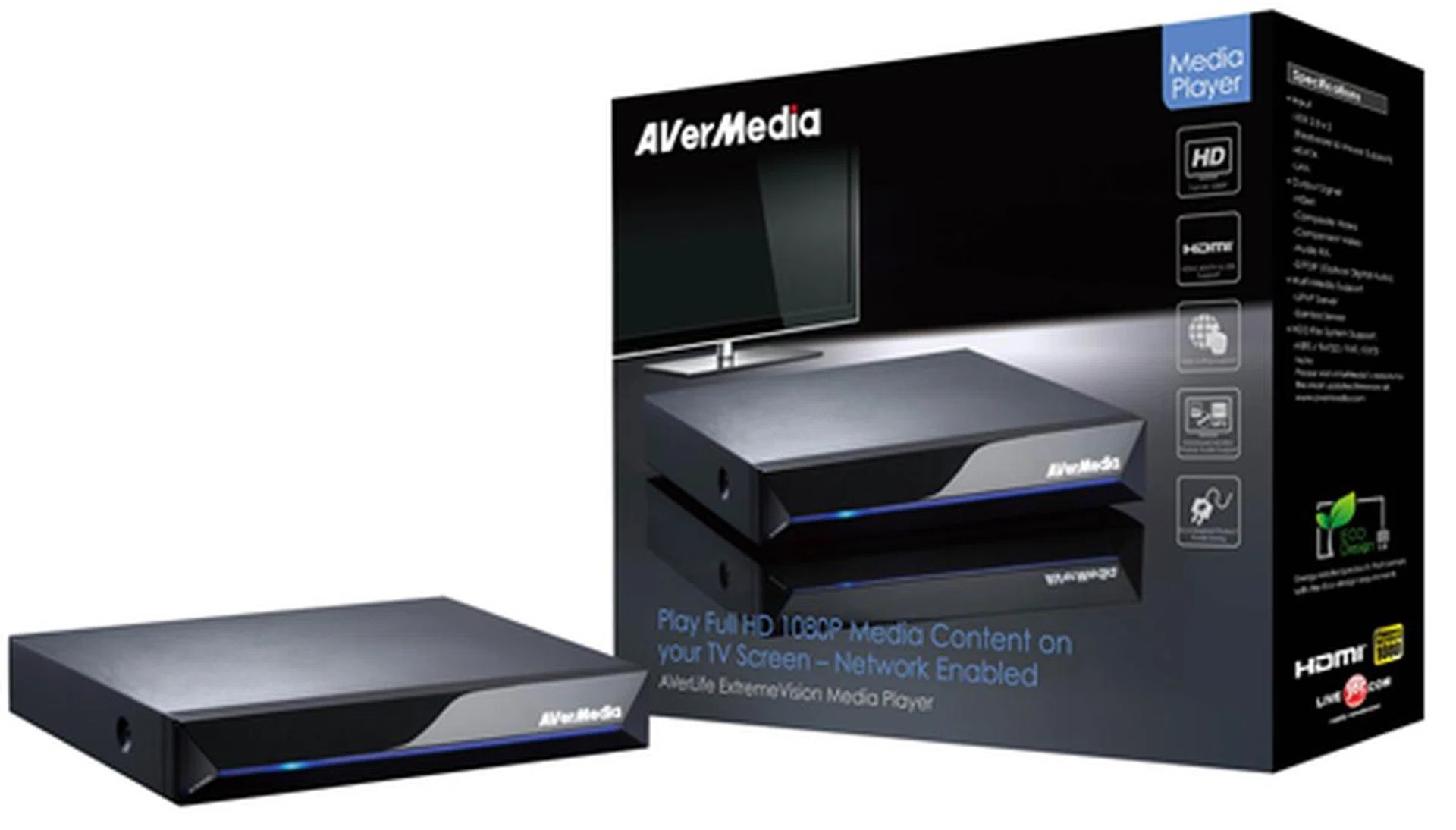
The ExtremeVision promises many possibilities with its 1080p capacity and a much talked about SIGMA chipset. On top of that, we've also been told about its Internet and web services. It's time to place the player through our grinder to see what it is truly made of.
Well, you can add another contender to that count. Better known for their TV tuner cards, Taiwanese maker AverMedia recently crafted a Full-HD entry to augment their presence in the media player sector under the AVerLife series. Understandably, the ExtremeVision will hit the market about the same time as its less competent sister, the AVerLife Cinema, which sadly only goes up to 720p. Looking at its arsenal on paper, it is apparent the ExtremeVision packs some wicked hardware despite its unassuming looks as a whole. We won't give too much away for now. Hit the jump to check out the player's design before we take a look at its features and performance to verify its meat.
Simple Styling
Some media players are, for the lack of a better word, helplessly boring. While the ExtremeVision offers a humble appearance like most set-top boxes, its chamfered and glossy panel helps add a touch of class to an otherwise lacklustre garb. A power button sits on the extreme left which blends in with the overall design well. Noticeably, there's a lack of indicators on its face, except for a single LED which lights up in blue when the unit is up and running. The remote is a slick piece of work, though the buttons could have been slightly bigger for those with large fingers. Other than the usual multimedia controls, there is a dedicated "Backup" button for the transfer of data between USB and eSATA drives (or USB to USB), and also a "Subtitle" button to select the appropriate subtitle file.
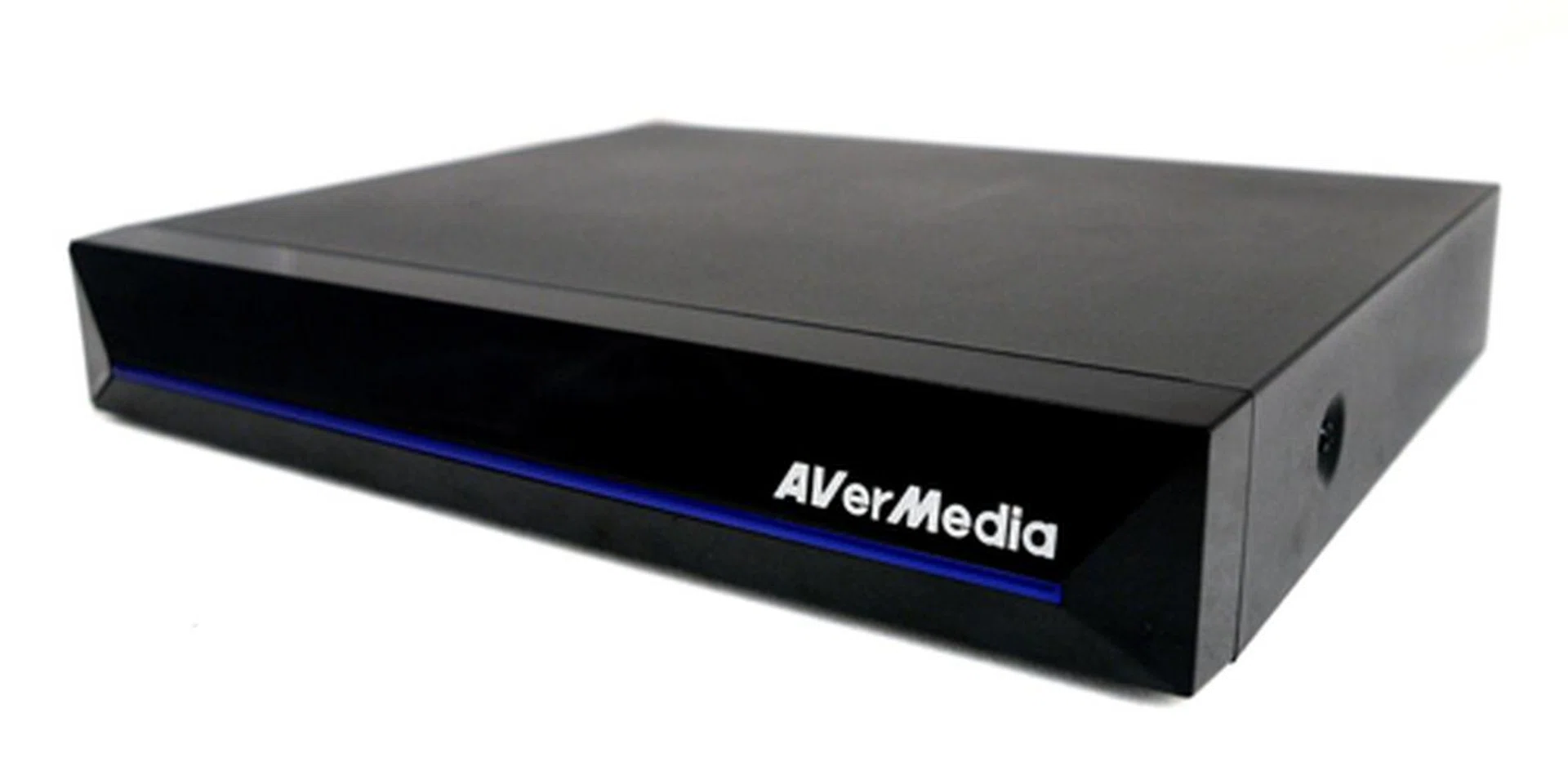
Simple is the word. You can call it a plain Jane, but the ExtremeVision should blend in well with your AV setup at home with its unfussy design and neutral colors.
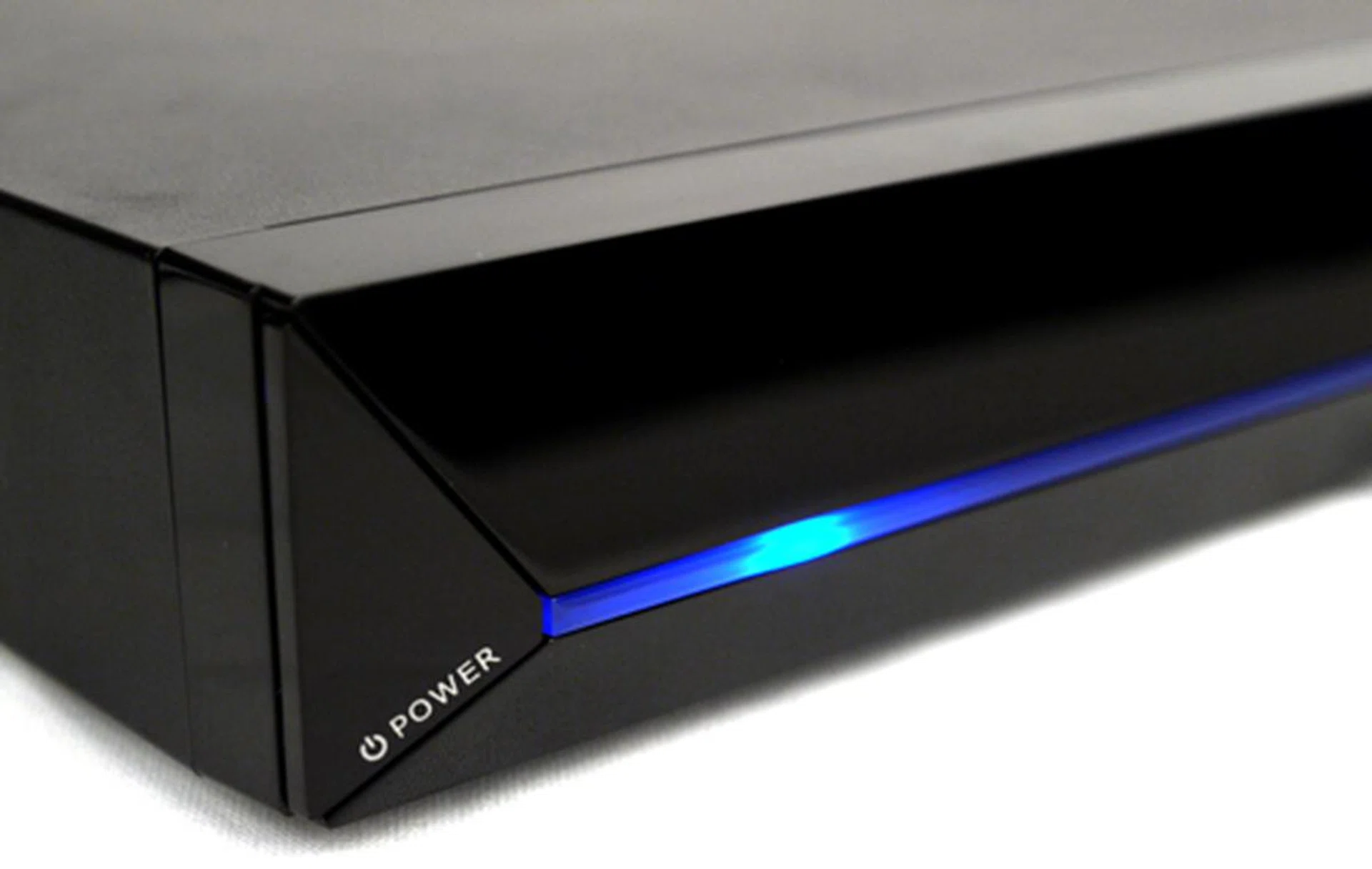
Don't expect to find any fancy status indicators on this player. However, we think it looks pretty sharp with its blue LED strip when the unit is powered on.
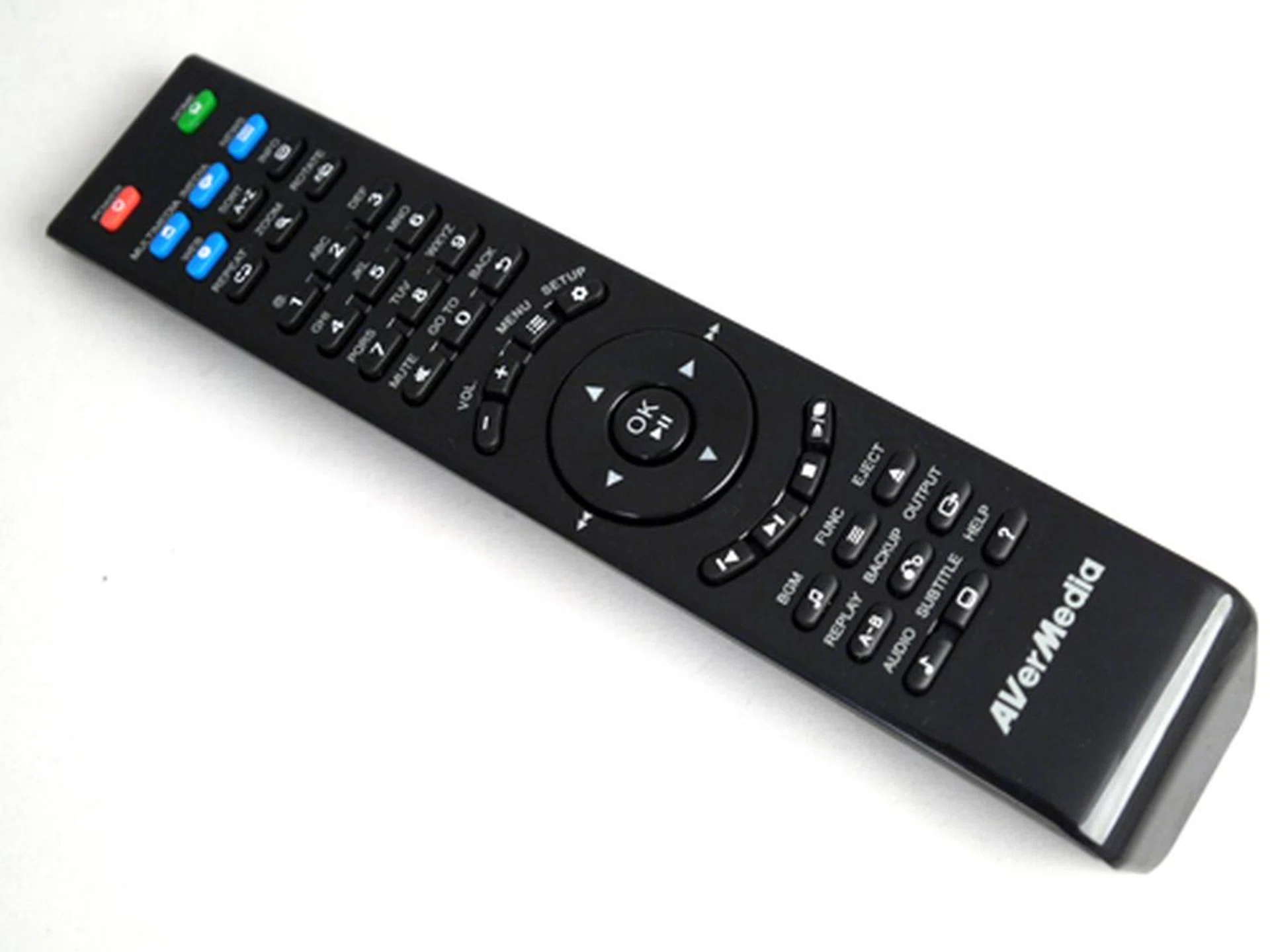
The buttons on the remote are concisely labeled with dedicated buttons for managing subtitles and volume. The blue buttons bring you right back to the various options found in the main menu.
Typical of media players, the player's stash of AV ports is similarly tucked away at its rear panel. Here's what you can expect to find. A single HDMI 1.3 jack along with two USB and a speedy eSATA port which enables you to share any external hard disk's content over the network. You might want to note that the USB ports are also friendly with a keyboard and mouse. Other inclusions include an S/PDIF outlet if you prefer to use an external amplifier or decoder, as well as a composite and component output for those still comfortably living in yesteryear. If you prefer Wi-Fi over a wired LAN connection, you can opt for AVerMedia's optional wireless dongle which is going for US$25 (about S$35). By the way, AVerMedia has thrown in a composite, component and HDMI cable along with the entire package. That should save you some time and money. For its size, however, it's a pity the player doesn't house any internal SATA connectivity.
You'll find all the necessary AV ports at the back panel. There's a sweet mix of analog and digital jacks including a HDMI and S/PDIF outlet.
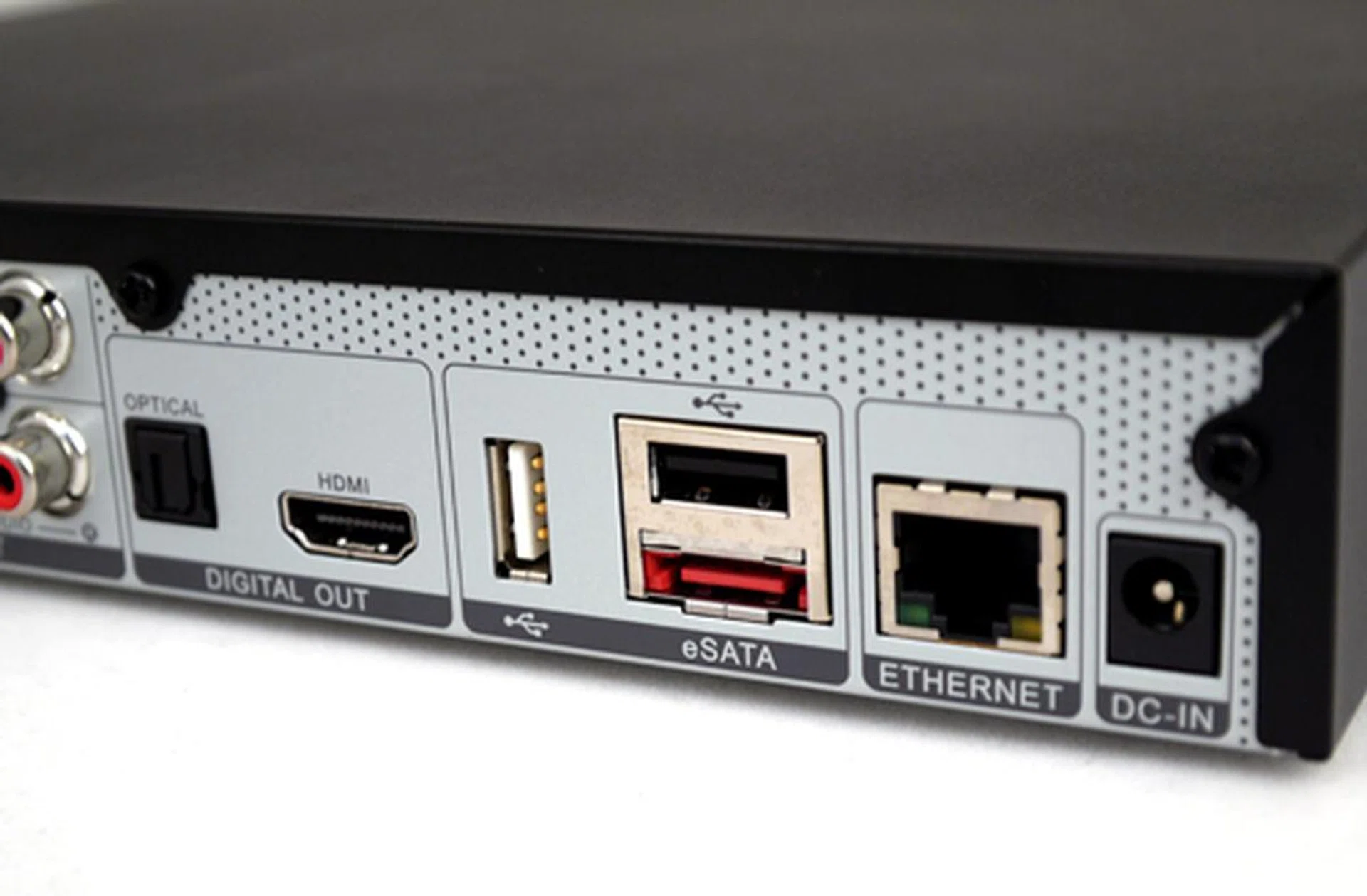
The player doesn't offer any internal storage but it has plenty of connector types for your external storage. We spotted two USB ports and a single eSATA slot.
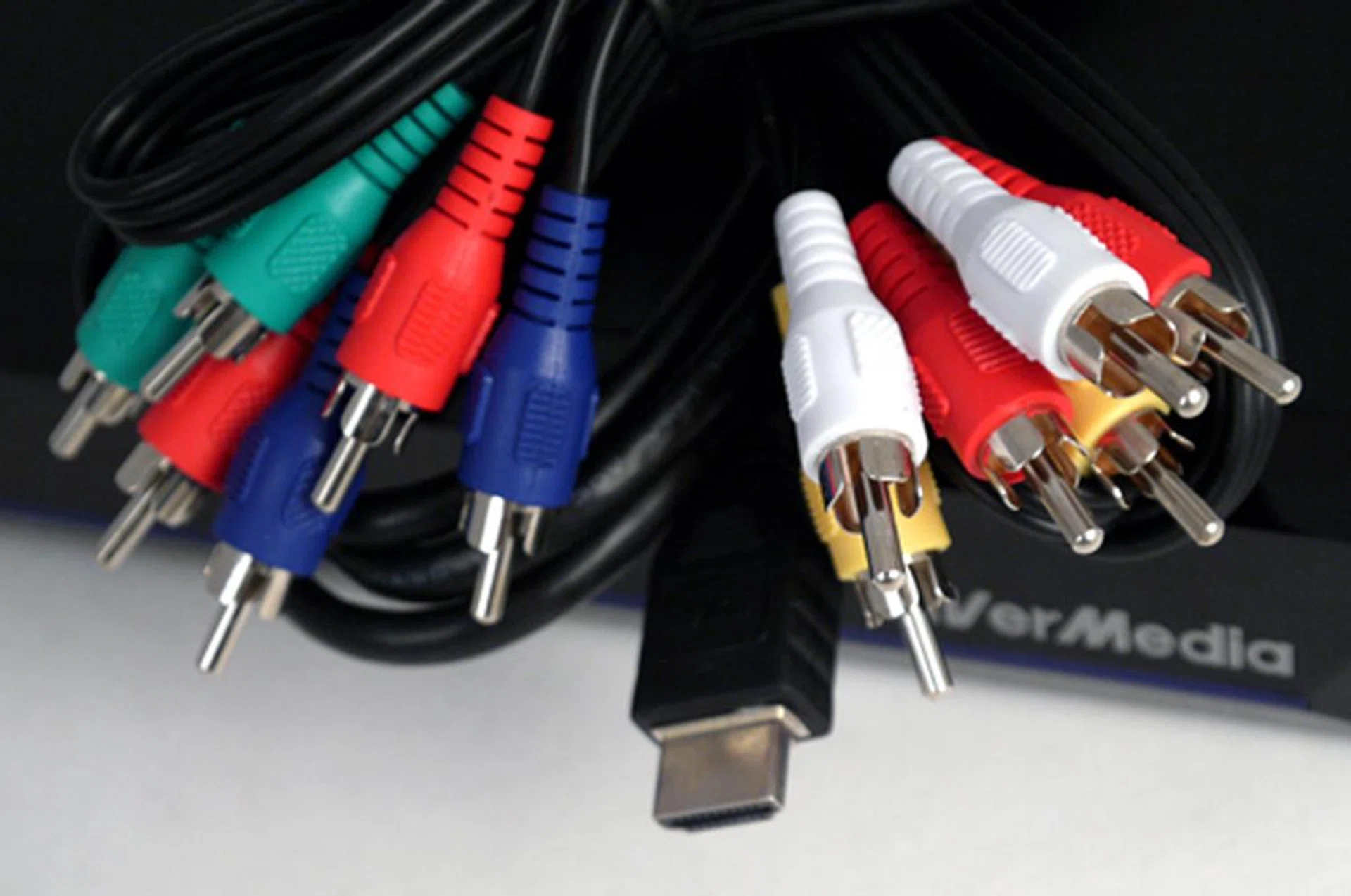
The player's package comes with a standard component, HDMI and composite cables. It doesn't include an Ethernet cable of course.
Extreme Features
The ExtremeVision sports an easy to navigate graphical user interface (GUI), though it is not necessarily the snappiest as you jump from option to option. Dressed mainly in black and blue, the Linux interface offers six main tabs; namely Multimedia, iMedia, News Reader, Web Browser, Bit Torrent and Setup. Since the player supports UPnP and assuming you are connected to a network, all available UPnP compliant servers should show up under the Multimedia tab with content you can leech from. Similarly, any plugged-in USB or eSATA drives would show up in the Multimedia section as well. The player also comes with a Samba client for that matter. Just ensure that your firewall settings (if any) on your home network do not get in the way of your file sharing jaunts.
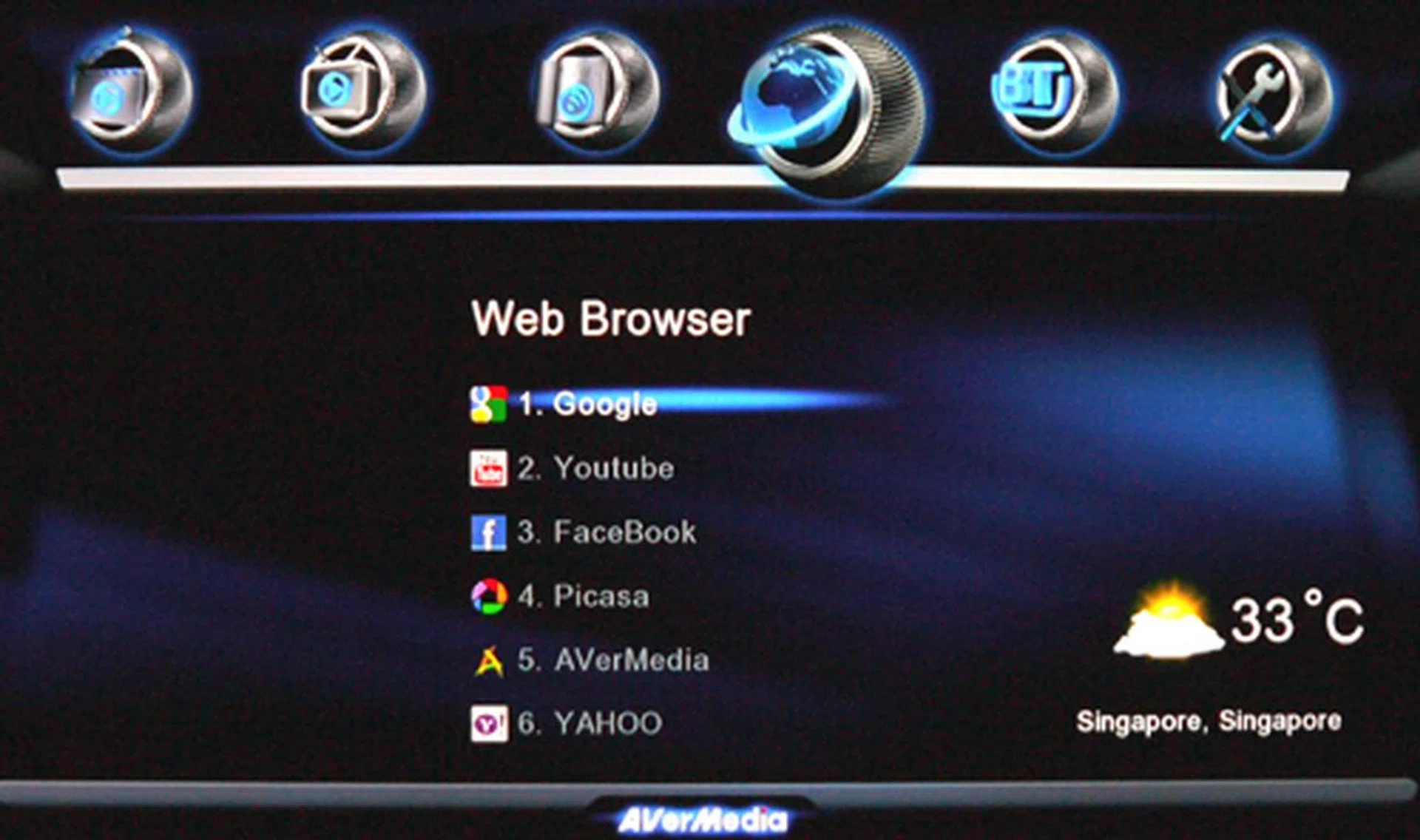
The player's web functions should come in handy if your swanky HDTV does not offer any web services of its own. Under its Web Browser tab, you'll find a list of pre-installed bookmarks to popular social media sites such as Facebook and YouTube.
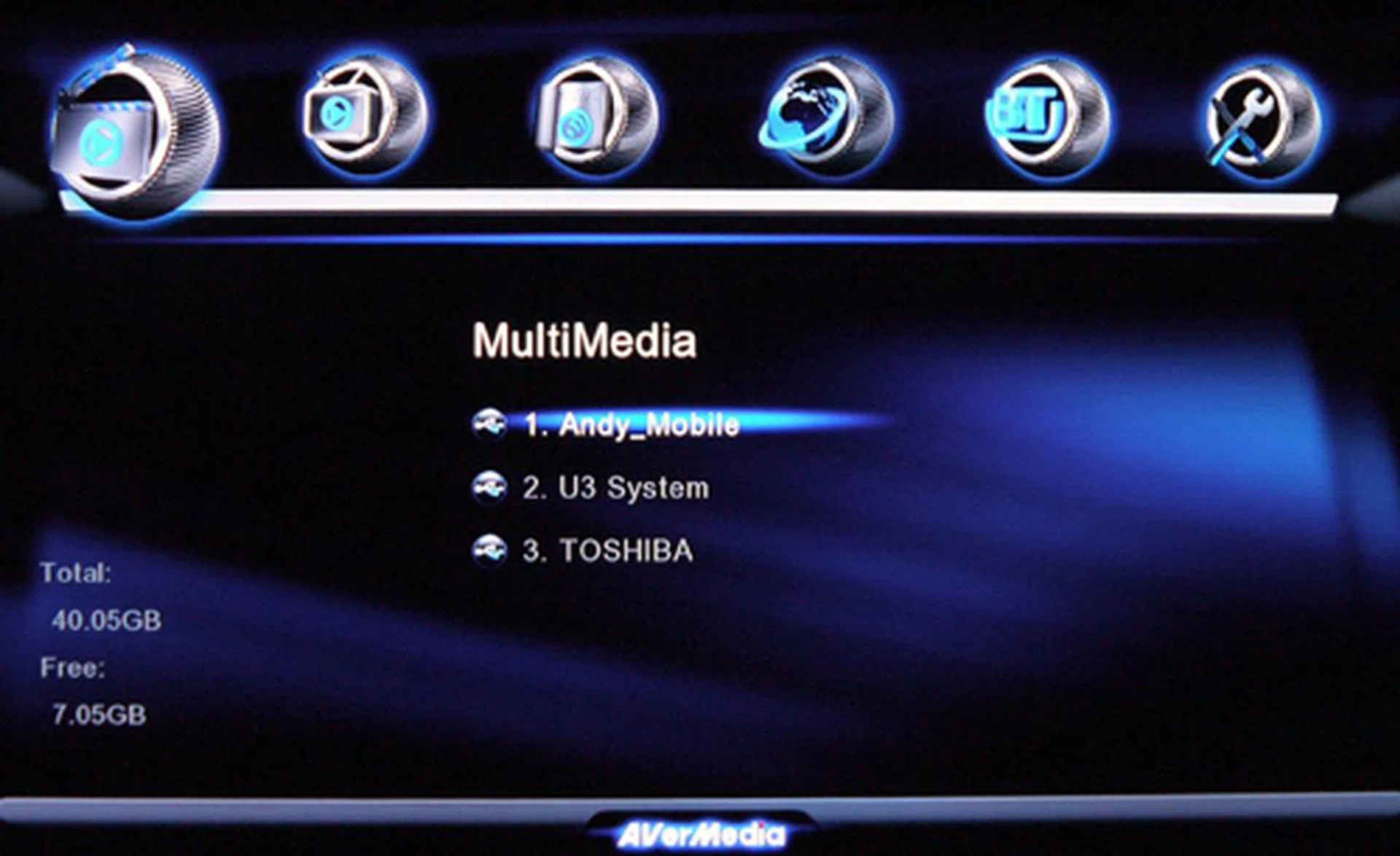
To locate your external drives, go to the MultiMedia tab on the player's splash screen. You may transfer content from one drive to another by hitting the "Backup" button located on the remote.
As mentioned, this player isn't just a media player. It is packed with web services such as a proprietary web browser and a handful of bookmarks which direct you to sites such as FaceBook, Google, Flickr and YouTube. On the flip side, navigating the browser is a tad cumbersome if you're depending on the remote, but fear not. To ease your pain, hit the "Help" button to find out where the hotkeys are located. That should speed things up a little. For entering URLs and such, you can fire up the player's virtual keyboard by hitting that "A-Z" key. Interestingly, RSS feeds can also be added to the player's RSS list. Another bonus feature we fancy is the army of online radio stations listed under the likes of Live365 and SHOUTCast Radio. Audio streaming was lag-free when tested over our LAN connection. If you think your TV speakers suck, you can opt to pump out PCM or RAW streams, if your receiver is able to decode the latter. Both digital formats apply, mainly over HDMI or S/PDIF for surround sound CODECs such as DTS and Dolby Digital. Passthrough is also possible for lossless formats like DTS-HD Master Audio and Dolby True HD.
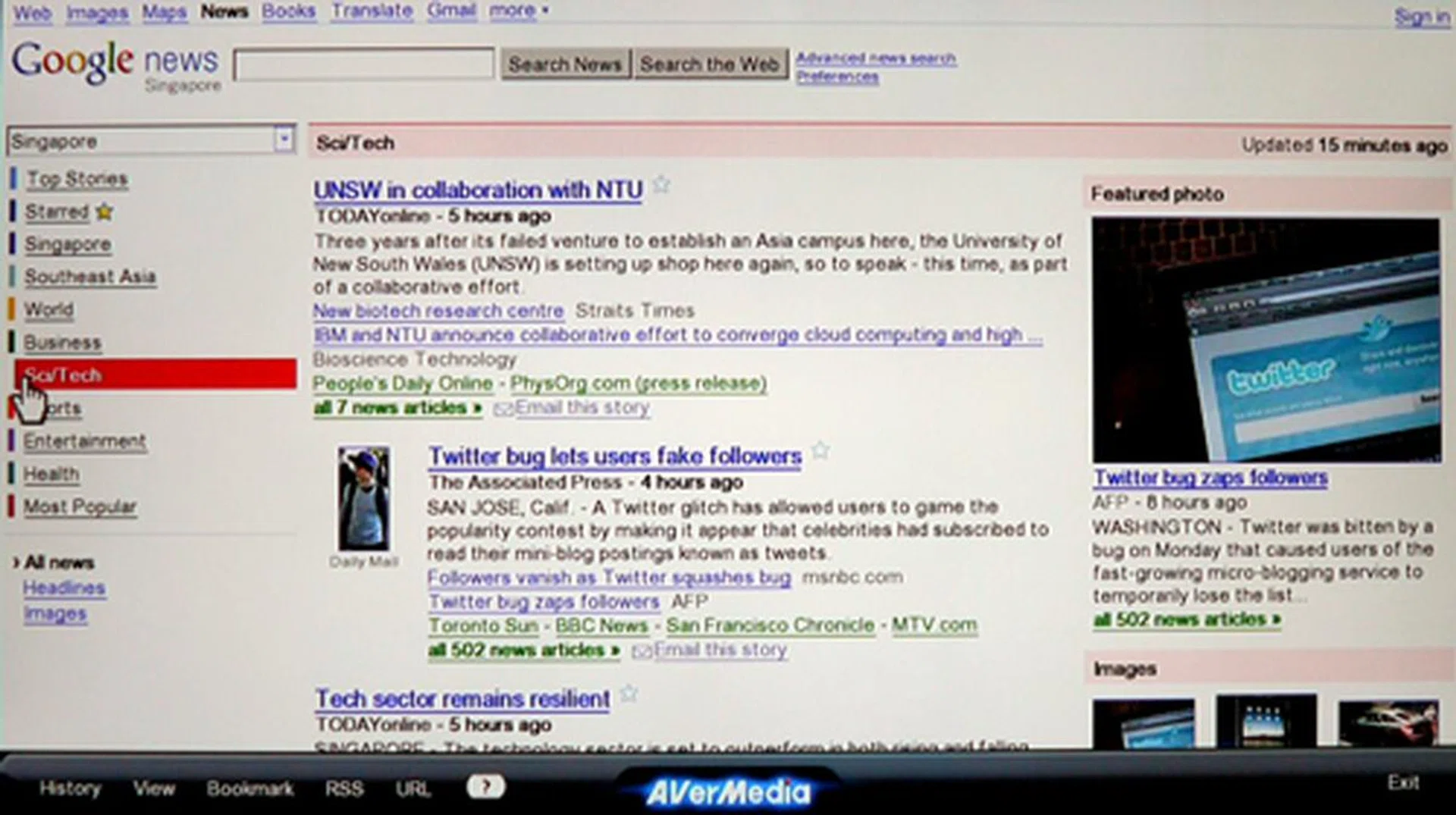
Sure, you can read the news on your phone or computer these days, but nothing beats reading it off a humongous screen don't you think? The only thing we didn't like about this experience is the rather finicky navigation with its remote.
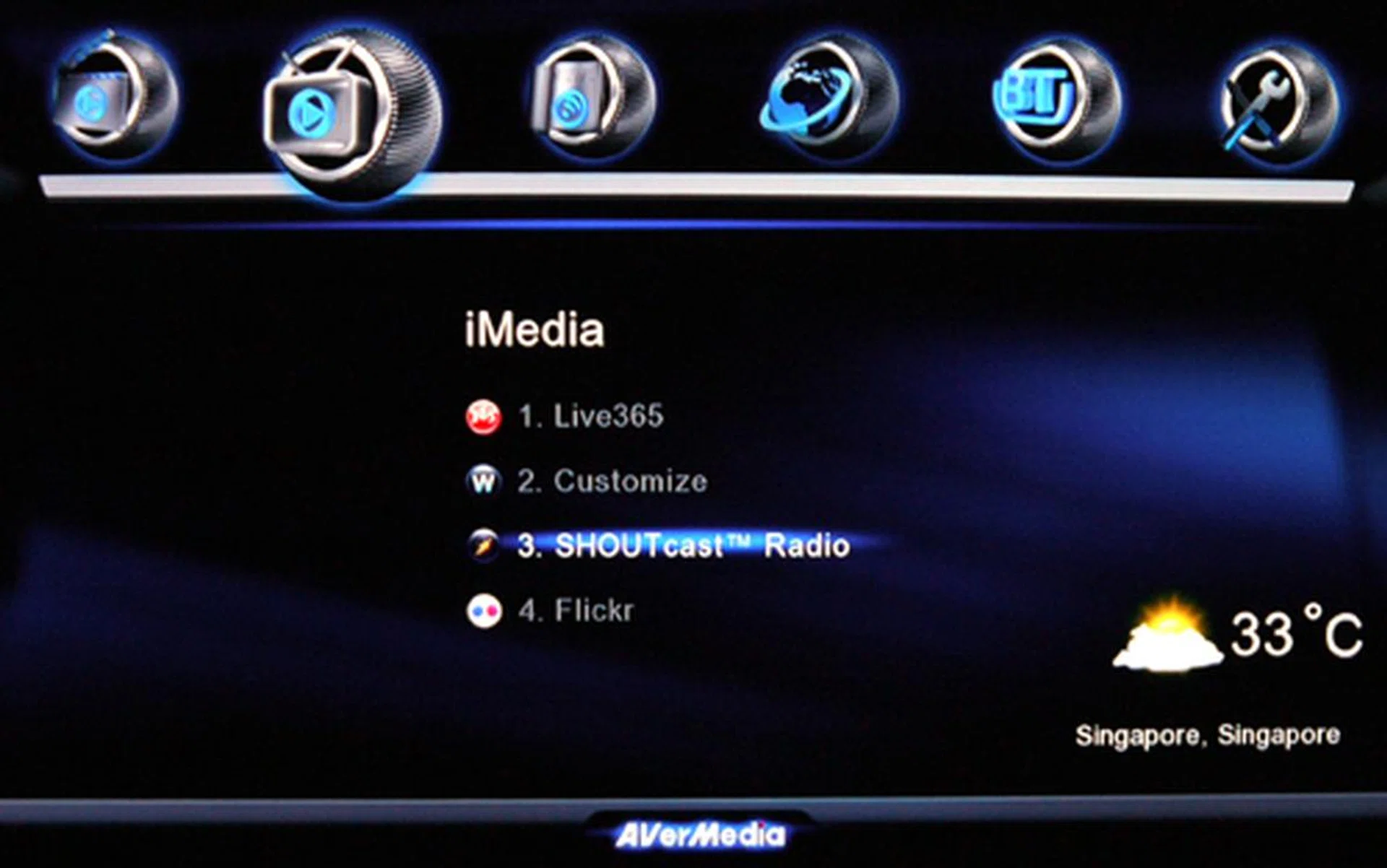
Go radio gaga with a comprehensive list of online radio stations found under the Live365 and SHOUTcast Radio selection. Assuming you are online and you've set your location prior, you should see a little weather widget at the bottom right of your screen as well.
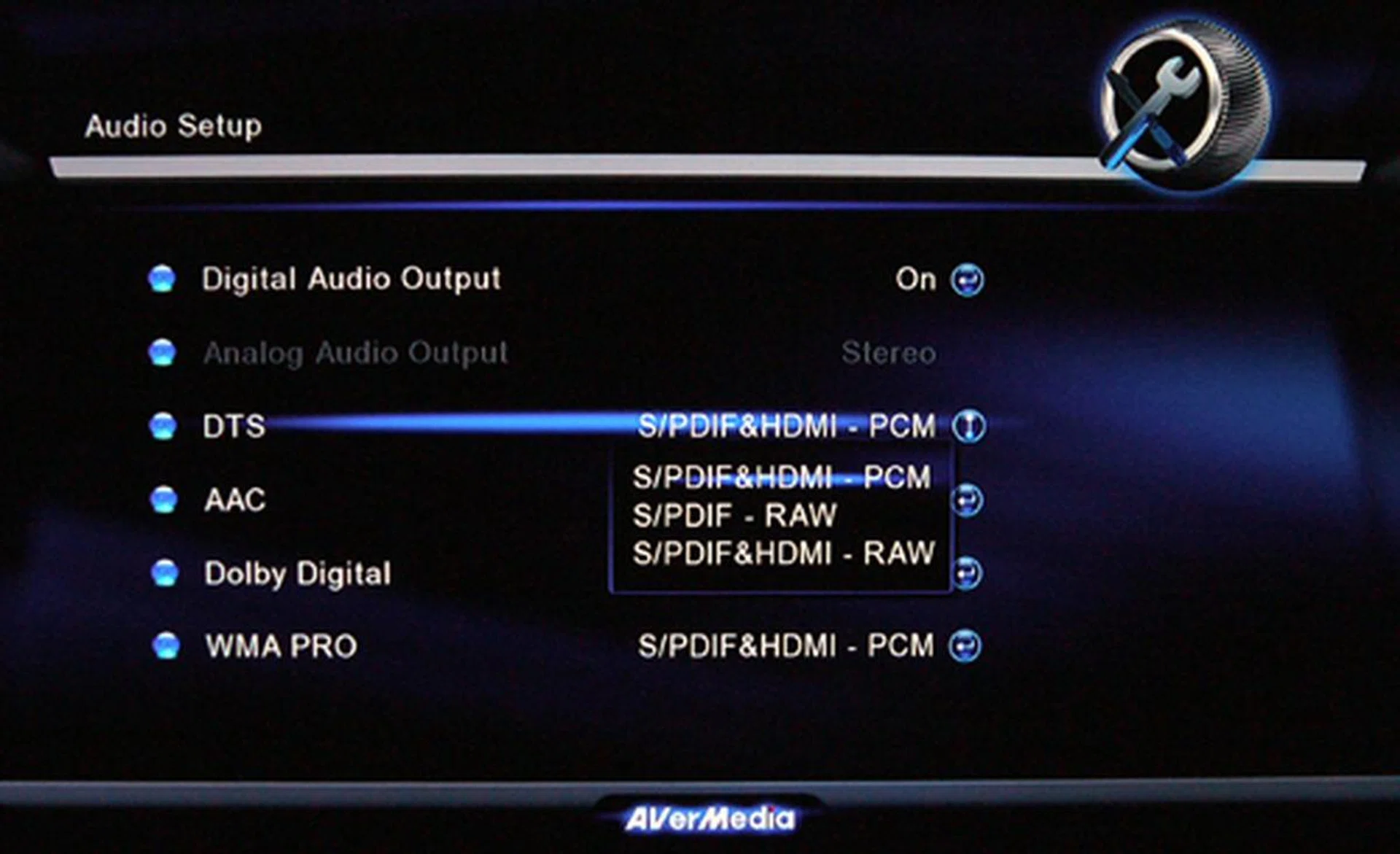
The player does RAW and PCM with up to 7.1-channel audio output support. Of course, you'll only get to see the selection listed here after enabling the unit's digital audio output.
Playing The Field
For the record, our review of the ExtremeVision is based on the 01.08.16.18 firmware, and should you wish to patch it, just head to the Setup tab to flash its ROM. And that's provided you are online of course. Now, let's move on to the juicy bits. The ExtremeVision hides a Sigma SMP8655 chipset within its black shell. That's quite a departure from several competing media players who tout the Realtek RTD1073 chip with a 400MHz clock speed (think ASUS and AC Ryan). If you're looking at performance muscle, the Sigma 8655 chip is comparatively the faster workhorse with a 500MHz CPU, 333MHz IPU and six video DACs. For that matter, Western Digital's WD TV Live is another carrier of the same chipset if they've not made any internal changes recently. One of Sigma's shortcomings, however, is its apparent lack of love for RealMedia's RMVB format. Moving on, the player required 18 seconds to reach its splash screen, which is rather sluggish in our books for such a beefy processor.
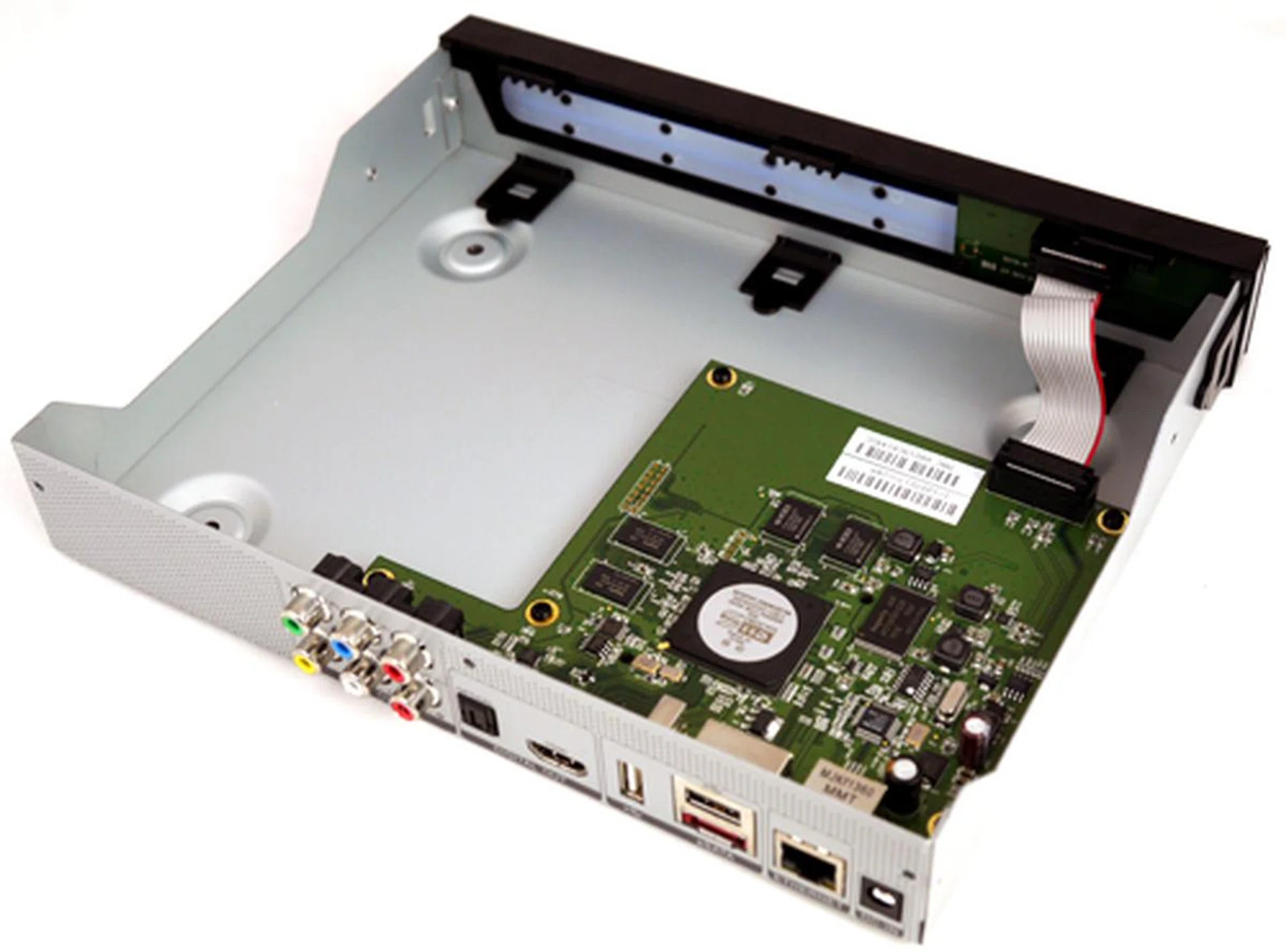
We were puzzled as to why the ExtremeVision didn't weigh much in our hands though it isn't the smallest media tank around. Anyway, the answer presented itself after we stripped its lid off. The PCB only occupied half of its chassis. Gee.
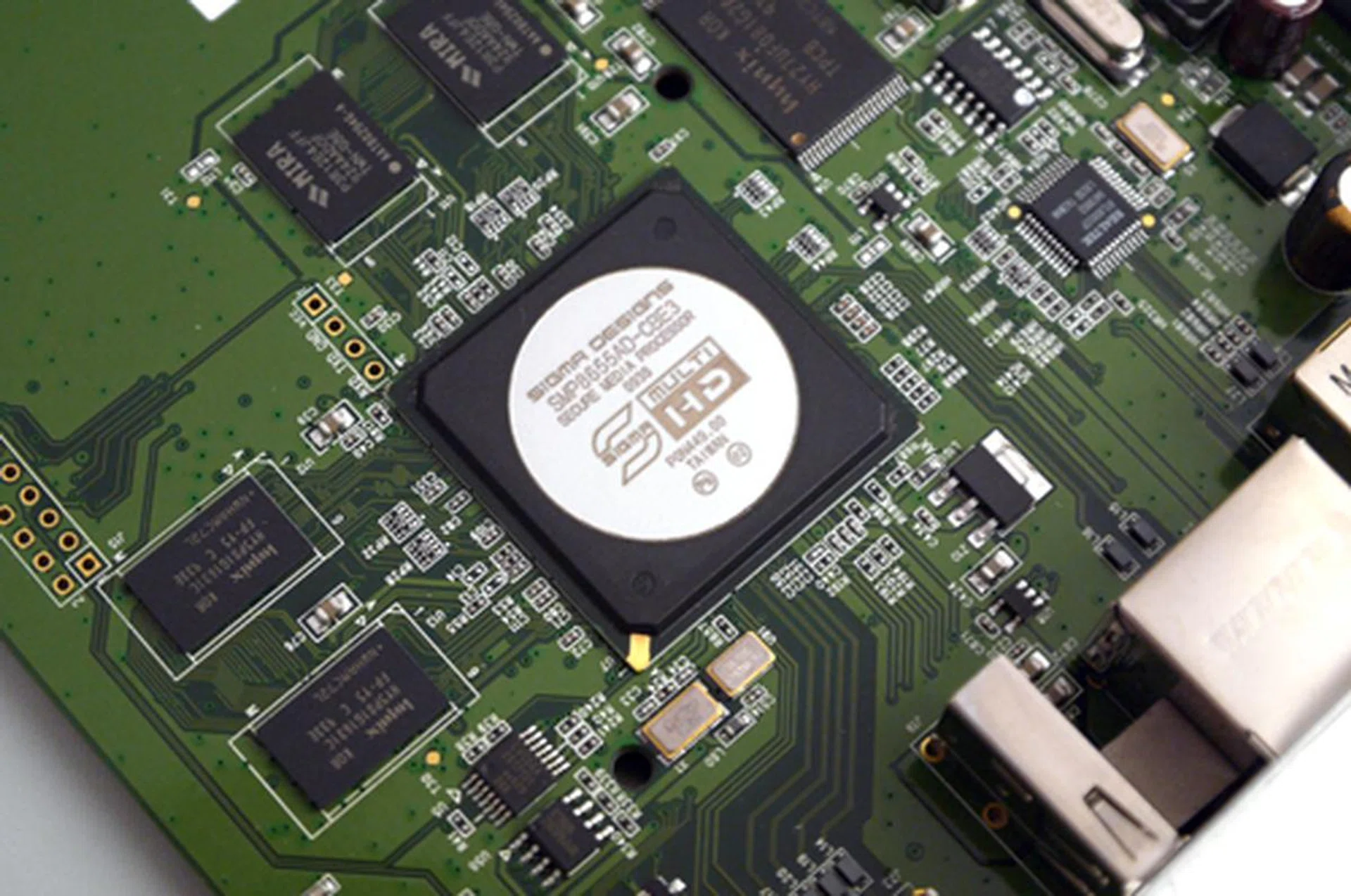
The Sigma SMP8655 chipset might not offer extensive video format support as the Realtek 1073, but its raw muscle power is beyond compare between the two. This SoC packs a 500MHz CPU and 333MHz IPU.
While its chipset's video support isn't as wide-ranging as the Realtek brethren, the ExtremeVision is still able to cope with popular CODECs such as DivX, H.264 and MKV. Being able to render full throttle at 1080p via HDMI, we didn't encounter any trouble with 1080@29fps clips of the mentioned file types. As far as video playback is concerned, this player is fast, and you can take our word for it. Similarly, fast forwarding was also noticeably speedier than the Realtek 1073-based players we've evaluated previously. Let's not forget about its YouTube feature. Despite testing this player over a wired LAN connection, it still showed signs of distress when streaming a YouTube video. Firstly, it attempted to play the clip in full-screen once sufficient content has been buffered. What's worse, it hung on various occasions and we had little choice but to restart the player. Thankfully, this didn't occur with each and every random clip we've tested. You know what they say, you win some and you lose some. It's over the internet, so the streaming quality is bound to vary.
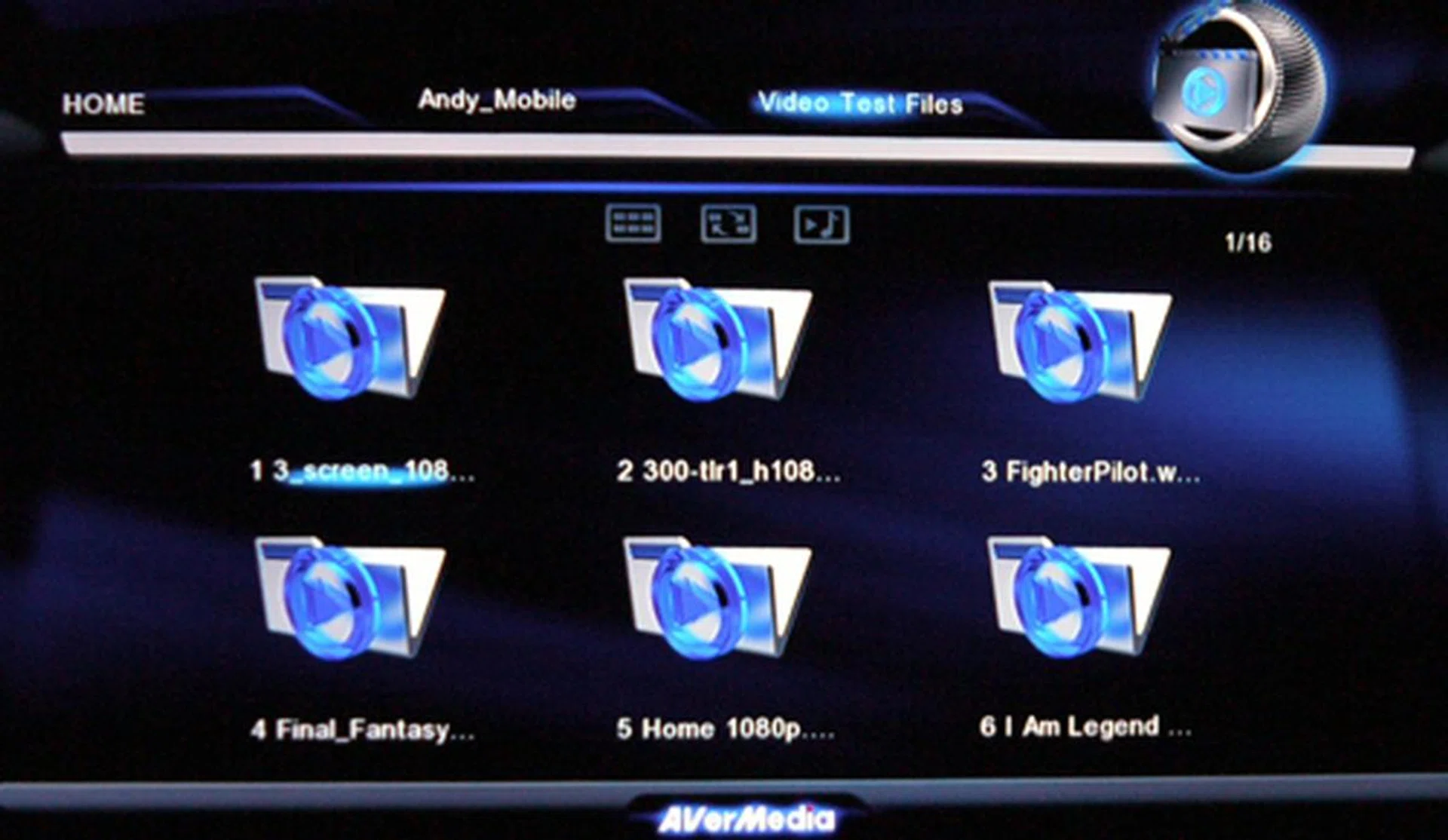
Here's how your video files are listed. It doesn't offer any preview function though unlike the Linux GUI found on the ASUS O!Play Air HDP-R3.
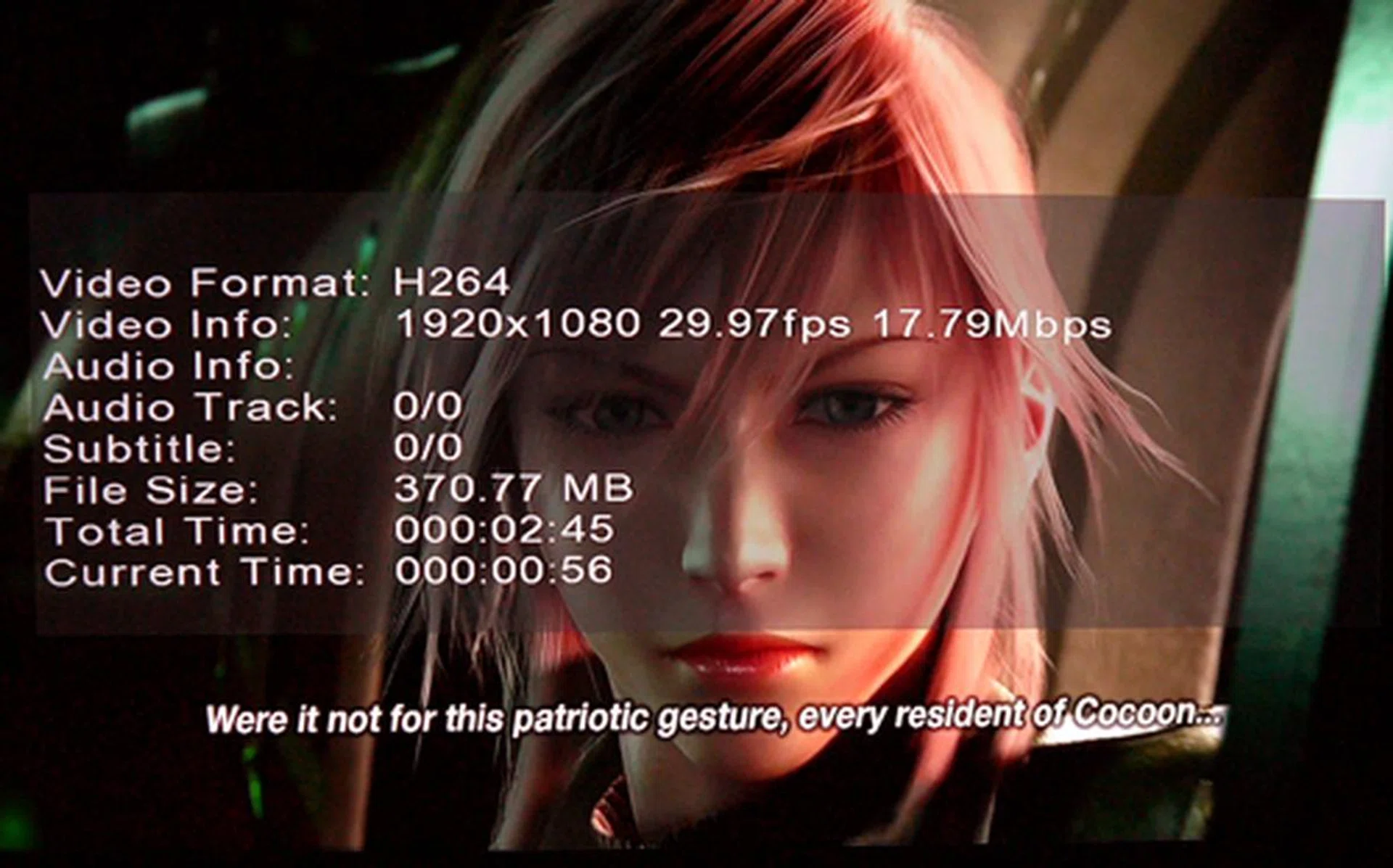
Playback of a H.264 MOV file at 1920 by 1080 didn't seem to bother the ExtremVision one bit. Images were rendered beautifully with little signs of lag or stutter.
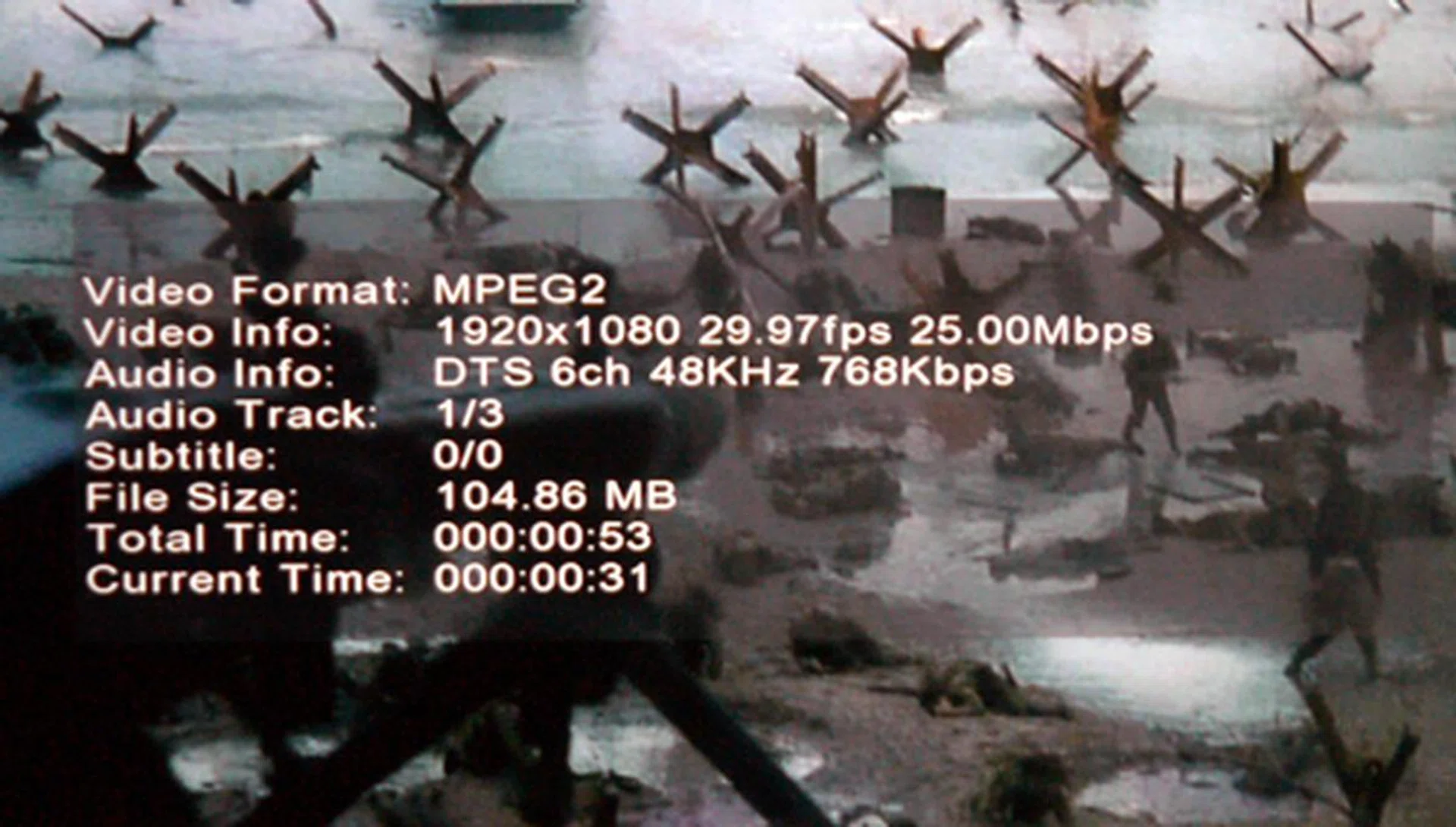
Here's a Saving Private Ryan clip based on the MPEG2 format in action. Again, no issues with the player's decoding process whatsoever.
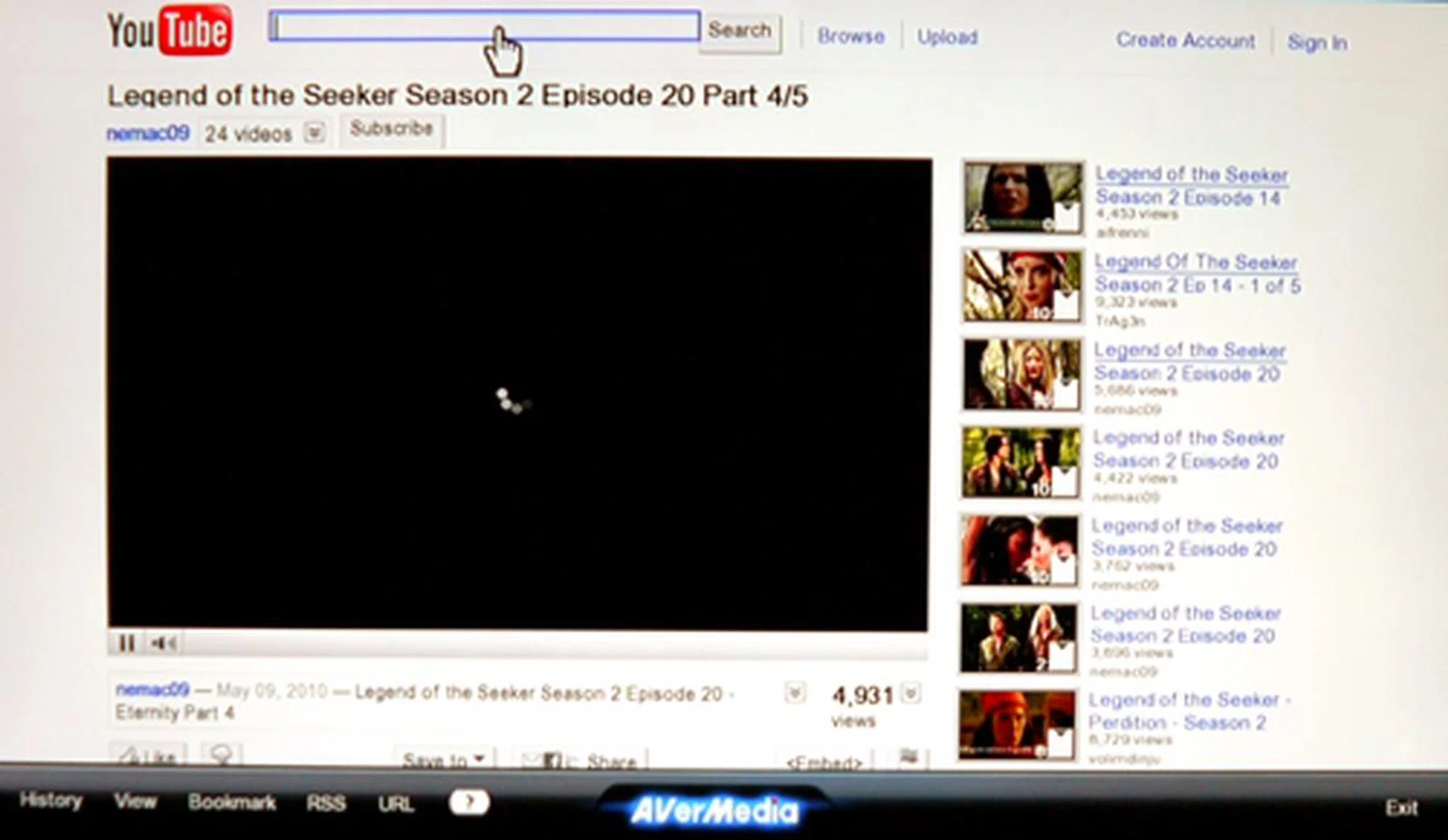
The player hung on one or two occasions when attempting to stream a YouTube video. Fortunately, this glitch wasn't a frequent occurrence and can be partially attributed to the internet.
Our Final Word
The AVerMedia's ExtremeVision isn't a shoddy offering per se. As a simple black box, the player might appear unexceptional save for its stylish blue LED strip. Then again, some might argue it is also true aesthetics aren't critical where media boxes are concerned. If you were to assess its basic functions, the player's 1080p playback quality was without question, although it did stutter once or twice when dealing with YouTube streams. On the upside, the ExtremVision is abundant in other avenues such as its inclusion of a BitTorrent client, web services, networking features and comprehensive list of online radio stations. It might not have PVR qualities or an internal HDD slot, but it serves its basic purpose well.
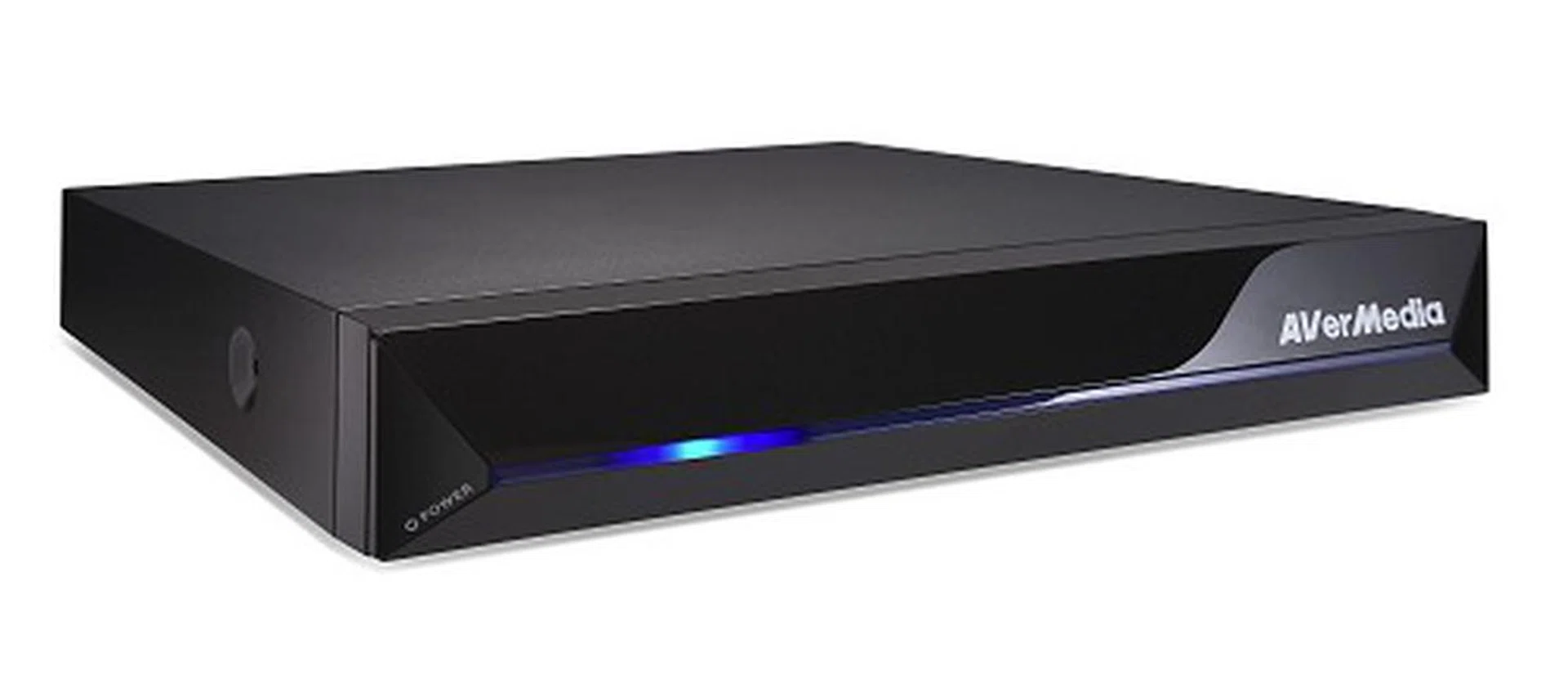
The AVerLife ExtremeVision is a pretty mean machine if you are looking for player who's fearless in rendering 1080p clips with some interesting networking tools thrown in. But with an asking price that's well over S$300, it's expensive.
Media players are a hot item these days. However, many tend to slip under the radar such as the more obscure but sought after brands such as HiMedia from China or HDI DUNE from Hong Kong. And they do offer ample features, if not more. Based on the Sigma SMP8655 chipset, the Taiwanese ExtremeVision packs a whole lot of brawn with its 500MHz processor and 512MB DDR2 DRAM hardware compared to the Realtek 1073. In spite of this, the AVerLife box isn't the most comprehensive around in terms of format support, although the player does carry enough web features to keep the net savvy happy. With a suggested retail price of US$269 (approximately $376), we are confident there are cheaper and similarly capable alternatives out there which can do the same for you and your AV setup. However as we all know, actual retail prices are a little more favorable than the manufacturer's SRP indications, so keep your eyes open for a good bargain if you like what we've presented to you.
Our articles may contain affiliate links. If you buy through these links, we may earn a small commission.