

Fresh From Computex
Earlier this month at Computex Taipei, ASUS introduced to us its updated range of gaming notebooks under the Republic of Gamers (ROG) label. Part of this lineup is the G53 series, headlined by the G53SX Naked-Eye 3D notebook which is capable of allowing you to view visual content in full 3D glory without the need for a pair of 3D eyeglasses.
While we are waiting for the G53SX, the folks at ASUS recently sent us its relative, the G53SW, which is a 3D-capable model as well but it still requires 3D eyeglasses. Unfortunately, we did not receive the needed peripherals, hence, in this article we are going to look at the G53SW as a regular gaming notebook. We’ll keep you posted once the glasses arrived at our spot.
Inspection At The Hangar
With the new G53 series, ASUS still maintains its naming convention wherein the suffix “W” implies that the model comes with NVIDIA GeForce graphics. In the case of the G53SW, this notebook espouses a GeForce GTX 460M, the same GPU that is present on the older G73JW notebook. While the latter model runs on a Clarksfield chip, the G53SW is powered by Intel’s second generation Core processor, specifically an i7-2630QM with our unit.
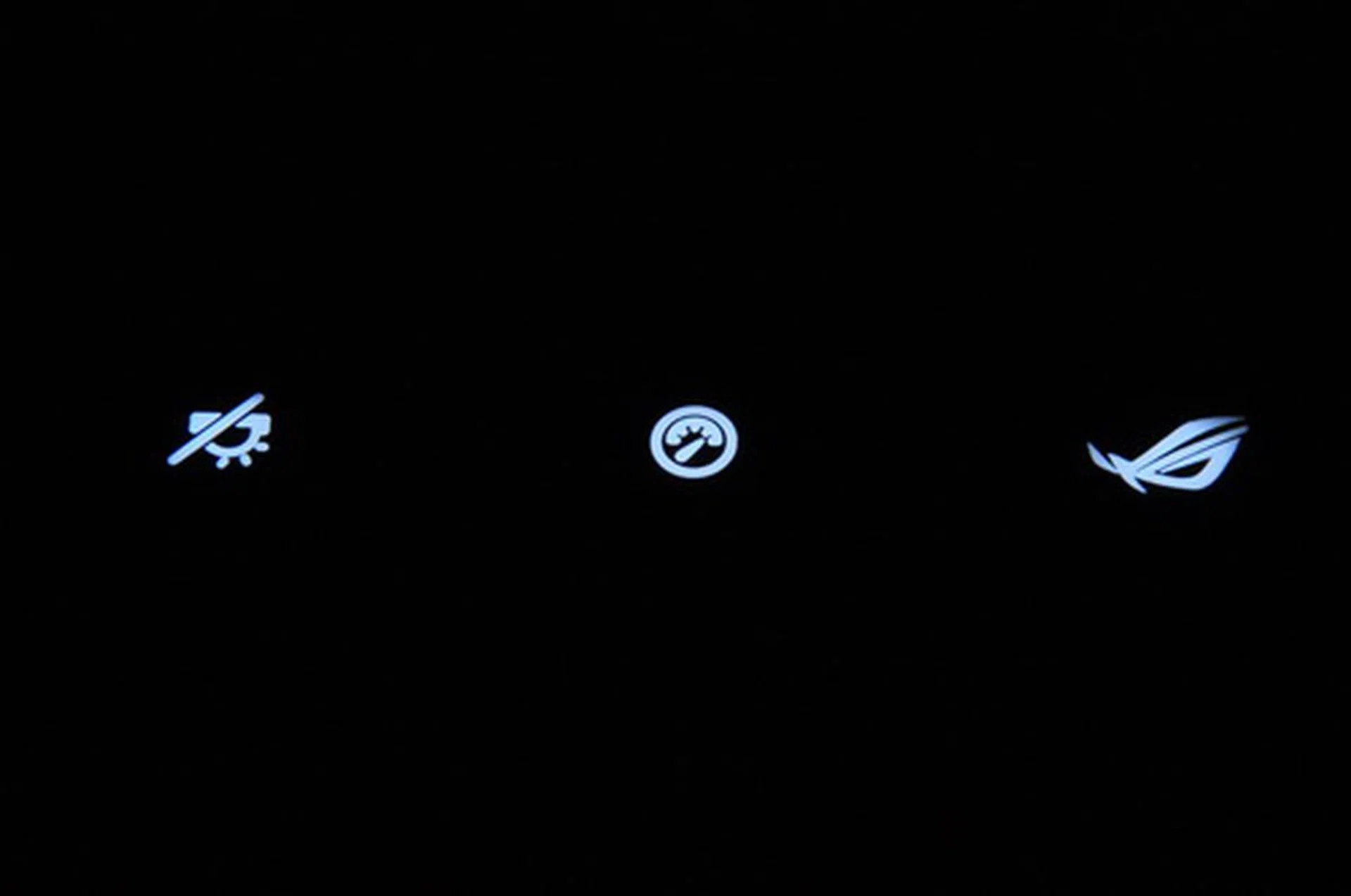
These backlit icons are actually the three hot keys located just above the keyboard. The first one from left is for activating the keyboard's backlighting. The middle is for adjusting power consumption. The last one, an ROG icon, is for enabling 3D vision.
Other than the differences mentioned, the G53SW is similar to the G73JW in many respects. A behemoth of a gaming notebook, the G53SW boasts of its sheer size with its ample 15.6-inch HD display and mass of 3.78kg. Deriving inspiration from the iconic F-117 stealth fighter, the notebook presents a geometric, military grey chassis with two air vents at the rear from which heat is actively expelled.
Looking at the cross-section of the G53SW reveals that it has a conspicuous reclining design, which according to ASUS, is intended to allow gamers achieve a more natural, stress-free posture while immersed in gaming for long hours. Additionally, the G53SW is equipped with an illuminated full size keyboard (with numeric keypad) and ample palm rest.
The Fighter Takes Off
As usual, the synthetic tests that we used include Futuremark’s PCMark Vantage and 3DMark Vantage. Looking at the scores below, we can see that the G53SW consistently got the highest scores in all categories and we attribute its superiority to its use of an Intel Core i7-2630QM chip. We put side by side G53SW's scores with those of MSI GT660's and ASUS G73JH's which we wrote about in January.
Notebook | ASUSROG G53SW | ASUSROG G73JH | MSI GT660 |
PCMarks | 7857 | 6089 | 6592 |
Memory | 5258 | 4690 | 4473 |
TV/Movies | 5824 | 4200 | 4706 |
Gaming | 9097 | 6605 | 6222 |
Productivity | 7850 | 4281 | 5607 |
Moving ahead to 3DMark Vantage, we can see here the overwhelming number that the G53SW got in CPU score, which only proves the superiority of the Sandy Bridge processor. Nevertheless, it is conspicuous that the G73JH fared well with higher scores in overall 3DMarks and Graphics, thanks to its superior Radeon HD 5870 graphics.
Notebook | ASUSROG G53SW | ASUS ROG G73JH |
3DMarks | 7277 | 8131 |
Graphics | 5747 | 7407 |
CPU | 36154 | 11502 |
In terms of battery performance, the G53SW remained on the top of its game as it lasted 2 hours and 45 minutes, longer than the G73JW’s record (2 hours and 20 minutes). Aside from its use of Sandy Bridge processor, which Intel has been promoting more energy-efficient than the previous generation, the G53SW garnered longer battery life because of its smaller display. Do take note that both rigs come with a bulky power adapter and an 8-cell 5200mAh battery module.
In our upcoming update for this article, we are going to engage the G53SW in real world applications, primarily, 3D video playback and 3D gaming, so stay tuned.
ROG Goes 3D
Just like we promised yesterday, here is our update on the ASUS G53SW and this time, we are going to focus on its gaming and 3D capability.
First off, the G53SW makes use of a standard pair of NVIDIA 3D Vision eyeglasses. These glasses communicate with the 3D Vision IR emitter that is integrated to the notebook. The implementation is pretty similar to that of the Sony VAIO F which utilizes proprietary eyeglasses. Hence, Sony’s glasses will not work if you try them on the G53SW.
We recently got a copy of Disney’s Tangled in 3D so it was the first content that we played on the G53SW. Similar to the case of the VAIO F, playing a 3D video on the G53SW required us to use NVIDIA’s 3D Vision Video Player. Comparing the 3D experience between the two powerhouse notebooks, we say that it was more immersive on the VAIO F than on the G53SW. Points to take into account here are the VAIO’s larger 16-inch display and, worth mentioning, the eyeglasses. NVIDIA’s 3D Vision glasses produce more flickers and are more shadowy than Sony’s, which made colors on the G53SW appear less punchy. Nevertheless, 3D video playback on the ASUS was more fluid right off the bat, thanks to its more powerful discrete GeForce GTX 460M graphics. 3D video playback on the Sony stuttered at some point, probably due to its use of GeForce GT 540M GPU which is less powerful than ASUS’ choice of graphics.
To further put the G53SW’s discrete graphics to the test, we proceeded on running some games on the notebook, namely Street Fighter IV, Resident Evil 5, and Call of Duty: Black Ops. Starting off with Street Fighter IV, we immediately sensed the limitations of GTX 460M, as it forced us to crank down the game's graphics settings. Street Fighter IV is playable on the G53SW when anti-aliasing is disabled and other settings like shadows and textures are pulled down to mid levels. The same goes for first-person shooters Resident Evil 5 and Call of Duty: Black Ops. Logically, the 3D experience was more appreciable on the latter two, than on Street Fighter IV, which is a fighting game.
Here are some of the videos that we took in our attempt to show you how videos and games would look like on the G53SW with and without wearing NVIDIA’s 3D Vision glasses.
Final Thoughts
Putting looks aside, the ASUS G53SW shares a lot of similarities with the G73JH in terms of features, except for Turbo mode. In the case of the G53SW, Turbo mode is actually unnecessary because of its more powerful processor and our test results can attest to that.
3D video playback on the G53SW is convincing but not as compelling as that on the media-centric, and more expensive, Sony VAIO F. In any case, what makes the 3D experience sweeter on the G53SW is its more potent graphics.
Gaming, which is the main reason of the ROG label’s existence, is certainly satisfactory on the G53SW. However, you should keep your game settings at moderated levels. True, the G53SW is powerful, but not as powerful as a dedicated gaming rig that you could already build at above PhP 100K pricing.
By and large, the G53SW is a mean-looking machine. Its design’s intent is to attract gamers, rich ones, who would want to earn some extra bragging rights in LAN parties and gaming sessions. Given its robust constitution and full-bodied hardware specs, you should not expect it to be more energy-efficient and more mobile. Anyway, interested parties are spared as ASUS bundles it with a nice carrying bag.
Our articles may contain affiliate links. If you buy through these links, we may earn a small commission.