
Meet Dell's New Ultrabooks - The XPS 14 and Inspiron 14z
Dell added two new models to their Ultrabook range this week. Joining last year's XPS 13 is its bigger brother, the XPS 14 and the student-targeted Inspiron 14z. Dell brought both models down to the HardwareZone offices for us to take a closer look. Find out more inside!
Meet Dell's New Ultrabooks - The XPS 14 and Inspiron 14z
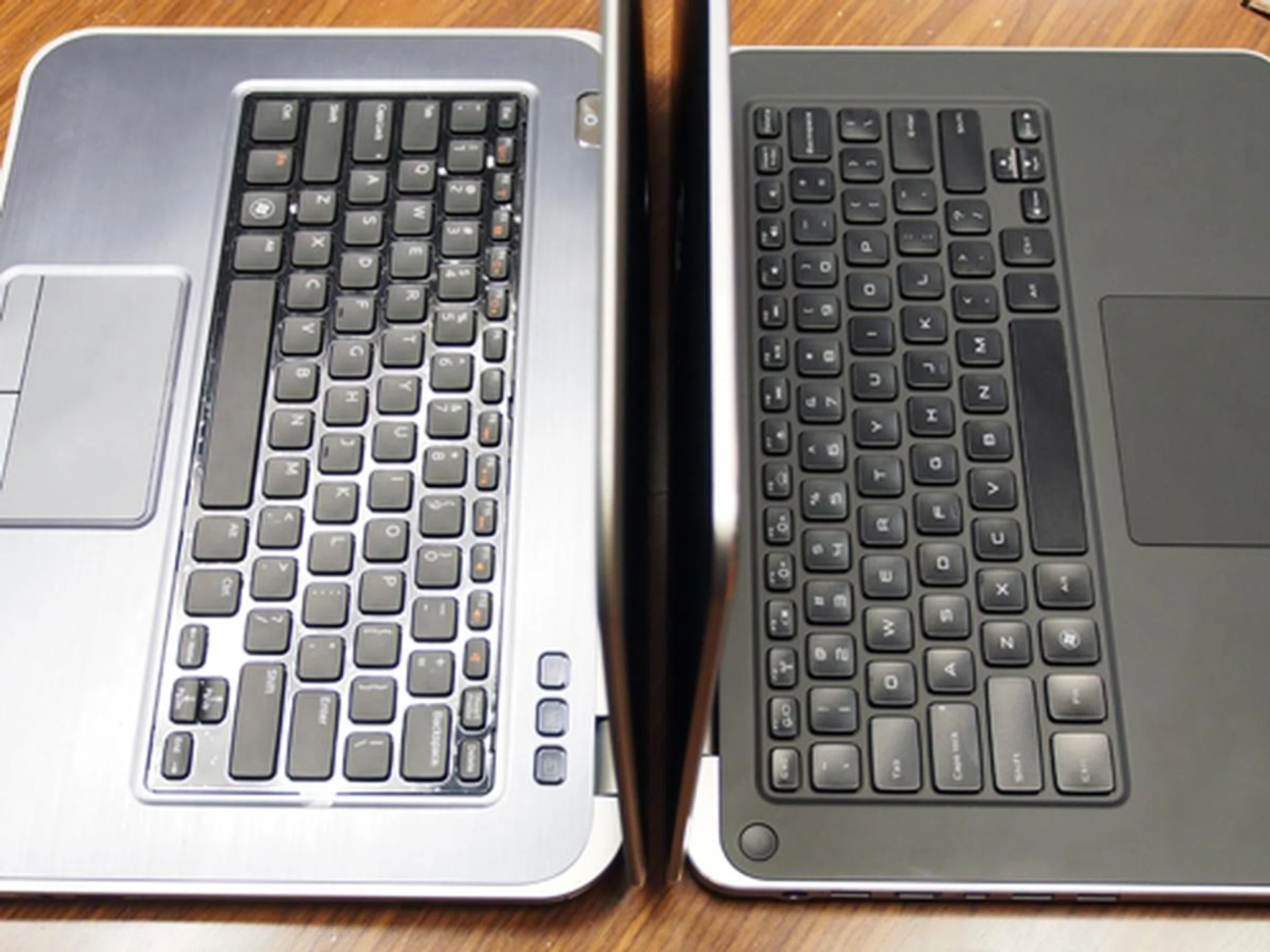
Dell's new Ultrabooks, the Inspiron 14z on the left, and the XPS 14 on the right.
Dell added two new models to their Ultrabook range this week. Joining last year's XPS 13 is its bigger brother, the XPS 14, and the student-targeted Inspiron 14z. Dell brought both models down to HardwareZone's premises for us to take a closer look.
Meet the Dell XPS 14
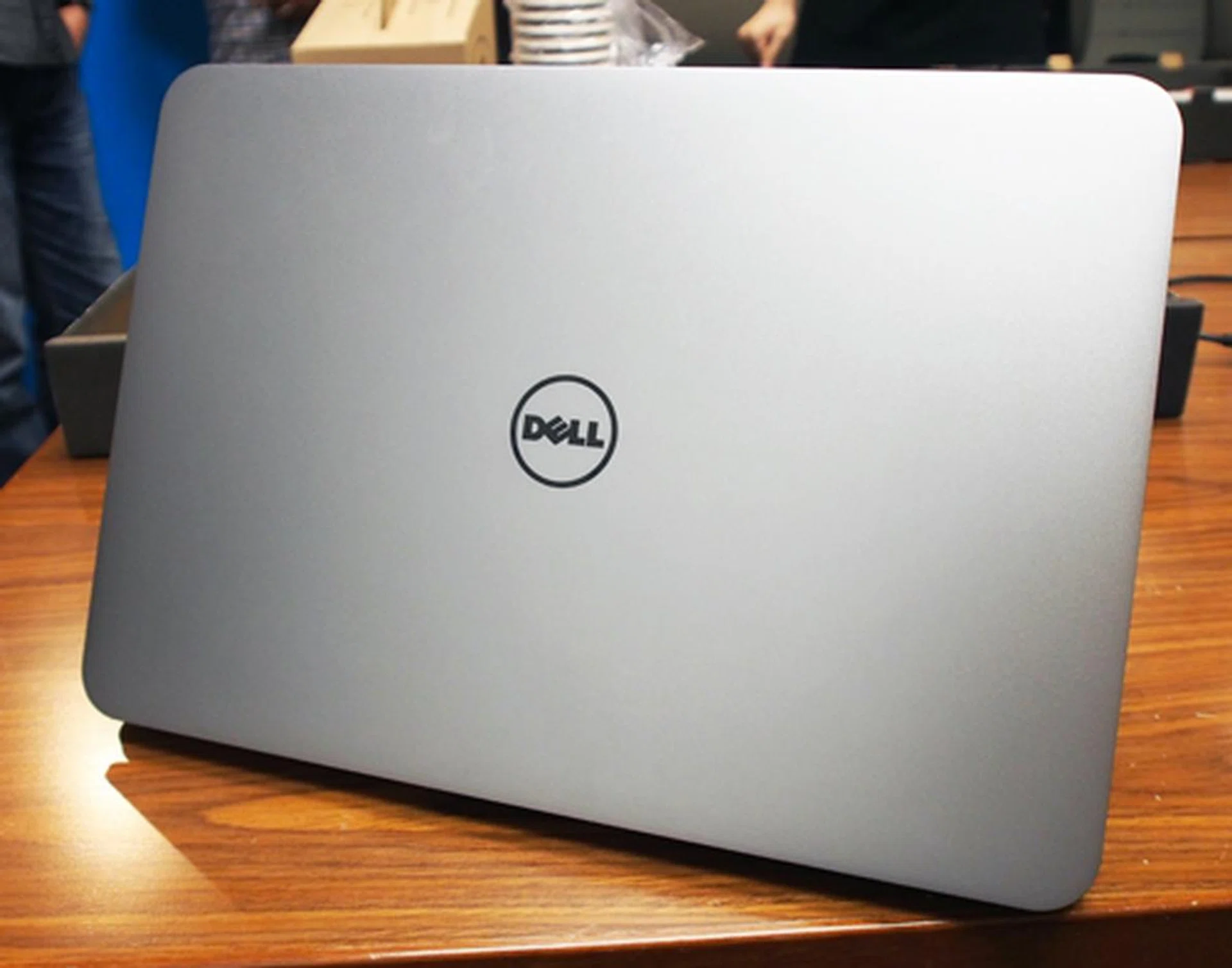
The XPS 14 looks like a larger version of Dell's XPS 13.
The 14-inch XPS 14 is the bigger brother to last year's XPS 13, with a very similar look and some matching features, but without the tapered profile and carbon fiber base. The machined aluminum lid looks beautiful. Like its little brother, however, there is a strong 'Macbook' vibe to its aesthetics. The model Dell showed us was armed with an i5-3317U (1.7GHz) Ivy Bridge processor, 500GB HDD with 32GB SSD cache, and 4GB RAM. Like the XPS 13, it features a hardened Corning Gorilla Glass screen and we're glad to see that the resolution has been bumped up to 1600x900.
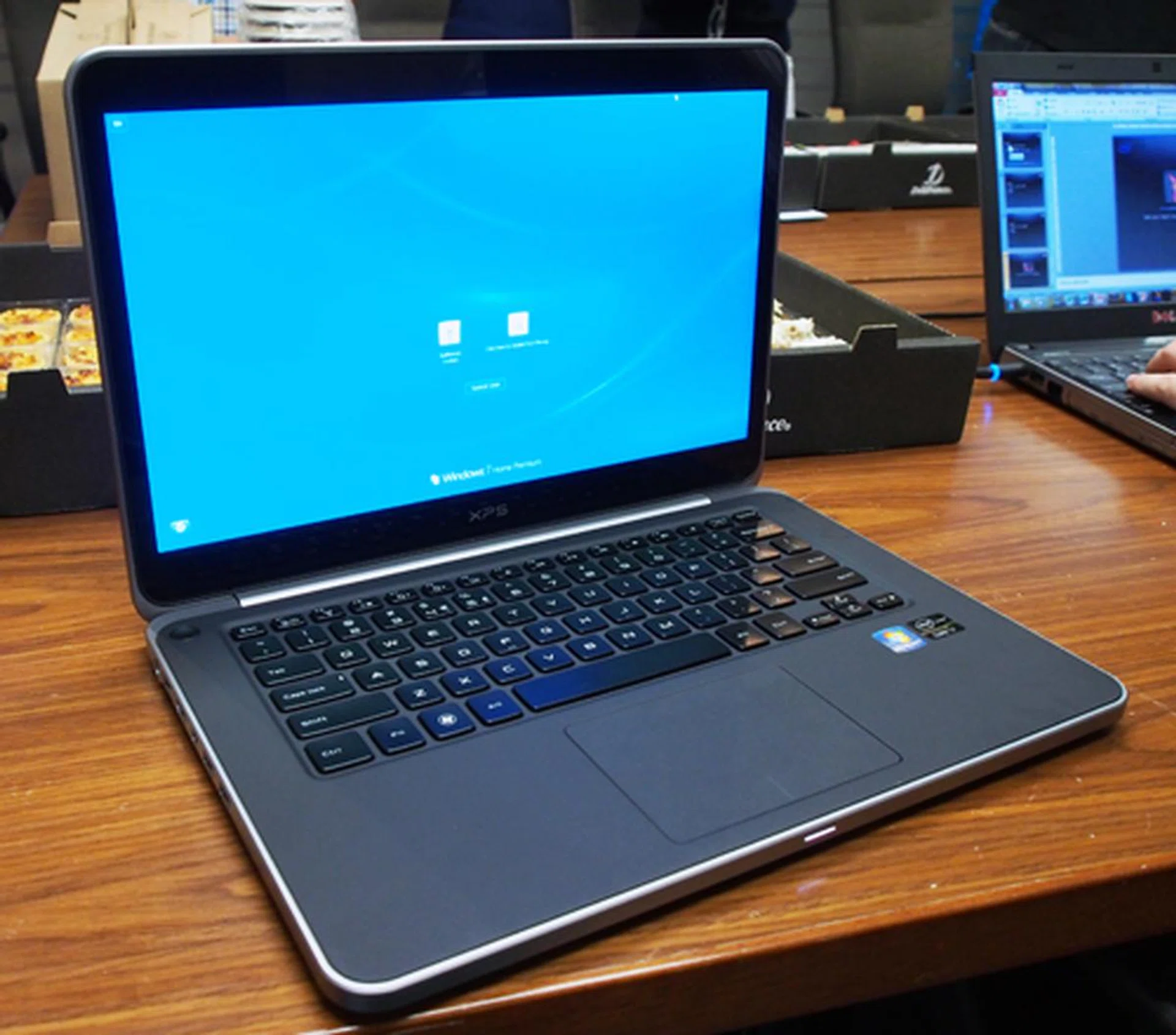
We're glad to see another Ultrabook with a higher resolution screen. The XPS 14 uses a 14-inch 1600x900 resolution display.
Inside, the keyboard appears to be the same as the one on the XPS 13. The glass trackpad is slightly bigger, and feels smoother and faster than the one found on the XPS 13.
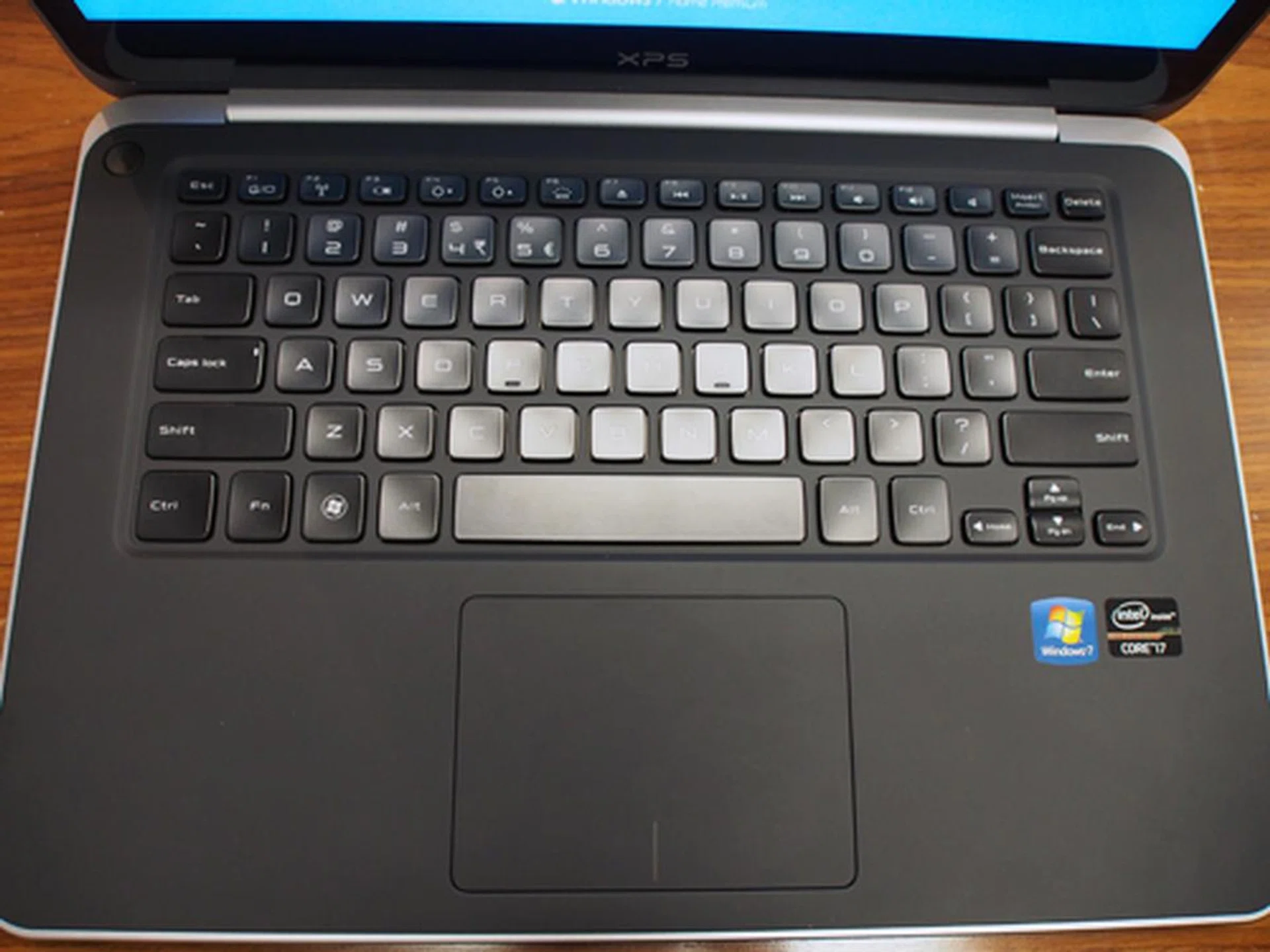
The XPS 13 uses a one piece interior, with a generously-sized glass trackpad.
The battery light indicator seen on the XPS 13 returns, this time on the base of the unit.
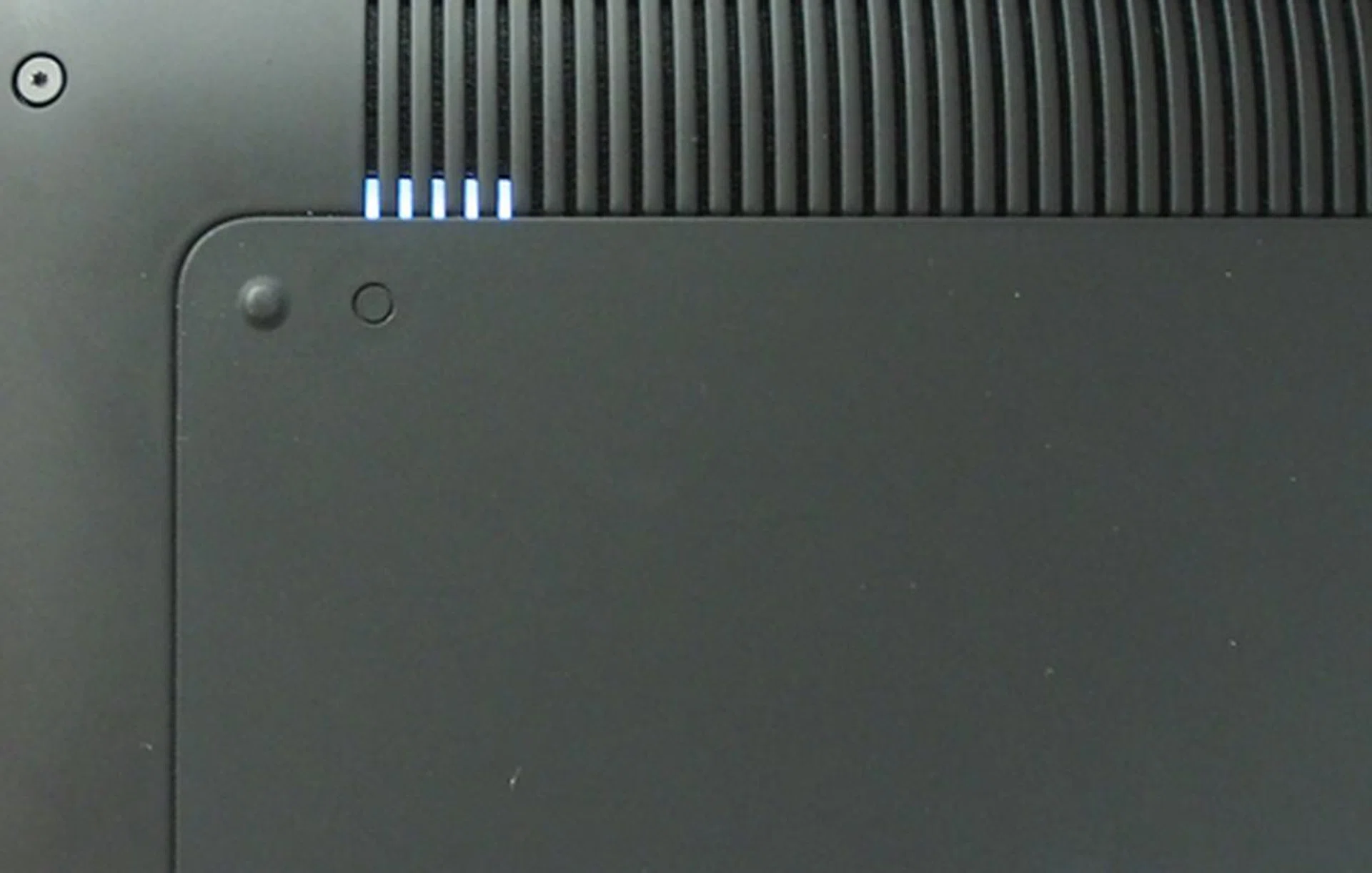
The carbon fiber base plate is gone, and the battery life indicator has been moved from the right-side to the base. Pressing that little circular button will light up the battery life display.
Connectivity is fairly good, with a Mini DisplayPort, HDMI port, RJ-45 port, headphone/microphone jack, two USB 3.0 ports, and a multi-card reader (something that we felt was sorely lacking on the XPS 13).
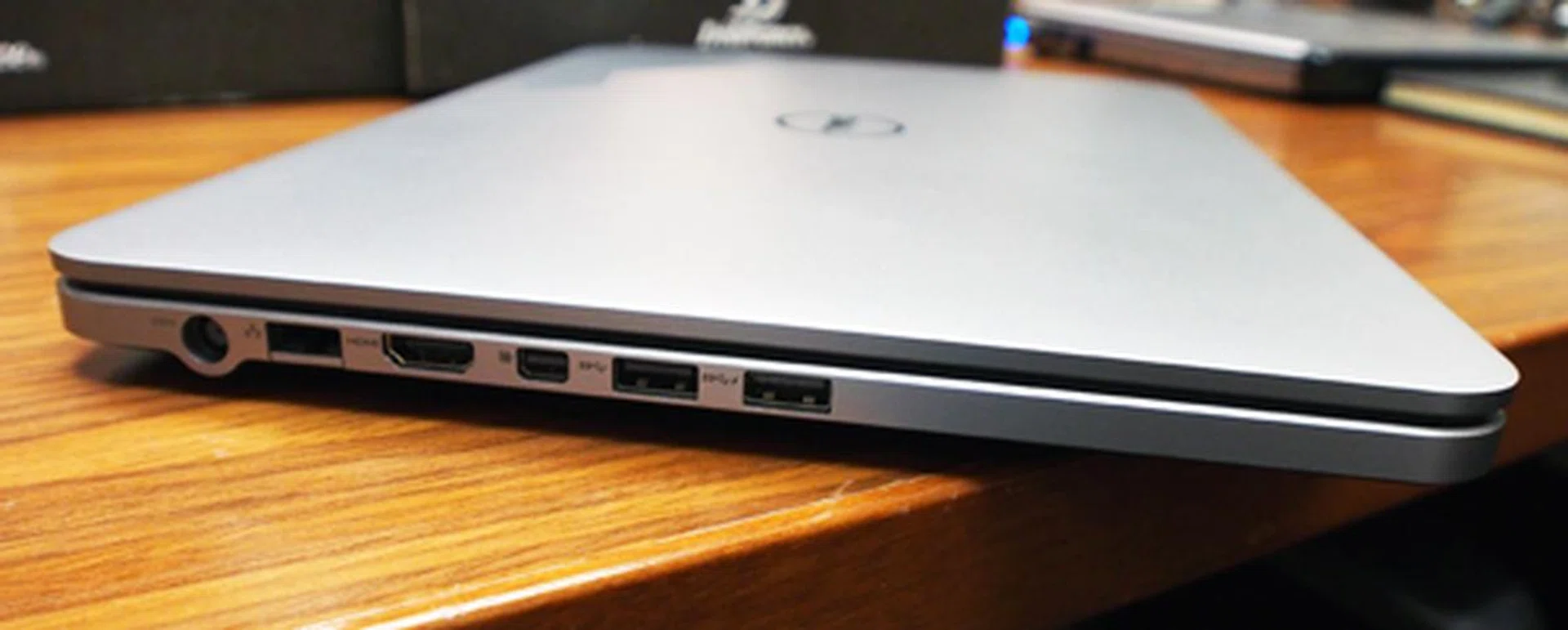
Most of the ports can be found on the left. It looks a little bit cramped, but makes everything easy to locate.
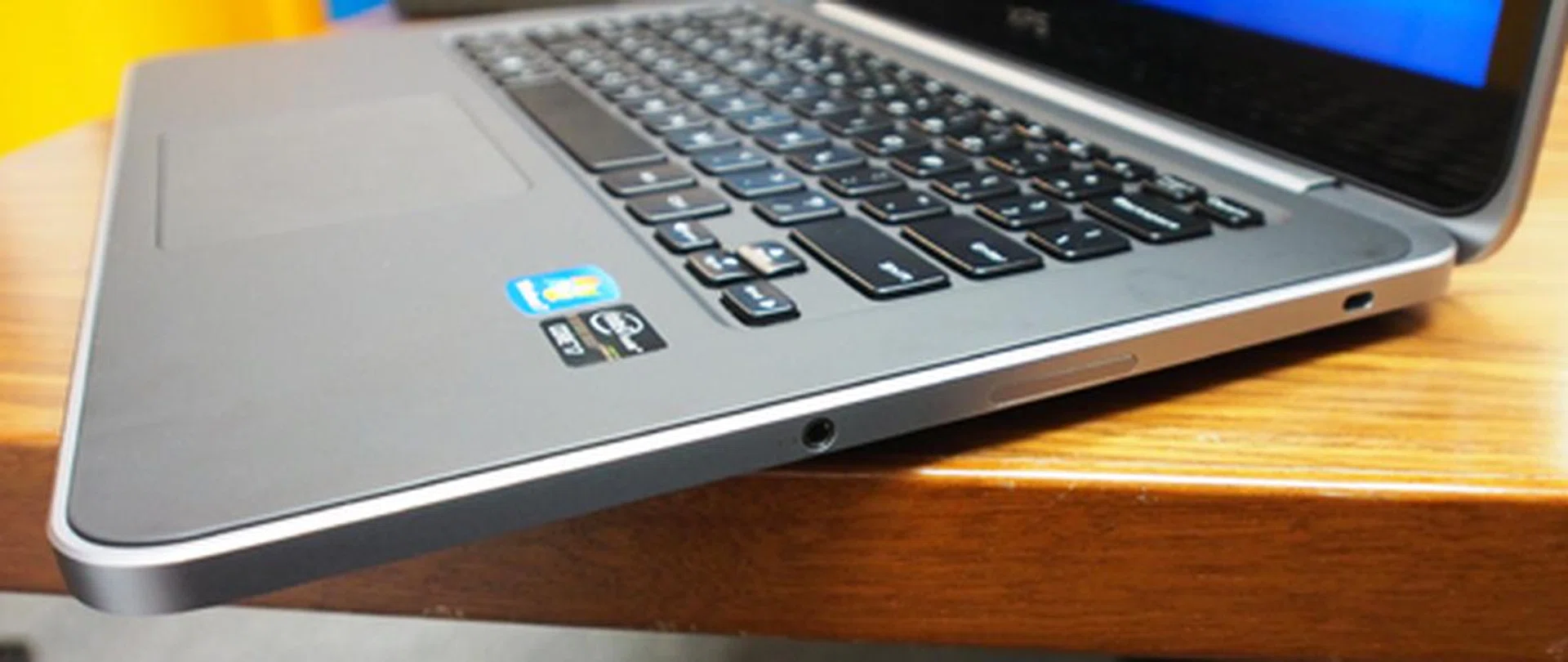
The right side looks sparse by comparison, with just the headphone/microphone jack, multi-card reader and Kensington lock here.
The overall footprint is quite small for a 14-inch notebook, although it's overall portability takes a hit due to its hefty 2.1 kg payload - a result of the Corning Gorilla Glass that we also noticed raised the weight on the XPS 13 and HP's Envy 14 Spectre.
The standard configuration with the above-mentioned specs starts at $1,399. An alternative option with discrete graphics, using NVIDIA's GeForce GT 630M GPU, which also comes with an upgrade to 8GB RAM is available for $1,799. An upgrade to a full 512GB SSD has also been mentioned by Dell, but pricing and availability have not been released at this time - expect it to be expensive though.
A Core i7 configuration using an i7-3517U (1.9GHz) processor will be added soon.
Meet the Dell Inspiron 14z
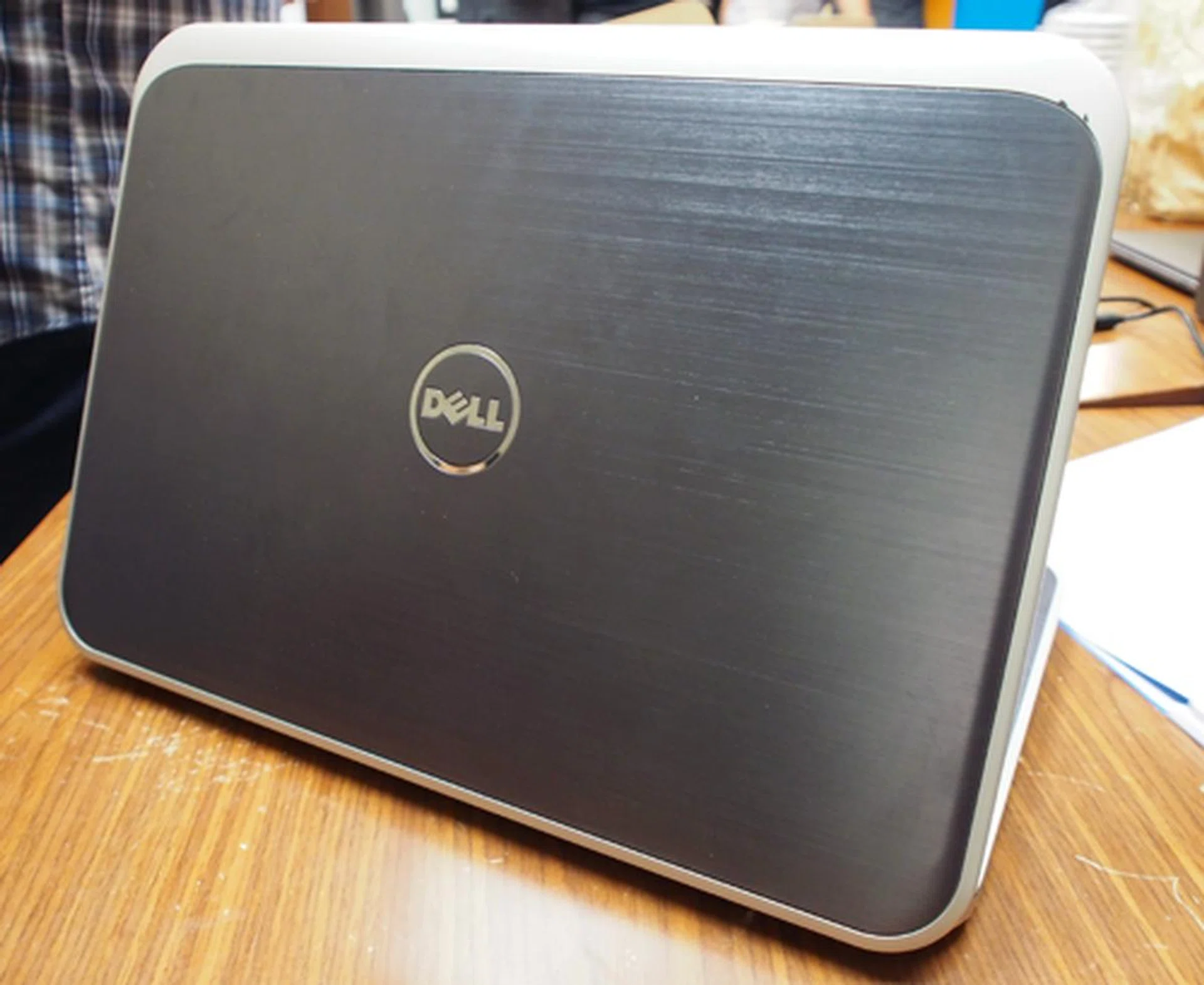
The Inspiron 14z is a budget Ultrabook aimed at students.
Just in time for the back-to-school period, Dell's new Inspiron 14z Ultrabook is aimed at students and is armed with relatively low-powered specs, comprising of a Sandy Bridge i3-2367M (1.4GHz) processor, 4GB RAM, 500GB HDD with 32GB SSD cache, and a 14-inch 1366 by 768 resolution display.

While the build materials and overall design isn't as nice as the XPS 14, Dell have used aluminum on the lid and interior wrist rest to add a touch of premium style to the Inspiron 14z.
Build quality is evidently less premium than the XPS 14, judging by the plastic-based main chassis and a lid furnished with a brushed aluminum 'Moon Silver' finish. Inside, the keyboard carries similar 'chiclet' keys to those found on the XPS 14. However, the trackpad is different and more conventional, being neither glass nor a clickpad.

Unlike most Ultrabooks, the Inspiron 14z uses a standard trackpad rather than a clickpad.
Connectivity consists of two USB 3.0 ports, an RJ-45 port, HDMI port, and a multi-card reader.
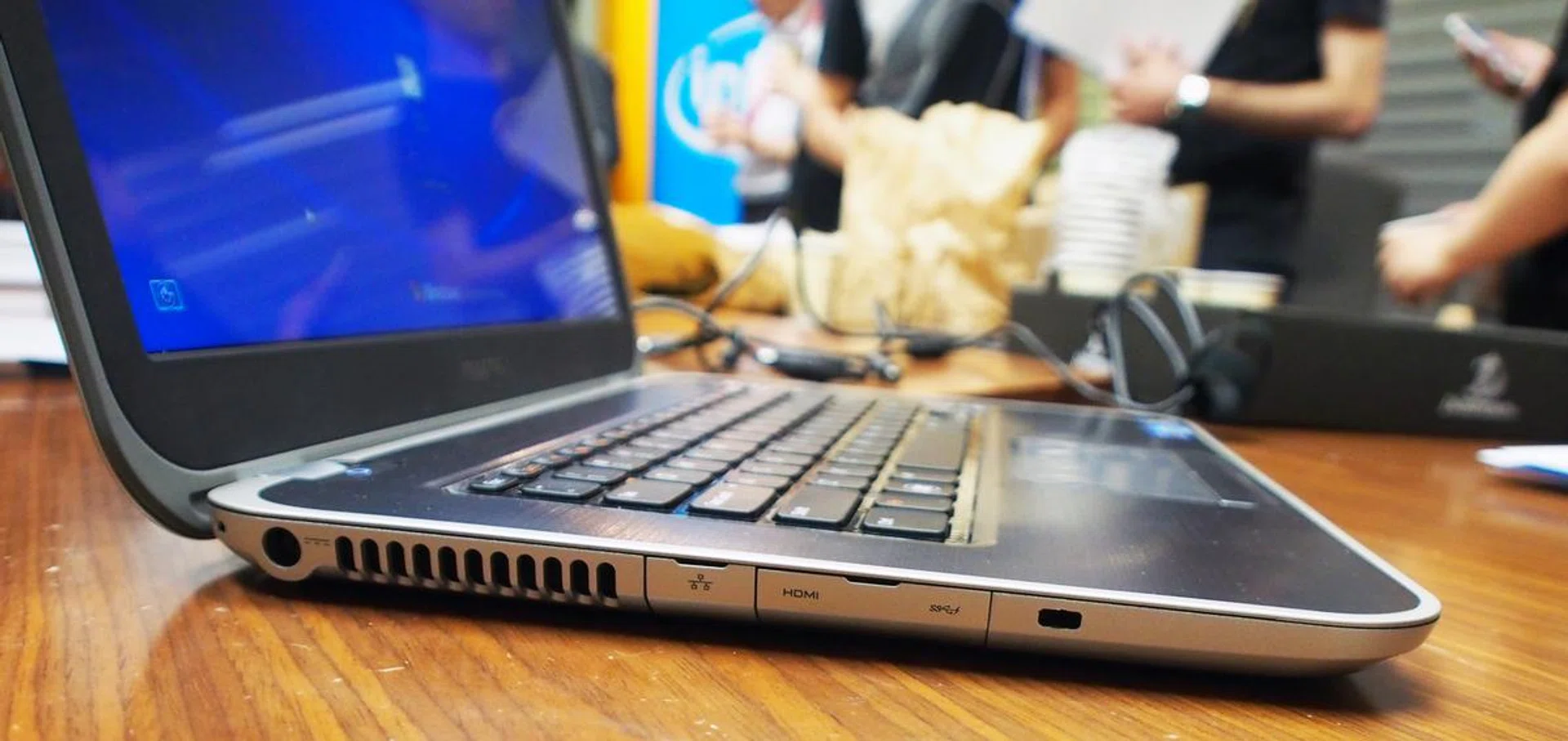
The ports can be accessed by flipping down the covers.
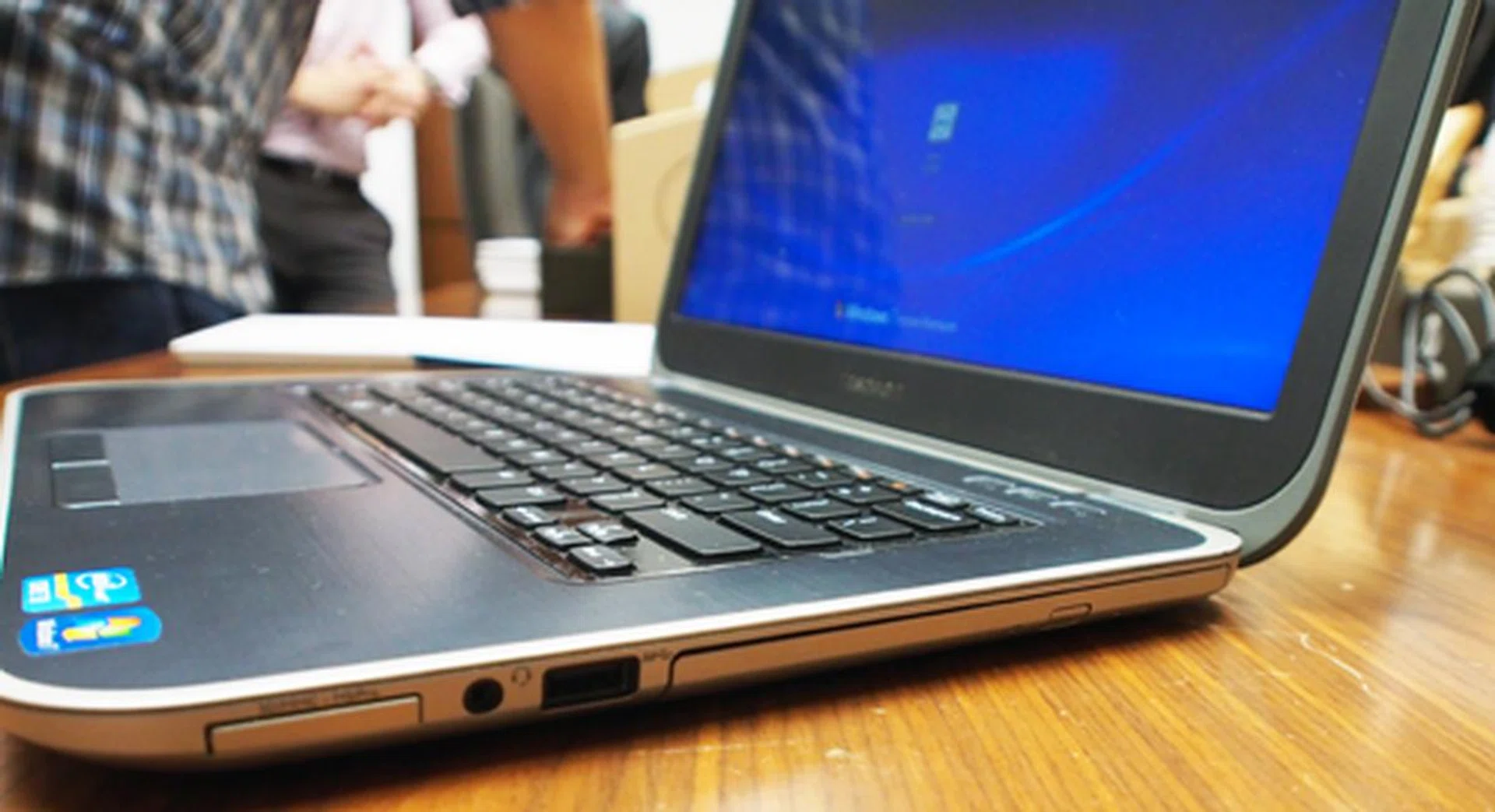
The Inspiron 14z is one of the few Ultrabooks with an optical drive.
The Inspiron 14z is slightly larger than the XPS 14, but weighs less at 1.87kg.
The press release that we were given states that that an Inspiron 14z with the above specs starts at $1,499, which we found surprising, considering its target student audience, budget performance specs, and mostly plastic build. However, a quick search online at Dell's website showed the same SKU model selling for a much more reasonable $899. An i5 model with discrete AMD Radeon HD 7570M graphics is also available for $1,350, while an i7 unit with a 256GB SSD is priced at $1,749.
Our articles may contain affiliate links. If you buy through these links, we may earn a small commission.