

Macworld 2008 Highlights
With CES behind us and Macworld 2008 upon us this week, the biggest buzz would be Apple CEO Steve Jobs' unveiling on what is believed to be the world's thinnest notebook - the MacBook Air. We got up close and personal with this cool new gizmo as well as other updates, so read on!
Another Macworld, Another Macbook
With CES behind us and Macworld 2008 upon us this week (14-18 January 2008), the biggest buzz would be Apple CEO Steve Jobs' unveiling on what is believed to be the world's thinnest notebook - the MacBook Air. Announced during his keynote speech on 15th January 2008 at the Moscone Convention Center, San Francisco, the MacBook Air measures 0.16 inches at its thinnest tapered point and 0.76 inches at its highest rear portion. With a 13.3-inch LED backlit widescreen display, built-in iSight camera and the much talked about (at the showfloor) trackpad that uses the multi-touch gesture support similar to the iPhone and iPod Touch that allows users to pinch, rotate and swipe their fingers across the pad to expand, slide, zoom-in and rotate images. The notebook comes without an optical drive though, but it supports 802.11n Wi-Fi and Bluetooth 2.1.

Available for US$1799 in two weeks from Jobs' keynote announcement on 15th January 2008, the Apple MacBook Air is currently powered by a 1.6GHz (or 1.8GHz) Intel Core 2 Duo processor with 4MB L2 cache, 800MHz front-side bus, 2GB of 667MHz DDR2 SDRAM and an 80GB 1.8-inch hard disk drive. According to the personnel at the Apple booth at Macworld, owners of the MacBook Air can opt for the notebook with a 64GB Solid State Disk for an extra US$1000. Ouch! Expensive, but it's true that SSD options do bite your wallet big time.
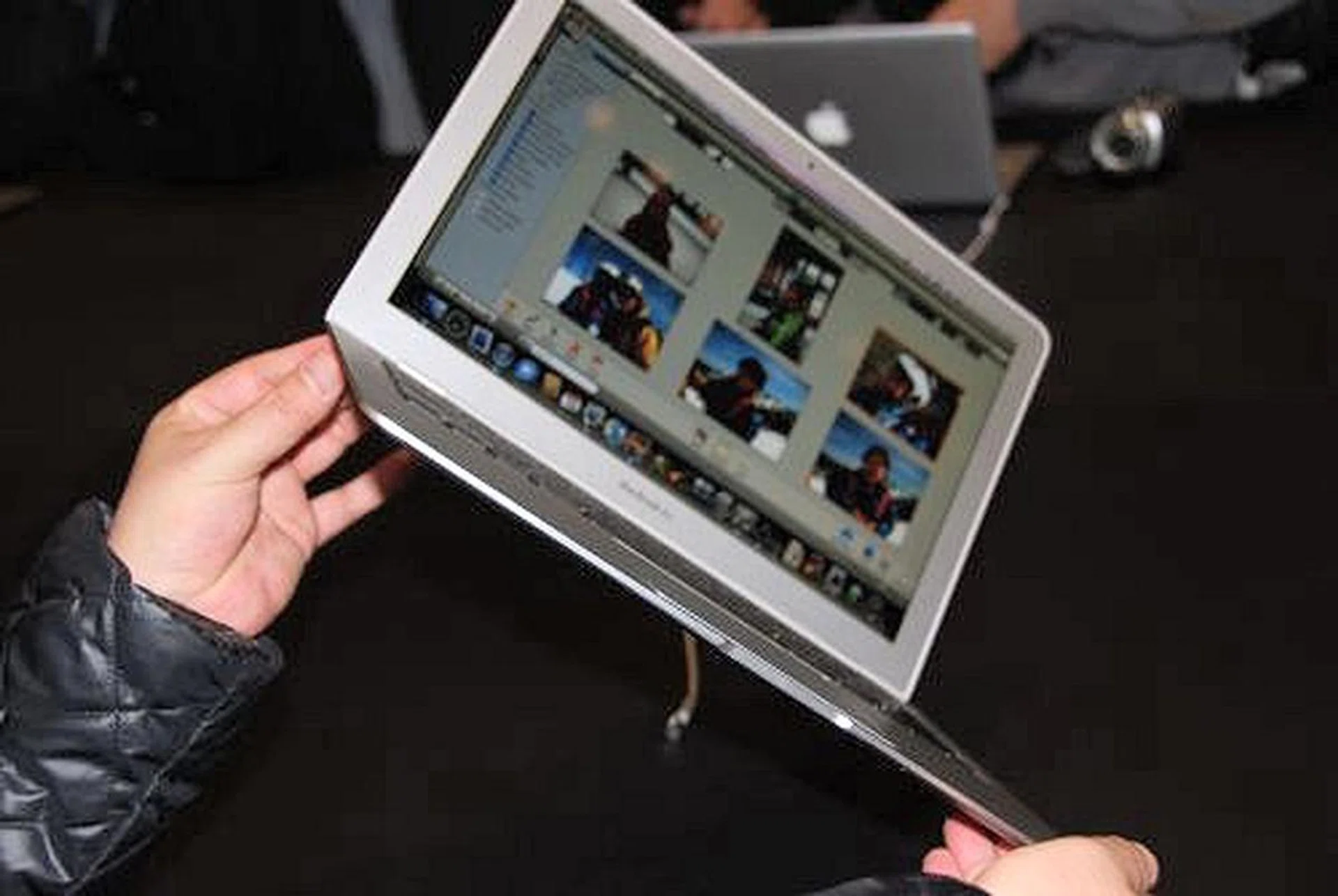
The world's thinnest notebook indeed. At 0.16 inches at its thinnest point, the MacBook Air is light enough to slip into an envelope.

Here's how the MacBook Air looks when it is clammed shut.
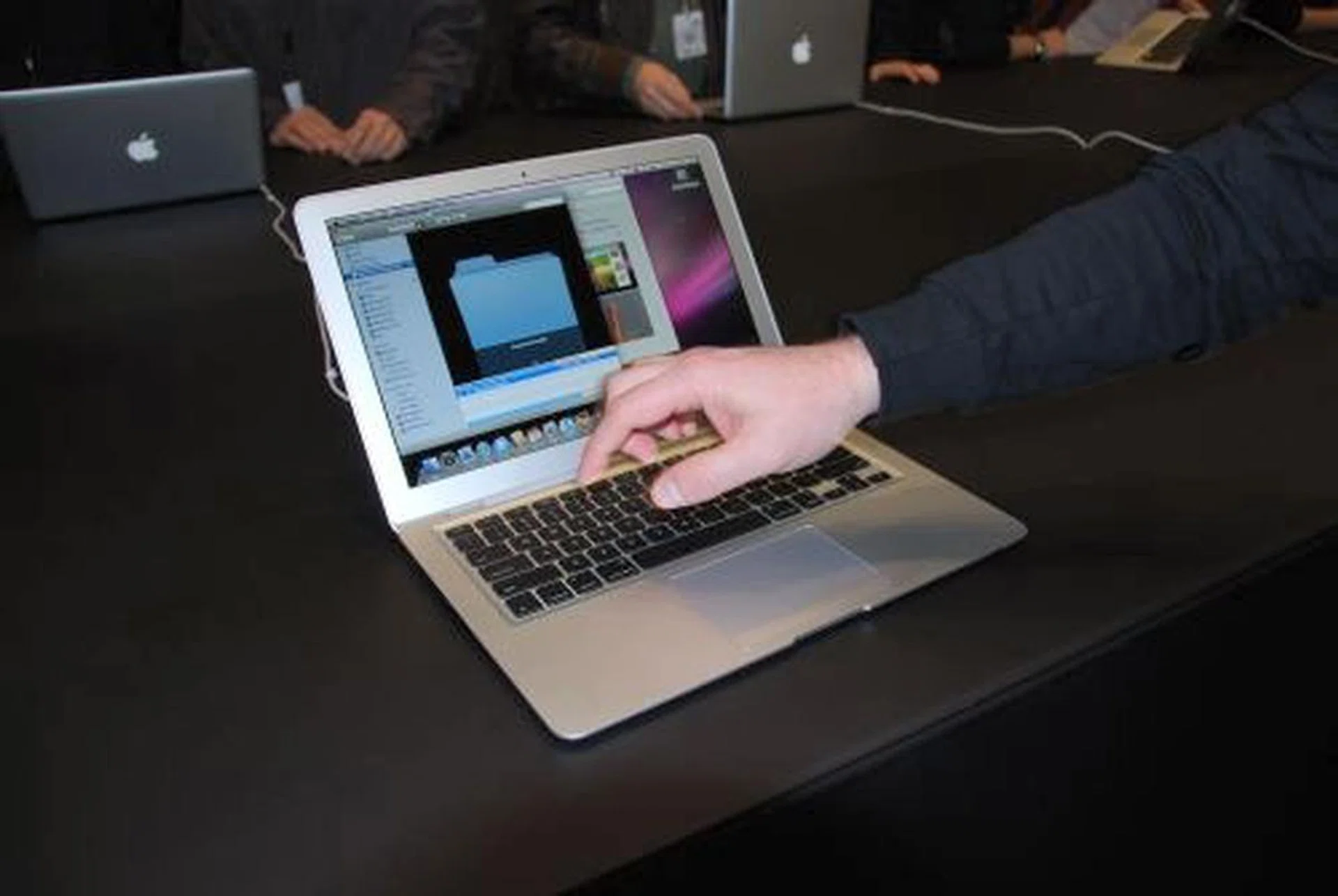
What's interesting with the MacBook Air is its multi-touch gesture support trackpad. Utilizing technology made famous on the iPhone and iPod Touch, the trackpad allows users to use their fingers on the trackpad and manipulate images or documents.
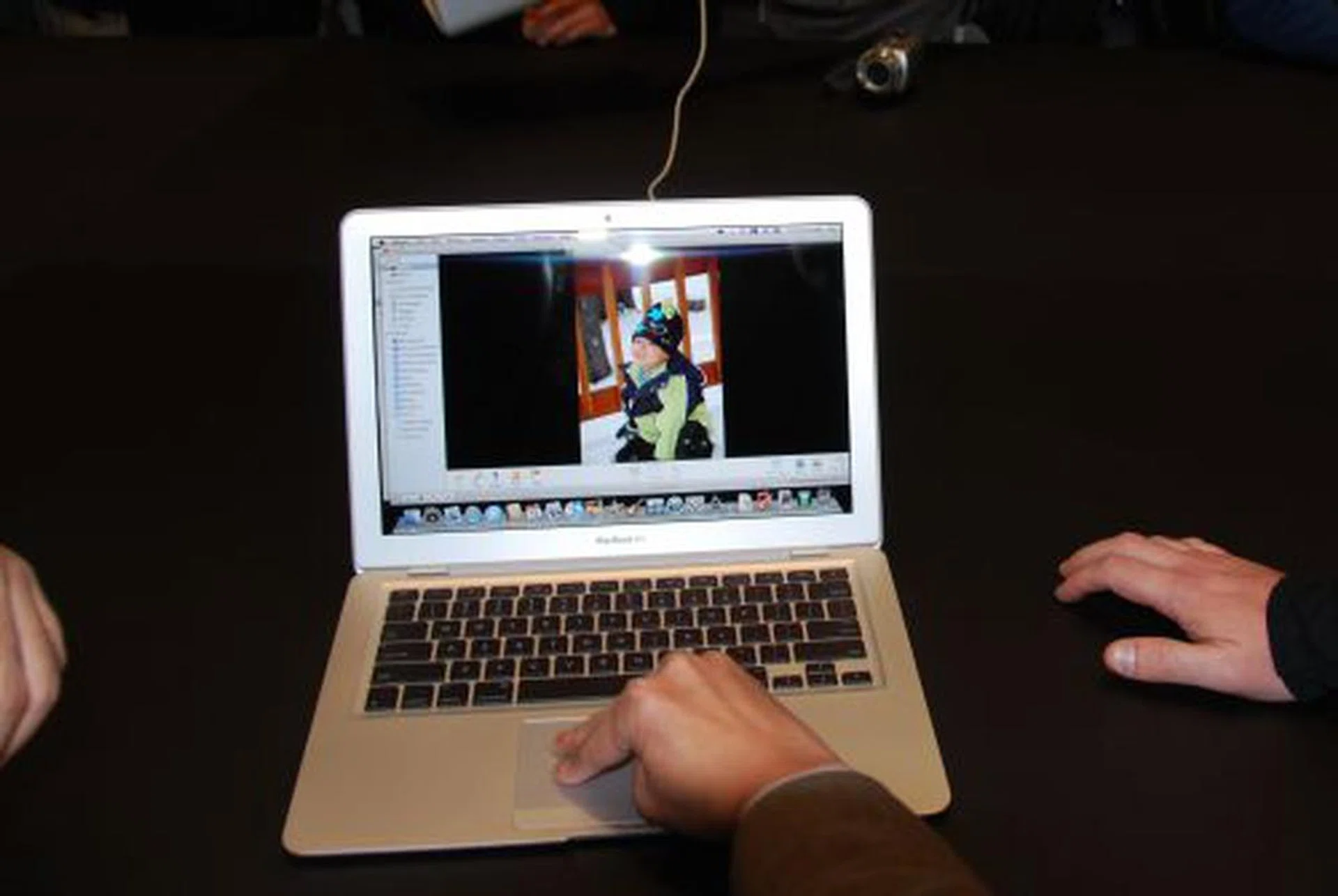
To slide across different images, you just need to slide three fingers across the trackpad either up or down.
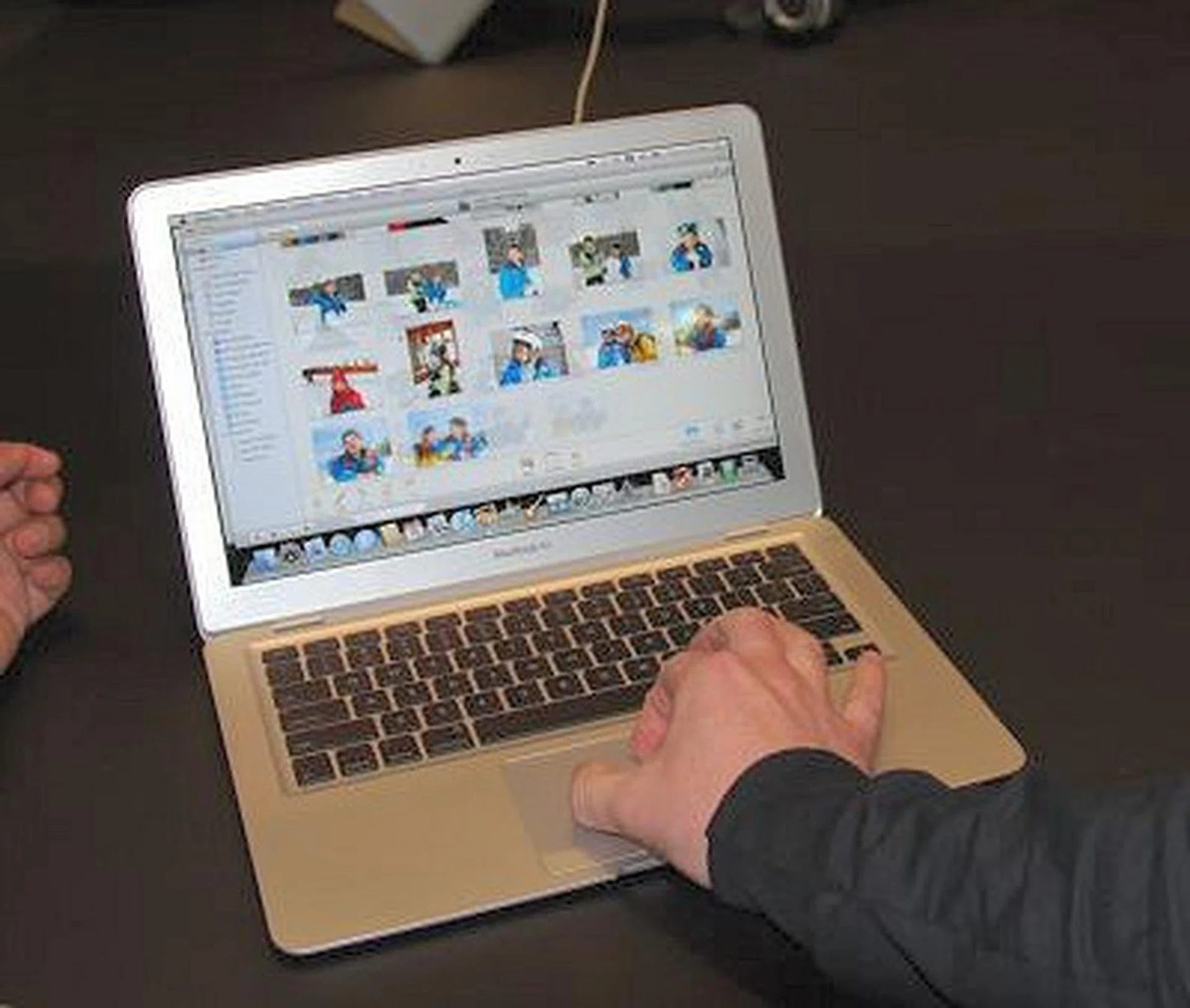
You can also manipulate an image or while previewing a PDF document, pinch on the trackpad to zoom into or out of the image or document. You can also make a circular motion with your fingers to rotate the images or PDF document in either direction.
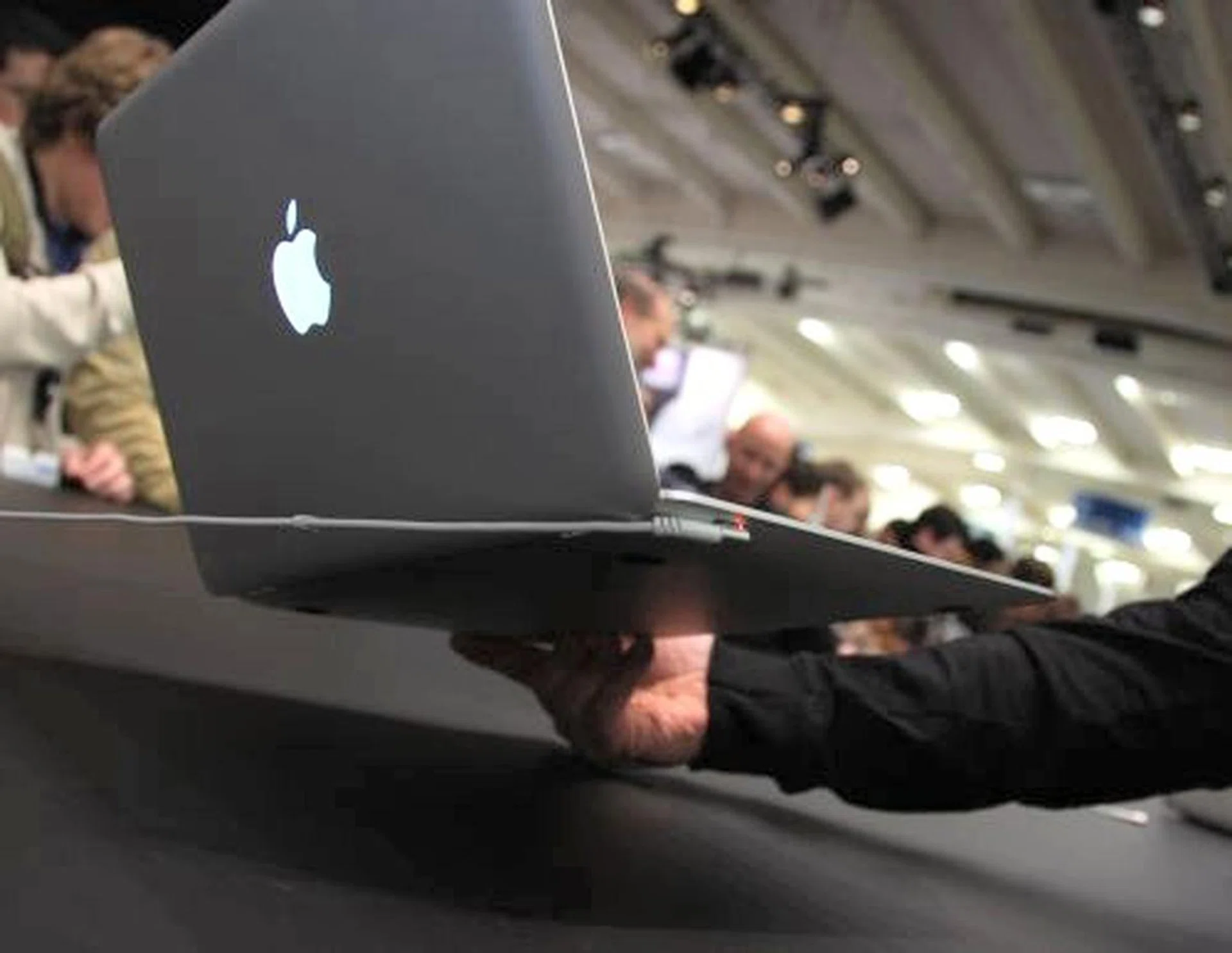
The notebook uses Apple's MagSafe Power Adapter, designed for mobile users.
While the MacBook Air doesn't come with any drives, it has built-in 802.11n Wi-Fi and Bluetooth 2.1, as well as a pull-out slots for USB 2.0, audio port and a micro-DVI port. Users can use the micro-DVI port to connect to Apple's 20- or 23-inch Cinema Displays to extend their desktop displays. Users can also consider getting the MacBook Air SuperDrive, an external drive for US$99 that uses the USB port. The key message however is that if you want to watch movies or listen to music, there's the iTunes Store which users can rent from, utilize the new Time Capsule to wirelessly backup files and access optical drives on remote PCs or Macs with the 802.11n Wi-Fi access on the MacBook Air.
iPod touch Updates
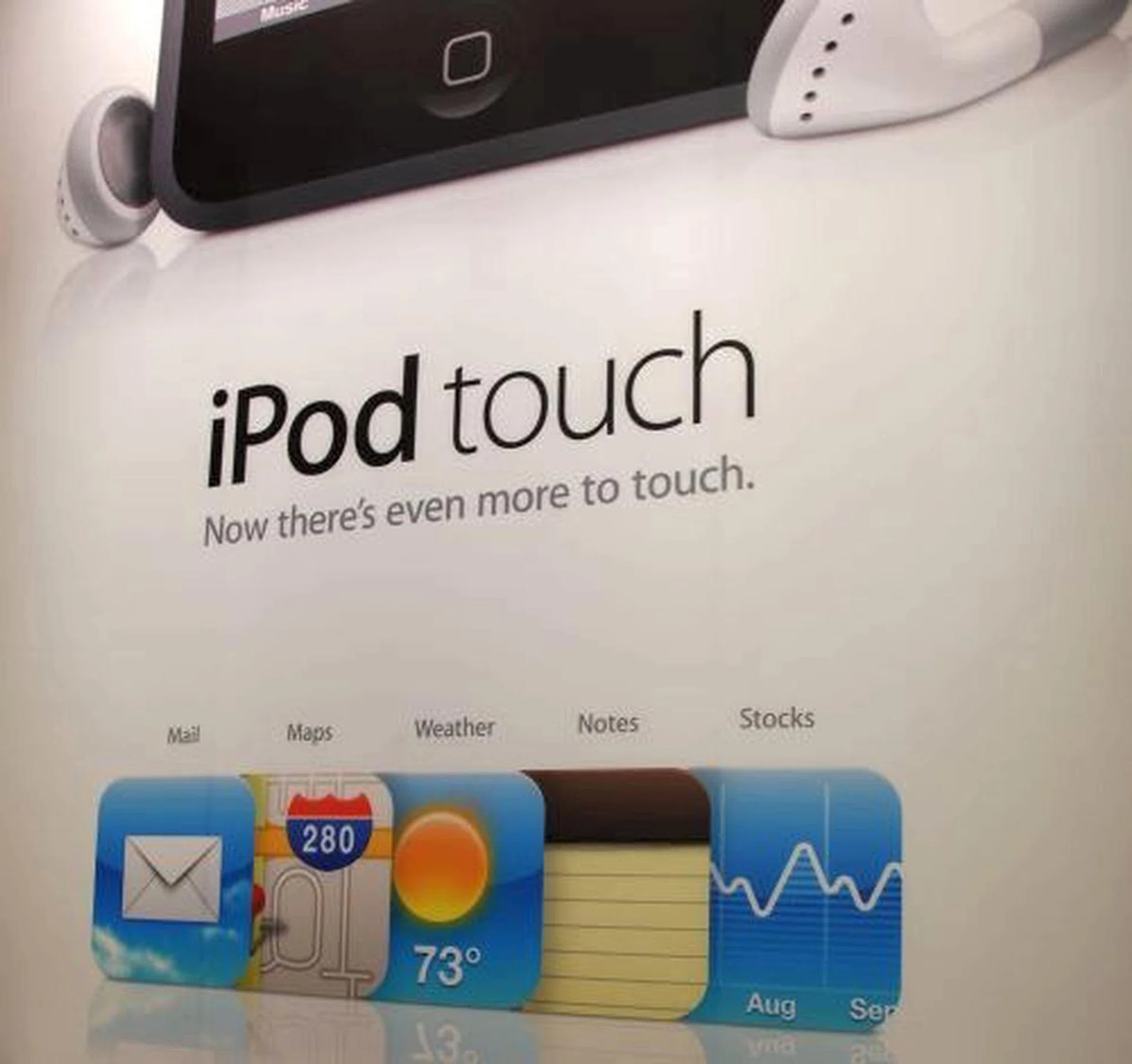
The iPod touch also has a software upgrade, adding five more mobile apps to it - Mail, Maps, Stocks, Weather and Notes. The touch upgrade also includes features like Web Clips, which allows users to customize their home screen and the ability to watch iTunes Movie Rentals.
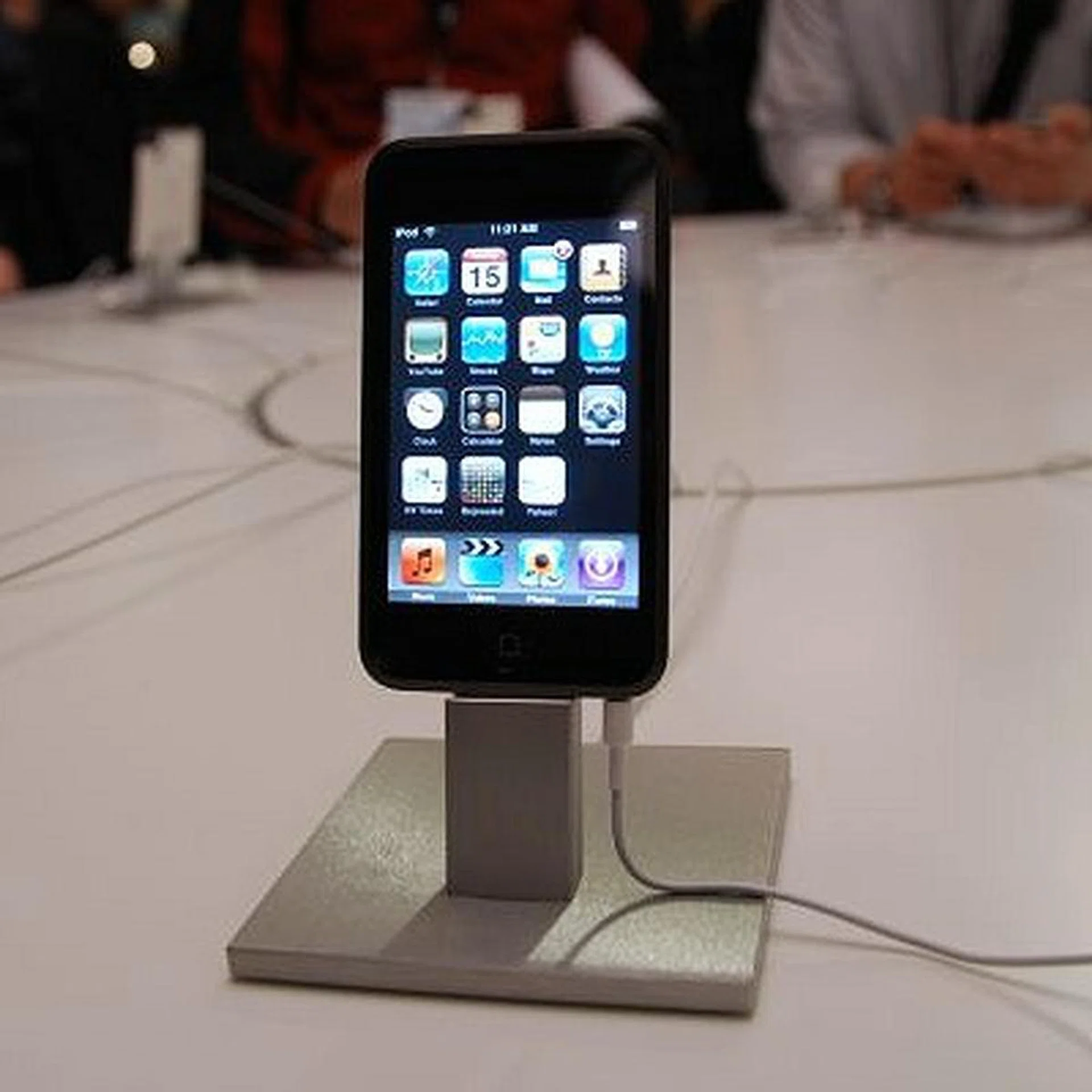
While the new iPod touch products shipping from the factory will have the software upgrade for free, existing iPod touch customers will have to fork out US$19.99 to purchase and download it from iTunes. The iPod touch home screen can be customized, as users can reorder and add new icons, with support to have up to nine home screens which they can flick to and fro. If you're surfing, you can add custom icons on your home screen that leads to your fave websites via the Web Clips function. It is something like your Favorites pull-down menu, at the touch of your finger.
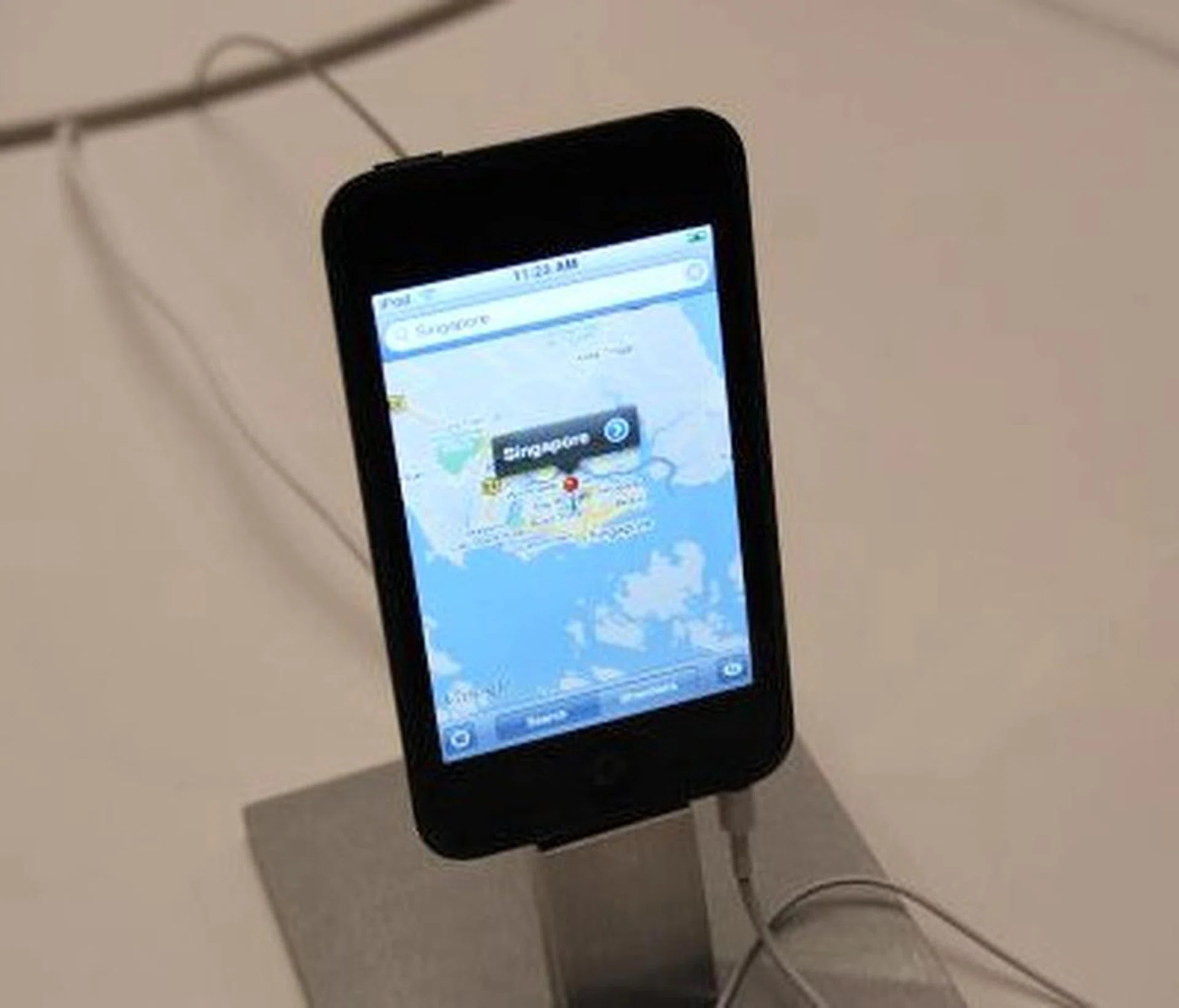
One of the five new apps on the touch is Apple's collaborative effort with Google through Maps, which lets users automatically find their current location using nearby Wi-Fi base stations. This would turn the iPod touch into a great geo-locator GPS-type device especially if you're in a Wi-Fi area.
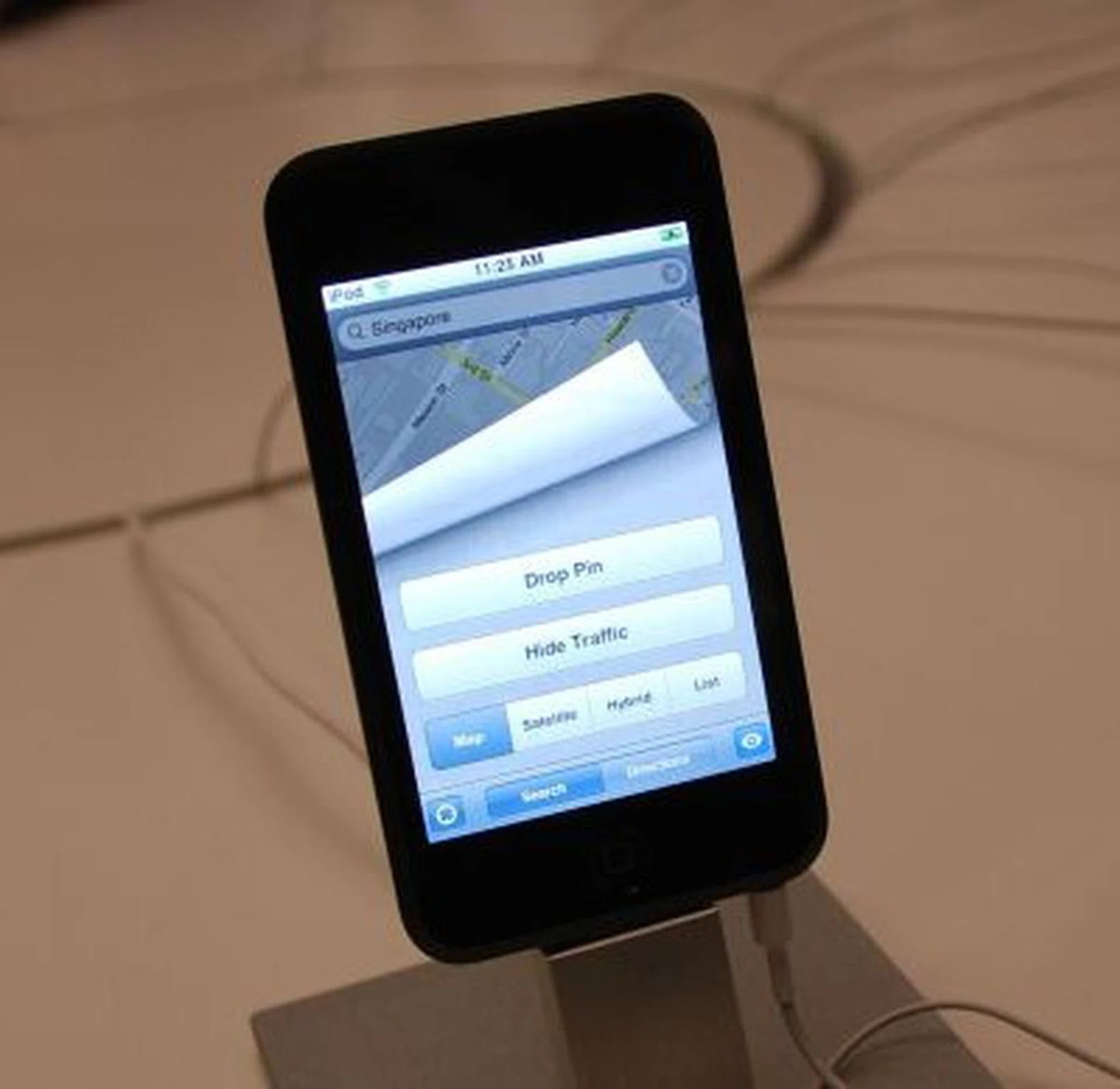
You can drop pins onto a map or hide traffic information if your map views get too cluttered.
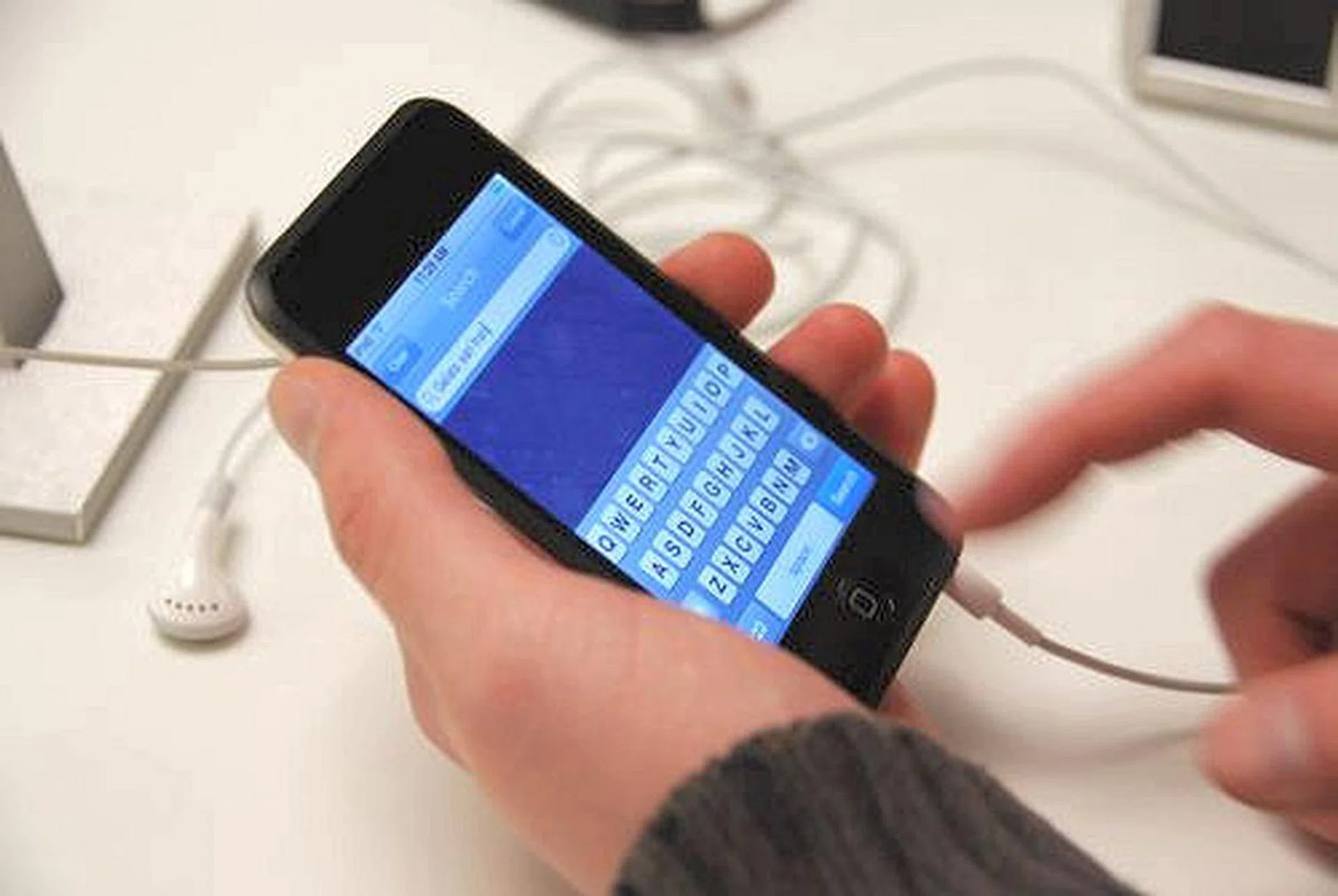
Searching for a location. Type a point A and point B location specific to your needs and you should be able to see a direction indicator on your map.
iPhone Updates
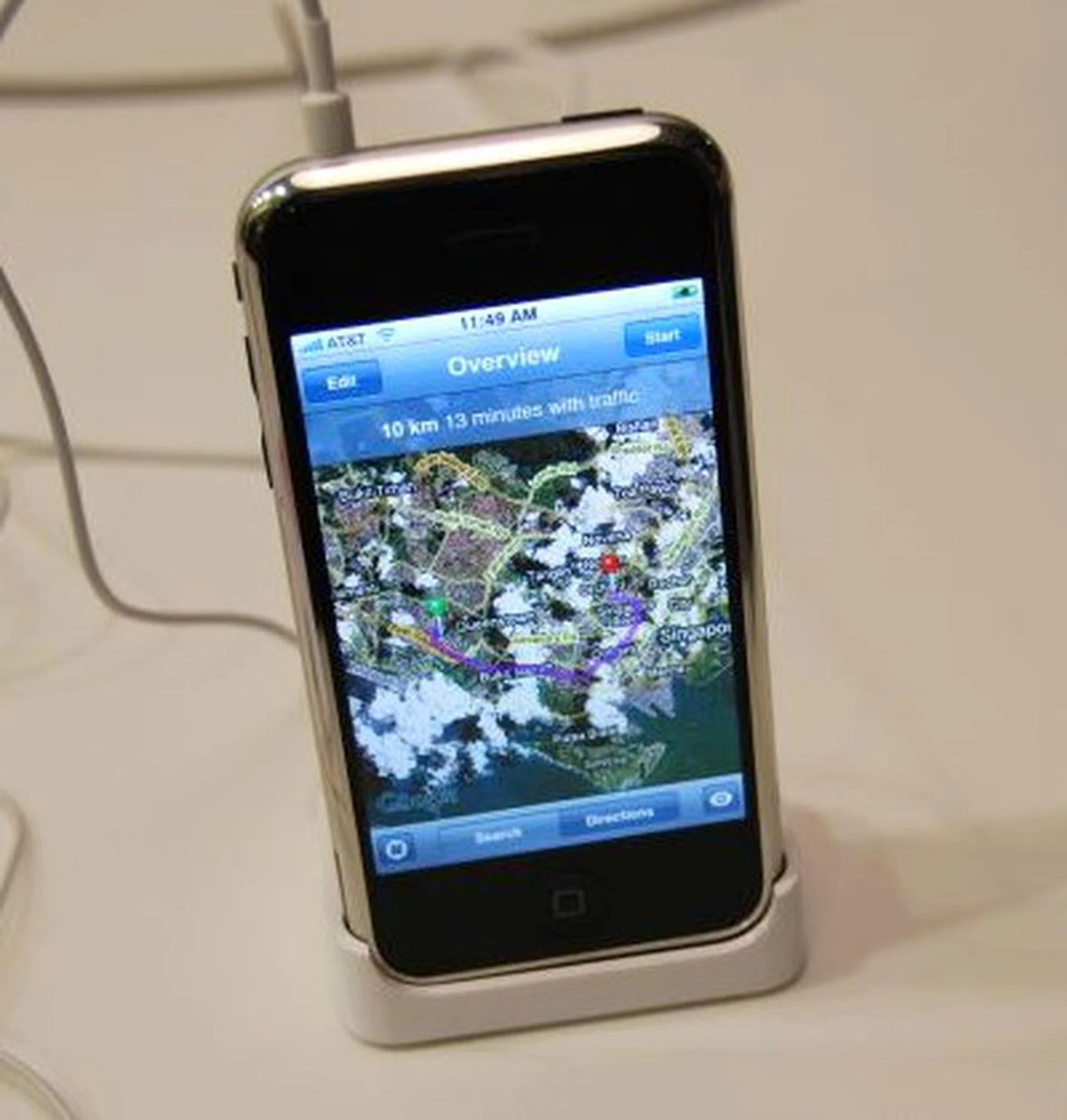
The Apple iPhone did not have much of an announcement though, except for a free software update that is somewhat similar to the iPod touch update. The iPhone version lets users automatically locate their coordinates on a redesigned Maps app, text-message multiple people in one SMS, create Web Clips of their favorite sites, customize their home screen and of course, watch movies rented from the iTunes Movie Rentals.
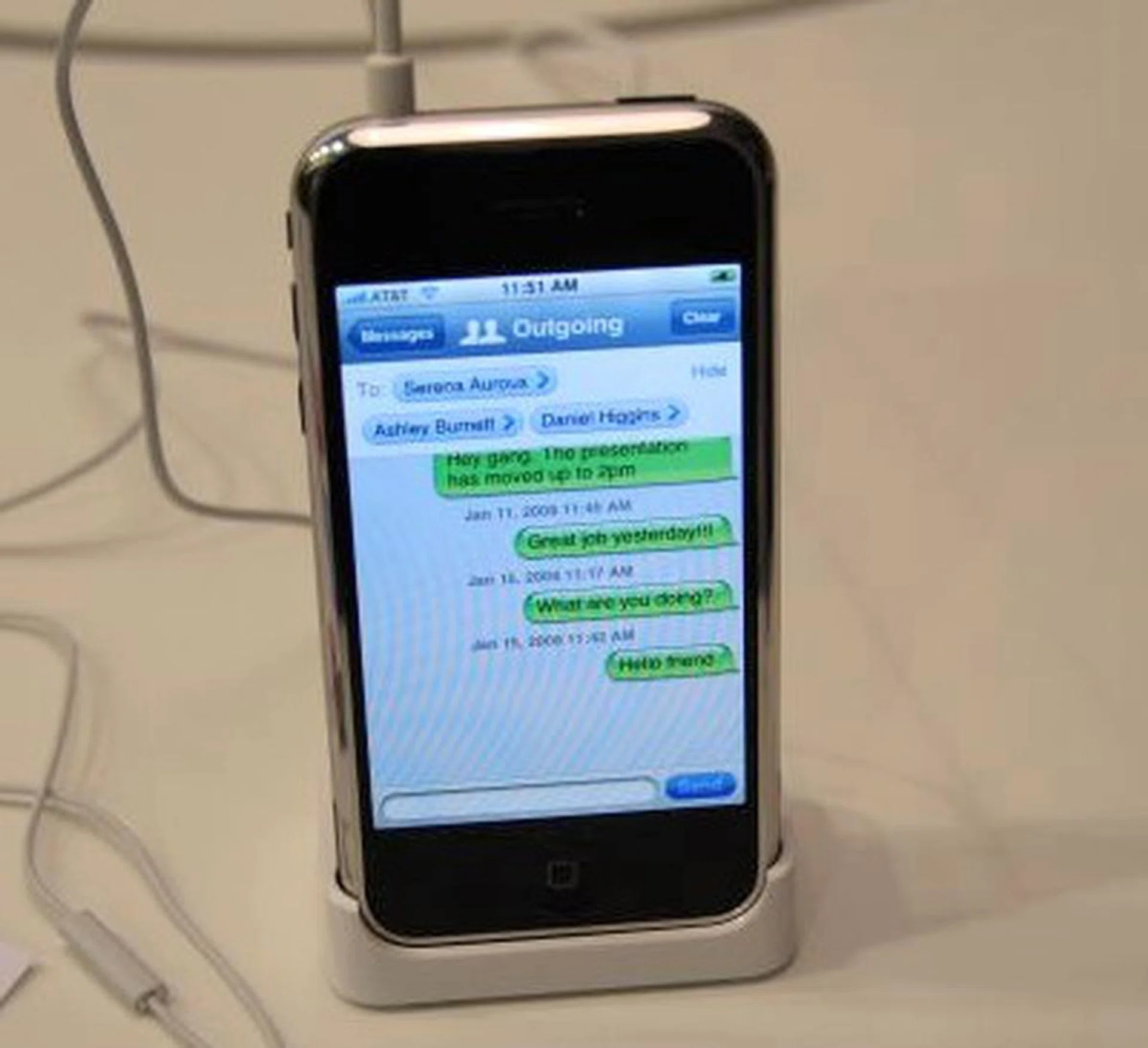
SMS multiple recipients at once with the new update to the iPhone.
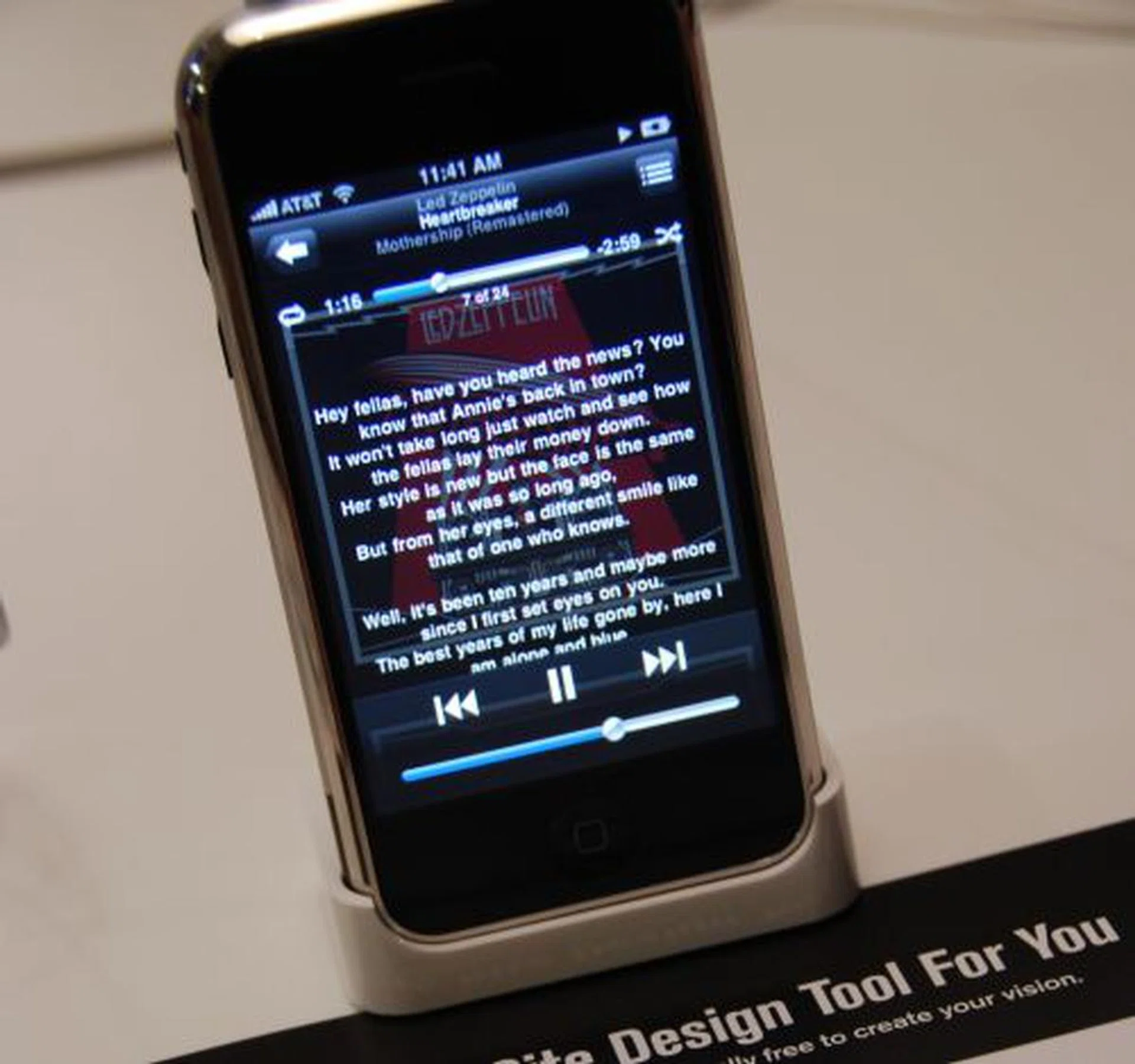
If you're listening to music, you can now view the lyrics if the service or album supports it.

For movie watchers, you can now view the movie in chapters and skip chapters if you want.
iTunes Movie Rentals & Apple TV
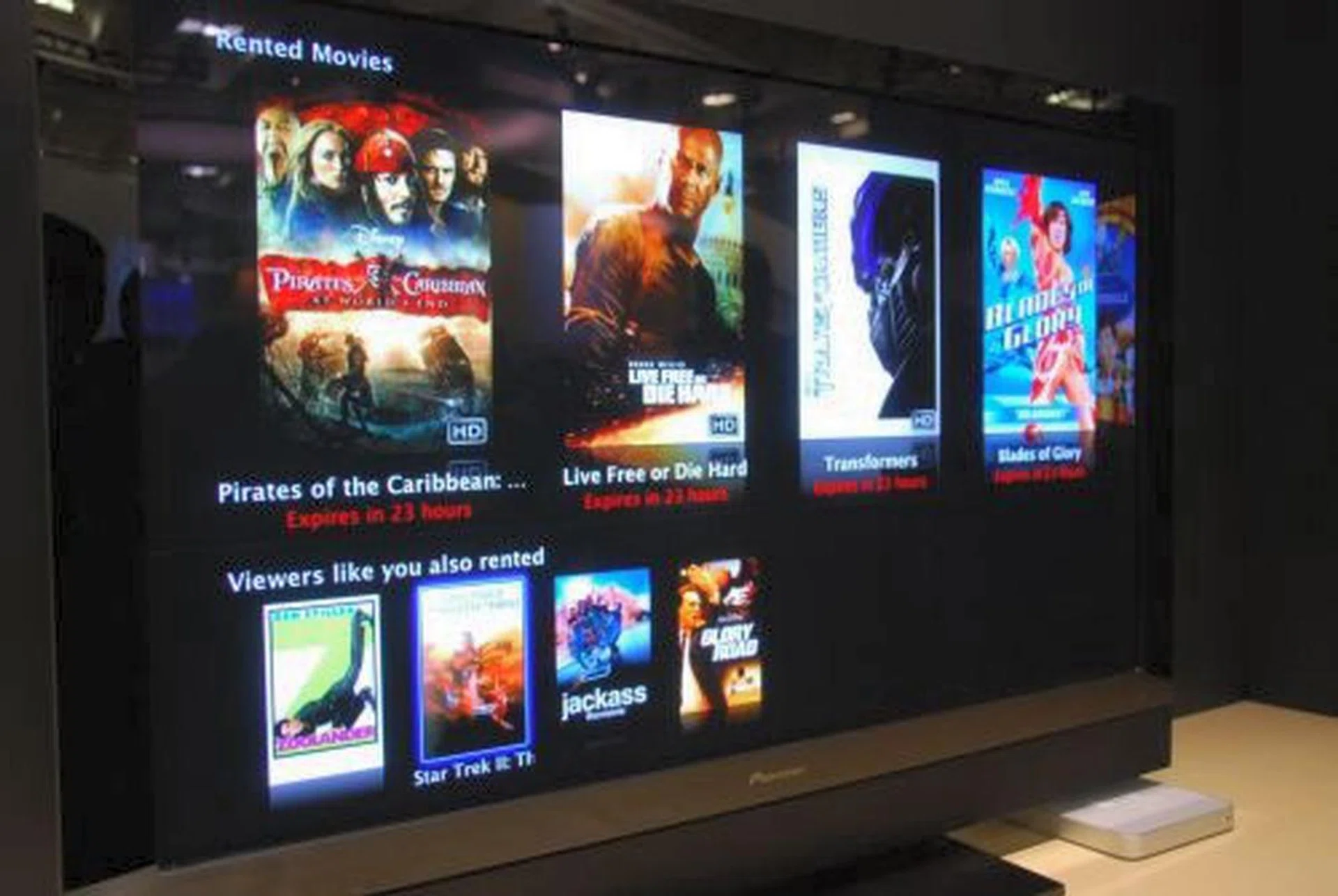
Apple also announced the iTunes Movie Rentals service, featuring all major movie studios including 20th Century Fox, The Walt Disney Studios, Warner Bros., Paramount, Universal Studios Home Entertainment, Sony Pictures Entertainment, Metro-Goldwyn-Mayer (MGM), Lionsgate and New Line Cinema.

The way the iTunes Movie Rentals service works (and this is only in the US) is that users can rent movies for as low as US$2.99 and watch them on their Macs or PCs, current generation iPods, iPhone and Apple TV. With the promise of over 1000 titles by end February, including over 100 titles in HD with 5.1 Dolby Digital surround sound, users can rent direct via Apple TV. According to a personnel at the booth, new titles are added about a month after their DVD releases, with prices at US$2.99 for standard definition library titles, US$3.99 for new releases, US$3.99 for HD library titles and US$4.99 for new HD releases.
What happens with the rental service is that once the movie is downloaded to your device, you have 30 days to watch it. Once you activate the movie, you have 24 hours to view it before it expires.

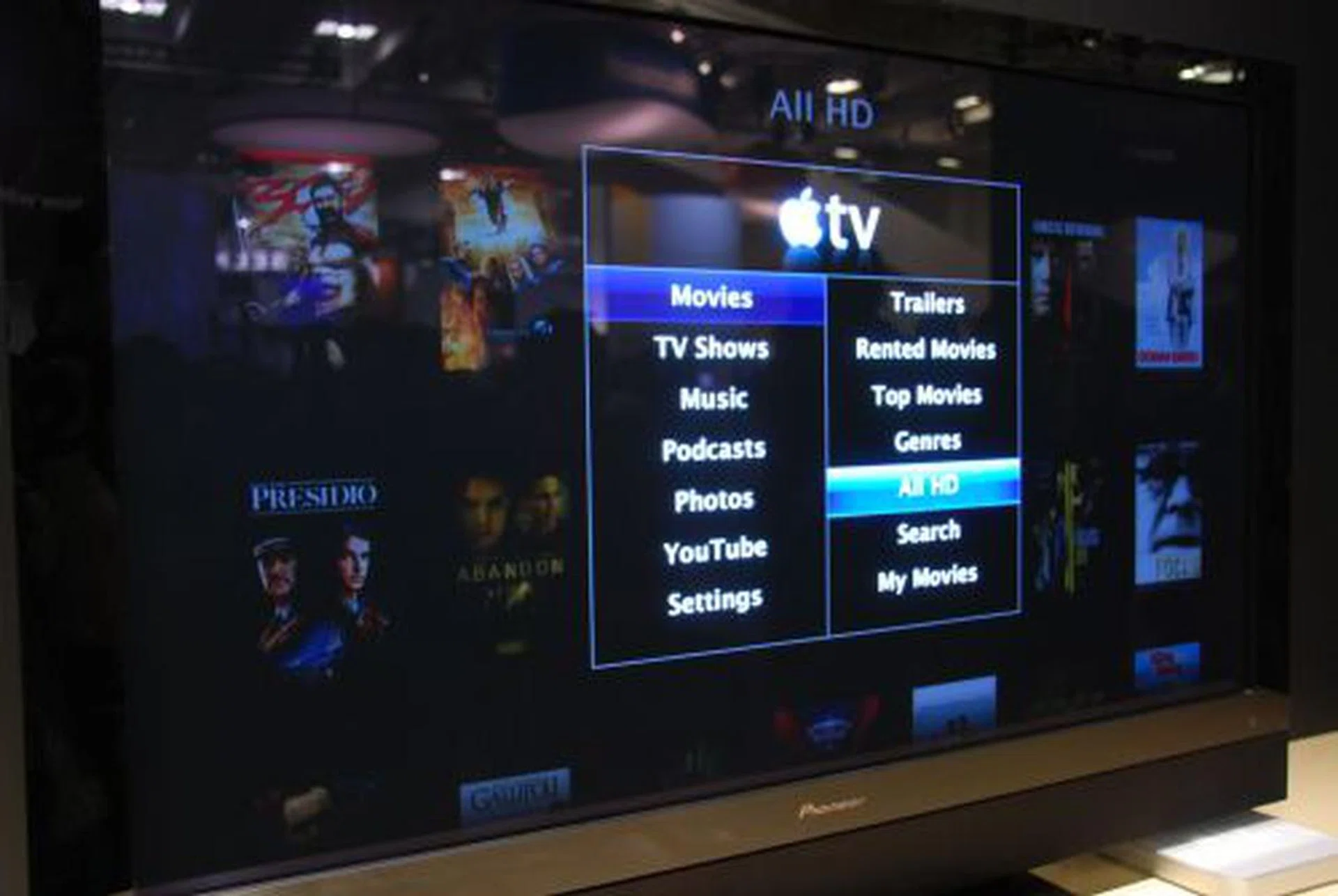
YouTube access with Apple TV.
Other Sightings

Other items we saw at the Macworld Expo included the PowerDock by Griffin. It basically lets you charge up to four of your Apple iPod devices at once.

Here's another one that caters to two iPod devices. The planned release date for this model in the US is June 2008.
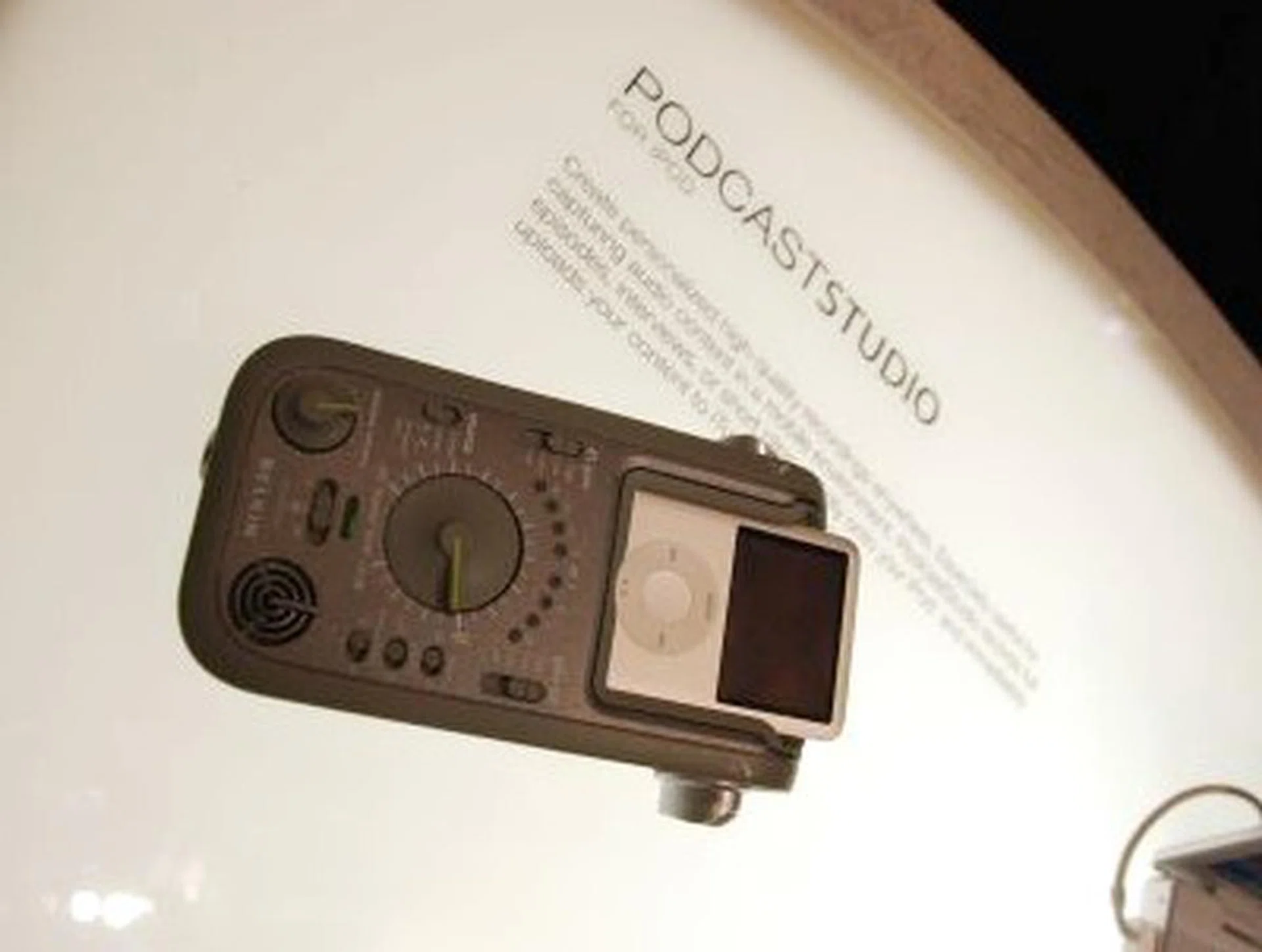
The Belkin podcaststudio, priced at US$99, allows you to make podcasts via the integrated stereo microphones and record it direct into your iPod device (then upload it to the net once you synch your iPod) or attach up to two high-power microphone jacks for better voice reception.
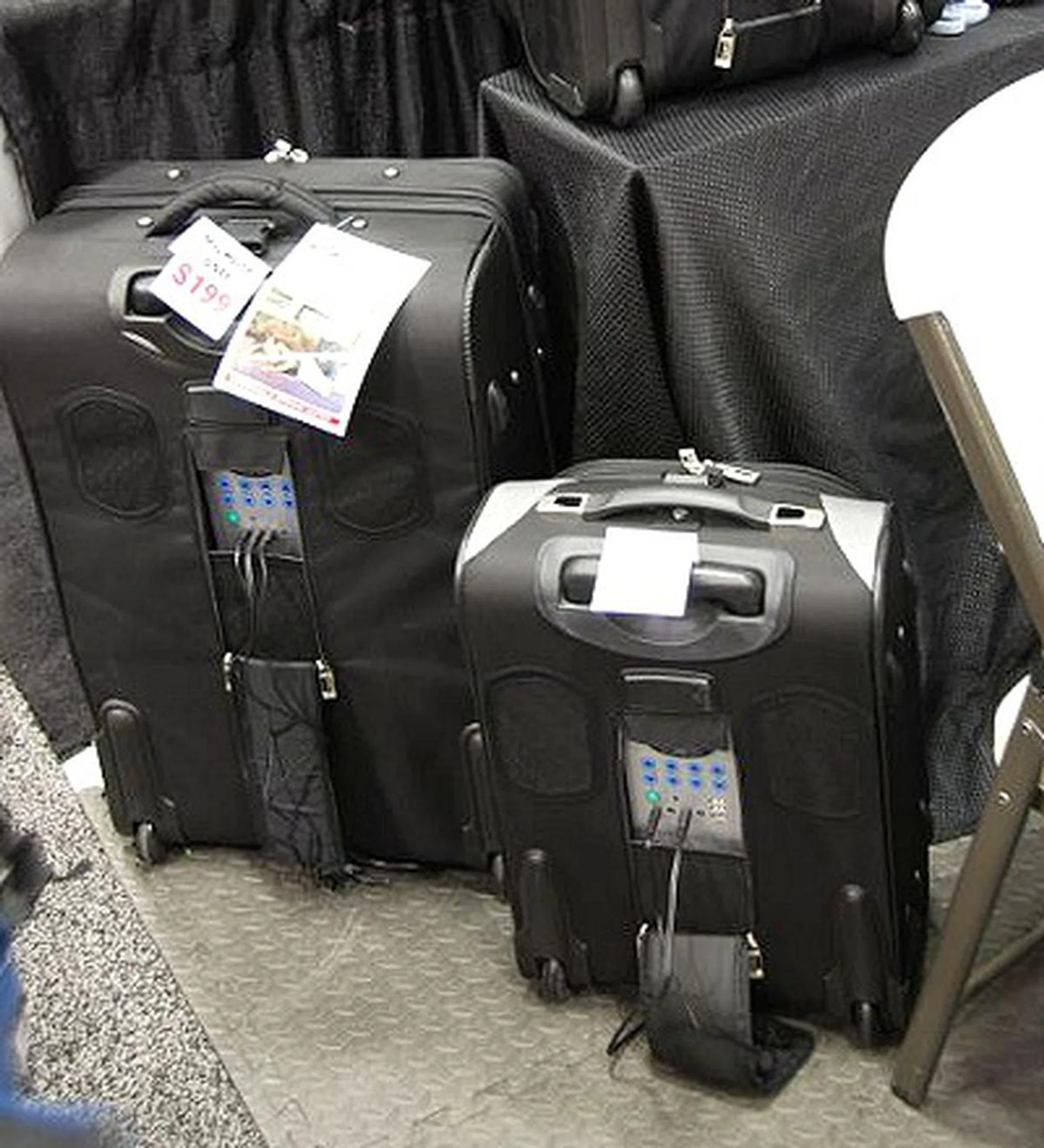
We thought these Boom Bags looked unique as they allow you to travel anywhere and when boredom sets in, plug in your iPod device and listen to your music. Perfect for camping trips or that long wait at the airport. The speaker system occupies only the rear T-portion of the luggage, leaving the rest empty for your belongings of course. At Macworld, the largest bag was selling for US$199.
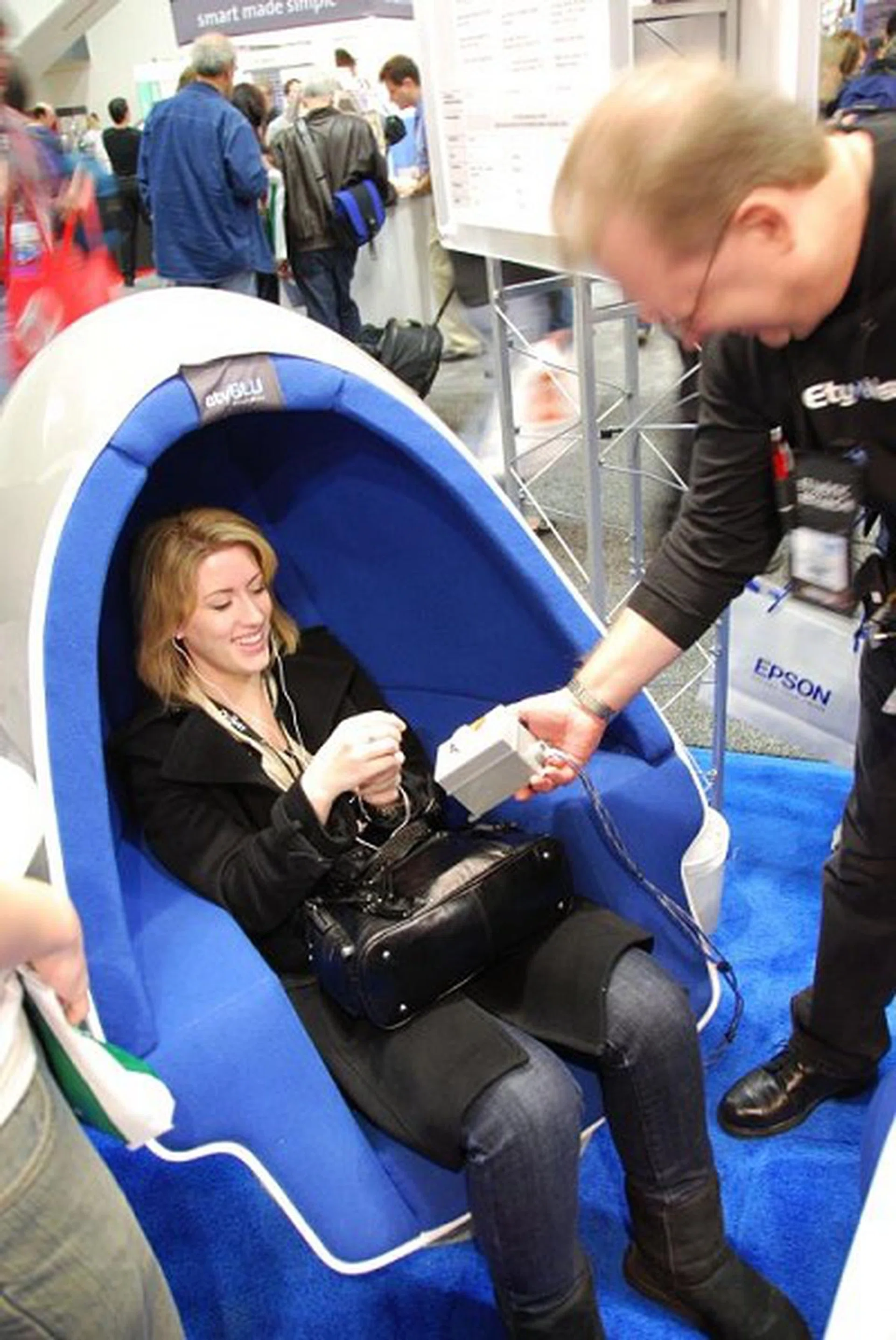
Etymotic Research had visitors listen to their latest in-ear headphones in an egg-chair where ambient sound can be tweaked by decibels. This lady is surprised by how good the in-ear headphones even when the ambient noise is tweaked to the loudest.
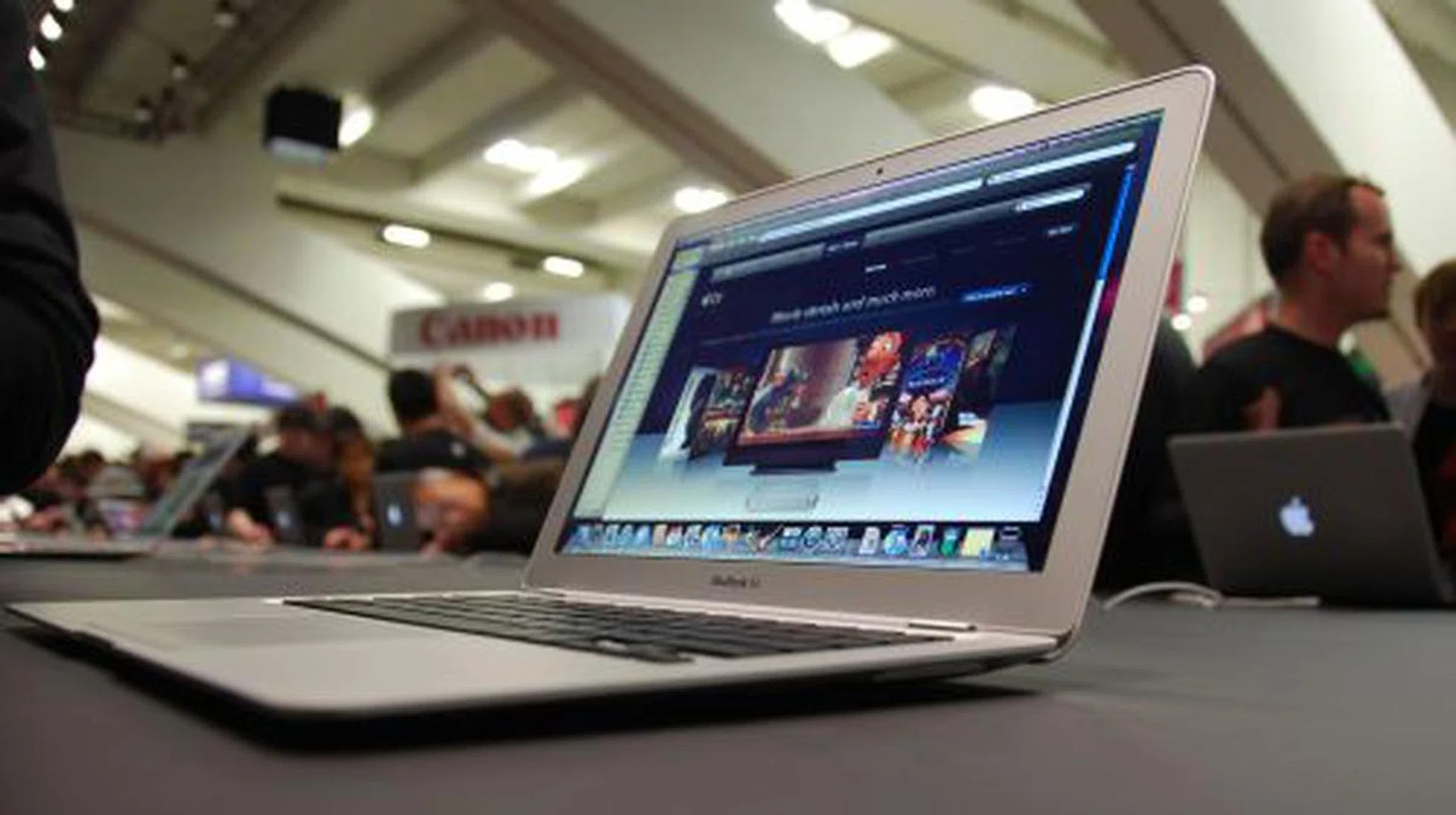
Well that's it for our short and brief Macworld show floor walkabout in San Francisco. Here's a final parting shot of the MacBook Air, perhaps the most talked about product at the event.
Our articles may contain affiliate links. If you buy through these links, we may earn a small commission.