
NZXT Phantom - Cool Angles
With a distinctive, angular appearance, NZXT's latest full tower casing, the Phantom has ghosted into our labs. Read here for our impressions.

A Different Shade of Black
Tall, black and asymmetrical. Those are our first impressions of NZXT's latest full tower casing, the NZXT Phantom. Part of the brand's Crafted series of enthusiast-class casings, the Phantom first made its mark at this year's Computex and according to NZXT co-founder, Johnny Hou, this new casing is heavily focused on cooling.
As you may tell from the number of ventilation meshes, the Phantom takes cooling very seriously, with four fans installed by default, including a huge 200mm fan at the top. Enthusiasts can add three more themselves for a total of seven. A central fan controller at the top of the casing allows users to adjust the speed of up to five fans, with blue LED indicators that light up to show the section (e.g. rear, side, front) which have fans connected.
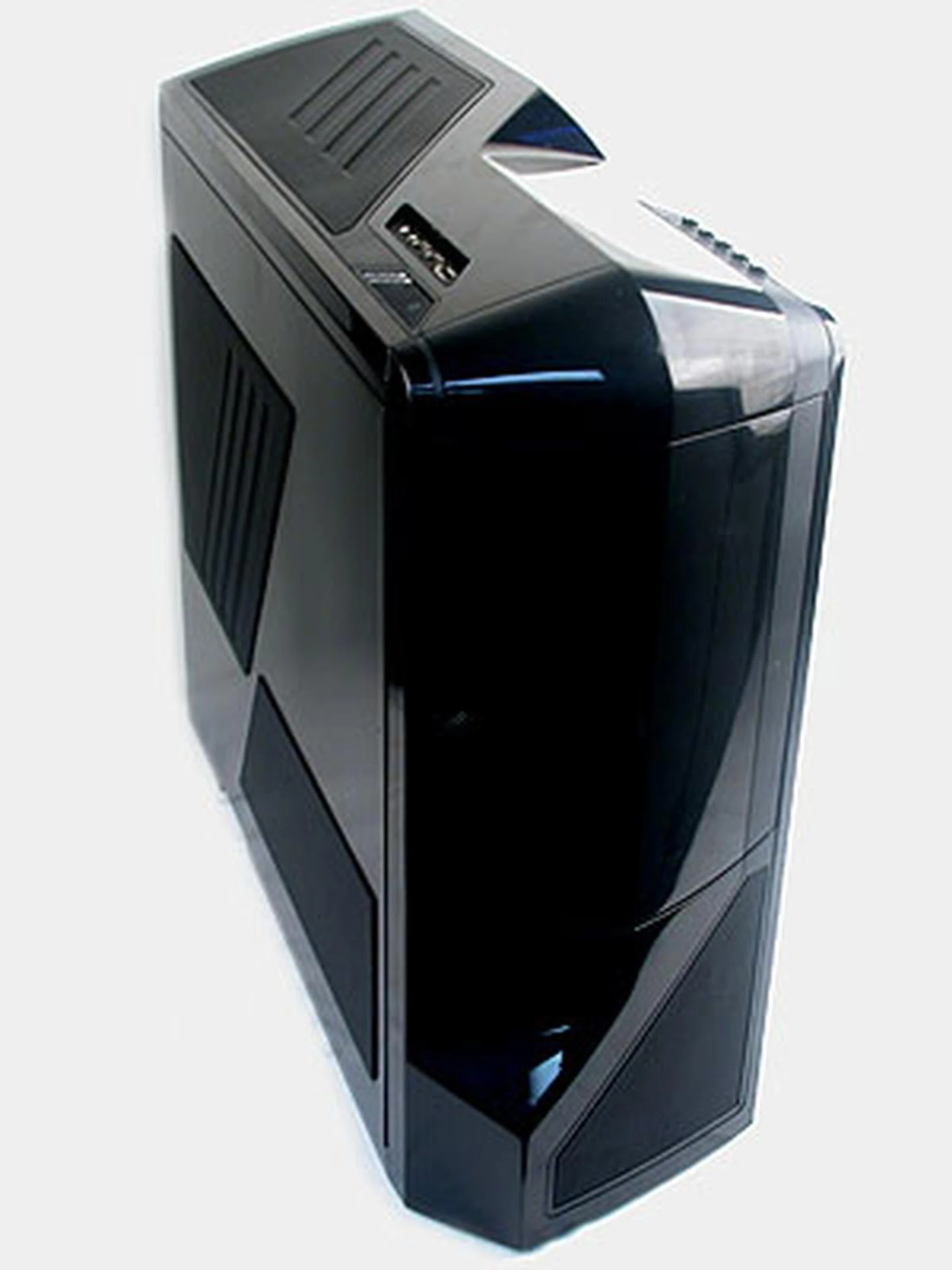
You would think that the black and glossy NZXT Phantom is aptly named, but then it's also available in red and white.
So how does this angular-looking, glossy casing fare in a market where the likes of Cooler Master's High Air Flow (HAF) series provide plenty of cooling competition? Before we find out, here are the specifications:
Casing Dimensions &Specifications |
|
Drive Bays &Expansion Slots / Ports |
|
Case Cooling |
|
Power Supply |
|
Glossy, Beware!
A solid, steel structure is the skeleton for the NZXT Phantom's plastic exterior, though at around 11kg without a power supply, it's relatively light. However, thanks to some rather long strips of rubber-like material at the casing's feet, the Phantom is actually rather stable and it can be quite difficult to drag it about.
Be warned that the exterior's glossy plastic will inevitably be a dust and fingerprint magnet, especially if you choose the black version. While taking photos for this review, we noticed the tendency of the material to attract dust, with styrofoam bits from the packaging clinging stubbornly to its surface.
The Phantom has a rather unique, angular appearance that will attract more than its fair share of attention. These angles are accentuated by faint and subtle LED lights at the top, with the fan controller and power/reset buttons glowing in blue when powered on.
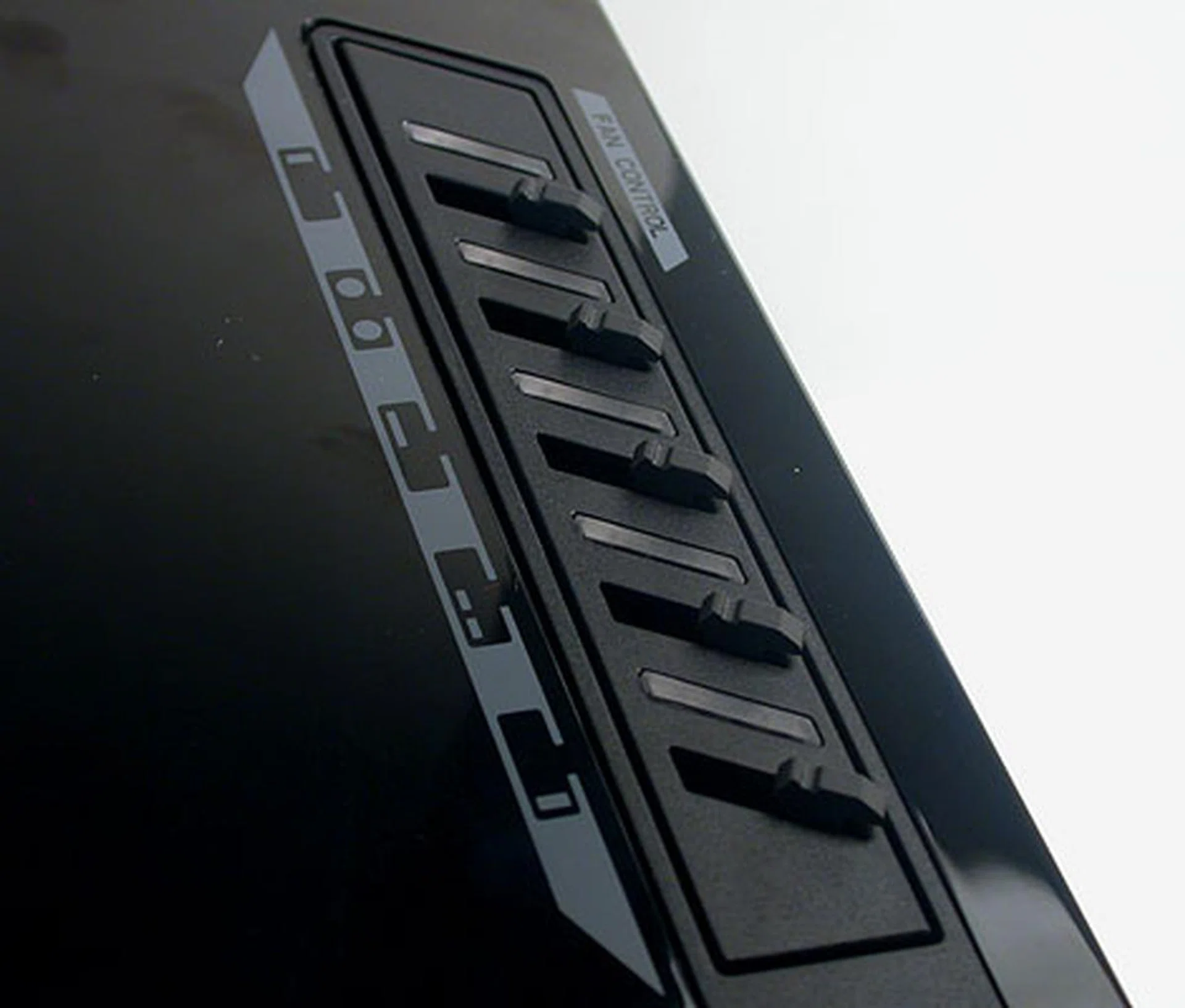
The fan controller here provides up to 20W of power, sufficient for any fan that you may want to connect. There are five controls, each corresponding to a section of the casing, like rear or top. LED indicators will light up if you have connected fan(s) to the relevant section.
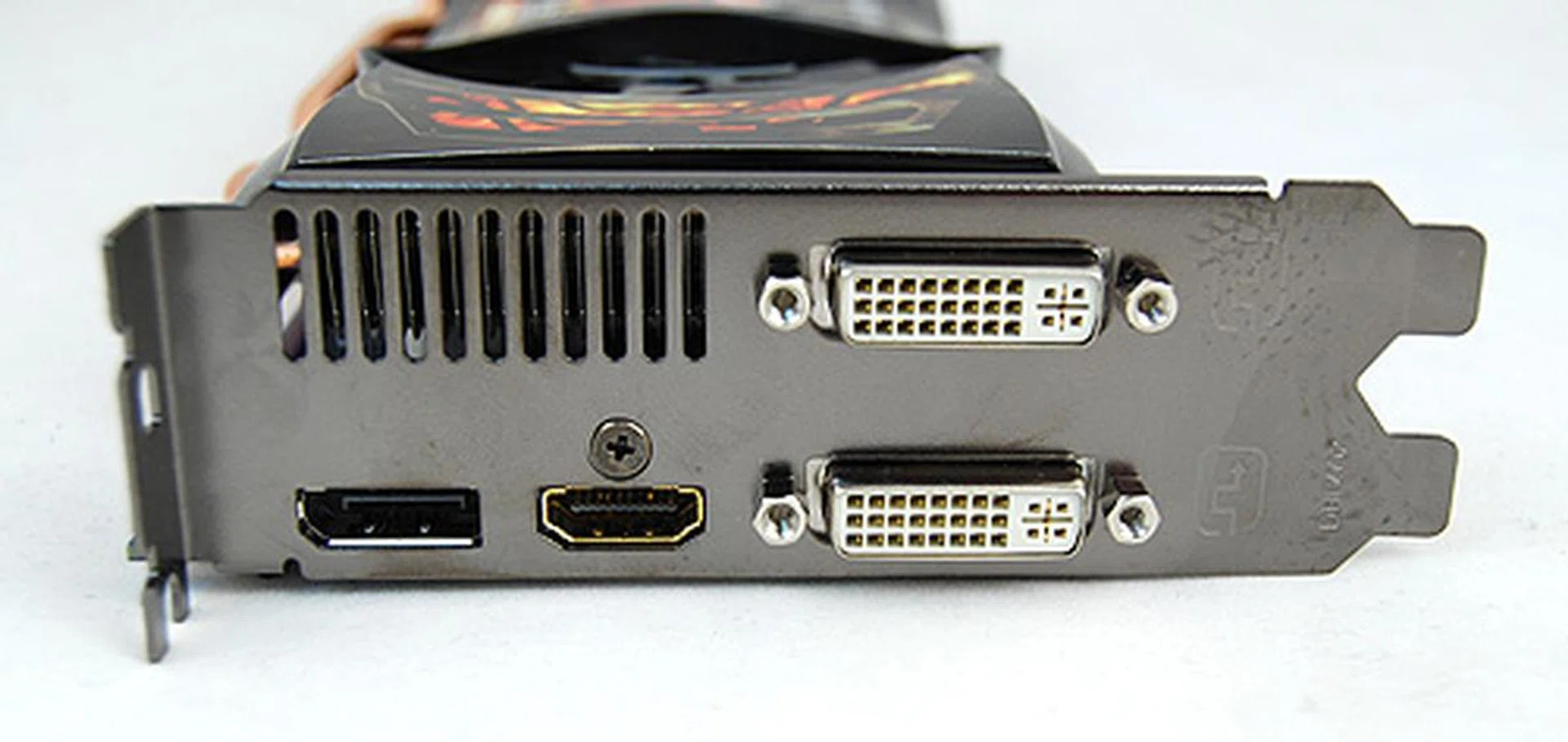
Nowadays, all the ports and power/reset buttons for casings are located at the top and the Phantom is no different. It's the usual USB ports and audio jacks, with eSATA thrown in. Again, blue LEDs are enabled to show that the system is powered on.
Hidden behind a rather well-constructed front door are the five 5.25-inch external drive bays. The plastic door is thick and solid, leaving us to think that it could even help to dampen noise from your optical drives. Best of all, it doesn't depress under pressure like some others we have seen. A hidden magnet keeps it in place when closed and it is sufficiently strong that it won't pop open if the casing is tilted forward.
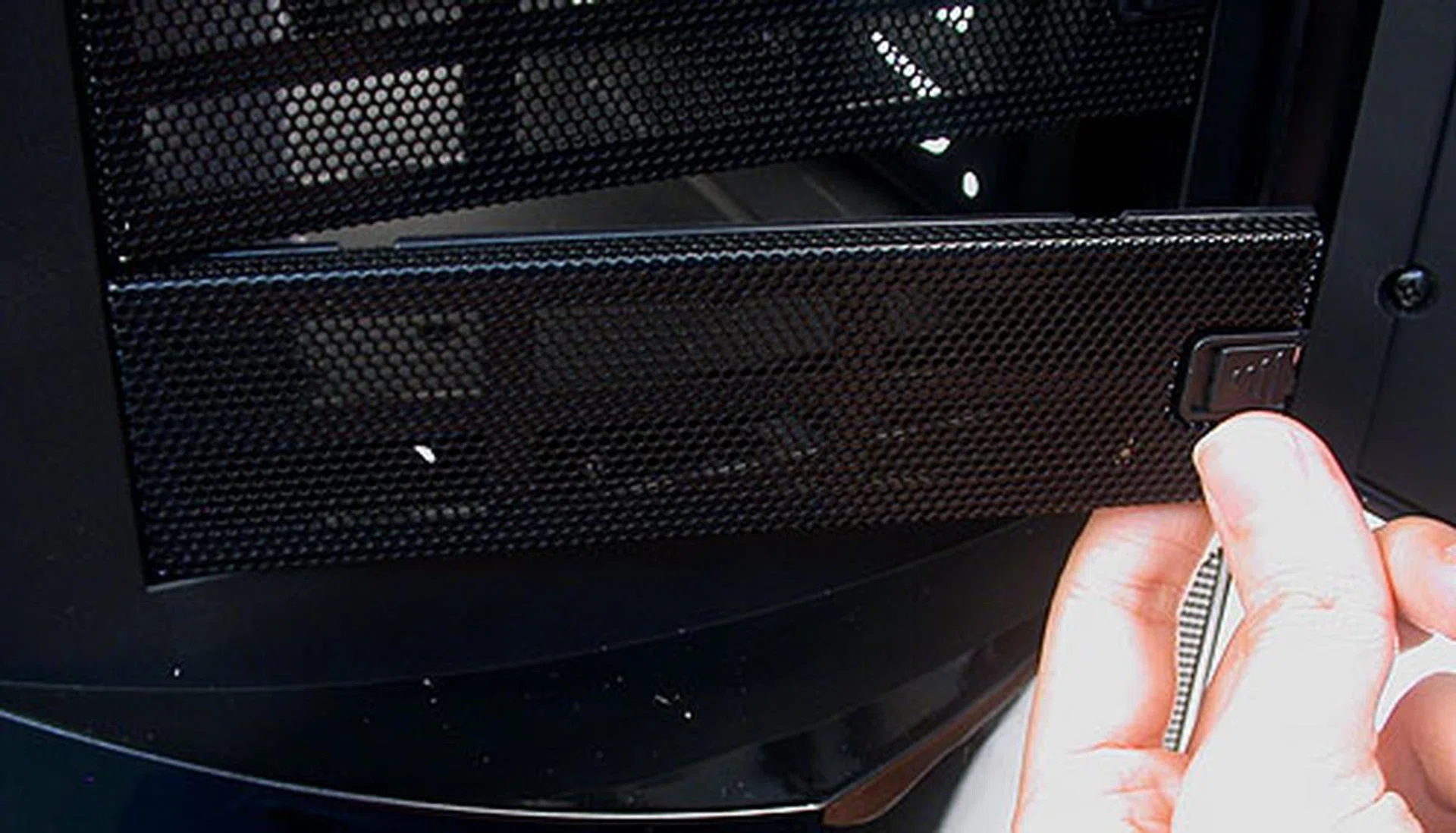
A nice touch here with the front covers for the external drive bays is that they can be removed using a simple latch mechanism. No more prying and bashing in of metal plates.
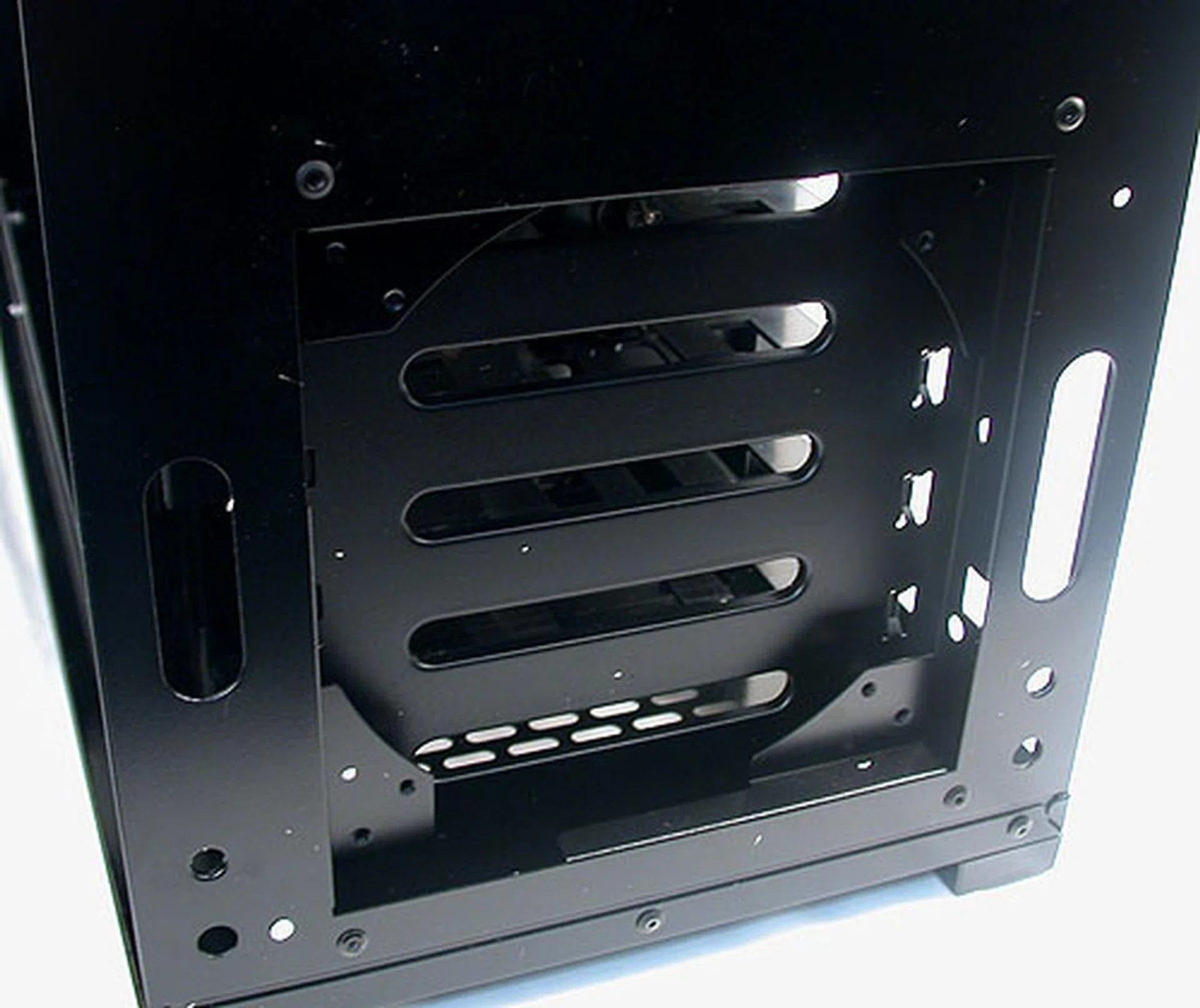
For a casing that emphasizes its cooling capabilities, we were rather surprised that the front intake fan is not installed by default. Fortunately, removing the front cover of the casing is pretty easy. You just have to pull it out from the bottom. In any case, you have to do this step before you can remove the top cover later.
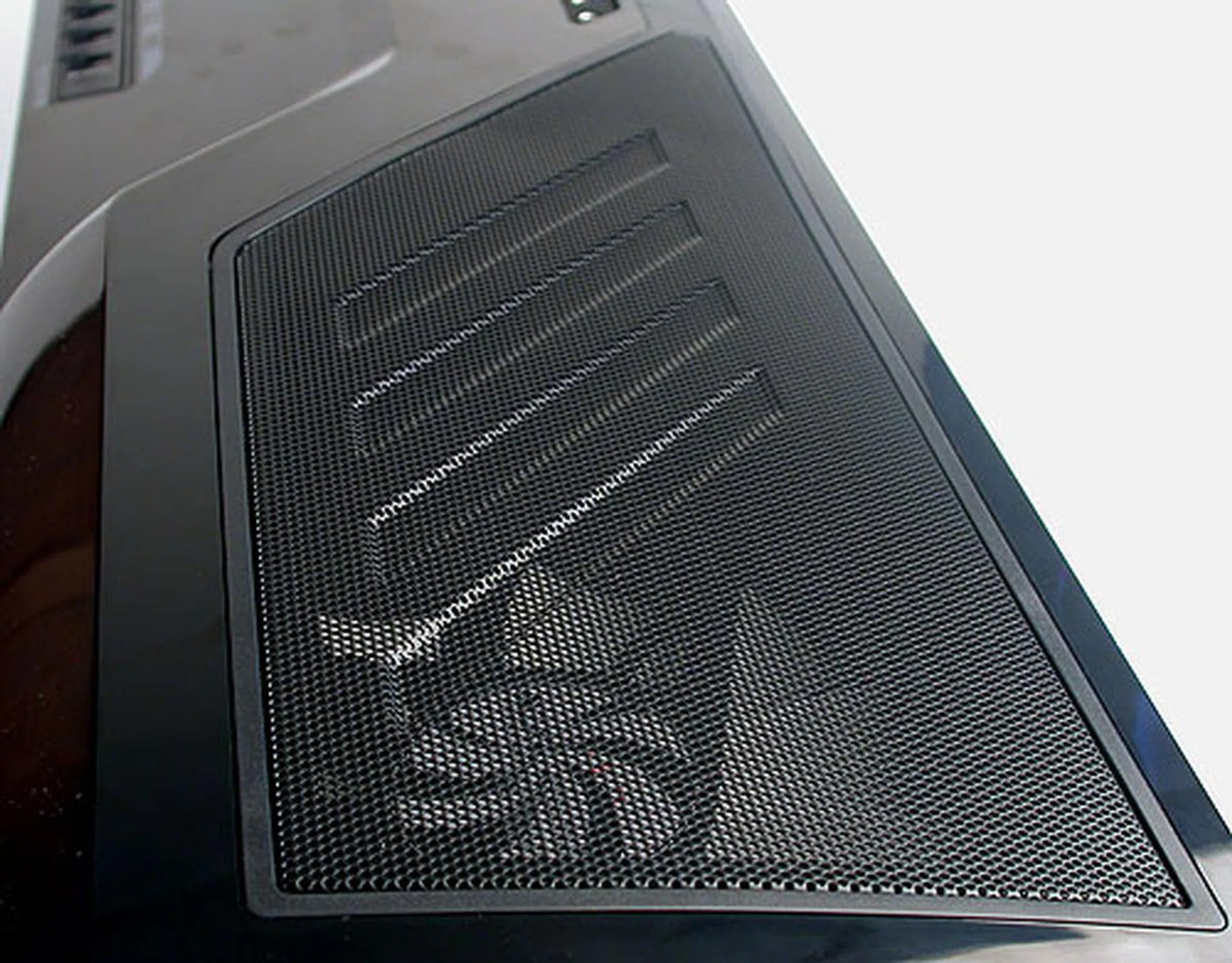
The top of the casing is dominated by this large ventilation mesh, while underneath sits the installed 200mm fan with blue LED lights. There's also a filter and space for another 200mm fan (optional).
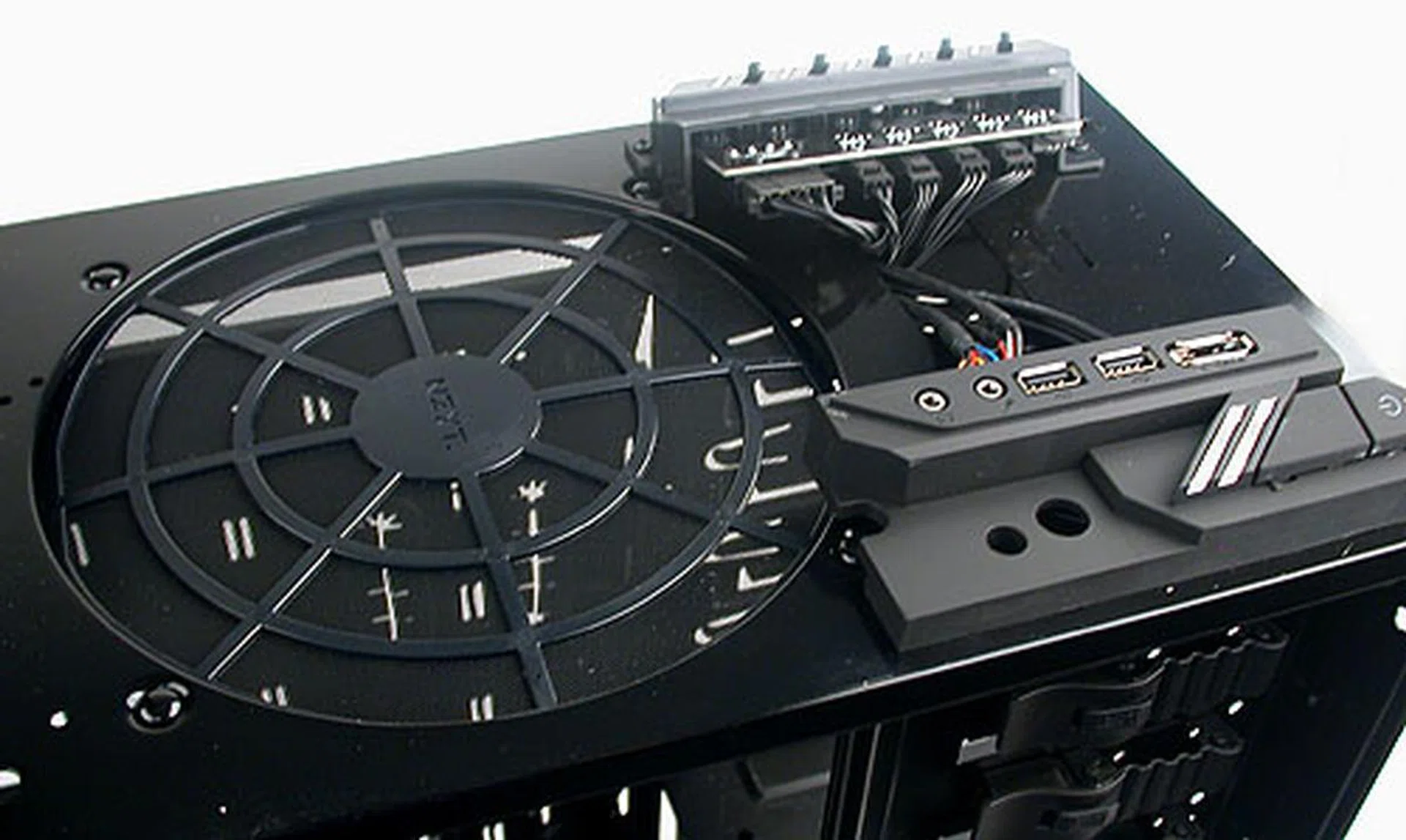
Removing the top plastic cover, we can see the wiring for the fan controller and front I/O panel, all already installed and nicely cabled for users. The mesh filter for the other optional 200mm fan is also shown.
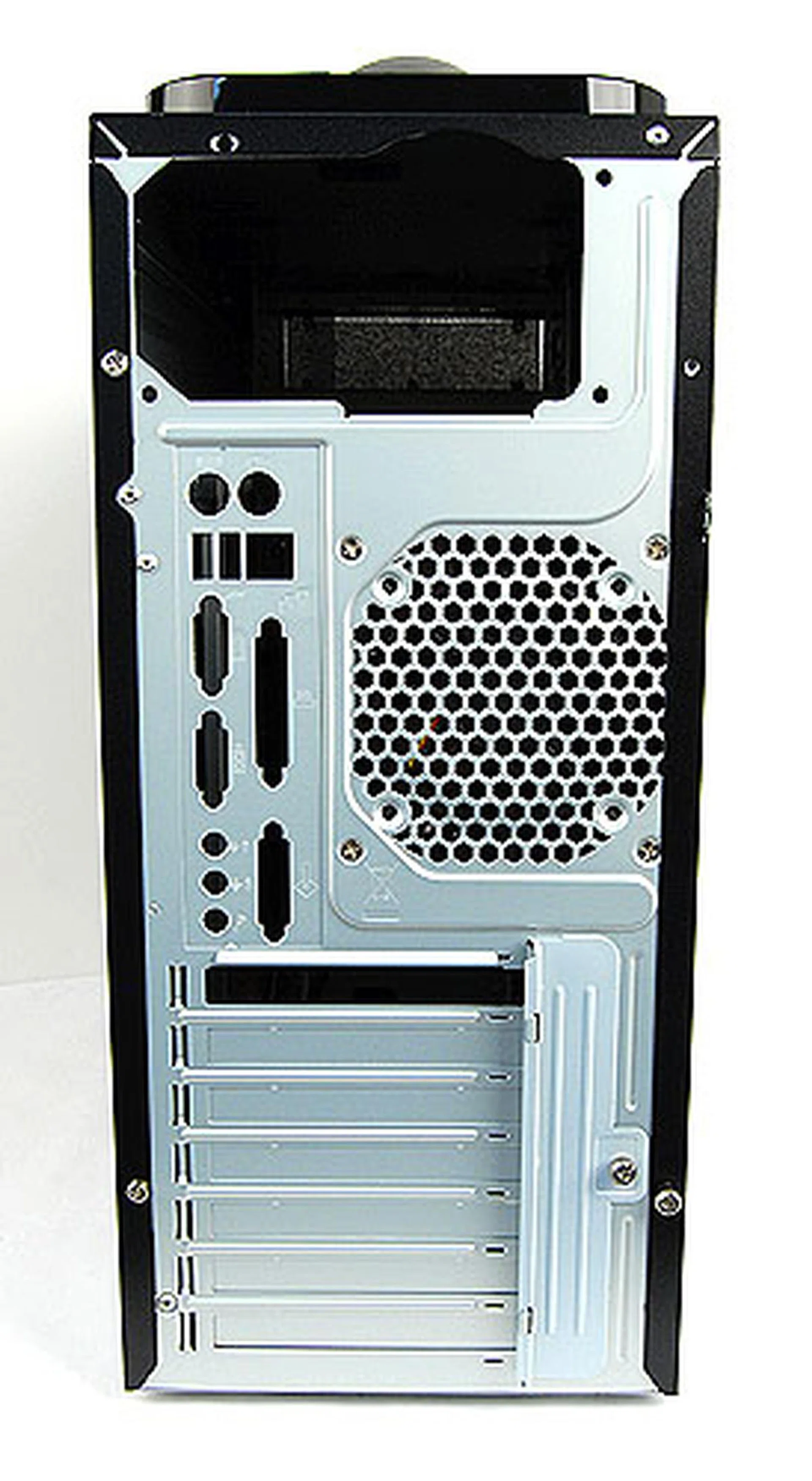
The rear of the NZXT Phantom looks standard enough, except for the pointy top that reflects its angular design. Besides the 120mm exhaust and just above the motherboard rear I/O, there's a button to turn off the LED lights on the fans.
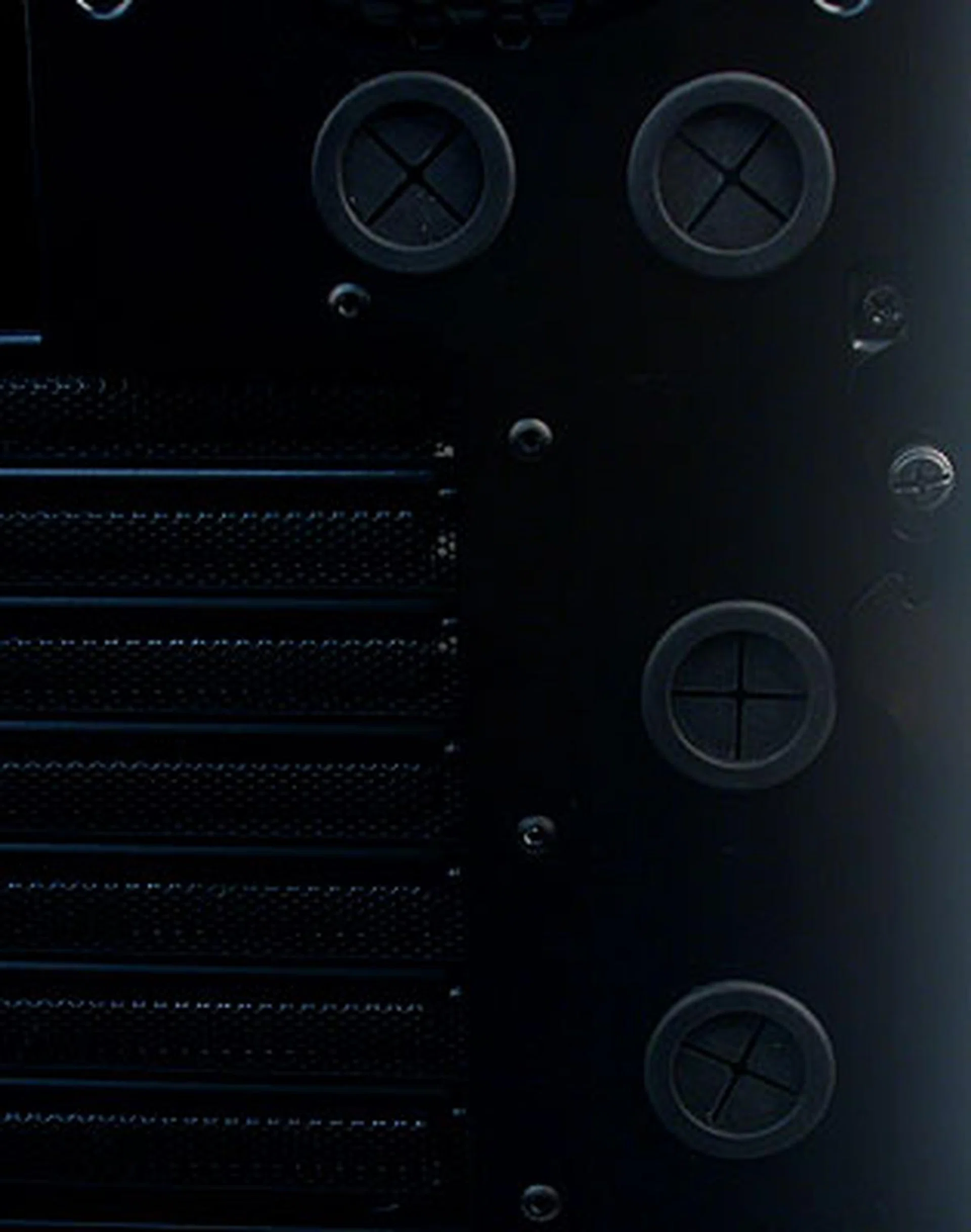
Two sets of grommets for those wishing to route your liquid cooling tubes and radiator.
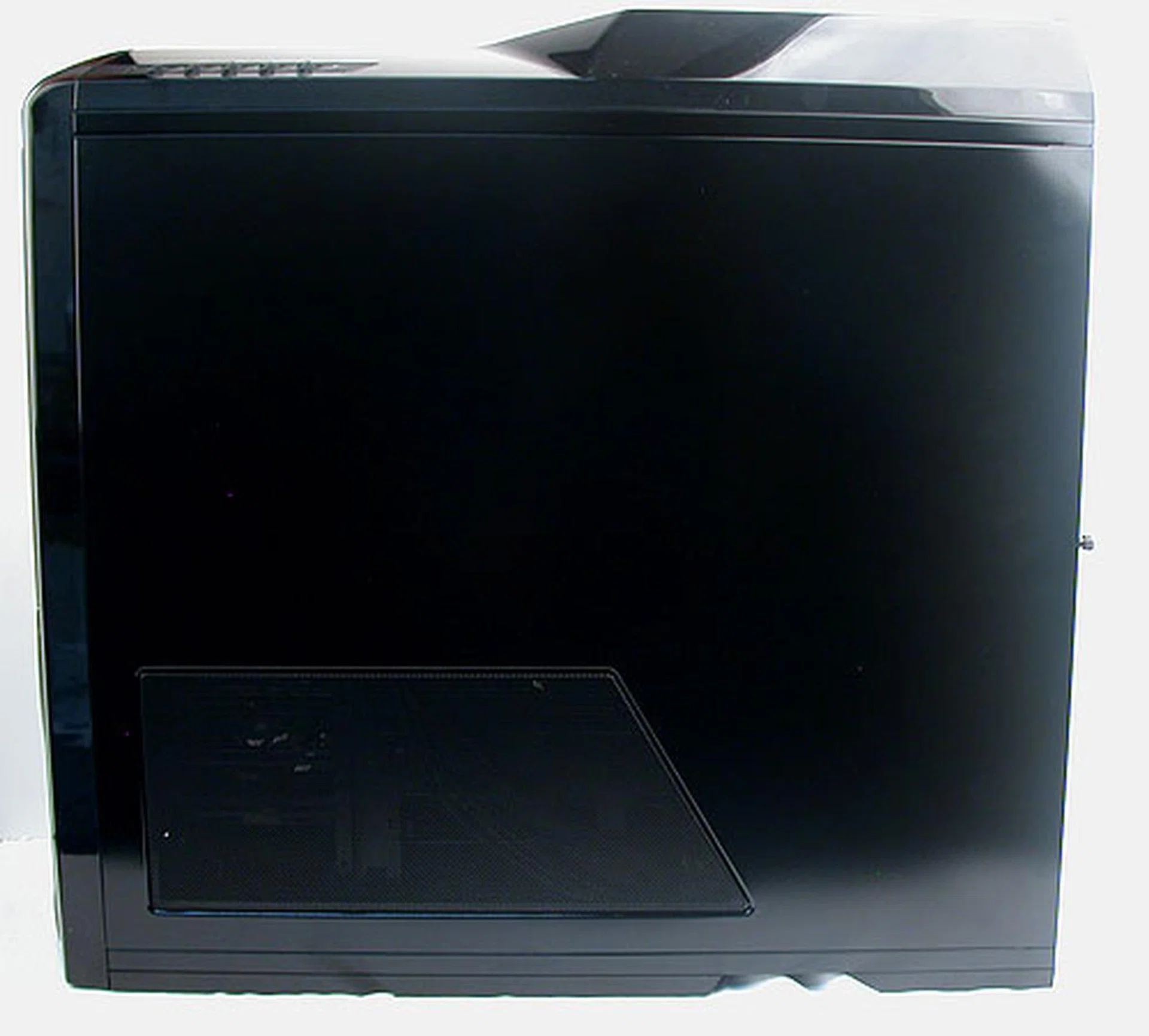
The meshed ventilation at the bottom is part of the cross-sectional air 'tunnel' dedicated to cooling your hard drives.
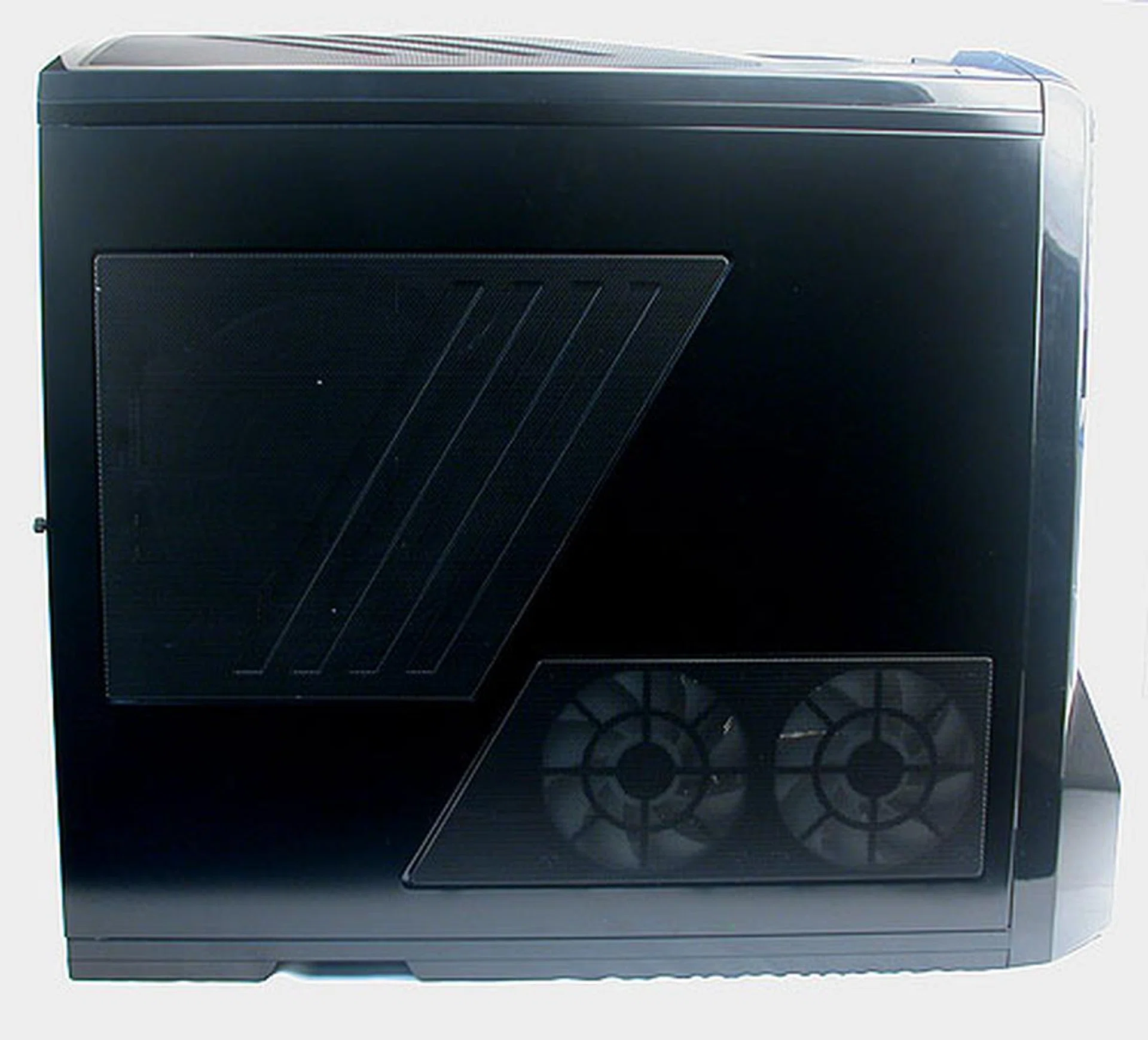
Here we can see the bottom two 120mm fans that will pull air into the chassis and exit on the other side, right across your hard drives. There's also a dust filter in place for the optional 200/230mm side fan for the graphics card. It's good to install one if you have a high-end multi-GPU configuration.
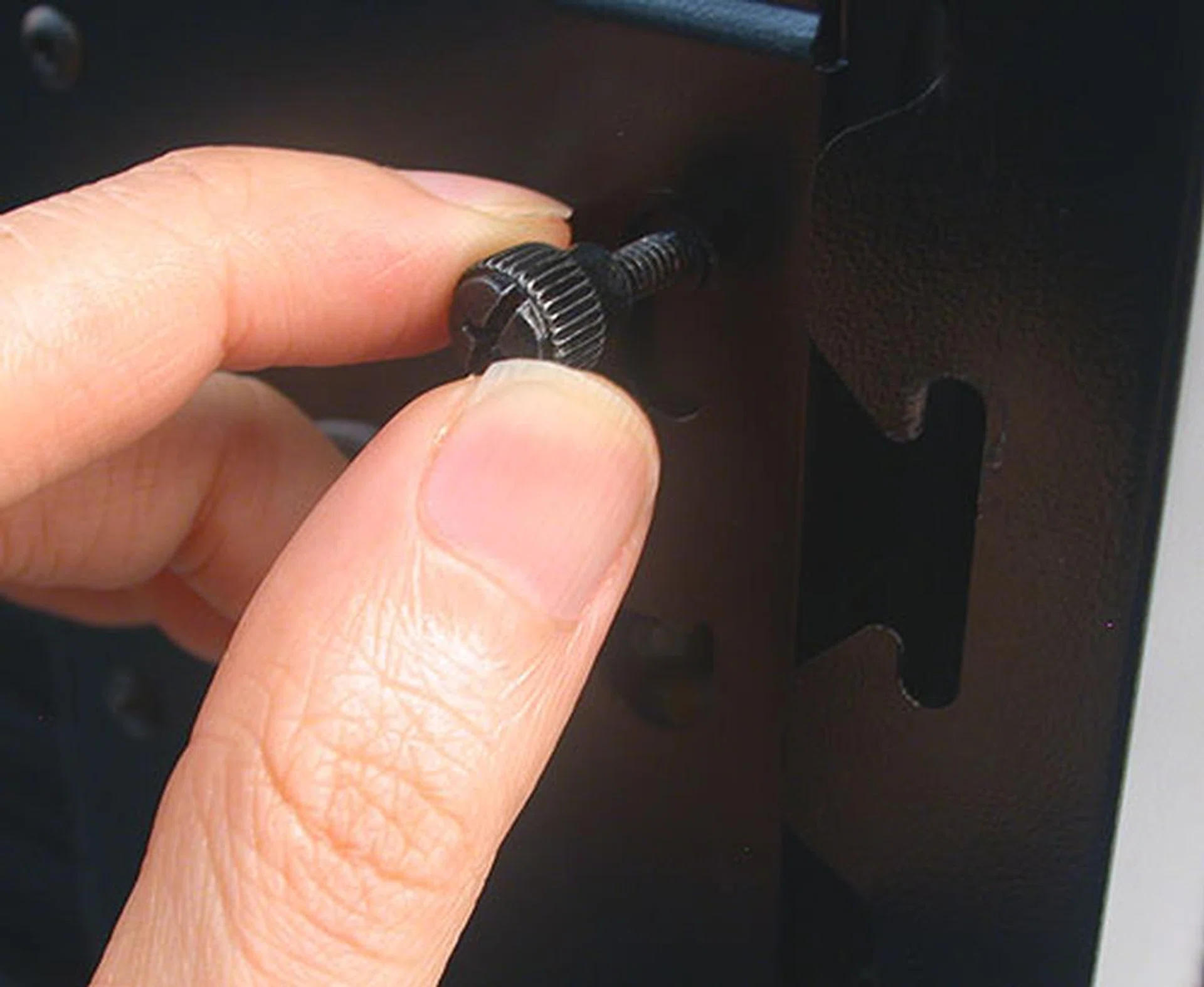
NZXT has a rather innovative way of securing the two side panels of the casing. Thumbscrews are used on both sides, but the special sauce is that the screws themselves hold onto the side panels. One has to loosen the thumbscrews, then push it downwards along the groove. This will unlock the side panels, which will spring out.
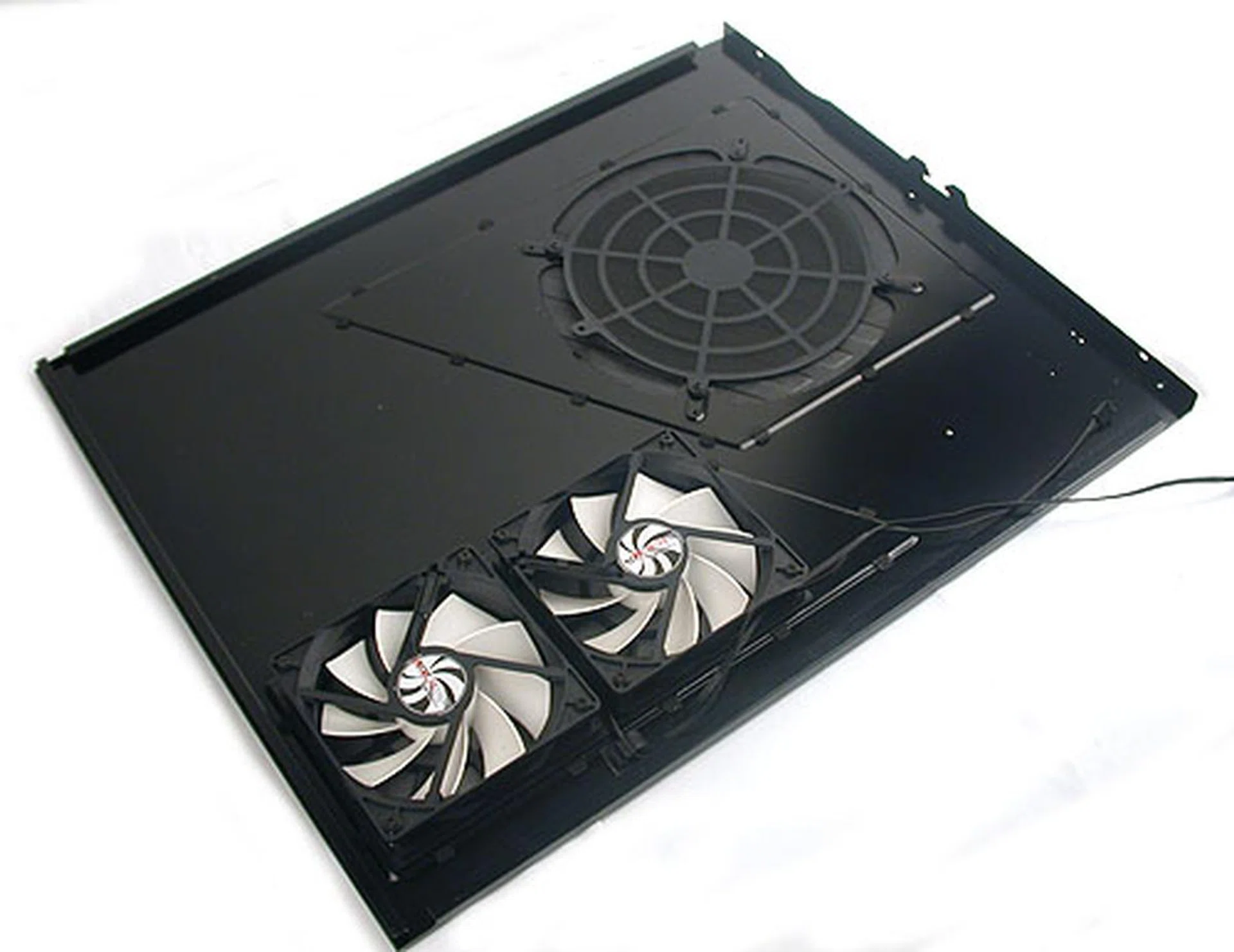
The side door with up to three fans.
Roomy Inside
With a listed depth of 623mm, the NZXT Phantom is extremely spacious inside and supports even E-ATX motherboards. There's plenty of room between the 5.25-inch drive bays and our ATX motherboard and we believe even the longest graphics card now will have ample room, even when considering all the associated cables. While there's no removable motherboard tray, there are numerous cut-outs and rubber grommets for easy access to the bottom of your board (for those times when you need to remove the bottom retention plate of your CPU cooler) while cable management should be a breeze.
Of course, as with most casings now, tool-free installation is almost a certainty, and besides the motherboard standoffs and their corresponding screws, there is little that you'll need a screwdriver for. The hard drive bays supporting both 2.5-inch and 3.5-inch form factors are all tool-free and the external 5.25-inch bays feature NZXT's own tool-free mechanism. Following current trends, the PSU sits at the bottom, far from the warmer CPU socket. It adds weight to the structure and NZXT has a dedicated vent for cooling the PSU.
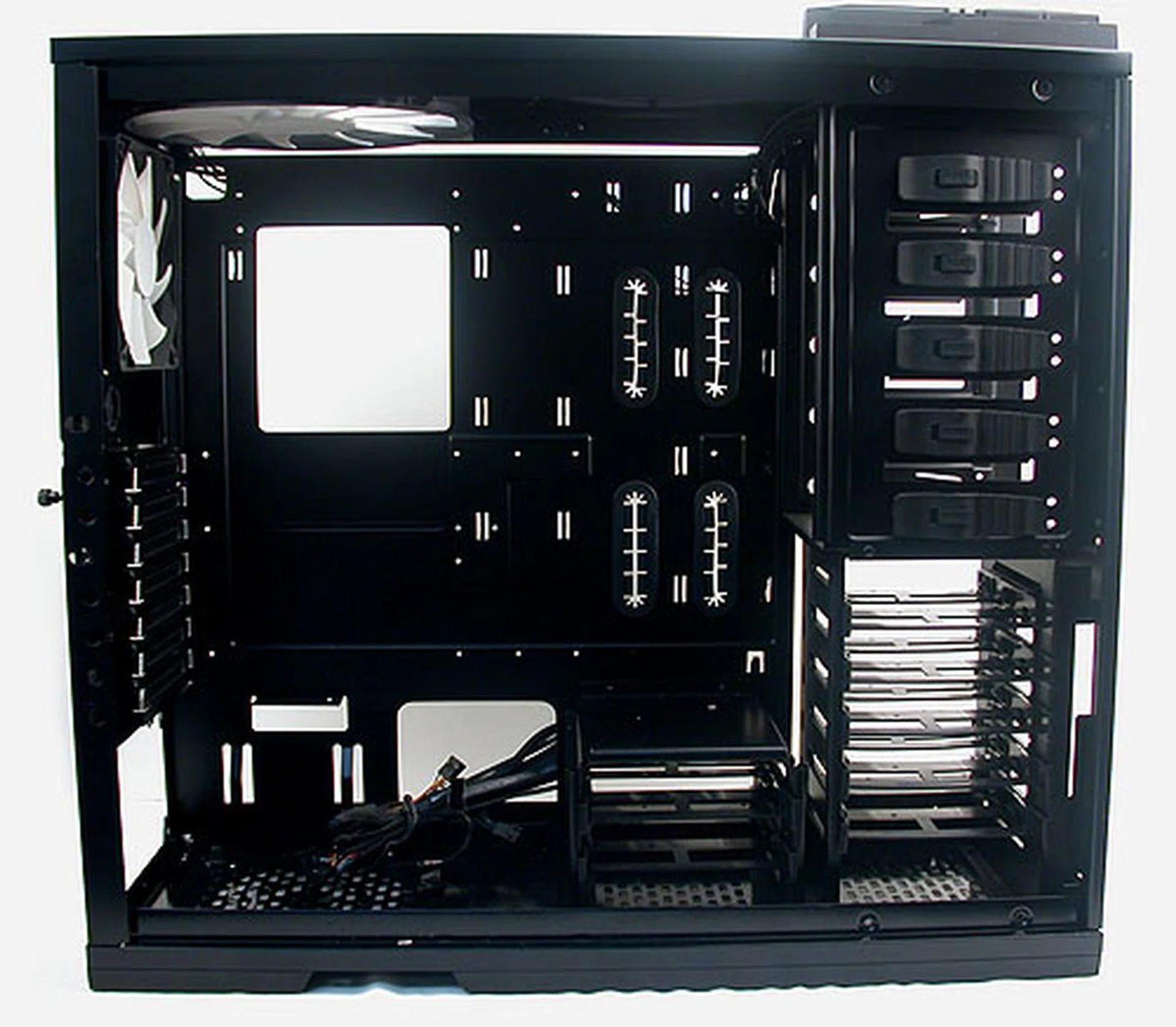
The interior of the Phantom with all the side panels removed, stands out for the number of access points for users to route the cables and have quick access to important areas like the CPU socket.
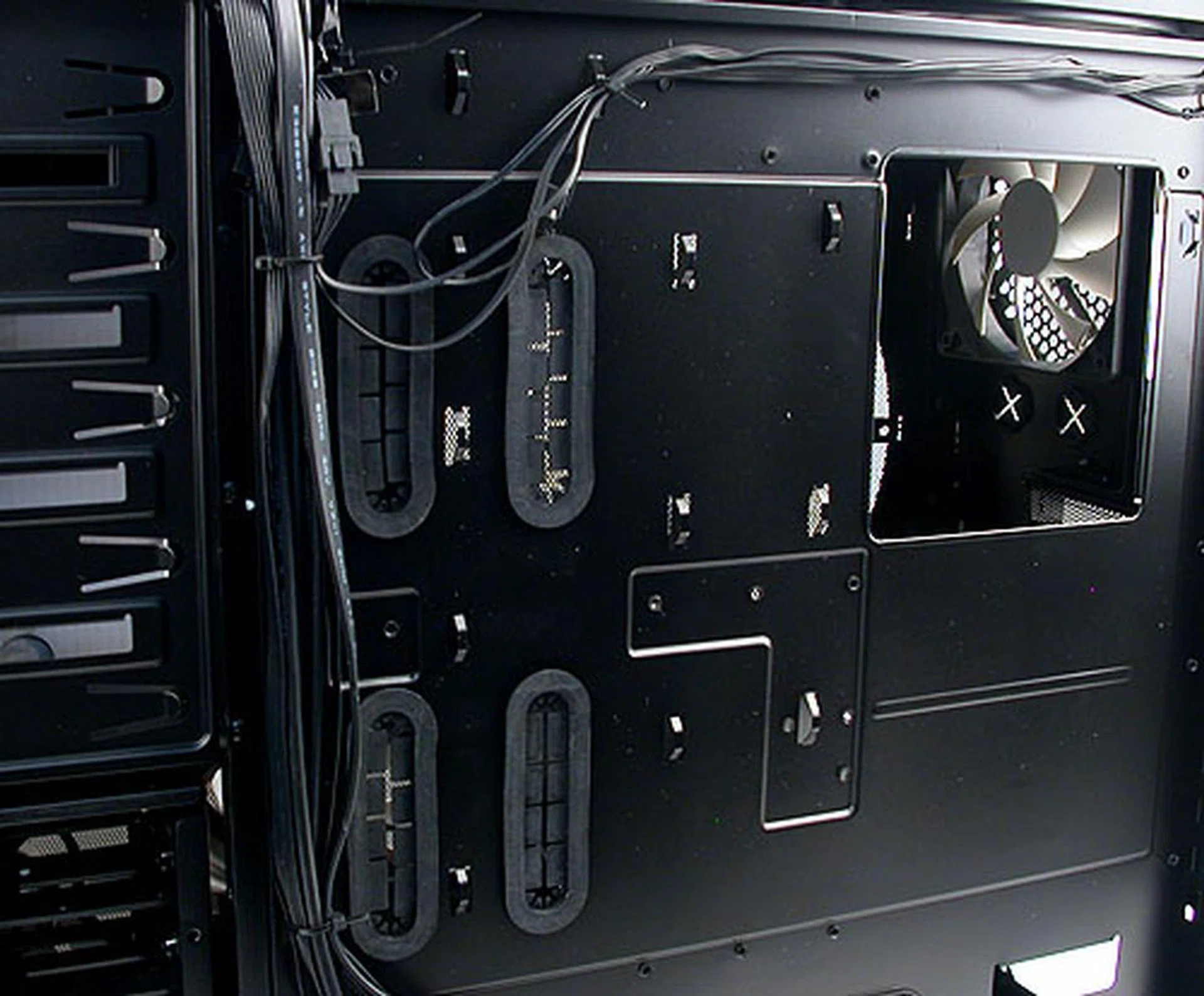
There's lots of room at the 'back' of the chassis, allowing users much leeway to manage their cables and of course, access the motherboard from below. The pre-installed cables have already been nicely managed.
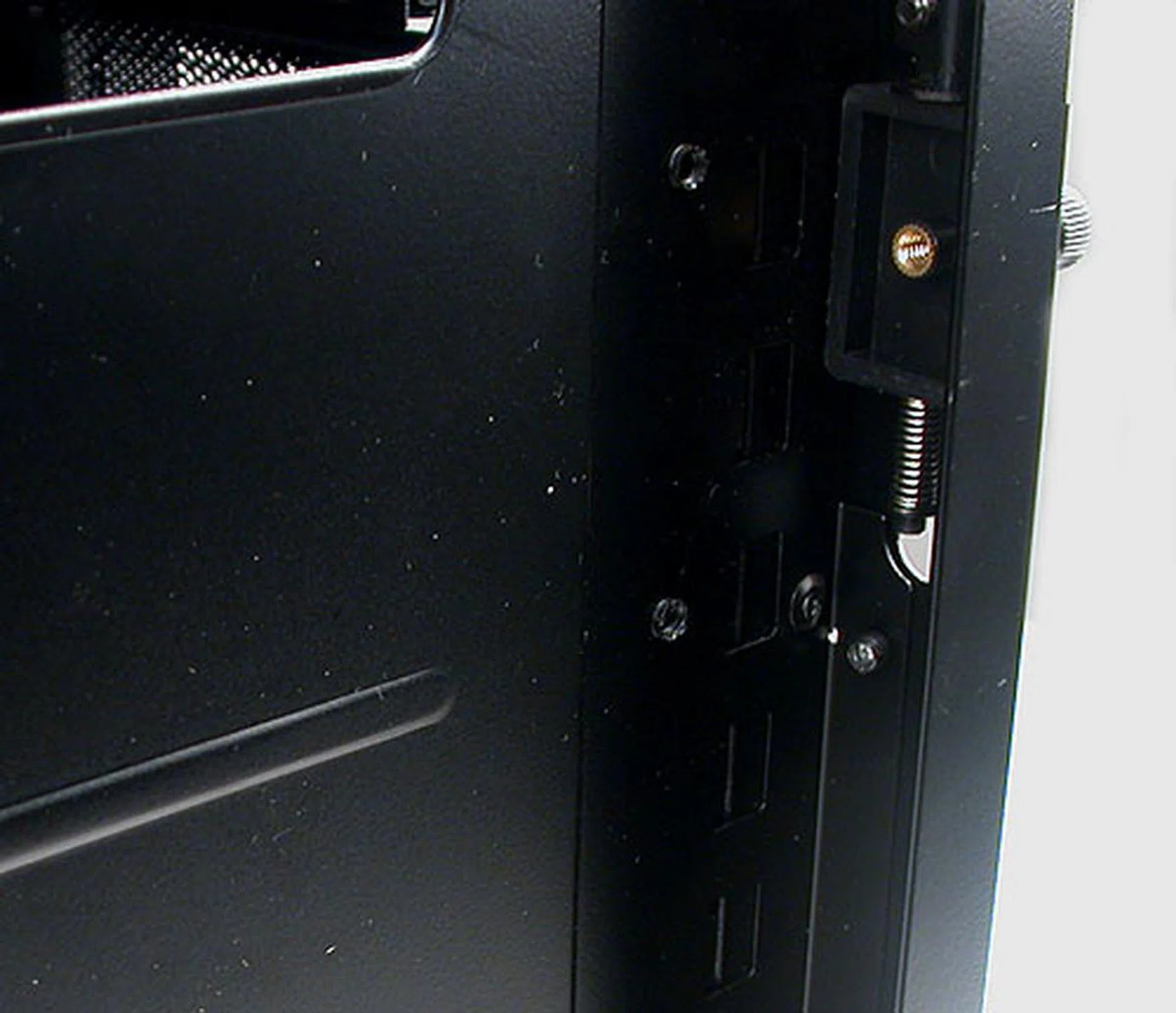
As you can see here, one gets at least one inch of space, more than sufficient for even the thicker cables.
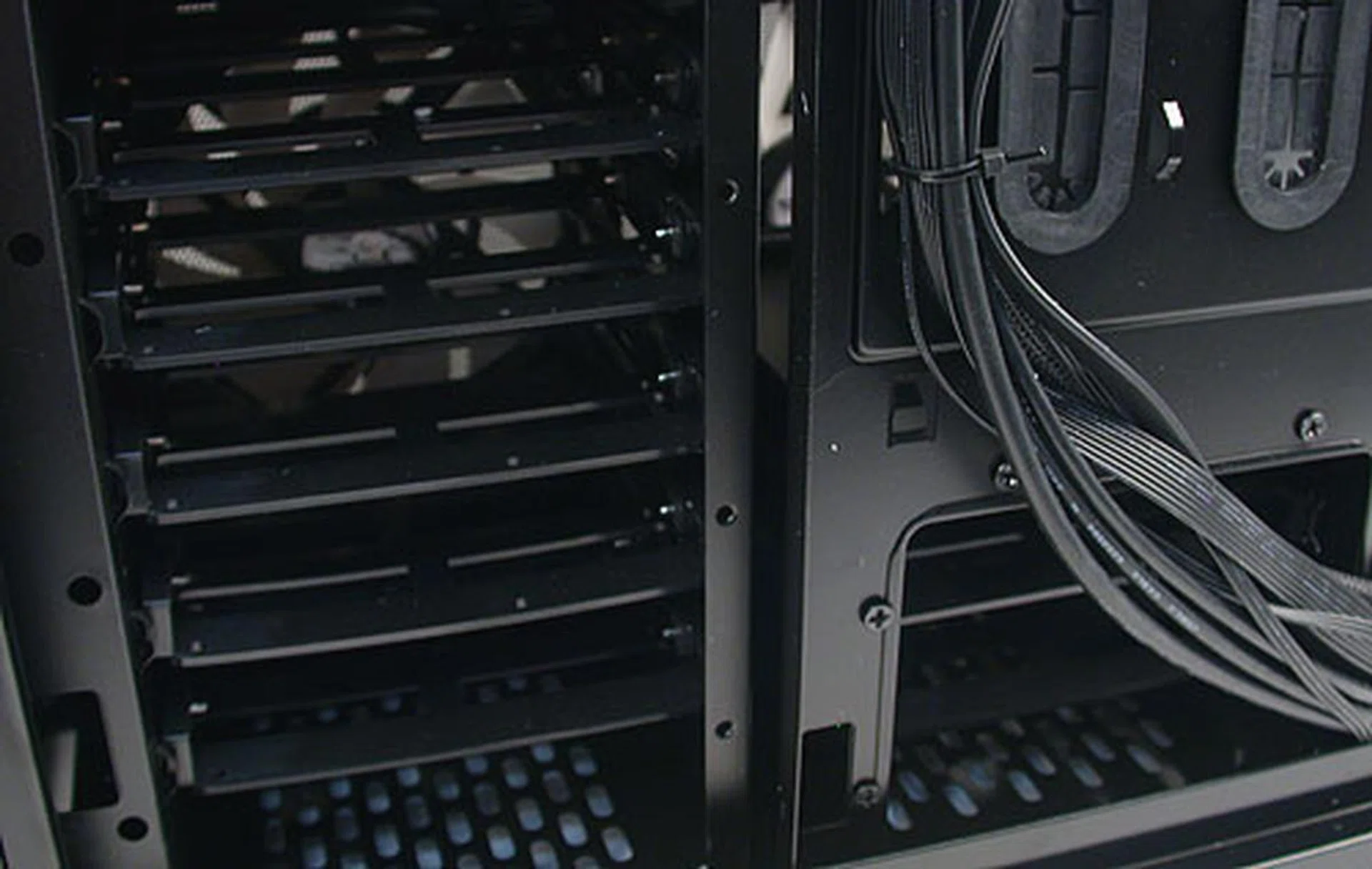
One can also see how the drive bays have unrestricted airflow, with the meshed side panels on either side of them.
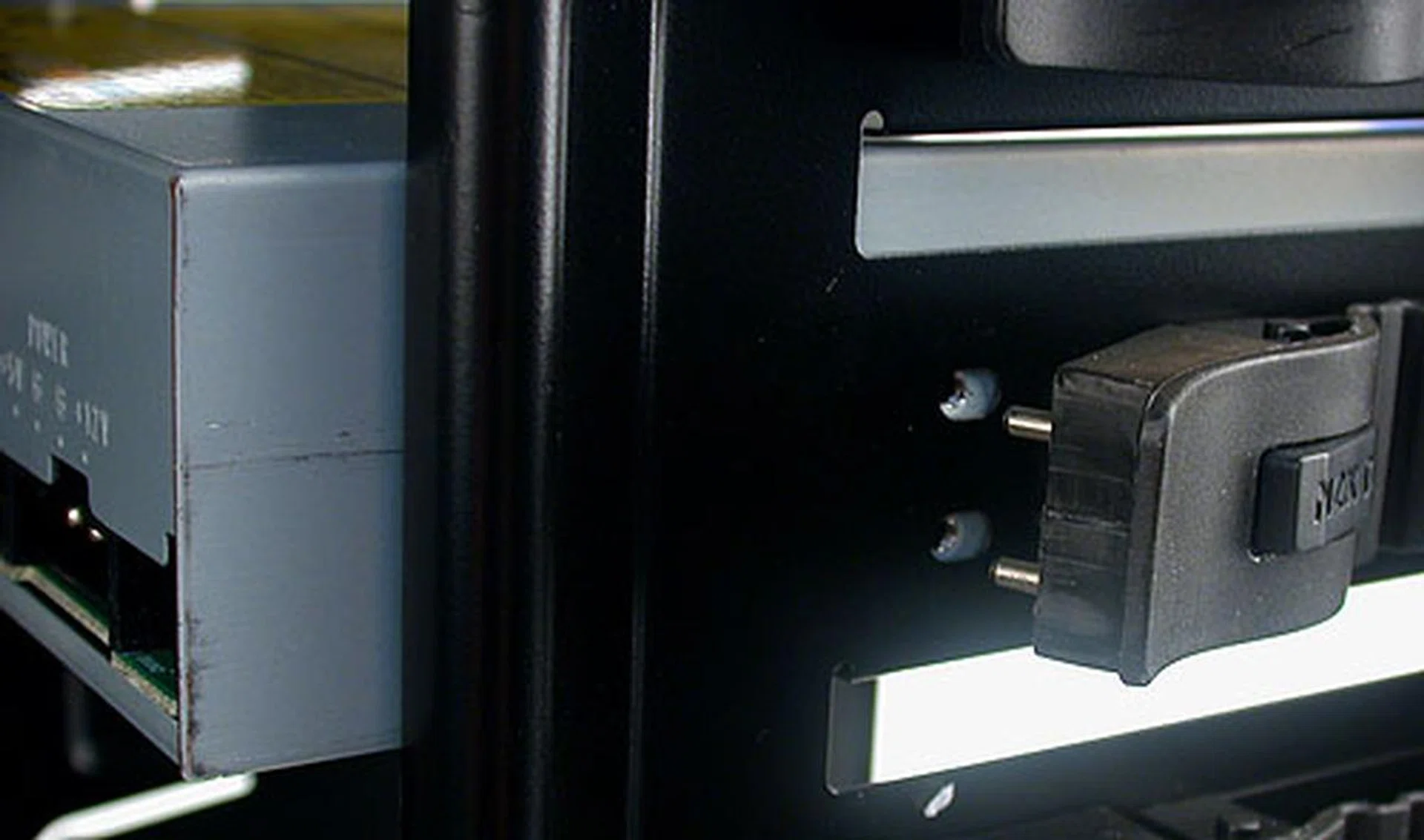
The 5.25-inch external drive bays are secured by NZXT's own tool-free mechanism. Align them to the screw holes on the drive, snap them in and then lock.
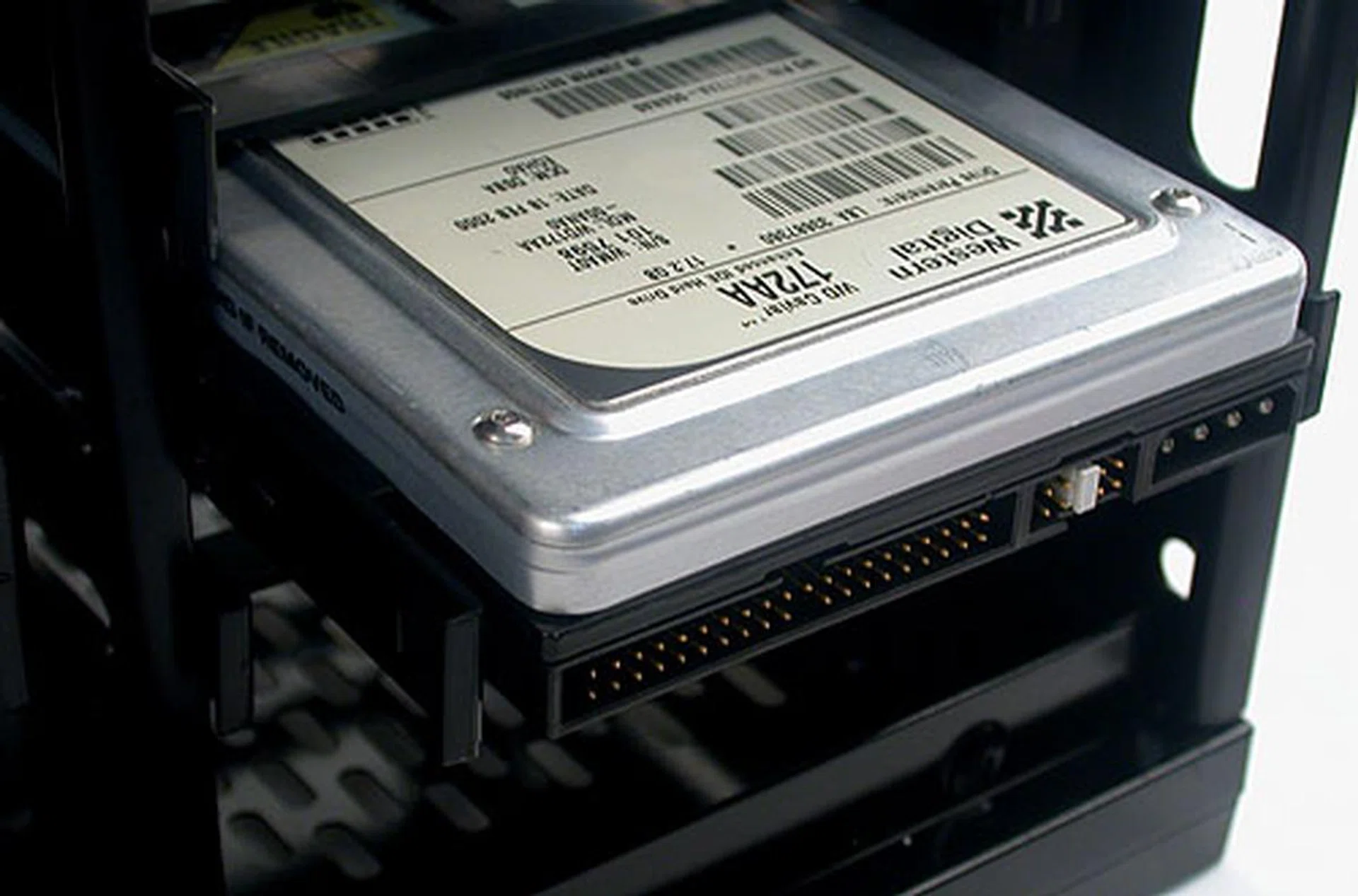
The 3.5-inch drive bay installed with a typical HDD (yes, it's an old drive on purpose). Vibration dampening materials are present in the tool-free mechanism.
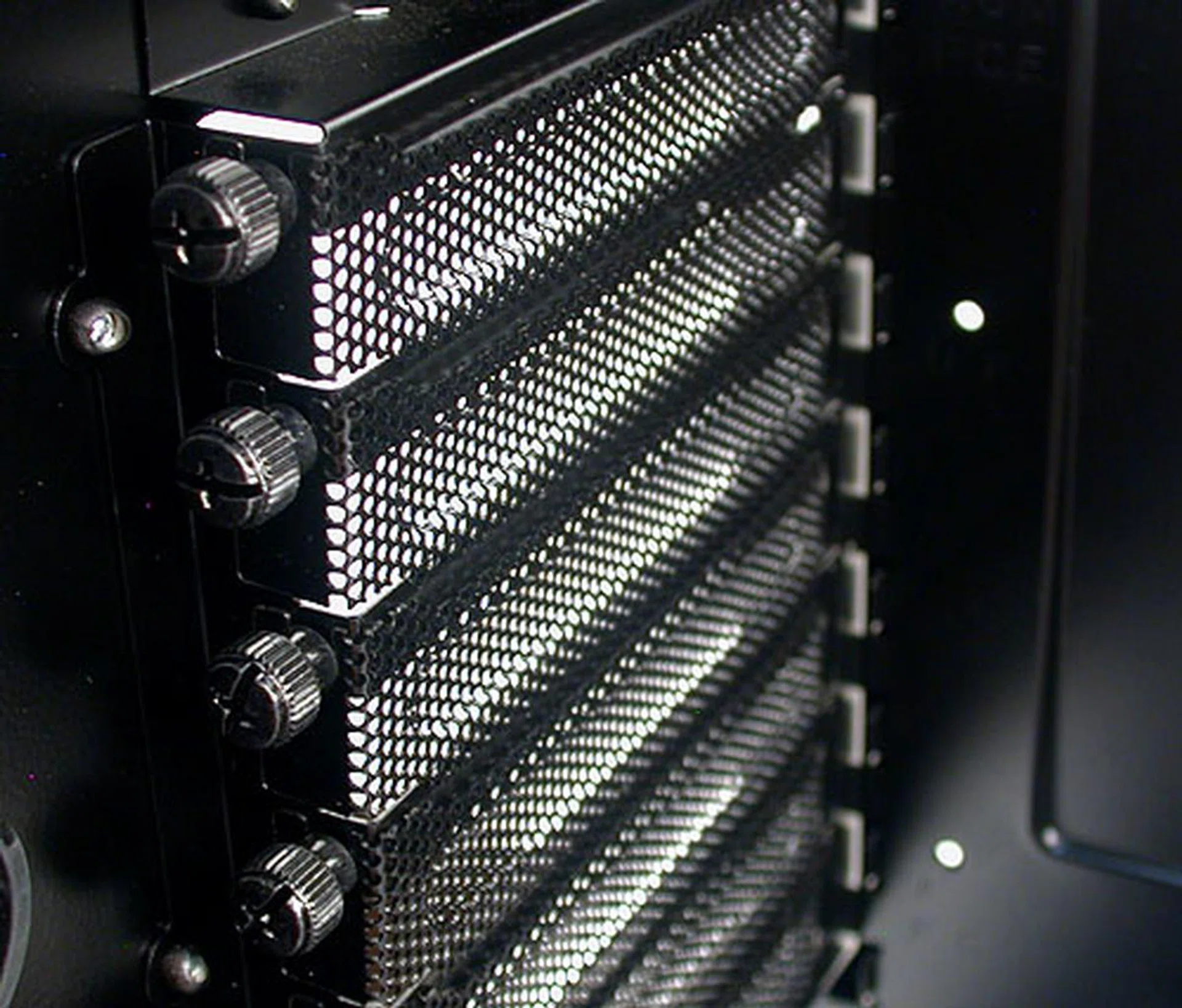
There are seven expansion slots on the Phantom, all secured with thumbscrews for easy removal and installation.
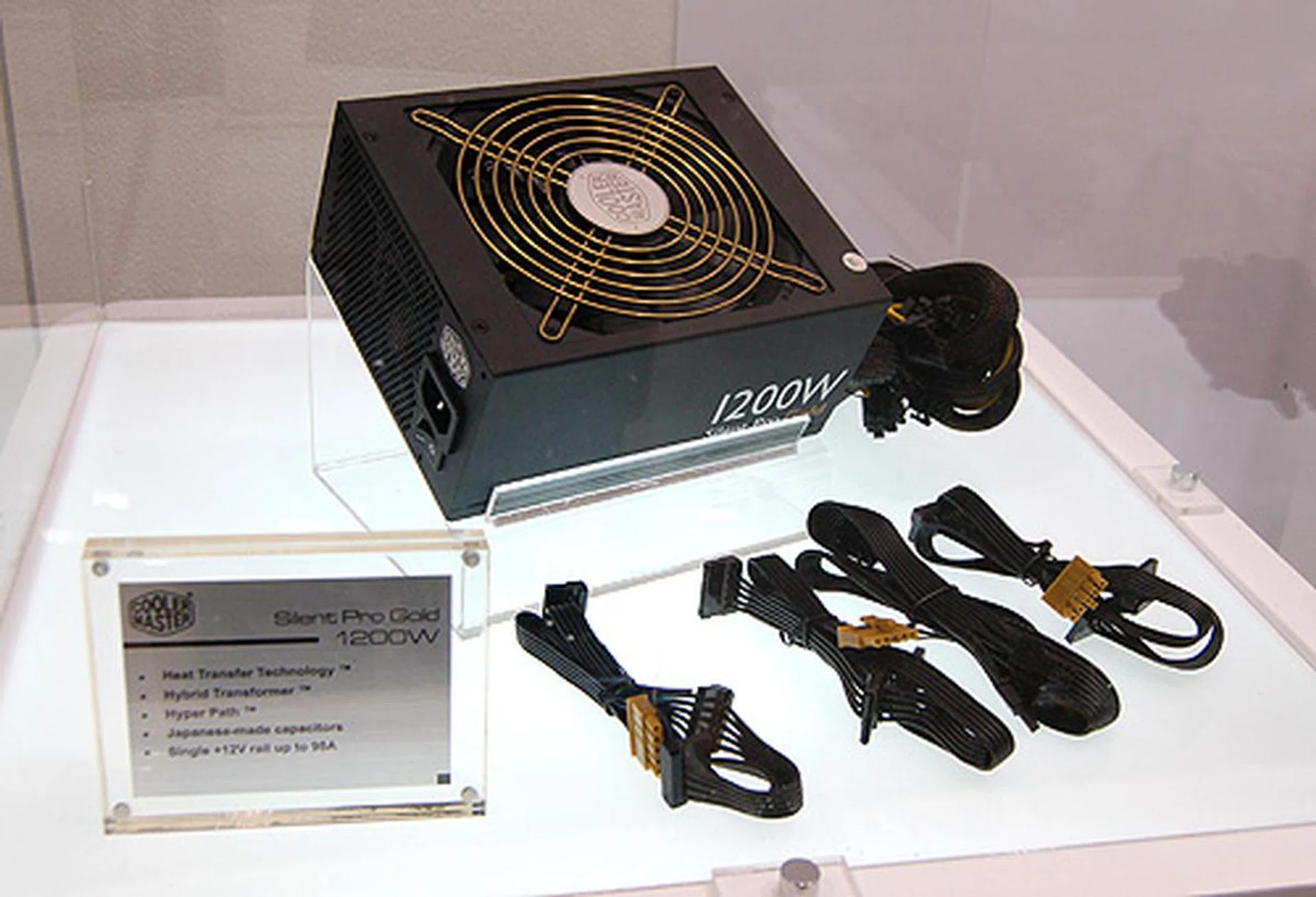
Four rubber 'standoffs' are located at the bottom of the casing for the PSU, propping up the PSU and allowing a degree of airflow. This is aided by the ventilation hole below. The fact that the casing itself is resting on rubber feet means that air is allowed to flow underneath it.
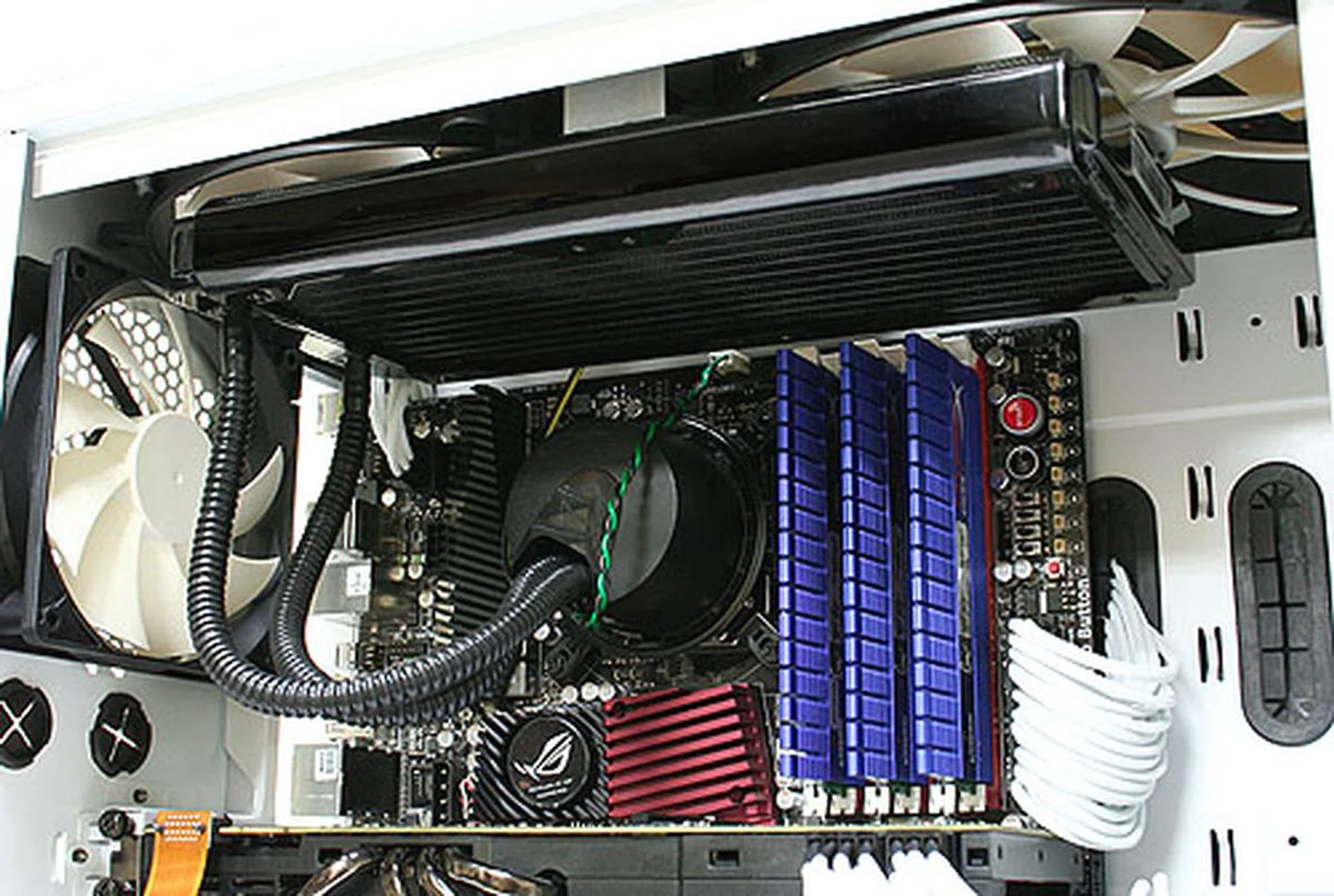
Taken from NZXT's website, this shows how a liquid cooling setup can work in the Phantom, with the radiator mounted just below the top 200mm fans.
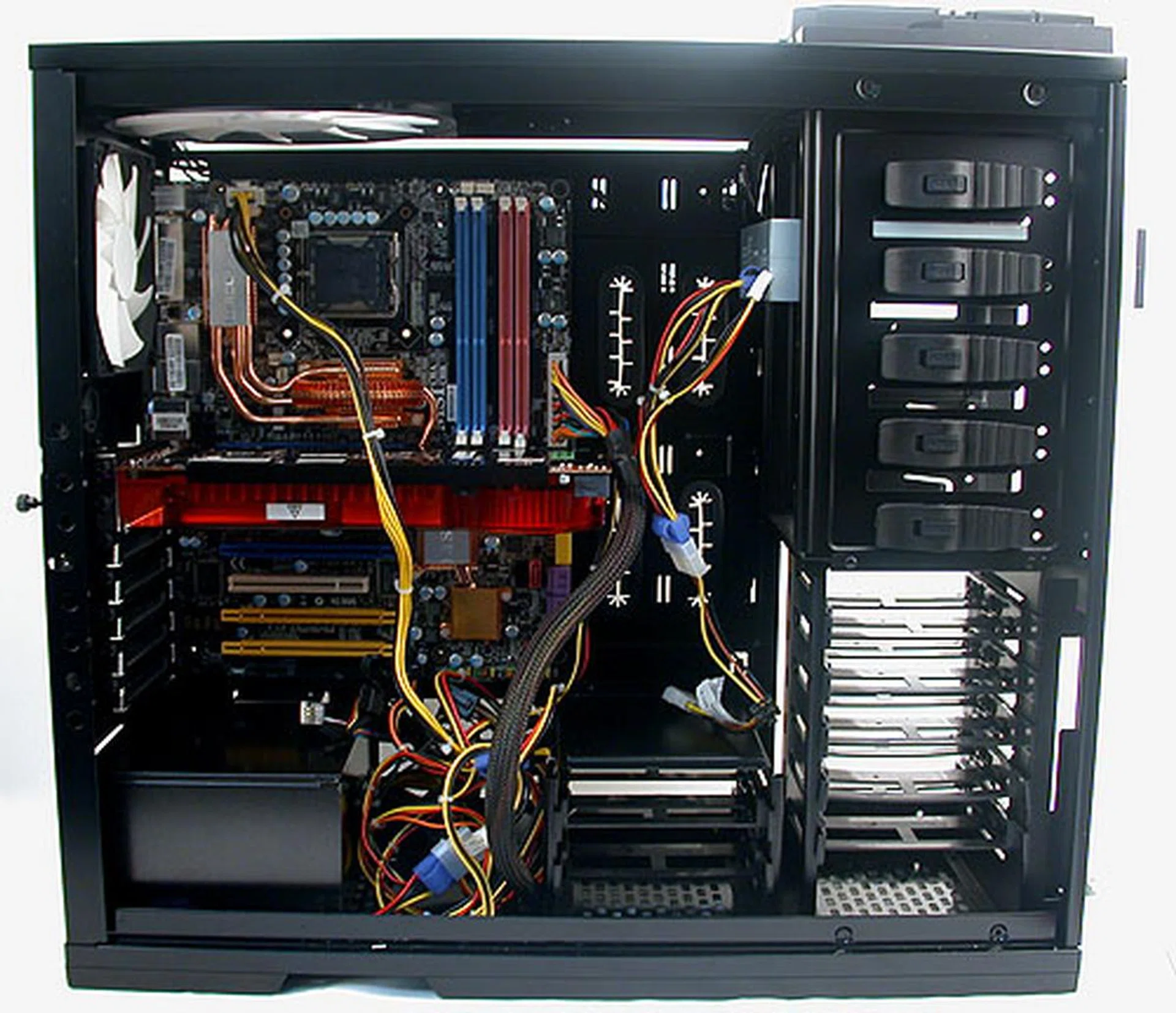
Installed with a motherboard, PSU and graphics card, it's easy to see how much space is left for users to manage their cables any way they want. We didn't route the cable underneath the motherboard tray, but this is precisely what we wanted to show that even with the cable clutter, it's not an issue for this case. The allowance for the graphics card is also very nice.
Overall, we found the installation process on the NZXT Phantom to be very smooth and simple. There were very few edges inside the chassis and while we tried our best, it would be quite difficult to cut your fingers or hands on the casing, though of course, there's still the risk of cutting yourself on the edge of your motherboard or graphics card.
The tool-free mechanisms helped, but that too is standard fare nowadays in many of the non-budget casings. We did have to use a screwdriver for the motherboard standoffs and the expansion slot thumbscrews were a bit tight at the beginning. As always, the onus of proper cable management lies with the user, but with the Phantom, there's no excuse not to do so with the numerous options offered here.
Conclusion
From what we have seen of the NZXT Phantom, its designers have certainly come up some interesting and thoughtful ideas. The angular, glossy look is striking at first but it's not that unique. Instead, it's the small details that impressed us. Like having a simple latch mechanism to remove the 5.25-inch external drive bay covers, or the way the thumbscrews securing the side panel doors are designed, or the rubber mountings that lift the power supply above the chassis. Or the quick switch to turn off the LED lights.
These small details contribute to a user experience that is only enhanced by its spacious interior and excellent cable management options. This is one casing where neglecting to manage your cables is criminal, just because it has never been more simple. The tool-free mechanisms help to make the installation even more user friendly and the rounded 'edges' of the interior make for an accident-free process.
The central fan controller is a very convenient feature for enthusiasts, allowing them to rig up their own fans and have them all easily adjusted. The allowance for up to seven fans will also see the Phantom competing with the best in chassis cooling while the majority of the ventilation holes come with their own dust filters for better maintenance.
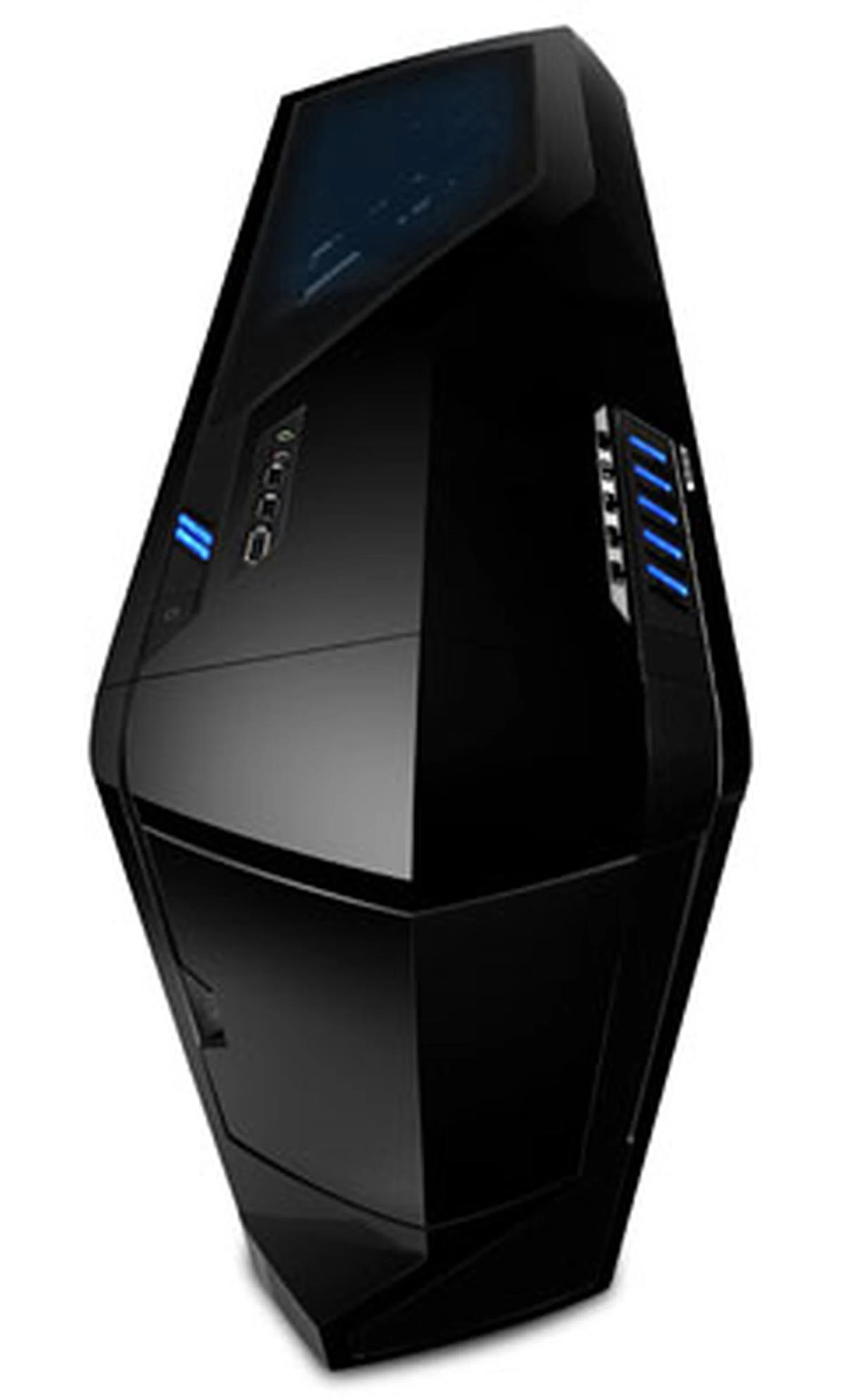
With its unique looks and choice of colors, expect enthusiasts to snap up this full tower contender. Excellent cooling capabilities together with its ample room and tool-free installation ensure that the Phantom gets our thumbs up.
The Phantom however may not be everyone - the glossy surface is a magnet for dirt and fingerprints while its plastic exterior, solid it may be, will have its detractors. We were also rather puzzled that NZXT chose not to install a front intake fan by default after the impressive cooling setup it had already included.
Besides these minor matters for improvement, we can't see anything more that needs sprucing up with the Phantom. It's likely that it won't match up to Cooler Master's fan-heavy HAF X in terms of raw cooling prowess, but it should be quite the contender as a whole. The local price is as yet unknown but with an estimated US$139 retail price the NZXT Phantom will perhaps just about undercut the S$289 HAF X.
If you don't mind its glossy plastic design, then the NZXT Phantom will make for an excellent chassis for your next high-end rig.
Our articles may contain affiliate links. If you buy through these links, we may earn a small commission.