
Intel's Z68 Approaches - ASUS P8Z68-V PRO Preview
With its support for both embedded and discrete graphics and a new feature dubbed Intel Smart Response, the Intel Z68 Express is the chipset many enthusiasts feel should have been released with the Sandy Bridge processors earlier this year. Is it really the case? We preview the ASUS P8Z68-V PRO.

Intel Z68 Express - What It Should Have Been?
Ever since Intel aka Sandy Bridge, the question on the lips of many enthusiasts has been the seemingly deliberate segregation between the two supporting chipsets - Intel P67 Express for those who require discrete graphics, and Intel H67 Express for those using the Intel HD Graphics that's present on every Sandy Bridge processor.
On the one hand, Intel was touting the benefits of the on Sandy Bridge, sufficient it seems to challenge even the discrete solutions from NVIDIA and AMD. Unfortunately, the design of the P67 and H67 chipset meant that you can either have discrete graphics or Quick Sync respectively, but not both at the same time. On the Intel P67, there are no integrated display outputs and the Intel HD Graphics within the Sandy Bridge processor is basically dormant. With the Intel H67, you can enjoy the benefits of Quick Sync - only if you're using the integrated graphics. However for power users using discrete graphics on the H67 board, you would have to manually switch the display option in the BIOS (and the physical display cable) to use the integrated graphics option; it's just not very convenient for the end user.
Additionally, the Intel H67 chipset locked the overclocking capabilities of Intel's 'K' SKU Sandy Bridge processors though it allows integrated GPU clock tweaking. The Intel P67 meanwhile allows CPU overclocking through unlocked multipliers, but there was no way of using and overclocking the integrated GPU. Decisions and limitations are abound as end users can't get the best of both worlds.
Enter the Z68 chipset, which merges the two - it has display outputs like the H67 and the PCIe lane configuration to support dual SLI/CrossFireX (the H67 only supports a single discrete graphics card by default). It also allows users to tweak the CPU (unlocked multipliers) and the GPU (core and memory tweaking) from the BIOS. Throw in a new feature that Intel is calling Smart Response (but is in fact a way of allowing users to install a SSD as a cache for recently used applications and files), and the Z68 chipset looks like what Intel should have released months ago.
If that's not enough to tempt the enthusiasts, then there's Lucid's Virtu. Introduced originally as a technology to solve the limitations of the Intel P67/H67 chipsets, Lucid is now partners with Intel in disseminating this technology to selected H67 and Z68 motherboards. The ASUS P8Z68-V PRO, the first Z68 motherboard to land in our labs, comes with this software layer, which dynamically assigns the graphics workload according to performance and system load, just like . Hence for a task like browsing the web, Lucid's Virtu may decide that the integrated graphics is good enough, and switch off the discrete graphics card, saving some power.
Of course, this implies that everything will be going through the integrated display outputs on the motherboard, so one has to connect the physical display cable to the HDMI, DVI or VGA outputs on the Z68 board. Like Lucid's other more well-known software technology, Hydra, users will also have to install both discrete and integrated graphics before they can install the Virtu software driver.
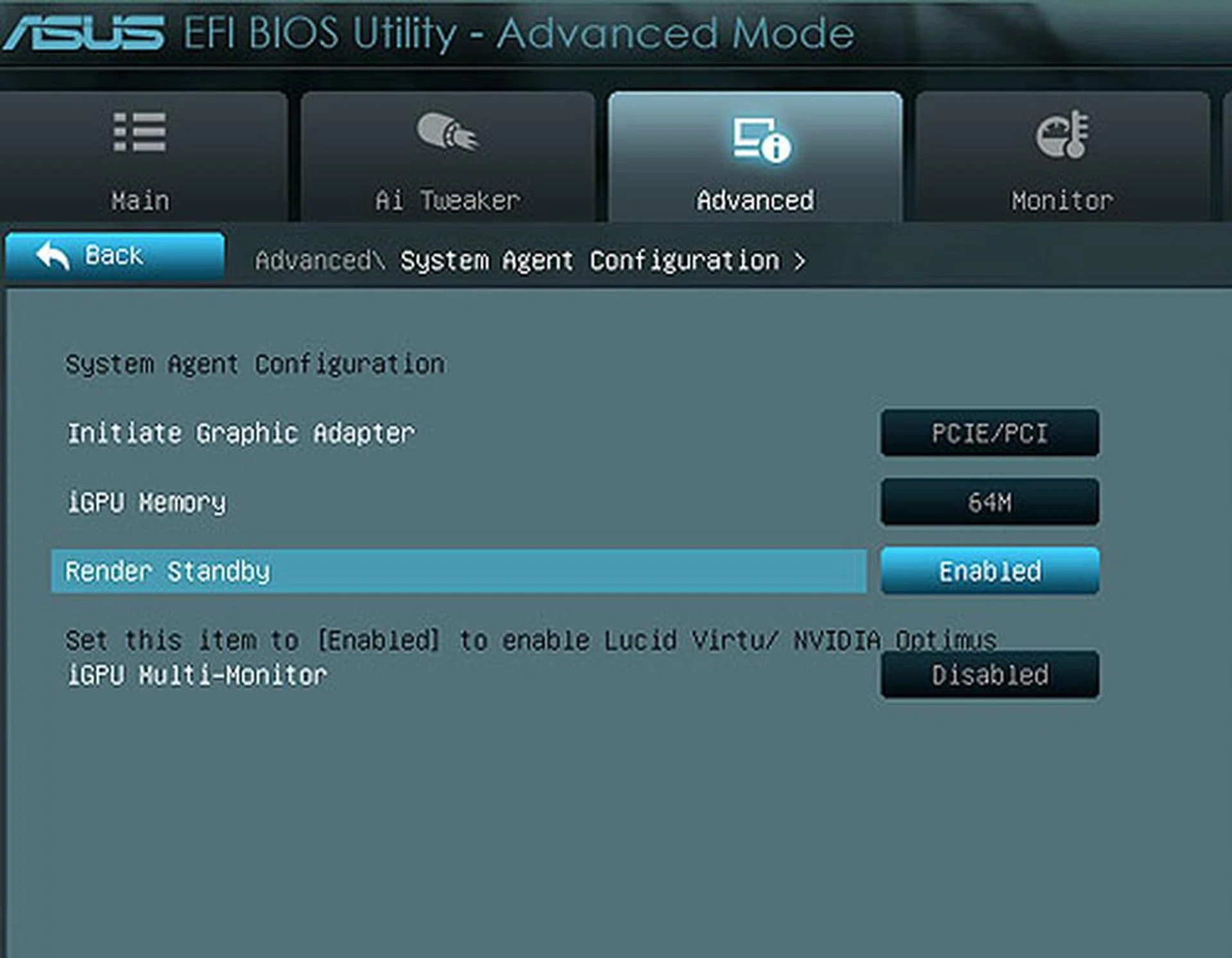
As you can see, you can control the iGPU settings in the BIOS for this Intel Z68 board, something you couldn't do on the Intel P67. Also, users have to enable the iGPU Multi-monitor option before you can install the Lucid Virtu driver.
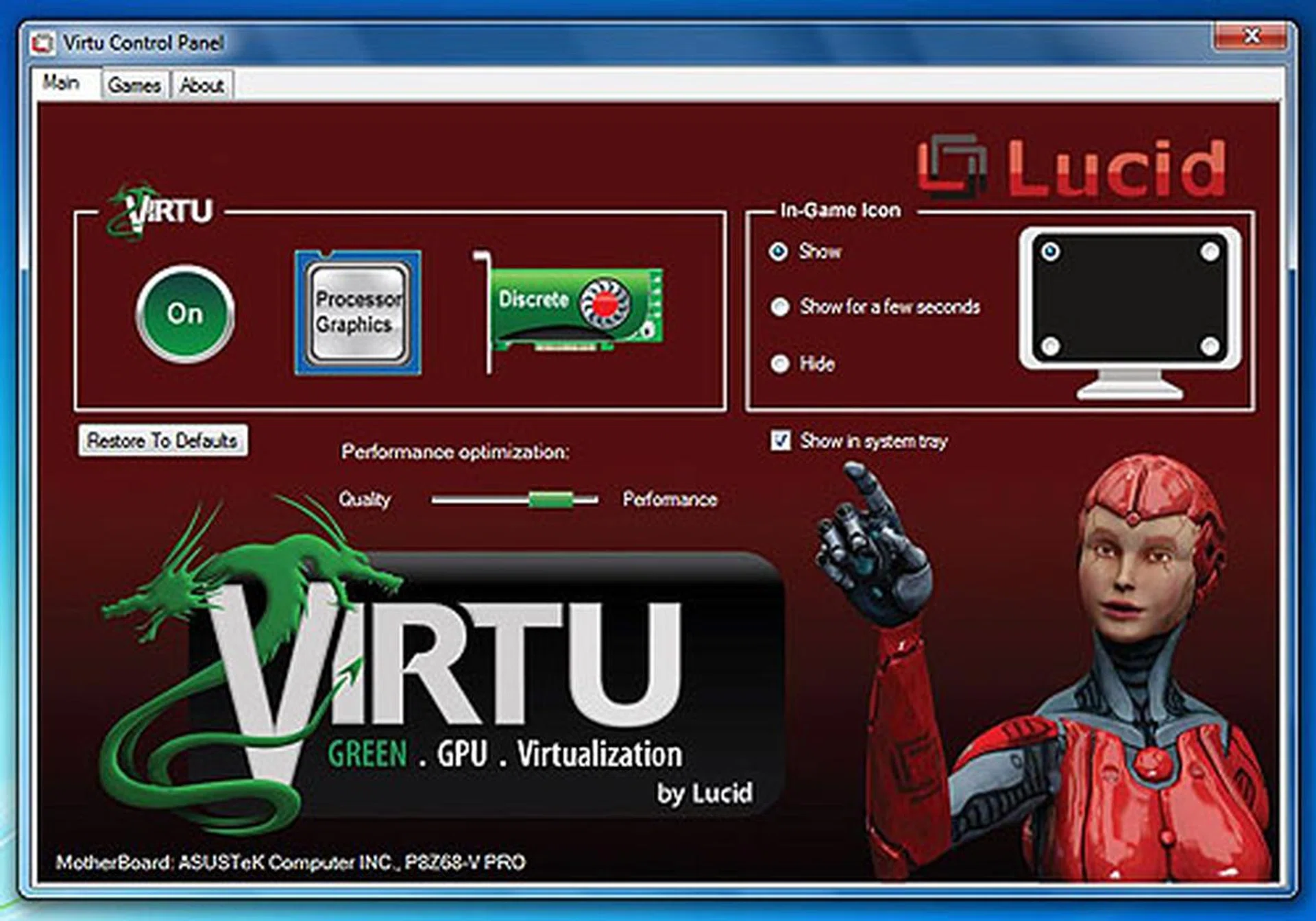
The Virtu Control Panel allows users to toggle the software layer that automatically switches between the integrated and discrete (provided you have a discrete GPU installed). Do note that you have to also have installed Intel HD Graphics drivers before you can install Lucid Virtu. In the Games tab you can add your own list of games such that Virtu will recognize them, but a quick glance at the settings xml file revealed that there are already many supported games.
Now that you have glimpsed the Virtu feature, what about the board itself? Well, it's very similar to ASUS' P67 boards, from the color scheme to the UEFI BIOS.
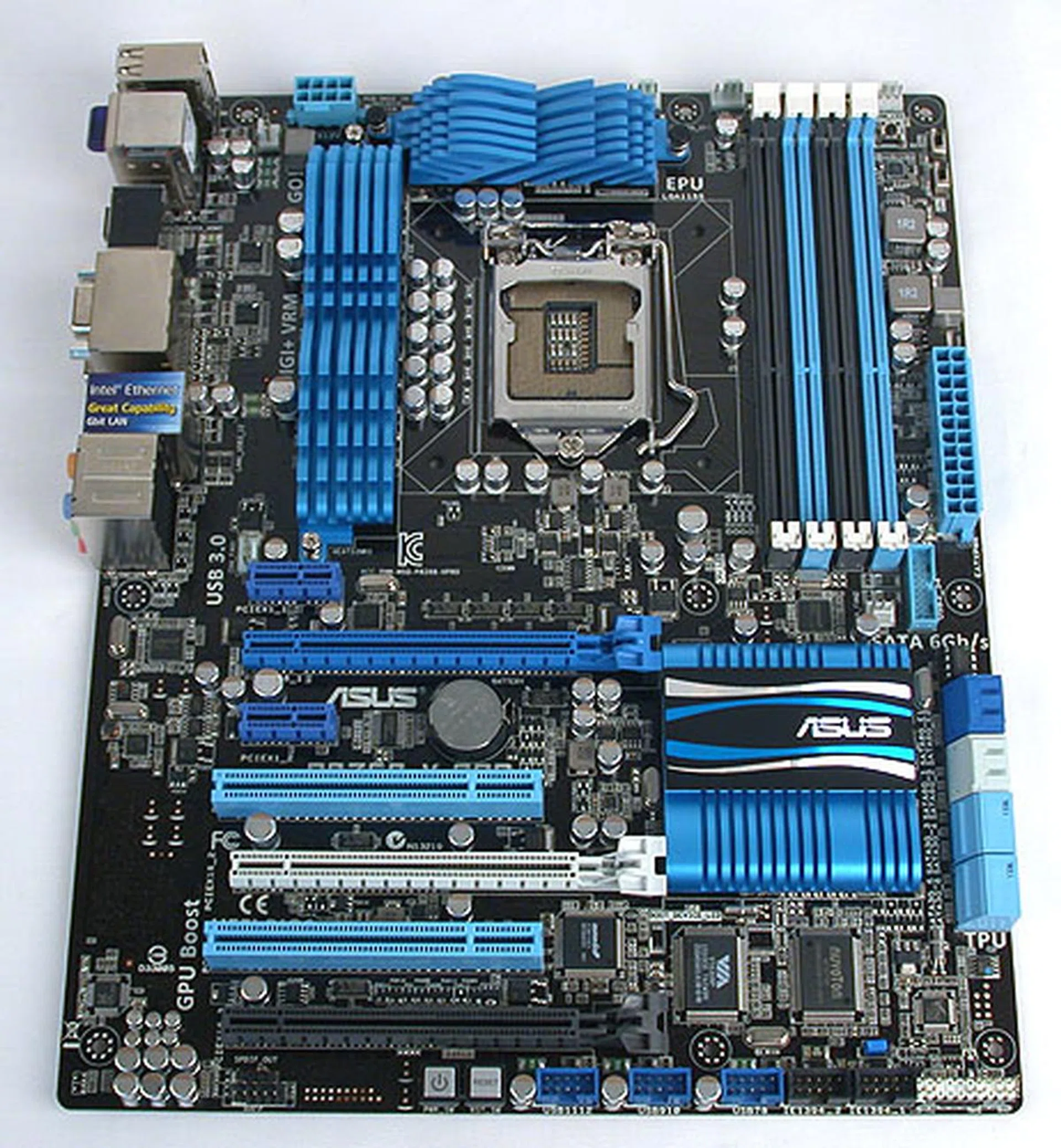
Outwardly, there's little to distinguish this ASUS Z68 board from a similar class ASUS P67 board. The main difference, which is the chipset, is well hidden under the heatsink, thus it's difficult to tell apart at first glance.
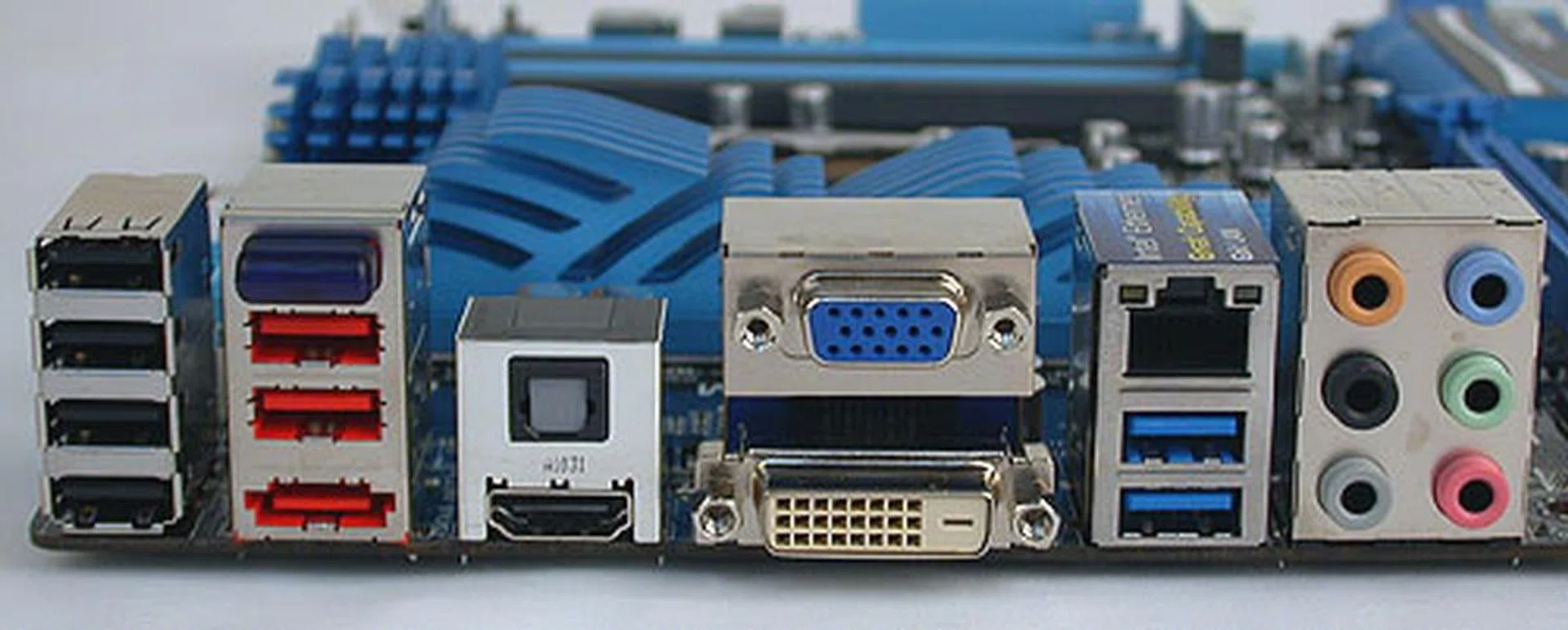
HDMI, DVI and VGA outputs should be the usual display configuration for a Z68 board. Along with those, you'll find up to four USB 2.0 ports, two USB 3.0 ports (in blue) and extras like a Bluetooth antenna and an eSATA port
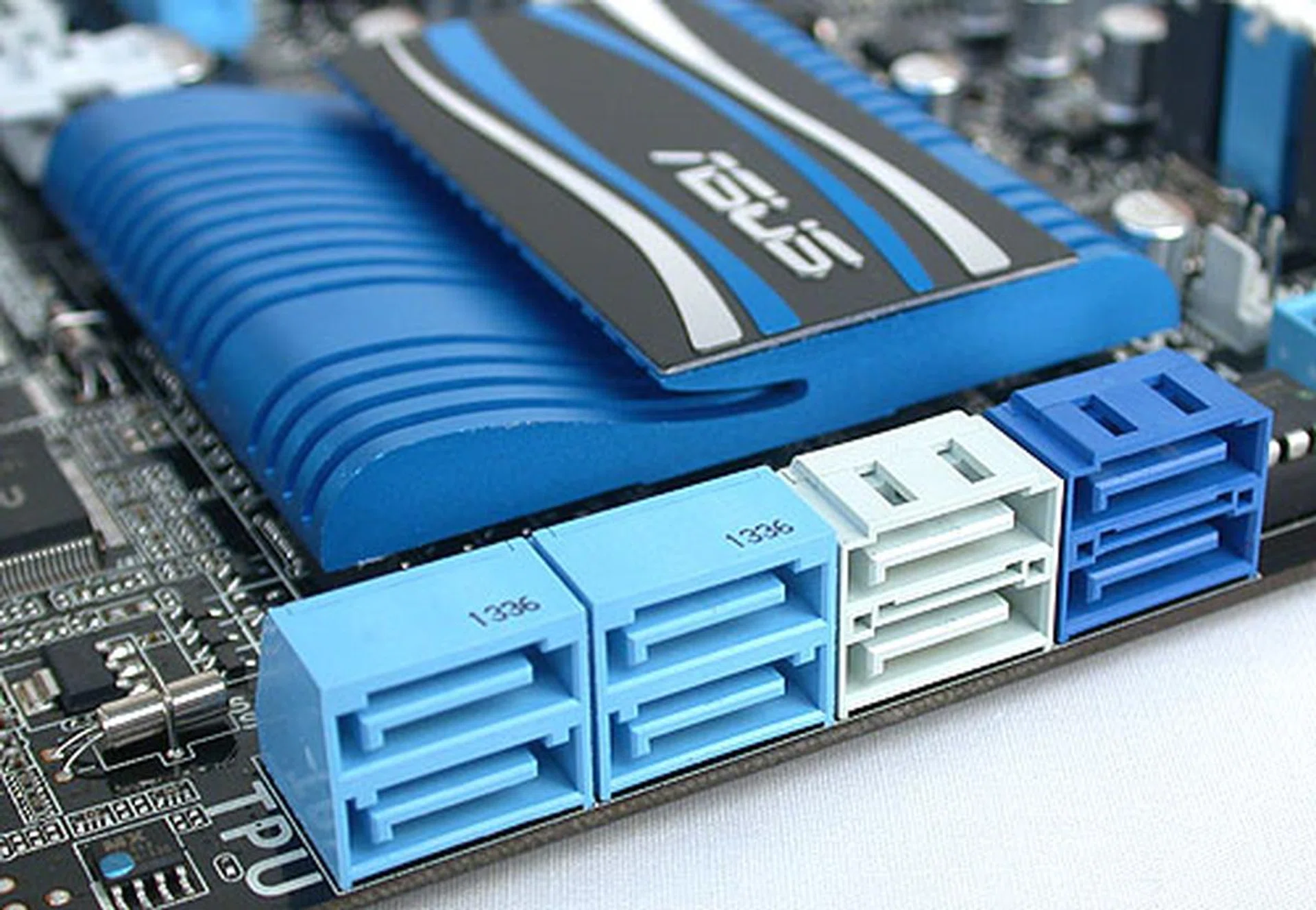
Identical to some of ASUS' P67 boards, we find four SATA 3Gbps ports from the Z68 chipset (blue), two SATA 6Gbps ports (gray, again from the chipset) and two additional SATA 6Gbps ports (in darker blue) from a Marvell controller.
The Rest of the Board
As for the rest of the ASUS P8Z68-V PRO, it's fairly typical by ASUS' standards. Given its upmarket slant, it comes packed with more features than other models, with FireWire, eSATA and extra SATA 6Gbps ports the icing on the storage cake. Don't expect surprises for multi-GPU support however, since the Z68 chipset is identical to the P67 in this respect - just a pair of discrete graphics cards are supported in the x8/x8 configuration. Quad-GPU support is technically possible, but only if you are installing a graphics card which packs two GPUs on a single PCB, like the .
You can make use of the third PCIe x16 slot (in black) but it has a maximum of 4 lanes of PCIe bandwidth and shares this with the neighboring PCIe x1 slots, USB 3.0 header and eSATA, so using this slot will affect the throughput for all these features.
Board layout is typically ASUS and one can probably superimpose a comparable ASUS P67 motherboard over this Z68 board and find the onboard components all within the same ballpark. We didn't find any layout issues (and we don't expect to find any given the market segment this board is targeting).
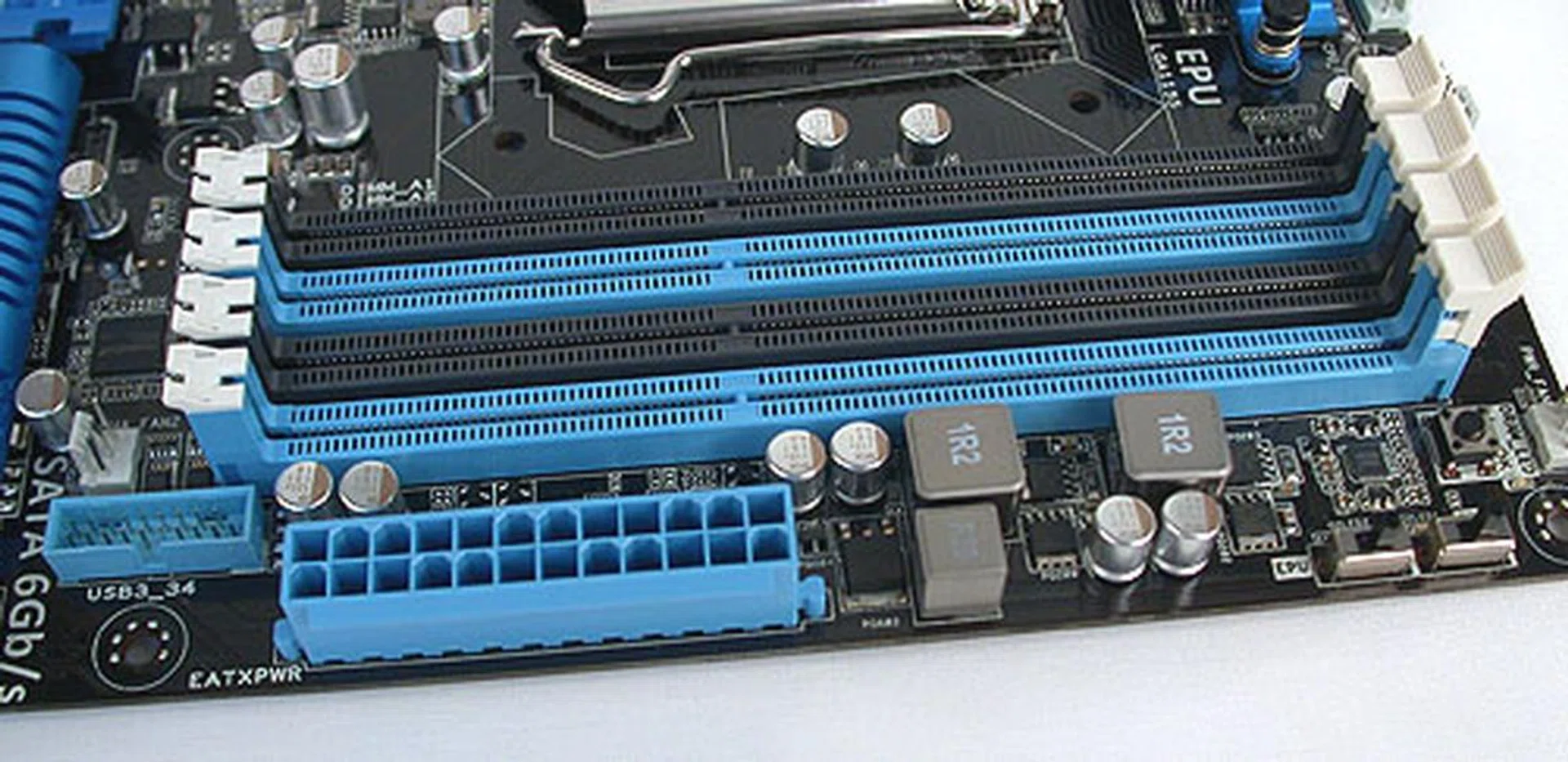
The expected four DIMM slots on this dual-channel memory architecture is more determined by the Sandy Bridge processor rather than the chipset or motherboard. Notice the single USB 3.0 header besides the 24-pin power connector.
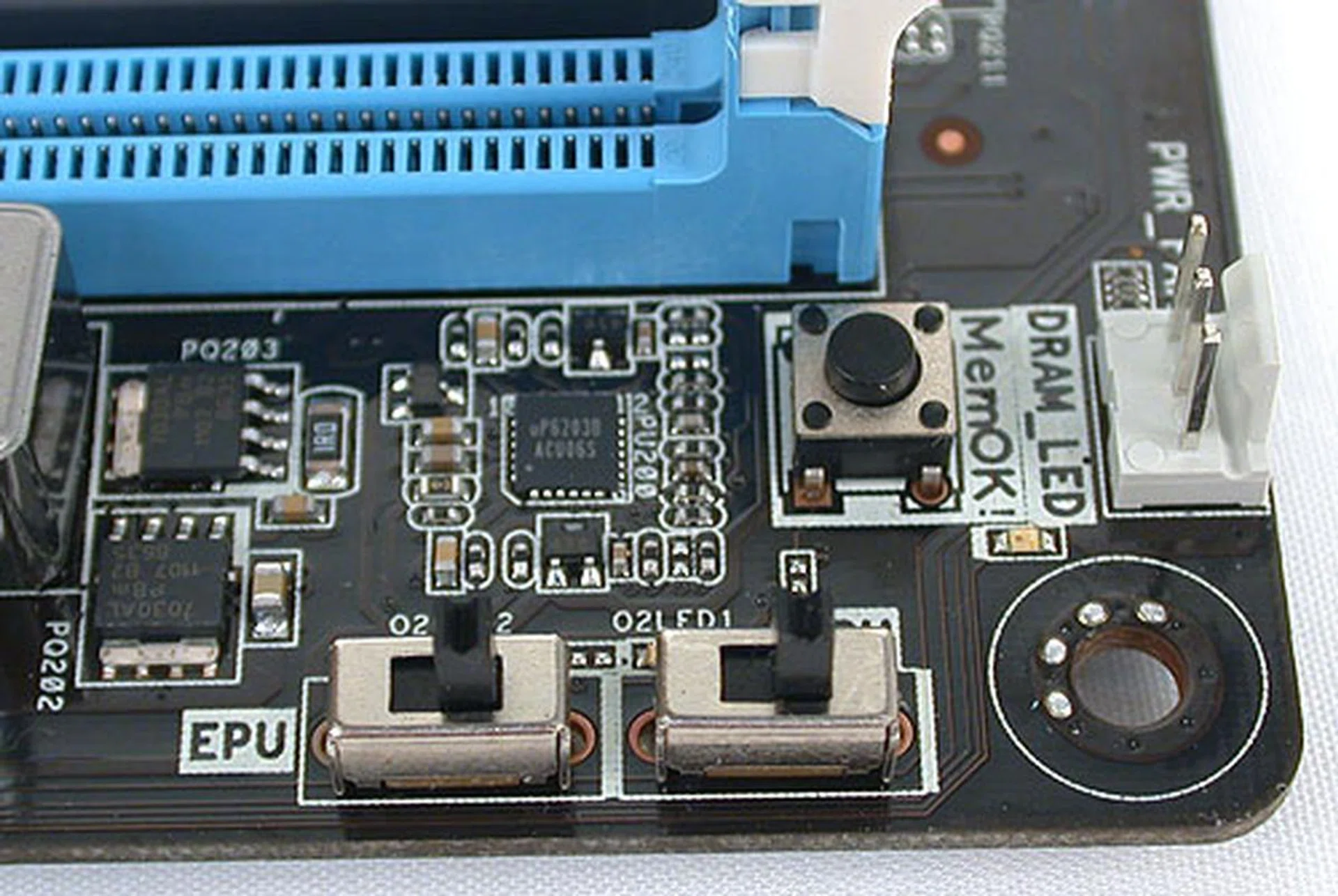
All the switches for ASUS' proprietary technologies are conveniently clustered together at one corner of the board. The location is suitable while the board is out of the case, but once it's in a more compact chassis like that of a mid-tower, this section can be hard to reach and use.
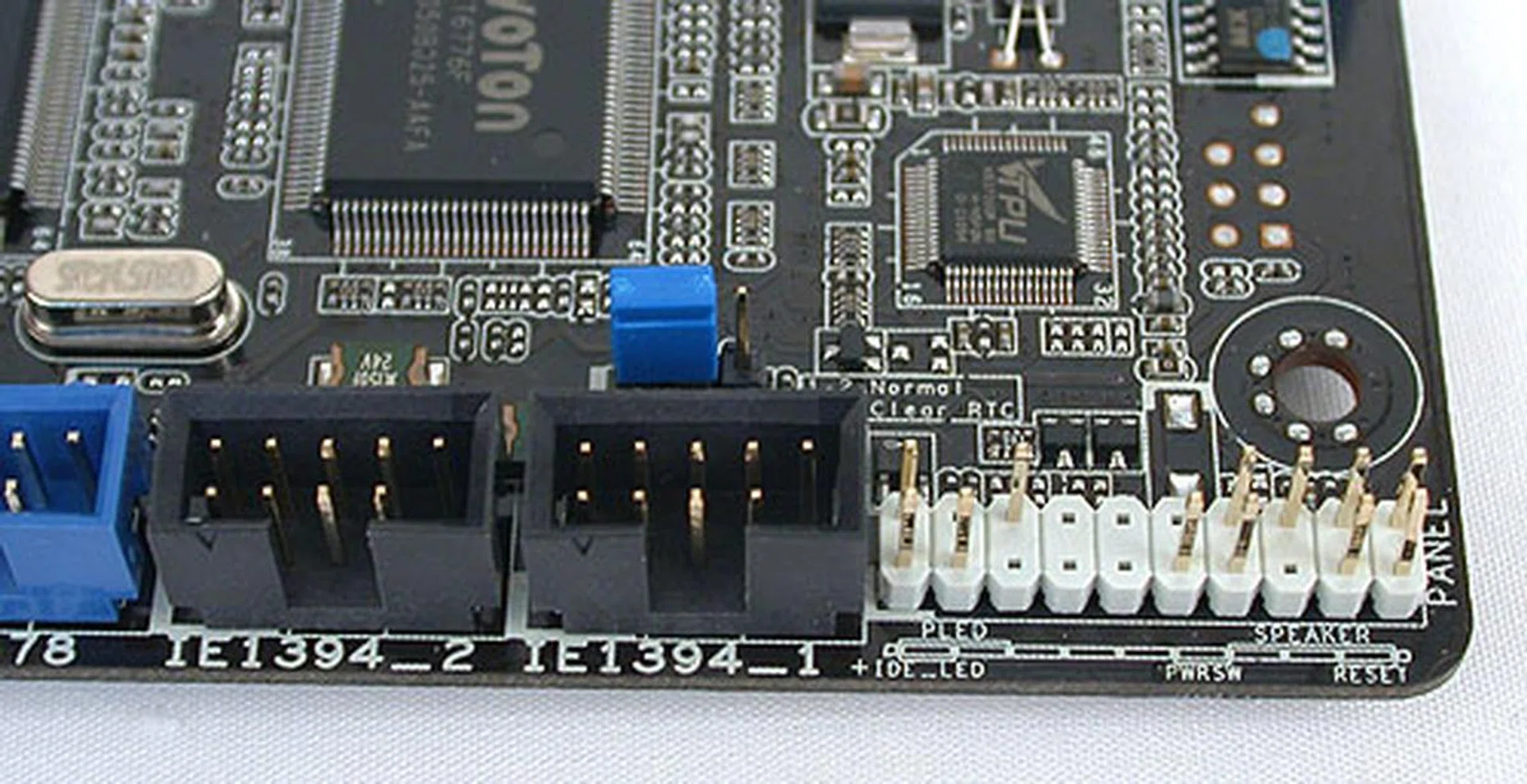
At the other corner of the board, we see the BIOS reset jumper in blue along with the front panel connectors. The FireWire headers are also located here.
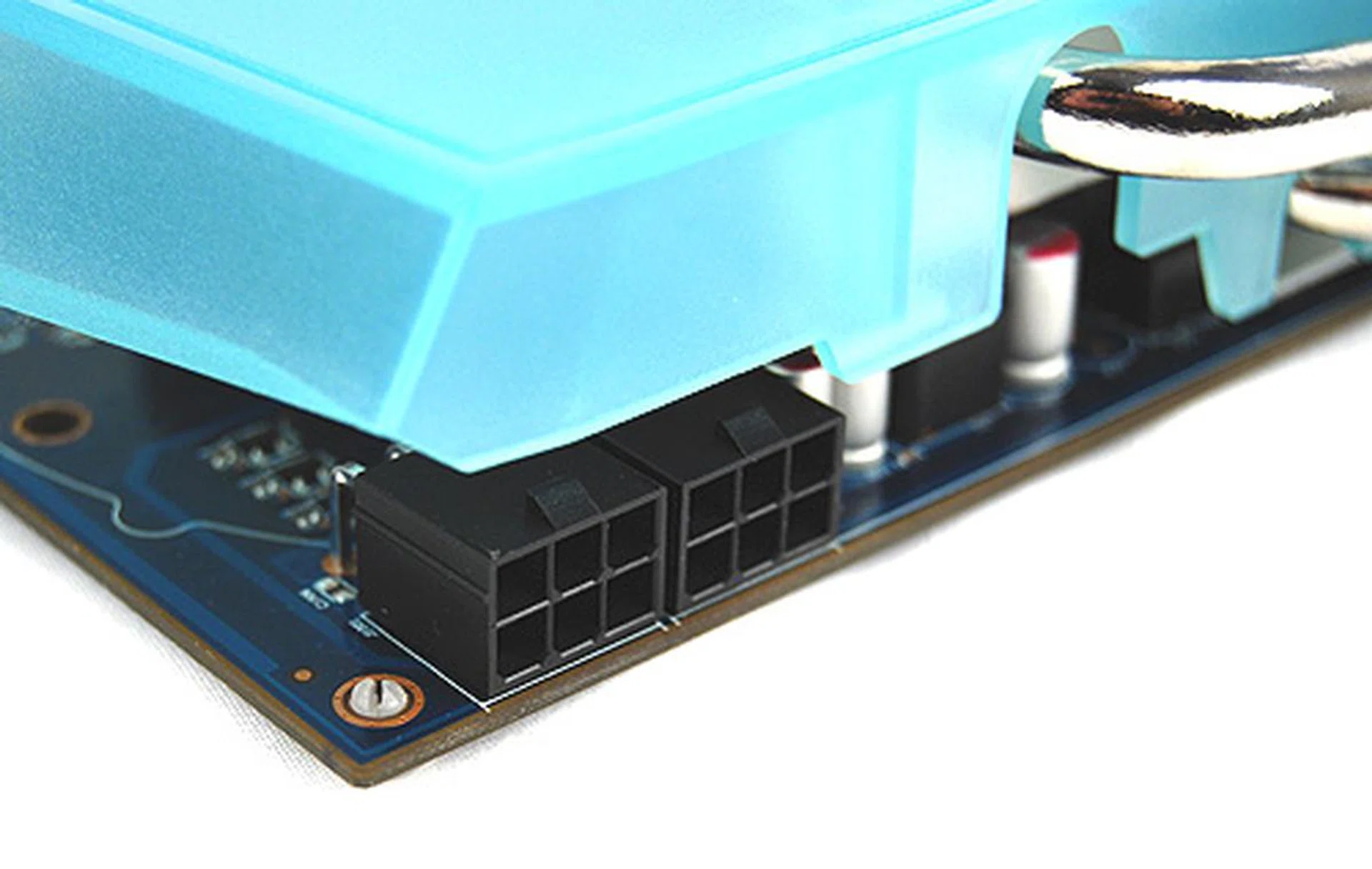
Power and reset buttons are essential for power users like us who rarely ever test motherboards within the confines of a chassis. They are also handy when troubleshooting within the chassis.
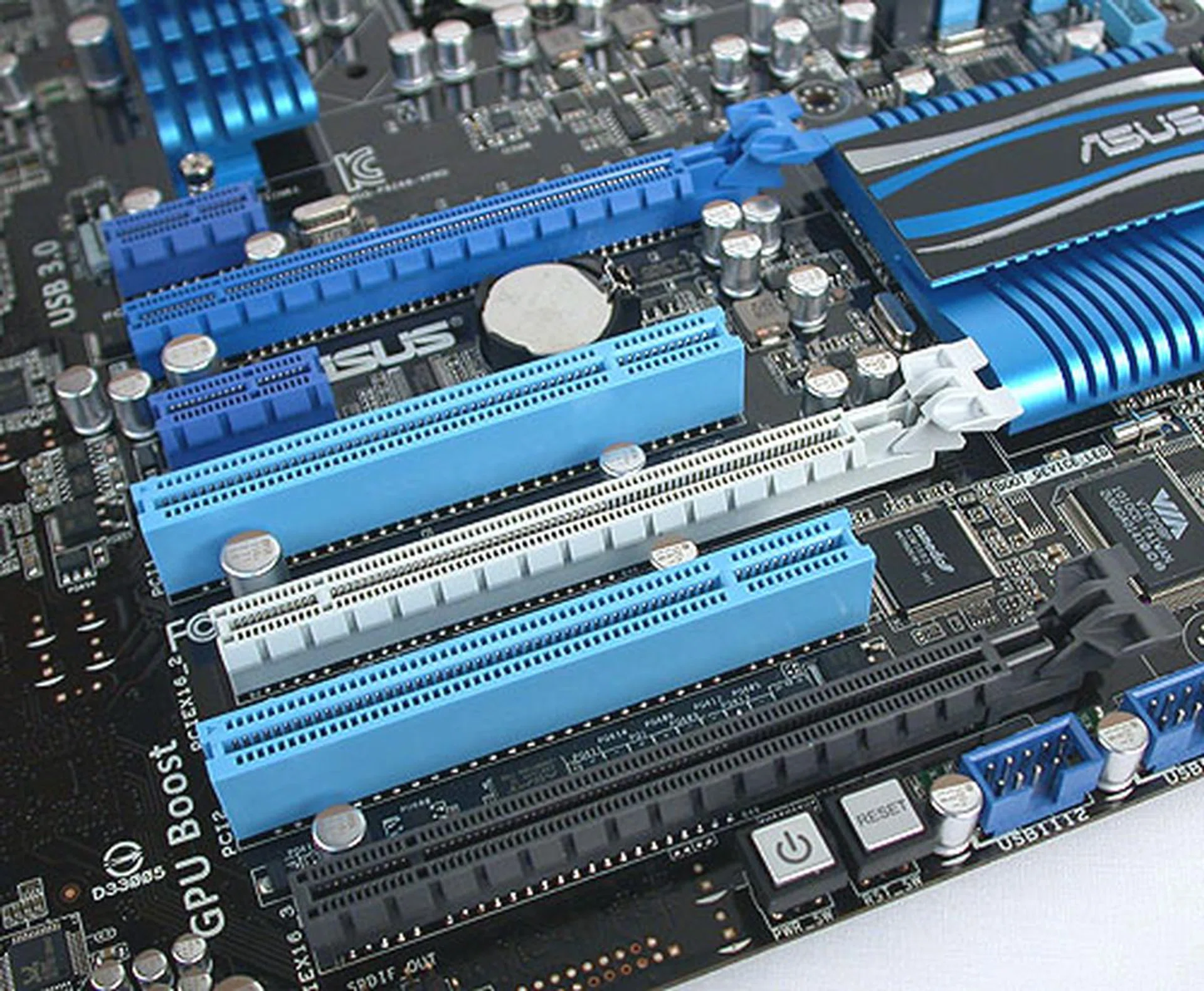
There are quite a few expansion options presented here but essentially, the total PCIe bandwidth is identical to the P67 chipset. Realistically, you're looking at dual graphics cards (with 2 GPUs on a single PCB at best, but that's really pushing it).
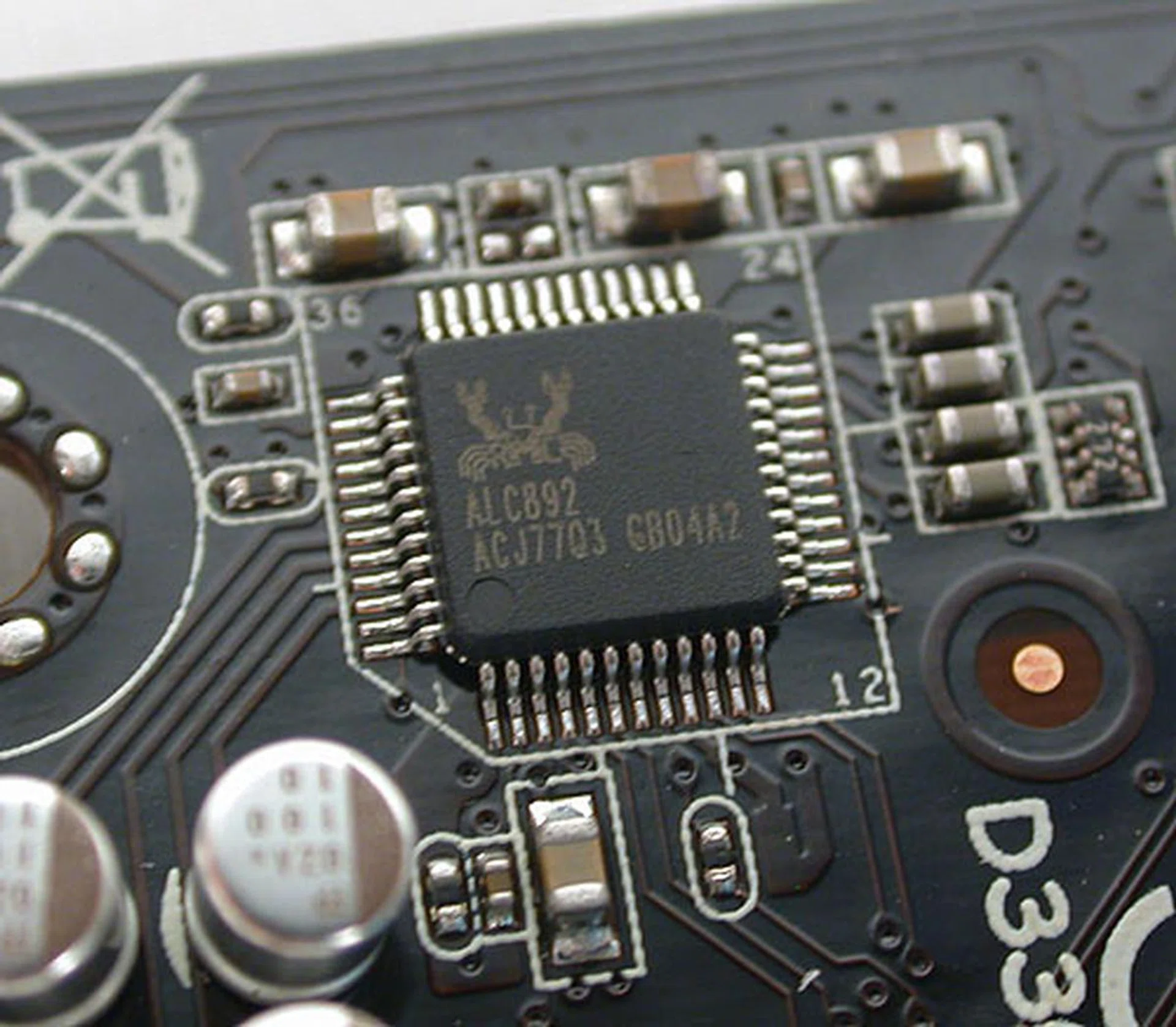
Practically the universal HD audio CODEC you'll find on most motherboards - Realtek's ALC892.
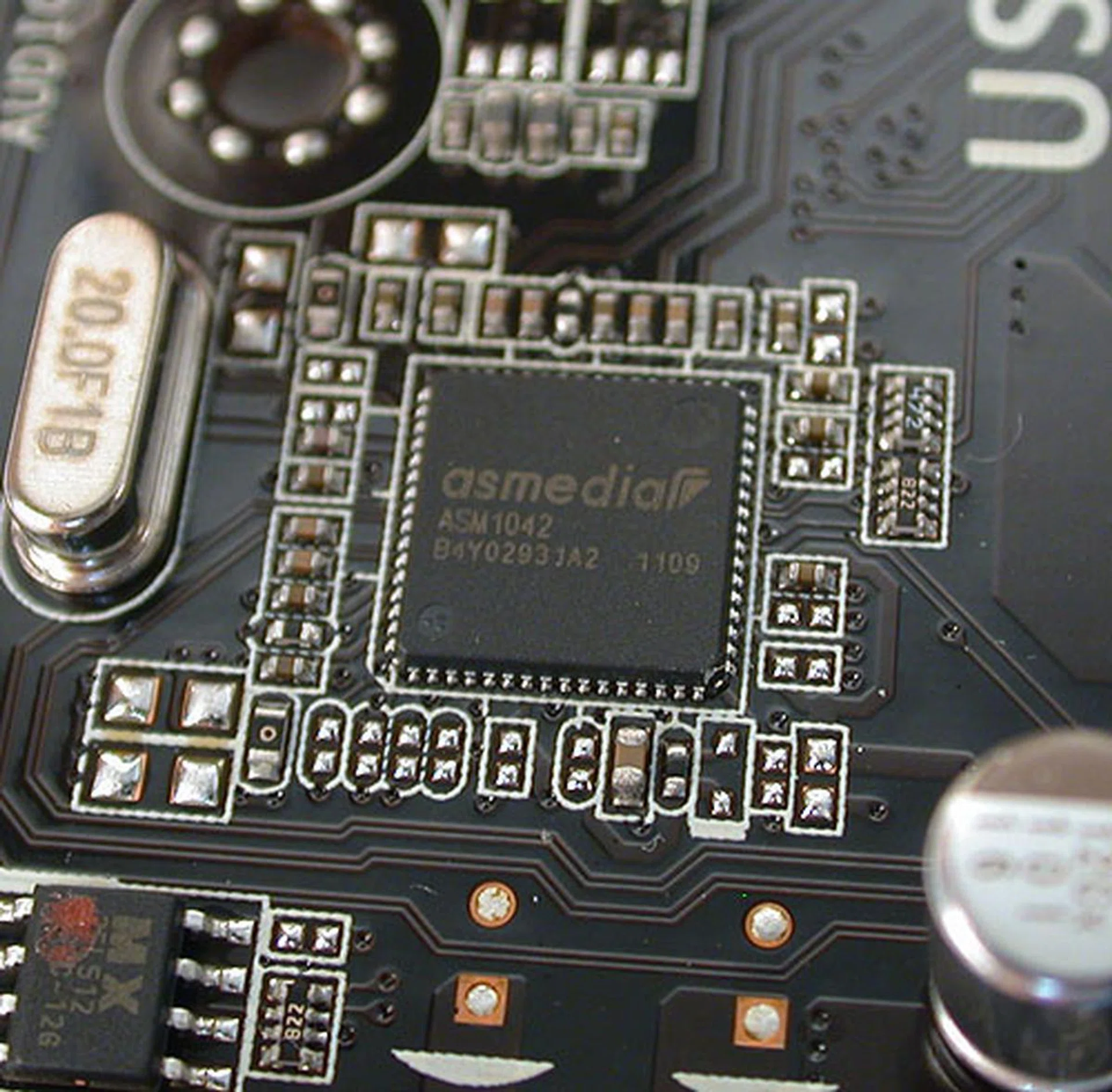
No more NEC USB 3.0 controller it seems, as ASUS switches to ASMedia for its needs (which is only logical seeing that ASMedia is a subsidiary of ASUS).
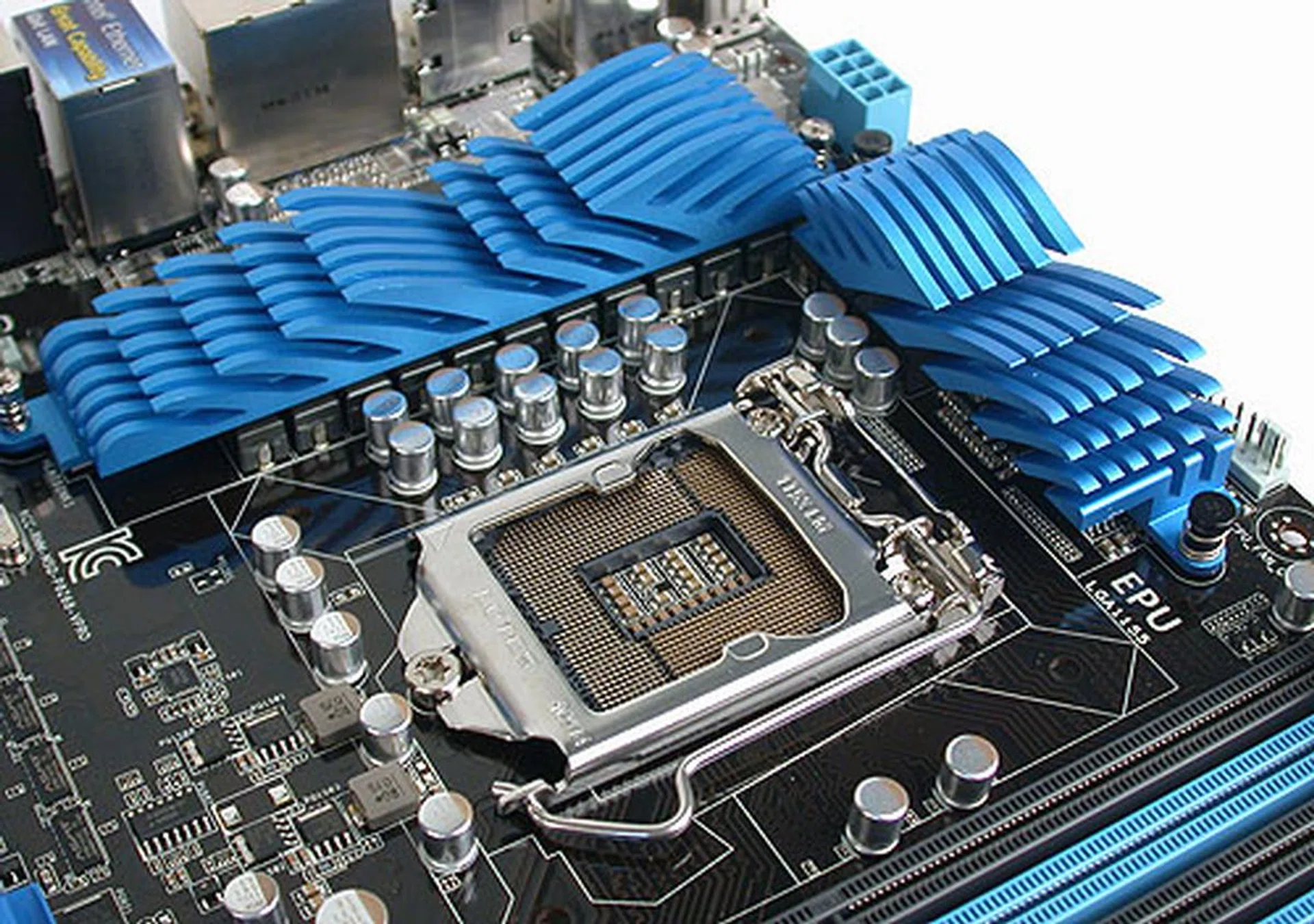
Nothing too surprising here at the LGA1155 socket - plenty of space and ASUS' 12+4 power phase design.
We'll be covering the Z68 chipset in some detail in a future review, where things like Quick Sync and Intel Smart Response will get more airtime. From our brief benchmarking experience however, you can expect the scores on the Z68 to be competitive with the P67 (as expected), so it's not so much the performance, but the features that will be the main draw for this chipset.
Reports so far indicate a May 8th launch for this chipset, though it seems that retailers in Taiwan are already jumping the gun.
Our articles may contain affiliate links. If you buy through these links, we may earn a small commission.