
Aerocool Cyborg X - Something For Gamers
The Aerocool Cyborg X is positioned as an affordable gaming casing for enthusiasts and gamers. We check it out to see if a cut-price casing also means mediocre features and reduced functionality.

Gamer Style
Mid-tower casings are popular amongst users because they offer the best blend of functionality and practicality. They are substantial enough to house a decent amount of components but not to the extent of taking up too much space.
And recently, casing manufacturers have been focusing on enthusiast-class mid-tower casings. These are casings which, while adopting the more compact mid-tower form factor, packs all the features enthusiasts and gamers would expect, such as grommets for liquid cooling setups, multiple-fan ventilation systems, adequate depth for high-end graphics cards and so on and so forth.
Established in 2001, Aerocool began life as a thermal management company specializing in industrial computer systems. Since then, their business grew and expanded. And today, it counts computer peripherals such as computer chassis, cooling fans, and power supply, as part of its business operations.

The Cyborg X is Aerocool's answer to an affordable chassis for the gaming masses.
With us today is the Aerocool Cyborg X mid-tower casing, which has an aggressive and sporty design. Fittingly, the Cyborg X belongs to the company’s “Professional” series of casings and it is targeted at gamers who want, and we quote, “a stylish design case with strong personality”. With such intentions, it is easy to see why the Cyborg X was designed the way it is. The design is rather attractive and has, for lack of a better word, a "gamer" feel about it. Hence, we are confident it'll win over the hearts of many gamers.
That said, the Cyborg X is not just all show. Aerocool says the casing packs enough high-end features to satisfy enthusiasts and gamers alike, and that’s certainly something we’ll be checking out. But first, here are the Cyborg X’s specifications.
Casing Dimensions &Specifications |
|
Drive Bays &Expansion Slots / Ports |
|
Case Cooling |
|
Power Supply |
|
Gaming Aesthetics
Decked in black with sporty red accents, the Cyborg X sports an aggressive styling that would surely appeal to gamers. To spice things up further (and in a bid to gain some street cred), the Cyborg X also has a generous helping of LED lights in the form of two front and rear fans.
In terms of aesthetics, we think that the Cyborg X is a rather attractive looking casing. It might be over-the-top and even tacky to some, but the design suits its target audience well.
Build quality was also decent as the 0.6mm thick SECC steel panels that the Cyborg X employs felt sufficiently sturdy. However, the quality of plastics used could have been better, as the plastic portion felt flimsy and somewhat second-rate.
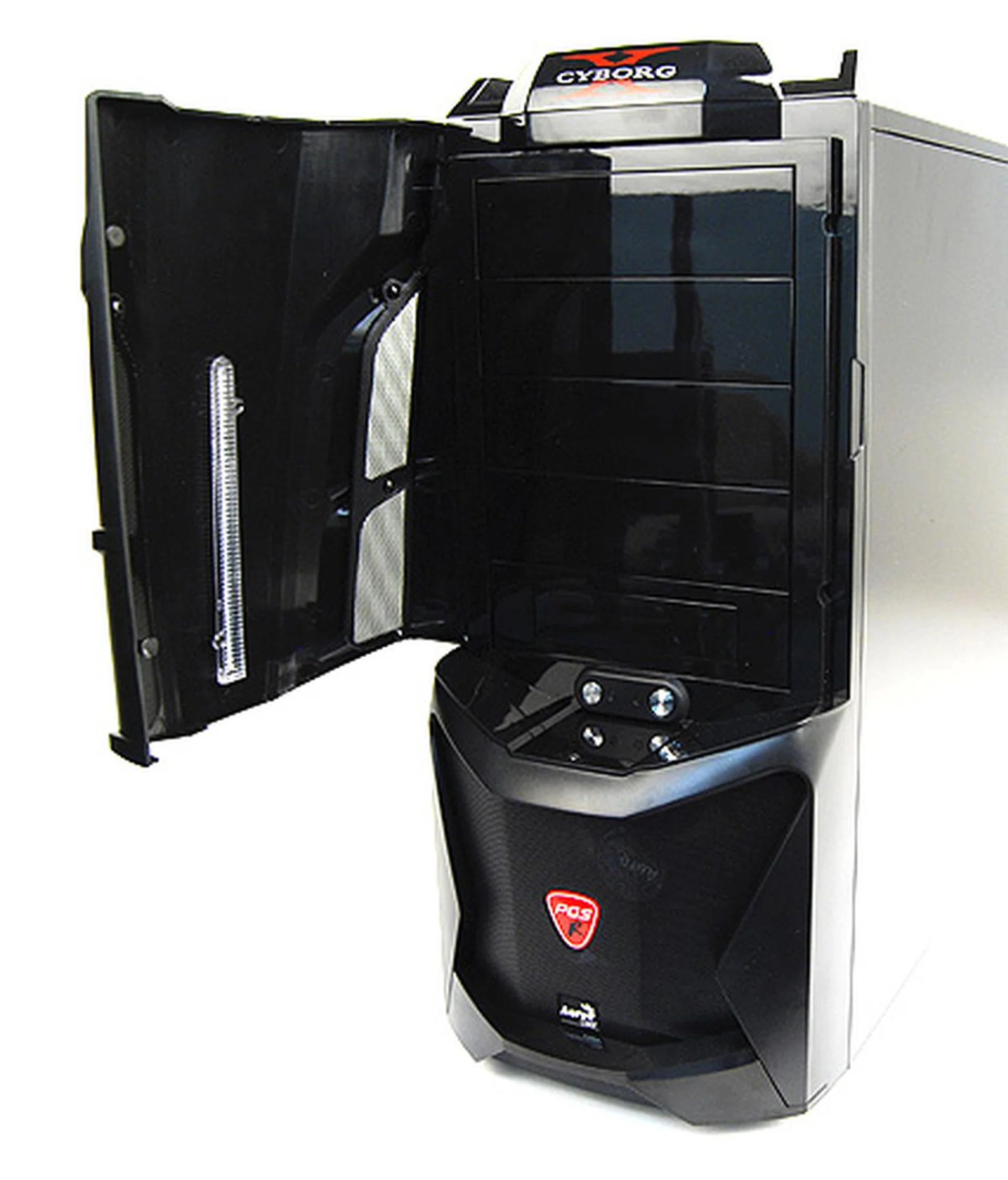
The Cyborg X has a cover protecting the front panel, which means you'd have to remove the cover everytime you want to power your system up. As a result, we thought the cover was rather needless.
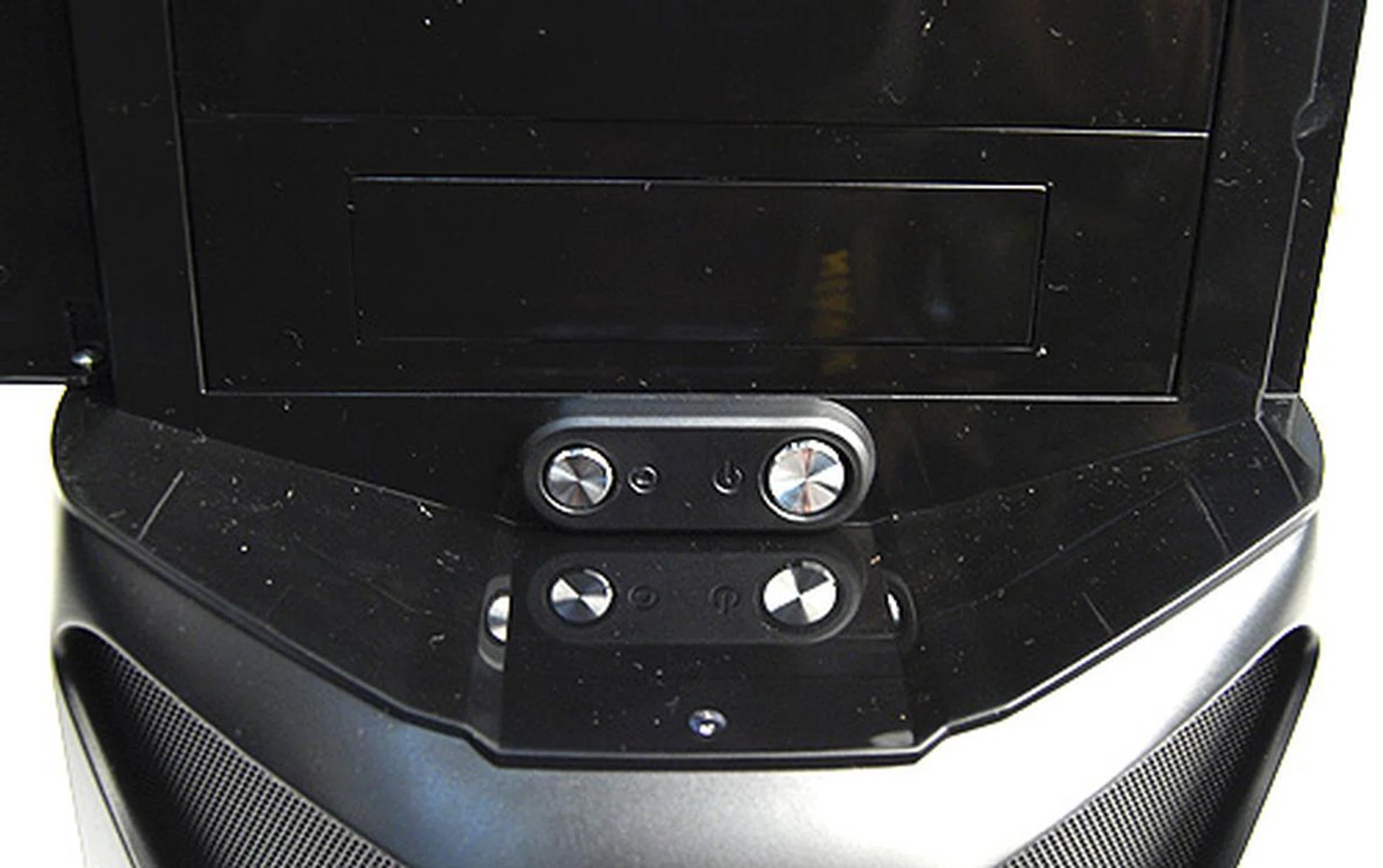
The power and reset buttons are needlessly concealed behind a protective plastic cover.
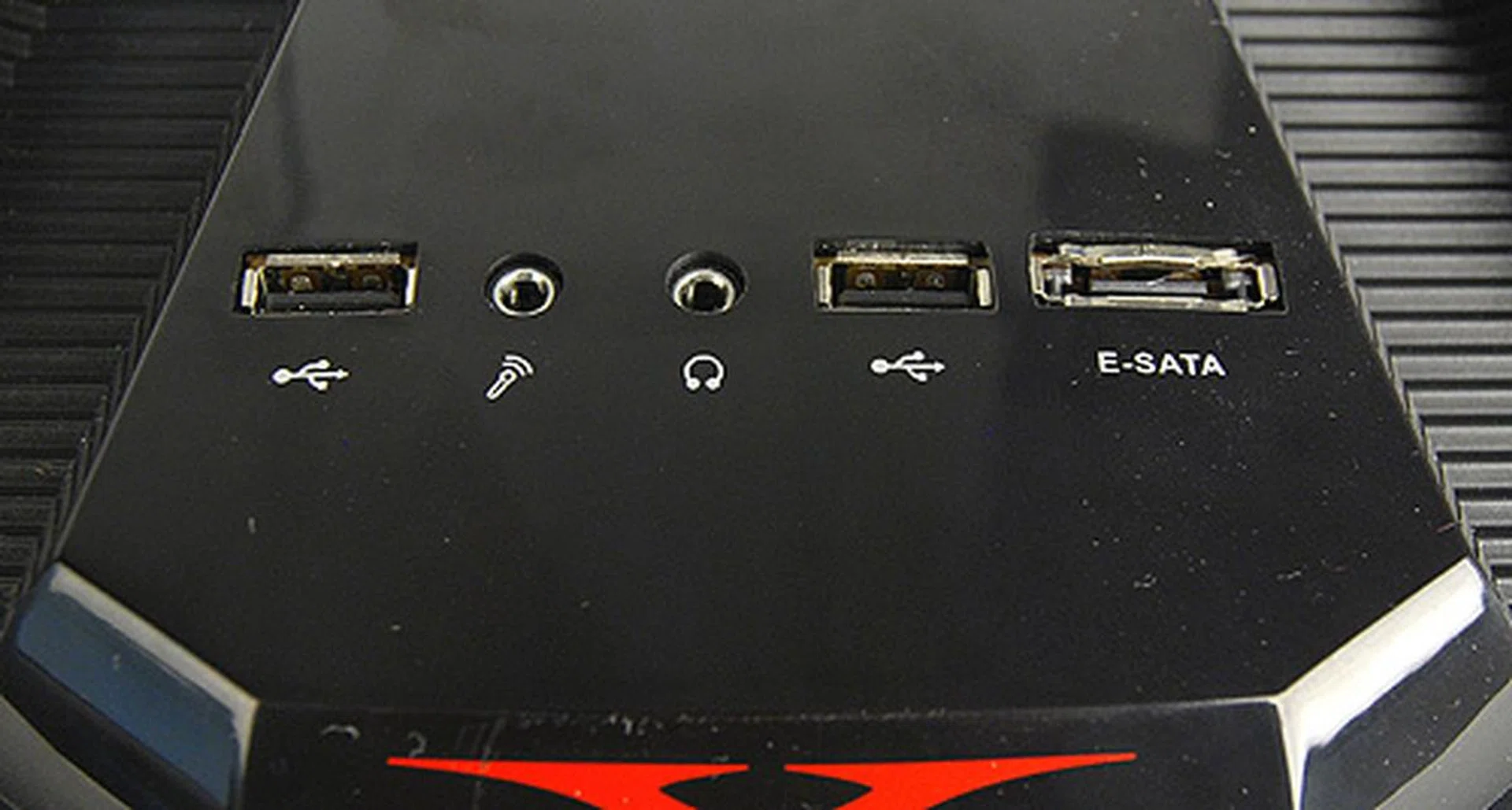
The front I/O panel is adorned with two USB 2.0 ports, an eSATA port, and headphones and microphone jacks,
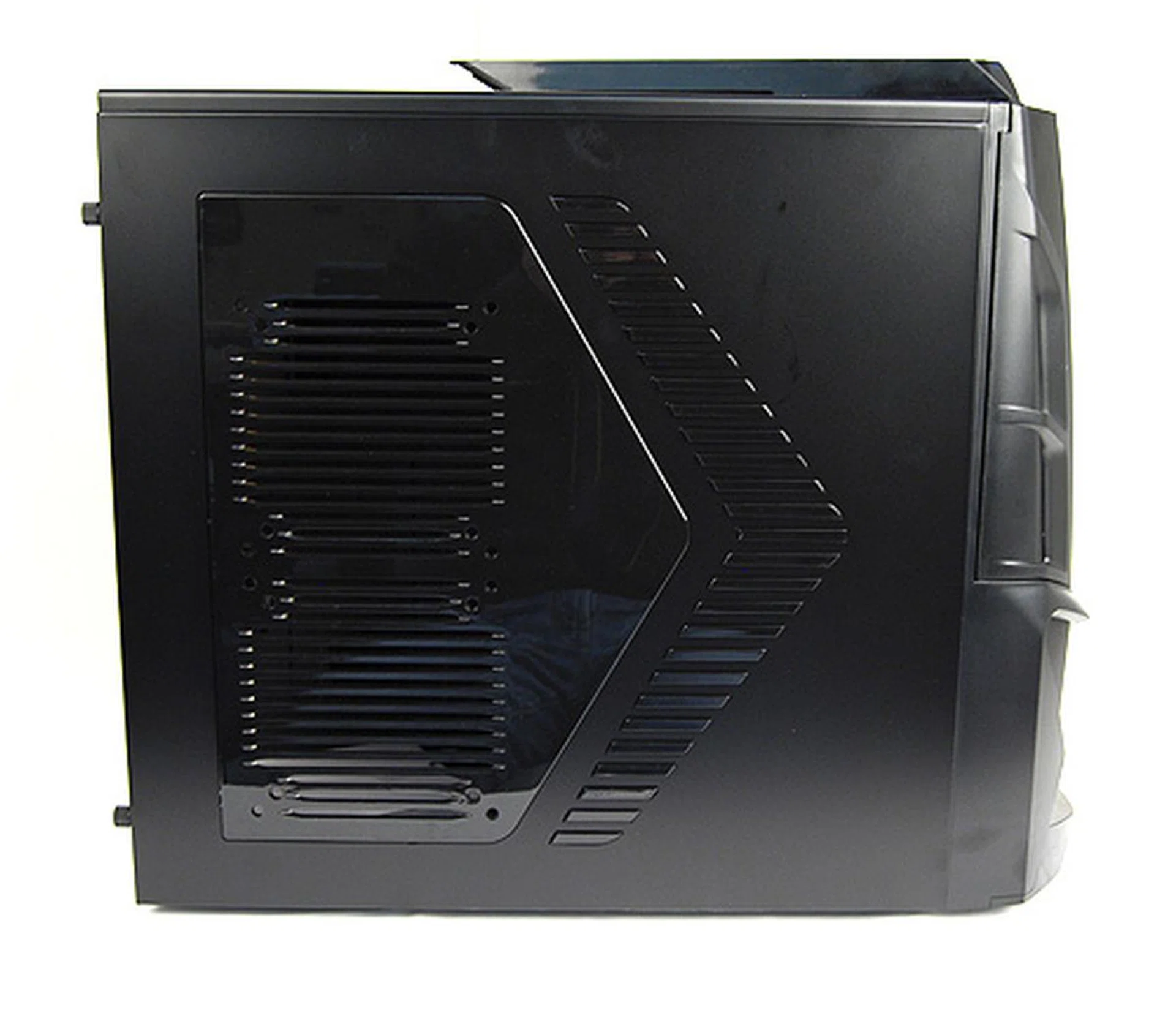
As you can see, the right panel allows users to install two optional 120 or 140mm fans for better overall ventilation.
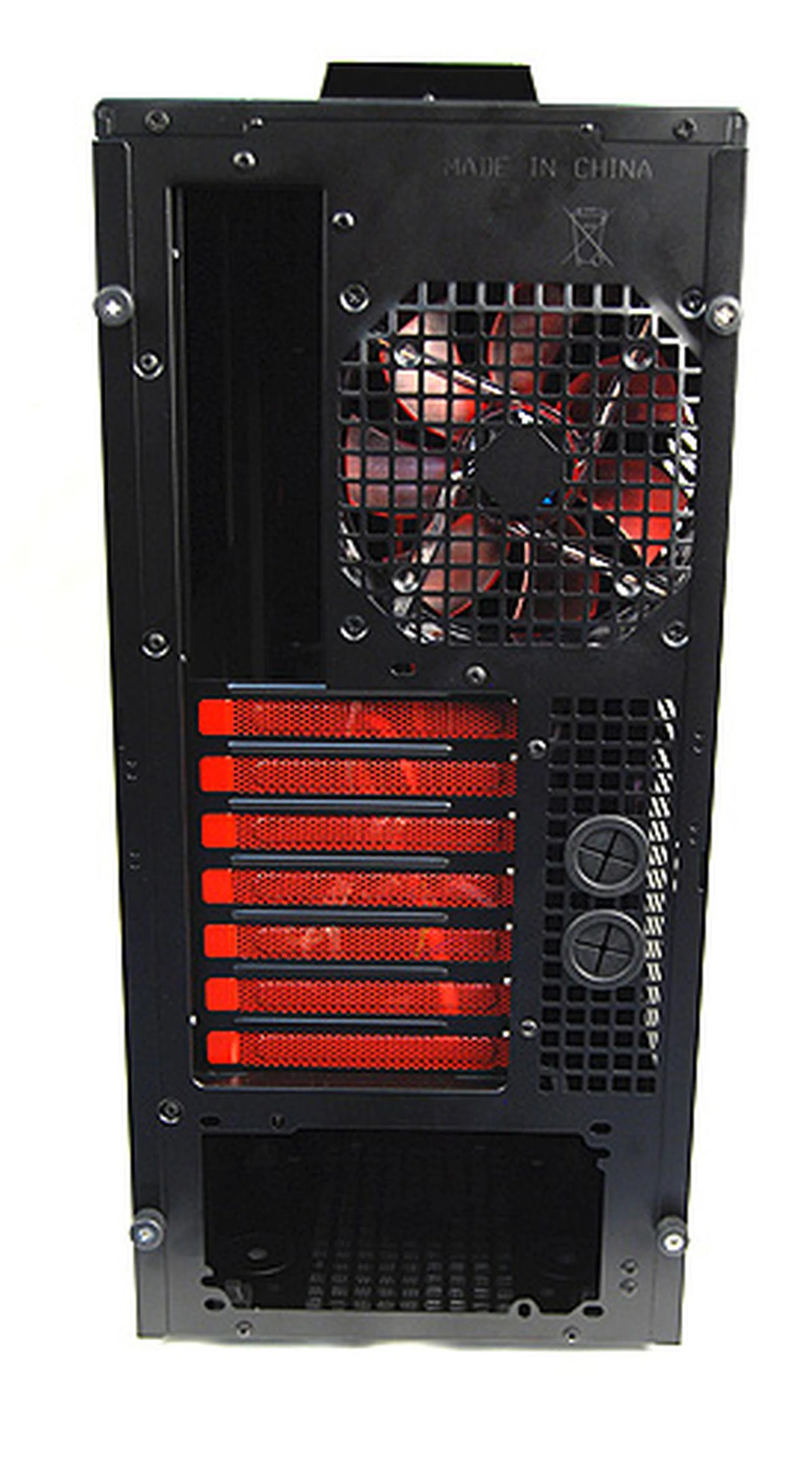
A look at the rear panel. The Cyborg X sports everything you'd expect from a casing targeted at gamers and enthusiasts. The key stand out feature here are the grommets for liquid cooling setups.
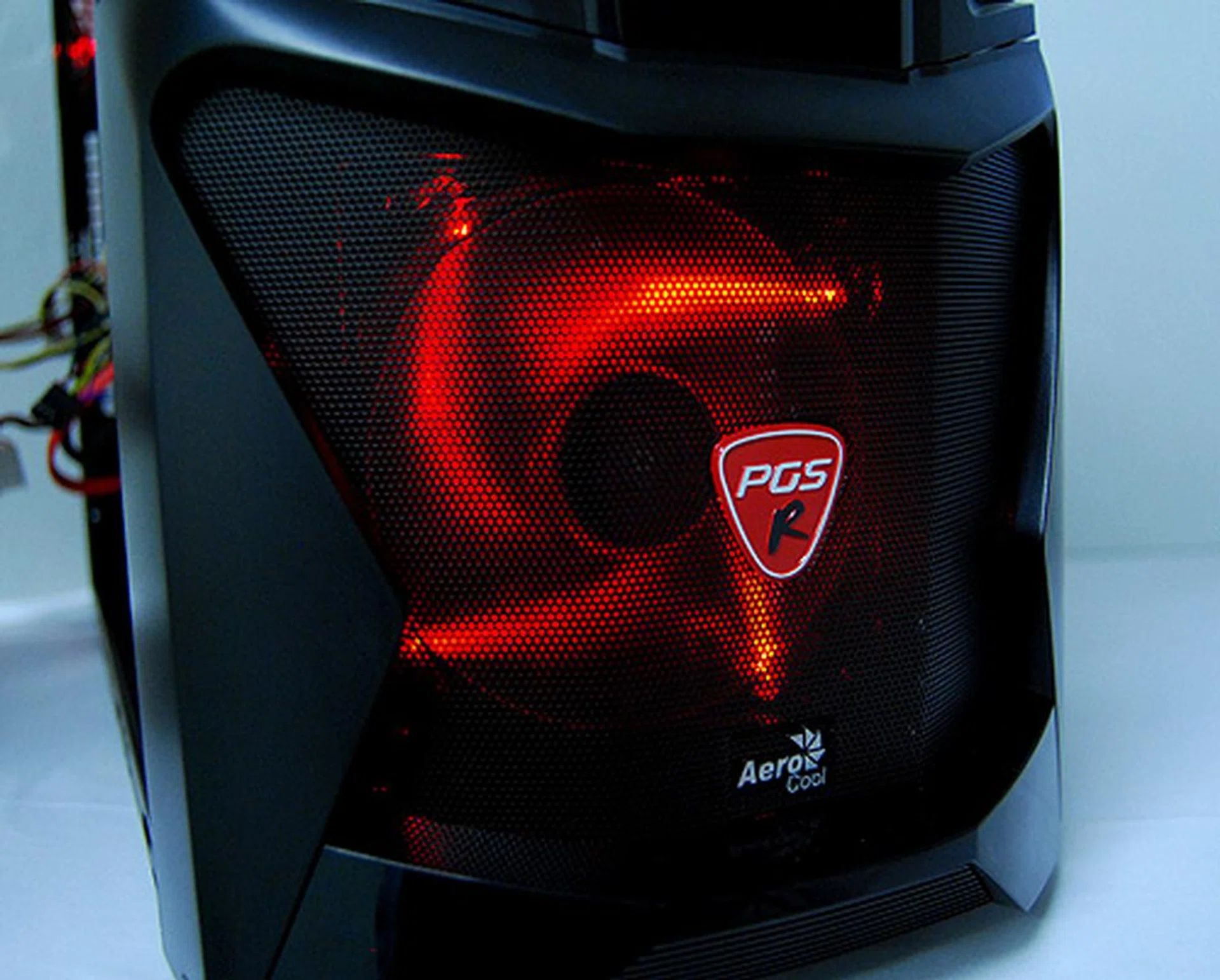
The Cyborg X has a front 120mm fan with red LED lights. It looks really cool and complements the casings black color scheme. However, there's no switch to turn the lights off.
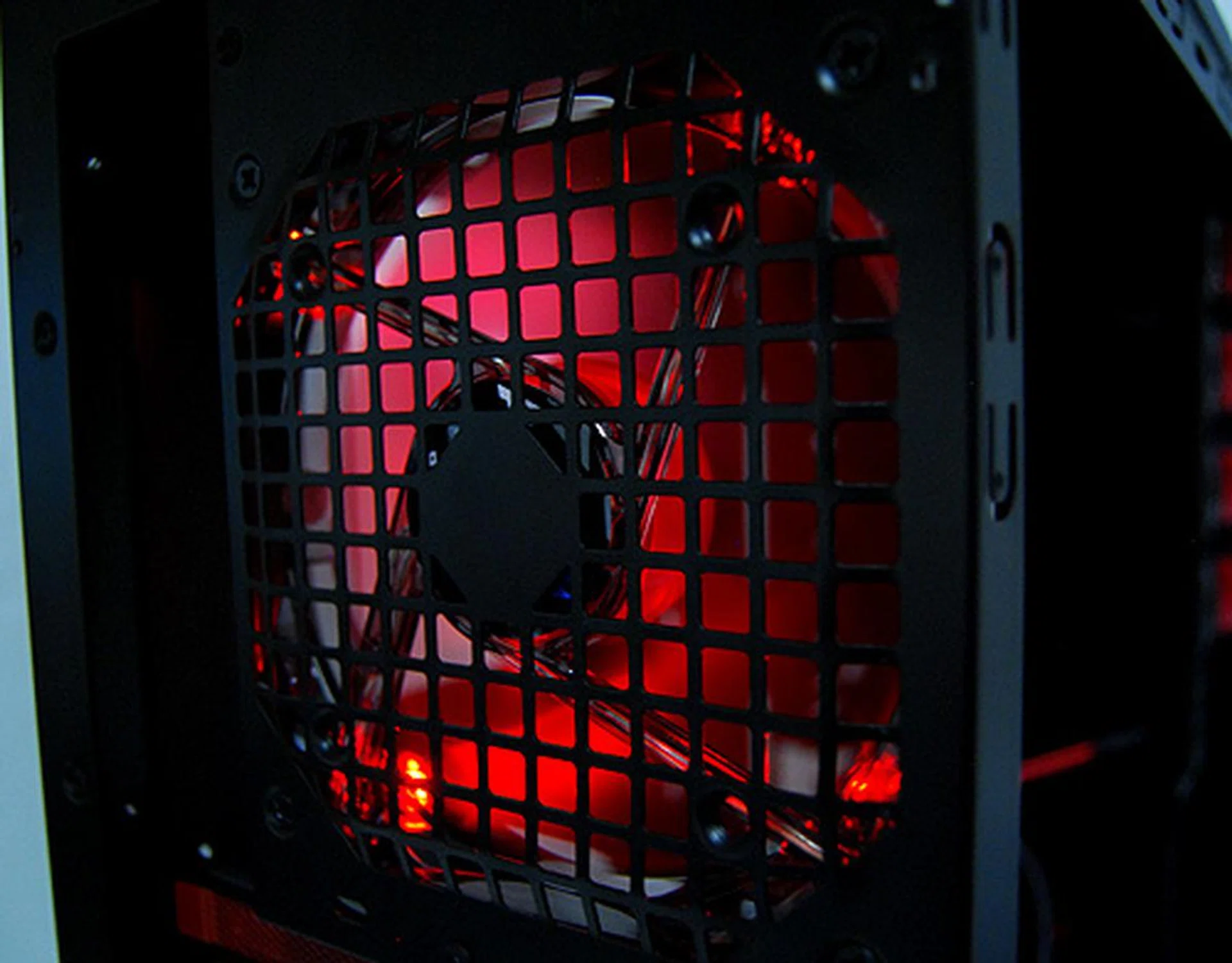
At the back there's another 120mm exhaust fan complemented with red LED light. Again, there's no switch to turn off the lights, so you'll have to bear with it when you go to sleep.
Into the Belly
Peering inside, we found that the Aerocool Cyborg X, like many casings with enthusiast aspirations, features a tool-less installation system, which makes use of a variety of thumbscrews, latches and locks to keep components secured in place. Installing components was a fuss-free affair and the tool-less implementation system is as good as any we’ve seen from casings in its price range. For those worried about space, we are happy to report that the Cyborg X is sufficiently spacious as it’ll accommodate an 11-inch Radeon HD 3870 X2 quite comfortably.
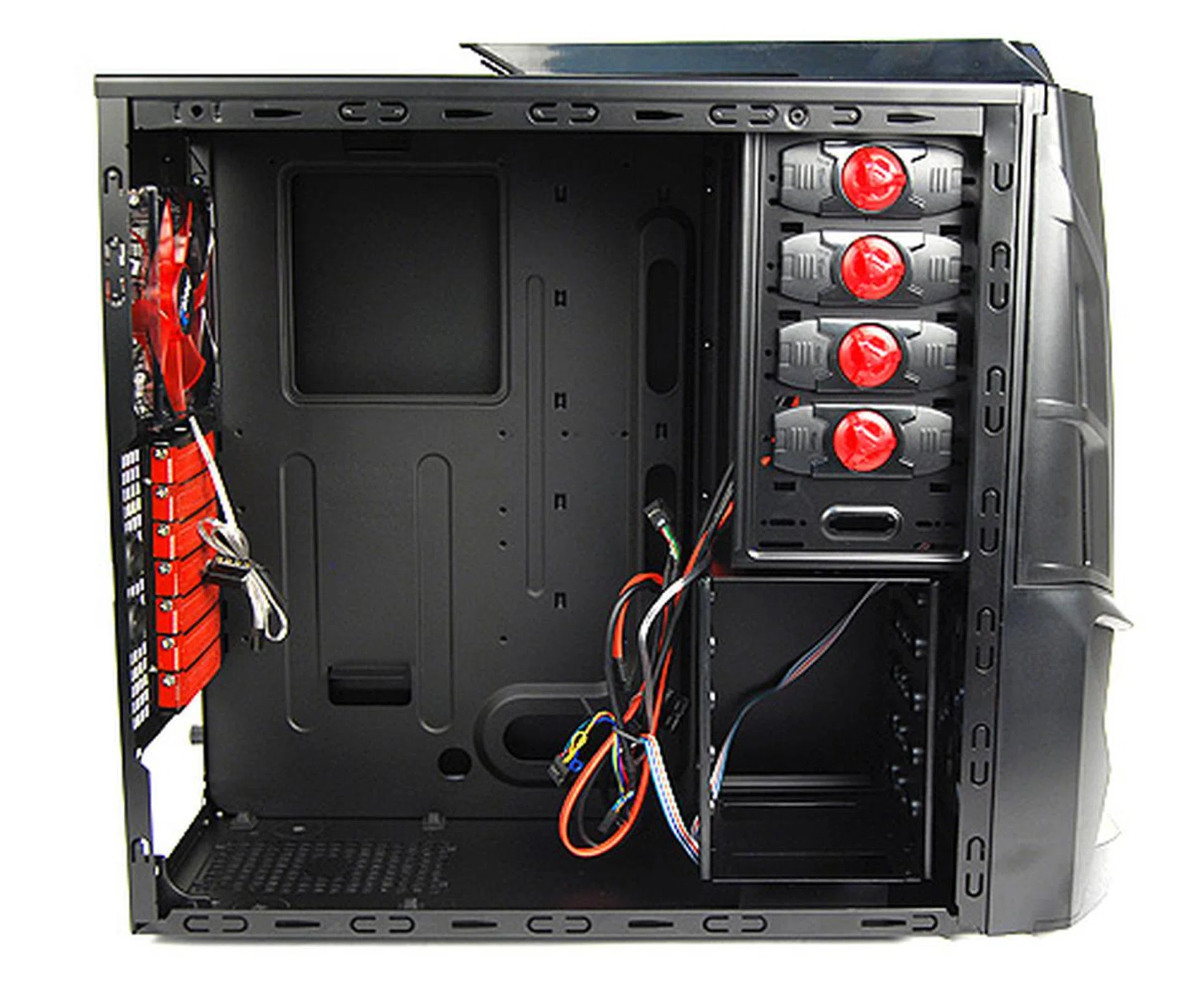
Before we delve further, here's a shot of the Cyborg X with its internals bare.
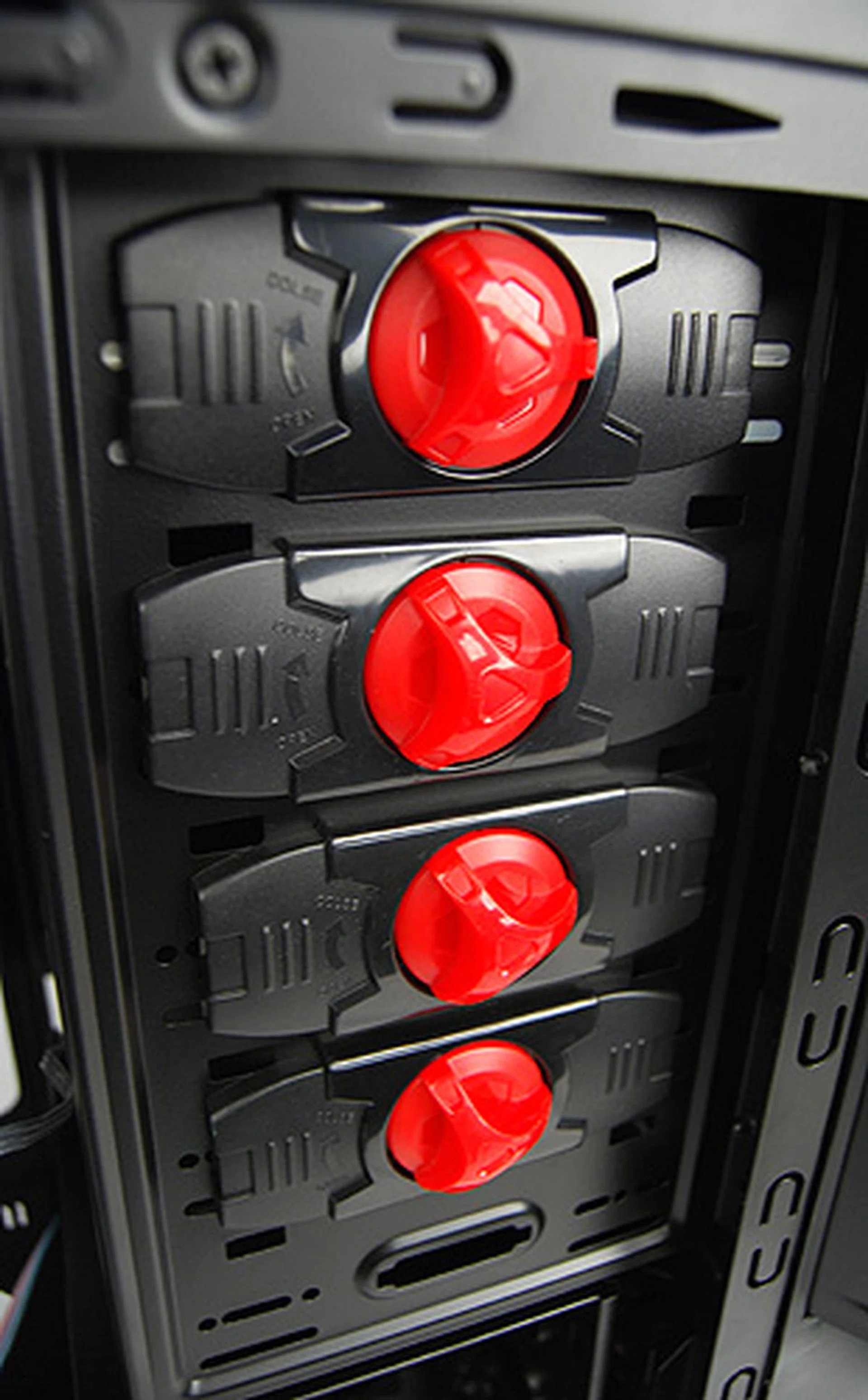
Installing optical drives was a breeze thanks to these easy to use securing latches. Simply remove them, insert the drive, re-attach them and lock them in place, and you're done.
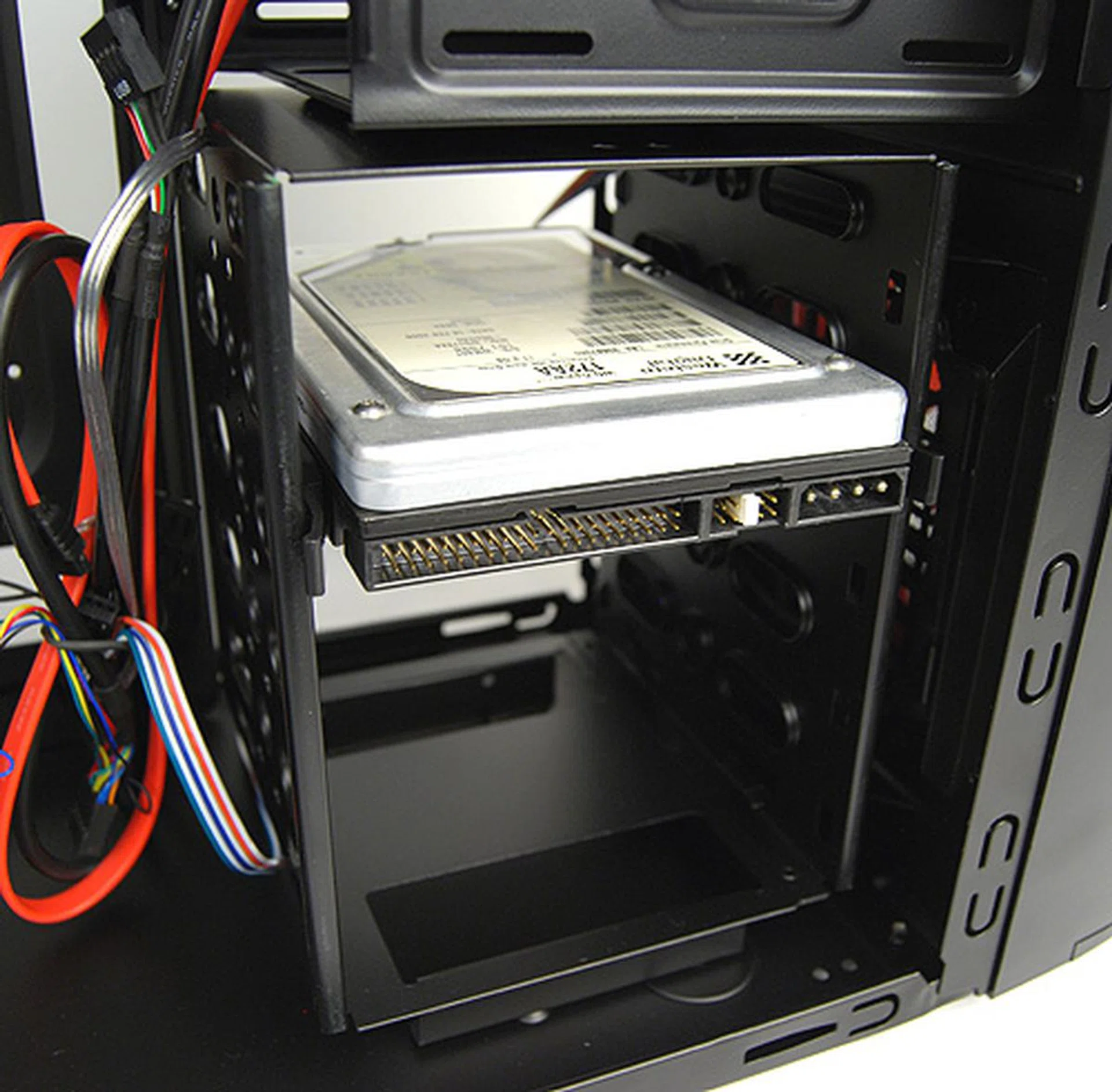
The Cyborg X is able to lodge up to five 3.5-inch hard disks and it makes use of a simple squeeze and pull rack for installation.

Installing hard disks is an easy task thanks to these squeeze and pull racks.
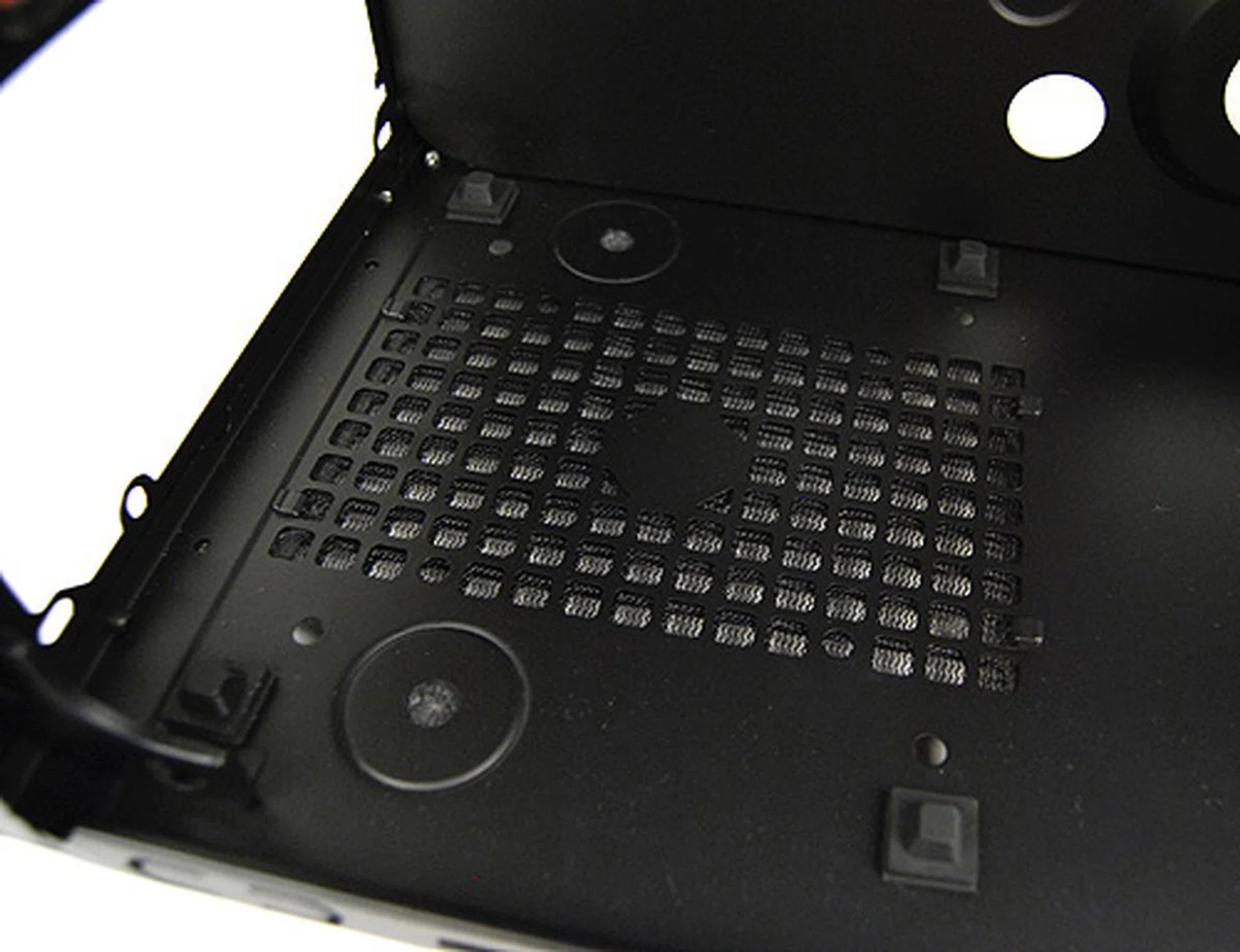
The PSU bay has rubber feets to cushion the PSU against vibrations and there's also a removable dust filter at the bottom.
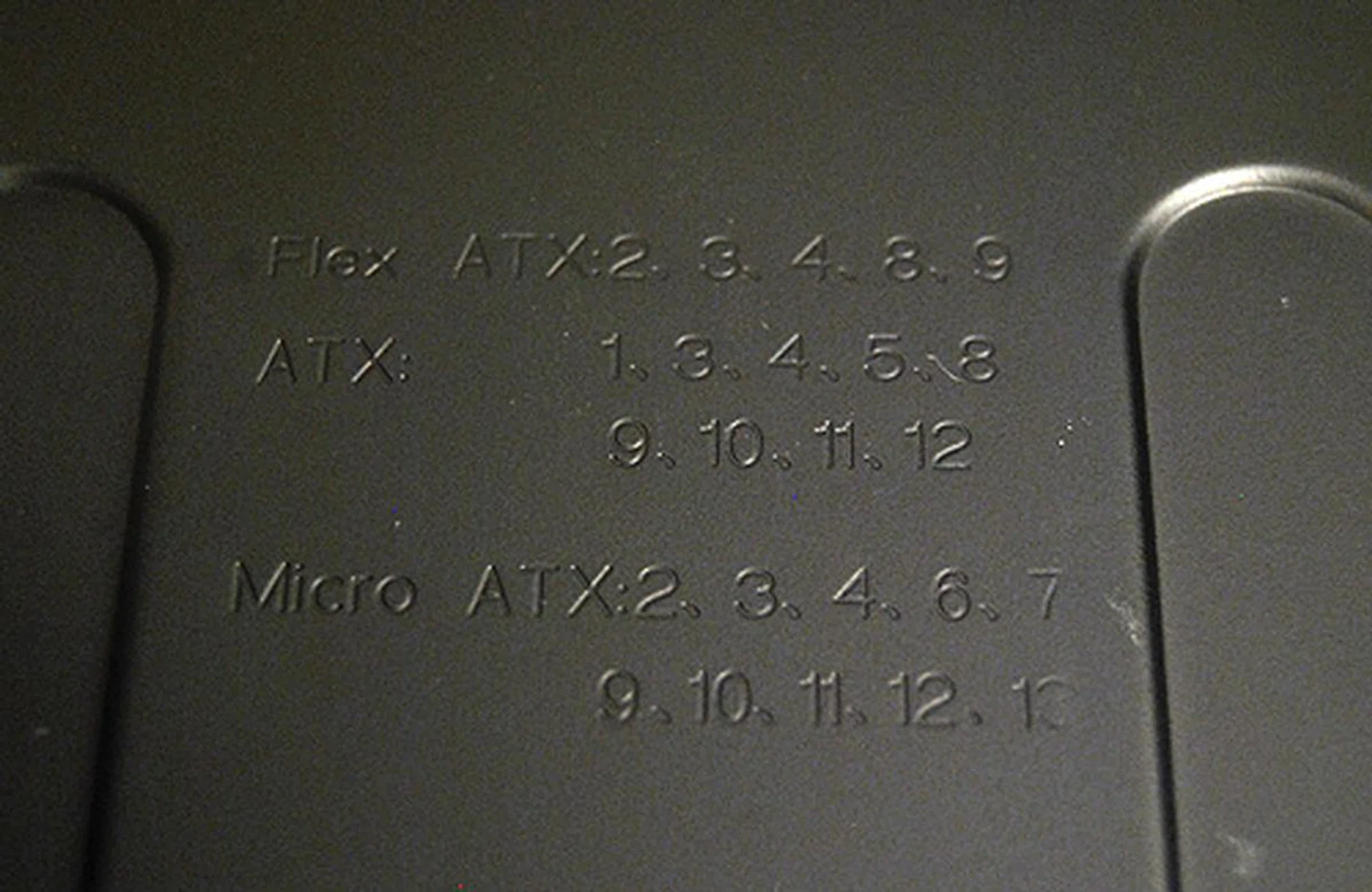
The motherboard tray has been labelled for users' convenience.
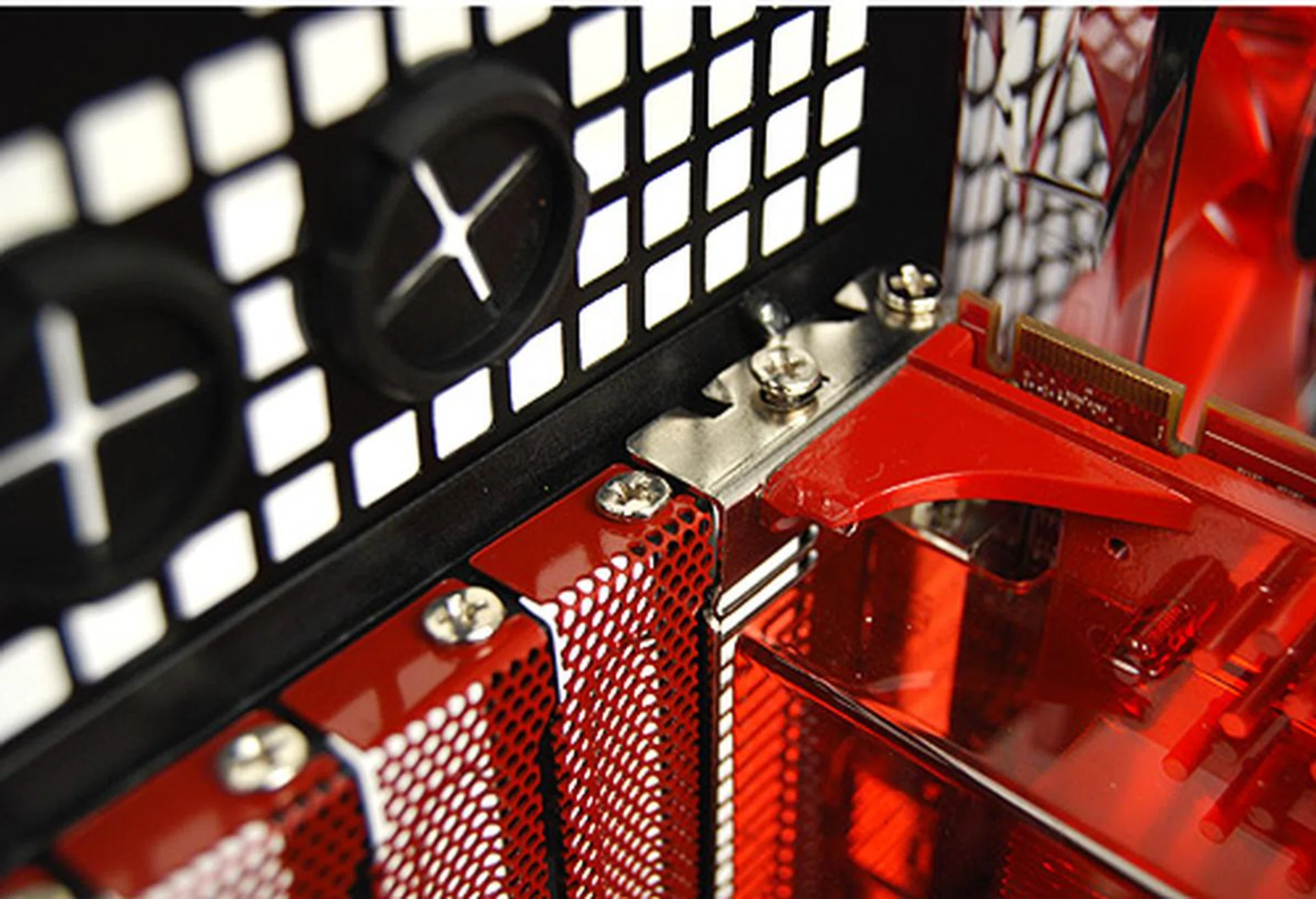
You'll need to get your screwdrivers out to install devices such as graphics cards since the expansion bays rely on good old screws.
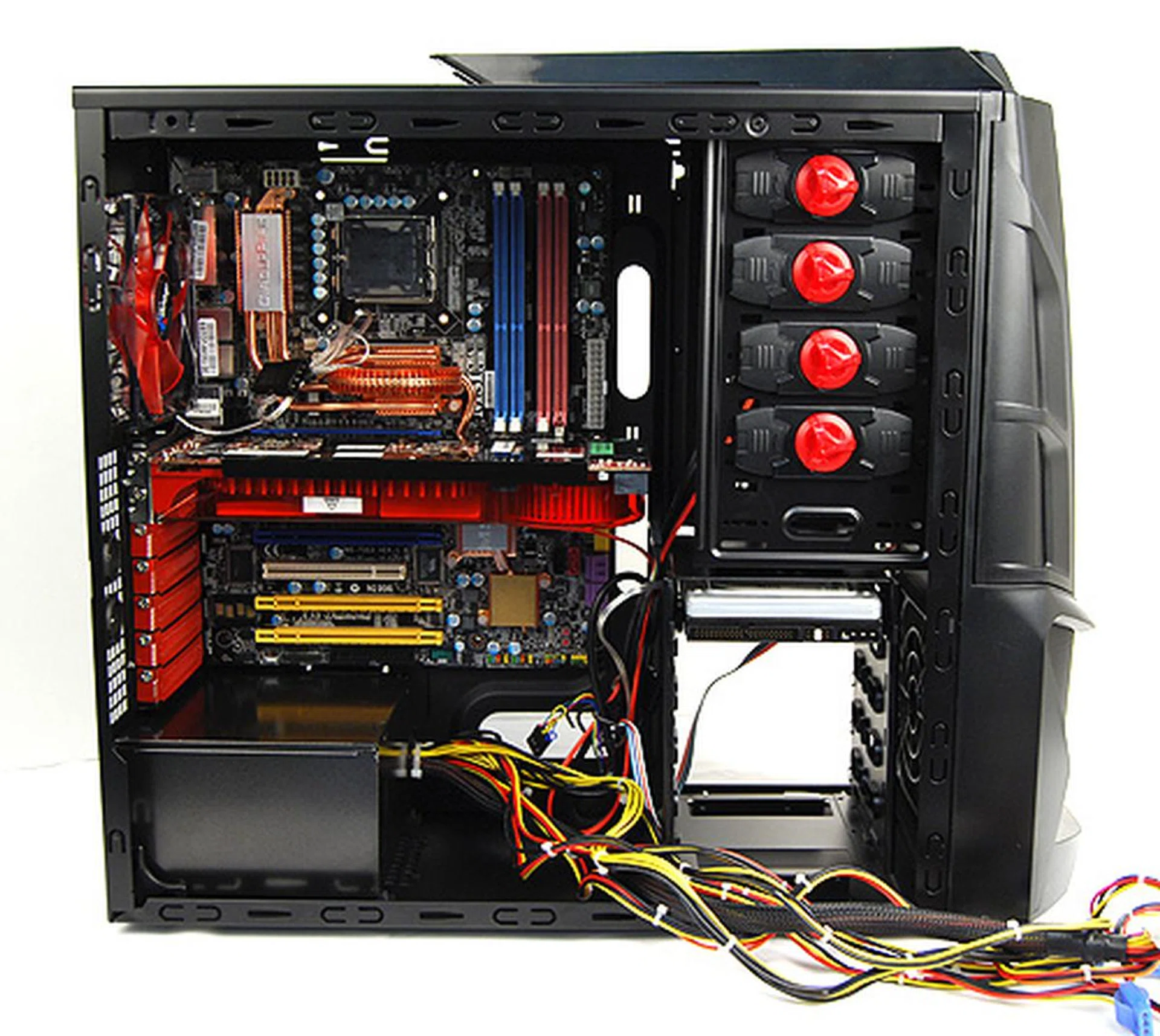
A look at at the casing with the major components installed. As you can see, the motherboard tray area is sufficiently spacious.
A Saturated Marketplace
In general, the Aerocool Cyborg X is a decent casing with sufficient offerings and features to entice enthusiasts and gamers. Apart from its attempt to appear cool (some might think it’s trying too hard), it has everything we have come to expect from a decent gaming casing, such as adequate space for the latest hardware, decent ventilation options and a tool-free installation design. That's if you can look past the shoddy plastic used.
However, Aerocool is not the only player in this market. As evidenced in our recent , there are many vendors out there who have the same ambitions of offering a fully featured gaming-grade chassis at wallet-friendly prices.
And therein lies the problem. Because while the Aerocool Cyborg X is certainly affordable at S$119, the unfortunate thing is that there are the less costly but equally capable casings around. Specifically, the slightly cheaper NZXT M-59, our winner for the budget casing shootout, still sets the benchmark in this price segment. And comparatively, the Cyborg X falls short. The NXZT M-59 just feels more polished overall.
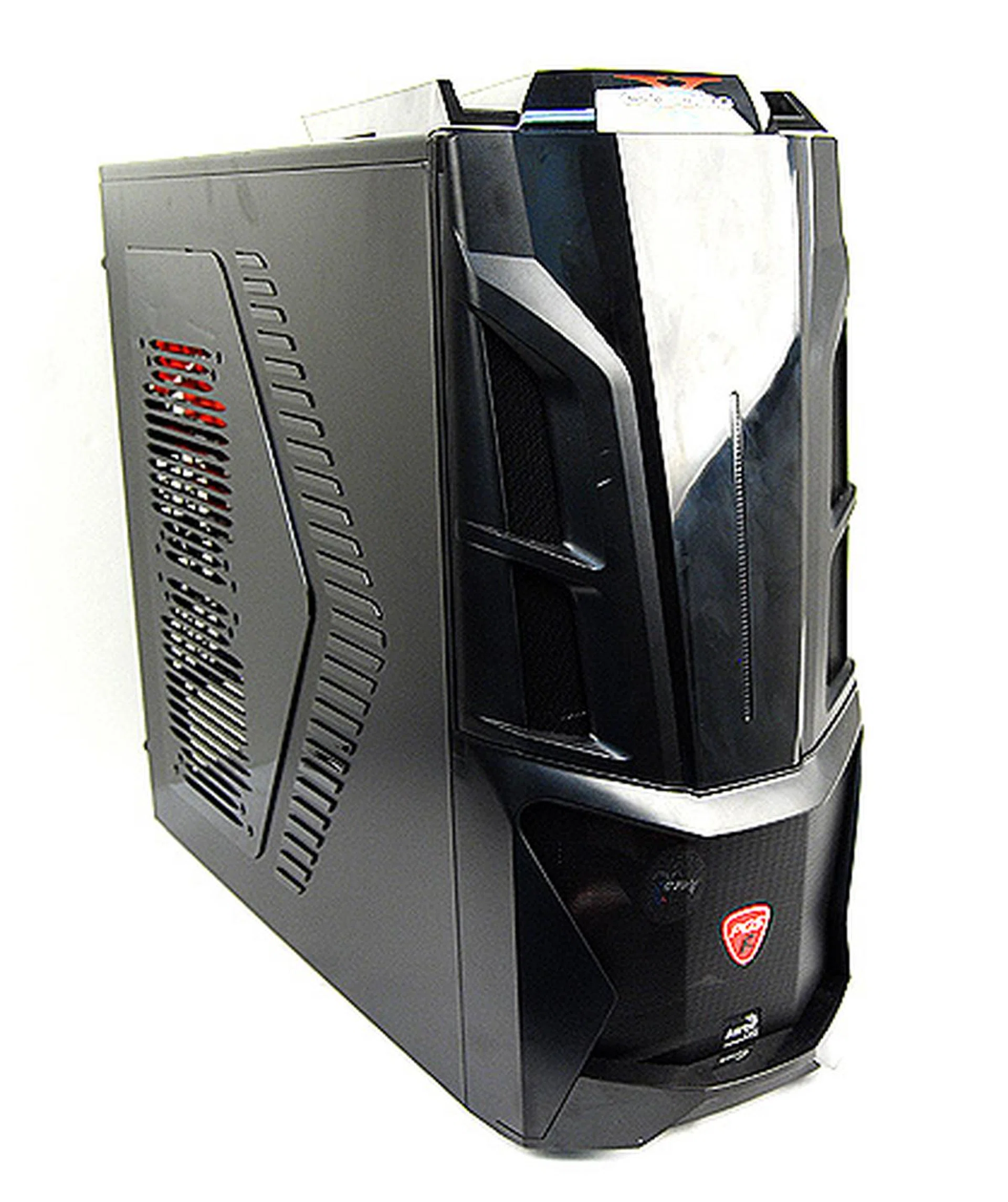
A decent and solid all-round casing, but it doesn't offer much to distinguish itself in a crowded playing field.
Our articles may contain affiliate links. If you buy through these links, we may earn a small commission.