
Monokei Standard review: A taste of custom mechanical keyboards
A great starter board for enthusiasts.

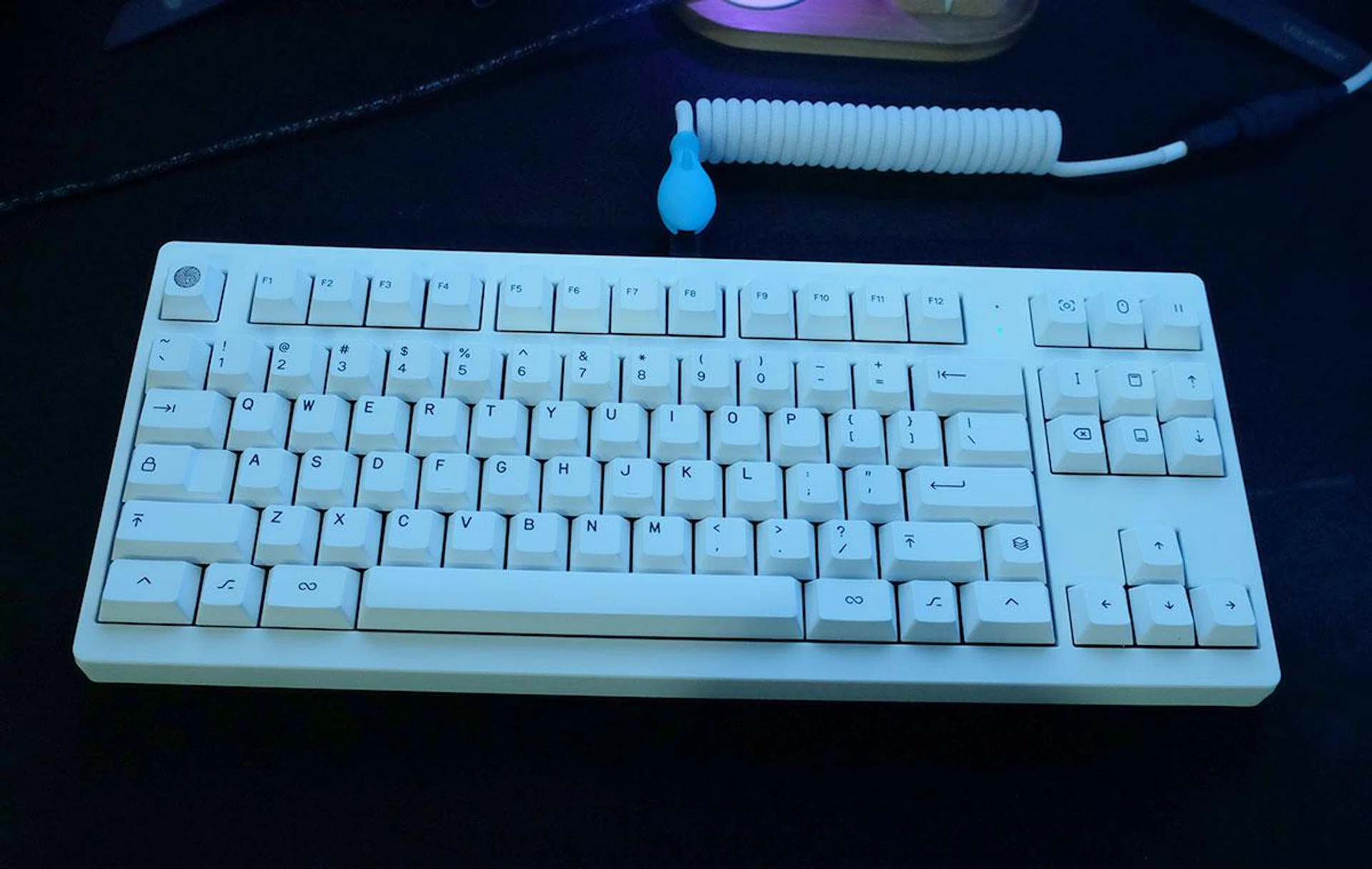
A locally designed keyboard that's hard to pass
The custom mechanical keyboard space can be daunting. From a multitude of plate materials, mounting styles, switches, and more to choose from, there is a nearly limitless amount of experimentation and tweaking to be had. (For those willing to venture more into this custom mechanical keyboard space, we have a starter video here and a massive discussion thread in our forums to pick out more ideas.)
But while many keyboard designers unabashedly target the enthusiast crowd with stratospheric prices and premium designs, Monokei is looking to lower the barrier to entry with an accessible keyboard that is ready to use right out of the box, with no assembly or soldering required. The tenkeyless layout is also a safe choice — satisfying anyone who wants a dedicated function row and arrow keys, while still making more room for your mouse.
The Monokei Standard comes in at S$189 — cheaper than many gaming keyboards today — while giving you a tantalising taste of what a custom mechanical board is really like. The Standard leans into Monokei's heritage as a purveyor of premium keyboards, prioritising things like the typing experience and sound. This attention to detail is rare on a pre-built keyboard, and the Standard easily edges out most of the pre-built competition on the market. If this sounds familiar, that's because another writer from our team has also highly recommended it.
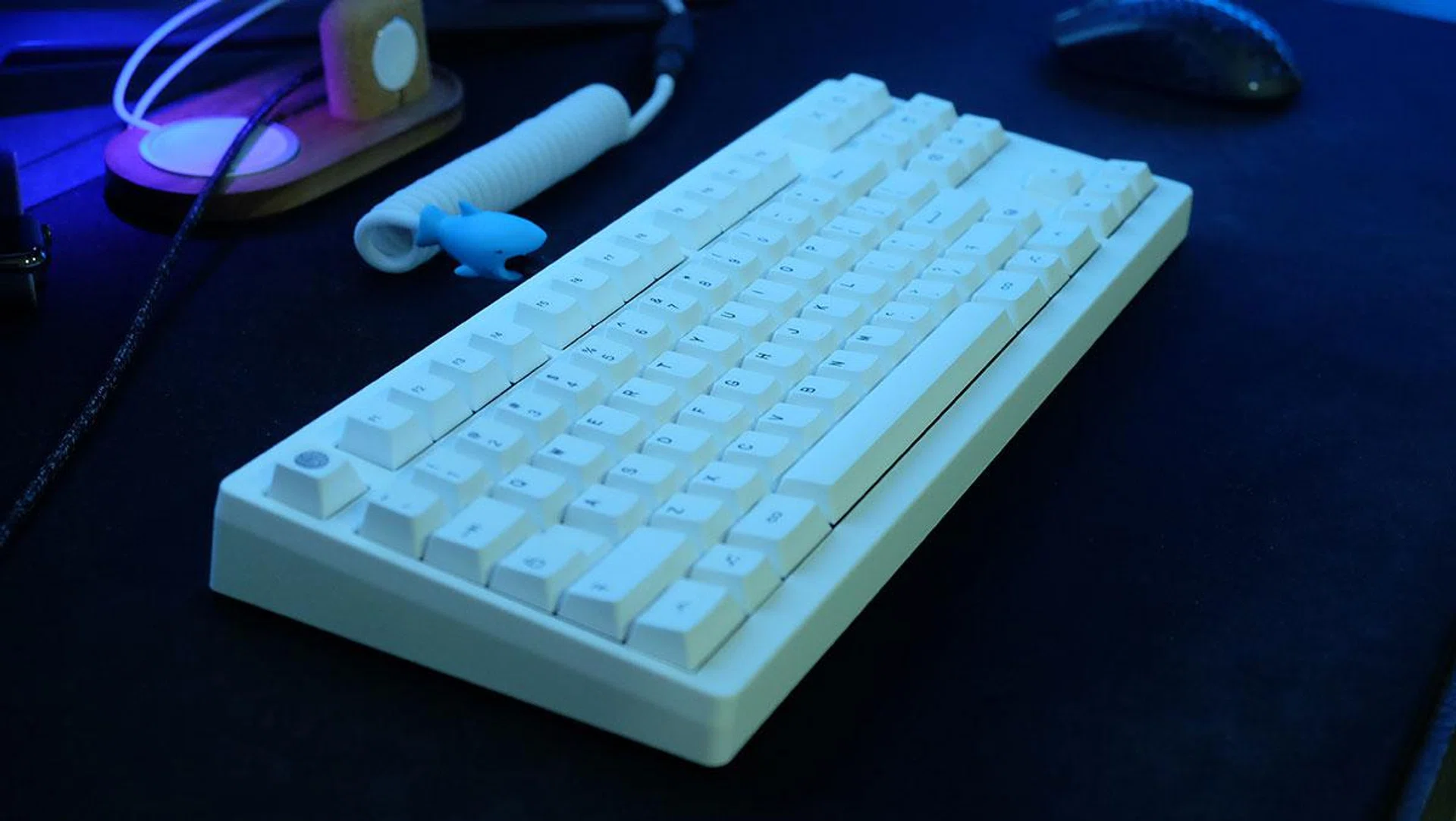
Every Standard uses a polycarbonate plate, which delivers a gentle flex and deep sound. Monokei has also installed gasket strips to further dampen the typing sounds, in addition to plate and silencing foam, and it really shows. While many pre-built keyboards end up sounding hollow, the Standard delivers deep thocks that are incredibly satisfying. Check out the below typing test video with the keyboard:-

The keycaps themselves are PBT doubleshot, which further help to contribute to the deep sound profile. They have a nice texture to them and will not shine even after months of use. The legends are formed using a separate piece of plastic in the doubleshot molding process, so they will also never fade. In comparison, much of the custom keyboard space is still dominated by GMK sets, which use ABS plastic and take on an unsightly gloss rather quickly.
My only gripe would be the gentle 5-degree typing angle. I prefer a steeper typing angle, although this is very much a matter of personal preference and you may likely feel differently.
The case itself is constructed from ABS plastic, but you wouldn't be able to tell by just looking at it. Available in four colours, including Classic White, Suave Blue, Blush Pink, and Dream Lilac, the matte look of each one is impeccable. Of course, it doesn't feel as slick under the hand as a more pricey metal chassis, but the lighter weight also means that it is way more portable and easy to transport.

The keyboard is available with either Cherry MX Browns, Reds, or Silent Reds switches — but my favourite has to be the linear Reds with their smooth travel. The MX Browns have a very slight tactile bump and are a great middle-ground for anyone who is unsure whether they want tactile or linear switches. (Here's the 101 on mechanical keyboard switches.) That said, I'm not a fan of the Silent Reds. While they're deathly quiet in comparison, the additional dampening creates a mushy feel when bottoming out. Unless your co-workers are deathly allergic to any sort of typing sounds, you may be better served by the Browns or regular Reds.
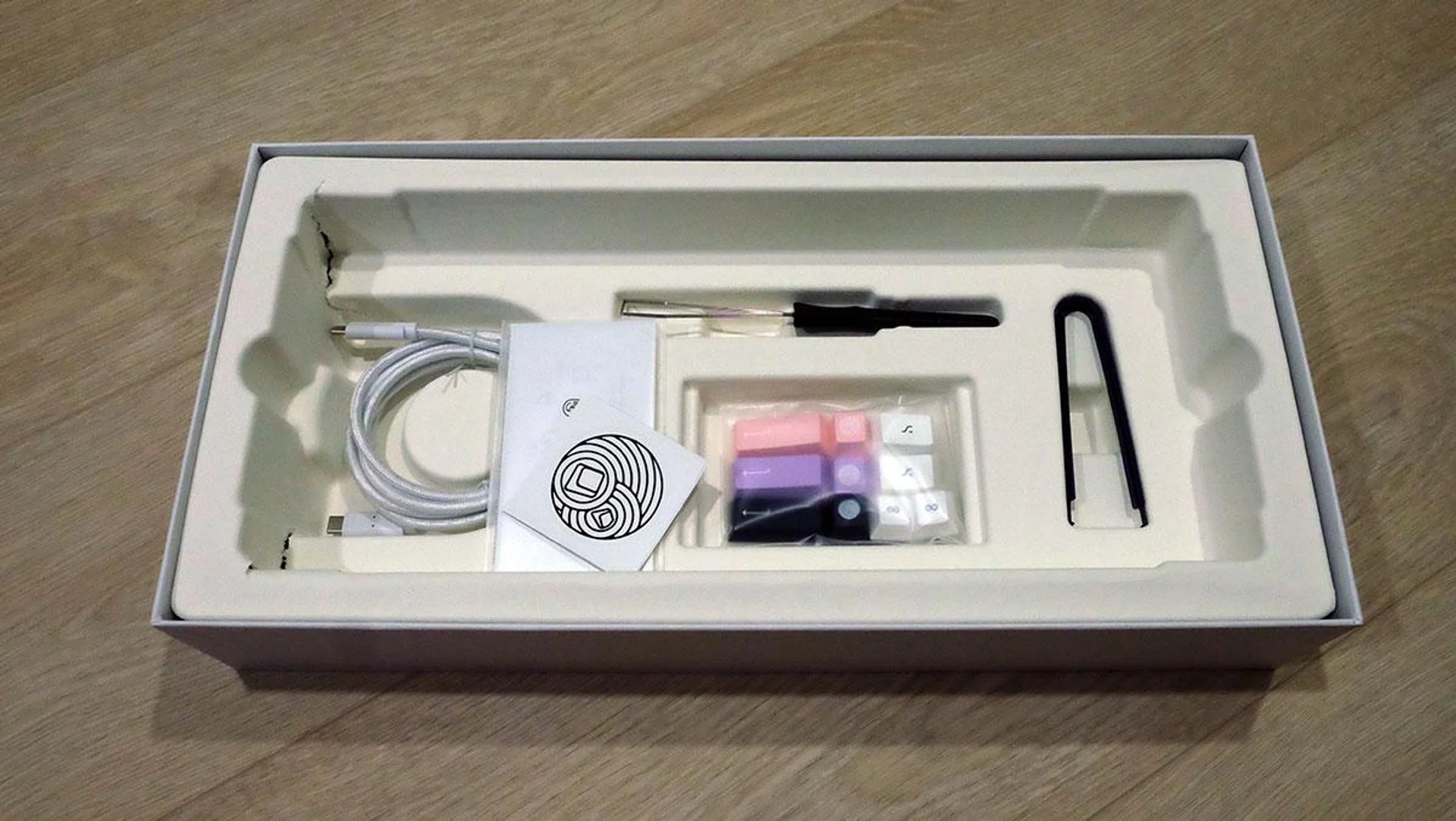
The hot-swappable PCB means you can pluck out the switches at any time to further tune them or even install your own MX-style switch. Monokei has included everything you need to get started in the box, with a switch puller, keycap puller, and additional accent keys if you want to go for a slightly different look.
The Standard is even able to function as a wireless Bluetooth keyboard, capable of connecting to up to four devices. To turn on the keyboard, you flip a tiny switch on the bottom and press Fn + P to start the pairing process. The first LED light should then blink white while pairing. Monokei is claiming up to 30 days of battery life, thanks to its own firmware.
If you want to use it in wired mode, the Standard uses a USB-C connection, and any of your existing USB-C cables will work. That said, Monokei has also provided a cable in the box if you need one.
Despite being a pre-built keyboard, the Standard is the result of over 600 days of iterations and tweaks, according to Monokei. The result is admirable, and Monokei has successfully created a keyboard that delivers the benefits of going custom, in a really affordable package. The best part of it all is that it is actually in stock now, and you can order one without having to subject yourself to the interminable wait times that are part of this hobby.
Last but not least, the Monokei Standard represents everything Singaporean about this offering, from being an affordable custom mechanical keyboard set that's made with good quality, offering a satisfying typing experience, and a pretty good set of features. No wonder Monokei is a Singapore-based company.
To recap, the Monokei Standard is available now for S$189 and you can order it here.
Our articles may contain affiliate links. If you buy through these links, we may earn a small commission.