
Could the Razer Pro Click V2 Vertical Edition be the answer to ergonomic gaming?
It looks strange, feels stranger at first, but after weeks of use, Razer’s vertical mouse starts to make sense.
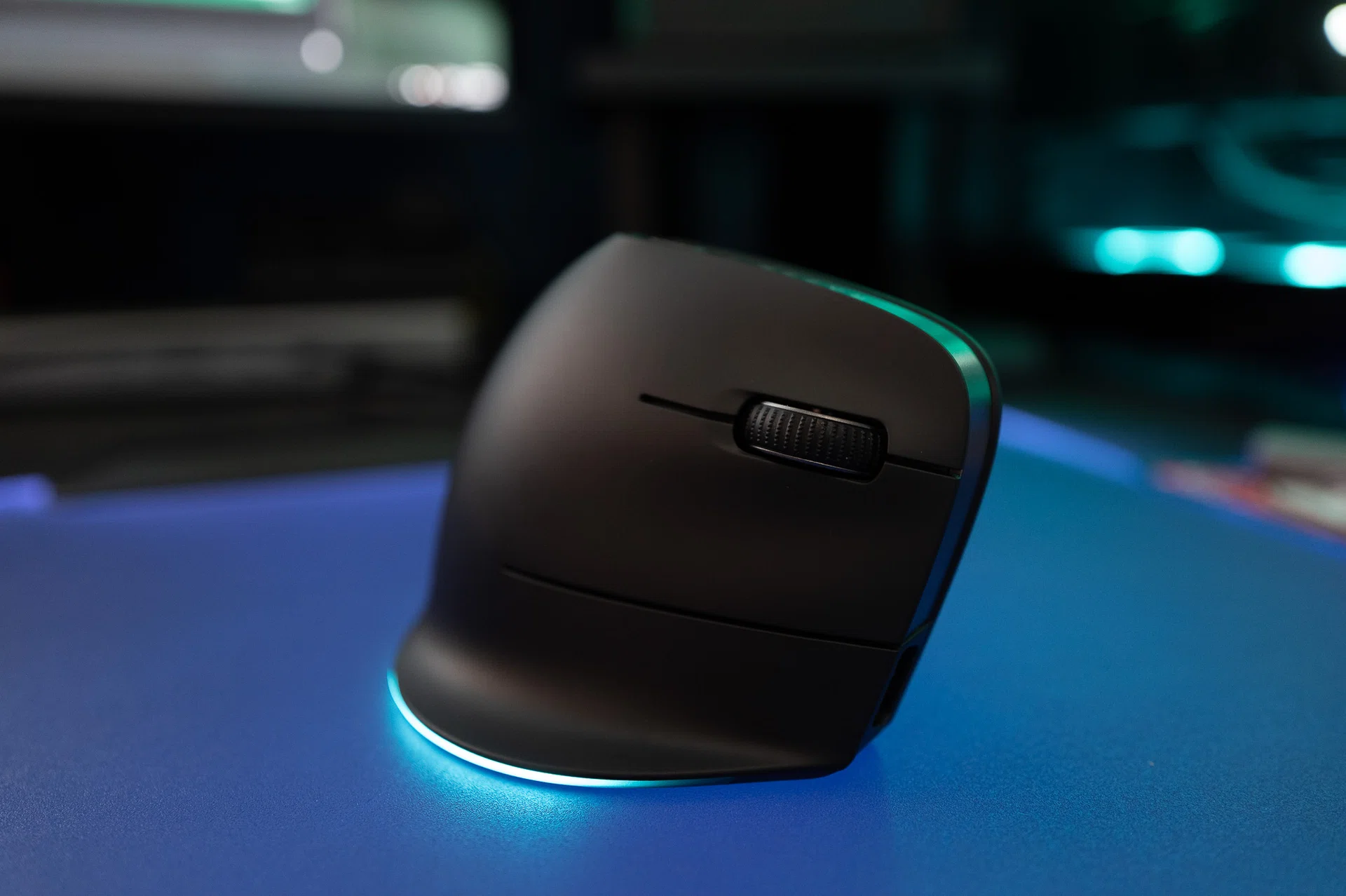
When Razer announced the Pro Click V2 Vertical Edition gaming mouse, I was curious but sceptical. After all, vertical mice tend to belong in the realm of the office and not a gamer’s weapon of choice. And before you argue that the Pro Click V2 isn’t a gaming mouse – it is. It’s by Razer, it has RGB, and you can’t get much more “gamer” than that.
The idea of a gaming-focused vertical mouse sounds almost contradictory then. Ergonomic verticals have always been about comfort and injury prevention; gaming mice have been about speed, precision, and shaving milliseconds off your reaction time. Could one mouse actually bridge both worlds? And more importantly: would my wrist finally stop feeling like it had been through a Call of Duty match after a day of editing and late-night rounds of Overwatch 2?
My first impression was, well, awkward. The shape forces your hand into a handshake posture, and while it looks natural in photos, it feels anything but when you’re actually using it. Simple tasks like clicking folders or highlighting text suddenly required conscious effort, and gaming? Not something you’ll get used to quickly – at least not for me, as I realised just how much of my control relied on years of ingrained muscle memory.
But after a couple of weeks, things started to click. My wrist stopped fighting the angle, my accuracy crept back, and the mouse began to feel less like a weird experiment and more like a tool I could actually live with.
Living with the vertical life
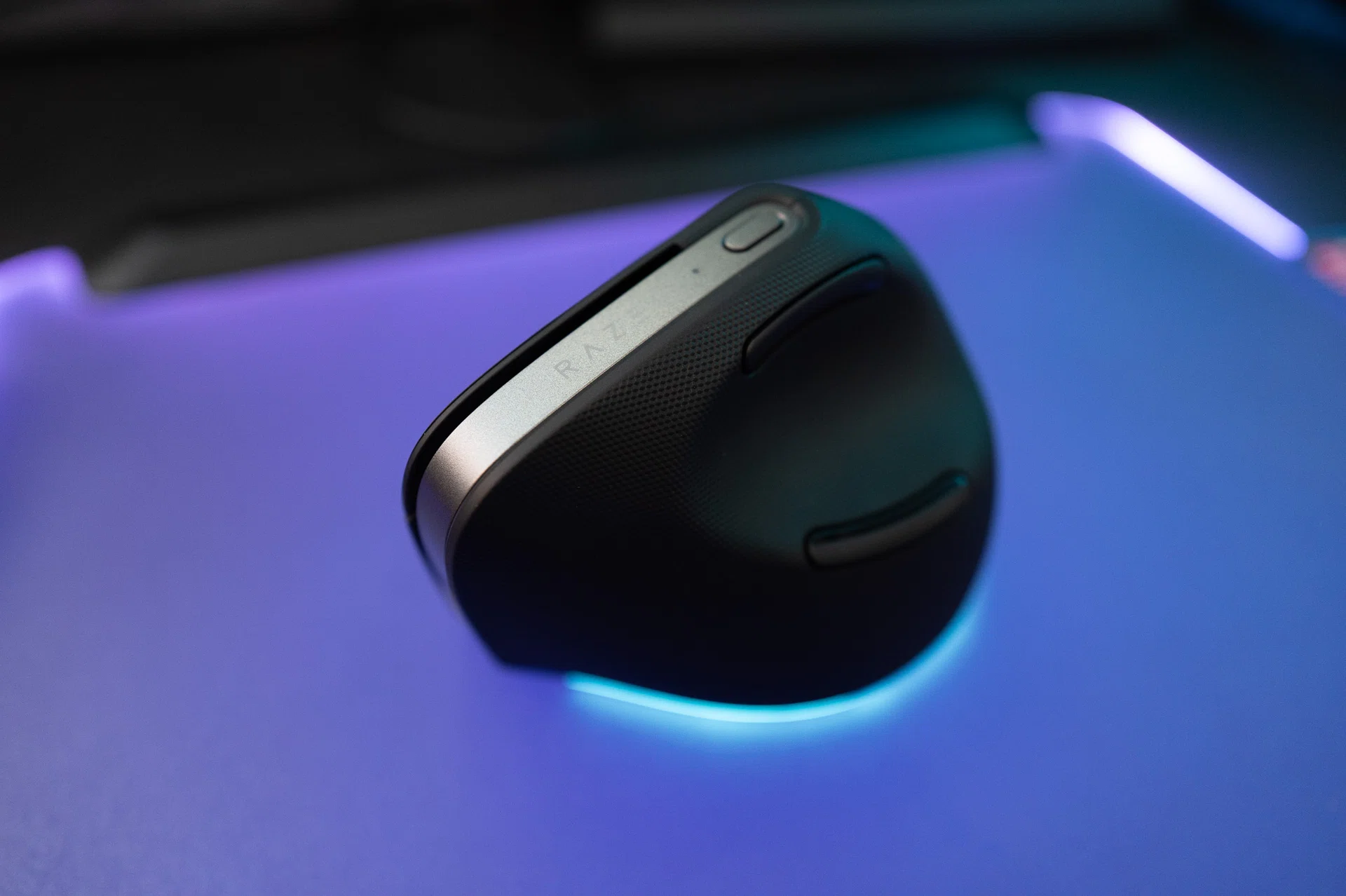
The Pro Click V2 Vertical Edition is as “gamer” as they come.
Most vertical mice look like props from a physiotherapy clinic, but Razer’s design language with the Pro Click V2 changes that perception entirely. From the gunmetal highlights to the organic curvature and that understated RGB glow at the base, it looks like a gaming mouse that just happens to stand upright. It blends into a gaming setup instead of sticking out as an ergonomic apparatus, which matters if you care about your desk looking as good as it functions.
The materials feel premium too. The matte finish resists smudges and doesn’t pick up that greasy sheen you sometimes see after a few days of use. The rubberised inner grip is textured just enough to keep your fingers steady without feeling abrasive. The whole package feels solidly built, with no creaks or rattles when you press or twist the body. At about 150g, it’s heavy but the weight distribution felt balanced – so it never dragged or tilted awkwardly. If you’re used to ultralight Esports mice, the heft will be the first thing you’ll notice, but it never felt cumbersome despite its awkward size.
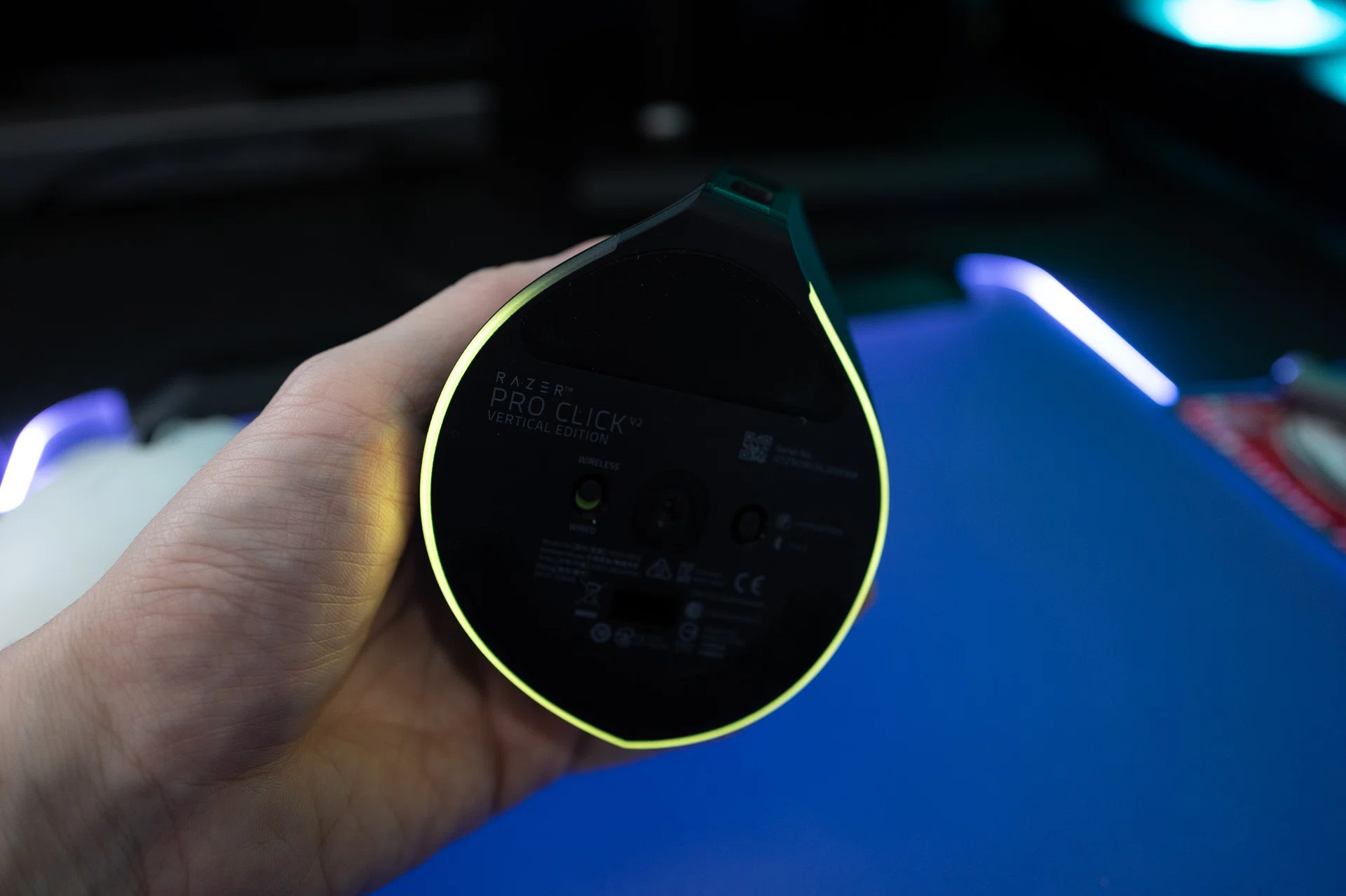
The Pro Click V2 is one of the rare Razer mice to get the RGB treatment.
On the inside, Razer has packed in a solid optical sensor with up to 30,000dpi, 550-inch per second tracking, and a polling rate of 1,000Hz. These numbers aren’t as flashy as their 8,000Hz Viper V3 Pro monster, but in practice, the Pro Click V2 doesn’t feel sluggish at all. Responsiveness was tight in games like Call of Duty and Cyberpunk 2077 once I’d adjusted, and in everyday work – spreadsheets, photo editing, word processing – it felt smooth and accurate.
Productivity features also set it apart. Multi-device connectivity worked flawlessly: I paired it with my desktop, a laptop, and even a tablet, and swapping between them was as simple as pressing the underside button. App-specific profiles were equally seamless. Photoshop triggered a different button layout from Word, and Razer’s much-improved Synapse switched between them instantly. It’s the sort of feature that makes sense on a crossover mouse, because chances are you’re not buying this just for gaming – you want a do-it-all mouse that can straddle work and play.
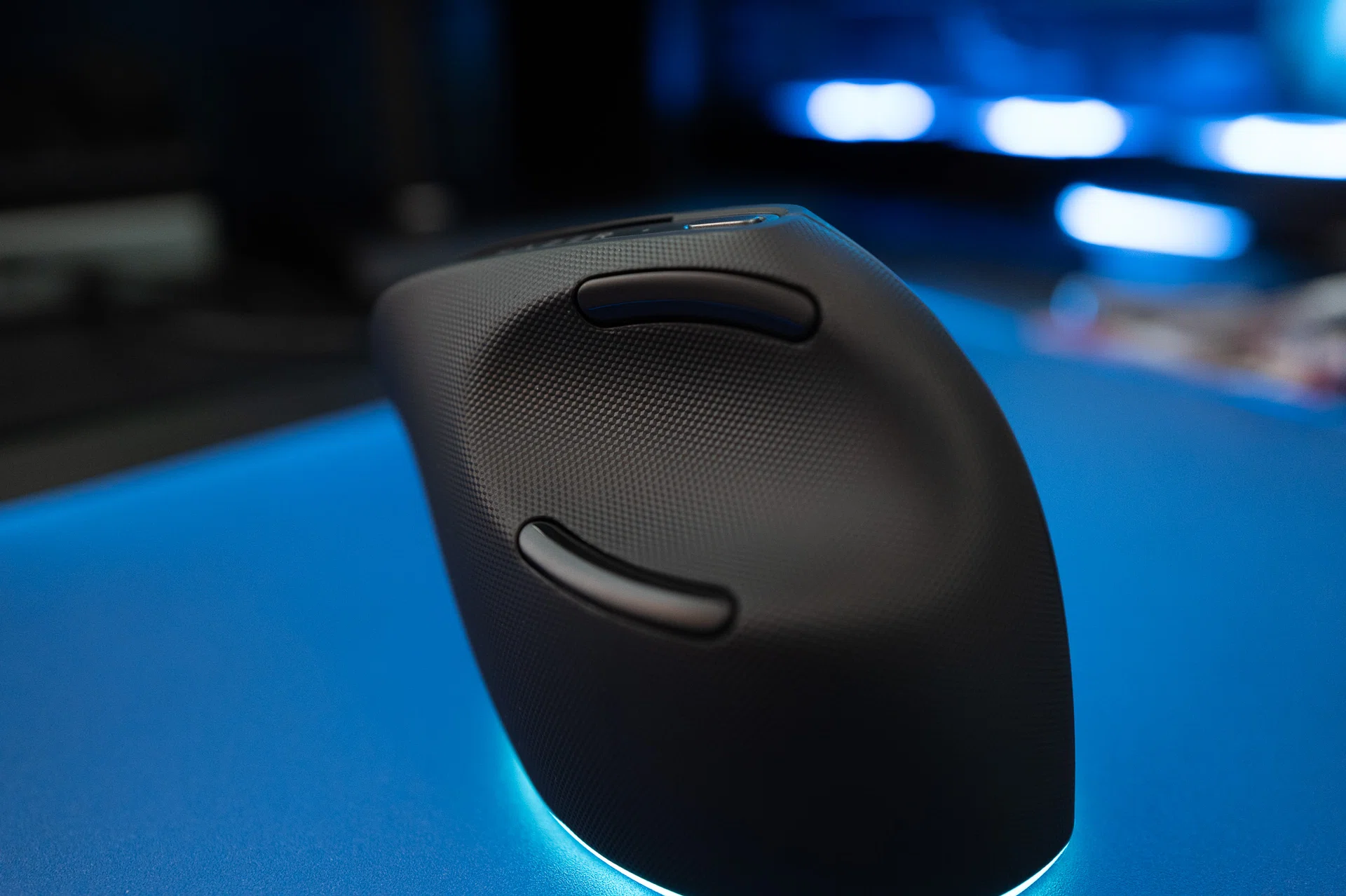
There have to be better positions for the thumb buttons, in my opinion.
Speaking of Synapse, Razer’s companion software is better than before, and the company deserves some credit here. Menus are straightforward, changes apply in real time, and every setting comes with tooltips that actually explain what you’re adjusting.
Of course, the vertical mouse is not without its quirks. The thumb buttons are a pain to use – literally. They’re positioned too far apart from each other and from where your thumb naturally rests. I ended up ignoring them most of the time, and an unused button is a wasted button. Lifting the mouse in the middle of a gaming sessions especially with fast-paced shooters, also feels awkward to me because of the vertical slope. And the upright angle, while technically more ergonomic, can feel extreme if you’ve never used a vertical mouse before. Logitech’s MX Vertical, for example, eases new users in with a less aggressive slope. Razer went full-on vertical here, which makes the sudden switch from your standard mouse to feel more extreme.
I’ll take one vertical mouse please
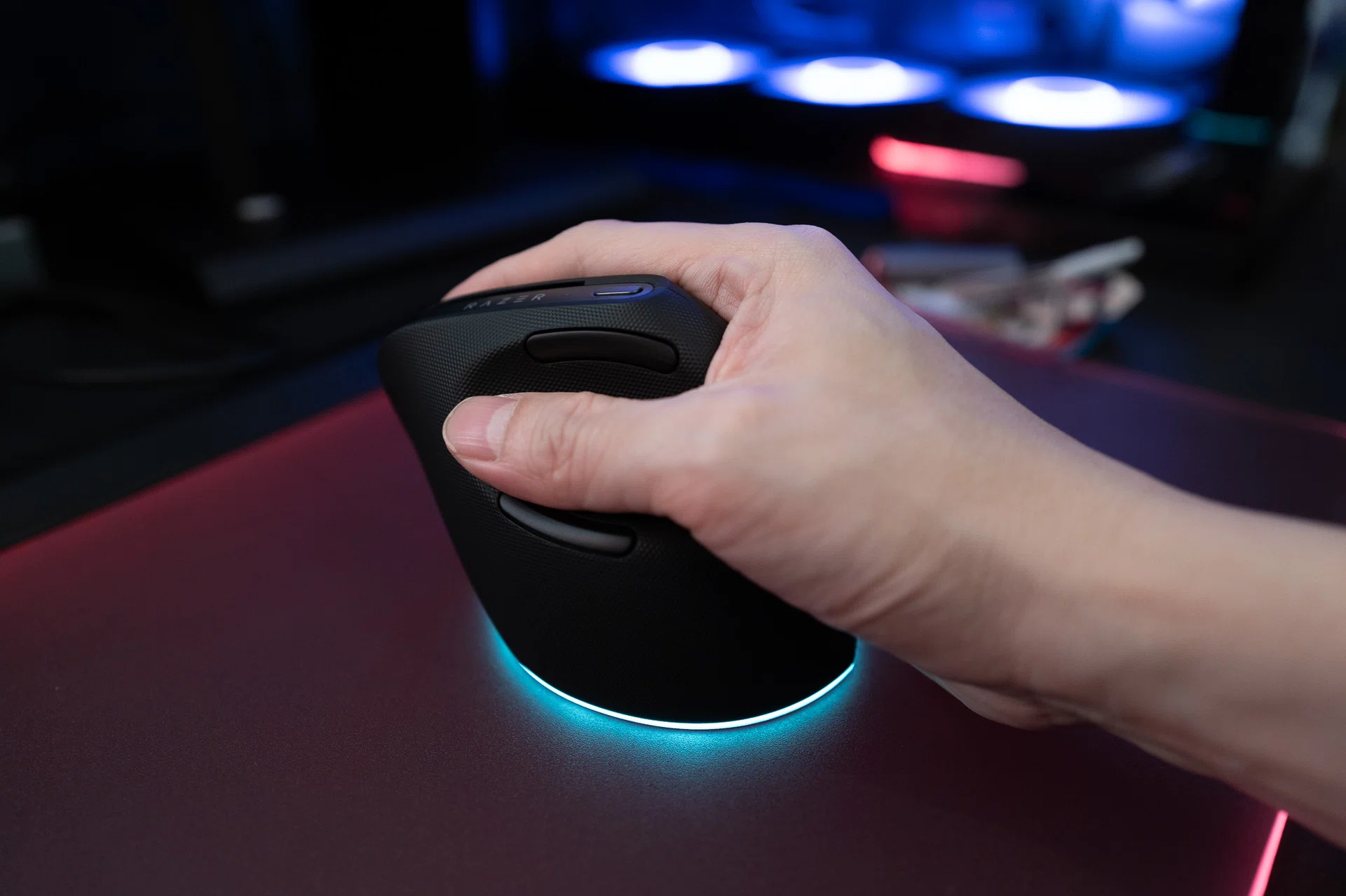
Unfortunately, the Pro Click V2 only works for right-handers.
I’ve used the Pro Click V2 for about a month by now and my feelings about it have settled into a middle ground. I don’t think it’s going to replace my main gaming mouse, which is the Viper V3 Pro. For competitive games where every millisecond counts, lighter, flatter mice still have the edge in my opinion. I’m not a professional player by any measure, but between the Viper V3 Pro and the Pro Click V2, the differences are quite stark even to me. That said, however, I’ve found myself reaching for the vertical mouse more often during workdays, and I no longer feel the need to swap mice when I want to relax with a game at night.
The ergonomic angle does help. My wrist feels less stiff after hours of editing, and even though the difference isn’t night and day, it’s noticeable enough that I don’t want to go back to ignoring vertical mice entirely.
That doesn’t mean the Pro Click V2 is perfect. The steep angle requires patience to get used to, the thumb buttons are big misfire by Razer, and the weight won’t suit users who are used to ultralight mice. Lifting still feels clumsy, and I wish Razer had borrowed features like Mouse Rotation Calibration from its esports mice to help smooth the adjustment period. But for what it’s trying to do – bridging ergonomics and gaming usage – it succeeds better than I expected.
Would I recommend it? If you’ve never had wrist issues and you’re laser-focused on full-on gaming, then probably not. You’ll be better off with a classic lightweight or even a standard gaming mouse. But if you’ve been curious about vertical mice, or if you’re starting to feel the wear and tear of years at a desk, the Pro Click V2 Vertical makes a solid case for itself.
The Razer Pro Click V2 Vertical Edition is available for S$189 at the Razer Store, official LazMall store and S$169 at Amazon.
Our articles may contain affiliate links. If you buy through these links, we may earn a small commission.