
The Lofree Flow 2 is a low-profile mechanical keyboard that Mac users should check out
It looks like a keyboard that Apple could have made.
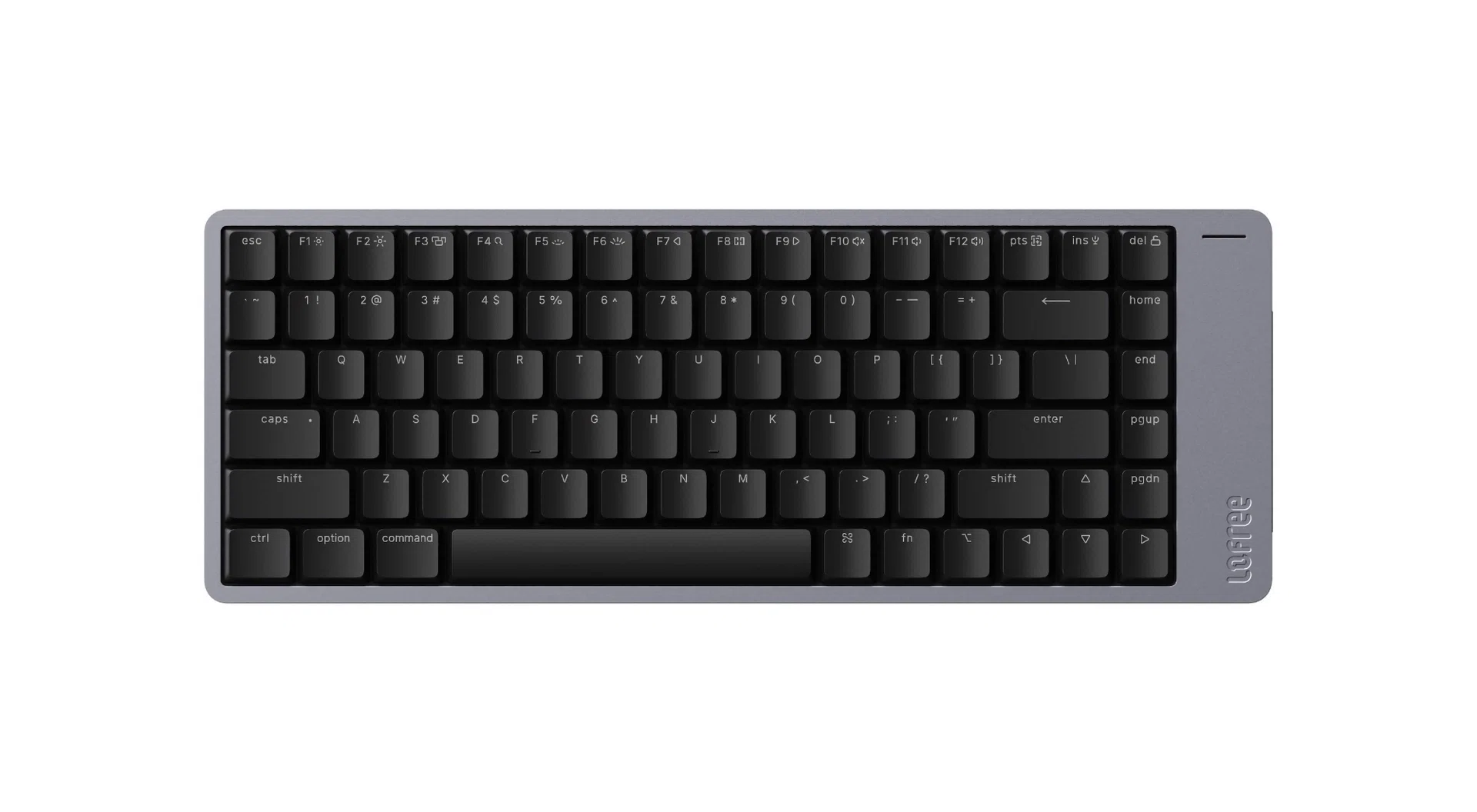
Mechanical keyboards have gotten a lot better, and this includes those with low-profile switches.
These switches are so-called because they are shorter than standard switches. While this makes for slimmer and more compact keyboards, it also robs them of some tactility. Happily, advances are being made to make low-profile switches feel and sound more satisfying to type on.
The Flow 2 is Lofree’s newest low-profile keyboard, and it uses the latest POM switches from Kailh. POM, which stands for polyoxymethylene, is a low-friction plastic often used in contemporary keyboard switches.
There are three options available. Surfer, which is a linear type switch; Pulse, which is a tactile switch; and finally, Void, a silent linear switch. The unit I received to try came with Surfer switches.
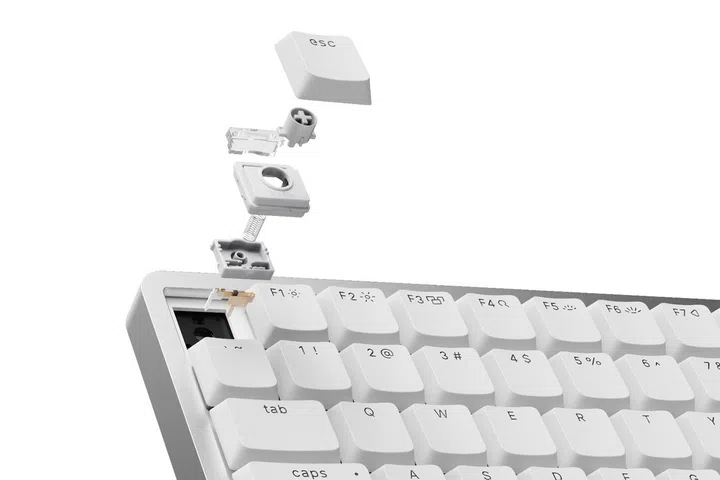
The Flow 2 uses Kailh’s latest low-profile switches.
As far as low-profile switches go, typing feel is great. The use of POM means it feels smooth. Coupled with black PBT keycaps, it makes a satisfying clacky sound as you type. Lofree quotes a key travel distance of around 1.3mm, but it feels like more. My only complaint would be that the switches exhibit mild wobbling. Overall, this is a pleasant low-profile switch.
The keyboard’s design is simple. It looks like a bunch of keys tacked onto a slab of metal. The chassis is anodised aluminium and feels solid. The black PBT keycaps feel nice, but the legends can be hard to read without backlight illumination. Happily for Mac users, they come with Mac-specific Command and Option keys.
One thing that stands out is the extrusion on the right of the keyboard, which I’m guessing houses the battery because that’s also where the USB-C port is. On the right edge of the keyboard is also a touch-sensitive strip for adjusting your system’s volume. It’s quite fussy to use, and I would have preferred having a physical knob instead.
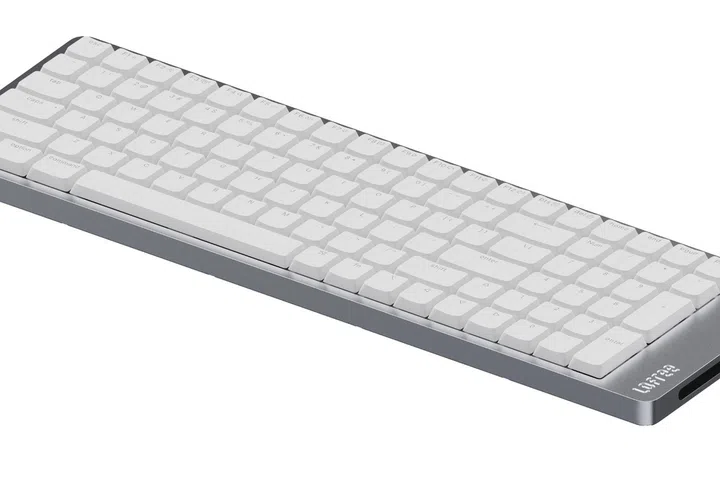
Note the USB-C port and touch strip on the right side of the keyboard. Pictured here is the 100-key version.
Lofree says the Flow 2’s 3,000mAh battery is good for 13 hours when used wirelessly and with the backlight on. Based on my experience, that sounds about right. Battery life is not the greatest, so you’ll be plugging in this keyboard quite often if you type a lot.
If you are dead set on using it wirelessly, the Flow 2 supports both Bluetooth 5.3 and 2.4GHz with the bundled dongle. The Flow 2 supports VIA, so it’s possible to remap keys and create macro commands and shortcuts.
Overall, the Flow 2 is a great option for Mac users who are looking for a low-profile mechanical keyboard. It’s wireless, feels nice to type, and is solidly built. The extrusion on the right is a bit odd, and the placement of the USB-C port is not the best, but other than these misgivings, I have no major complaints.
Availability and pricing
The Lofree Flow 2 is available now in Singapore in two variants: 84 keys and 100 keys. The former goes for S$205.90, while the latter is S$215.90. It’s also available in black and white. You can get them from Lazada and Mobilestop.
There’s also a more compact 68 key version, but that doesn’t appear to be available locally.