

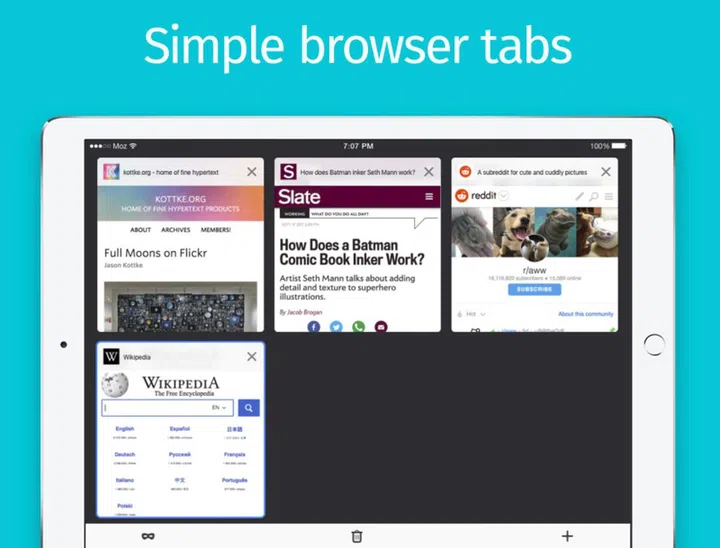
The Firefox browser is now optimized for the iPad.
Mozilla recently announced a revamped Firefox browser app which is optimized for the iPad.
To make use of the bigger screen on the iPad, the Firefox app now supports split screen where you can run two apps side by side. Multiple tabs are now displayed as tiles on the iPad so that it is easier for you to see what they are and close them with a tap. You can send tabs between devices without having to leave the browser or copying and pasting the links.
Firefox for iPad also supports Private Browsing and it can be activated with a single click on the purple private browsing icon in the lower left corner of the browser window. Outlook users can now set Firefox as their default browser on the iPad when they open email links.

You can make use of several keyboard shortcuts in Firefox when you use an external keyboard with the iPad. Some examples of keyboard shortcuts are reloading a tab with Command + R, opening a new private tab with Command + shift + P, and find with Command + F.
Other nifty features include a night mode, a dark theme and tracking protection to keep third-party trackers from following you around the Internet. The Firefox app is now available for download in the App Store.
Source: Mozilla
Our articles may contain affiliate links. If you buy through these links, we may earn a small commission.