
WhatsApp adds Screen Share feature to video calls
Whether you need help with navigating an app, or just wanna watch something cool together, Screen Share is here.

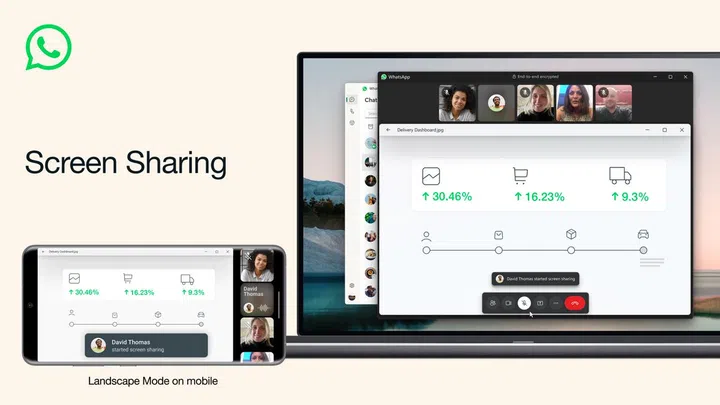
WhatsApp's Share Screen feature in video calls works on both desktop and mobile versions of the app.
Mark Zuckerberg (head honcho of Meta and all its services) has taken to Facebook to announce a new WhatsApp feature.
The messaging app now lets you share a live view of your screen during a video call. You can find the option by clicking on the “Share” icon during a call, and selecting a specific app or your entire screen.
Video calls also now support landscape mode for a wider view, which can be extra handy if several people are on either side of the call.
Source: Meta (Mark Zuckerberg’s Facebook post)
Our articles may contain affiliate links. If you buy through these links, we may earn a small commission.