
How to Secure your Smartphone
We pretty much live our lives on our smartphones these days. But paying attention to phone safety is still highly underrated. Here are some tips!
#cybersecurity #networksecurity #smartphonesecurity #datasecurity
(This guide is Part 6 of seven in our Cybersecurity Safety Content Basics Special.)
Quick Tips: Five steps to secure my smartphone
1) Implement a strong password and biometrics
We covered the importance of a strong password earlier. And this also applies to your smartphone too. While using your birthdate can seem convenient, if you wouldn’t use that on your PC, then you shouldn’t use it on your phone either. Take a look at our tips on password creation. If your smartphone supports the use of biometric features to log in, such as fingerprint authenticators or facial recognition, use those in addition to passwords to ensure any unauthorised access is nearly impossible.
2) Download apps only from secure sources
Although it may be tempting to jailbreak or root your phone and make use of third-party apps promising to speed up and unlock extra features on your phone, avoid the temptation. Before downloading an app, conduct research to ensure the app is legitimate. This can include checking user reviews and comparing the app sponsor’s official website with the app store link to confirm consistency, in addition to the registered name of the app supplier. Many apps from untrusted sources contain malware that, once installed, can steal information, install viruses, and cause harm to your phone’s contents. This also relates to scanning QR codes. Always make sure you know the source of the code you're scanning.
3) Sandboxing
One good way to stay safe is to implement a sandbox. One example of this is Samsung’s Knox Vault. Knox Vault is an EAL5+ certified, tamper-resistant environment that holds the data that matters most on your device. It physically isolates PINs, passwords, biometrics and security-critical keys away from the rest and stores them in the secure memory. Accessing them requires Samsung Pass Biometric Authentication, which is more secure than any password.
4) Understand app permissions before accepting them
You should be cautious about granting applications access to personal information on your phone or letting the application have access to perform functions on your phone. Make sure to check the privacy settings for each app before installing it.
5) Wipe data on your old phone before disposing of it
Before you donate, resell, or recycle it, remember that your smartphone contains personal data you want to keep private. To protect your privacy, completely erase data off your phone and reset the phone to its initial factory settings. Then, donate, resell, recycle, or otherwise properly dispose of your phone.
Note that while these tips are targeted at smartphones, they also apply to tablets.
iOS vs Android: Which is a safer OS?
One common question often asked is whether iOS-based devices are safer than Android-based ones.
The critical difference between the two is that iOS is a closed operating system, meaning that Apple doesn't share its source code, reducing the chances of attackers finding vulnerabilities in its system. Plus, Apple tightly controls which apps are available on its App Store, vetting all apps to avoid allowing malware through.
Android is an open-source platform that any developer can use to create software. However, the fragmentation of Android devices across old OS versions can play into the hands of malware creators as older OS versions don’t feature up-to-date security measures and may have fewer security protocols and other controls. It is also relatively simple to jailbreak your smartphone and side-load third-party apps.
Because of this, many believe that iOS is a safer operating system. Regardless, you can never be completely safe, even if you own an Apple phone, so understanding phone security and how to protect your phone remains essential.
Here is a cautionary tale from our contributor who discovered, to his dismay, just how easy it was to fall victim to smartphone fraud.
Do I need to install a security program on my smartphone?
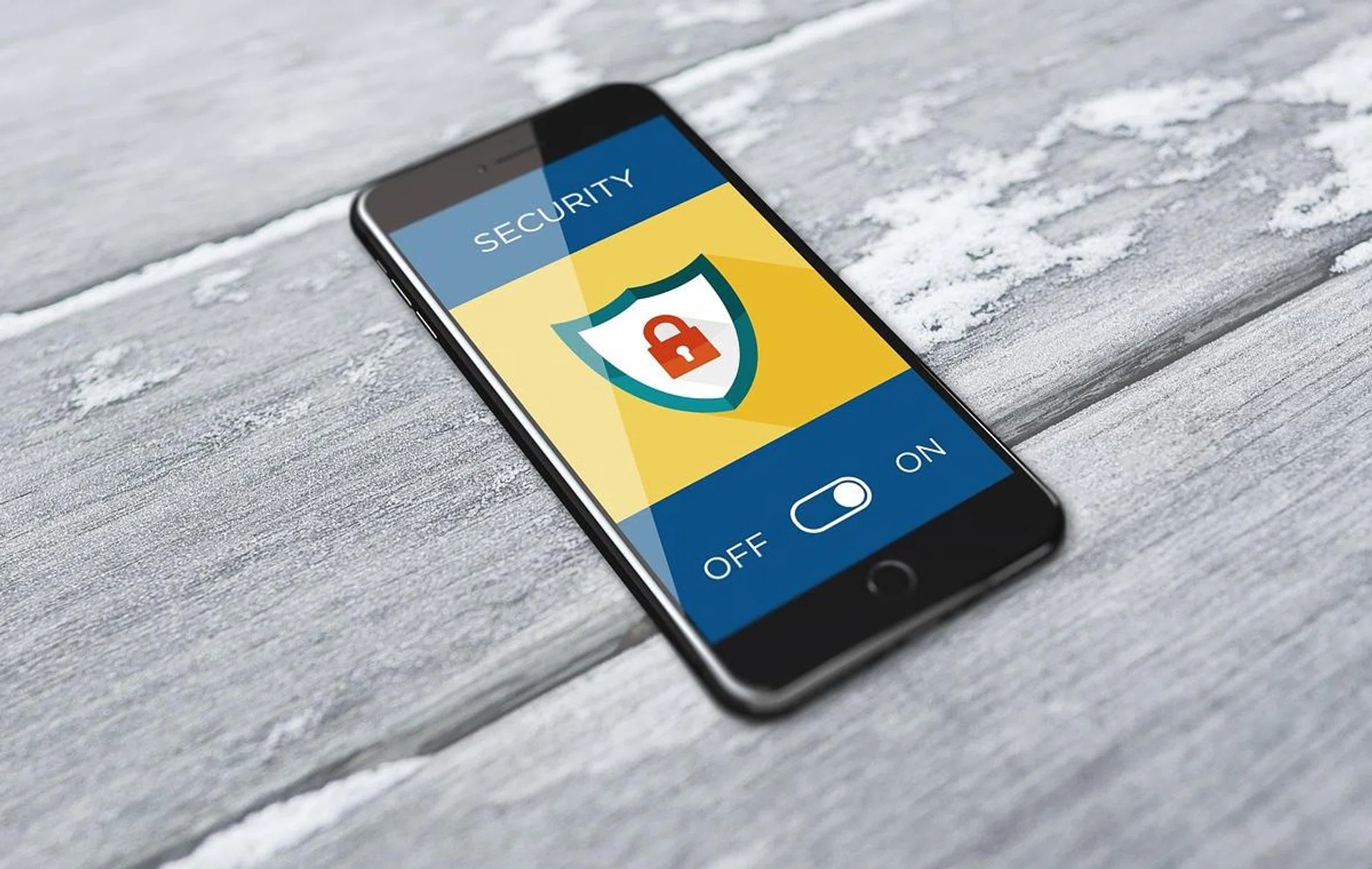
Image source: Pixabay.
While Google works hard to provide security to Android users, most experts agree that installing some additional layers of protection is always good. Due to the nature of the Android OS as established earlier, Android devices are more susceptible to a variety of malware. Phishing, ransomware, Trojans, spyware, dangerous apps – there’s a plethora of threats that can infect Android devices.
And while viruses aren’t considered that much of a threat to iPhones, phishing attacks can easily cause harm to an iPhone user if one isn't careful.
This is why, no matter what smartphone you use, installing a security solution is recommended. Some popular solutions include F‑Secure Total, Kaspersky Premium, and BitDefender Total Security.
F‑Secure Total protects all your devices from your PC to your smartphones. With one subscription, you get a single app to keep you safe, on all devices. It includes antivirus, banking and browsing protection, VPN, password manager, identity protection, data protection and monitoring, and more. There are a number of different plans available with coverage from one up to ten devices a year.
Kaspersky Premium is a combination of software solutions and services that give customers comprehensive protection and convenience. These include antivirus, privacy and identity protection, performance boost, VPN, and password manager. A year’s subscription covers three devices.
Bitdefender Total Security offers cross-platform protection for up to 10 devices, including Windows PCs, Macs, Smartphones, and Tablets running Android or iOS. It includes anti-malware, anti-phishing, a firewall, antivirus, and Internet monitoring. However, the VPN only covers 200MB a day.
What about a backup?
Image source: Pixabay.
We keep a lot on our smartphones whether we realise it or not. Contacts, emails, photos, and sometimes work documents are kept on what is basically a portable computer. So, from your precious photos to crucial contacts, it’s important to have a backup of your data in case you lose your phone or it stops working.
Like backing up your PC, backing up your smartphone protects your data if you lose your phone, it gets stolen, or it just stops working. When the time comes to replace your phone, a backup allows you to easily restore your data to the new device. Plus, backing up your phone helps you organise your data so it’s easier to access.
As to how often you need to back up your smartphone, daily is a good habit, but at least once a week is recommended. You should also make sure that your computer is on a safe network before doing a backup. Android-based smartphones can use Google Drive or paid services like Mega. Samsung smartphone users have the additional option of using the Samsung Cloud. Similarly, iPhone users have access to iCloud.
While this article is just a primer for cybersecurity safety, it belongs to a 7-part series of articles for consumers to take easy, actionable steps to better prepare against online security threats and what you can do to stay safe.
Our articles may contain affiliate links. If you buy through these links, we may earn a small commission.