
Going Ghetto: DIY iPhone Stands
Maybe stocks have run out, or perhaps you just aren't willing to spend the cash on something that should have been part of the package, but hey, here's our starter guide to help make your own iPhone 4 stand and saving you some money.
Three DIY iPhone Stands
While the first iPhone came with a cleaning cloth and dock, the next few iPhones did away with them. Users then had to buy one if they needed a proper dock to prop up their phone while doubling up as a syncing platform. Thankfully, there are alternatives to getting a dock/stand for your iPhone, but only if you’re willing to get your hands dirty for some good ol’ art and craft.
The Paperclip Stand
Building a stand from a paperclip might seem challenging, but it’s actually quite easy to do. All you need to have is a larger paperclip, a ruler and some patience to fold the clip correctly. Thankfully the self proclaimed nerd at Dean and Ying’s Blog have come up with a template for folding the clip into a stand.
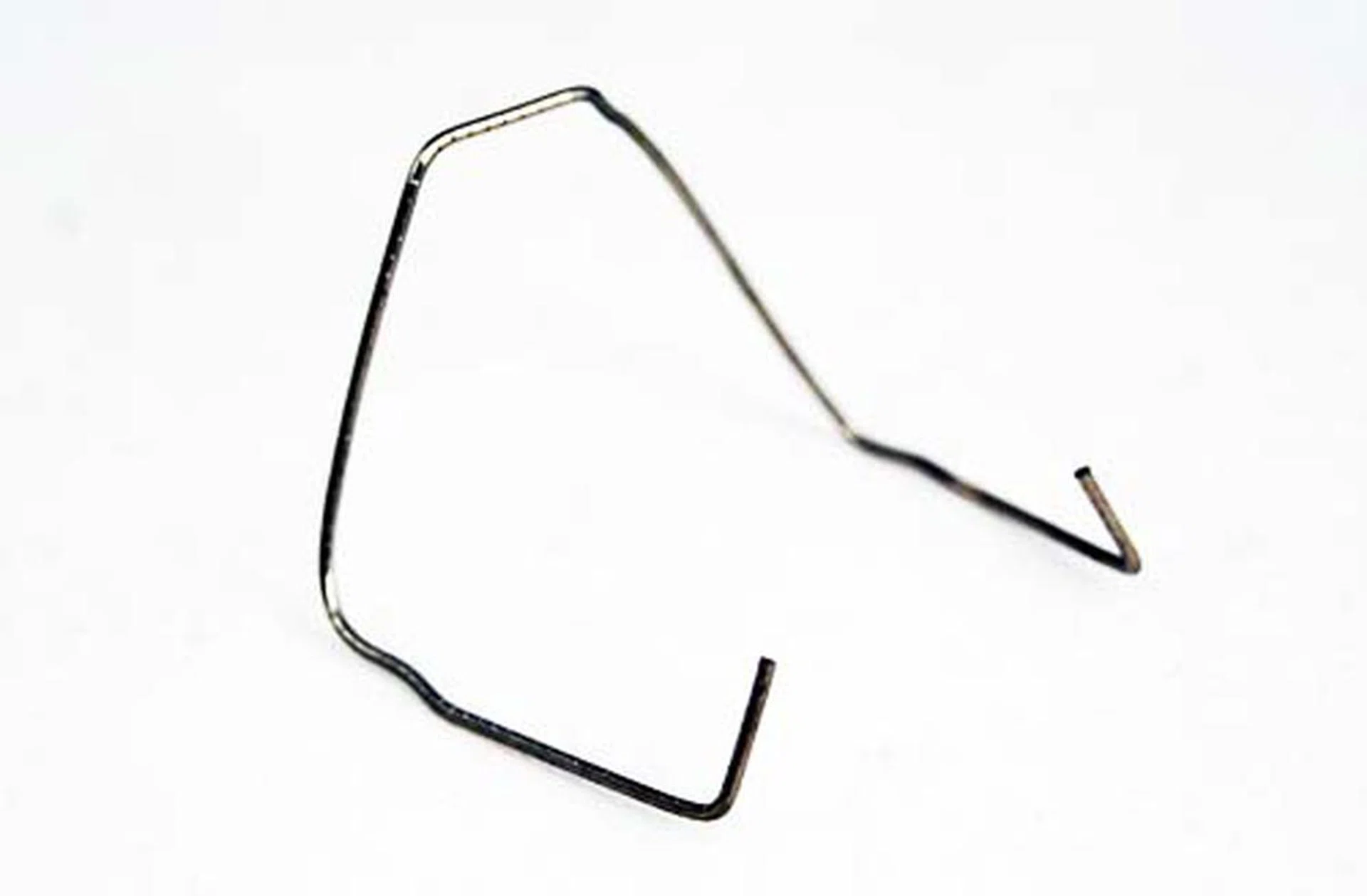
Sure it's not pretty, but it gets the job done.
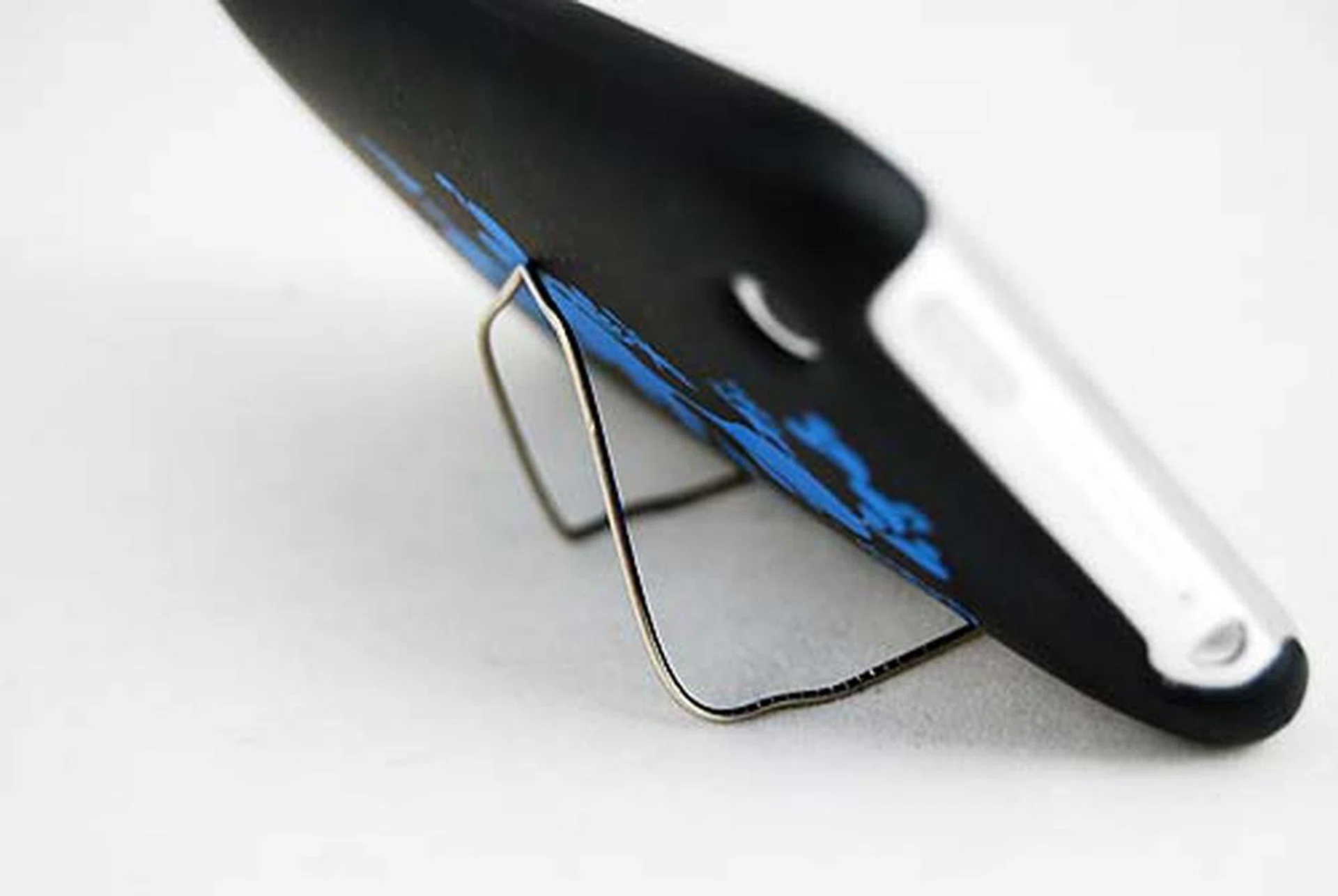
It actually holds up the iPhone pretty well for viewing videos!
Verdict: Definitely doable, and really easy. The only downside is that your iPhone will be lying on its side instead of being upright, but not a big deal, especially since this is really useful for watching videos.
Total cost: $0.01
The Binder Clips
Well having succeeded on the easier paperclip, we’ve decided to for something more challenging, designing our own dock made from binder clips as seen from this video. Now, we tried to avoid using the clips on the wire because we were worried about damaging its plastic sheath, but ultimately we found that to be impossible due to the weight of the iPhone. So if you really want to do this, clipping the cable is unavoidable.
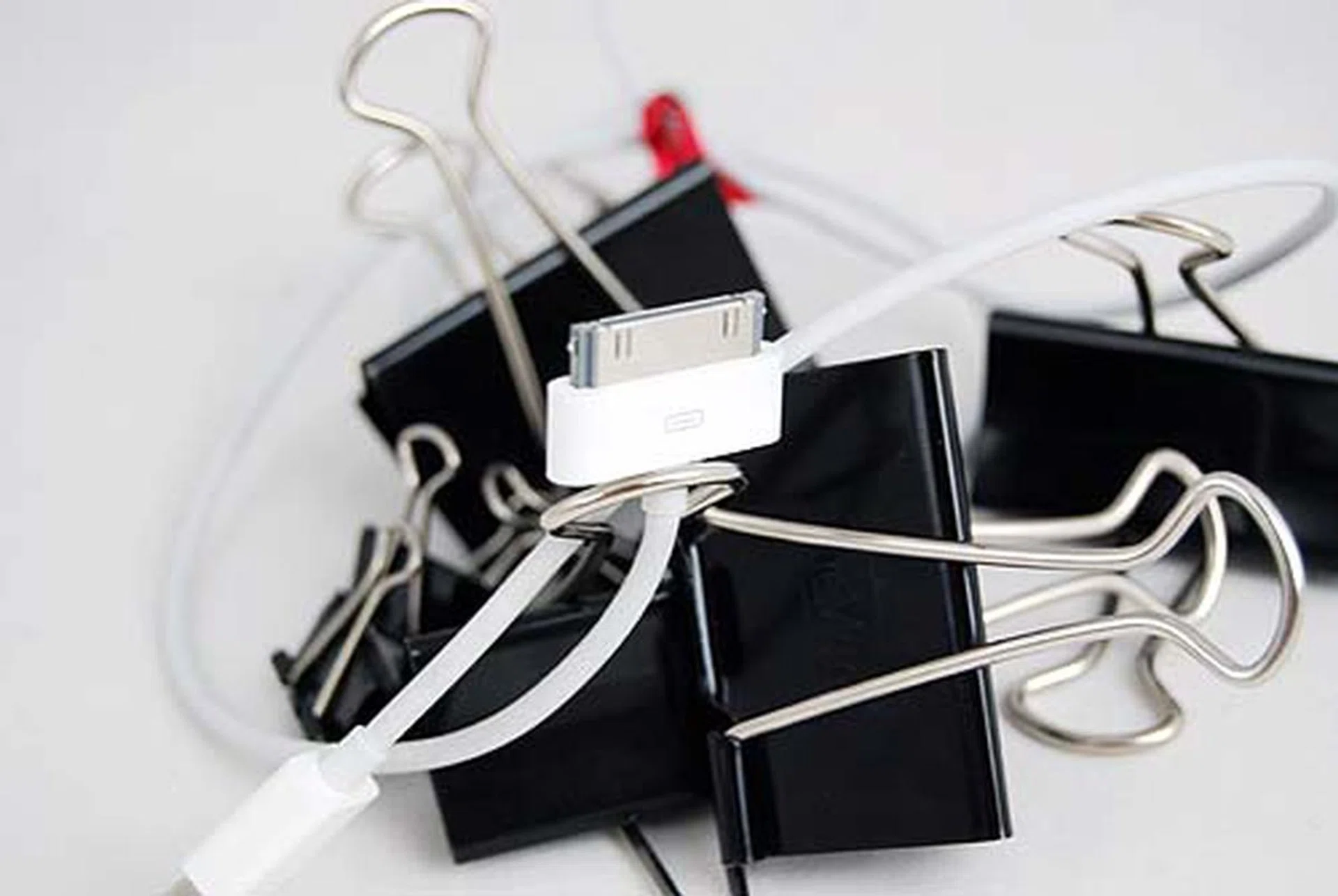
After about one hour of trying, we gave up.
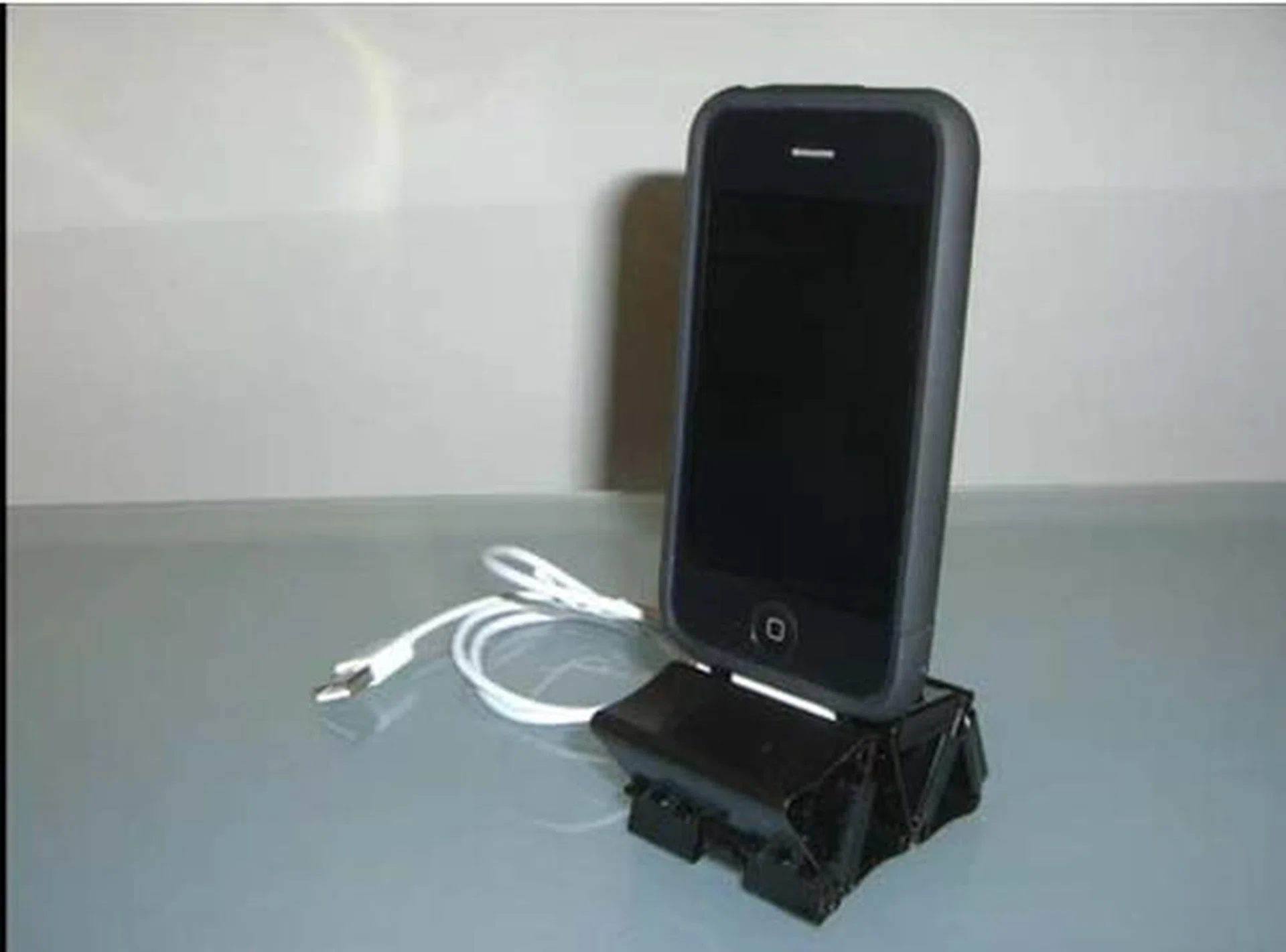
Here's what it looks like if done right, but bear in mind the risks of damage to your USB cable.
Verdict: Doable, but avoid unless you don’t mind if your USB cable gets increased wear and tear due to the clips.
Total cost: Dependent on how much office supplies you can borrow (or if you've a stingy company, it's just a dollar or two to get them yourselves).
The Paper Dock
While the above two methods are workable with some effort and stationary, here’s one that you can do with paper and a printer. So hopefully your origami skills are good to go and ready to rumble, because this does require a little bit of folding. There’s a template you can download from this site that’s in PDF format. Best done with stiff cardboard paper, as we soon found out when we tried with normal recycled paper.

This one's easy to do, but you will need to get thicker paper. Otherwise your stand will just collapse under the iPhone's weight.
![Here's what it should look like if done correctly. [image link from Dessine Moi Un Objet]](https://cassette.sphdigital.com.sg/image/hardwarezone/96fc8b22feb5bb60e093296e7a70dd0cfa905b04f6db6dd2b7742346da7d76ab?w=1000&q=85)
Here's what it should look like if done correctly. [image link from Dessine Moi Un Objet]
Verdict: Definitely doable, but you might want to use thicker paper because normal A4 paper feels quite flimsy.
Total cost: $1.00 (depending on the thickness of your paper)
Building Your Own DIY Stand
Our earlier examples have shown you how some of the daily accessories you use, can be turned into an effective iPhone stand. But if you do have some old stuff lying around, say building block toys such as Lego, you can tap onto your imagination and creativity to build your very own iPhone stand at no cost. Here's how we did it:
Finding Building Block Toys
Some of you might still be holding onto your old Lego toys, or in our case, a building block toy that we managed to dig out of the cupboard. The idea is to pick out suitable blocks that can be part of the construction. In general, look for squarish blocks that are smaller in size to allow for more flexibility.
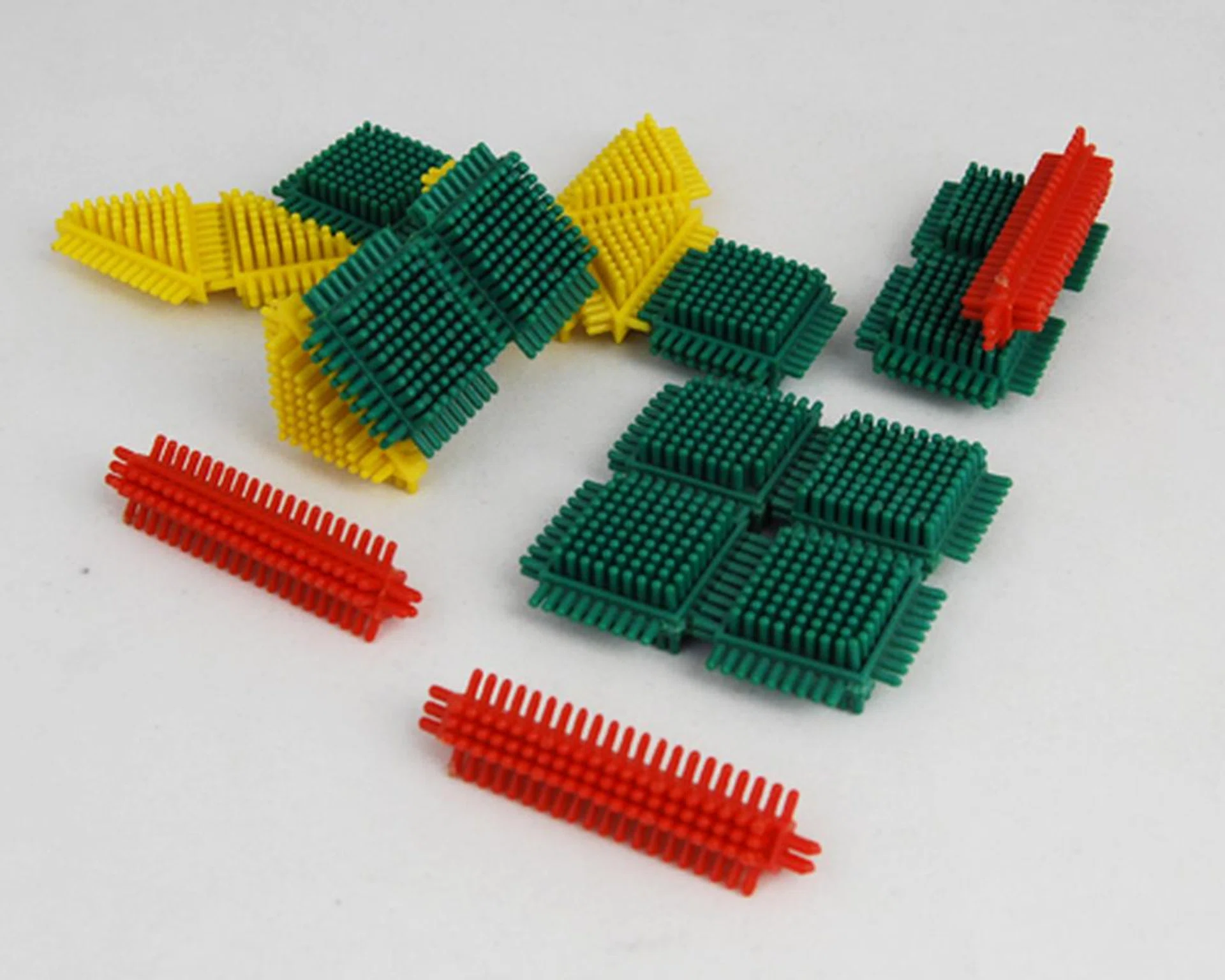
Go for square blocks with a tight space in between the connectors.
Building and Securing the Base
The base of the iPhone stand is the most important portion, mostly focused on where your cable will be passing through. As such, make provision to have a small hole with sufficient room to hold the cable in place. Once that's done, you'll need to secure the base with stagger blocks to hold the base in position. After all, with the constant docking and undocking, you would tend to pull on the base, and that might topple your effort.
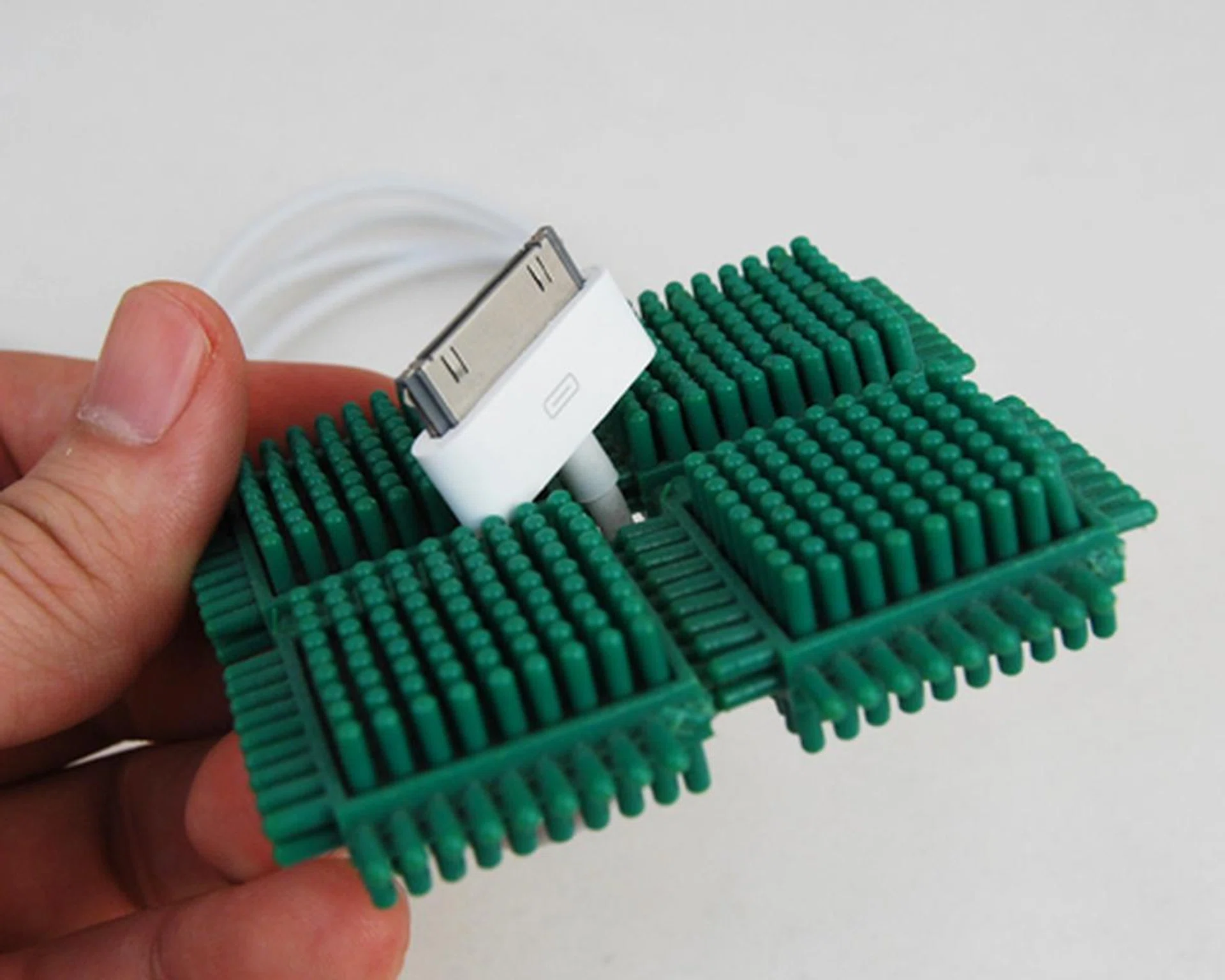
A small hole in between the four building blocks is adequately sized to hold the connector in place.
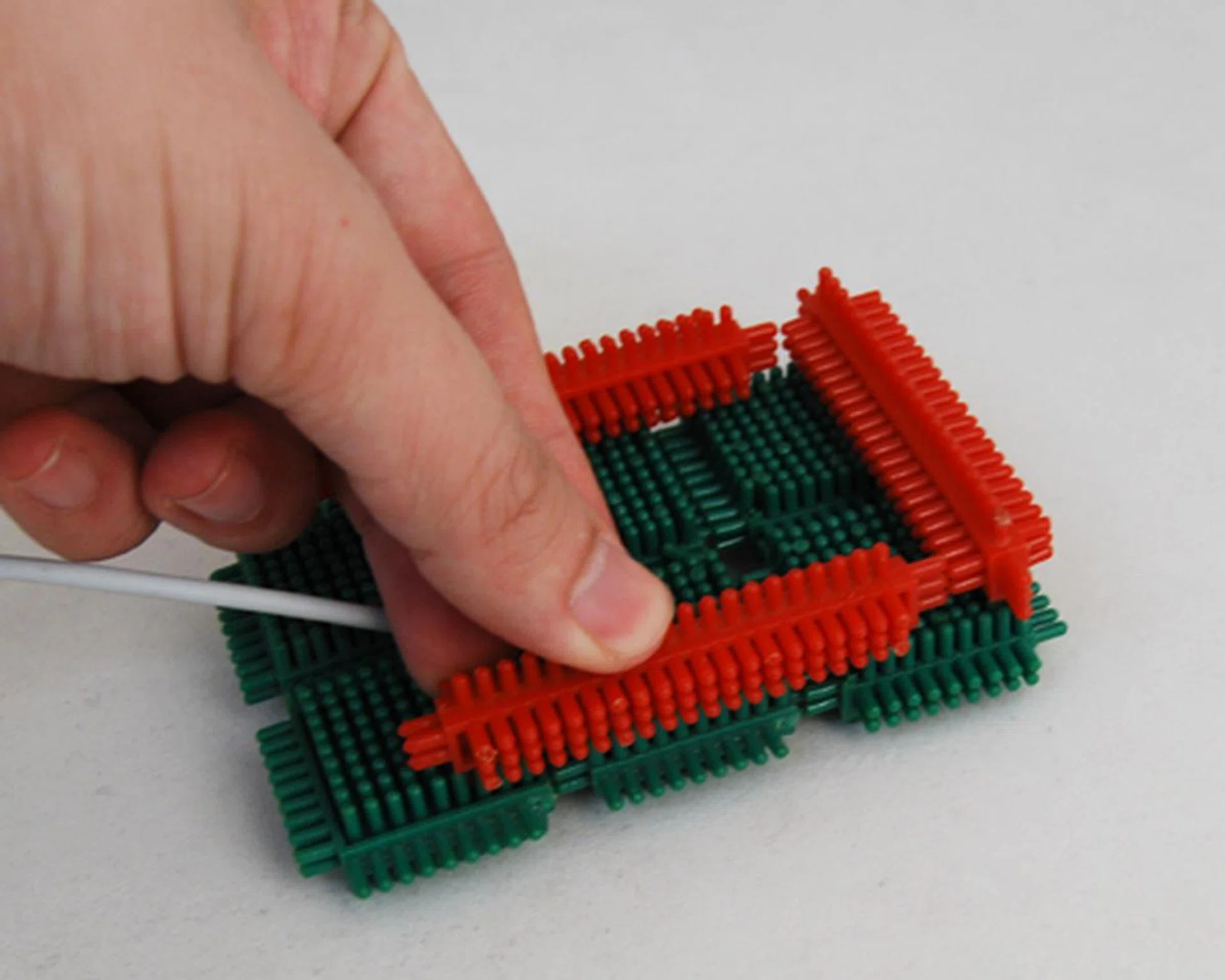
Secure the base with a secondary layer of blocks to prevent it from falling apart after repeated docking.
Building the Back and Sides
You'll need a solid backing to also hold your iPhone upright and steady. There are two ways to go about this: if you wish to have it upright, just build a straight wall and let the iPhone lean on it. If you wish to have it at an angle, you'll need more blocks to be staggered to create a slope for the iPhone to lean on. With the back done, you'll have to consider the sides to prevent the iPhone from sliding sideways.
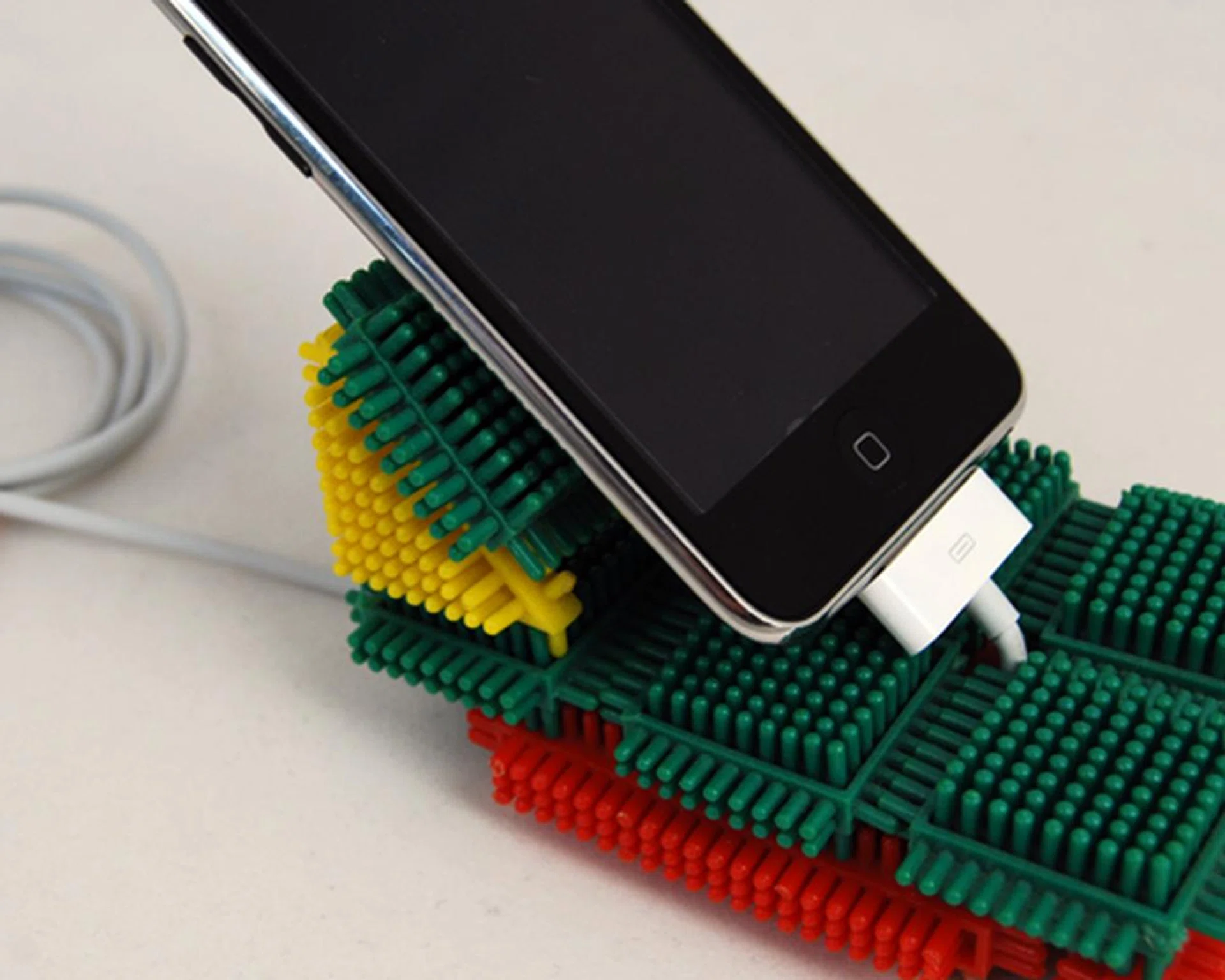
Fortunately, we have some triangular blocks that allowed us to incline the back at a 45 degree angle.
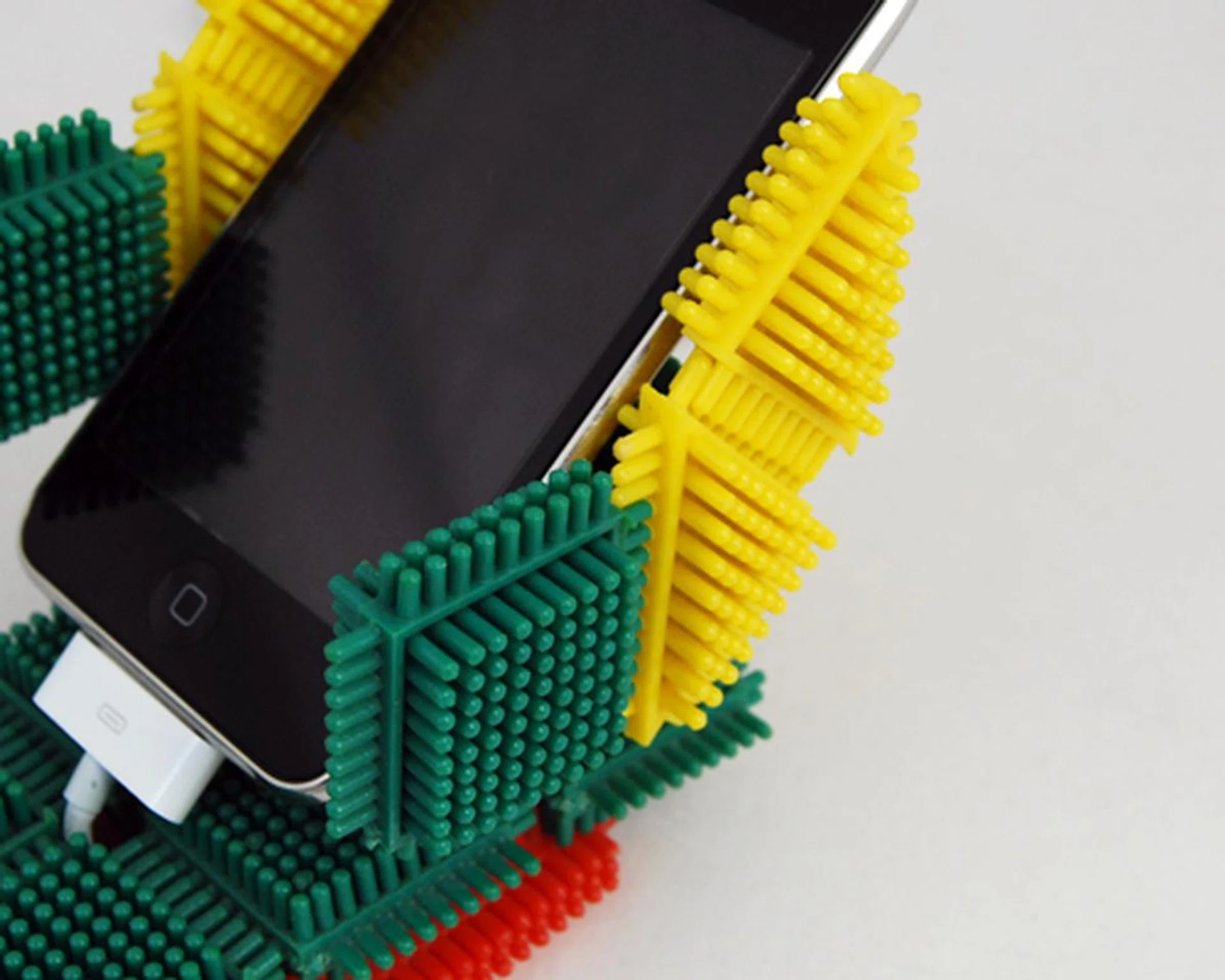
The sides will have to be included to prevent the iPhone from sliding out.
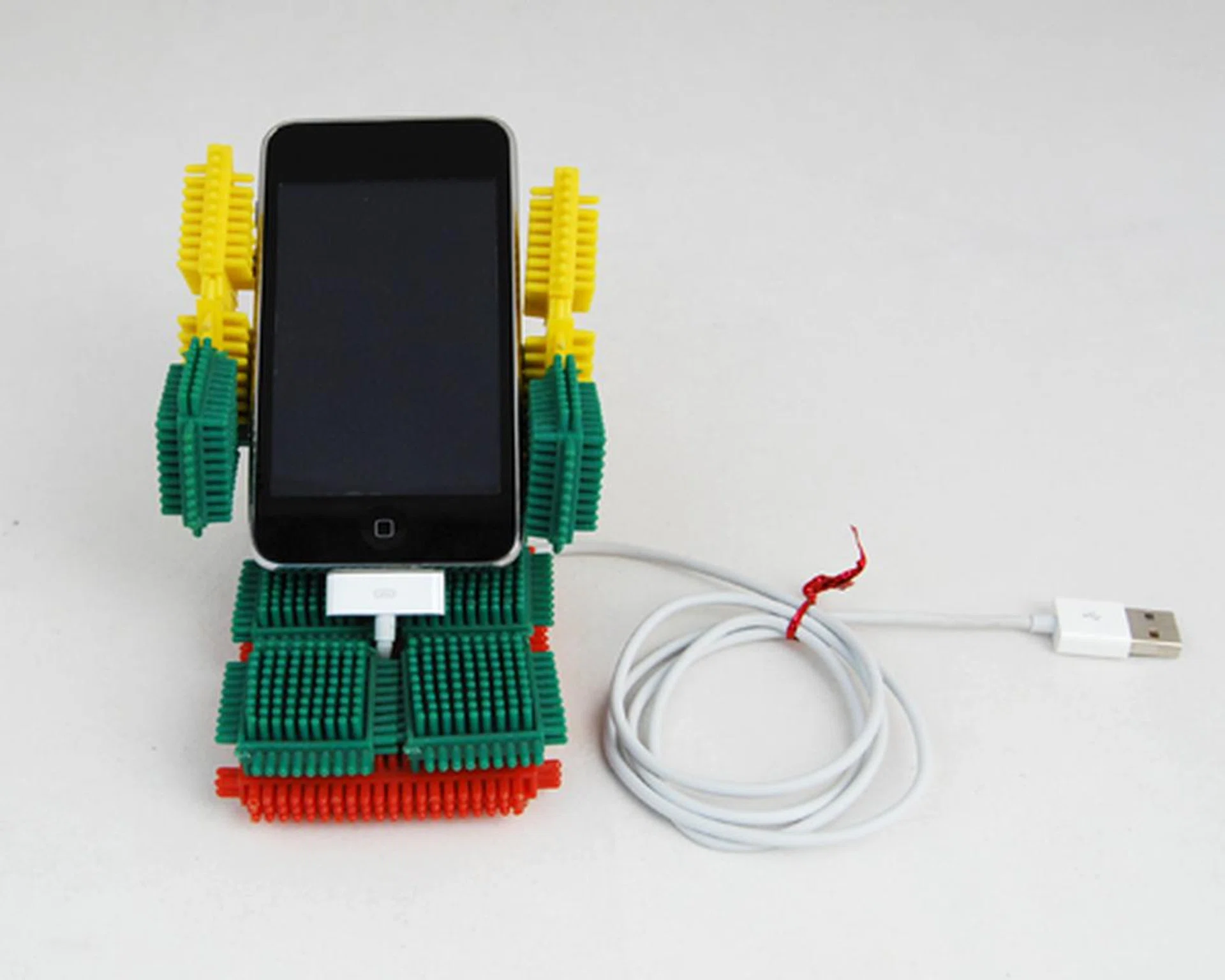
Voila! Your DIY iPhone dock is ready!
The steps and materials that we have laid out here are just a prompt to start you up on the building process. There are a number of possibilities for you to work with, such as a dock that can swivel between portrait and landscape orientation. If you do have any particular unique design that you would like to share, feel free to showcase your masterpieces at our iPhone forum.
Our articles may contain affiliate links. If you buy through these links, we may earn a small commission.