
Samsung's Very Clever Multi View Feature Puts Two Videos on the TV at the Same Time
A feature on the 55-inch Samsung ES9500 OLED TV that has many gushing over here at IFA 2012 is the Multi View feature. Simply put, Samsung has taken two video signals and put them on the TV at the same time, and using the special active shutter glasses, you can choose which video you want to watch.

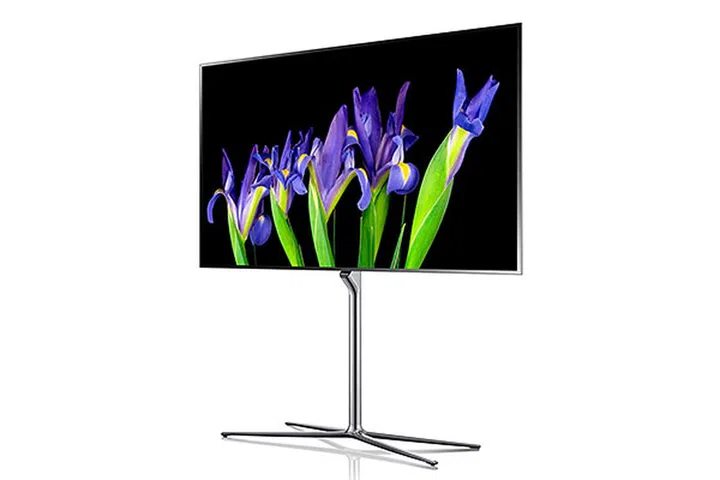
Samsung ES9500 55-inch OLED TV. (Image source: Samsung.)
A feature on the 55-inch Samsung ES9500 OLED TV that has many gushing over here at IFA 2012 is the Multi View feature. To put it simply, Samsung has taken two video signals and put them on the TV at the same time. Without the Smart Dual View active shutter glasses, the image is a complete mess. But put them on, and with a press of a button, you can choose which video you want to watch. The super-light glasses also come with built-in earbuds, and will switch the audio track automatically when you switch from one video to the other. The whole implementation is quite seamless, and no matter how hard we tried, we couldn’t detect any signs of video ‘B’ when watching video ‘A’.
The day of people looking at the same TV but not watching the same show has finally arrived.
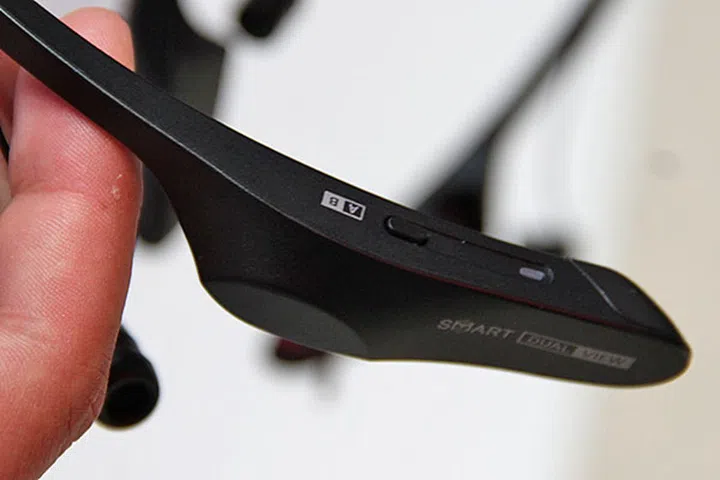
Want to know what your partner beside you is watching? Just press a button on the active shutter glasses.
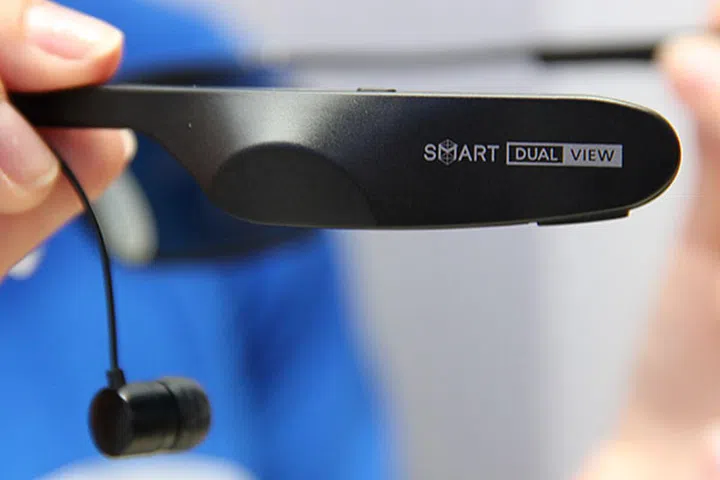
The active shutter glasses has integrated earbuds and will switch to the sound for the correct video automatically.
Our articles may contain affiliate links. If you buy through these links, we may earn a small commission.