

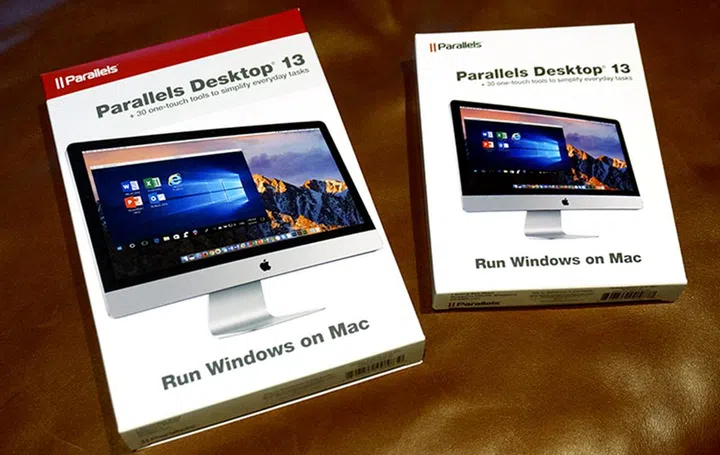
Parallels has just launched the newest version of their virtualization software, Parallels Desktop 13, bringing readiness and support for the soon-to-be-launched macOS High Sierra and the Windows 10 Fall Creators Update to their virtualization solutions.
Getting started with virtual machines will now be easier. With Parallels Desktop 13, the Parallels Installation Assistant will automatically offer to install Windows 10 if it doesn't detect other virtual machines (VM) on your system. This will be a trial version that you can activate with an official license key, so moving your PC to Mac is easy right from the beginning.
Parallels Desktop brings People Bar to Mac.
Parallels Desktop 13 also brings Touch Bar support to Windows. A full set of mapping for the most commonly-used function keys for Microsoft Outlook, Word, Excel and Powerpoint to the Touch Bar has already been prepared. Browsers like Internet Explorer, Microsoft Edge, Google Chrome, Mozilla Firefox, and Opera have also had their shortcut keys pre-mapped too, so you can start using the Touch Bar straight away. There's of course the option to customize your own shortcut keys for other applications, so you'll be able to use it throughout your Windows VM.
On the flip side, features from Windows can also be brought to macOS. For example, Parallels Desktop 13 brings the ability to integrate the upcoming People Bar (from Windows 10 Insider Preview Build 16232) into your Mac desktop. This lets you add unlimited contacts to the Mac Dock where you would otherwise be limited to just three with Windows.
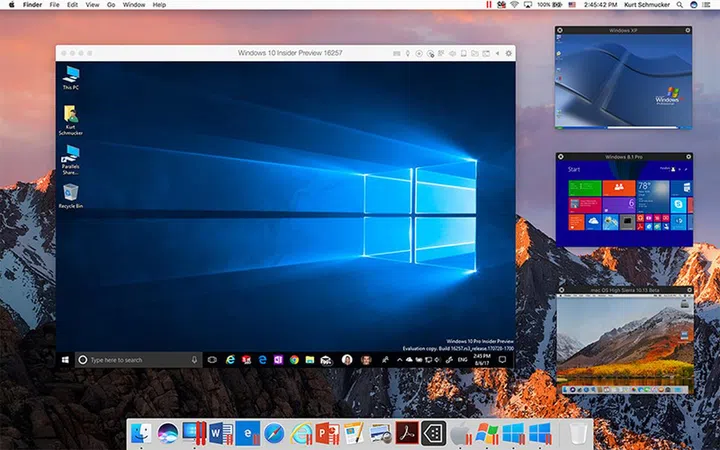
PiP mode lets developers view all their VMs in one glance.
Power users will be pleased to know that performance in Parallels Desktop 13 has been improved too:-
- USB devices will perform up to 40% faster
- External Thunderbolt SSD performance has been improved up to 100%
- Snapshot creation is up ot 50% faster.
- Working with files in Windows is up to 40% faster too
- Pro and Business edition users will also be able to assign up to 32 cores (vCPU) and 128GB per VM simply by adjusting a slider, so individual VM performance will be much enhanced too.
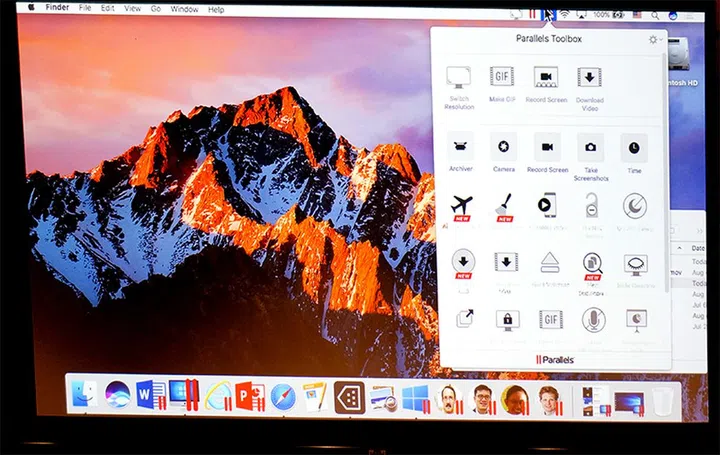
On that note, the new Picture-in-Picture (PiP) view will offer an easier way to keep track of all your VMs at once. These windows will be visible even when a Mac app is in full-screen mode, allowing you to easily work in multiple windows. As with Parallels Desktop 12, Parallels Desktop 13 will come with the latest version of the handy Parallels Toolbox app. This will be an upgraded version, with some 30 single-click utilities for both Windows and Mac.
Parallels Desktop 13 is available now from the Parallels website, and at all authorized retailers.
The full version costs US$79.99 (S$108.98), while upgrades for users on Parallels Desktop 11 and 12 perpetual licenses can upgrade from US$49.99 (S$68.10) with an offer to upgrade to a Parallels Desktop Pro Edition subscription for US$49.99 (S$68.10) per year for life. Parallels Desktop for Mac Pro Edition and Business Edition are each available to new customers for US$99.99 (S$136.20) per year.
Our articles may contain affiliate links. If you buy through these links, we may earn a small commission.