

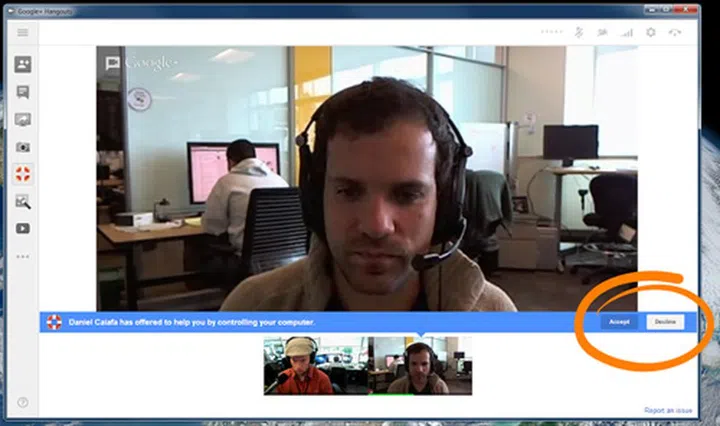
Image Source: Daniel Caiafa
Google has just added a new app in Google+ Hangouts that allows you to remotely control someone else's PC, all while having a Hangouts chat session. The app is called Hangout Remote Desktop, and is built using the same technology found in the Chrome Remote Desktop app. To activate it, just start a Hangout, click on View More Apps, Add Apps, and select Hangouts Remote Desktop. This function is particularly useful for tech savvy users who are constantly asked to help troubleshoot for friends and family. Explicit permission is required before access to another person's machine is allowed.
Hangouts Remote Desktop lets you help others by controlling their computer remotely (with their permission, of course). And because you’re both in a Hangout, you can talk with and see each other during the session.
Source: Daniel Caiafa (Google+), via The Verge
Our articles may contain affiliate links. If you buy through these links, we may earn a small commission.