
Linux on the PS3: First Encounters
What do geeks do when confronted with one of the hottest game consoles at the moment, one that is going on eBay for many times its list price? Why, they try to install Linux on it of course. Join us as we turn our PS3 into a card carrying member of the Linux community.
Getting Penguins into our PS3
What do geeks do when confronted with the hottest game console at the moment, one that is going on eBay for many times its list price? Why, they try to install Linux on it of course. It just happens that we managed to get our grubby hands on a piano-black Sony PlayStation 3 (PS3) and after the initial hoo-ha had died down, we realized the dire lack of things that we could actually do with that expensive machine. Faced with a choice between an atrocious Mobile Suit Gundam: CrossFire or yet another iteration of a racing game like Ridge Racer 7, we turned to the much touted high definition entertainment route instead. However, we had a seriously unimpressive House of Flying Daggers Blu-ray disc that didn't look any much better than the DVD version (not to mention that we have watched the movie before and the Blu-ray version was poor on the extra features).
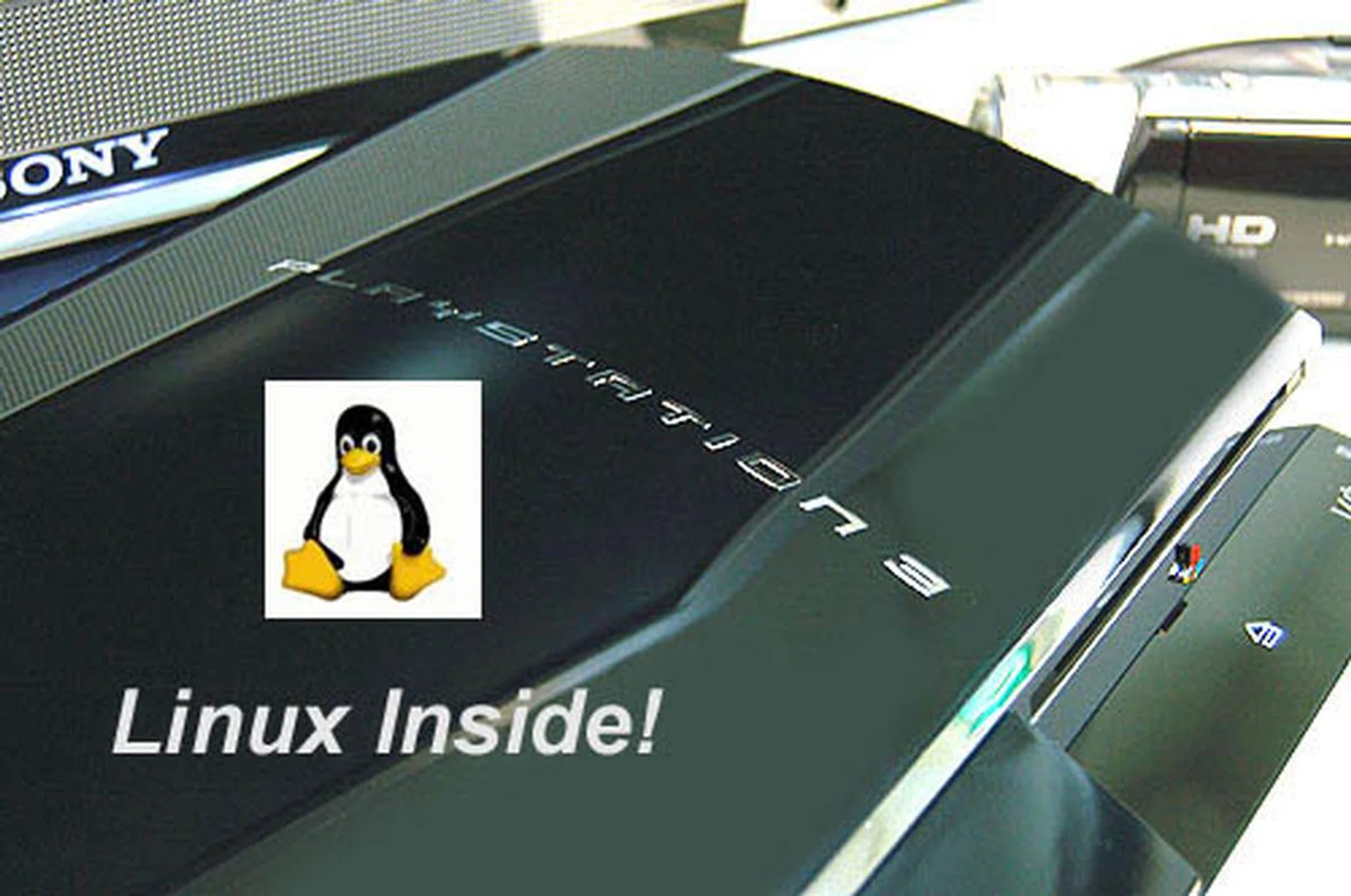
Installing Linux on the PS3? You must be crazy! That's probably the initial response from your fellow friends, but the potential to turn the PS3's processing prowess into a mainstream-computing machine is just too good to pass off and that's what we are showing you in our first attempt at this procedure in this article.
In short, we had this expensive shiny console coveted by many but there wasn't really any 'killer app' that made us want to turn it on (besides listening to the symphonic music it plays on boot-up). But then saying the PS3 is just a console is like saying football is just a game. We know it's much more than that. For beneath that black hood lies the powerful Cell processor, jointly developed by IBM, Toshiba and Sony. This PowerPC compatible processor is aided by up to 6 RISC processors though eight were originally planned. A thorough technical overview can be found here if you're interested in the engineering involved. Since there wasn't any compelling games or movies at the moment, we decided to do something off the beaten track - install Linux of course!
Actually, what we're going to try is not exactly unorthodox. In fact, it comes with the blessings of Sony. The folks there probably recognize that its new console is a supercomputer compared to previous consoles and it is actively wooing the open source crowd by advocating an open platform and basically allowing other operating systems, like Linux to be installed on the PS3. It is also a continuation of the Linux community that Sony has encouraged for its older PS2 console. While the cynics in us may not be completely sold on the whole open platform idea propagated by Sony (witness the cat and mouse game for the PSP homebrew scene or Sony Music's DRM root kit fiasco), there is already a website with some useful tools and guides on how to get Linux working on your PS3. A lesser known distribution, Yellow Dog Linux has also worked closely with Sony to get a custom distribution out for the PS3.
Of course, we couldn't wait for the official public release of Yellow Dog Linux (on Christmas ) nor did we feel like paying to get it earlier. Hence, we scourged the Internet for information on how others before us have done it. Yes, people have gotten the popular Fedora Core working on their PS3s and today, it's our turn.
Pre-Installation Checklist
Before embarking on our Linux journey, these are some steps that you need to take and files that you should download beforehand. We found a pretty handy 1-page guide to the whole installation process and all credit to the guy who compiled it. In any case, you should check that you have the following items:
- A Sony PS3 (Duh! Update the firmware to 1.10 via System Settings >> System Update)
- Fedora Core 5 (the DVD ISO can be found on many websites. Google is your friend. Remember, you'll need the Power PC version.)
- Sony's official installer (Other OS Installer, reading the manual there is helpful too.)
- PS3 Linux Addon CD (ISO image, about 45MBs)
- Storage media (You'll need free space of around 10MB so a USB thumb drive and any sort of flash memory card is fine)
- USB Keyboard and Mouse (there's up to 4 USB ports on the PS3 so there's more than enough ports.)
Getting the Necessary Files
- First, on your PC, create a folder on your storage media and name it PS3.
- Create a subfolder within the PS3 folder and name it "otheros", without the inverted commas.
- Copy the official installer downloaded earlier (Item 3 on our checklist. Filename: otheros.self) to the otheros folder.
- Burn the PS3 Linux Addon ISO and extract the file "otheros.bld" from a folder called KBOOT. This is the Kboot bootloader. You should place this file into your storage media in the otheros folder together with the installer.
- Burn the Fedora Core 5 DVD. (You'll want to do it at low speeds to avoid errors)
Prepping the PS3
- You'll need to allocate space for the Linux OS so to do that, we go to the PS3 System Settings and choose the "Format Utility" option.
- There is a choice of leaving the whole partition for the PS3 or give 10GB for the Other OS, in this case, Linux. There wasn't any way to give Linux a partition greater than 10GB. We guess that it's because the minimum hard drive on a PS3 is 20GB and naturally, you'll need some space for your PS3 game saves.
- Allocate 10GB to Other OS and format the new partition. It should take a few seconds at most. Reboot the PS3.
- After formatting and rebooting the PS3, insert your storage device, USB mouse and keyboard.
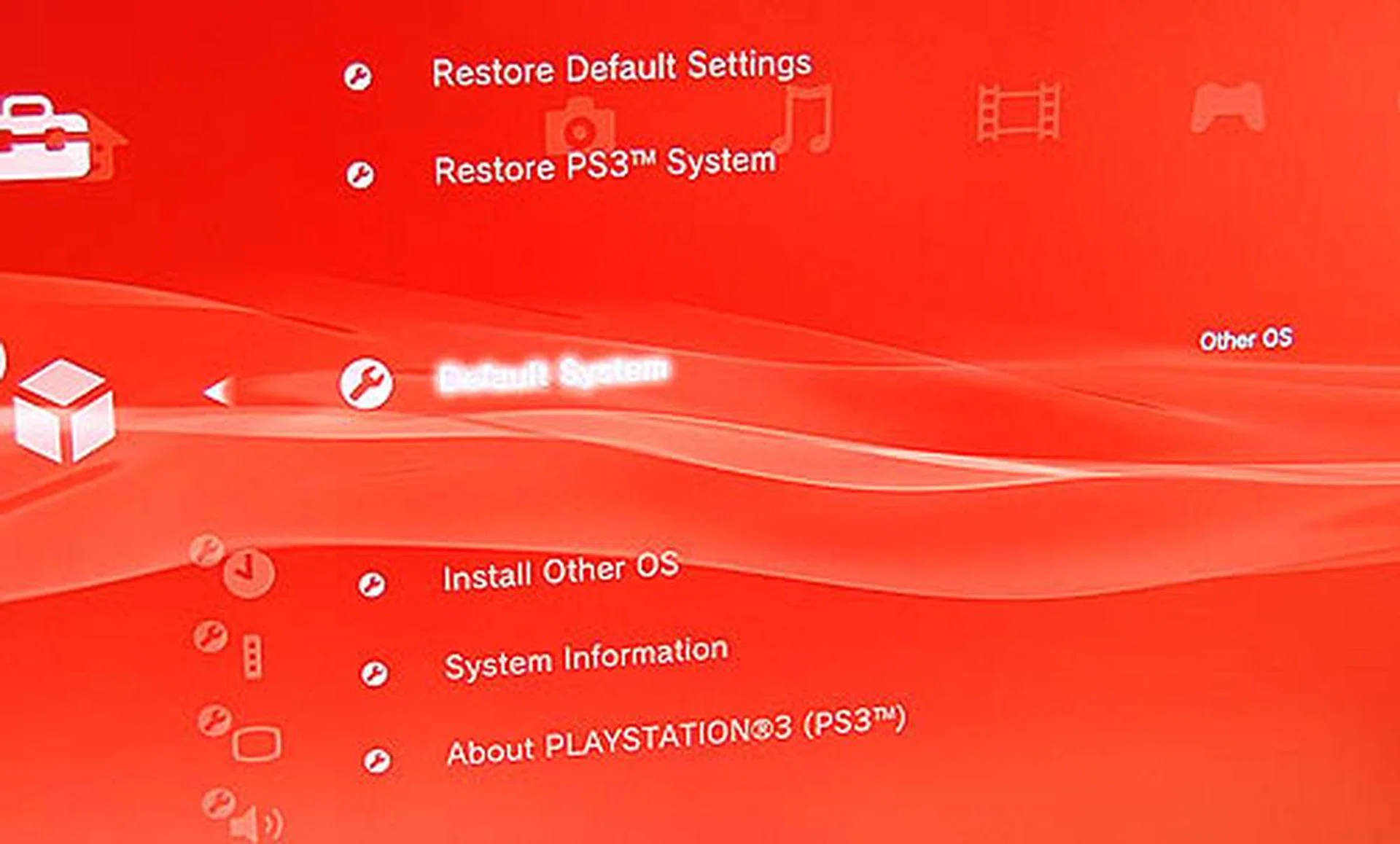
- Go to System Settings and select "Install Other OS". This will install the bootloader from the storage device and will take less than a minute.
- While still at System Settings, choose "Default System" to be Other OS. You're now all set to install Fedora Core. Reboot the PS3 first.
Choose this option to install the official installer from Sony. The files must be present in any storage media connected to the PS3. Follow the instructions to get the folder structure and name so that the PS3 can recognize it.
You have to change this setting to Other OS in order to get the PS3 to start the boot loader on reboot and start the Linux installation.
Fedora Core Installation Procedures
- The Kboot loader should start up and after initializing a ton of stuff, you should get a prompt. Insert the Fedora Core DVD and type at the prompt "install-fc sda"
- Answer yes to the next question and soon you will be prompted to select between Fedora Core Minimal or Full install. Choose the full install option and that should take slightly more than two hours. Meanwhile, there will be a progress bar displayed on the screen.
- If your installation was done properly, you will get another prompt when it reaches 100% completion. You will then be asked to insert the PS3 Linux Addon CD that you burnt earlier.
- On completion, reboot the system and upon doing so, you will get a prompt asking for a root password. Once you're done with that, reboot again.
- This time, you should get the Fedora Core login prompt. Login as root and type "startx" to get the default Gnome Desktop. Before that however, you should get a config screen where you can adjust settings like network, printers, time and date, etc.
- Congratulations, you now have Fedora Core 5 running on your PS3.
First Impressions
We weren't too sure what to expect from Fedora Core on the PS3 but after the initial glee at getting the GUI up and running had died down, we hit the first stumbling block. There was no proper display driver for the NVIDIA based RSX graphics processor. Therefore, the screen resolution was restricted to a rather pathetic 576 x 384, a massive downgrade from the 1080p resolution of the PS3's own native system. Without drivers and hence no way of resizing the resolution, the applications will still run but you may end up viewing a quarter or less of the actual window, making most applications rather useless.
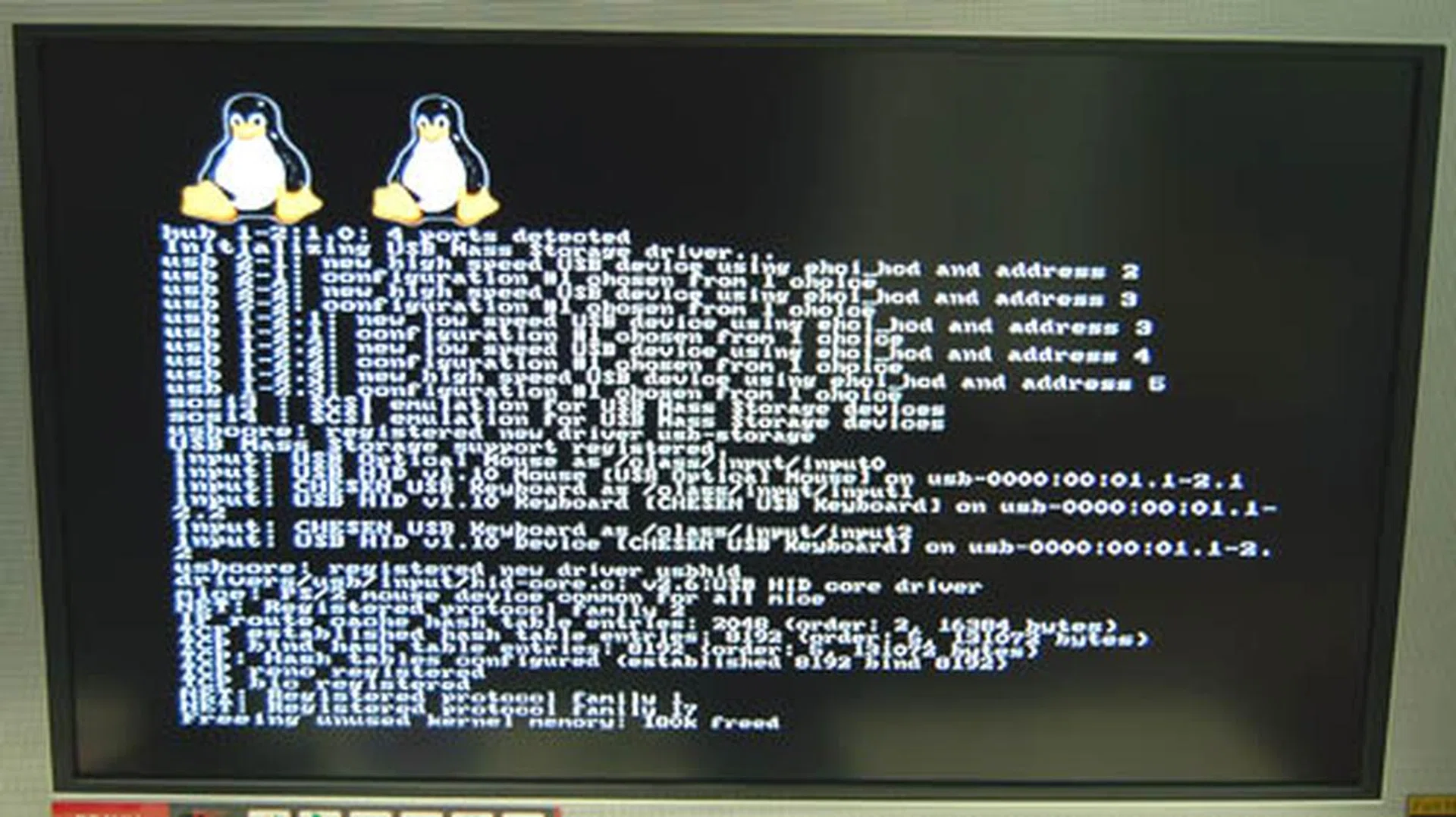
Once you get the boot loader installed, it will run instead of the PS3's own operating system. From here, you can install Fedora Core or start Fedora Core if you already have it installed.
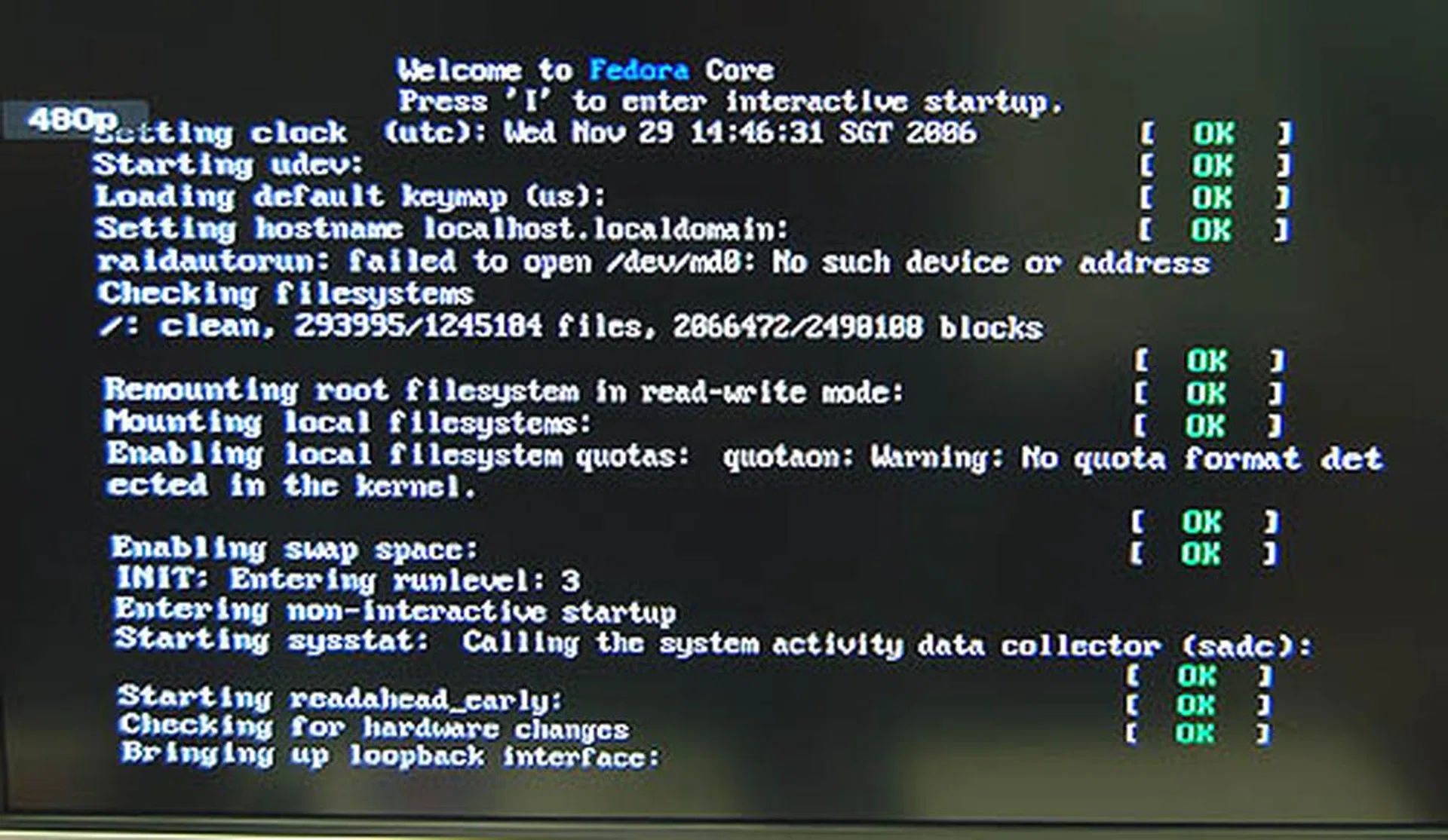
The loading screen for Fedora Core 5.
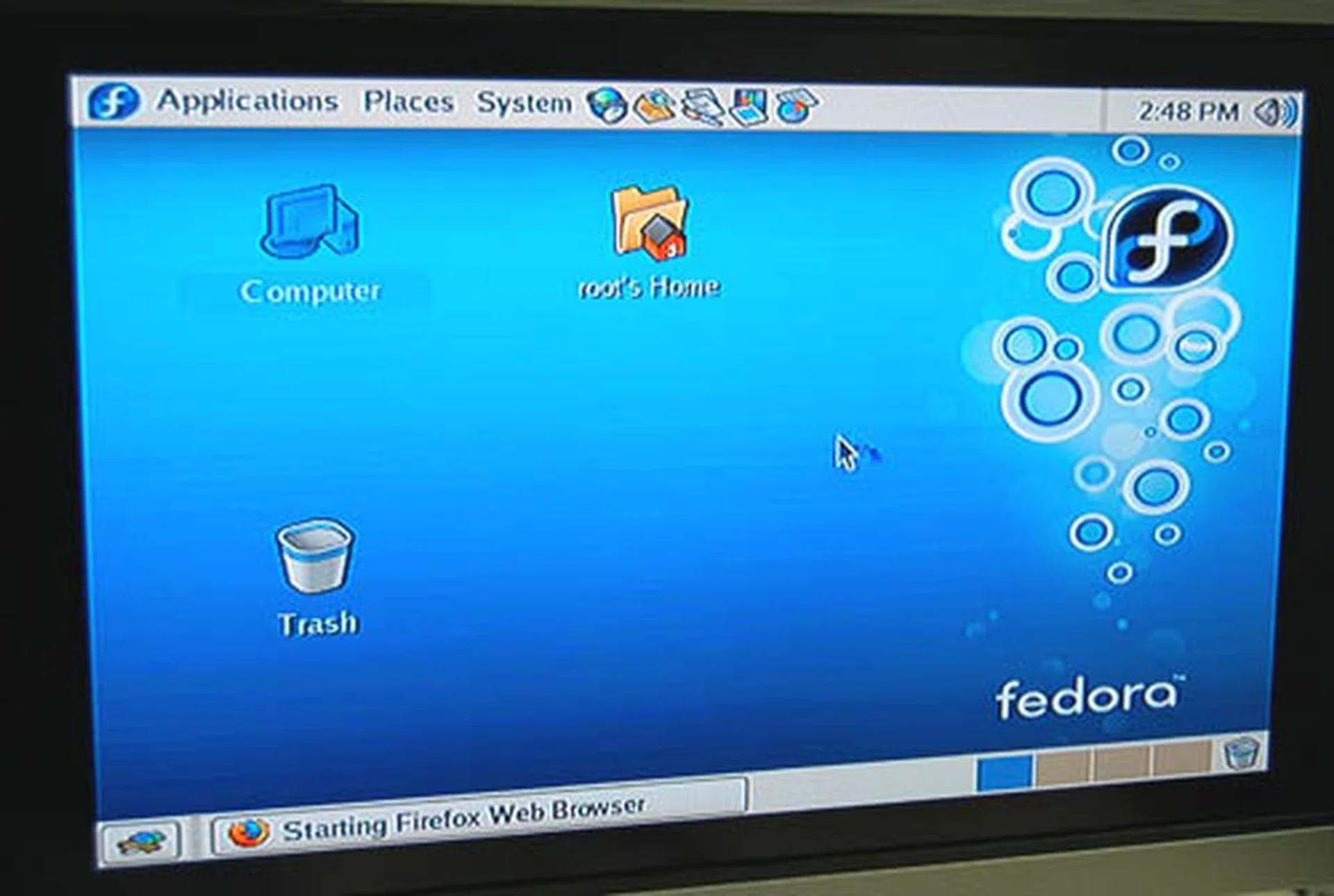
The Gnome desktop in its full Fedora Core glory.
The good news is that the networking seems to work out of the box. We enabled DHCP during the network setup and after we fired up the default Mozilla Firefox browser, we were able to surf the Internet. The only problem of course was that the screen resolution, which meant that surfing was a torturous affair and not recommended until the display issue is settled.
Load times for applications were also much longer than expected. With hindsight, we should have predicted that before we installed Fedora Core because the Gnome desktop environment is not exactly meant for weak machines due to its eye candy quotient. The PS3 may have an advanced processor but it only has 256MB of DRAM for the system and a separate 256MB frame buffer. With no hardware acceleration enabled, the PS3 was probably laboring to render the desktop and opening applications was an added drag. For instance, OpenOffice 2.0 felt like it took an eternity to start up though it did improve noticeably after the first time due to caching. Other applications that should have fired up within seconds, like the included games, were also very slow in loading. All in all, it was quite frustrating doing almost anything.
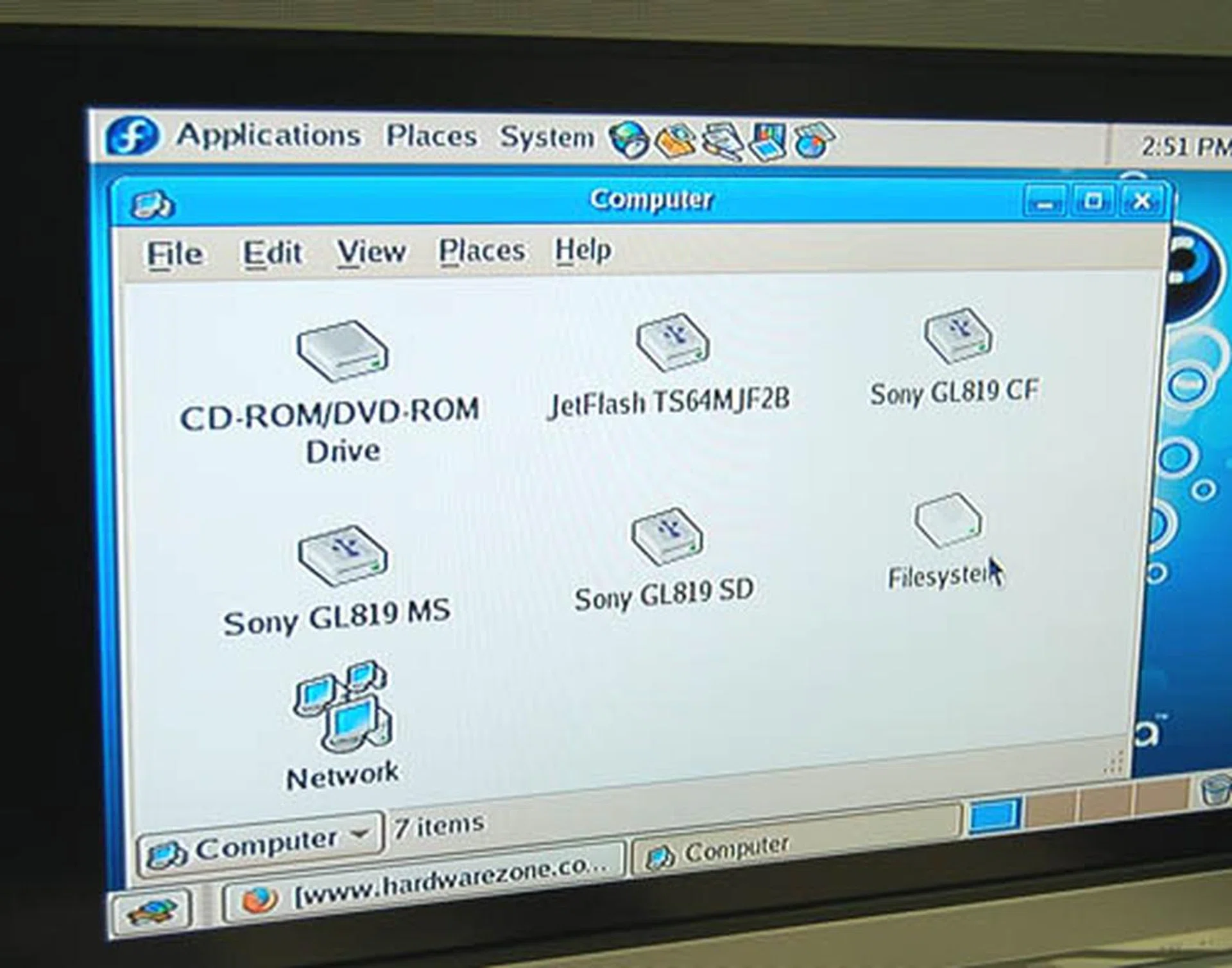
You can see the various Sony drives on the PS3, like the ones for the Compact Flash and SD.
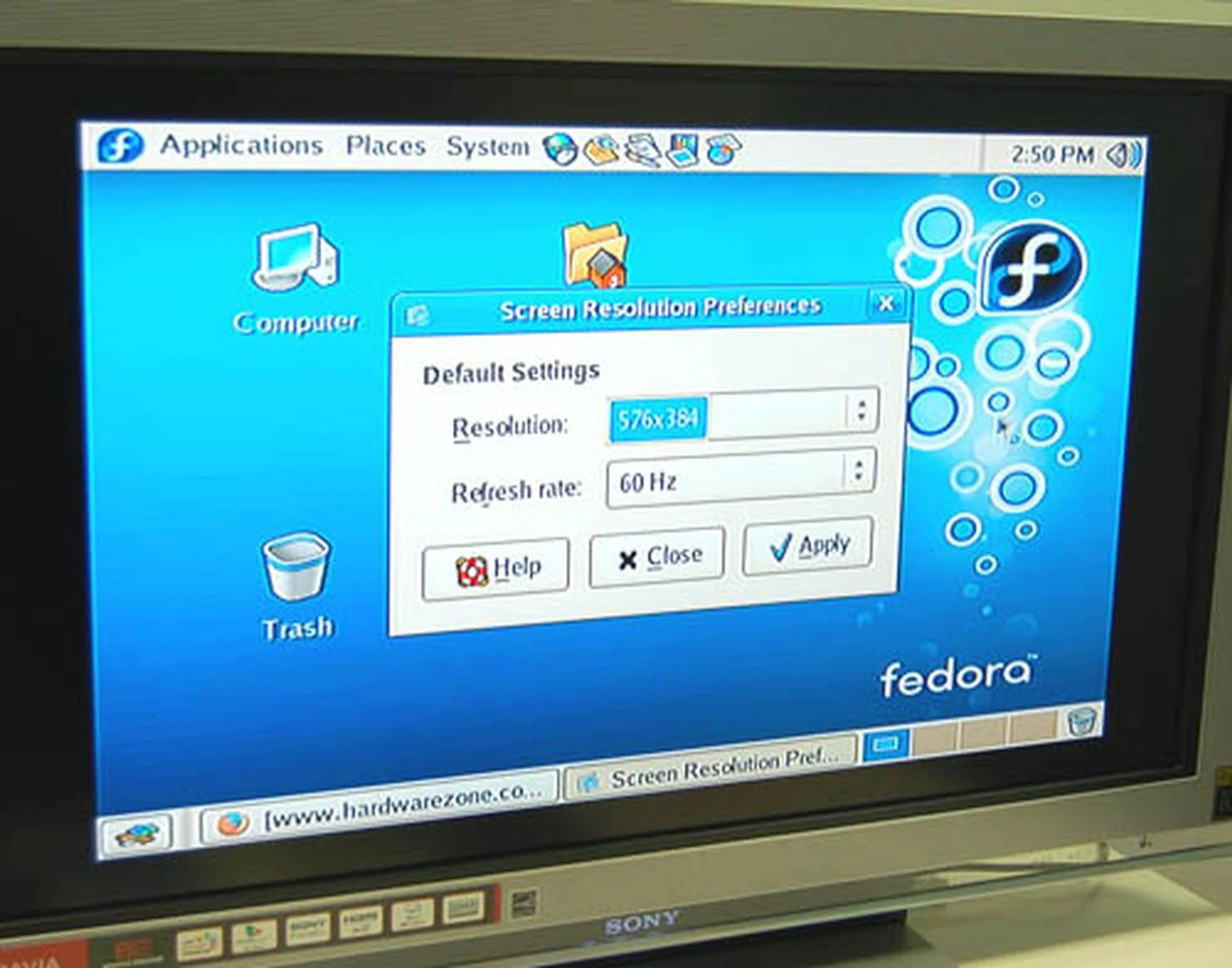
With no graphics driver, this is the default resolution. We didn't manage to change it.
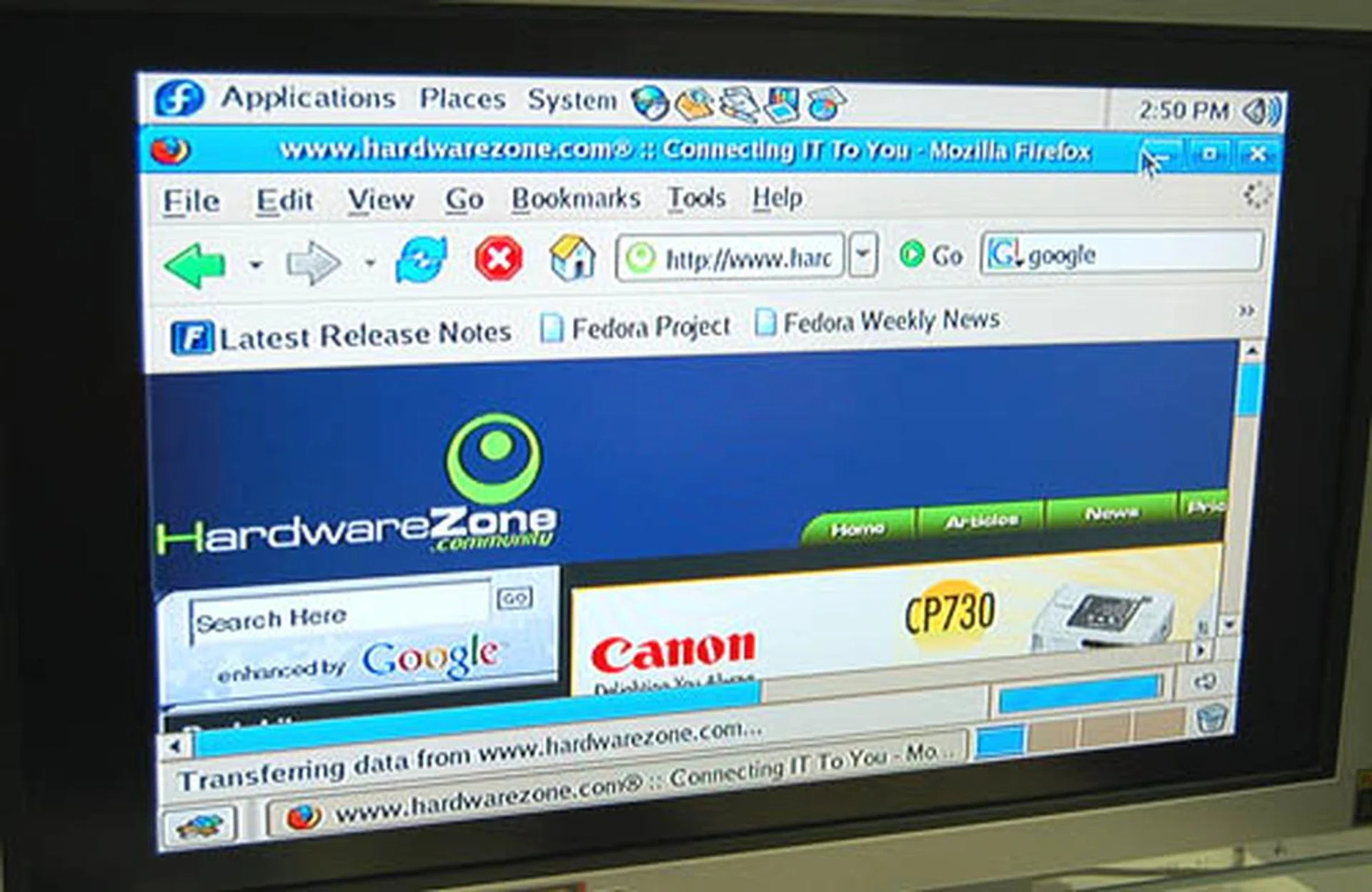
We tried surfing Hardwarezone but as you can see, it's not practical with our resolution.
We also tried to play some media, like audio and video clips. The sound driver seems to be initialized properly and it worked. However, the MP3 file we tested did not play due to the lack of a decoder while the video player failed to find an appropriate codec to playback our video file. Again, some of these issues may be specific to Linux, like the lack of video codecs and should probably be solved with some downloads in time to come. Out of the box however, the multimedia aspect is definitely not ready for mainstream use yet, though that may not be directly related to the PS3.
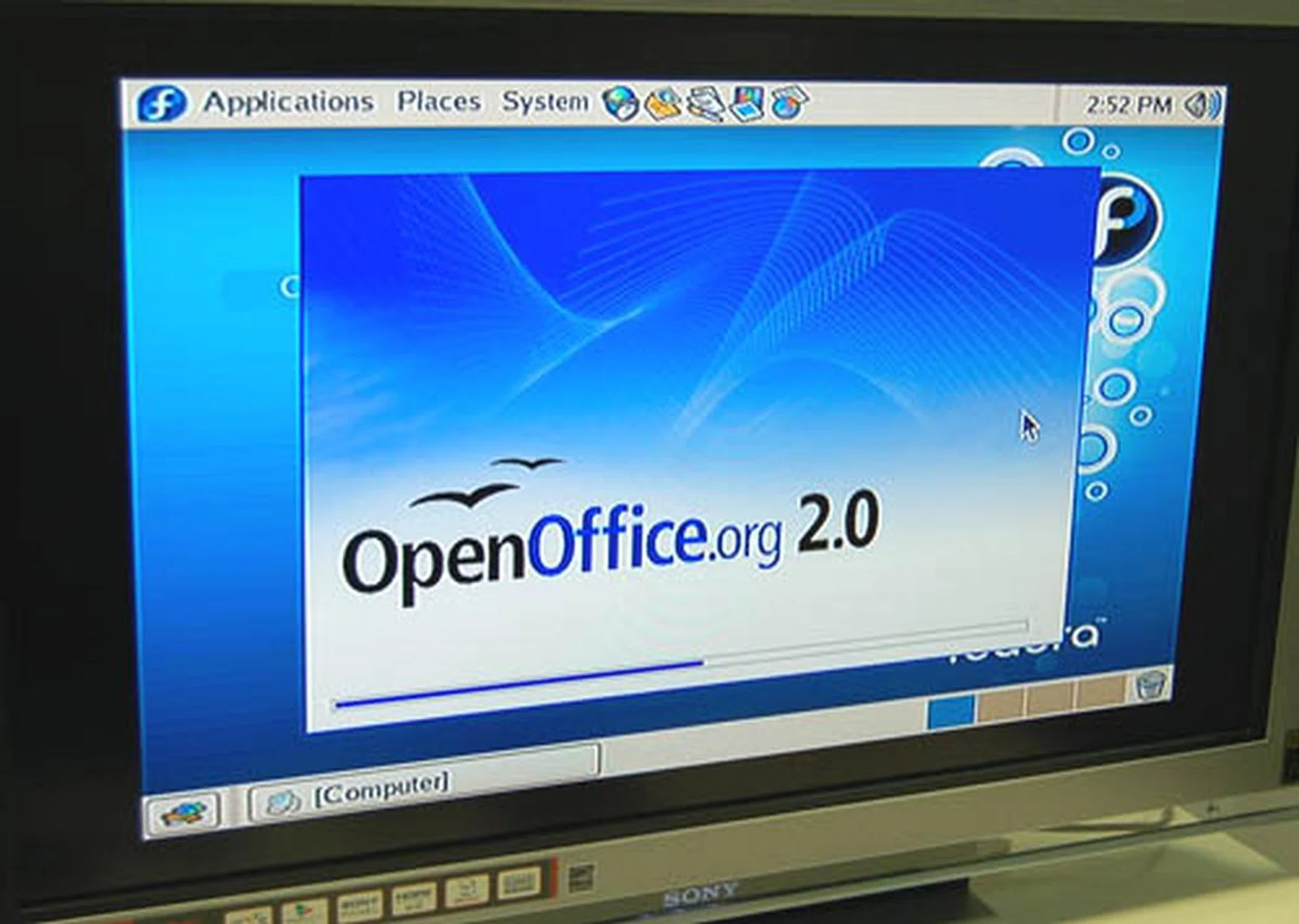
It took a while to get Open Office started and the result of that wasn't too impressive either.
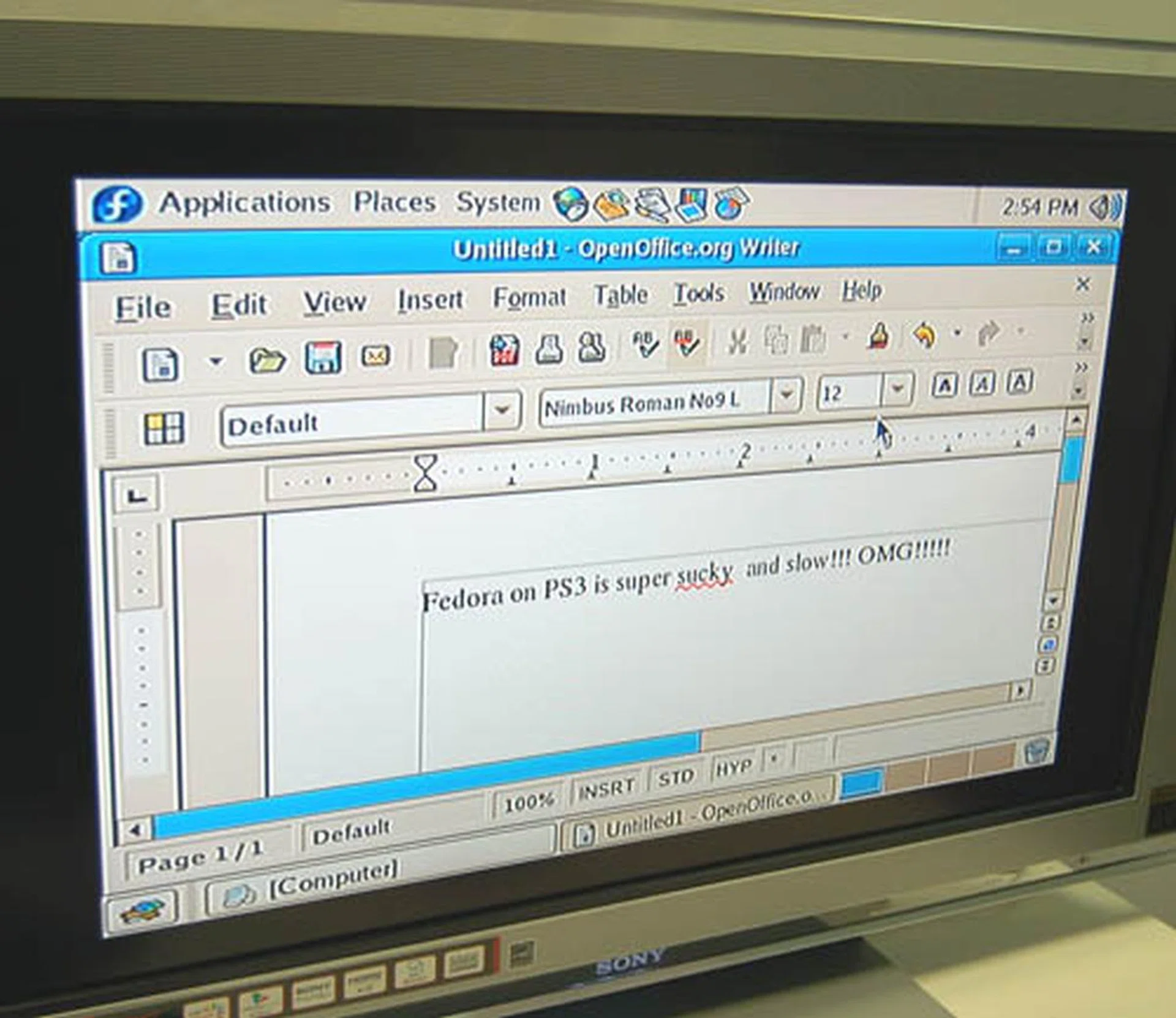
A sentiment expressed by a colleague. Nothing works practically when your resolution is stuck at a pathetic 576 x 384. Hopefully this would be rectified real soon.
Our Thoughts
Overall, it was an interesting experiment trying Linux on the PS3. The rawness of the installation could be attributed to the fact that we were just trying to fit a square peg into a round hole: the PPC version of the Fedora Core 5 we installed was not meant for a PS3. Terra Soft and its just released Yellow Dog Linux should prove to be more user friendly, since it is tailored for the PS3 and hopefully it will have all the required drivers. After all, most of our issues stemmed from the lack of graphics drivers and getting that right would be a major step towards making the PS3 a viable platform for Linux.
Sony has already sounded off to the industry and its open platform looks credible at the moment, so you can expect to find more Linux based developments for the PS3. Yellow Dog Linux is the first and hopefully not the last in the line of such Linux distributions. The rest is up to the open source community, though the PPC nature of the PS3 may be a hindrance, as most projects are likely to be for the x86 architecture. There's no way (yet) to run Windows through a Linux emulator like Wine for instance, since the architecture is radically different.
In the end, similar to the state of PS3 games and Blu-ray at the moment, there is a lot of untapped potential in the PS3. The idea of getting a full-fledged Linux based computer along with a game console and Blu-ray player appeals to the geek within us, while we would certainly like to see emulators like MAME or ZSNES running on the PS3 just for kicks. However, at this moment, there is also a lot of work to be done. We'll update this article (or better yet, dedicate a whole new article) once we get a copy of Yellow Dog Linux on our PS3 and maybe there will be some progress then.
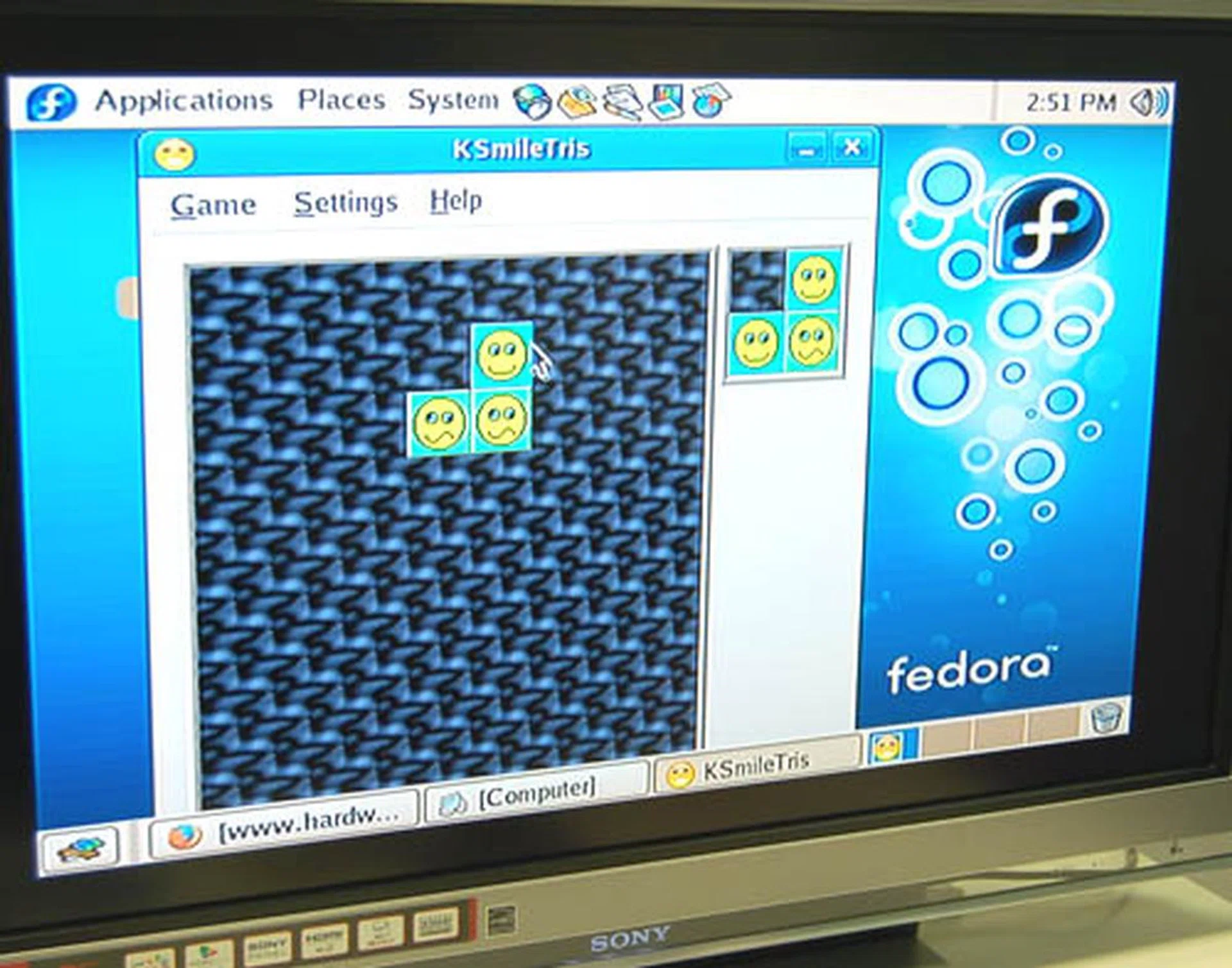
It's more frowns than smiles so far for our Fedora Core installation but we may have better luck with the 'Made for PS3' Yellow Dog Linux distribution. Watch out for it!
PS: In case you're wondering how to get your PS3 back into its pristine condition, don't worry. You can revert back to the default PS3 XMB interface anytime by pressing and holding down the power button during a reboot of the PS3. There will be a slight beep and the PS3 operating system will be back. Subsequent reboots will always load the native PS3 system. To access the Linux partition again, you will have to go to System Settings and change the Default System to Other OS. Similarly, after doing so and booting into Linux, your PS3 will always boot into Linux until the next time you perform the power button reset.
Note that this article was based on our experience of running Linux on the PS3 and we are in no way liable if the outcome is unlike what we have presented. So proceed with caution if you are game on giving it a shot and read up on the third-party resource links in our article to extend your understanding.
Our articles may contain affiliate links. If you buy through these links, we may earn a small commission.