

Windows Mobile 6.1 - On the Dot
News of a timely update to the Windows Mobile platform have been floating around for some months, and at last, Windows Mobile 6.1 is now finally official. Join us, as we take a quick tour of the new snazzy interface on Microsoft's latest update to the platform.
It's Six Dot One!
Windows Mobile 6.1. The elusive operating system for both smartphones and PocketPCs that has been in discussion within various forums for the past few months has finally gone official just yesterday in Las Vegas during the CTIA Wireless 2008 event. As one of the two major operating systems (OS) that has powered mobile phones in recent times, Microsoft has been on the ball in improving its Windows Mobile experience ever since its earliest Pocket PC 2000 iteration, to its rolled out Windows Mobile 6 and akin to Duracell batteries, they seem to be going on and on � which is definitely a good thing for consumers. In conjunction with Microsoft's official announcement, here in Singapore, Windows Mobile 6.1 was given the unveiling treatment at the Red Dot Museum. Whilst the official word for the availability of Windows Mobile 6.1 is slated to be in the third quarter of 2008 (which is just another 3 months away), here's a little sneak peek on what you can expect on your future Windows Mobile device.

Here in Singapore, Windows Mobile 6.1 was formally unveiled at the Red Dot Museum. Interestingly, that's an apt venue of choice for this announcement. (6.1, Six Dot One).
Key Features of Windows Mobile 6.1
Generally speaking, Windows Mobile 6.1 is building further on the Windows Mobile 6 platform, adding various new features and functionalities to enhance the user experience. The biggest improvement was noticeably found on Windows Mobile 6.1 Standard, designated for non-touch screen mobile devices, whereas Windows Mobile 6.1 Professional (for touch screen enabled devices) does gets a slight tweak in its user interface. The crucial point here is the closing gap with regards to the user interface between the Standard and Professional standard, similar to what we've seen in Windows Mobile 6. Over the following pages, we give you a quick breakdown of what to expect in Windows Mobile 6.1.
Getting Started
Applicable for both the Standard and Professional version, the Getting Started Center is pretty self-explanatory, and provides you with a fast and intuitive method to perform the basic setup in a matter of minutes. User friendliness is a plus point for Windows Mobile 6.1, which might see an increase in new adopters for the platform.
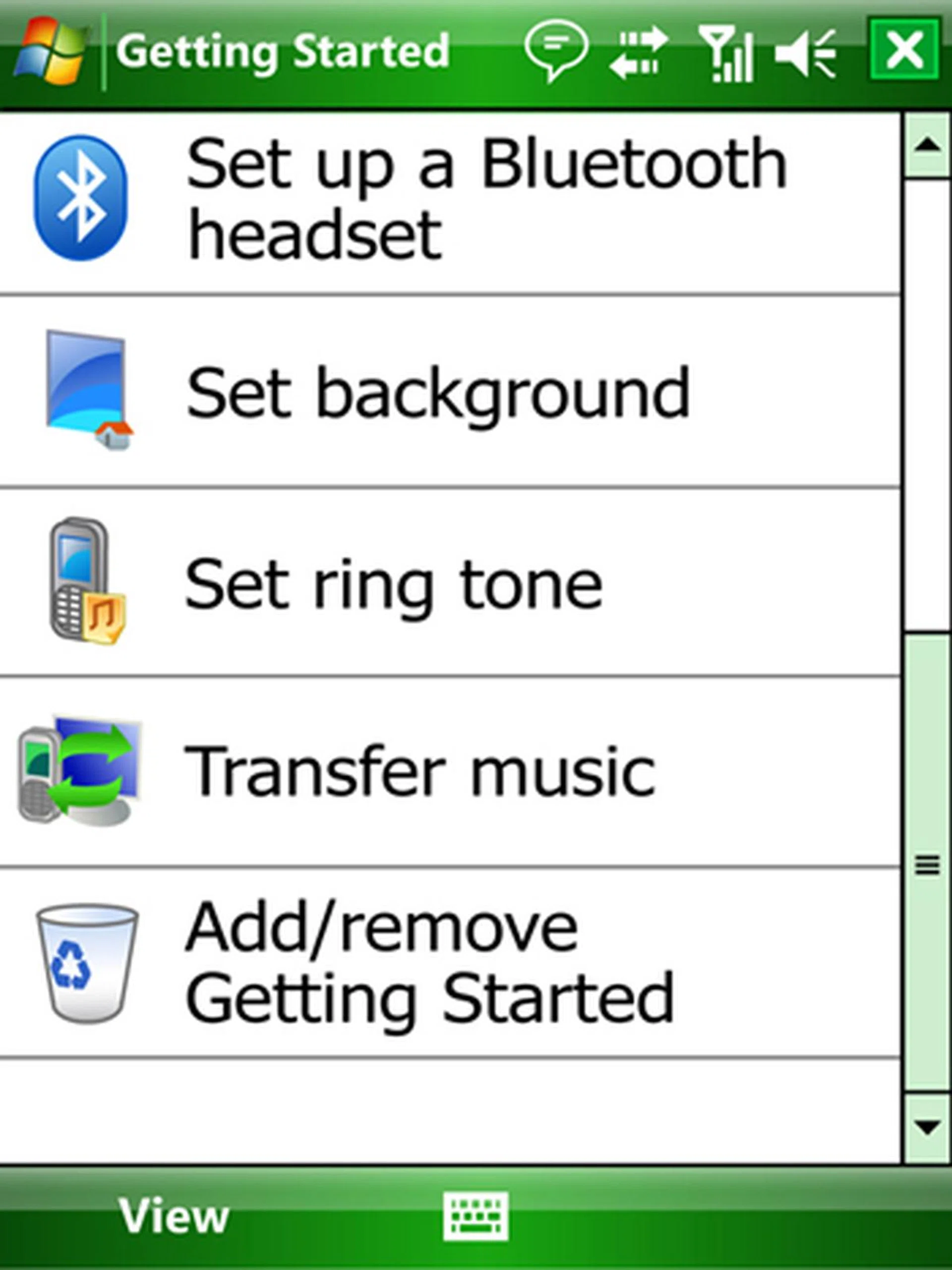
Getting Started provides easy steps for users to configure their date, time, e-mail settings, security, Bluetooth connectivity and phone functions such ring tones.
Sliding Panel Home Screen
Exclusive to only Windows Mobile 6.1 Standard, this is the major point of improvement that Microsoft included for this update. From the outset, what we've noticed was the singular yet multi-functional user interface introduced with the all improved Home screen, dubbed as the Sliding Panel Home Screen. By allowing you to utilize just only the Home screen to retrieve various information such as time, messages and e-mails to multimedia functions that allows you to scroll through thumbnails of your images and music files (which, by the way, can be played right off the bat from the Home screen), we found this new interface to be the true gem of Window Mobile 6.1.
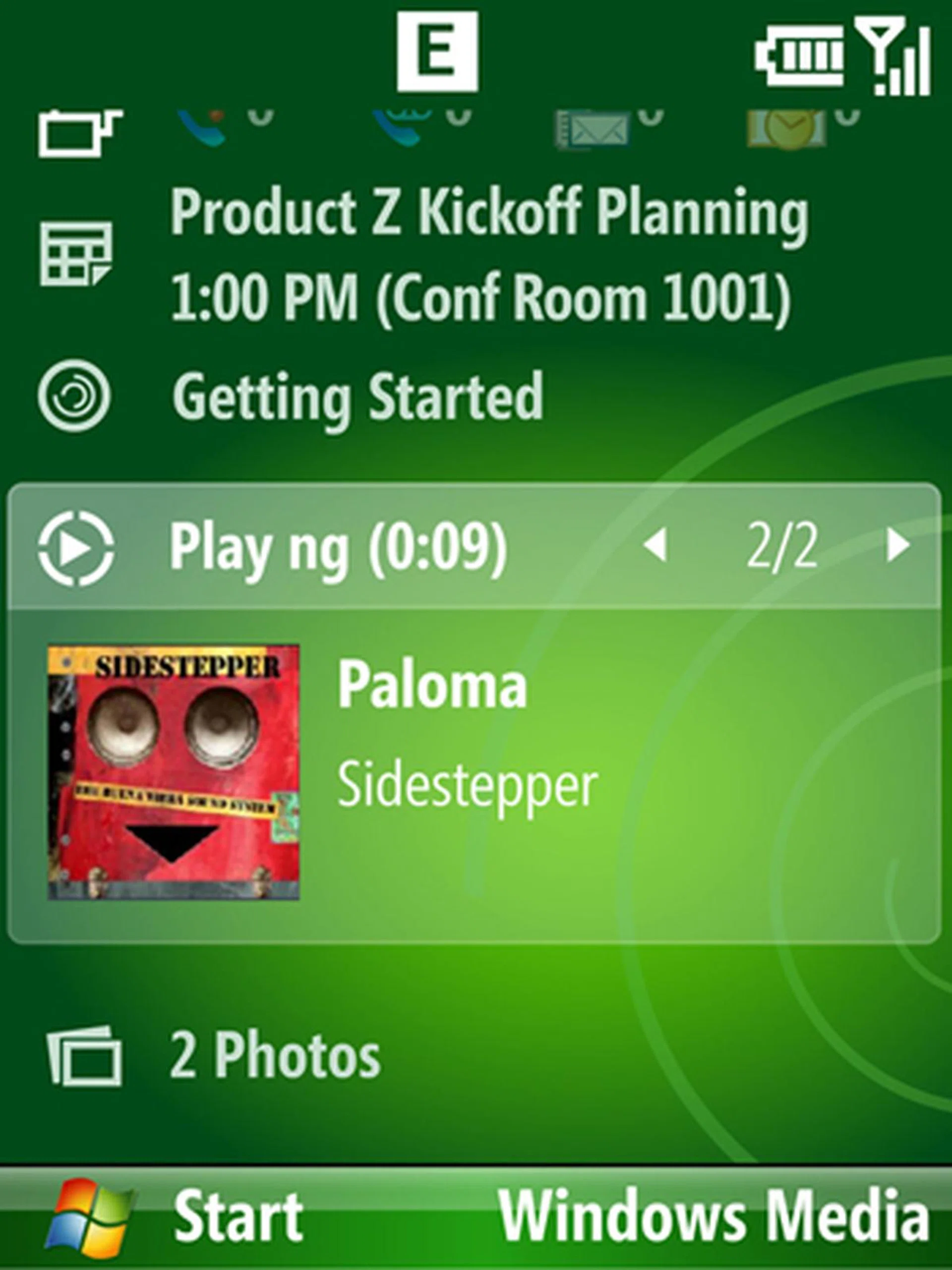
Major improvements are duly noted for the Standard version whose revised and easier user interface comes closer to what a Professional version delivers.
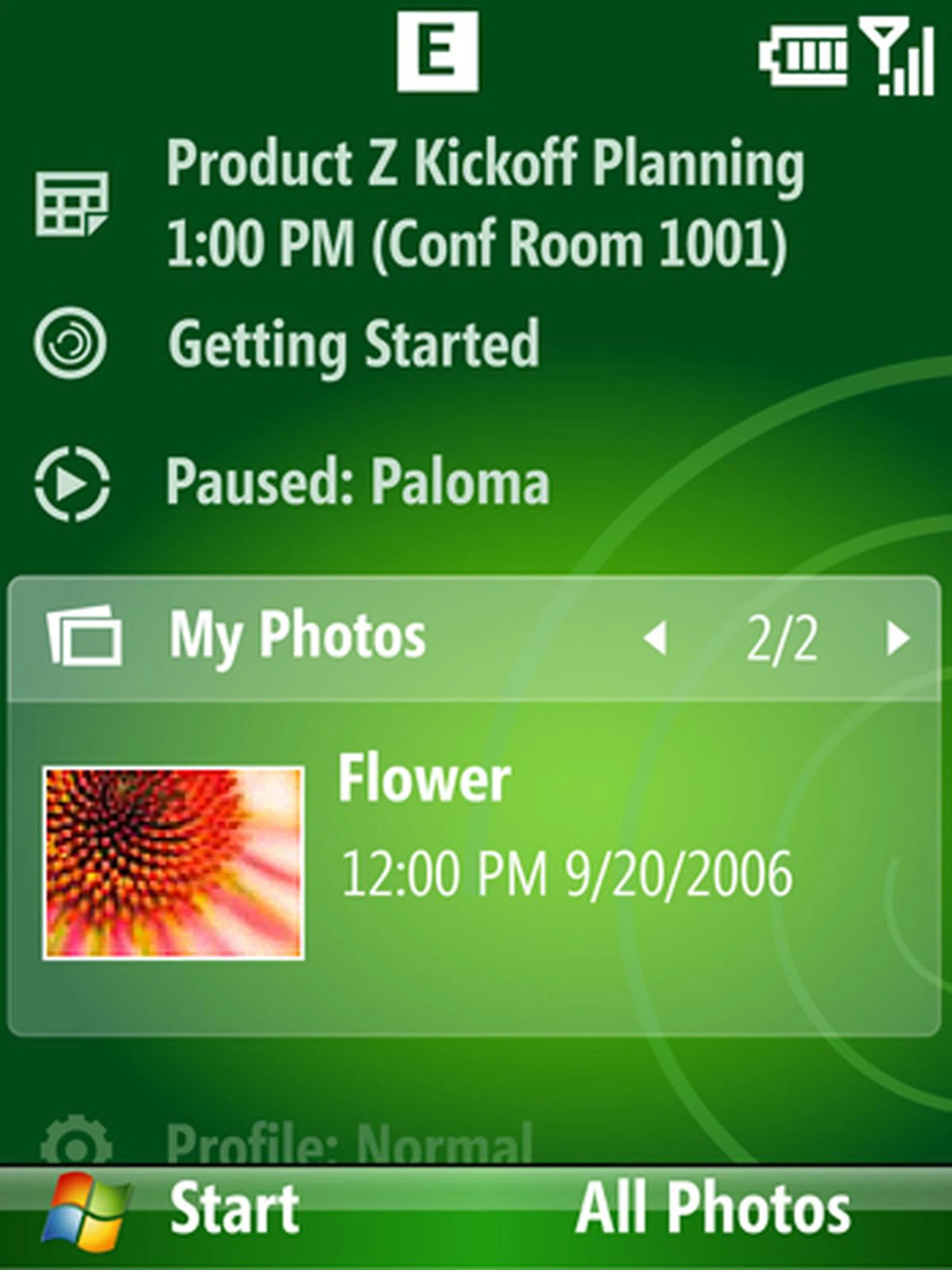
The new Home screen brings further enhancement to multimedia functions, providing you with direct access to both music and images.
Messaging Improvements
Threaded SMS - For this, we have to thank Palm's introduction of threaded messaging on its Treo series. Akin to a normal instant messaging window, each SMS that you receive is now tied specifically to the sender, thus giving you a brief history of your previous conversations and helps refresh your memory if the need arises. More importantly, with the introduction of threaded SMS for both versions of Windows Mobile 6.1, you will spend less time searching for messages, and have more options to reply to the sender either via text, phone or even e-mail.
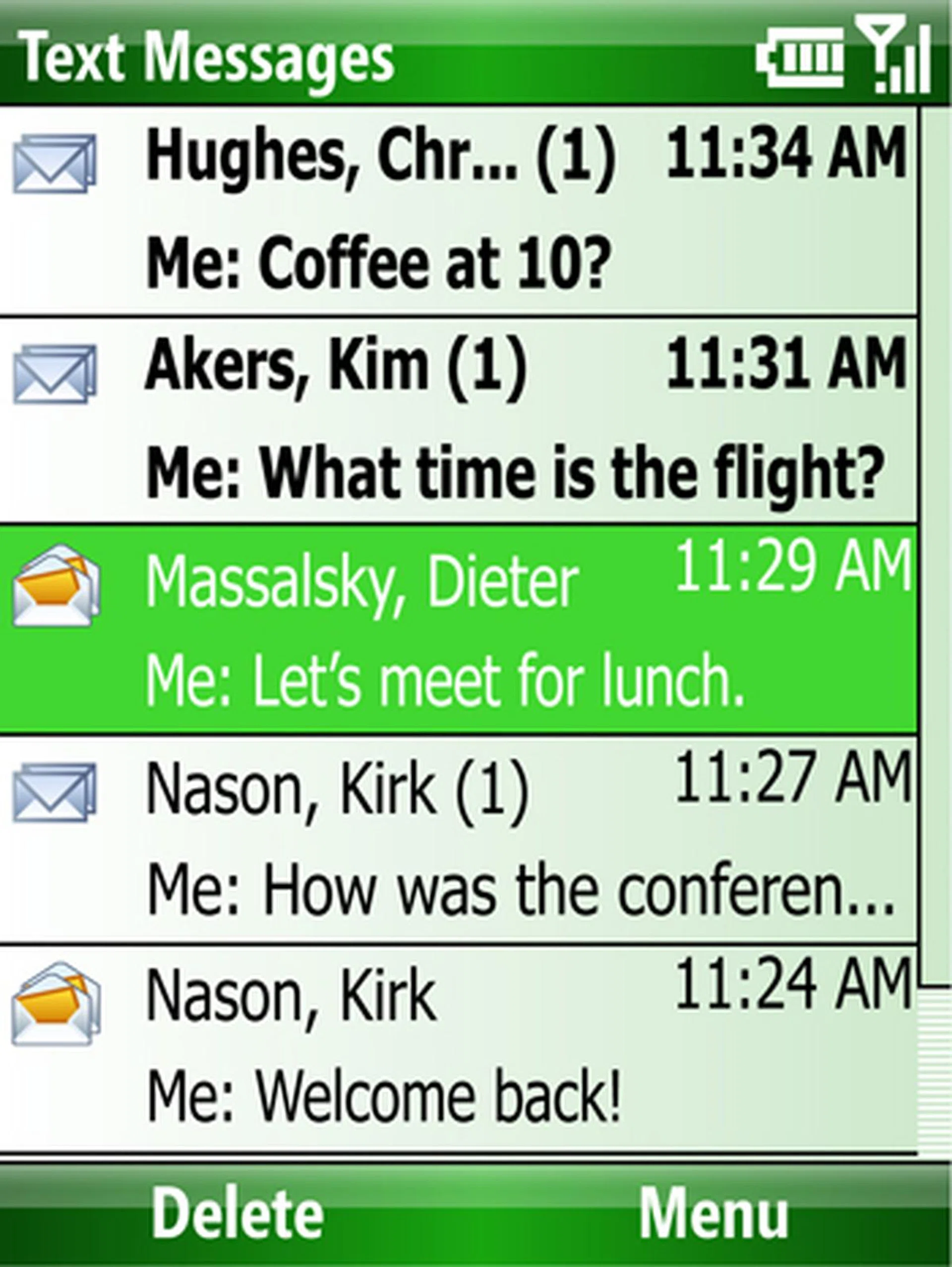
The standard messaging interface is still present. However, there's an added search function to locate the message or sender, and more importantly, after you select the message...
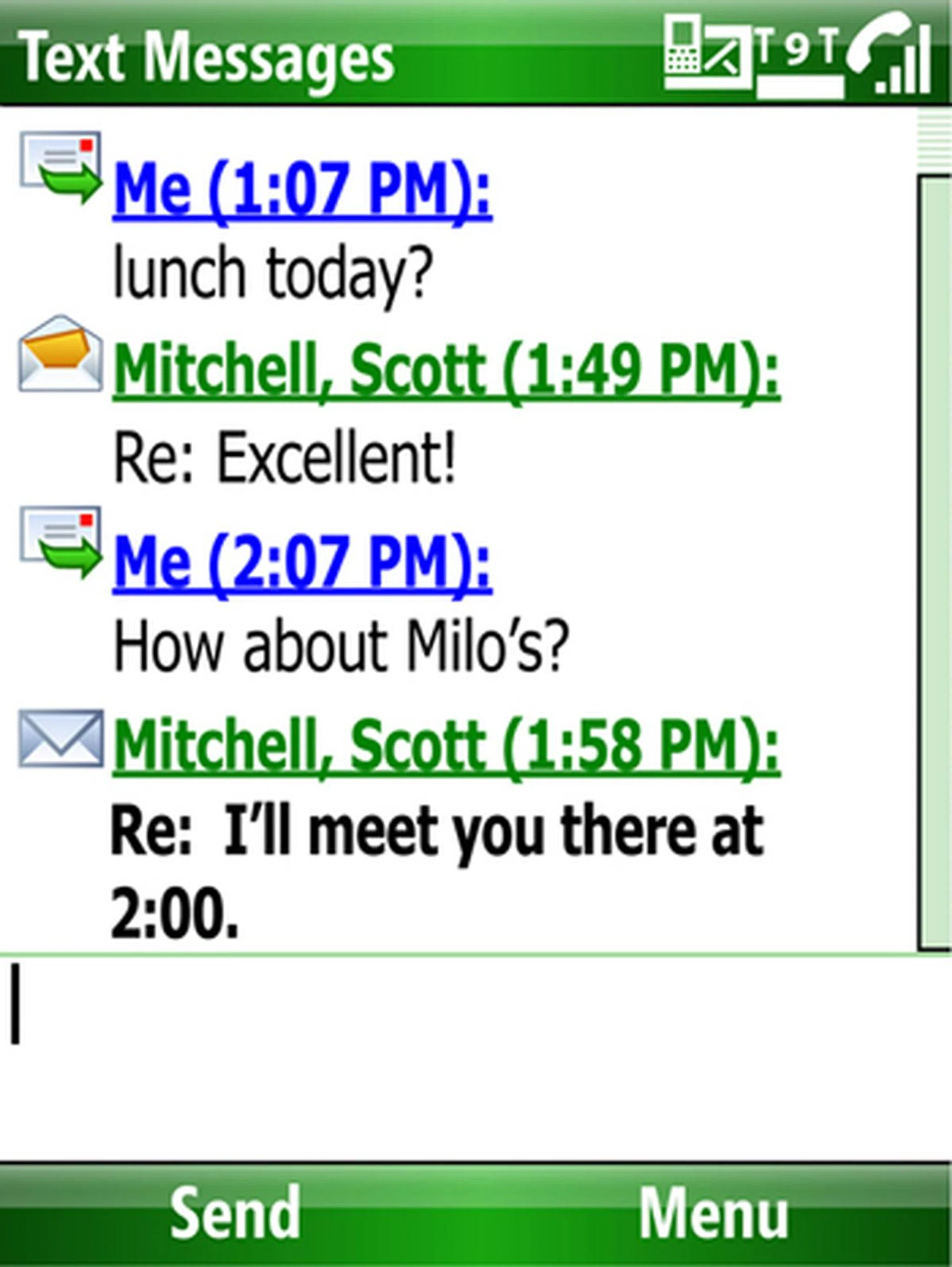
...you'll find the popular threaded SMS pioneered by Palm for its Treo devices and given due attention by Apple's iPhone is now readily available on Windows Mobile 6.1
Enhanced Internet Experience
An all improved Internet Explorer Mobile will also be available under the Windows Mobile 6.1 update. Though Nokia's S60 devices have long since supported the ability to zoom in and out of web pages with its web browser, the added zooming option on the Internet Explorer Mobile is still a definite welcomed improvement for Windows Mobile devices. With this new feature, web pages that are not specifically designed for mobile devices are now much easier to view.
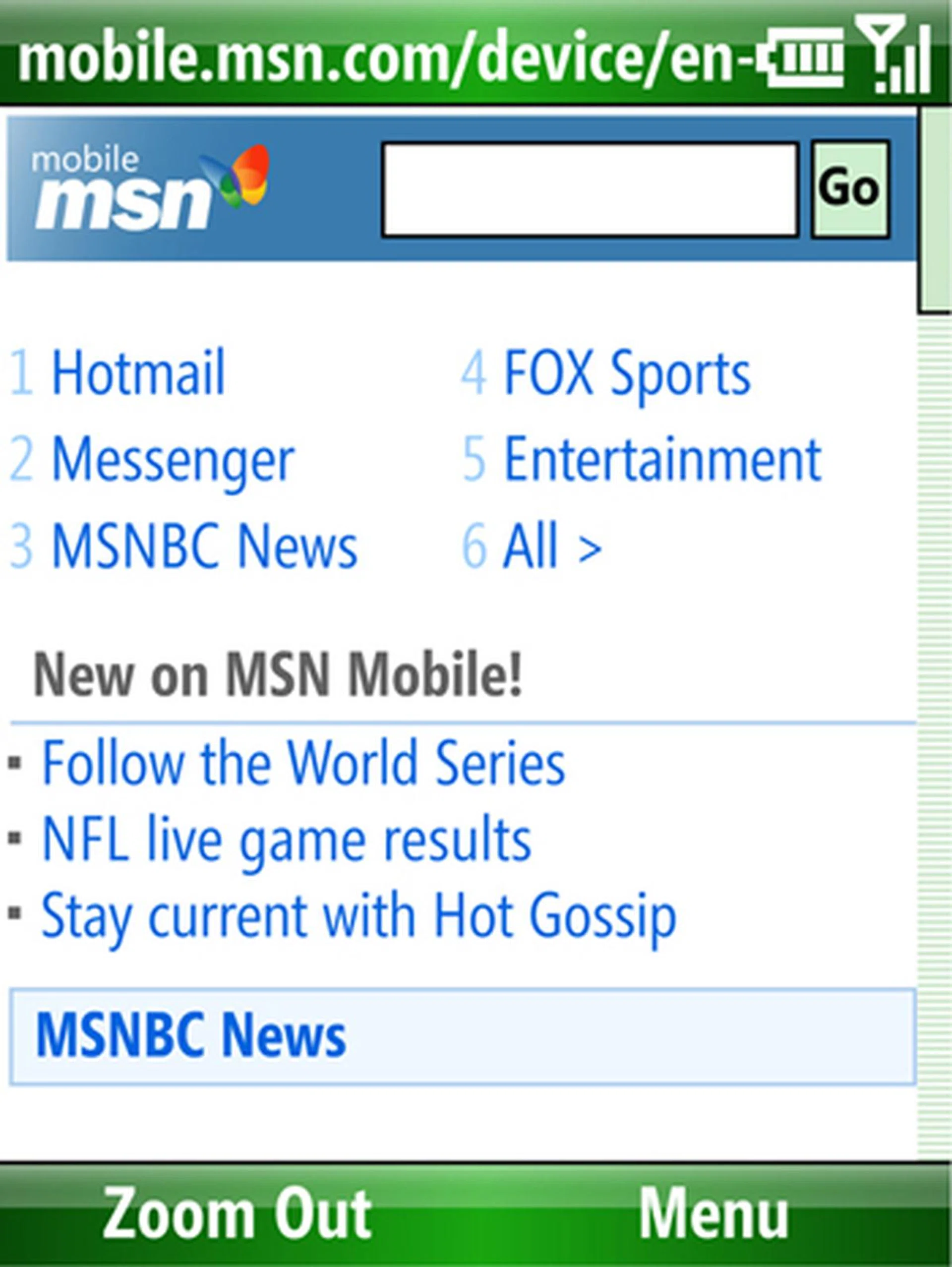
A Page Overview is also added, allowing you to have a view of the full web page first and selecting specific portions to zoom in when they navigate to the selected areas.
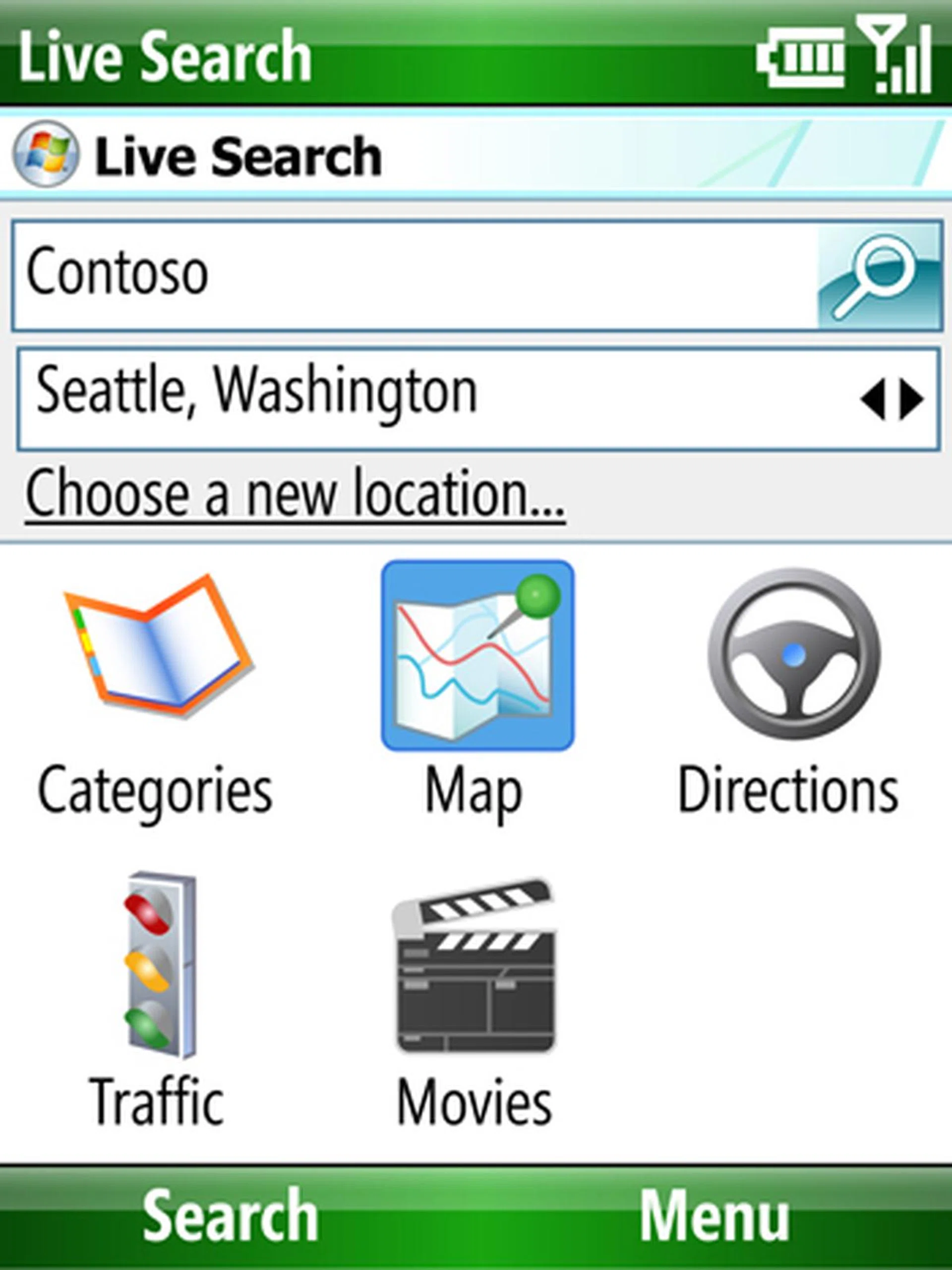
Live Search receives an enhancement with categorized search options that gives you faster and easier access to what you'll need.
Our articles may contain affiliate links. If you buy through these links, we may earn a small commission.