
ASUS @ Computex 2008
It's definitely been a busy first day at Computex 2008 for ASUS as they lead the netbook charge with a new revision to their ever popular Eee PC series. Join us as we take you to their official launch of the Eee PC 901/1000 and then a tour around their ever crowded booths here in Taipei.
ASUS Eee PC 901/1000 Launch
The launch of the latest addition to the ASUS Eee PC series may come as no surprise to most people who have been following news of an Intel Atom Eee PC. Indeed, the specifications and looks of the newest Eee PC 901/1000 pretty much keeps to the same formula that has made them the ones at the top of the throne in the netbook category.
There have been a few changes however, most notably the change in the processor type: from the previous Centrino based single core to the new and flashy Atom. Other significant changes also include an 80GB normal HDD in the 1000 series (which also comes in a 40GB SSD version) and the fact that Bluetooth is now built into all the newer models and the models all support the Draft N wireless standard.
New models are always a good thing and ASUS has crammed a load of improvements to the newer Eee PC models. For instance, the increased battery life of up to 7.8 hours is one claim that we will put to the test the moment we get our hands on the unit. Another is the bigger keyboard of the Eee PC 1000 and 1000(H), and is touted by ASUS to be 92% of a full-sized keyboard (similar to the HP Mini-Note).
While the Eee PC 901 still retains the same flavor as the Eee PC 900 with regards to the choice of OS and storage capacity, the SSD version of the Eee PC 1000 only comes enabled with Linux, while the Eee PC 1000(H):- the one with the 80GB HDD, allows you to choose either Windows XP or Linux. The last and most significant change with the newer models is one that we feel will affect the decisions of the more picky consumers, that being the weight of the units which have been increased. THe newer Eee PC 901 weighs in at 1.1kg, the Eee PC 1000 at 1.33kg, and the Eee PC 1000H at 1.45kg.
Expect a full review when a unit arrives at our labs soon, for now, take a quick look at our shots of the event itself on the next page.
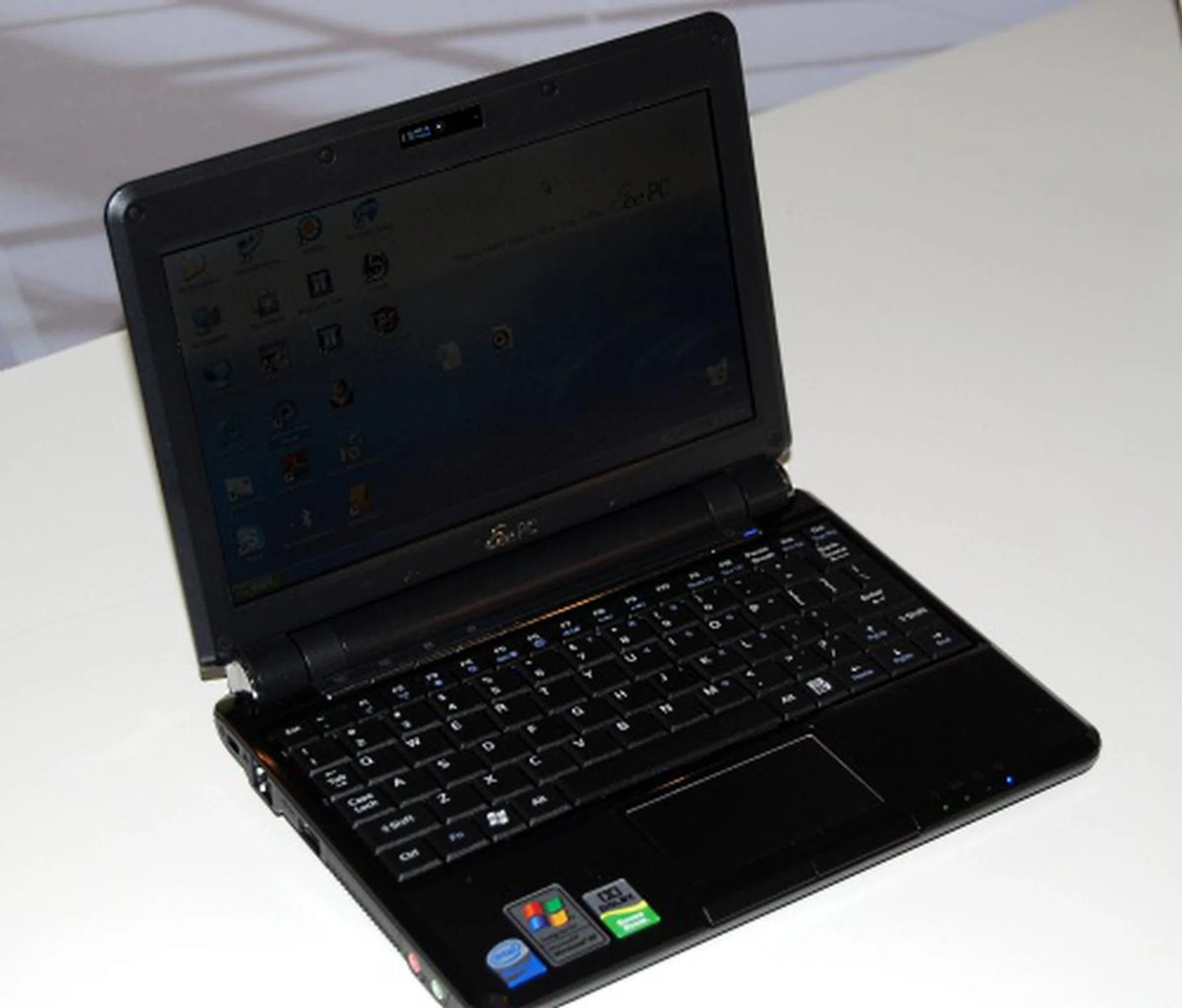
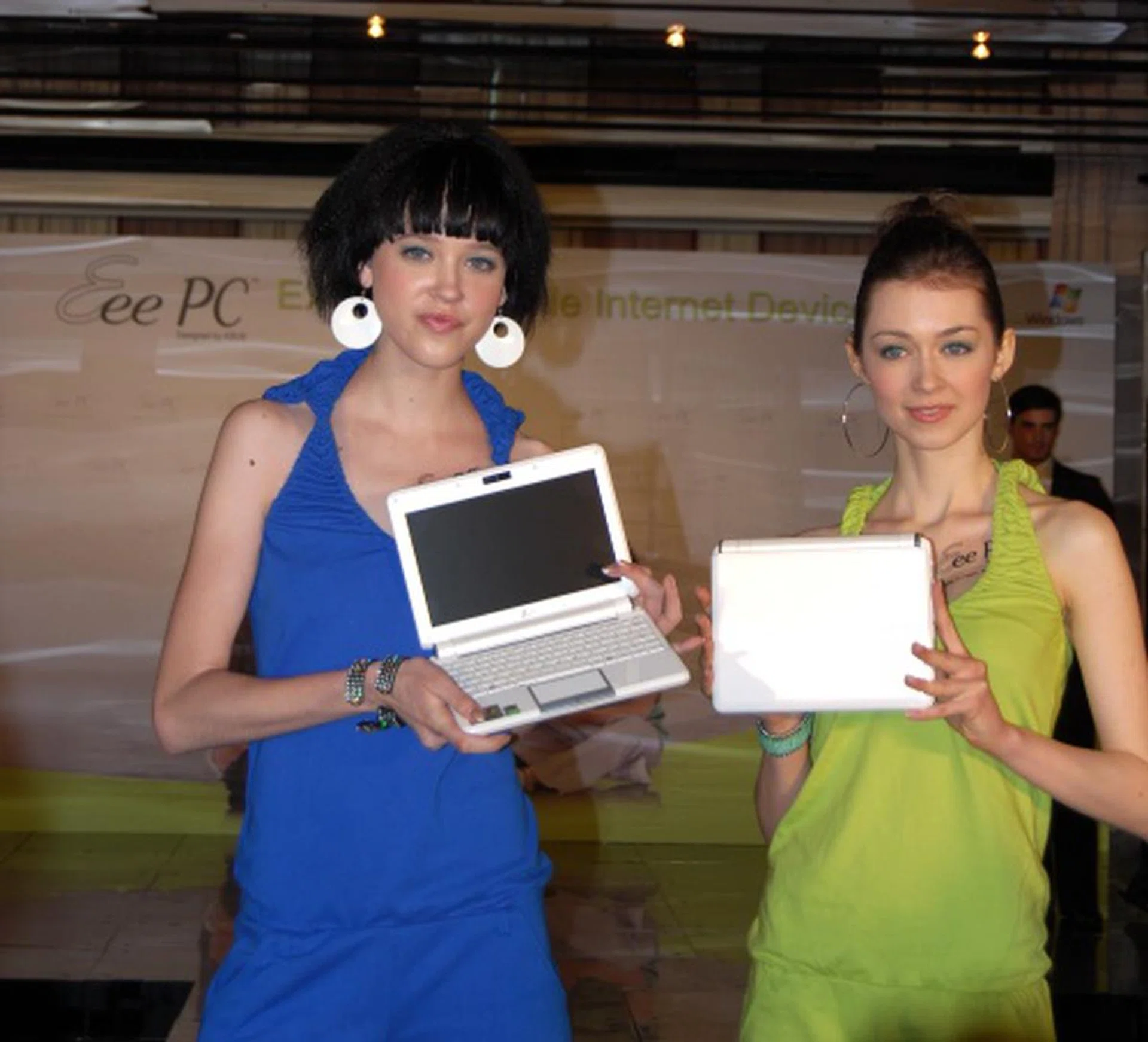
The black version of the Eee PC 901 drew the usual amount of attention from everyone attending the event. It's just that hard to resist a new Eee PC model.
ASUS Eee PC 901/1000 Launch - Part II
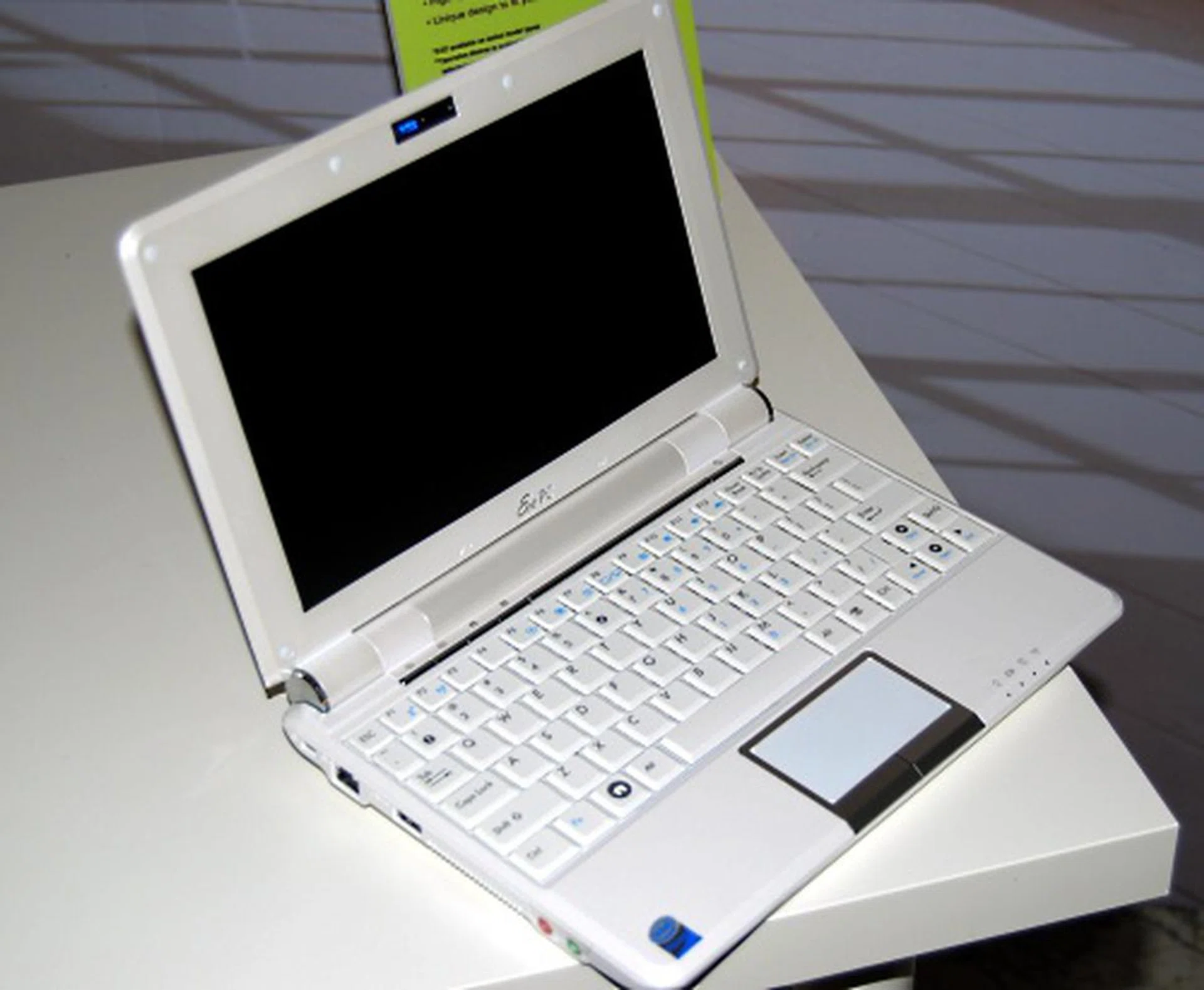
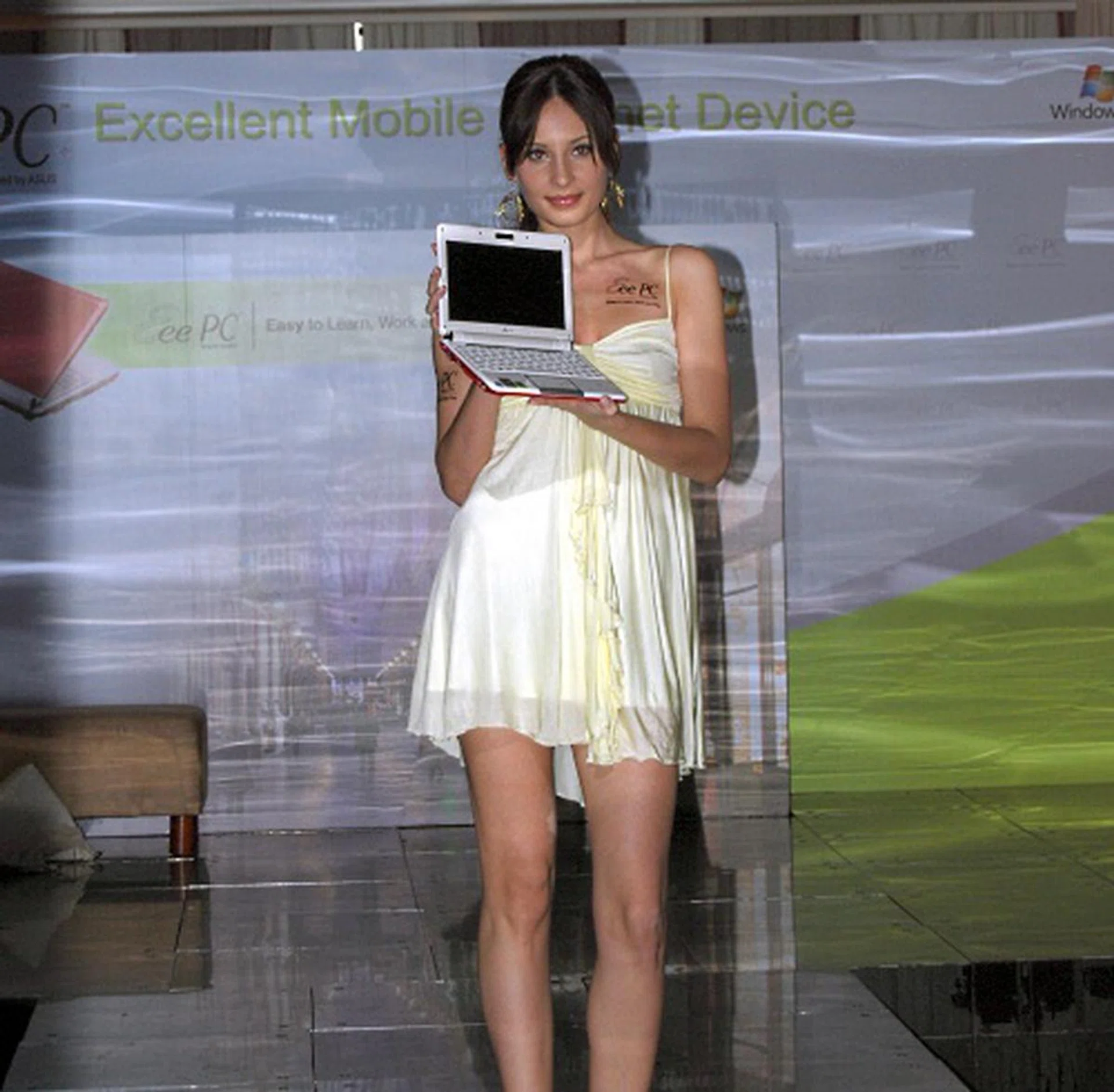
The slightly larger Eee PC 1000 sports a 10.2-inch screen, and a 40GB SSD. Looking the same as its smaller cousins, the Eee PC 1000 is much heaver though, weighing in at 1.33kg.
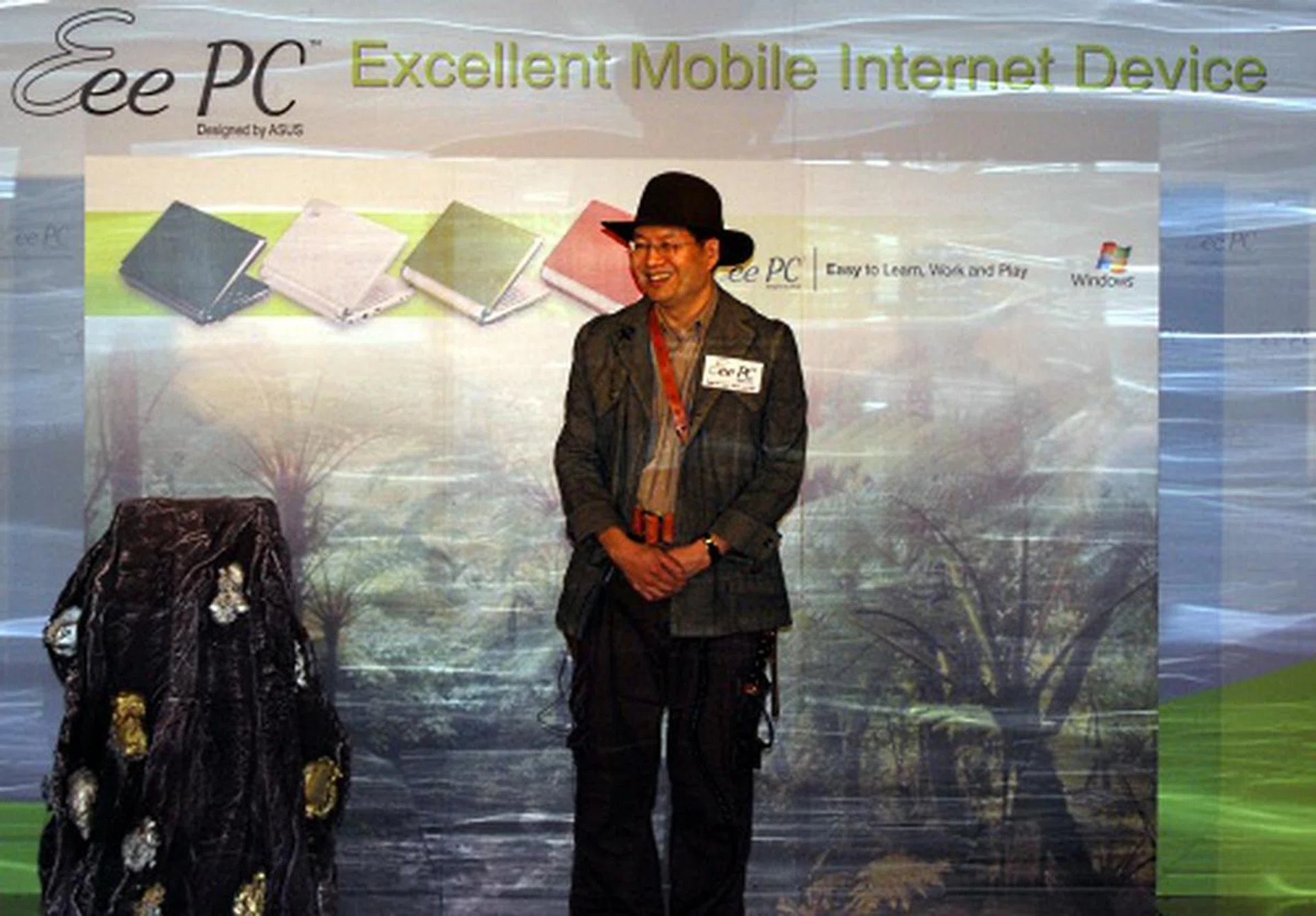
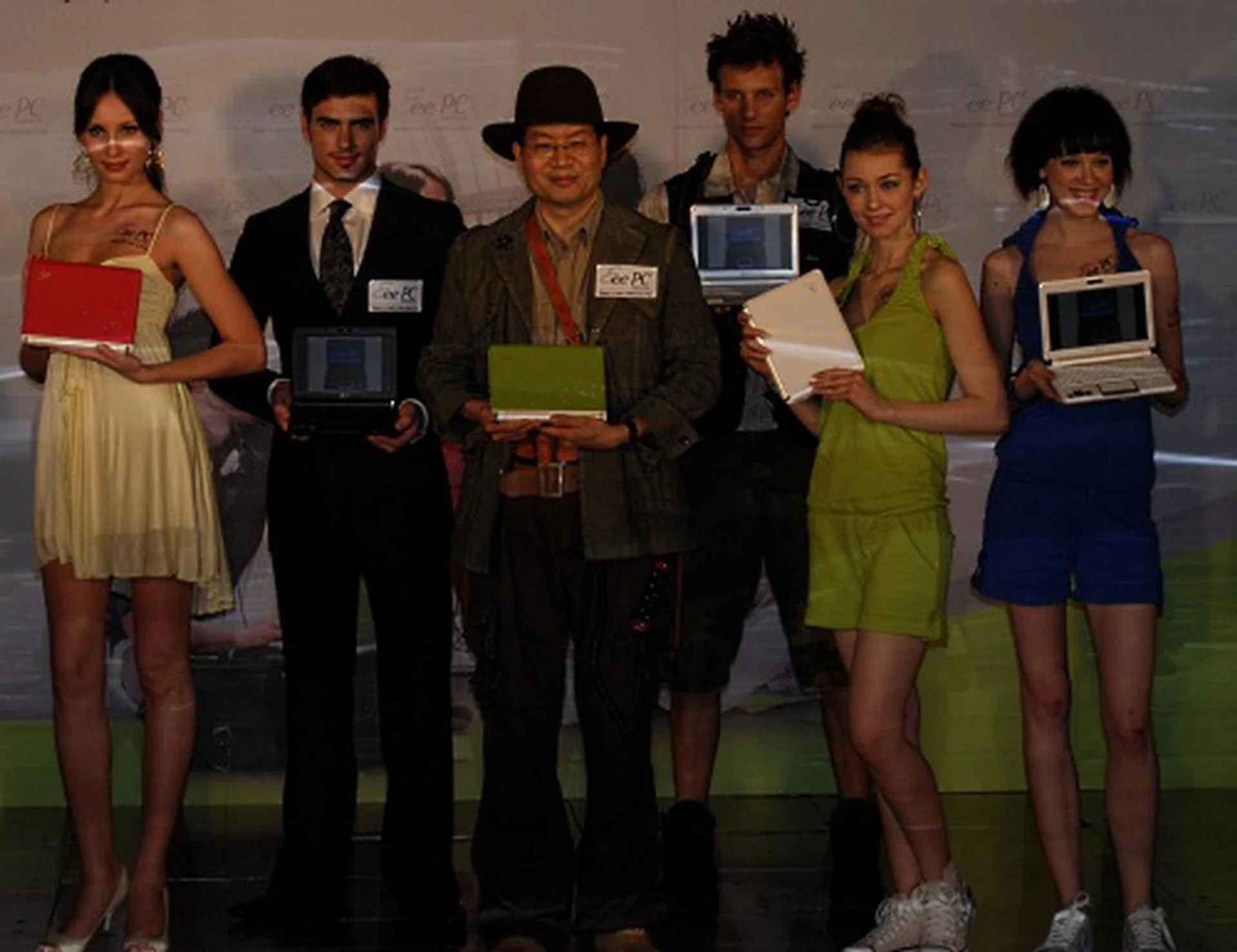
Keeping to the rugged theme of the event is ASUS CEO Jerry Shen, who came dressed as Indiana Jerry, complete with whip. He spent a few minutes speaking to the appreciative crowd about the newest Eee PC model.
The Eee Family
Of course, it's always good to add on to the fun of having an Eee PC and ASUS is happy to oblige, as we can prove. Take a look at the other peripherals for your Eee PC and also bask in some shots of the new Eee Box
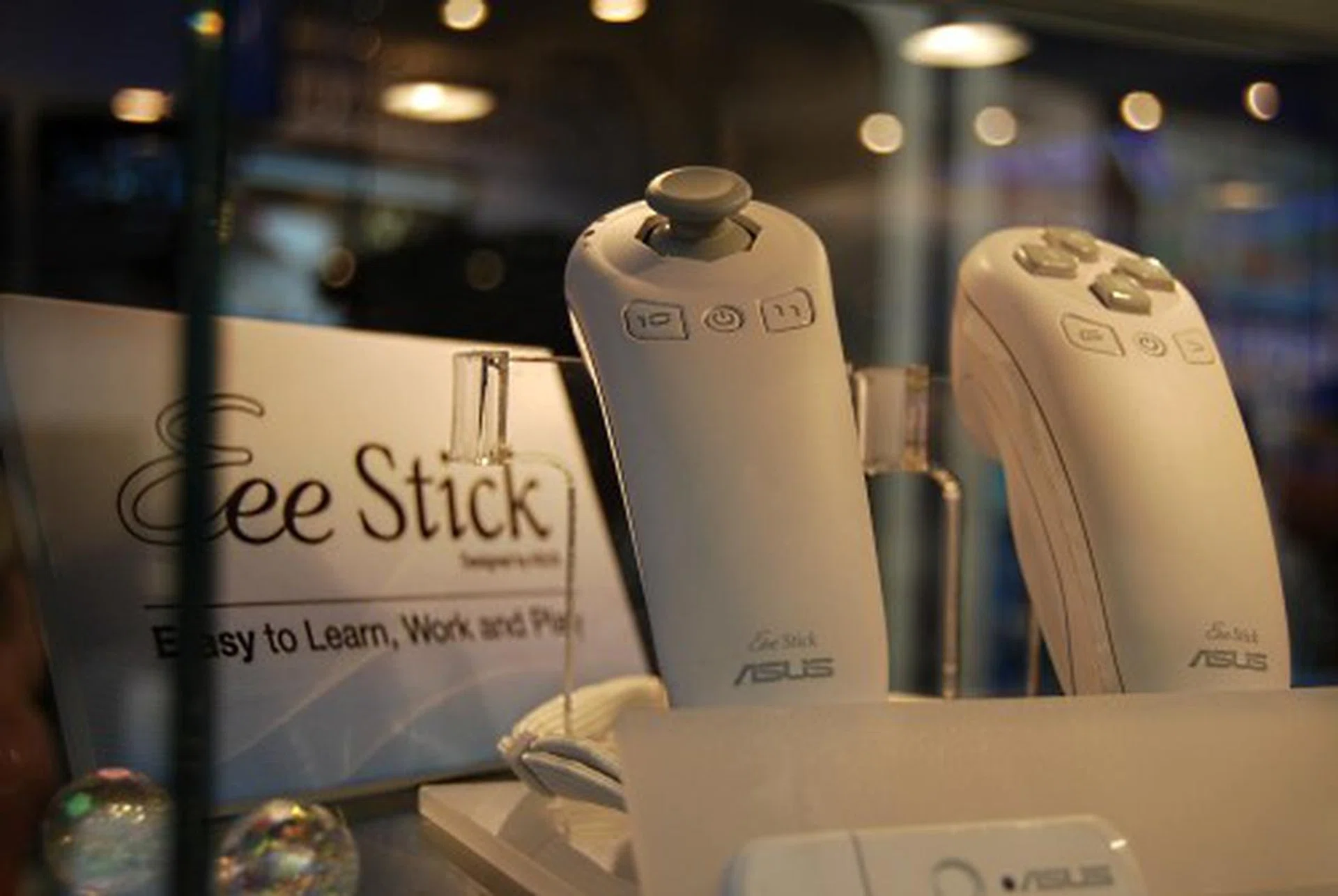
The ASUS Eee Stick looks very similar to a certain console's controller, except it's lacking any wires. With two gyros and an accelerometer, the Eee Stick will be used mostly for gaming, though we're sure there's plenty of other applications the Eee Stick can be used for.
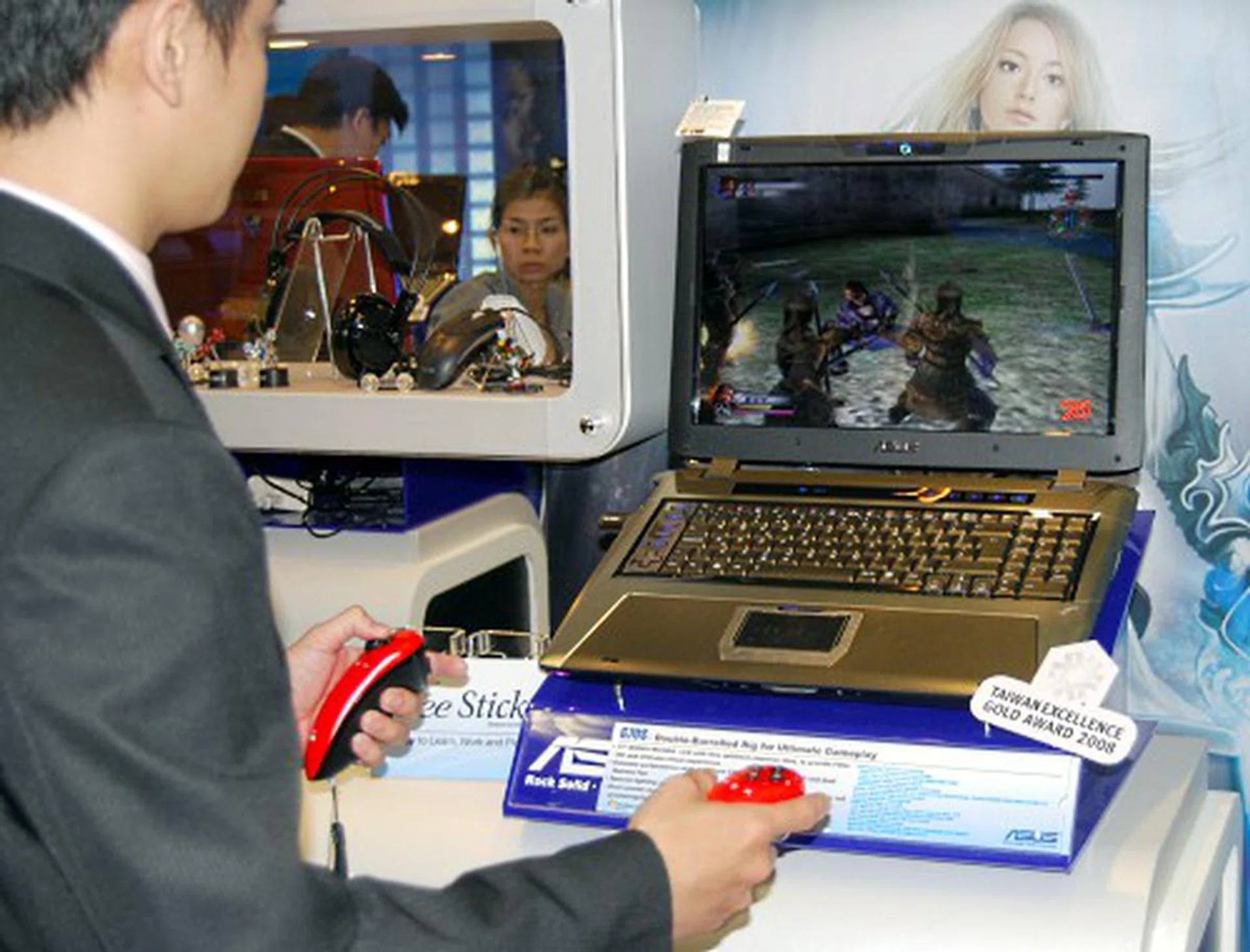
This guy was definitely having fun killing tons of enemies using the Eee Stick.
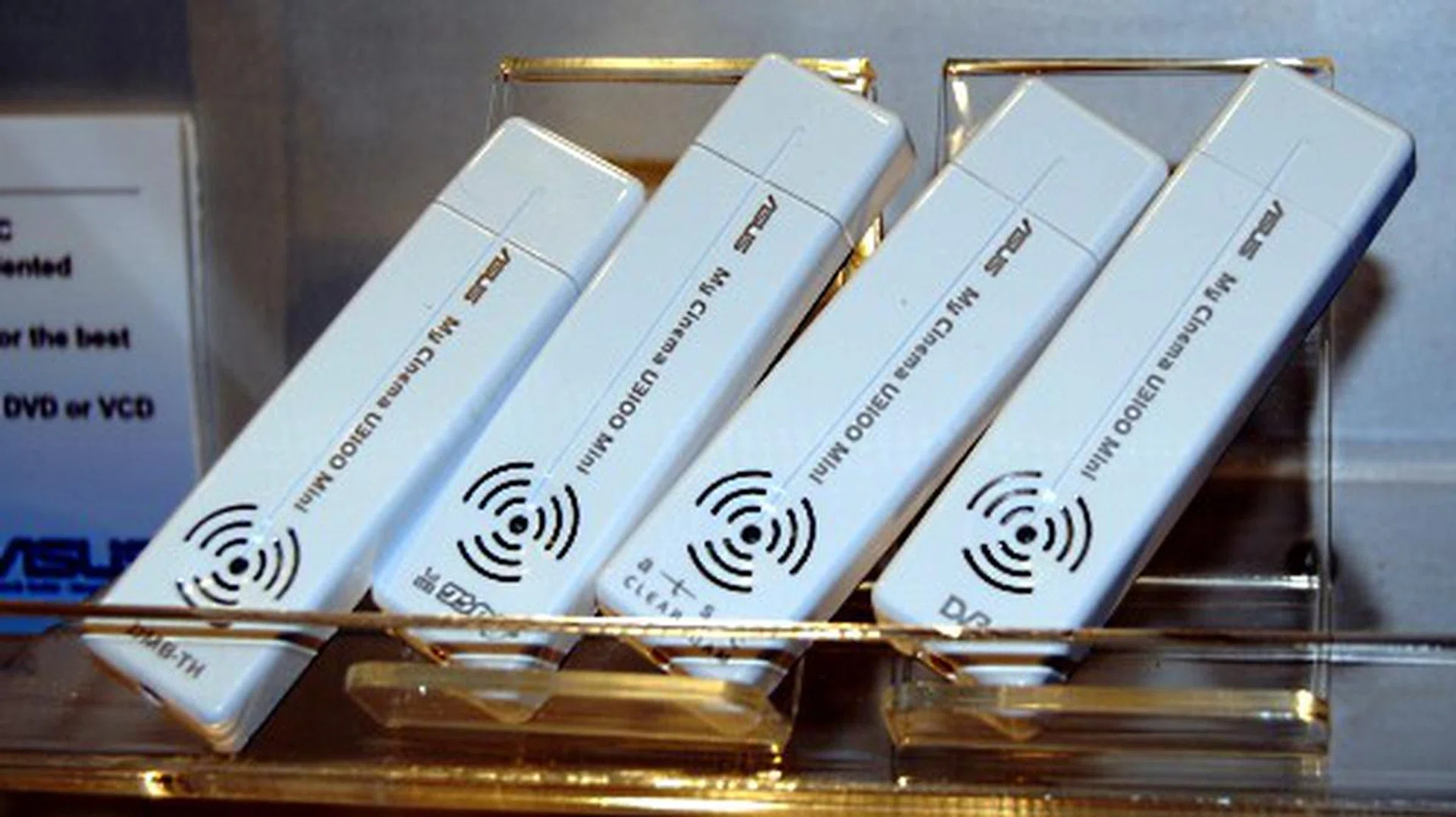
Well, what better way to make use of the ~7.8 hours of battery life than to watch TV with this nifty add-on from ASUS? It's all plug and play and no additional software is required (and obviously, it's not only just for the Eee PCs).
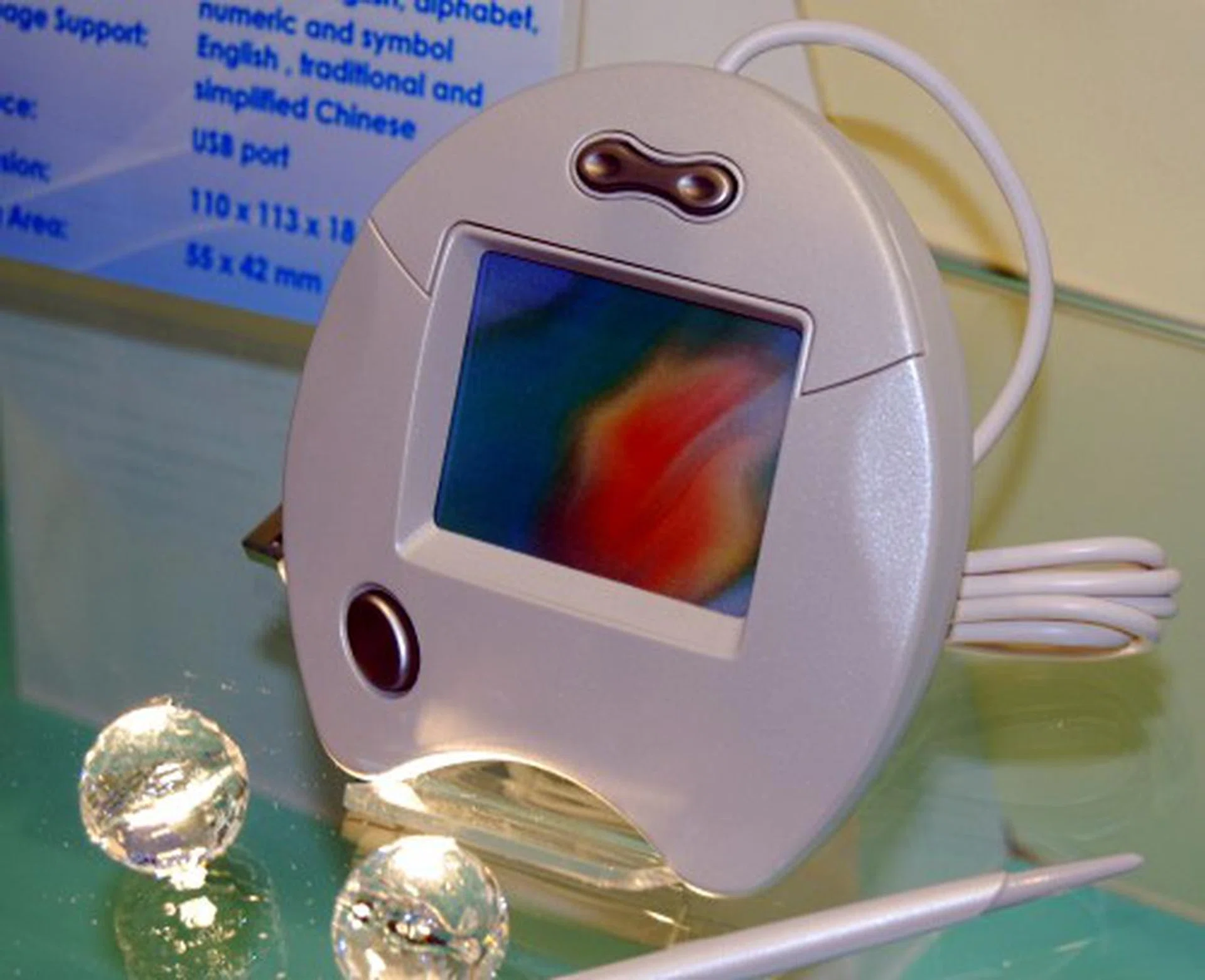
Adding on to the whole Eee experience is this handwriting pad for both mandarin and english alphabets.
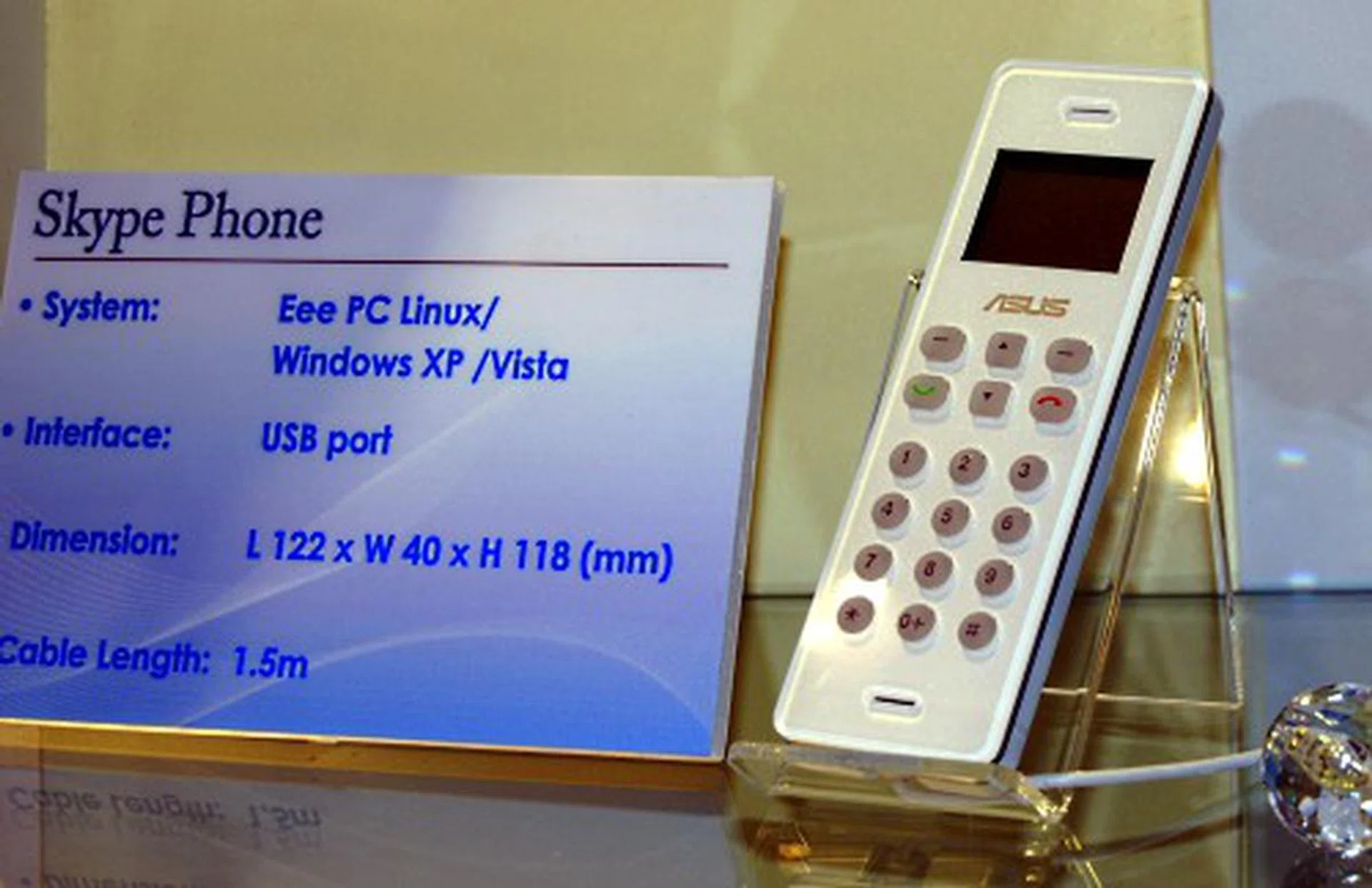
Well, to round up the Eee coverage is the Skype phone from ASUS, which again, we assume is compatible with other computers too.
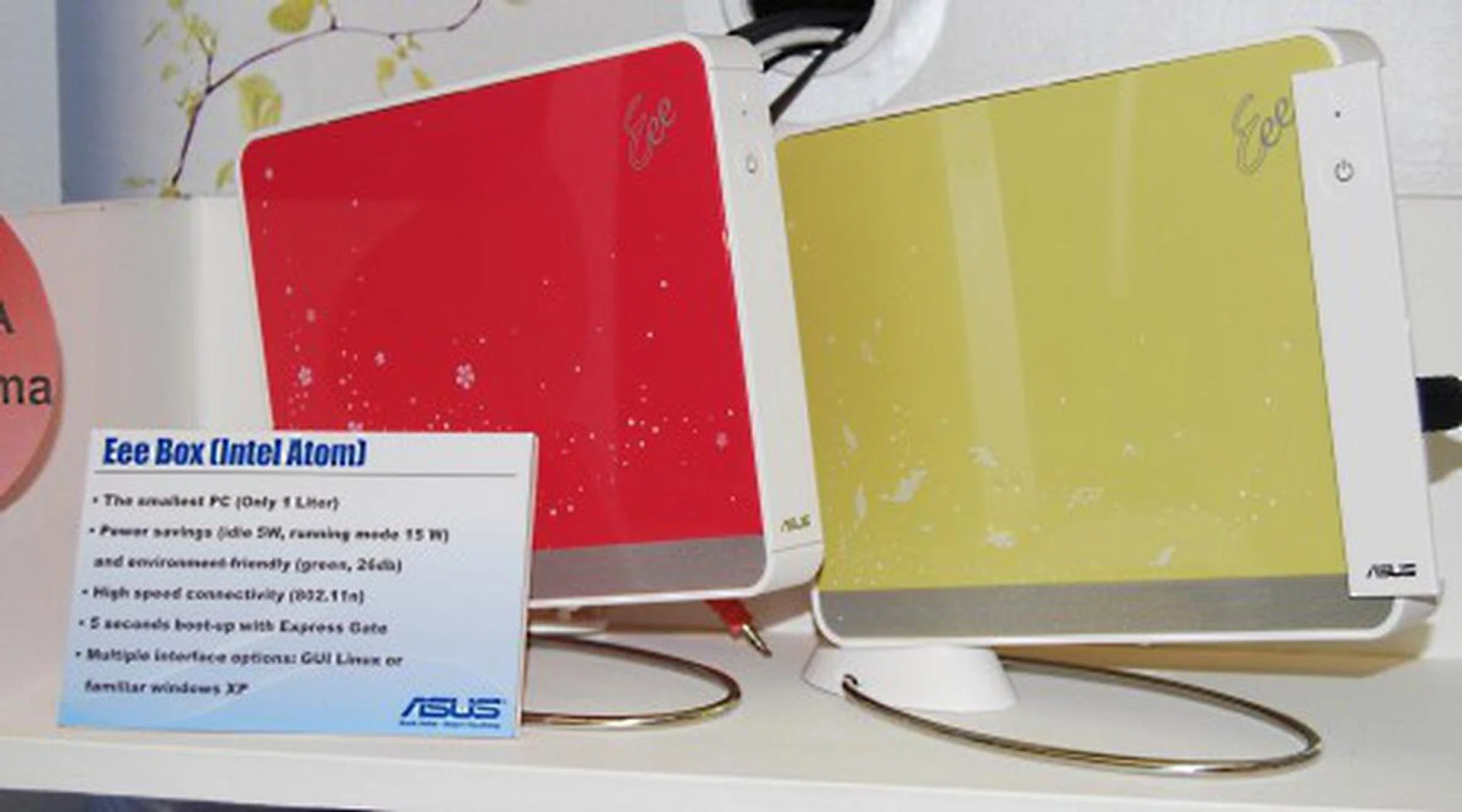
Based on Intel's Atom is the ASUS Eee Box, which features up to 2GB of RAM, 80-160GB of HDD. The Eee Box also features a host of connectivity options, from wireless draft n to a HDMI port. If it's not in your wanted list yet, it probably will be soon.
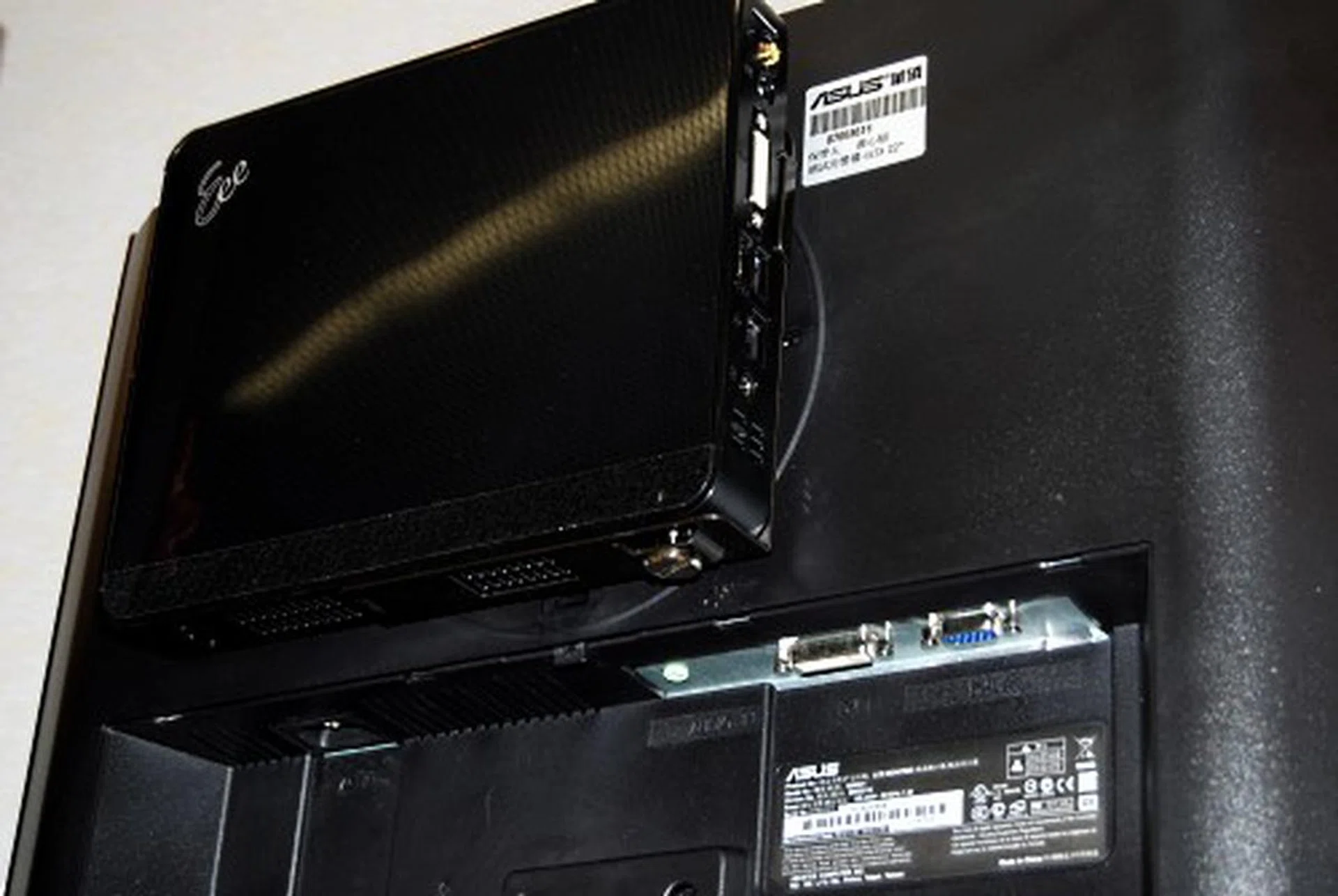
Besides using a stand, there's also the option of mounting the Eee Box on a monitor.
ASUS Demo Systems
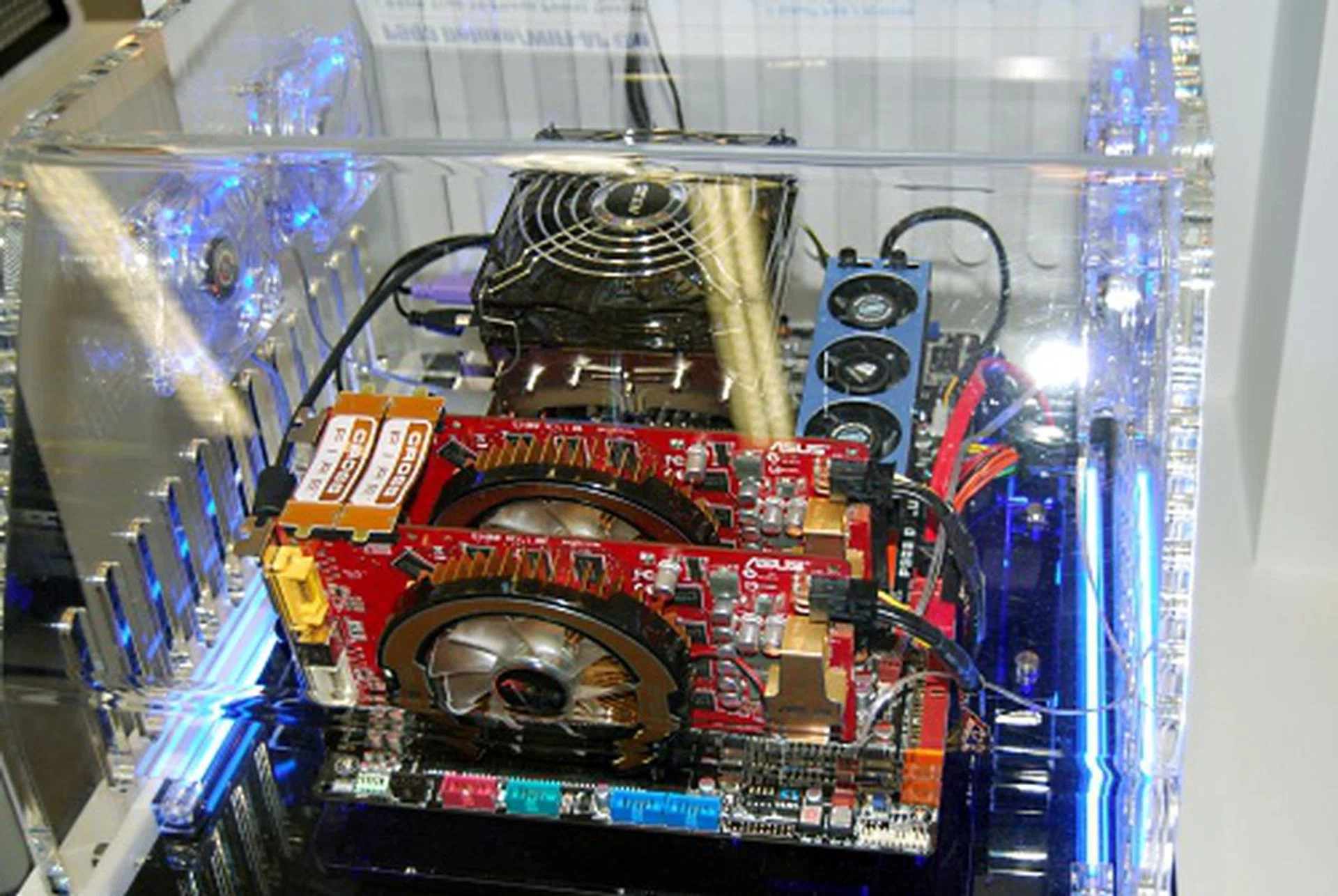
ASUS also set up a few demo systems for the public and we snapped a few pics of this system, which ASUS is using their EPU technology to save power. This system is running on their P5Q3 motherboard with a Intel Core 2 Extreme QX9770, 2x 1GB Corsair DDR3 1800 RAM and using two ASUS EAH3850 video cards.
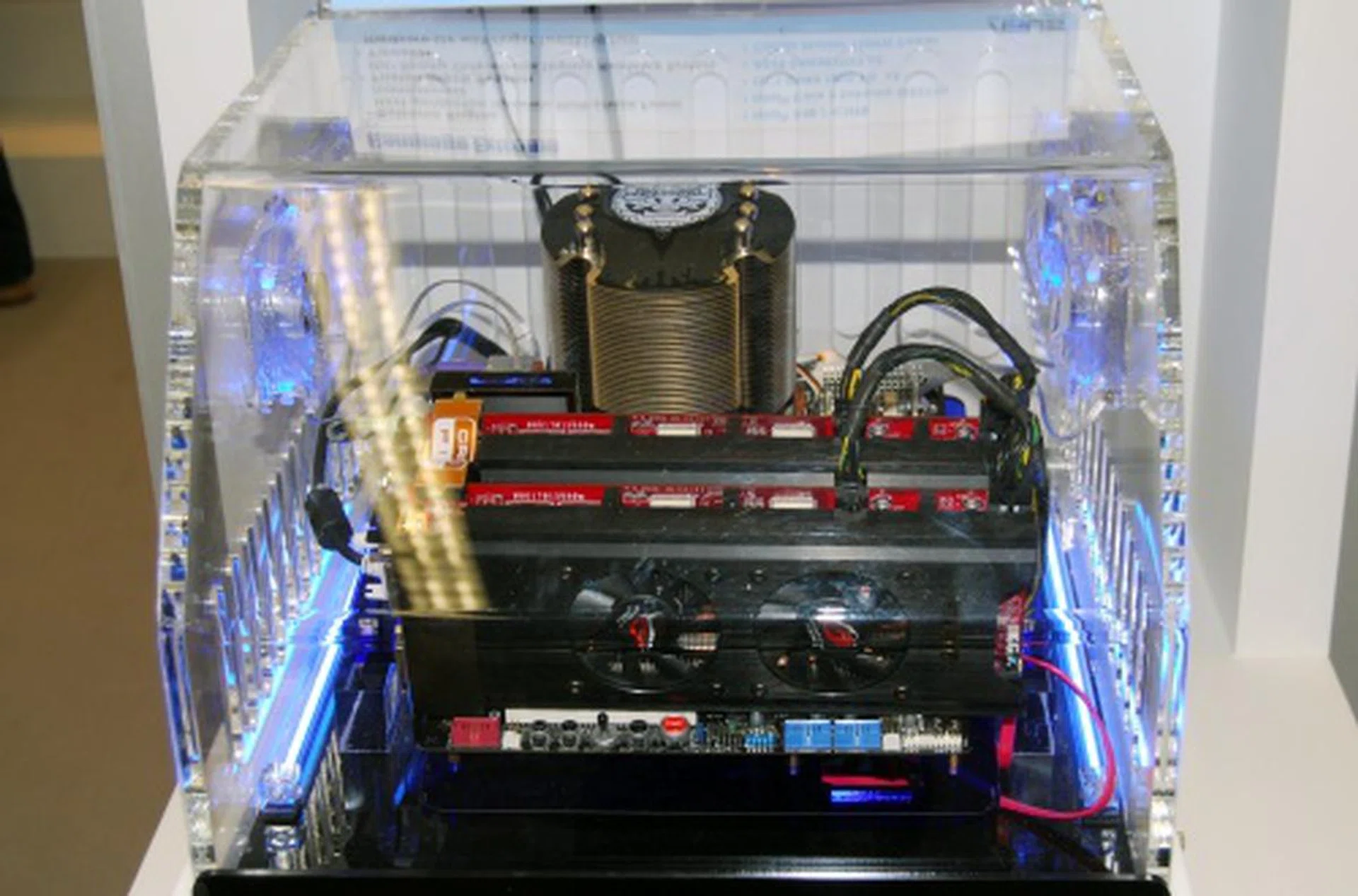
Meant for overclockers, this demo system is running on their Rampage Extreme motherboard which is based on the latest X48 chipset. The system here is using a Intel Core 2 Extreme QX9770, two 1GB OCZ DDR3 1800 RAM sticks and uses two ASUS EAH3870 video cards.
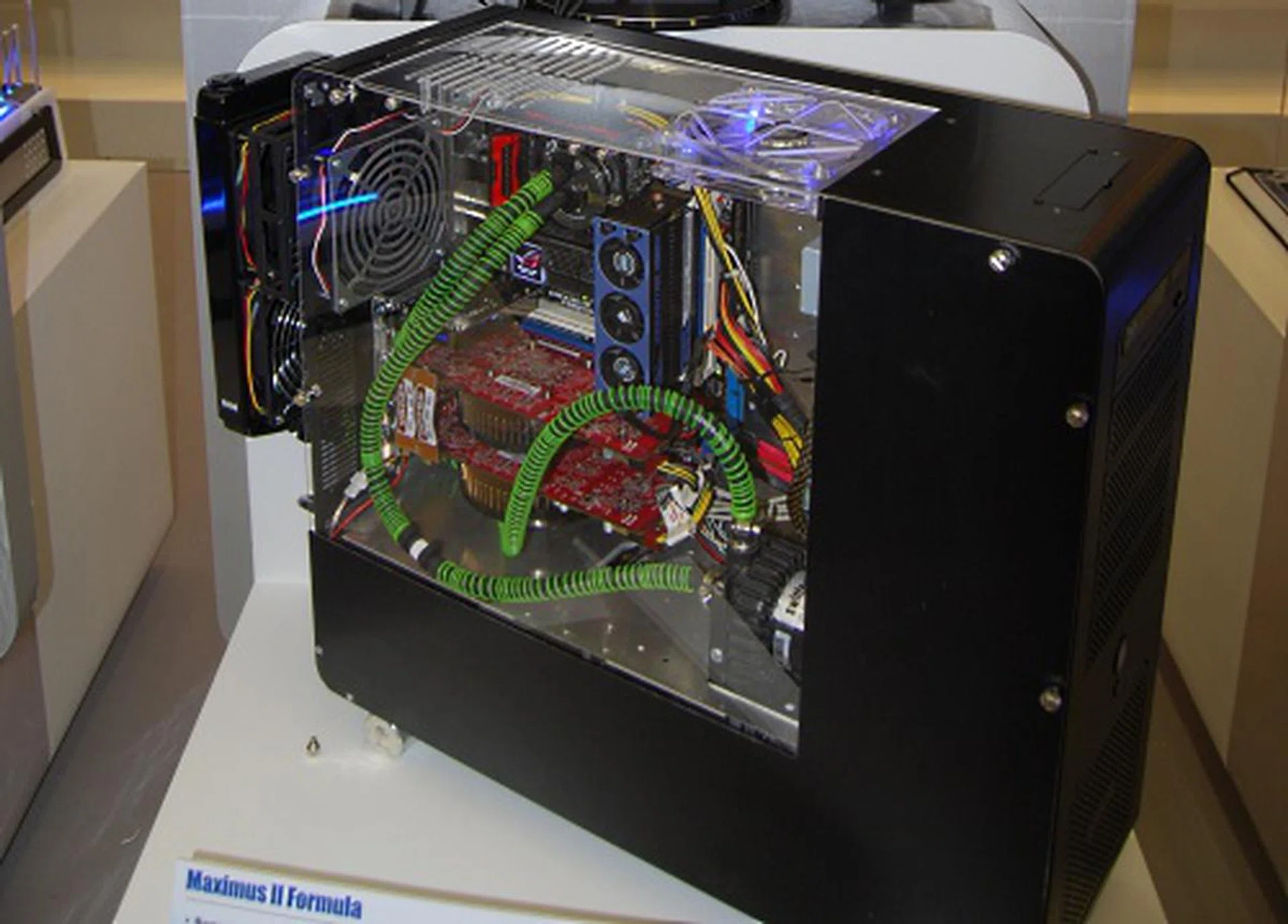
Our third demo system uses the ASUS Maximus II Formula motherboard for gaming. While it uses the same processor and video card as the previous rig, the third demo system is using two 1GB Corsair DDR2 1066 sticks.
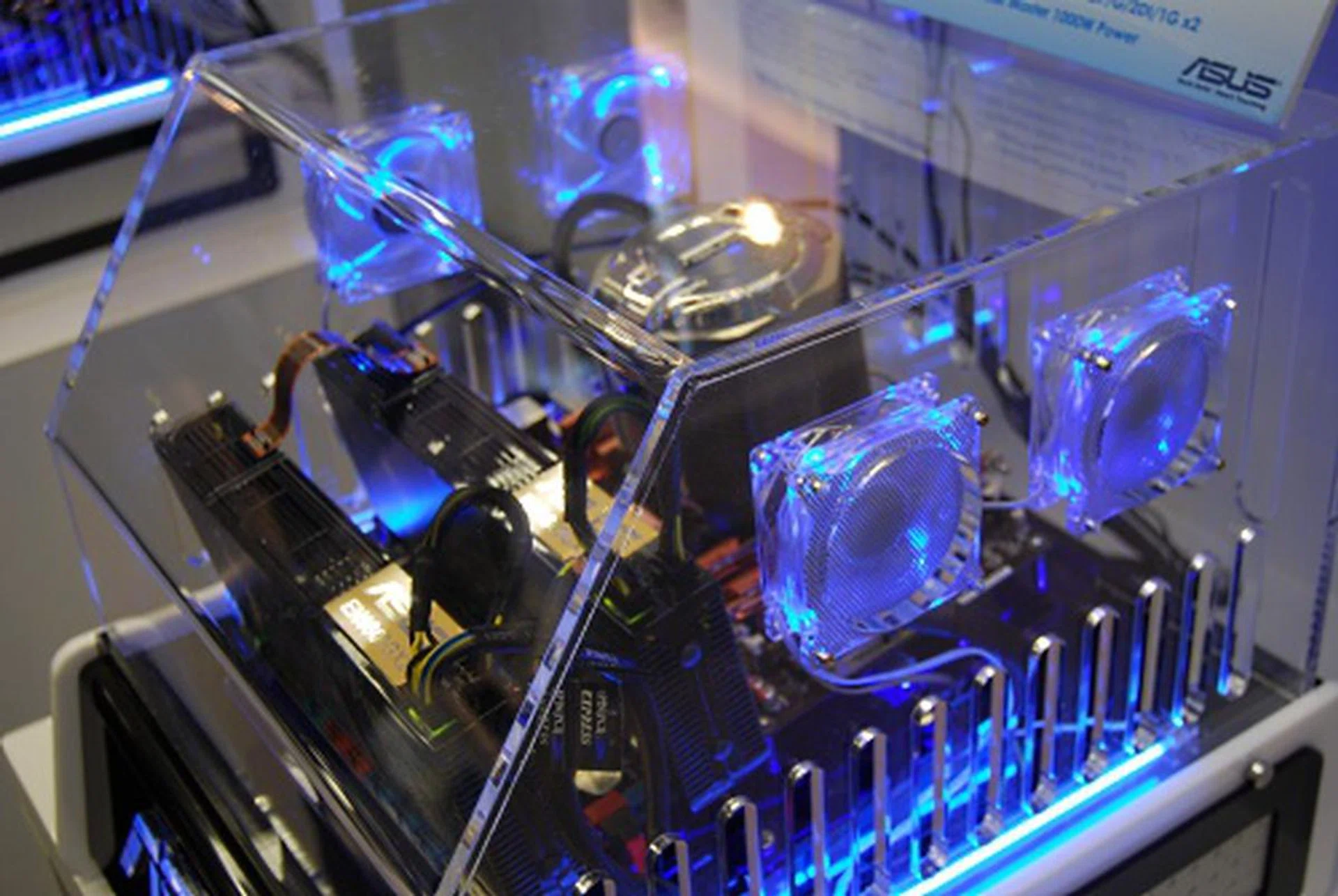
Our fourth demo system showcases ASUS Express Gate technology for a quick 5 seconds boot up. This system uses the ASUS M3N-HT motherboard which is based on Nvidia's nForce 780a SLI and is running a AMD X4 Phenom 9850 processor. Furthermore, the demo system uses two sticks of 1GB Kingston DDR2 1066 RAM and two ASUS 9800GX2 TOP video cards.
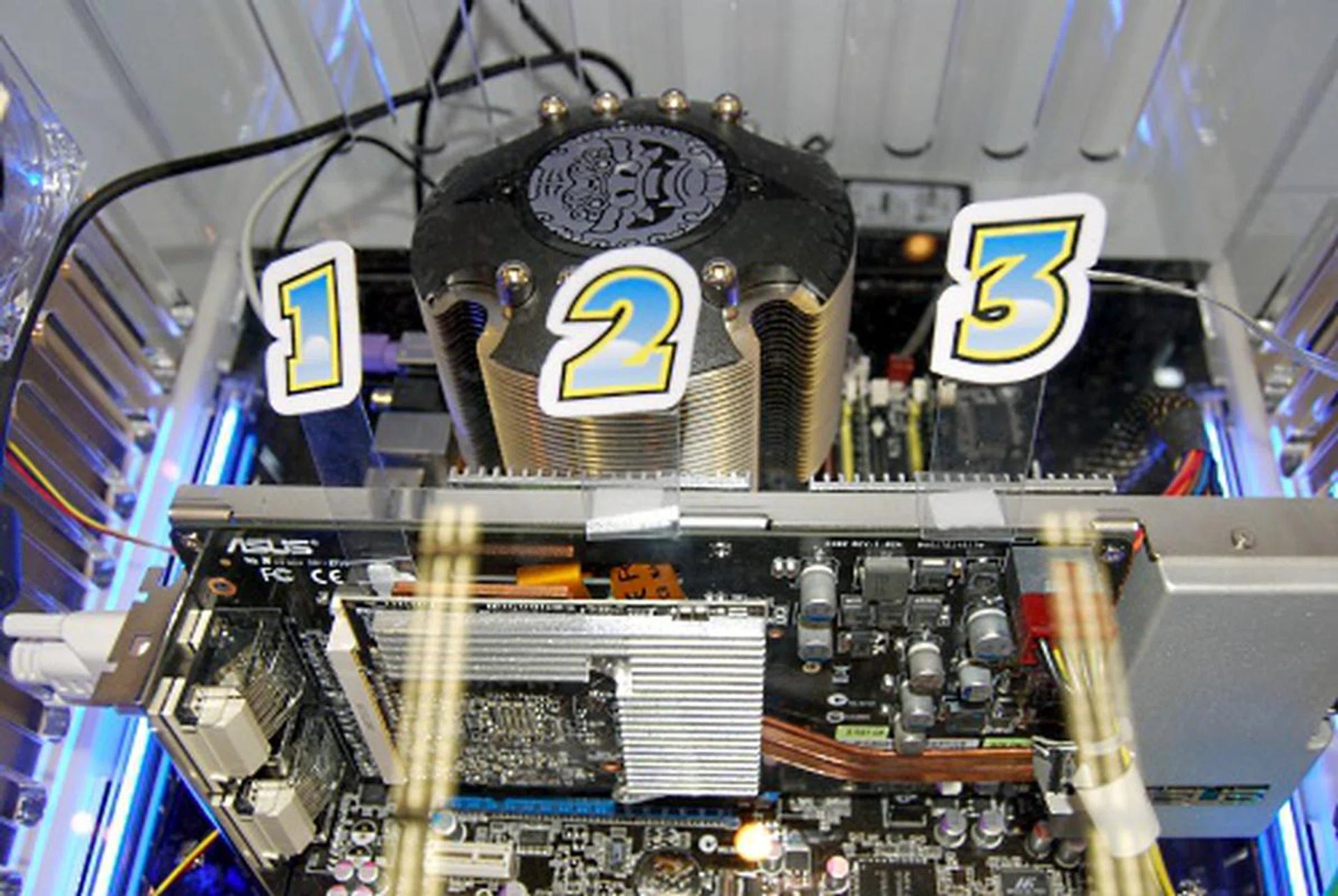
Last but not least is a look at the ASUS EAH 3850 Trinity, and the stickers show you where the three cores are located on the card.
ASUS Motherboards
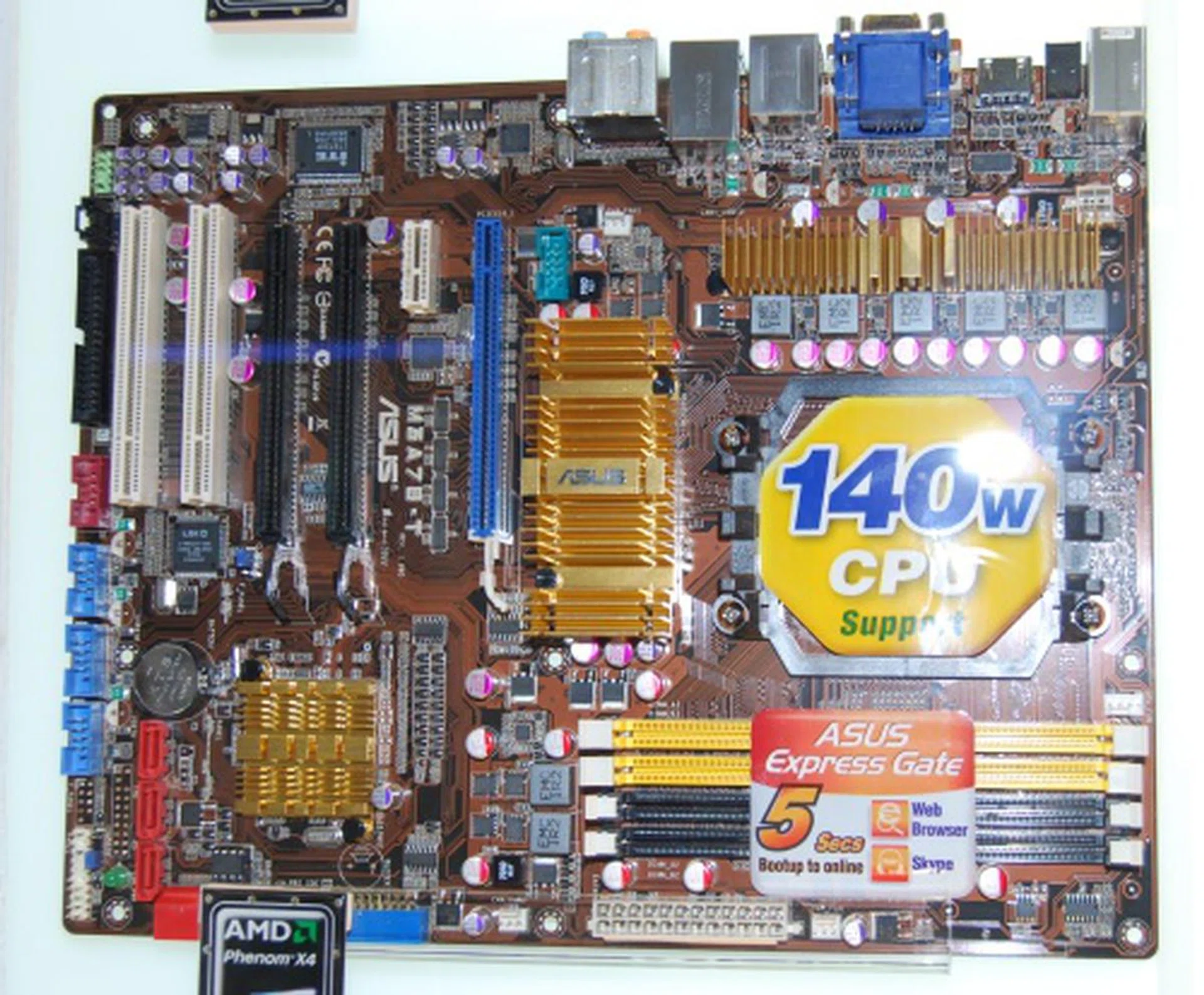
For the AMD fans out there, the M3A78-T uses ASUS Express Gate technology and features the AMD 790GX and SB750 chipset and will be launched on Thursday, meaning you're seeing it here first before the launch!
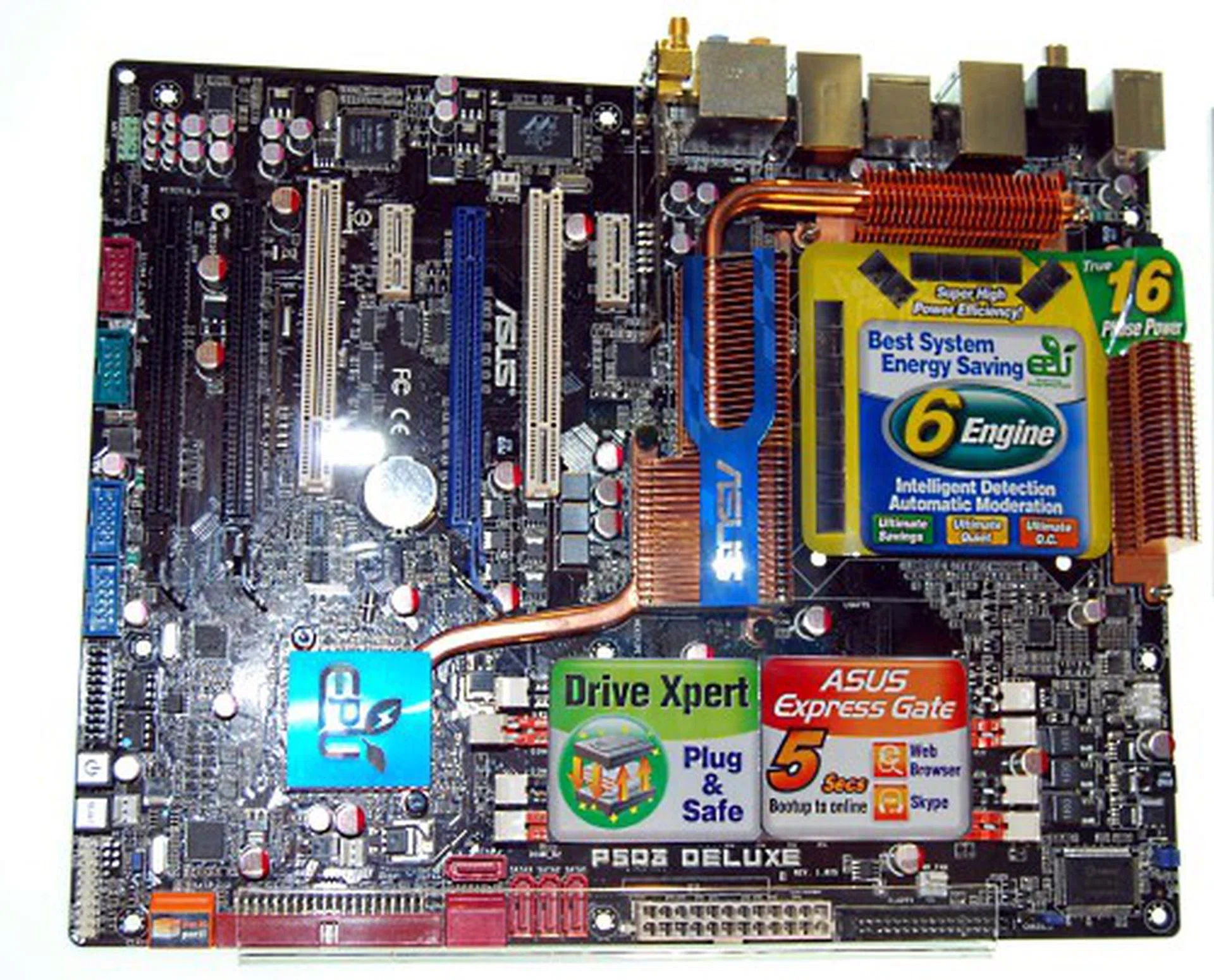
Seen earlier in our demo systems coverage is the P5Q3, which uses ASUS True 16-Phase Power Design and is based on the P45+ICH10R chipsets.
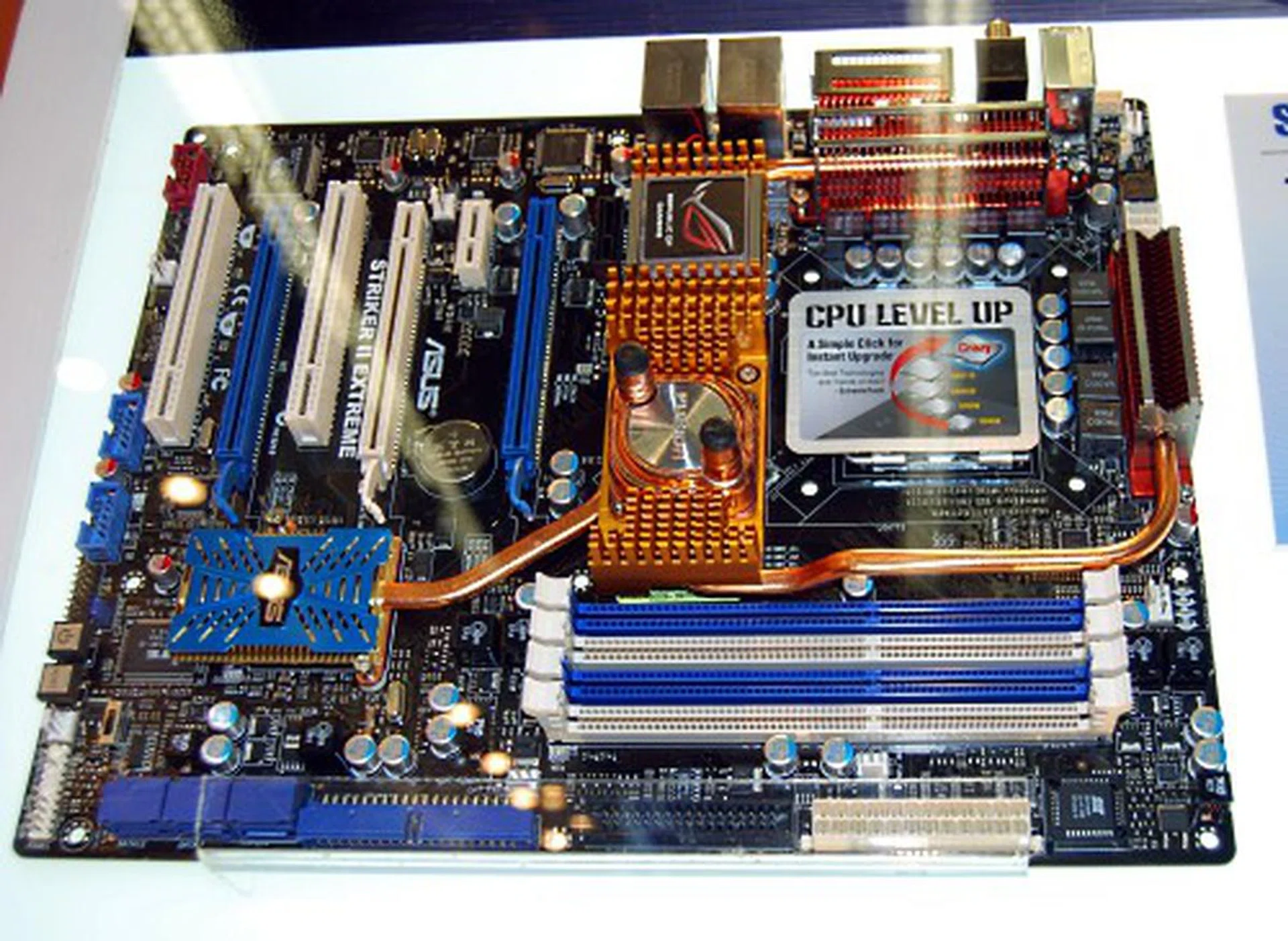
The Striker II Extreme uses Nvidia's nForce 790i Ultra SLI for Intel Processors and uses their Fusion Block System for even more efficient water cooling (if needed).
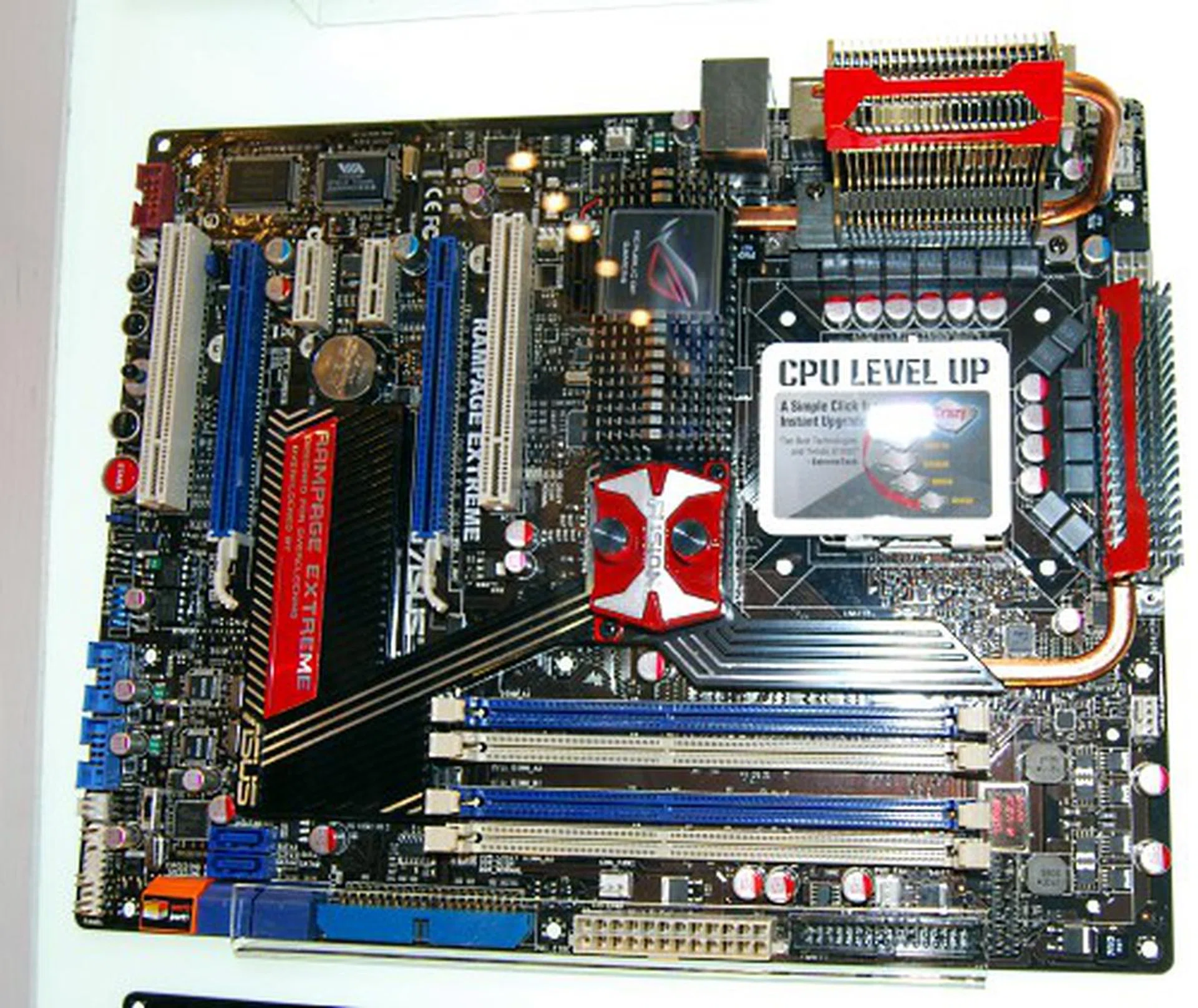
Seen earlier in one of the demo systems is the Rampage Extreme based on the the X48 chipset and also features a similar Fusion Block System for cooling. Looks blazing hot, doesn't it?
ASUS Coolers and Gaming Rigs
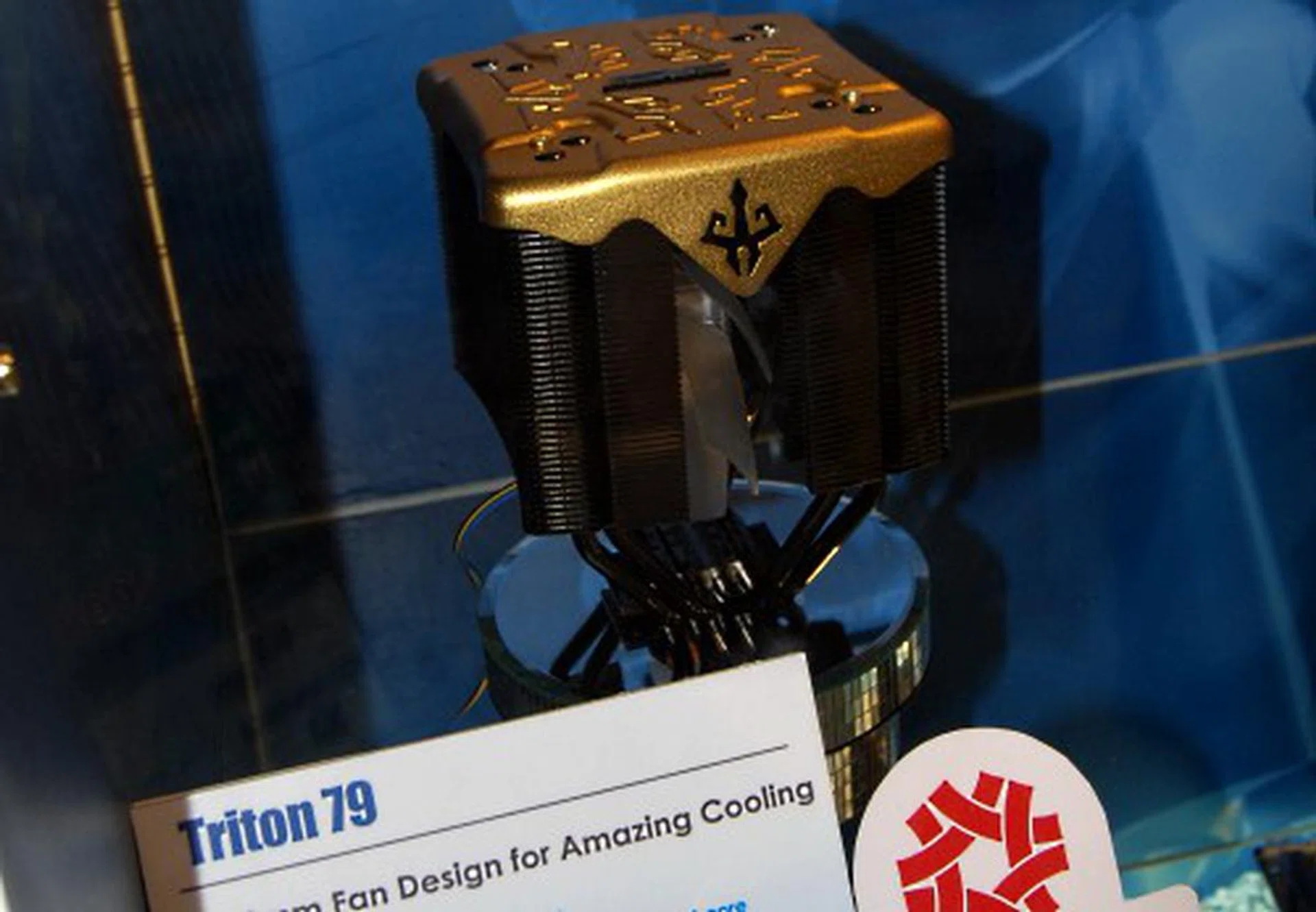
Seen here is the very rarely seen Limited Edition Triton 79 CPU cooler. Only 3200 units were ever made and we were informed that they were all sold out. Darn.
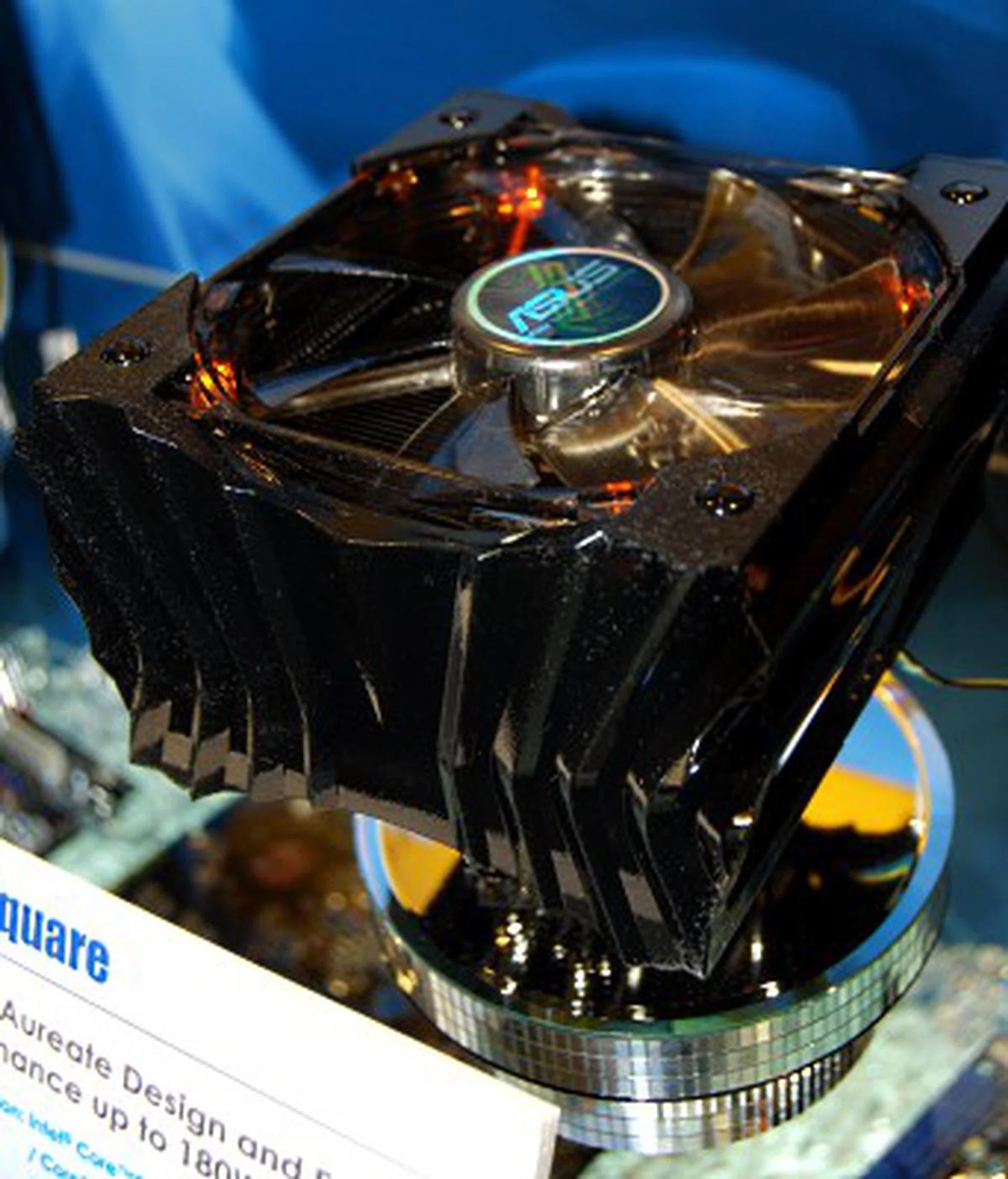
The Axe Square makes its first appearance at Computex 2008, which means this is probably your first glimpse at this cooler.
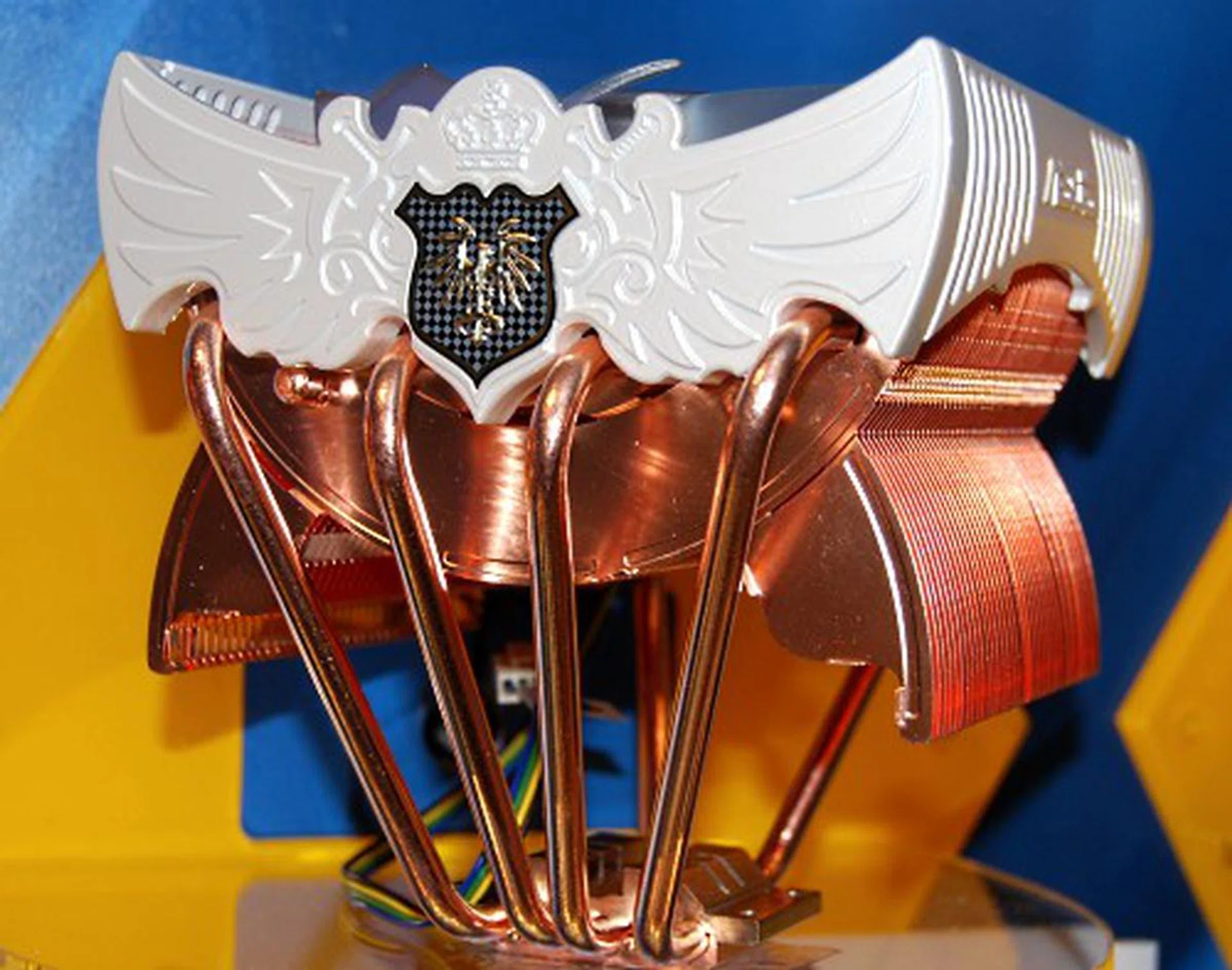
Also making its debut appearance at Computex 2008 is the Royal Knight, which weighs in at 750g.
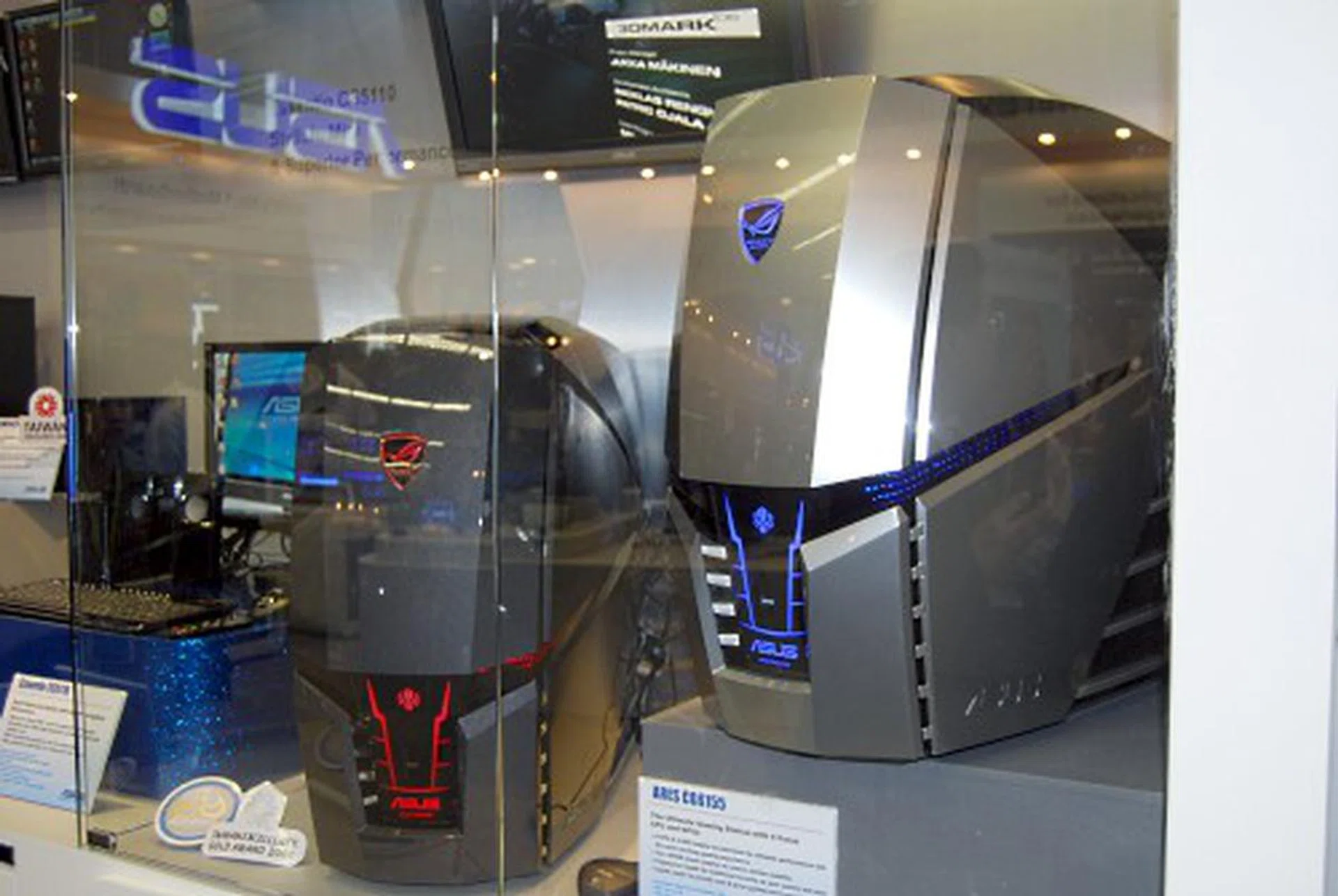
If you got about US$1500~US$3000 handy, you might as well splurge it all on the ASUS ARES CG6155. Featuring 4 CPUs and 4 GPUs and up to 4TB of HDD space, this transformer looking gaming rig is ready to blow your mind (and wallet).
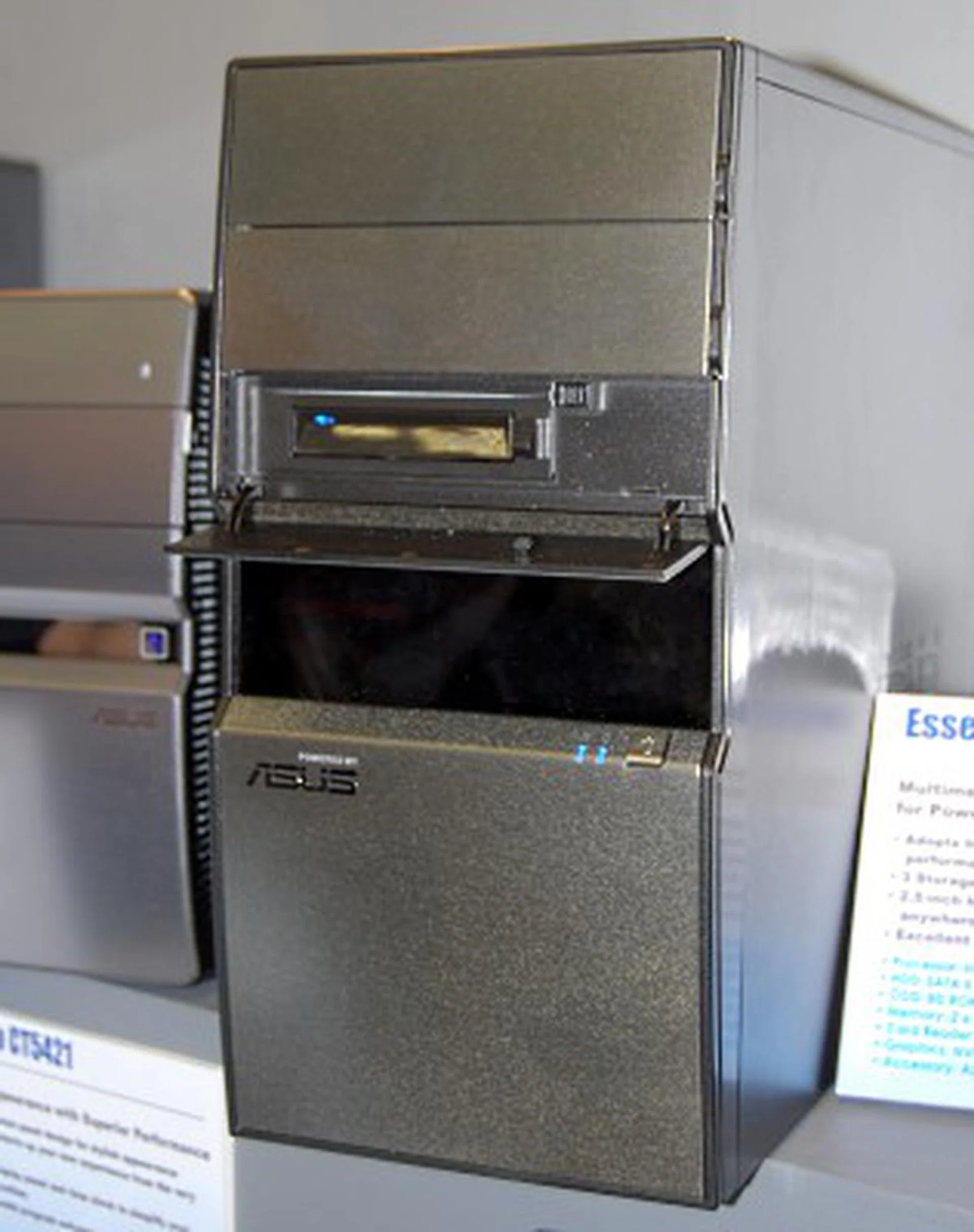
For everyone else who can't afford the ARES, there's always the Essentio CM5420, which features pretty decent specifications with its Core 2 Quad CPU, up to 4GB DDRII 800 RAM and uses a Nvidia GeForce 8800GT.
ASUS Notebooks and Peripherals
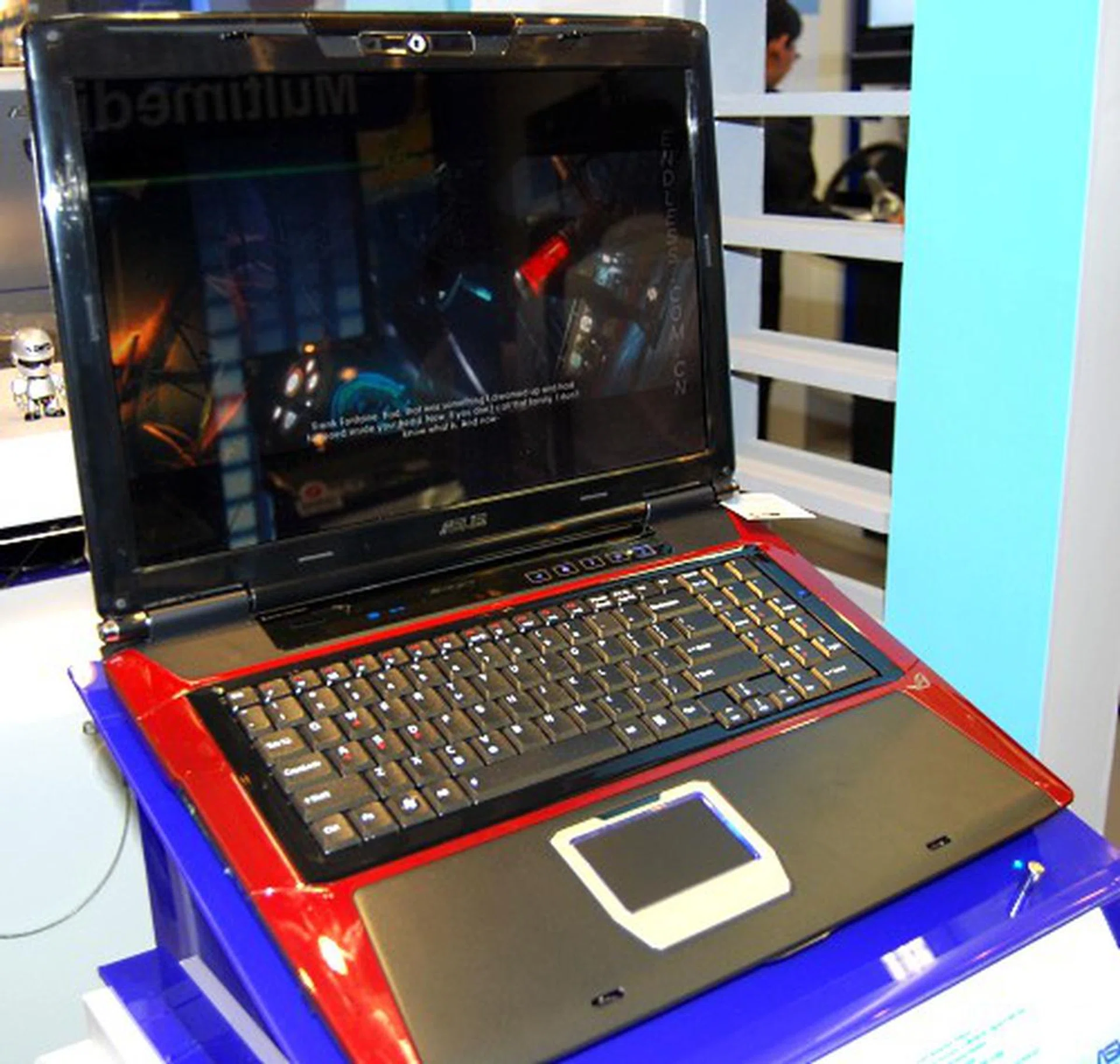
If gaming is your right cup of tea, and the Eee series of netbooks just isn't what you are looking for, then ASUS G71V is probably the portable gaming solution you're looking for. Based on what we know, this baby will be using Intel's Montevina platform when it's ready and will have a Nvidia GeForce 9700M GT and up to 8GB of DDR3 1066 RAM.

Another laptop that will be using the Montevina platform is the ASUS M50V, which bills itself as entertainment for your fingertips and has a dual-mode multimedia touchpad.
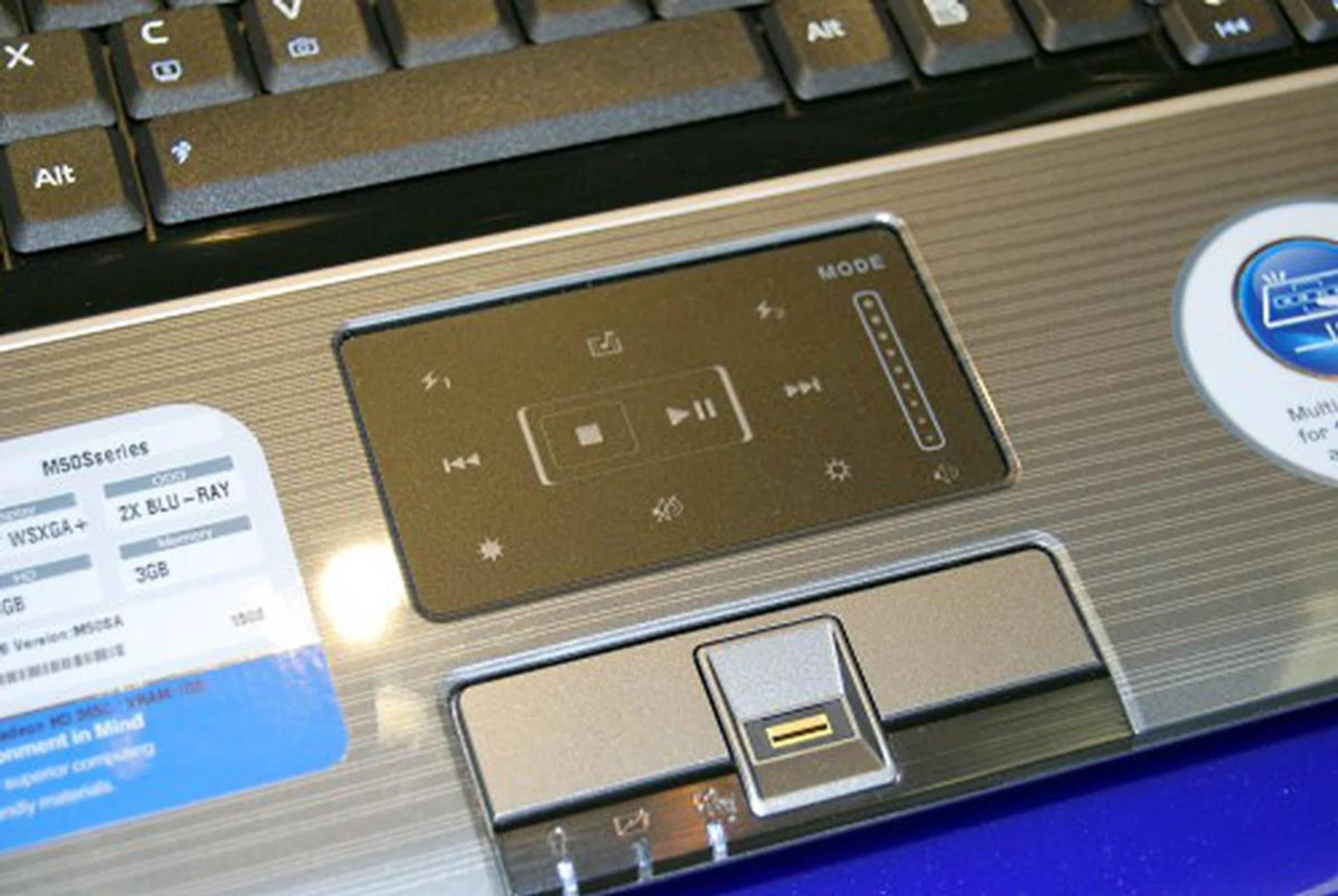
Based on the pictures, we're guessing there's probably a switch to change the touchpad to the multimedia mode which will allow you to control the multimedia functions via the touchpad.

This Vento branded 1000W PSU is ready to power up your gaming rig.
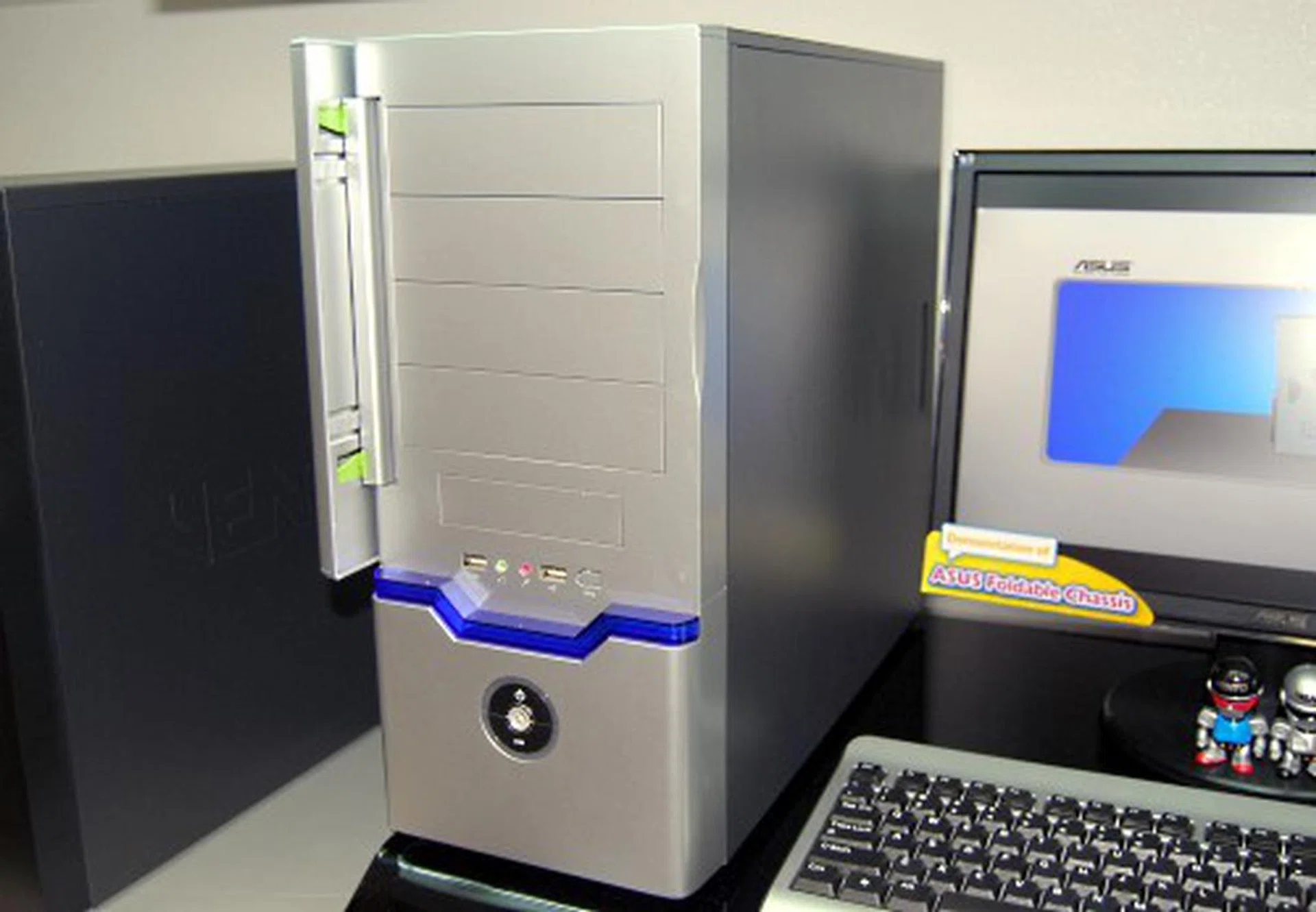
Among all the casings from ASUS was this very normal looking casing, which, believe it or not, is actually foldable for easy transportation!
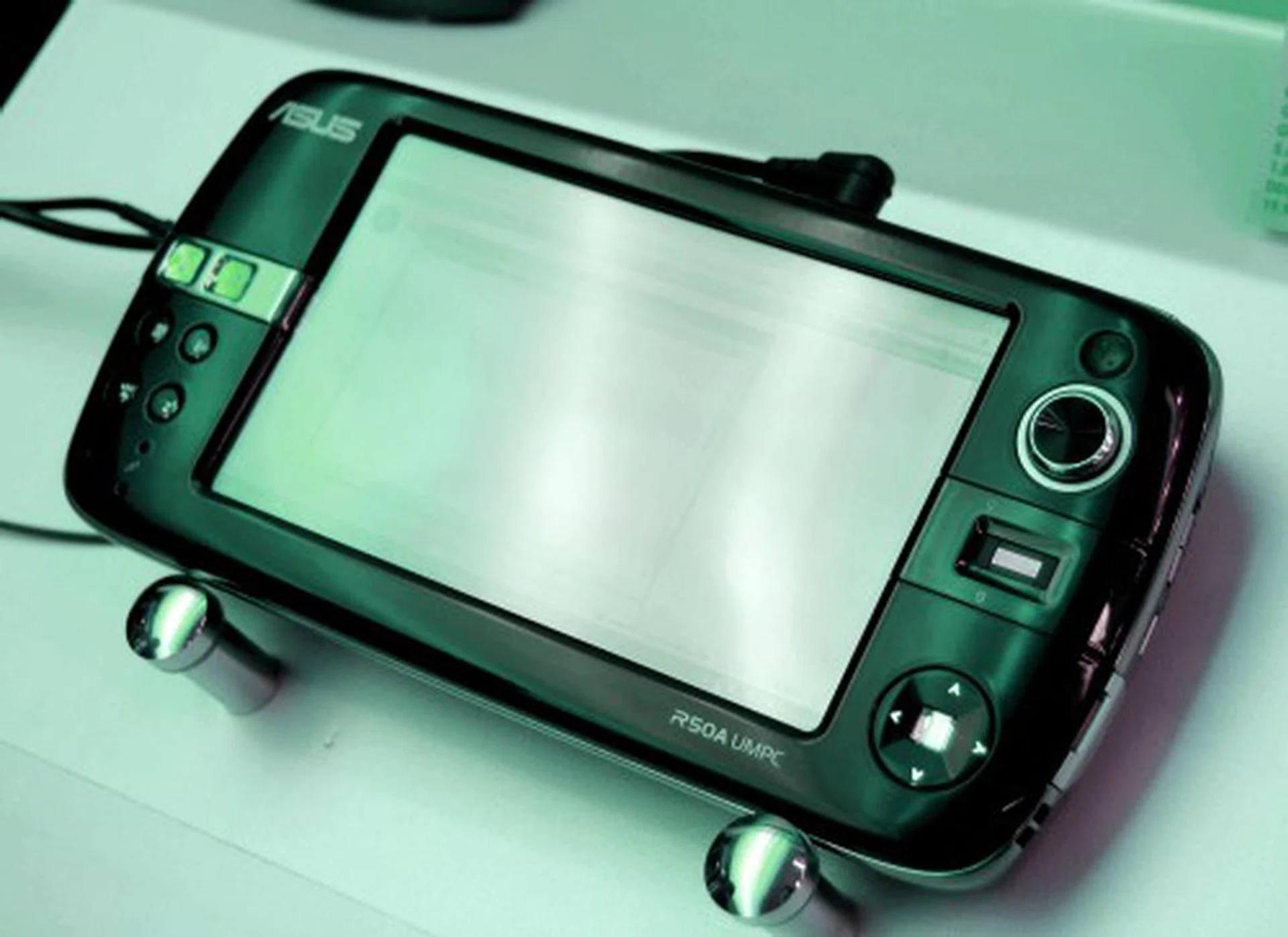
Wrapping things up is the R50, a device running on Intel's Atom and Windows Vista, and has GPS, 3.5G functionality, and 32GB SSD. "Mini is Mighty" indeed.
Our articles may contain affiliate links. If you buy through these links, we may earn a small commission.