
These new GeForce Experience beta features will make streamers very happy
The latest update to GeForce Experience beta allows streamers to add custom overlays to their broadcasts and capture and upload screenshots from within the game itself.

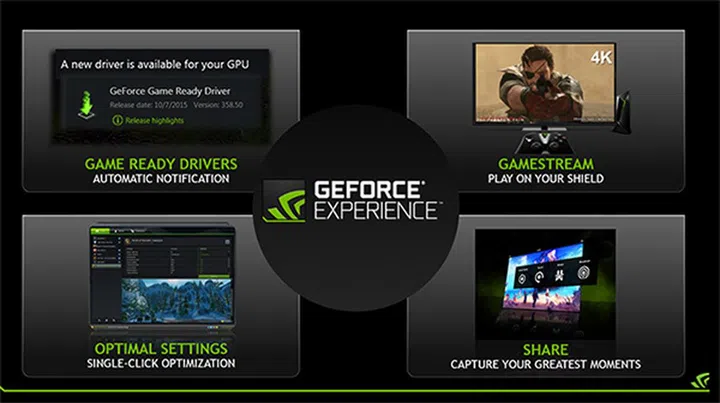
GeForce Experience beta just got a boost with more powerful sharing features. (Image Source: NVIDIA)
NVIDIA has updated its GeForce Experience beta software with more powerful tools to allow streamers to share their gameplay in new ways and improve the overall streaming experience. These include things like in-game screenshot capture and upload, a viewer counter, and enhanced broadcasting features for Twitch and YouTube Live.
For starters, the GeForce Experience beta now allows you to take screenshots and upload them without ever leaving the game. In-game screenshots are nothing new, but GeForce Experience has previously only supported video recording, so the beta update finally brings it up to speed. And just like how you could upload your videos directly to Twitch and YouTube, you can now upload your screenshots straight to Imgur as you play.
There’s also the option to make some basic edits like brightness, contrast or crop adjustments within the share overlay before uploading the image. You can apply these changes manually or let the software do it automatically for you.
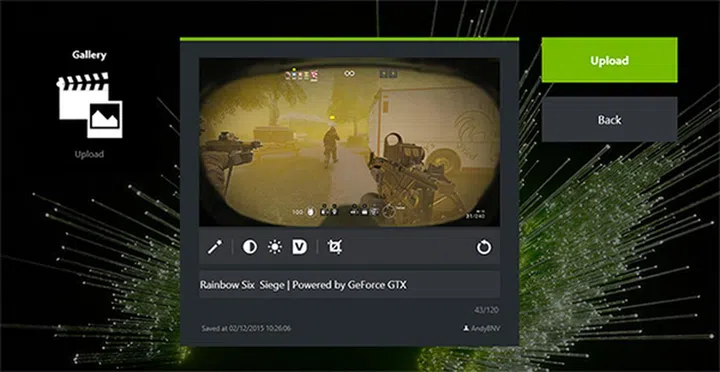
You can make basic brightness, contrast, and digital vibrancy adjustments to your screenshots without ever leaving the game. (Image Source: NVIDIA)
In addition, NVIDIA has made it easy to review all your recent screenshots in a gallery accessible via the sharing overlay. This includes all the images you uploaded as well, and you can grab the image URL to easily share the link on other platforms. The gallery also organizes your screen grabs by game, so you won’t have to deal with a confusing hodgepodge of images.
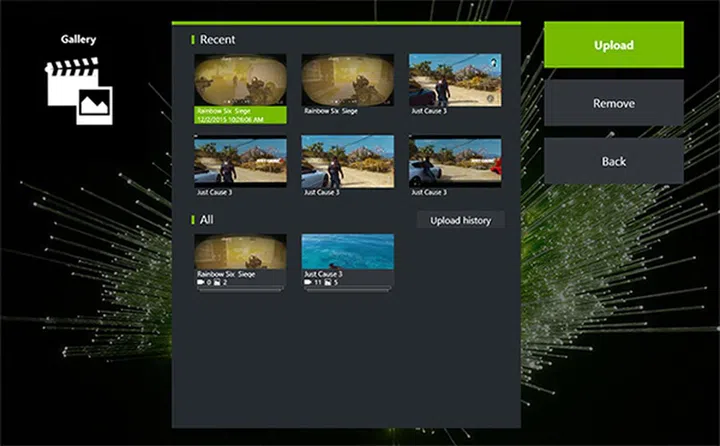
You can view all your screenshots in the gallery. (Image Source: NVIDIA)
The update also adds a couple of features that allow you to enhance your broadcast to Twitch or YouTube Live. For instance, you can now add a custom overlay to your stream that displays graphics or other information that your viewers can see. Alternatively, you can create a transparent PNG-24 file that can be inserted over your gameplay for your camera output.
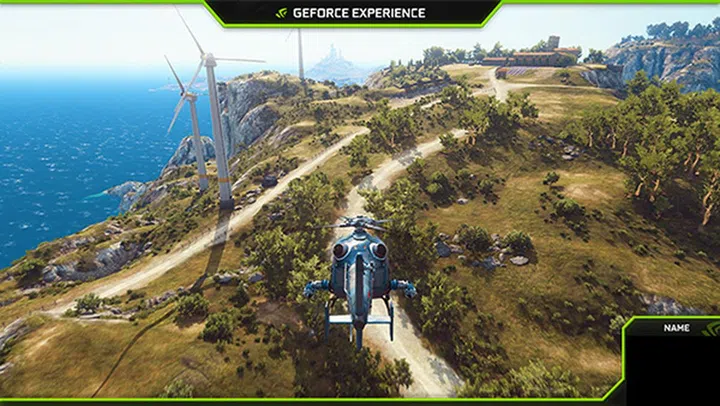
You can create a custom overlay for your camera output in one of the screen corners. (Image Source: NVIDIA)
Another significant addition is the onscreen viewer count that lets you quickly check the number of people that are watching your stream. On top of that, NVIDIA has made it easier to enhance your broadcast’s quality because you can now select the Twitch server nearest to you to optimize your upload speed. This option is called “ingest server” and is found in the Share section of preferences.
NVIDIA has also made several other tweaks and changes that you can view in full here on the GeForce forums. The GeForce Experience beta can be downloaded here or updated through the application if you already have a beta installed. NVIDIA has been steadily adding new features to GeForce Experience since it first announced a slew of new sharing features in August. Now, all that’s left is to wait and hope these features make it onto the stable release version sooner rather than later.
Source: NVIDIA
Our articles may contain affiliate links. If you buy through these links, we may earn a small commission.