
Top 10 Features of Apple iOS 5
Apple's fifth major update to its iOS mobile operating system will be rolling out soon. Gear up for the update with our experience and verdict on the top ten features of iOS 5.
Top 10 Features of Apple iOS 5
So, the new iPhone 4S has finally been unveiled. But no hardware is perfect if it lacks a complementary software to walk the road to smartphone domination. While Apple’s iOS 5 was unveiled and given a brief overview earlier on, we weren’t able to truly get a feel of the new features. That is, until now. Here's a list of new features that got our stamps of approval, and to whet your appetite till next week.
1. Camera
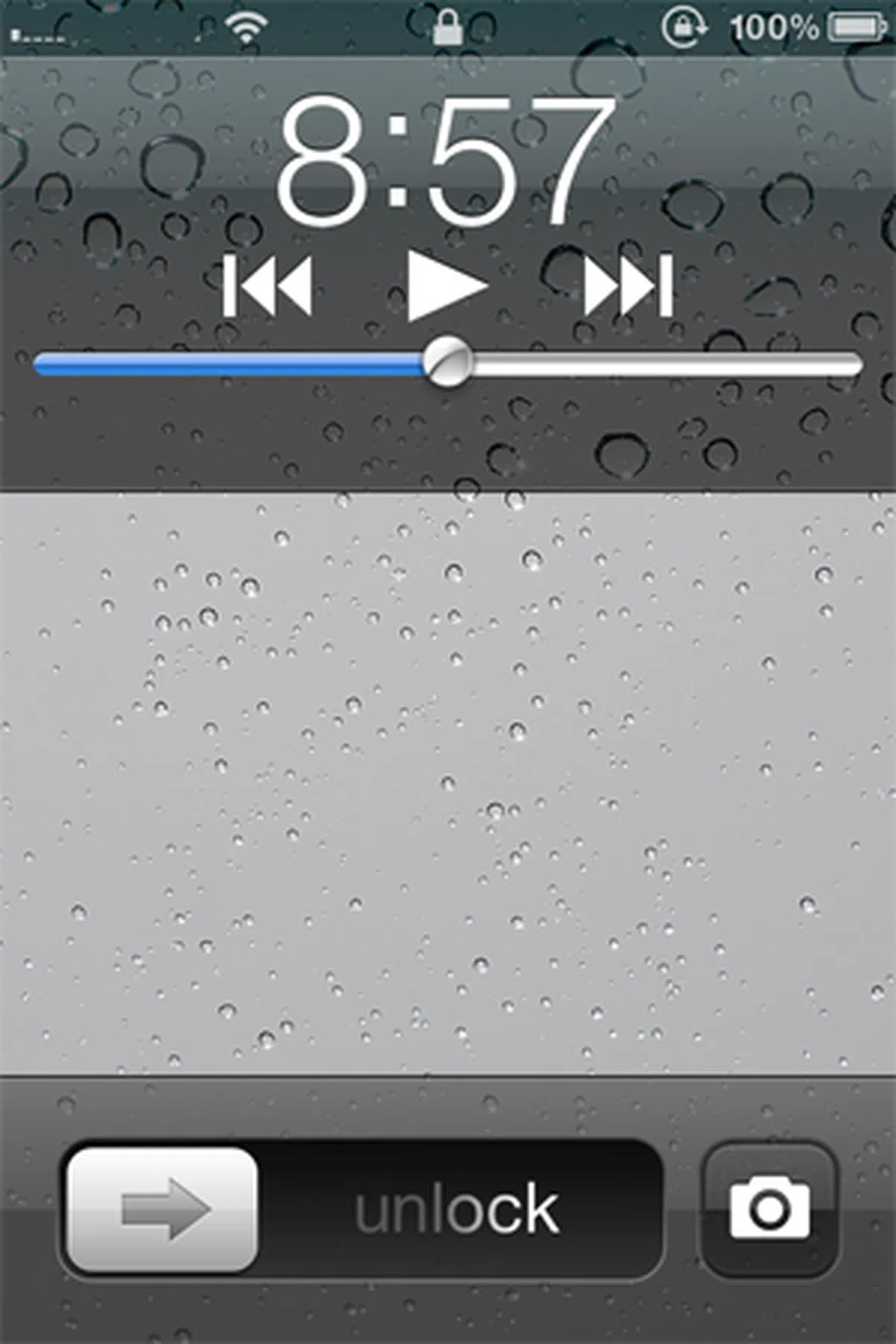 |  |  |
iOS 5 brings a few enhancements to its camera app, some of which are starting to make sense when we look at the bumped up imaging resolution with the new iPhone 4S. Firstly, accessing your camera via the lock screen is now possible, allowing you to get a quick snapshot without losing the moment that passes by so quickly. (According to Apple, the new iPhone 4S takes just 1.1 seconds to get the first photo, and another half a second for the next shot.) The shutter button is also no longer limited to the touch screen interface, with the volume up button doubling up with the same function. Also, in the Camera app, in addition to enabling HDR (high dynamic range) photography, you can now turn on a 3x3 grid to help you in framing your award-winning shot.
Photo editing is now a native feature within iOS 5. Each photo that is taken gives you a one-touch auto enhance function and red-eye reduction, on top of rotating and cropping it. You can also constrain your crop to an aspect ratio (such as 4 x 3, 5 x 7, 16 x 9).
In our opinion, these features are nifty, but we didn’t find many opportunities to fully utilize these functions. Still, they could prove to be useful for users who rely on their iPhones as their main camera, as these functions enable them to tweak their images (hopefully for the better) before sharing them.
2. Notification Center
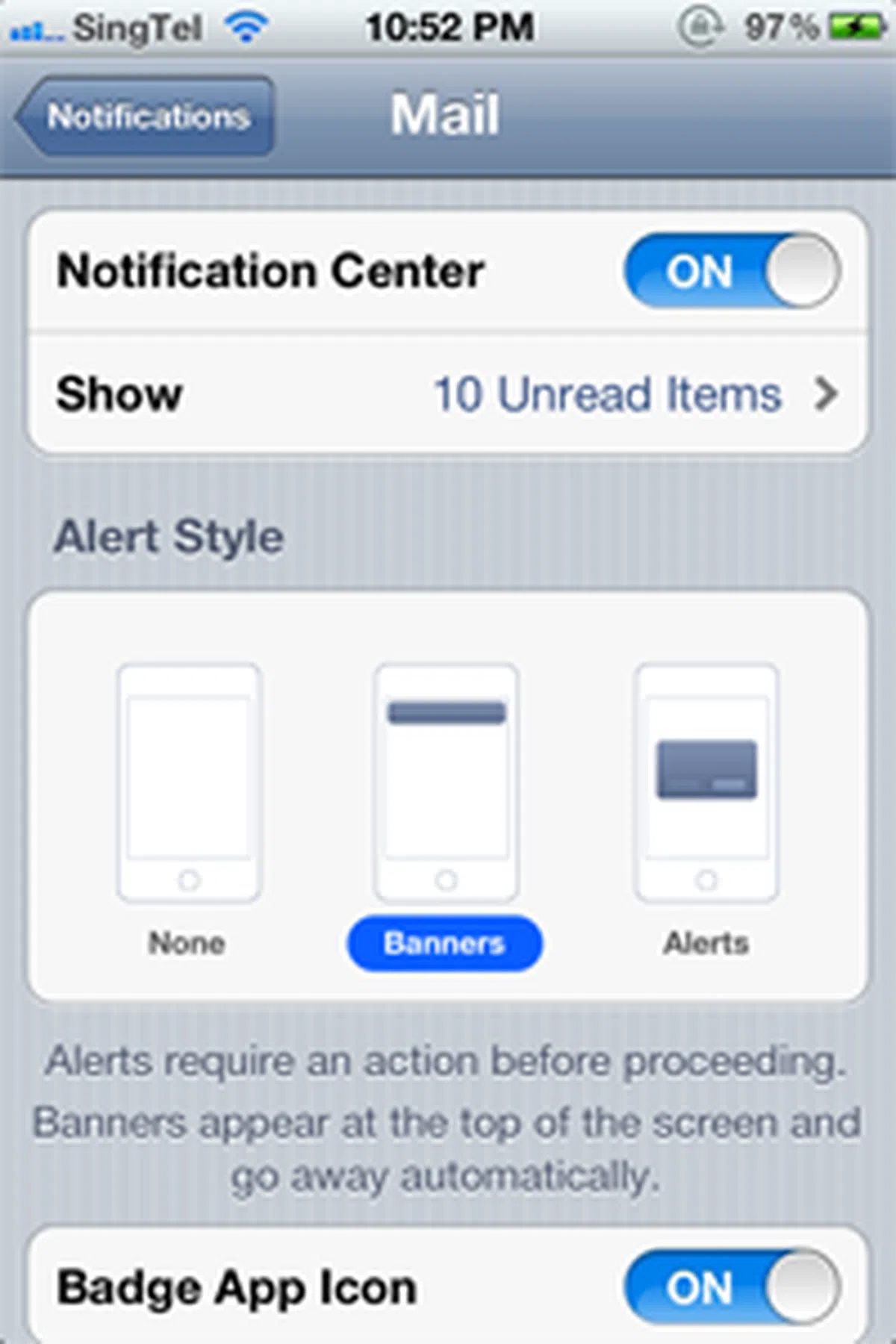 |  | 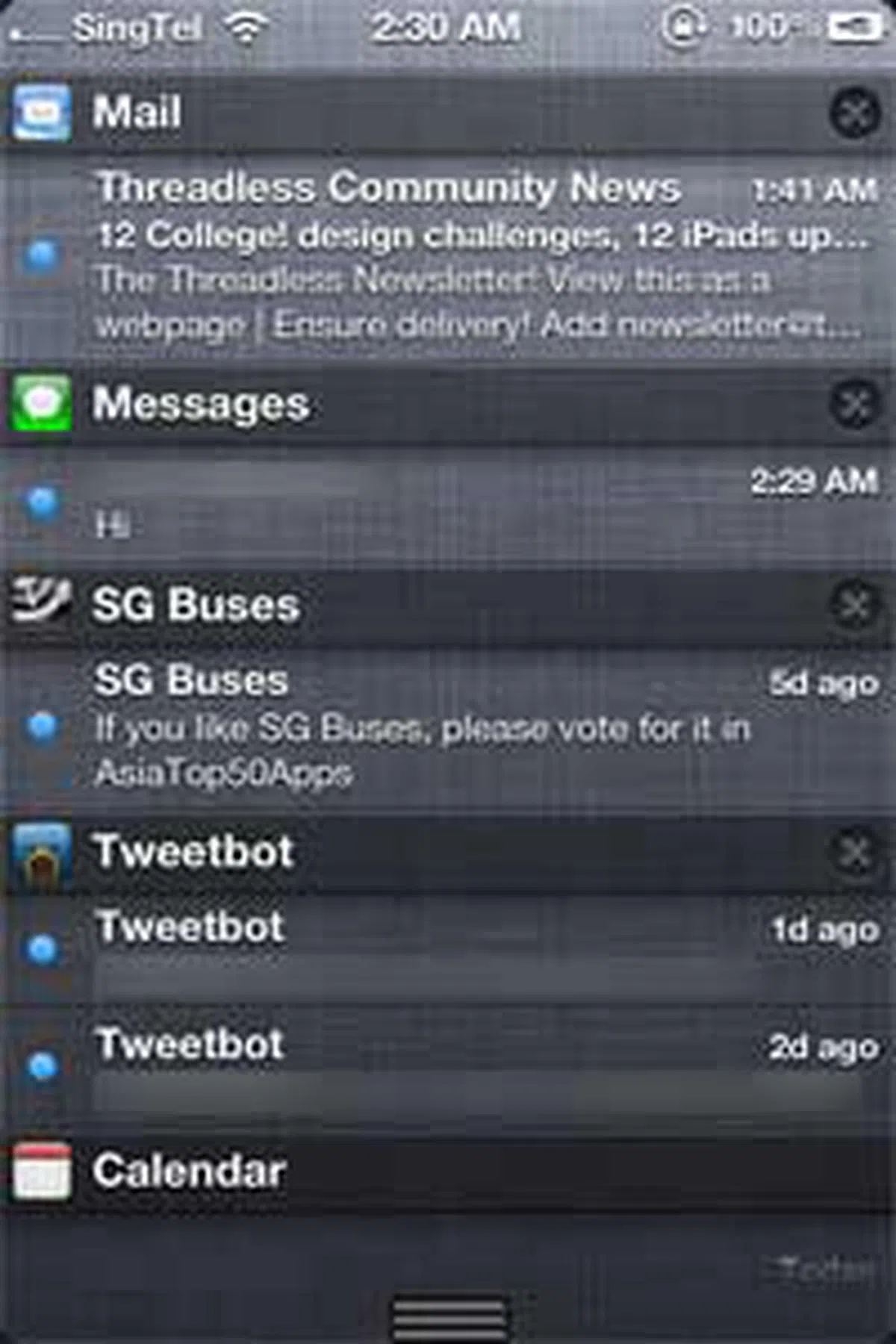 |
Gone are the days when you get interrupted by intrusive pop-ups on your iPhone. In its place, you have a new drop-down listing of the latest alerts from the top of the screen. Apple has created a couple of widgets too: Stock and Weather. Do note that there is a limit to the number of notifications listed. For iPhone users, that’ll be 10 recent or unread items per app, while the limit for the iPad is set at 20 due to its larger screen real estate.
Of course, if you are a fan of the pop-up notification, you can still get alerts in that particular format by choosing Alerts as the alert style in the Notification Center settings. Otherwise, the Banner format will be strategically placed at the top of the screen, giving you a subtle notification.
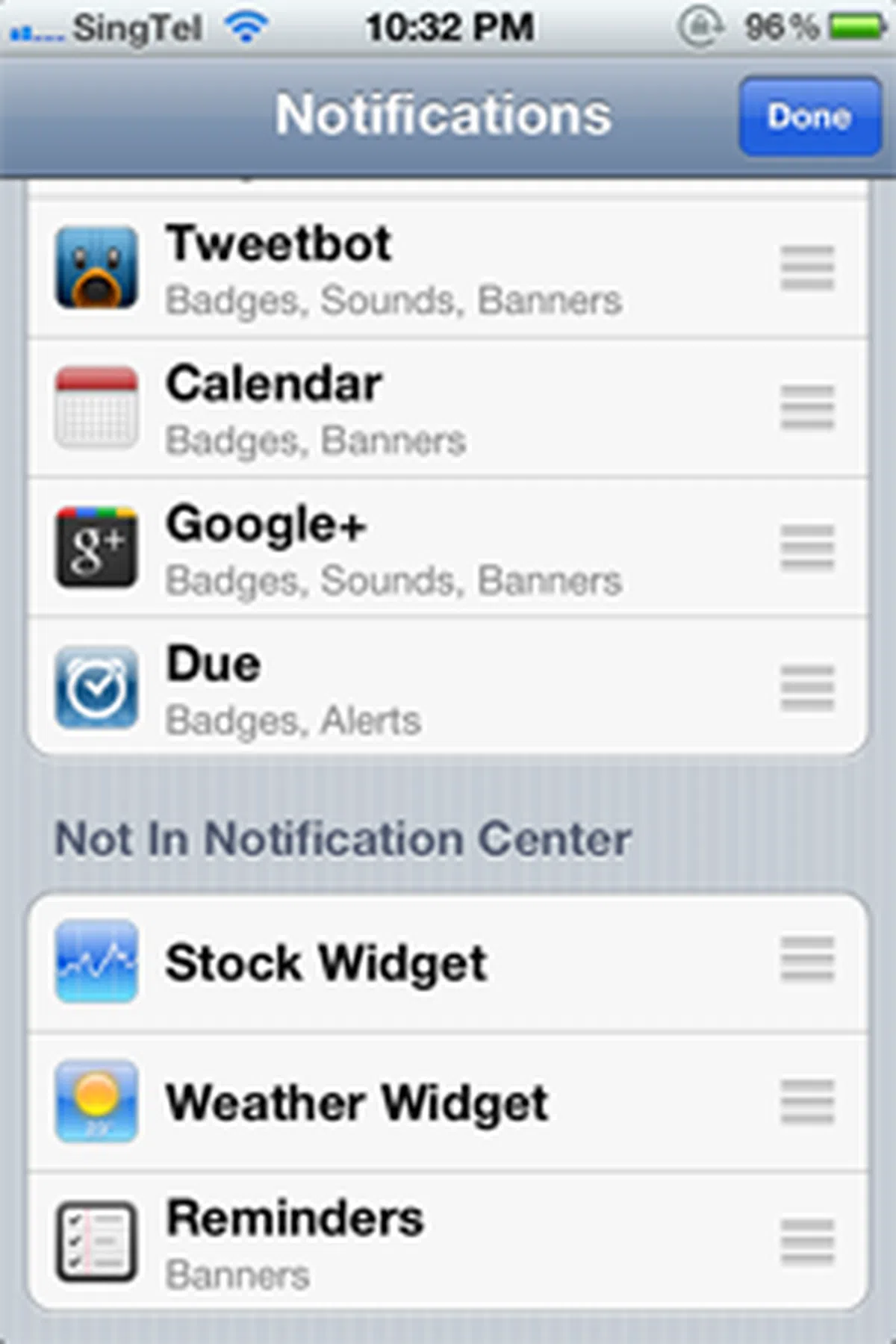
Though the new Notifications Center does borrow certain elements from Google, a deeper level of customization is introduced within iOS 5. The choice is yours, to choose apps that are able to push the latest notifications via the banner or alert format. Of course, you can also choose to remove apps from appearing in the Notification Center.
3. Reminders
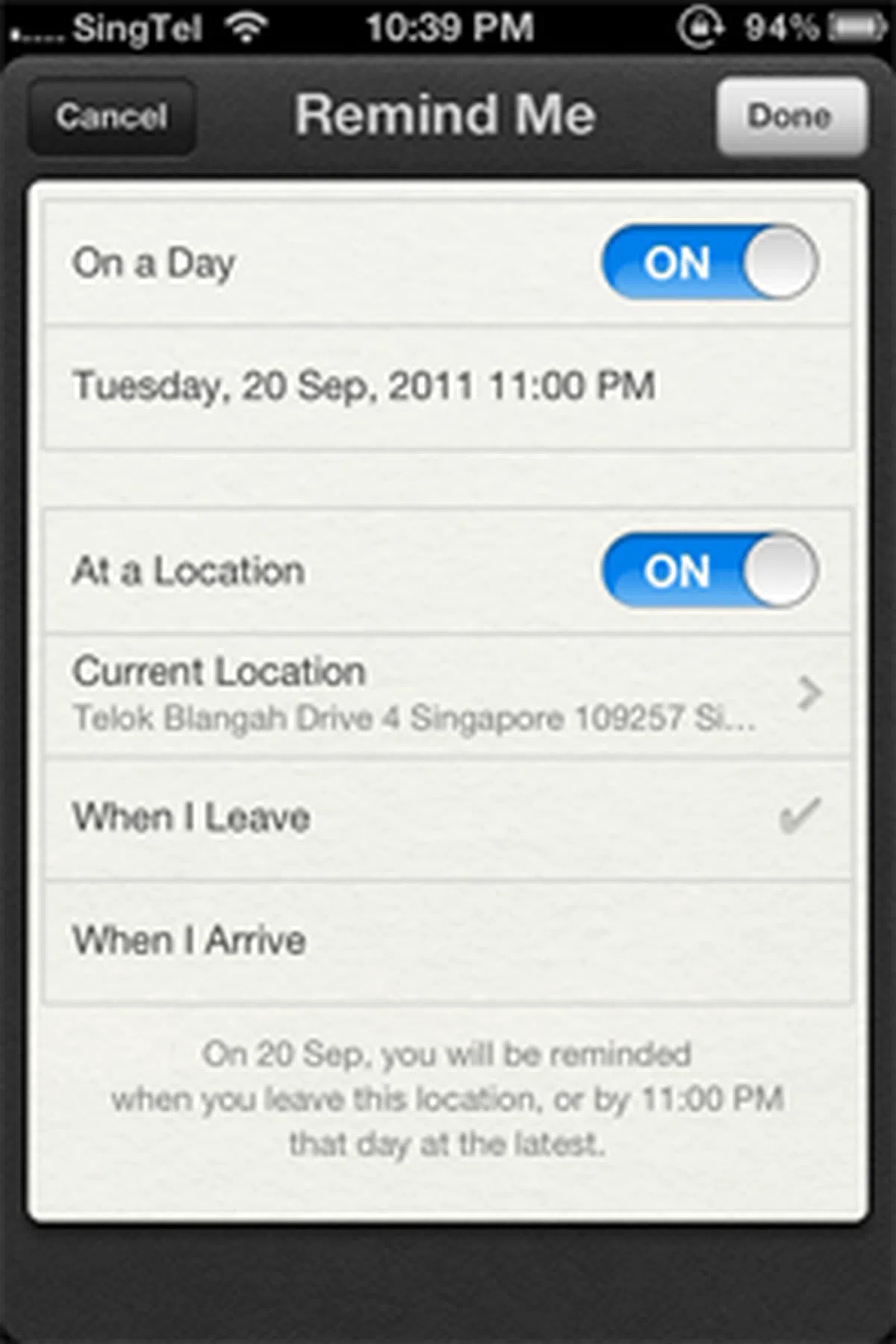 | 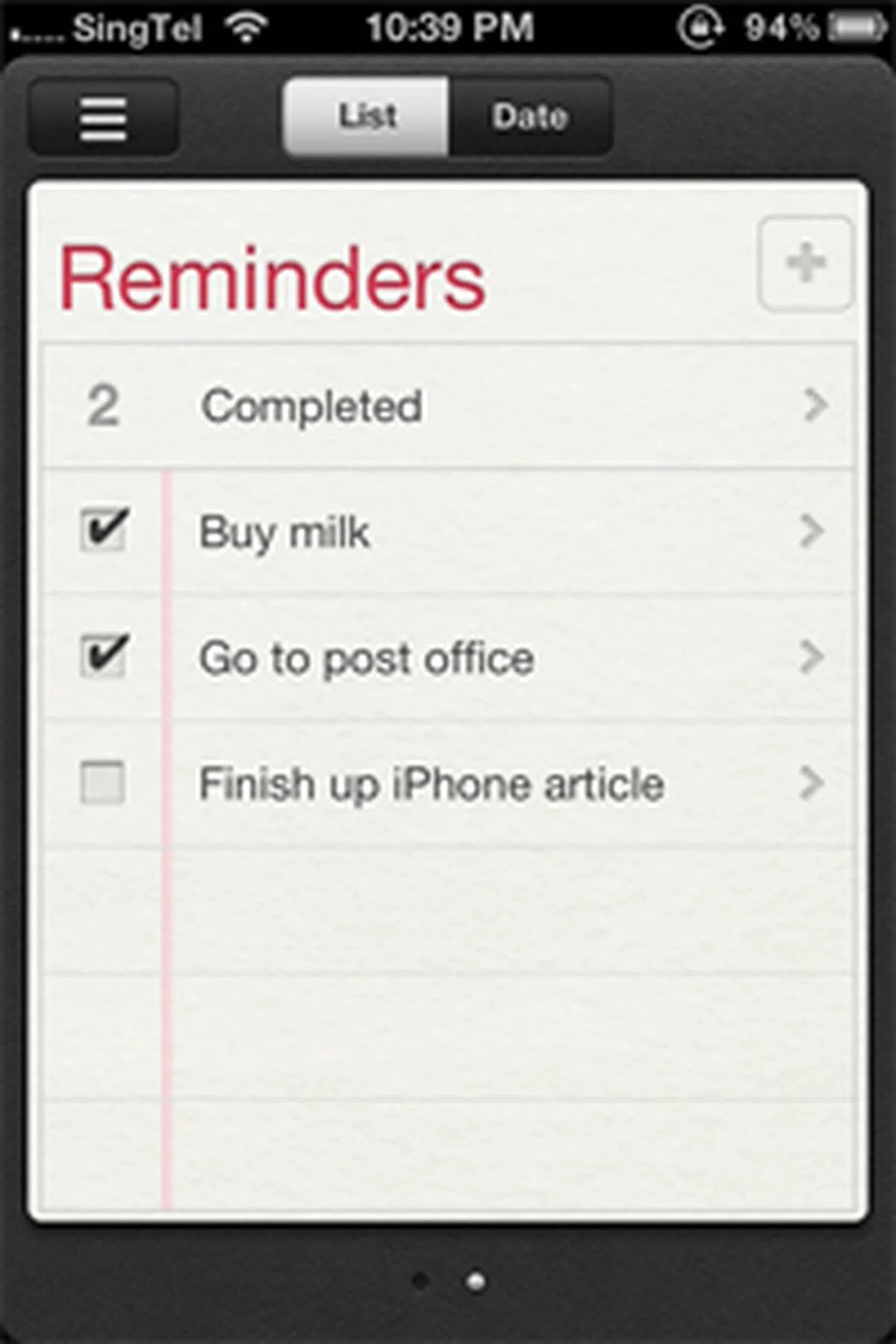 |
And finally, a native app that lets you add tasks and to-do lists. Reminders is what we’ve been hoping to see, though some of us have been relying on Google Calendars to set our own reminders.
What we love about Reminders, is the way it works as a location-based service. Depending on how you set your reminder, you could be prompted when you leave or arrive at a specific location, on a specific date, with the task that is required of you. And yes, that includes a daily reminder about the iPhone announcement when we stepped into the office.
And the great thing about Reminders, is how it’s synced to various Apple devices through iCloud. In the event that you’ve left your iPad at home, you can still get the same reminder notification on your iPhone when you’ve arrived at the designated spot.
4. Twitter Integration
 |  |  |
Admittedly, since we spend an unhealthy amount of time on Twitter, we are a little biased when we look at how iOS 5 integrates the social network into its framework.
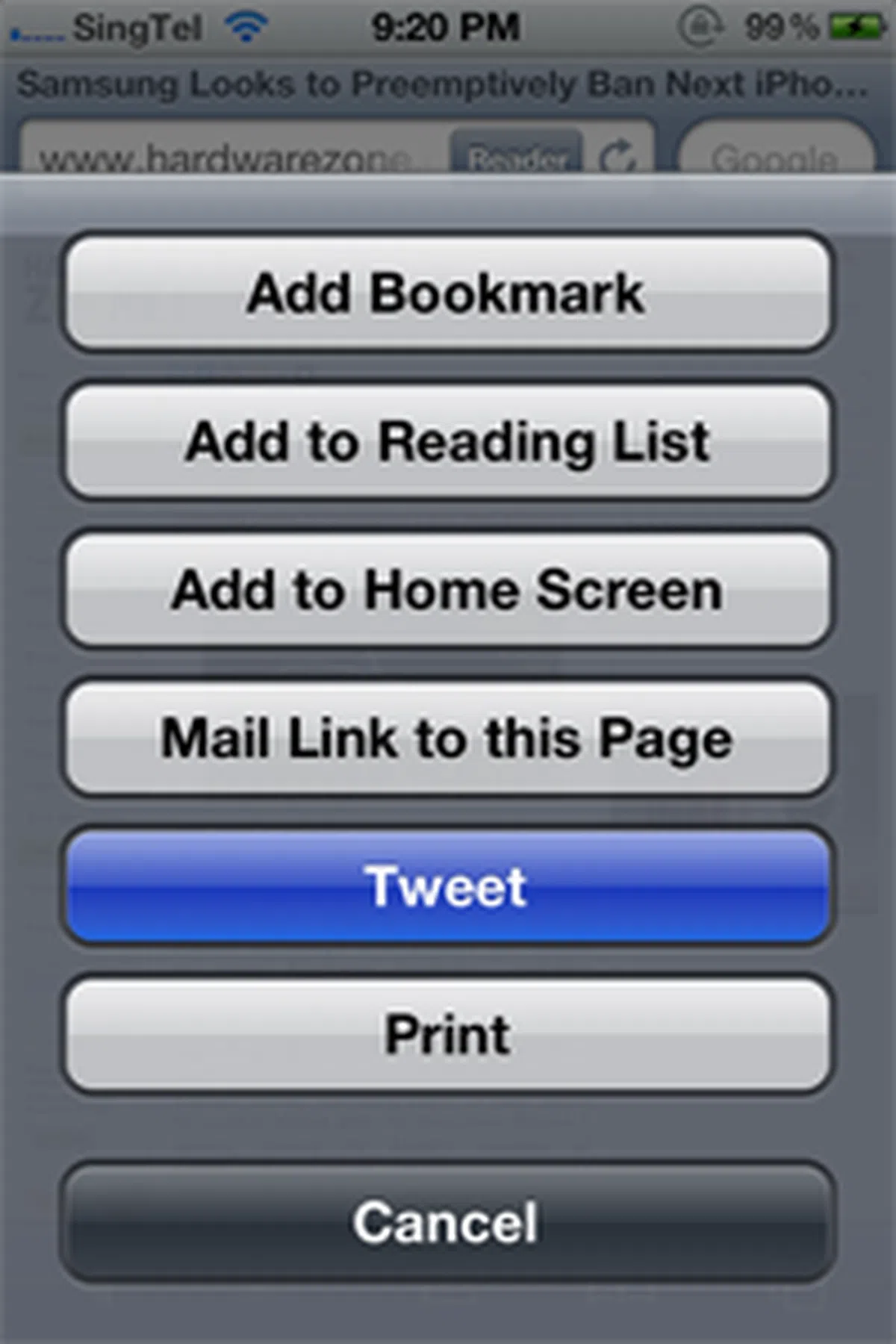
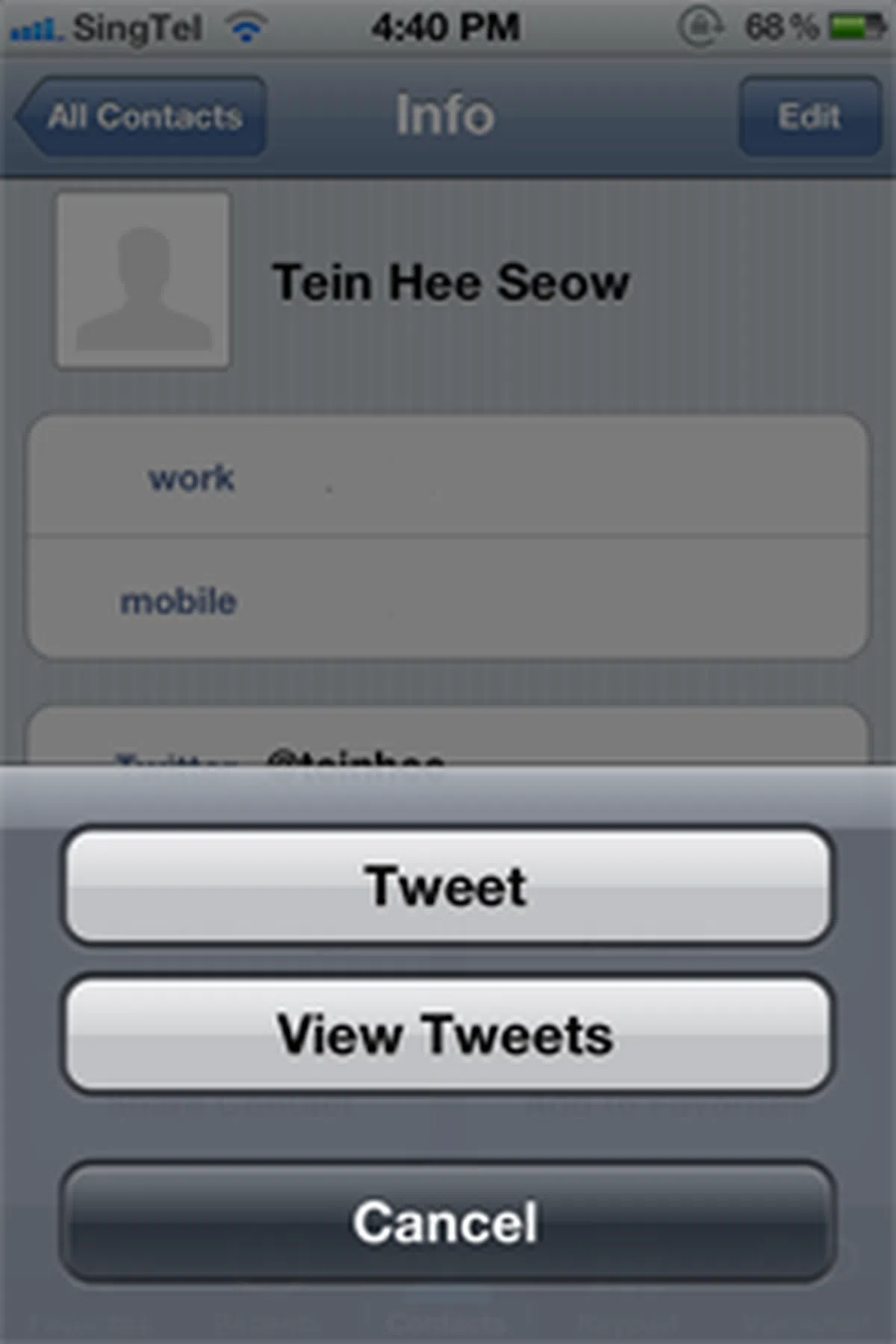
When it comes to images, videos, links and even location, you can now tweet straight from apps such as Camera, Maps and even Safari. And you can add more than one account. This is just one part of the Twitter integration that comes with iOS 5. Diving deeper, you can link Twitter accounts that matches the email addresses with your contact cards. And that means you can search for your fellow Twitter users and send them tweets via your contact cards. You are also given the option to view tweets, though this will bring you to the official Twitter app. And yes, that means you won’t be able to link the contact to other third party Twitter apps such as Tweetbot.
Do note that you don't really need the Twitter app for the integration; all you need is to add your account within the Twitter setting. As far as we’ve tested, you can send outgoing tweets, but at the end of the day, you’ll still need the Twitter app to view incoming ones.
5. iCloud
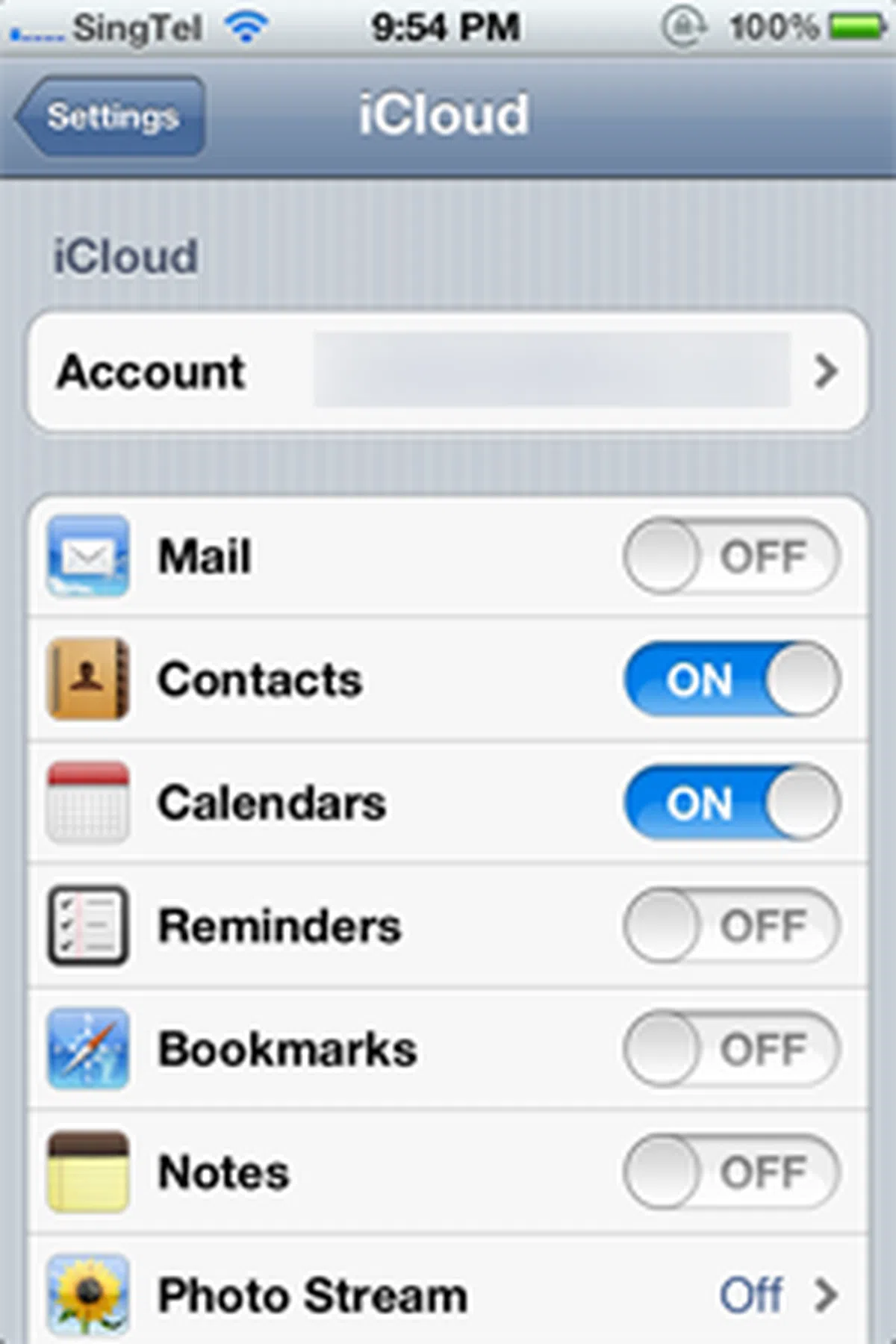 |  |  |
iCloud is probably the heaviest investment for Apple as it attempts to join its varied cloud-based service portfolio together in one fell swoop. On the surface, iCloud might seem to be just a cloud storage solution, allowing you to upload and synchronize your data across various Apple devices. But on a deeper level, this also means that you won’t have to worry about the loss of data (or sync them all over again from the computer) when you swap your iPhone 4 to the new iPhone 4S for example.
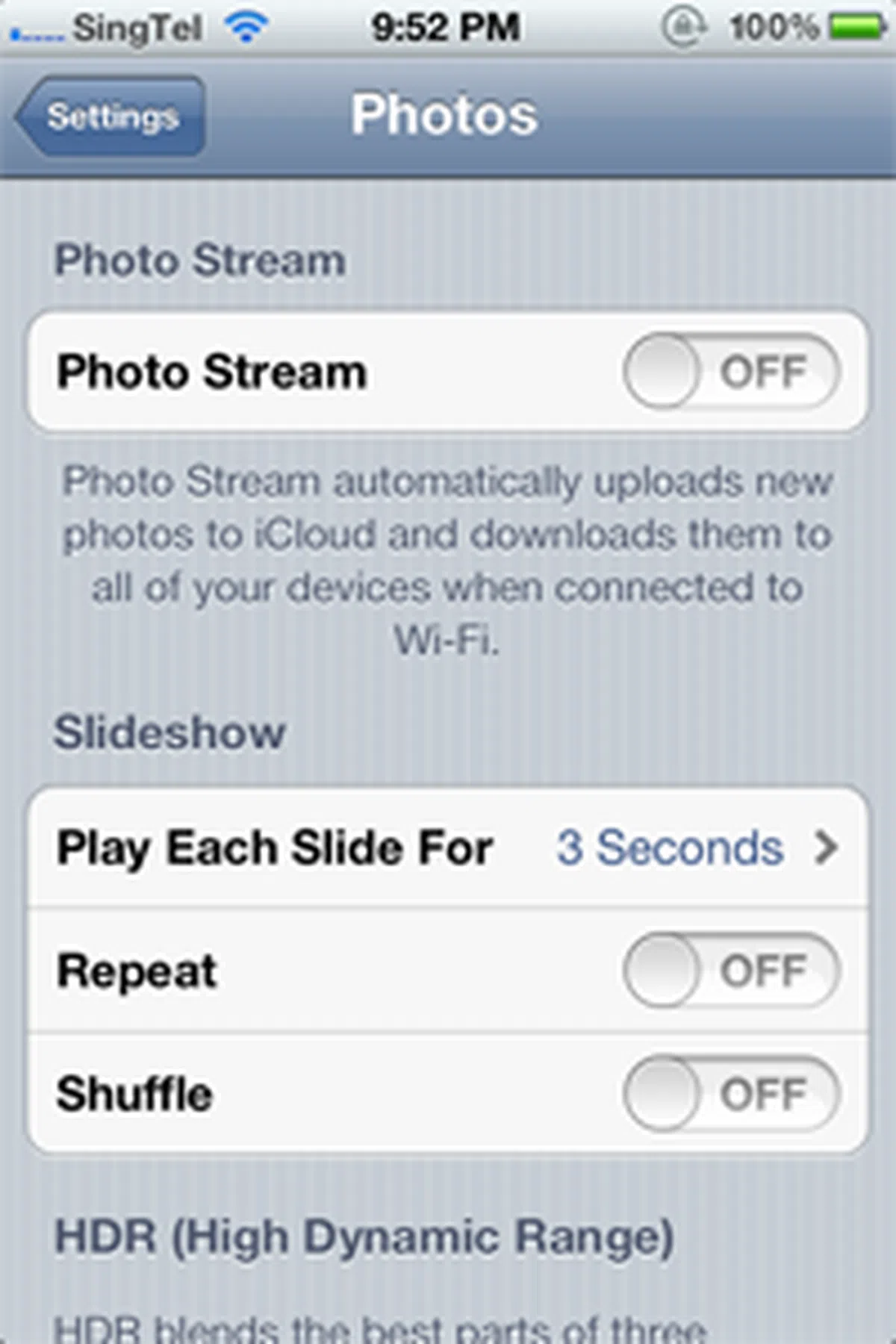
If you turn on iCloud backup, your data such as email, documents, account information, photos and various other settings will be backed up to iCloud when the phone is plugged in, locked and connected to Wi-Fi. More importantly, this 5GB of storage isn’t counted in for items such as apps, music and books that are some of the heavier consumers of your storage capacity. Then there's Photo Stream which automatically uploads your photos to iCloud and pushes them down to the rest of your iOS devices when they're on Wi-Fi. It's different from Camera Roll in the sense that Photo Stream gives you a rolling collection of your last 1000 photos (new photos are stored for 30 days); you can then save a photo to the Camera Roll or an album.
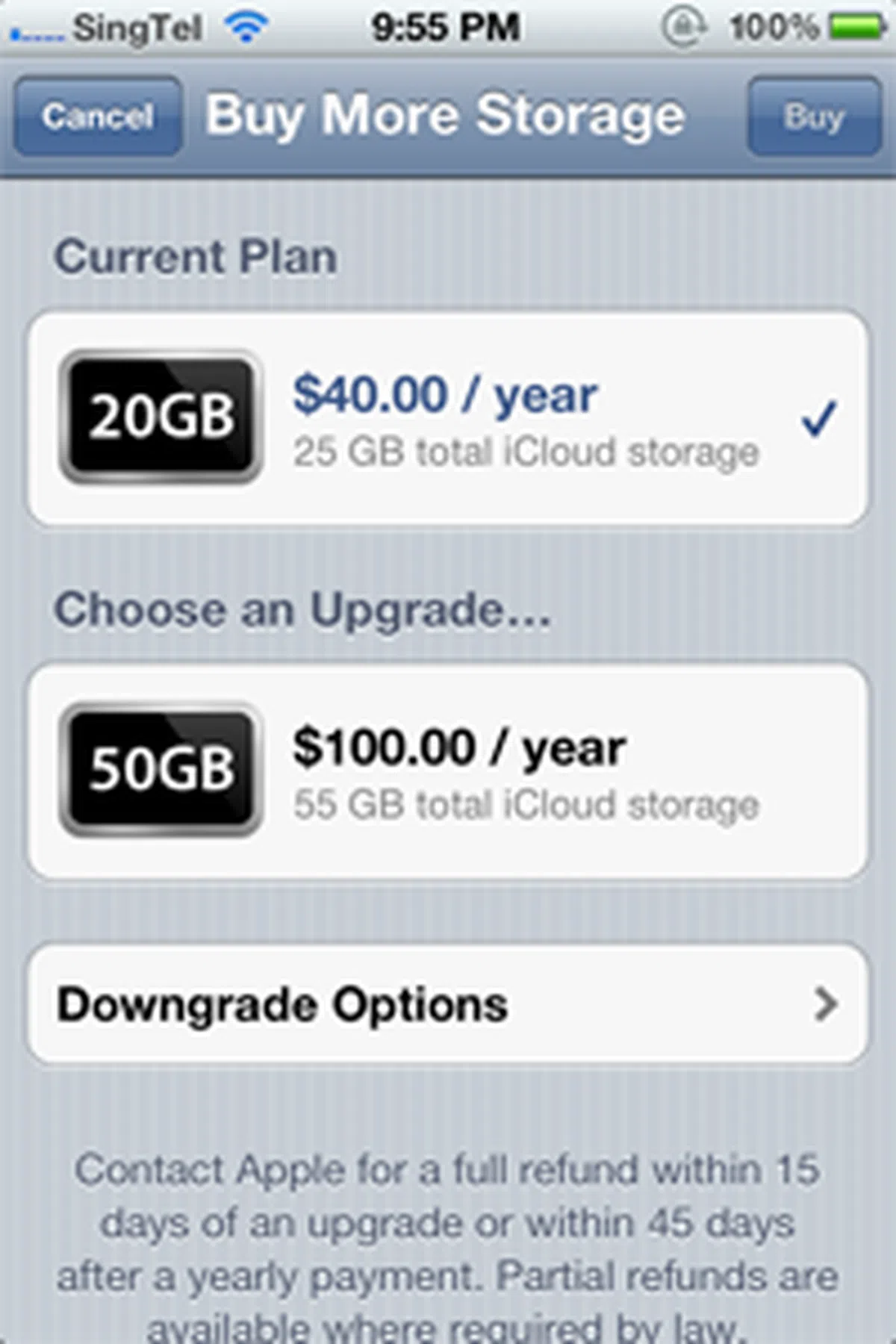
When you sign up for iCloud, 5GB of storage is given free. Choosing to upgrade to a higher storage capacity will set you back by S$20 per year for additional 10GB, S$40 per year for additional 20GB, and S$100 per year for additional 50GB (prices include tax). Honestly, we haven’t seen our storage capacity dwindling that much, so we feel that the average user can still do without the upgrade for now. And 5GB is definitely more than sufficient if all you need are contacts and calendars syncing.
6. Improved Safari
 |  |  |
Safari gets a facelift with iOS 5, with the most obvious aesthetic change from a new Reader option on the address bar. Pressing it will give you the same article sans the clutter (read: no ads), so that you can focus on what matters most, which is the text.
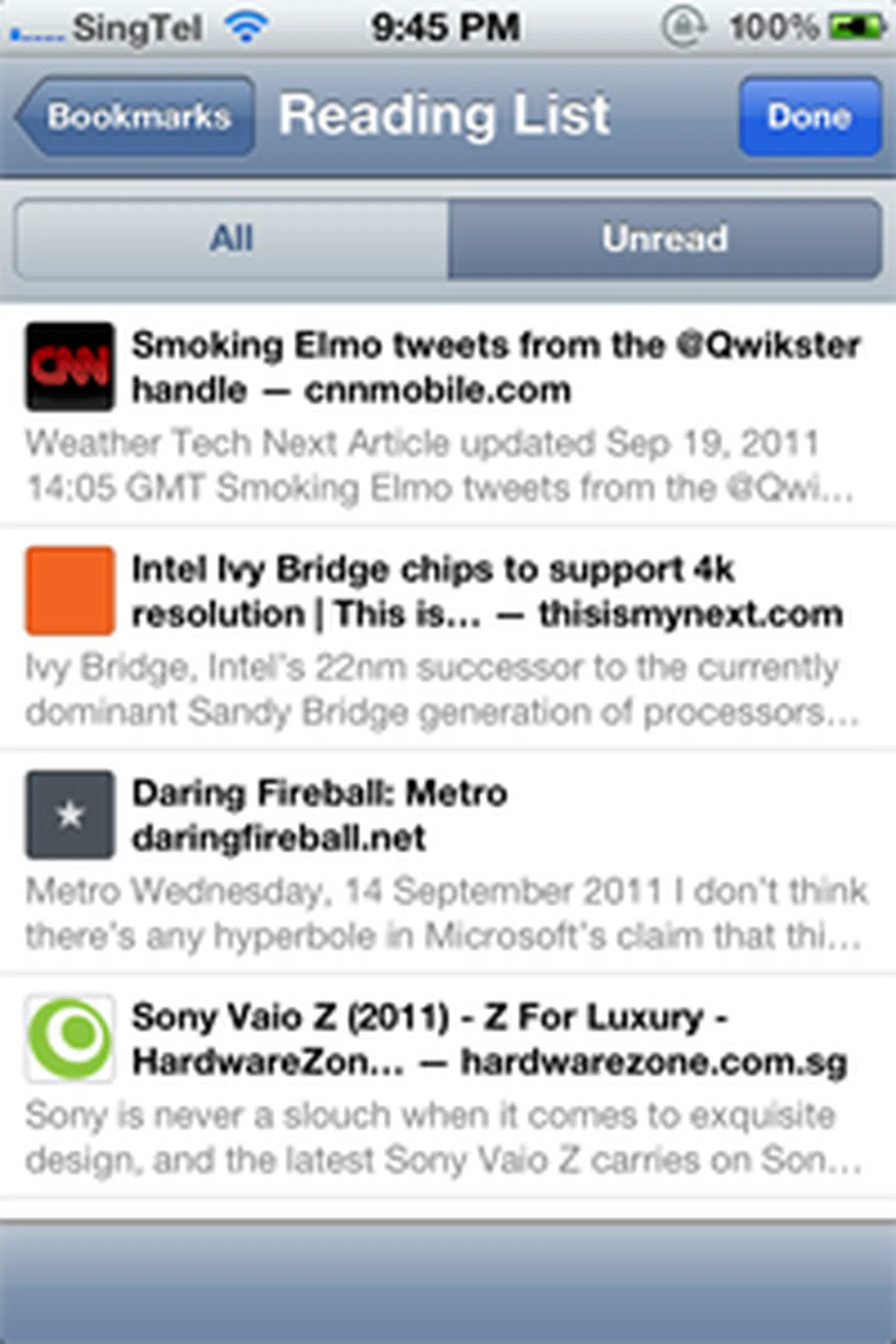
Also new is Reading List; this gives you the option to save the web page you’re visiting for viewing at a later time when you have the opportunity to read through it in detail.
And for iPad users, you’ll also enjoy tabbed browsing with iOS 5. Apple isn't exactly a trendsetter here, since the feature has already been seen on other platforms such as Google’s Android Honeycomb tablets. Still, it is a feature that is much appreciated for those who surf multiple pages on-the-move.
7. iMessage
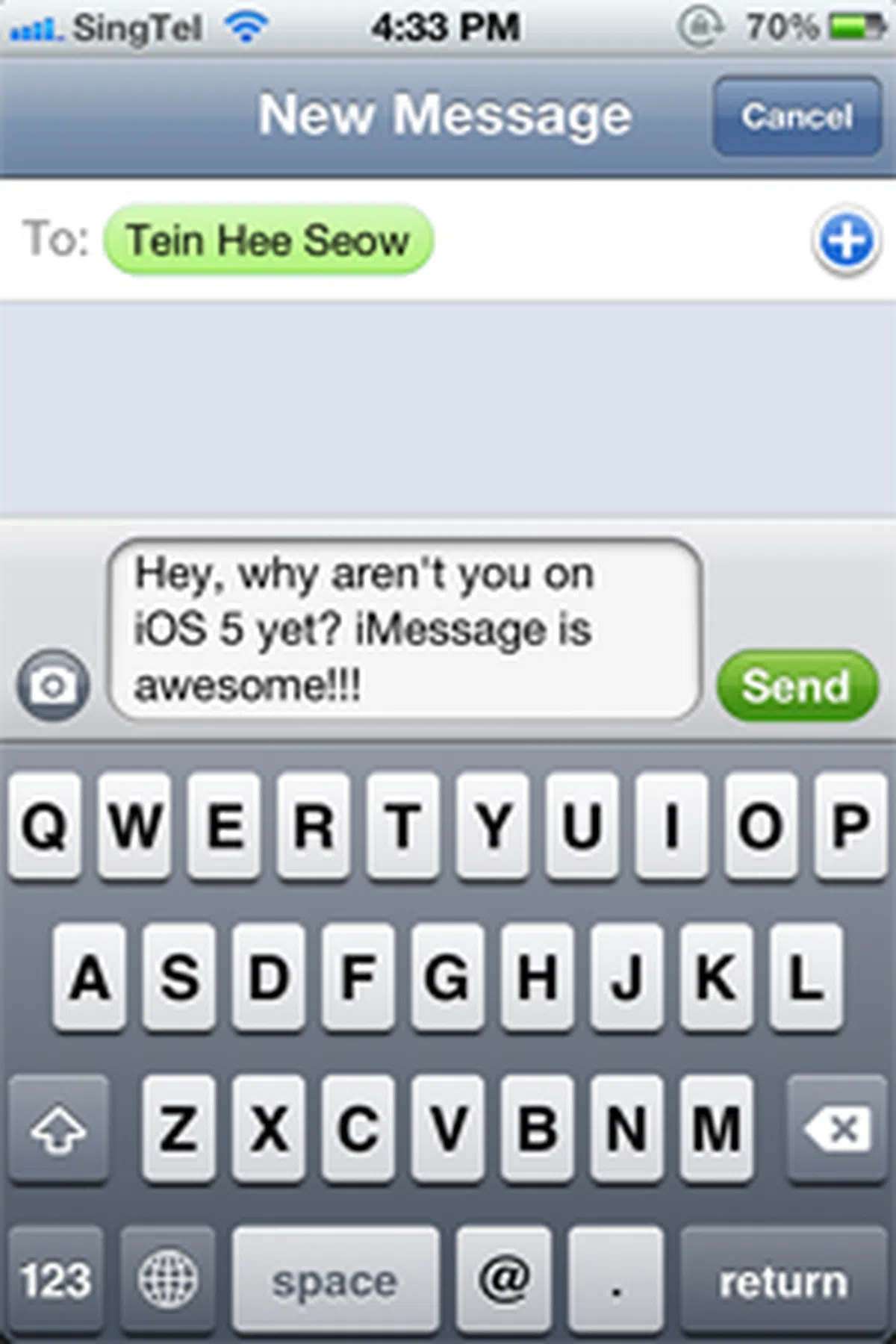 |  | 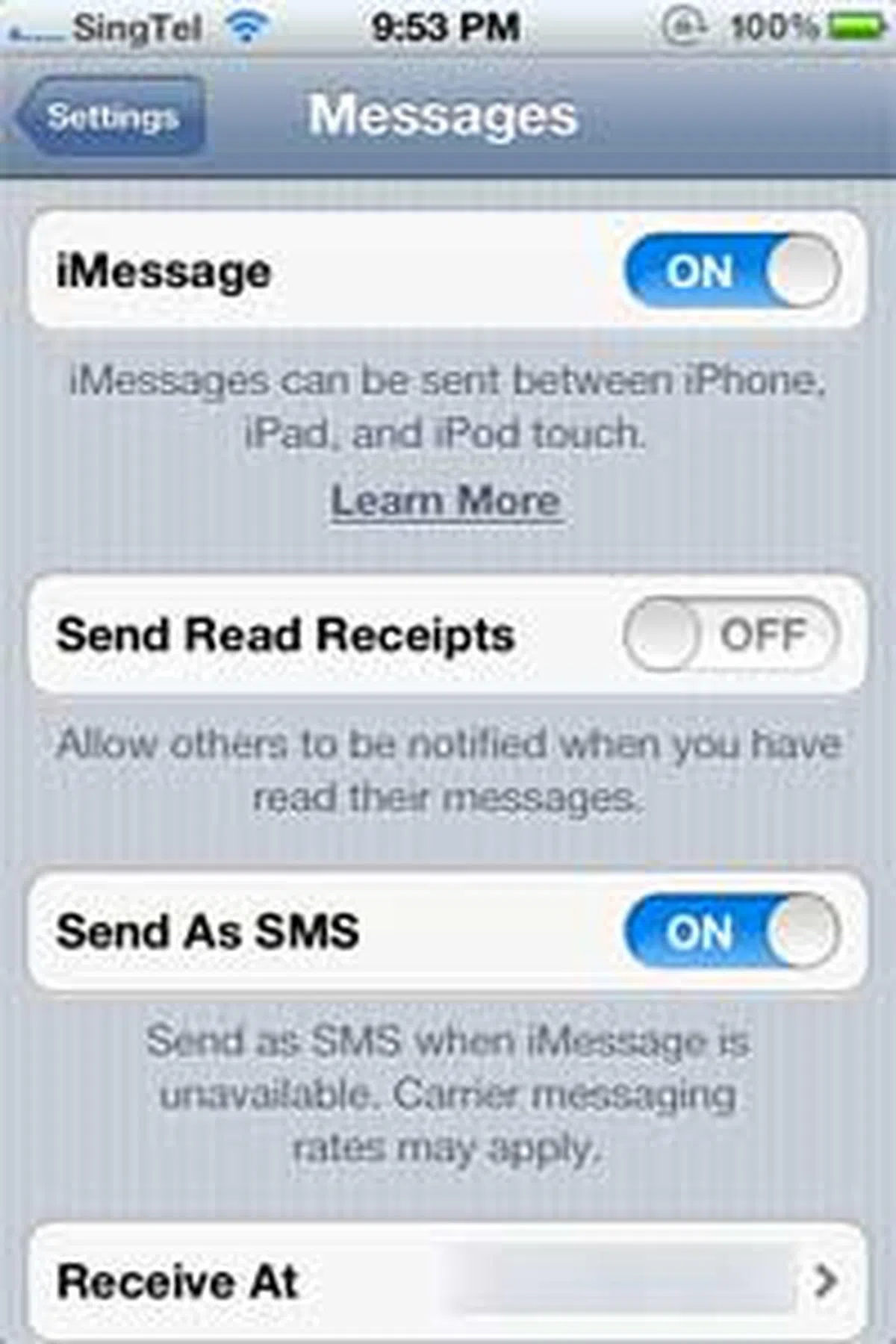 |
Integrated deep within iOS 5’s messaging app, iMessage makes it easy for iOS users to simply send an instant message using the device's data connectivity without going into a separate app. But more importantly, if you own both an iPhone and an iPad, iMessage gives you the option to reply to other iOS users on their iPhones with the use of your iPad.
And how do you differentiate between a normal text message, against an iMessage? Simply look at the color code on your contact and the send button. Green indicates that you are sending a cellular text message to your contact, and if your contact is currently logged onto iMessage, you’ll see both the contact and send buttons turning blue.
What’s our opinion of iMessage? It could take a while, but iOS users will probably favor this over the current instant messaging favorite, WhatsApp. While WhatsApp is a cross-platform messaging service that spans RIM’s BlackBerry OS, Microsoft Windows Phone and even Symbian, would it still be as viable when it loses a huge chunk of users to iMessage? Probably not.
 | 8. iTunes Wi-Fi Sync
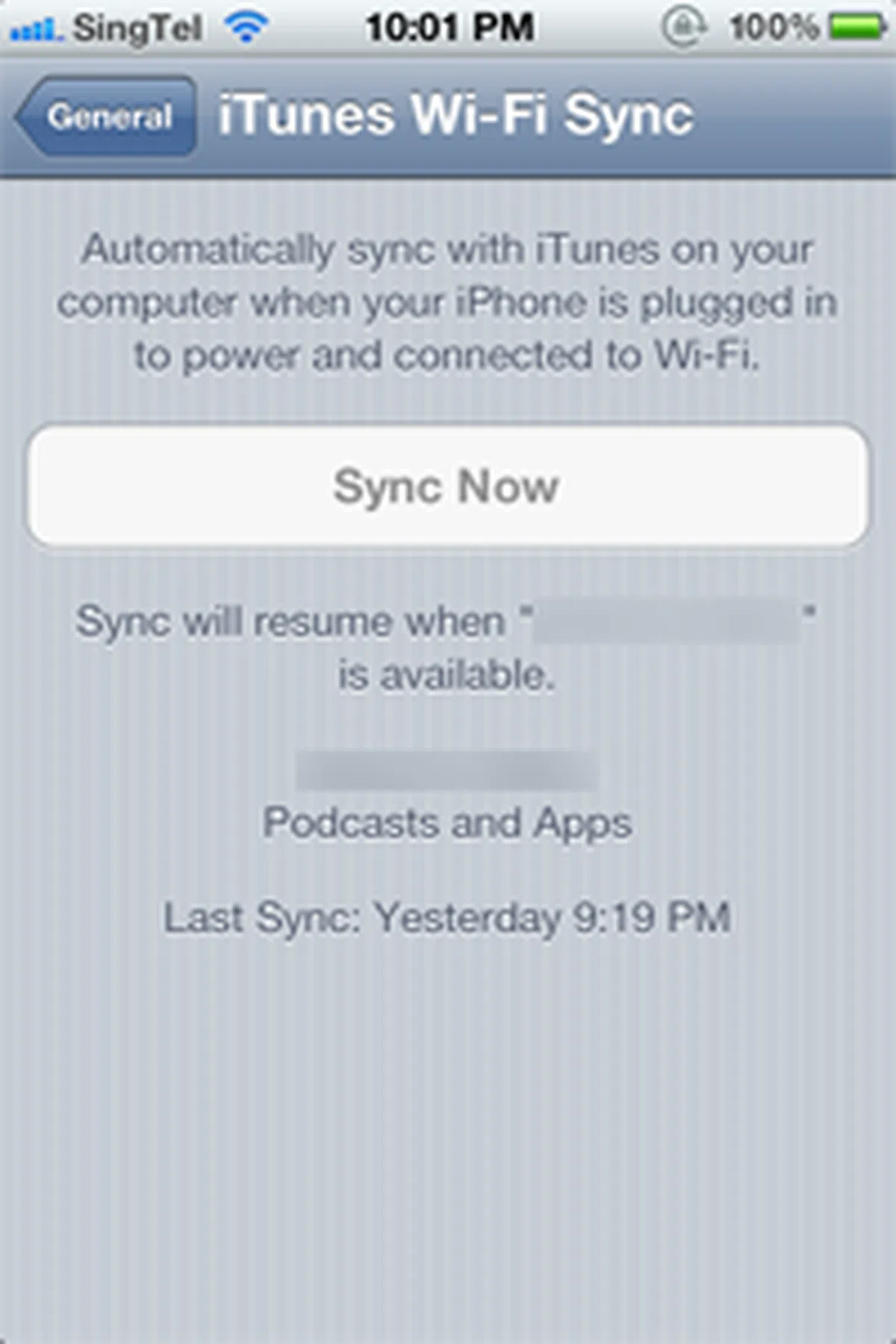
Goodbye wires. Well, not exactly. Your new iPhone will be physically connected to the charger via the USB cable. But ultimately, the real benefit of iTunes Wi-Fi Sync comes from the fact that you can just leave your iPhone or iPad anywhere (for example, on the kitchen counter top), and yet constantly connected and synchronized with iTunes on your desktop. And that’s what really matters to us – keeping our desks clear of unsightly wires connecting devices all over the place. |
 | 9. Keyboard Shortcuts
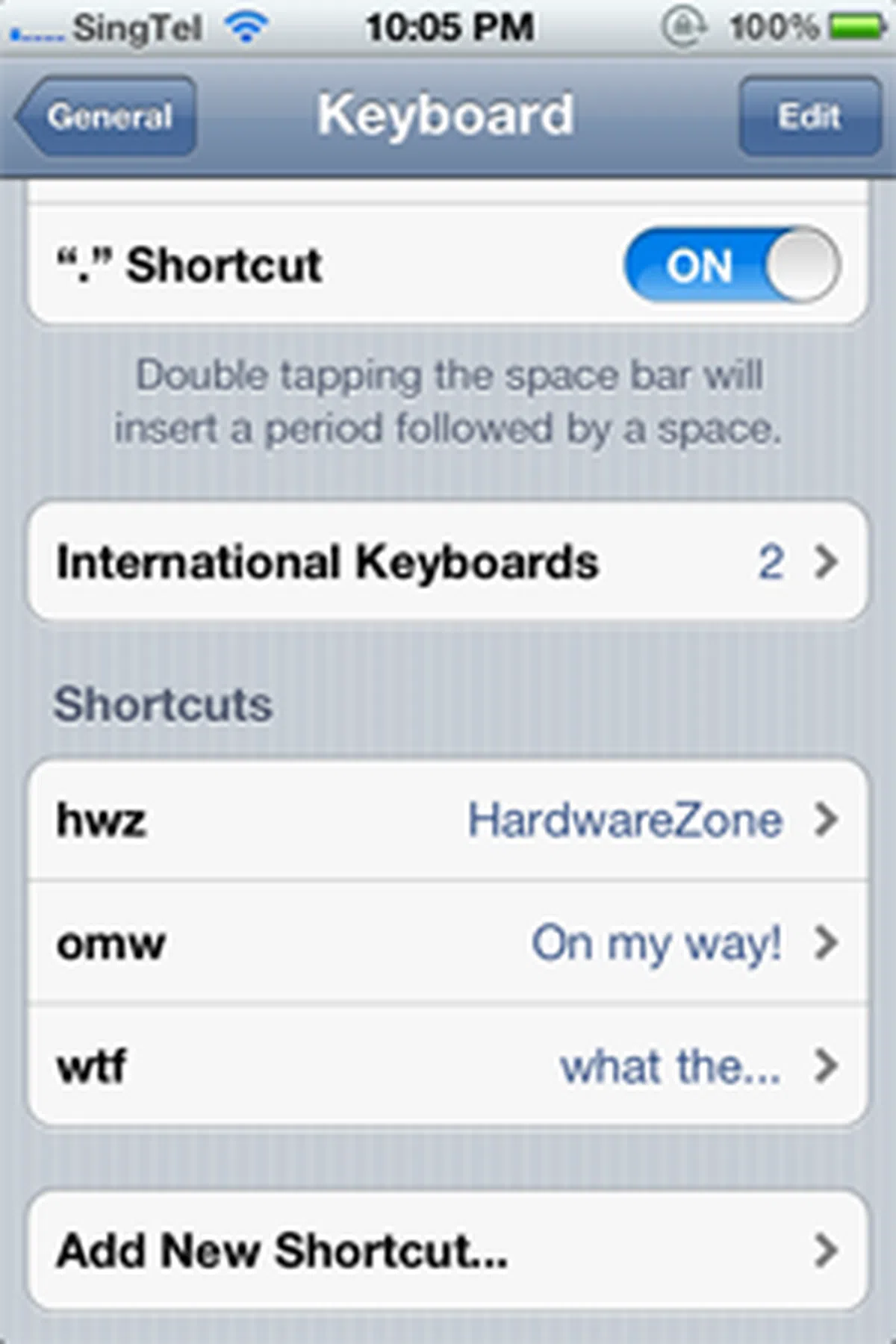
If you’re as nitpicky as we are when it comes to getting words such as “tomorrow” fully spelled out, but finding yourself short on time, keyboard shortcuts (think of it as text expansion) is a much welcomed addition. Long words that are time-consuming to fully type out are now given an option to be displayed by simply typing the abbreviation associated with it. You’ll still need to assign the specific shortcuts to the actual words, and this is an exercise that will require much effort during the initial stages. But take heed: this won’t save you from amusing (and sometimes awkward) text messages thanks to the autocomplete function on iOS. That is more of a user problem for not checking through your messages. |
 | 10. Over-the-air Updates
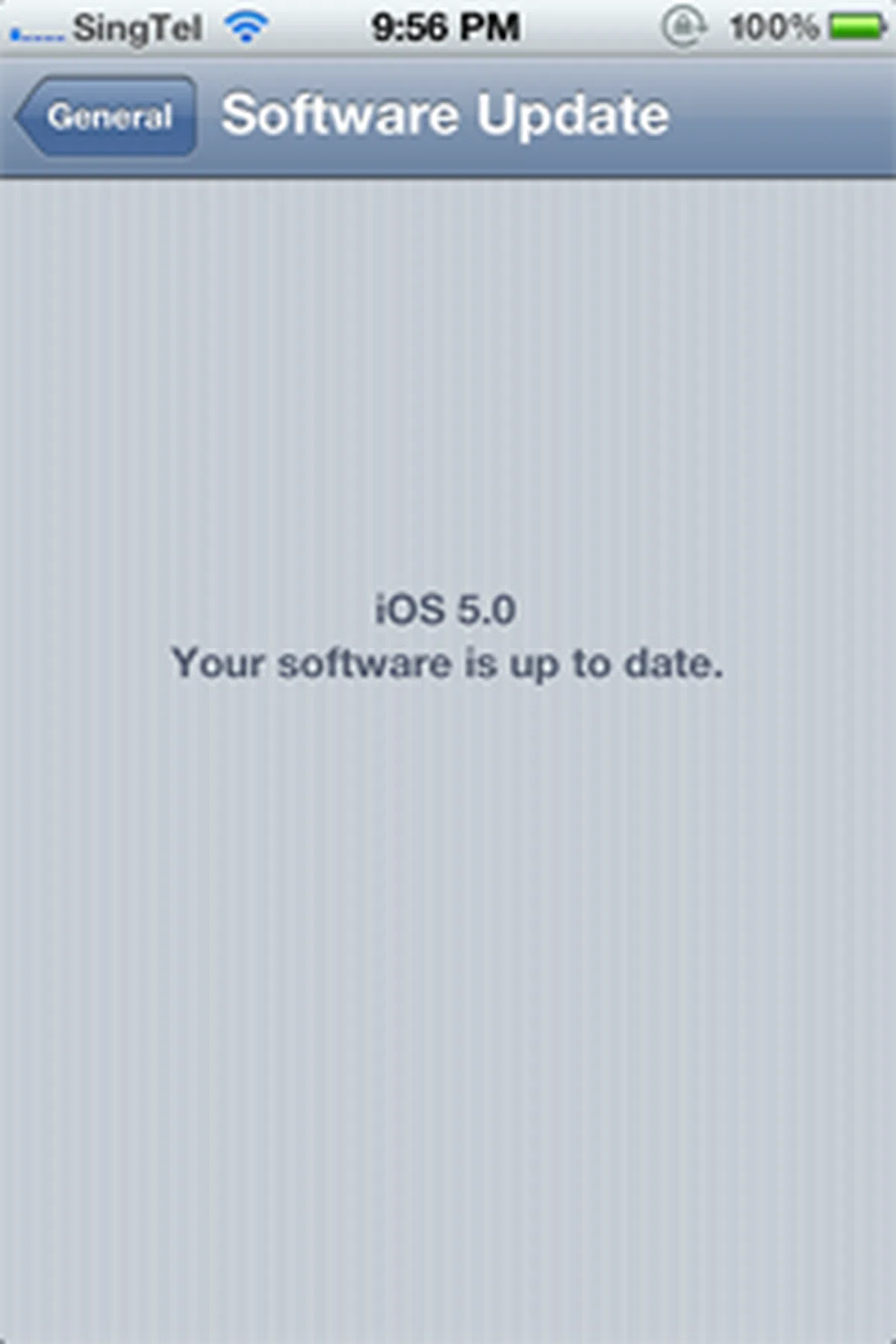
In line with its wireless concept, iOS 5 has introduced over-the-air updates; more importantly, these are delta updates. That means, update file sizes will be drastically reduced, and you'll be notified (via a badge on the Settings app) when there's a new update. If you’ve experienced the horror of seeing your iTunes downloading an update file that has a file size of a few hundred megabytes, you’ll understand the significance of this new feature. |
Hi Sir, Meet Siri
Who's Siri? No, the question is, what's Siri? Think of Siri as a more advanced Voice Control on your current iPhones.
Drivers will particularly favor what Siri brings to the table. The concept of a voice assistant to read your messages and compose a reply based on your voice input isn't new, but having it integrated deeply within the operating system is quite rare. Microsoft's Windows Phone 7 is one such example, performing much of the basics that Siri does in voice commands and recognition. However, from what was presented at the Apple event, Siri seems to take on a more refined approach to your voice commands, with the ability to learn and understand your queries, no matter how varied it is.
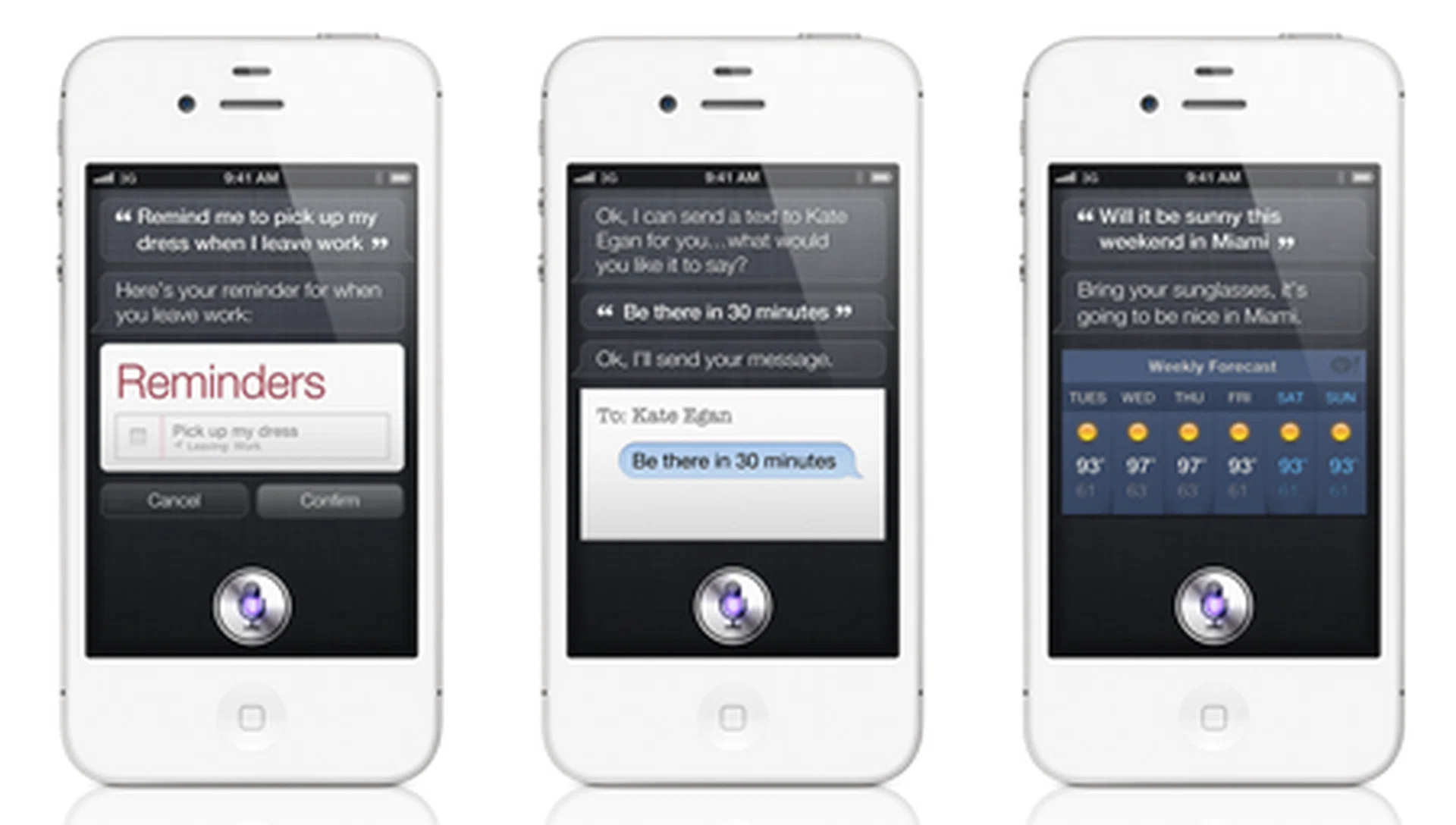
Meet Siri, the new voice assistant feature that'll be exclusively available on the iPhone 4S.
If you're a current iPhone user and are interested to get Siri, here's a point to note: it's won't be available when you update your device to iOS 5 next week. Only iPhone 4S users will enjoy the Siri feature. The voice assistant is probably the one feature that could make a difference when consumers consider an iPhone 4S upgrade, since iOS 5 will be available to a wide variety of previous generation iPhones, iPads and iPod Touches.
Where's Siri? We are still checking if the voice assistant feature will be available in Singapore.
Will Siri be available for the Singapore market? We did notice that the Apple Singapore site doesn't have the feature being highlighted on its iPhone 4S page, while the US site makes a big showing of the voice assistant feature. We've reached out to Apple Singapore to confirm its availability and await their reply before we update this space.
Upgradeable Devices
The new iPhone 4S isn’t the only device enjoying the iOS 5 update. Existing iPhone, iPod and iPad users will also be receiving the iOS 5 update on 13th October (Singapore time). And while you're at it, check for an update to iTunes too; an updated version (iTunes 10.5) is required for some of the new features in iOS 5, such as iTunes Wi-Fi syncing.
- iPhone 4
- iPhone 3GS
- iPad 2
- iPad
- iPod touch (third and fourth generation)
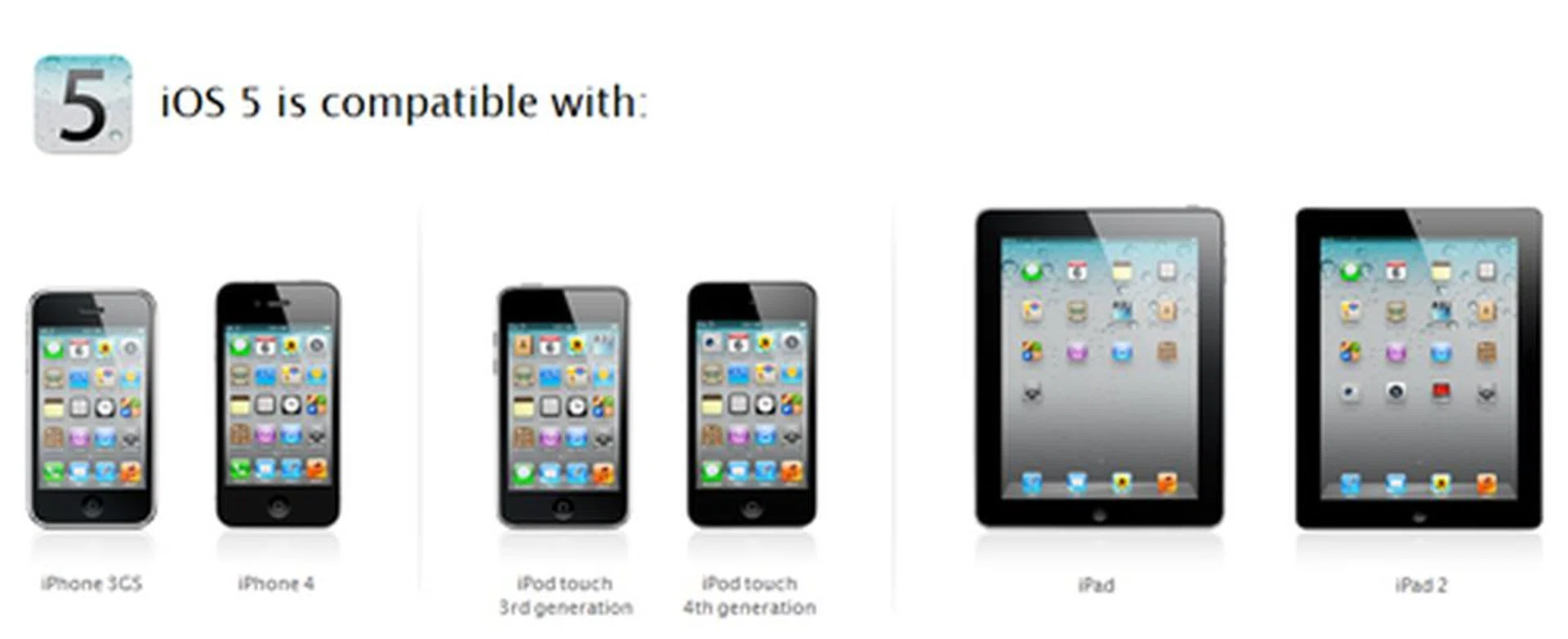
iOS devices that will receive the iOS 5 update: iPhone 3GS, iPhone 4, iPod touch 3rd generation, iPod touch 4th generation, iPad and iPad 2. And of course, iPhone 4S.
If your device isn’t listed above, perhaps it’s time to consider the new iPhone 4S when it goes on sale. The question is, when will it be available here in Singapore? Our sources did state that the likely date is somewhere around 28th October. With the high smartphone penetration rate in Singapore, it won’t be surprising if we have been bumped up to the first wave of countries that would be receiving Apple’s updated iPhone.
And guess what? We maybe right. This is what Apple says in its official press release (emphasis ours): "iPhone 4S will roll out worldwide to 22 more countries by the end of October including Austria, Belgium, Czech Republic, Denmark, Estonia, Finland, Hungary, Ireland, Italy, Latvia, Liechtenstein, Lithuania, Luxembourg, Mexico, Netherlands, Norway, Singapore, Slovakia, Slovenia, Spain, Sweden and Switzerland".
Our articles may contain affiliate links. If you buy through these links, we may earn a small commission.